Plug-ins
Plug-ins in Logic Pro
Logic Pro comes with a large set of effect plug-ins, from everyday EQ and compression to mastering limiters and analog-style saturation. These guides explain what each stock plug-in does, which settings matter, and when to reach for one instead of another.
 Owen Hartley
Which plug-in for which job
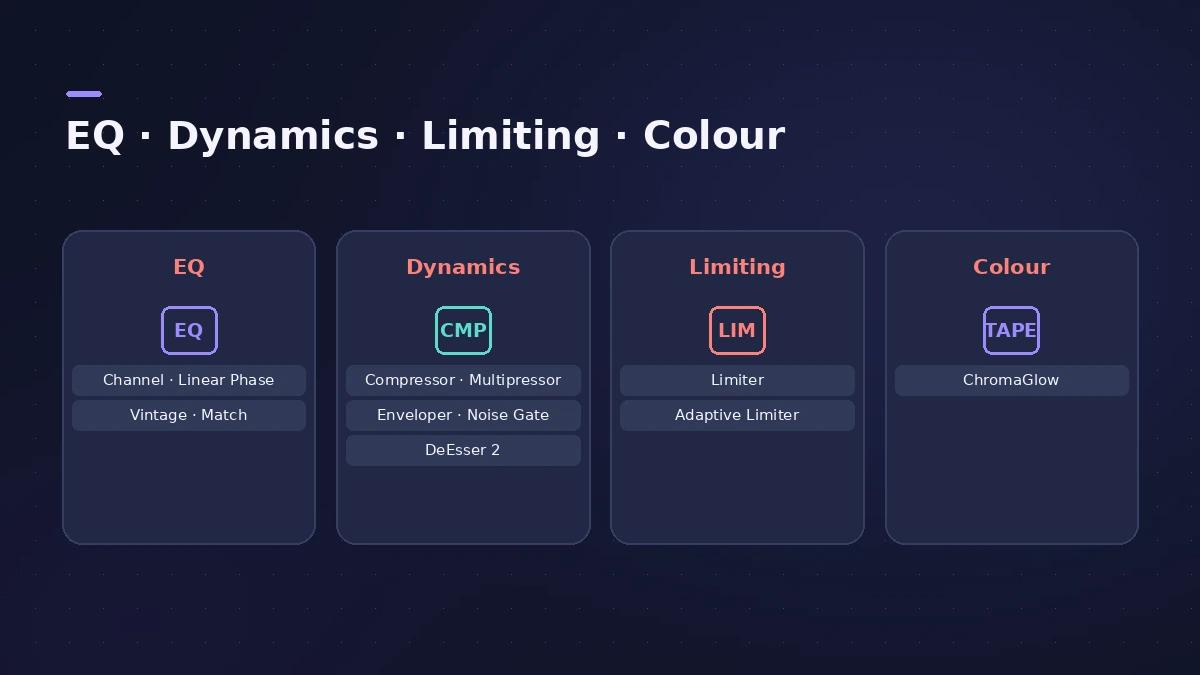
| You want to… | Use |
|---|---|
| Shape tone on a track | Channel EQ |
| EQ without phase shift | Linear Phase EQ |
| Add analog-style EQ colour | Vintage EQs |
| Match a reference track's tone | Match EQ |
| Control dynamics with character | Compressor |
| Compress bands separately | Multipressor |
| Stop peaks going over | Limiter |
| Make a master louder | Adaptive Limiter |
| Tame harsh "s" sounds | DeEsser 2 |
| Remove bleed and noise between notes | Noise Gate |
| Add or remove punch from transients | Enveloper |
| Add warmth and saturation | ChromaGlow |
| Flexible reverb with Freeze | ChromaVerb |
| Reverb from real recorded spaces | Space Designer |
| Classic hardware room reverb | Quantec Room Simulator |
| Light or envelope-shaped reverb | SilverVerb and EnVerb |
| Compare all the reverbs | Which reverb to use |
| Ping-pong and stereo echoes | Stereo Delay |
| Warm tape echo | Tape Delay |
| Rhythmic multitap echoes | Delay Designer |
| Chorus, flanger, phaser, tremolo | Modulation effects |
| Rotating speaker swirl | Rotor Cabinet |
| Colour drums, bass and guitar | Phat FX |
| Rhythmic, step-modulated effects | Step FX |
| DJ-style performance effects | Remix FX |
| Slice and reorder audio live | Beat Breaker |
| Lo-fi and distortion | Distortion and Bitcrusher |
| Auto-tune a vocal to a key | Pitch Correction |
| Change a voice's pitch or character | Vocal Transformer |
| Guitar amp and cabinet tones | Amp Designer |
| Guitar stompboxes in a chain | Pedalboard |
| Bass amp with a D.I. channel | Bass Amp Designer |
| Tune a guitar or bass | Tuner |
| Add brightness to a dull track | Exciter |
| Widen, narrow or truly pan stereo | Direction Mixer |
| Phase invert, mono check, trim level | Gain |
| Creative filter sound design | Spectral Gate |
| Add sub-octave low end | SubBass |
| Ring modulation and frequency shifting | Ringshifter |
| Test tones and sine sweeps | Test Oscillator |
| Align mics by samples | Sample Delay |
| Use outboard hardware effects | I/O utility |
| Turn a synth into a Sampler instrument | Auto Sampler |
| Analyzer, goniometer, correlation | MultiMeter |
| Install third-party plug-ins | Install Audio Units |
| Rescan, reset or disable plug-ins | Plug-in Manager |
Plug-ins in a mix
Most mixes use just a few of these on each track. For a step-by-step workflow, start with how to mix in Logic Pro, and for a final chain see the stock mastering chain.
Reverb and delay
Time-based effects usually live on an aux that several tracks send to. Not sure which reverb to pick? Start with the reverb comparison; for echoes, Stereo Delay and Tape Delay cover most jobs.
Third-party plug-ins
Logic Pro hosts Audio Units plug-ins from other makers. See how to install them and how to manage them in the Plug-in Manager.
All plug-in guides
-
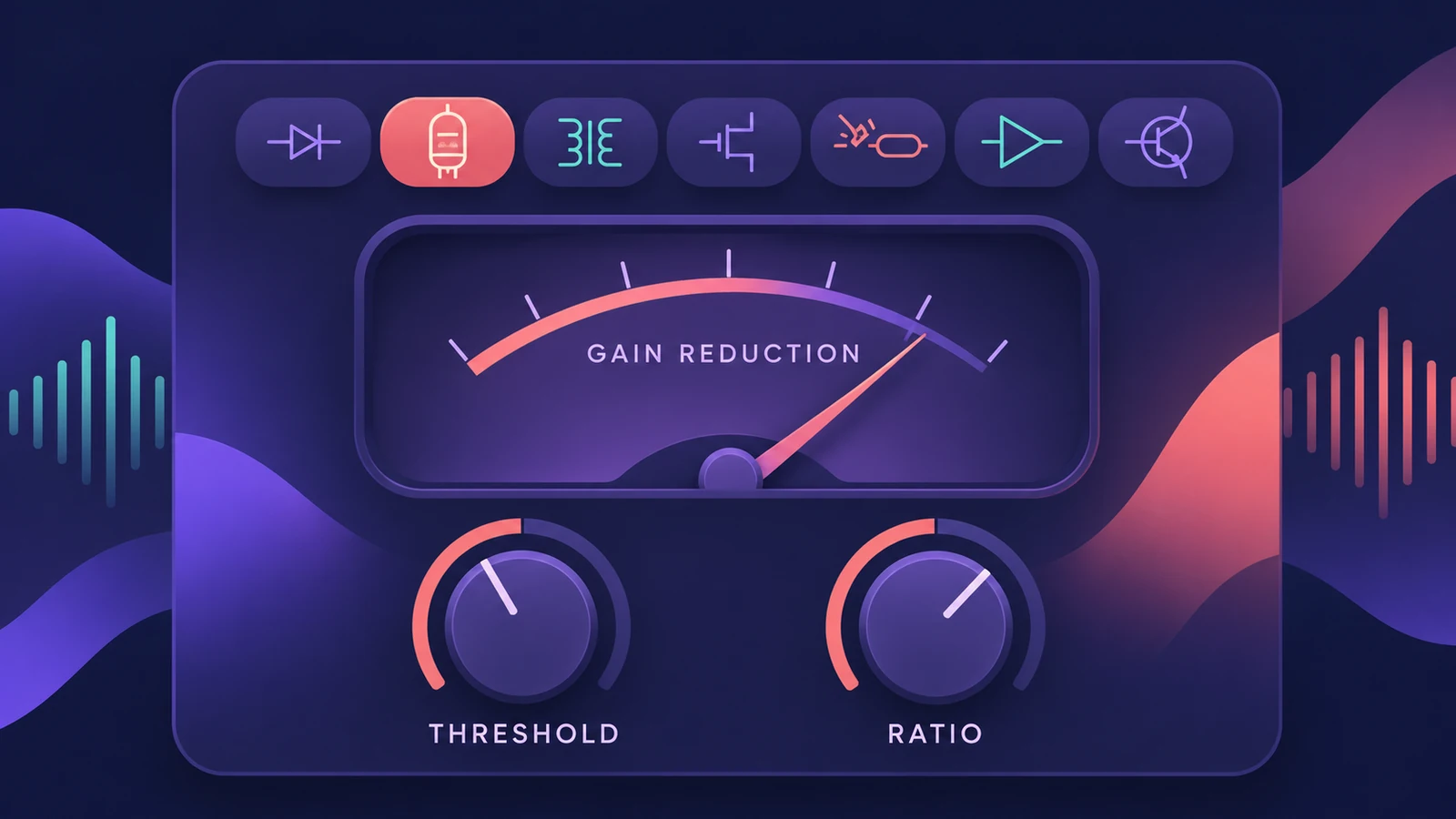 Logic Pro Compressor and its circuit typesLogic Pro's Compressor has seven circuit types — Platinum Digital, Studio and Classic VCA, Studio FET and Vintage VCA, FET and Opto. Pick one and set it up.
-
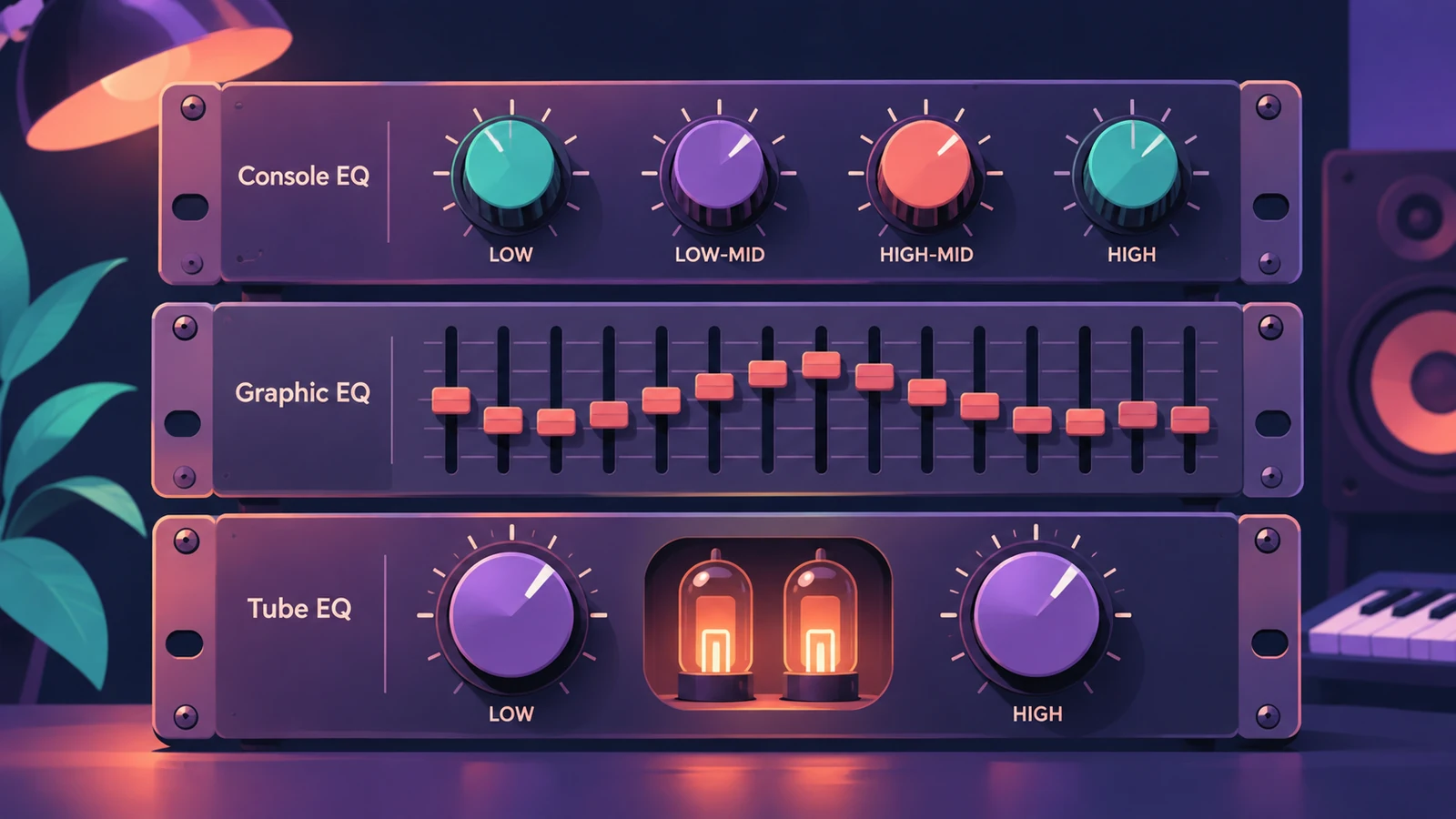 The Vintage EQ collection in Logic ProThe Vintage EQ collection in Logic Pro: what Vintage Console, Graphic and Tube EQ each do, how Drive and output models add colour, Natural vs Linear phase.
-
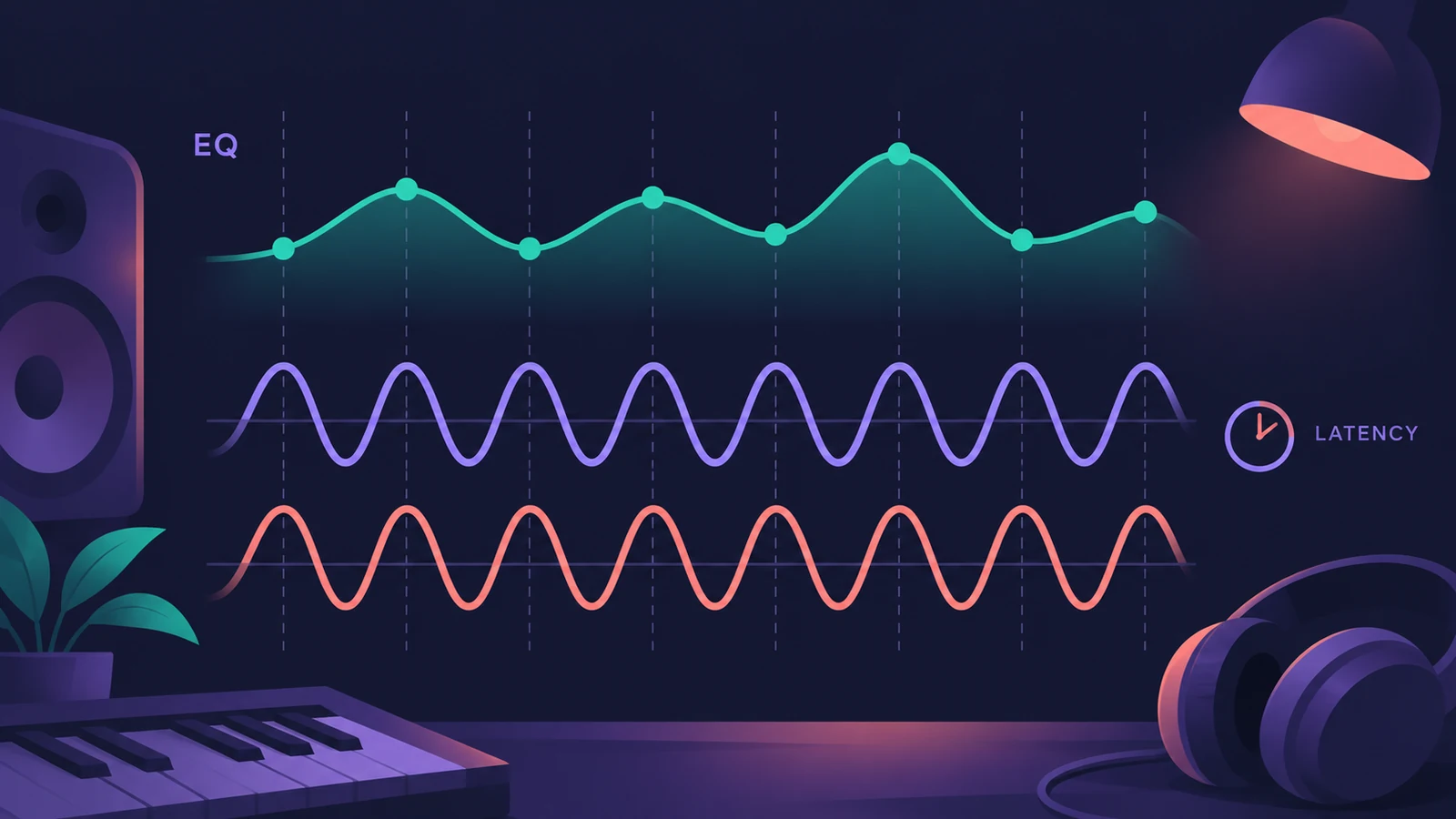 Linear Phase EQ in Logic ProLinear Phase EQ in Logic Pro has the same eight bands as Channel EQ but no phase shift. When to use it, why it adds latency, and how to switch between the two.
-
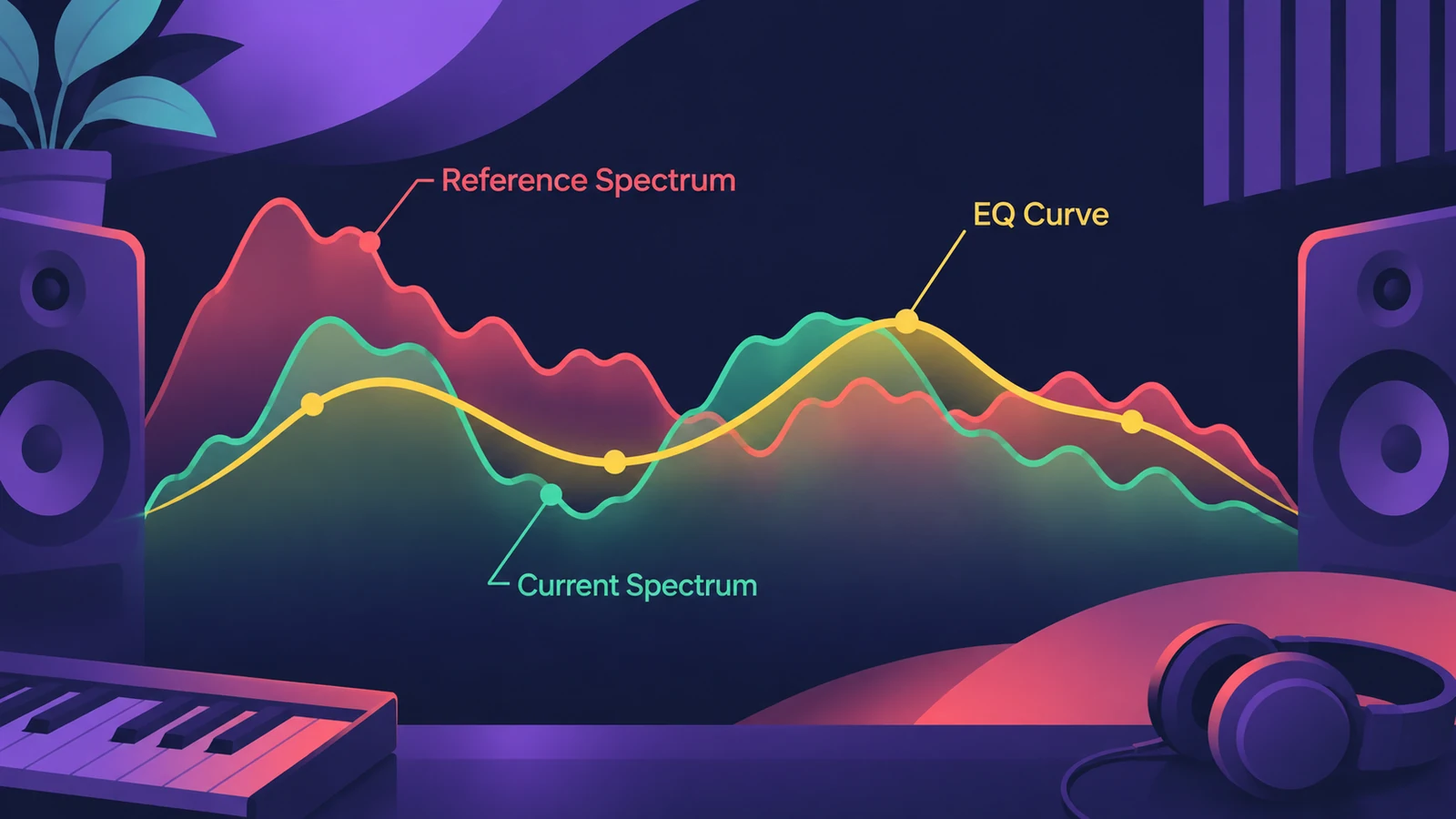 Match EQ in Logic ProUse Match EQ in Logic Pro to match a mix to a reference: learn the reference and current spectrum, click Match, then lower Apply to avoid extreme EQ changes.
-
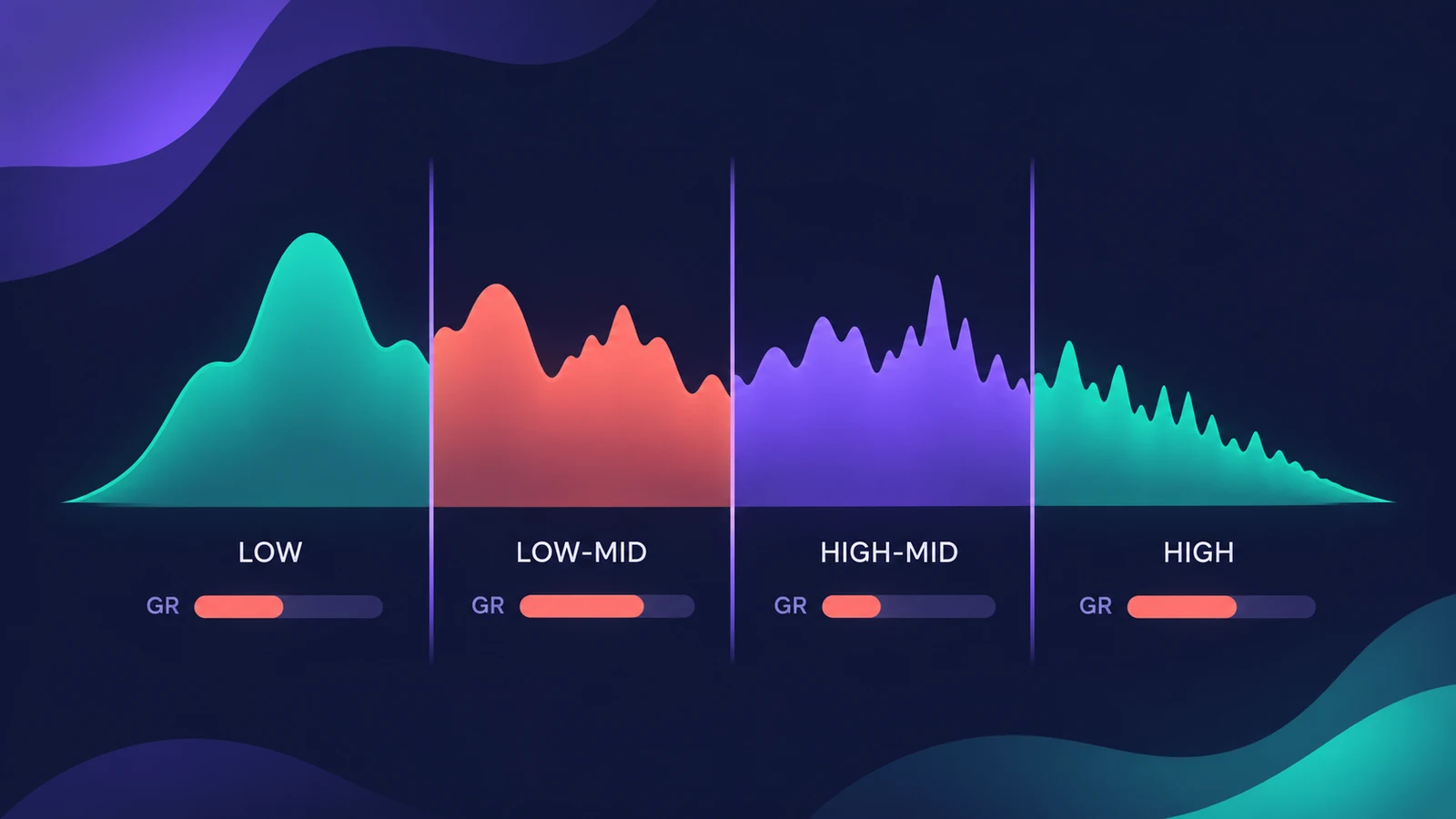 Multipressor in Logic ProUse Multipressor, Logic Pro's multiband compressor: split the signal into up to four bands, compress or expand each one, set crossovers and use Lookahead.
-
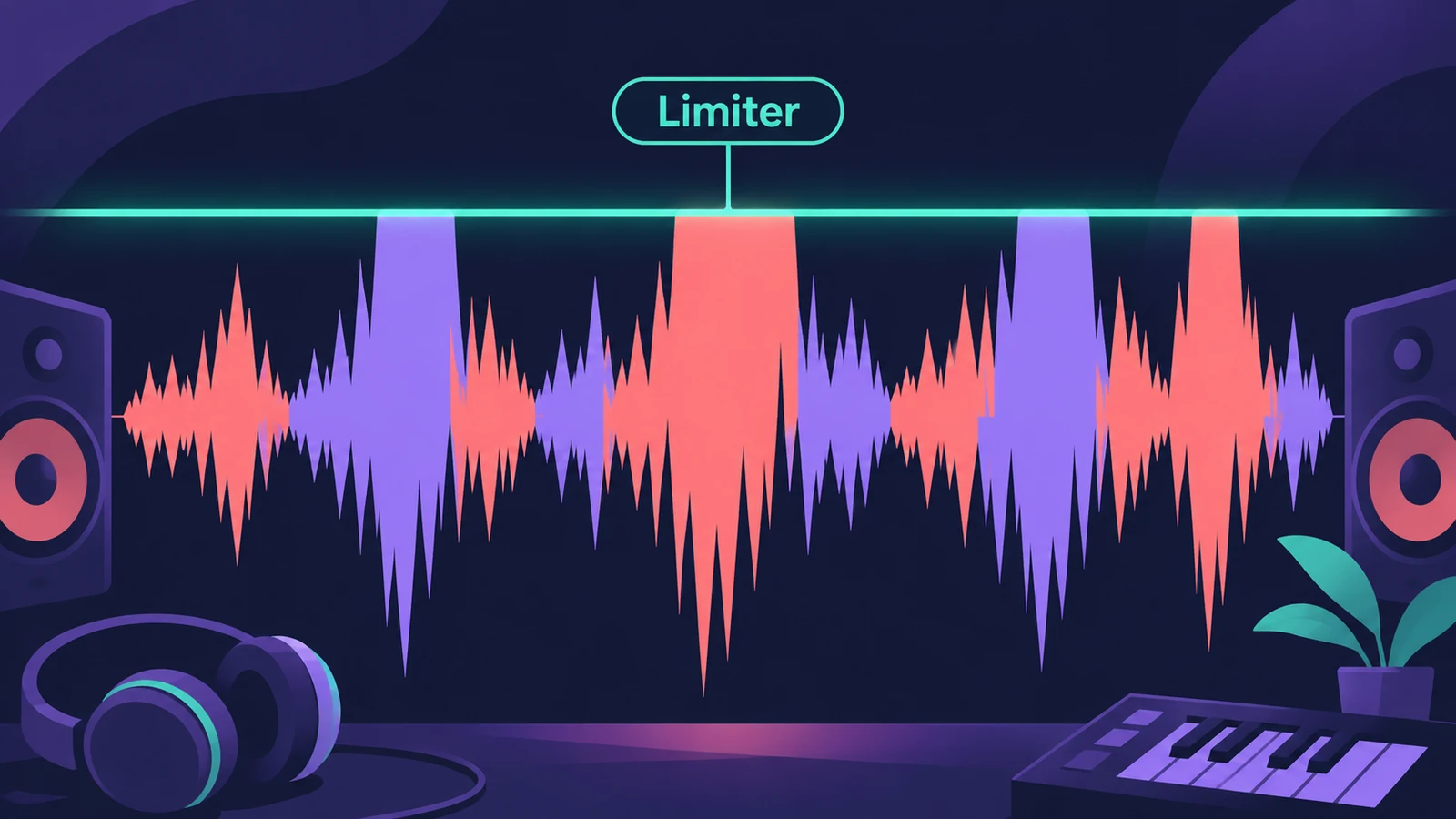 Limiter in Logic ProHow the Limiter plug-in works in Logic Pro: it holds peaks at the threshold, uses Lookahead to react early and true peak detection for inter-sample peaks.
-
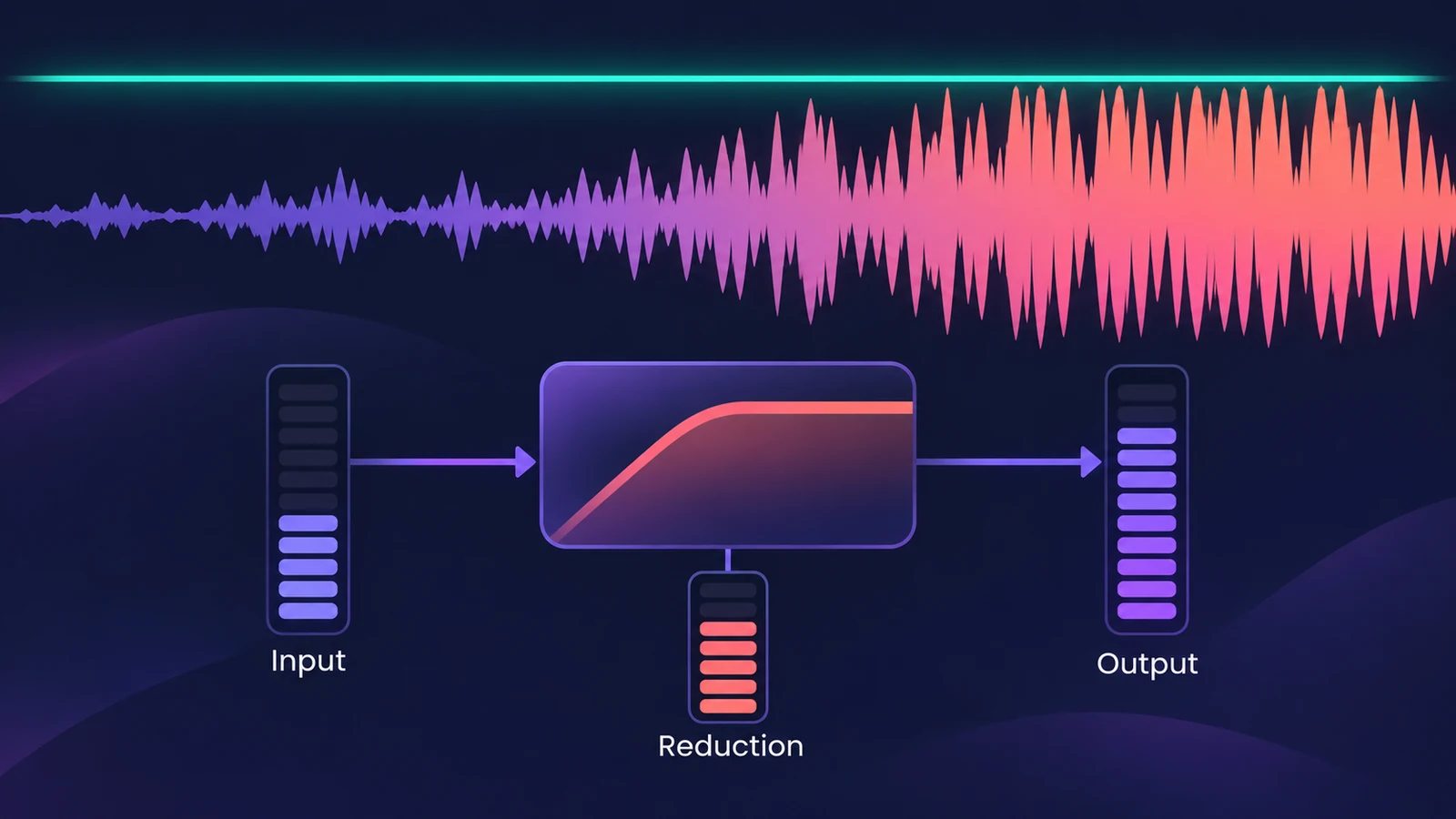 Adaptive Limiter in Logic ProUse Adaptive Limiter on a Logic Pro master: set the output ceiling, turn on true peak detection, apply the optimal Lookahead and bypass it while recording.
-
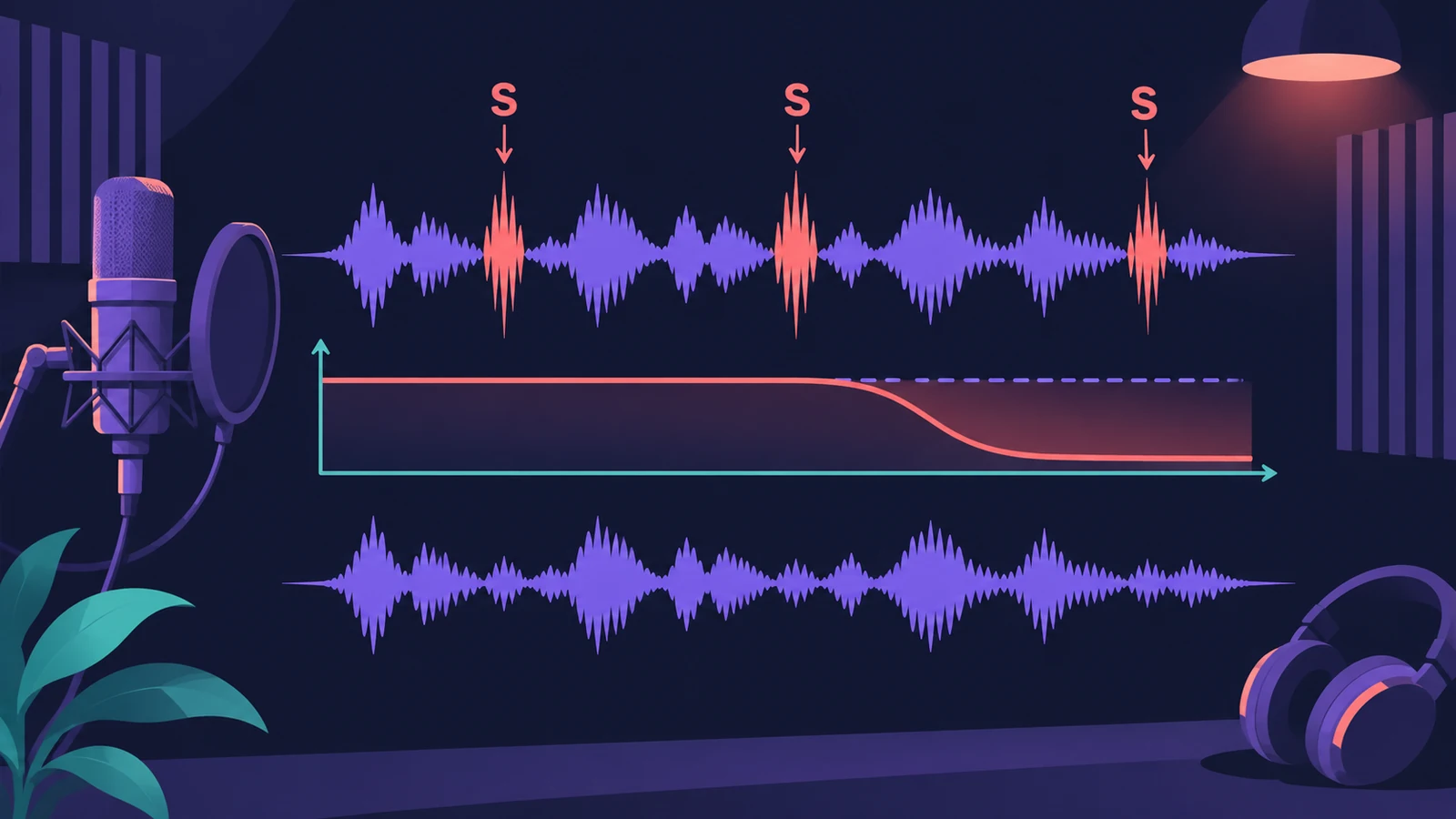 DeEsser 2 in Logic ProReduce harsh S sounds with DeEsser 2 in Logic Pro: find the frequency with Channel EQ, choose Relative or Absolute mode, Split or Wide, and set Max Reduction.
-
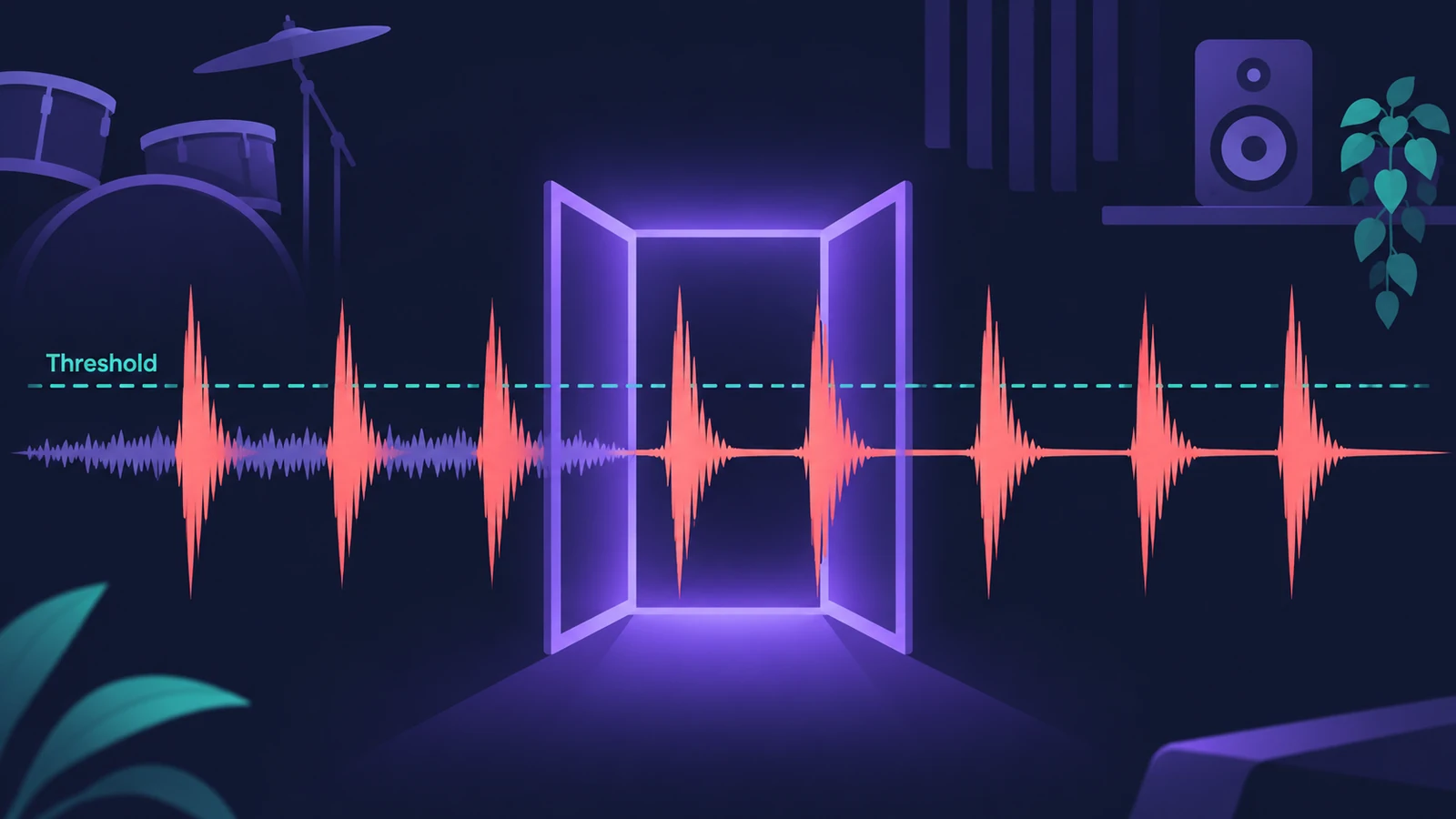 Noise Gate in Logic ProUse Noise Gate in Logic Pro to cut bleed and noise: set Threshold and Reduction, shape Attack, Hold and Release, filter the side chain, or use Ducker mode.
-
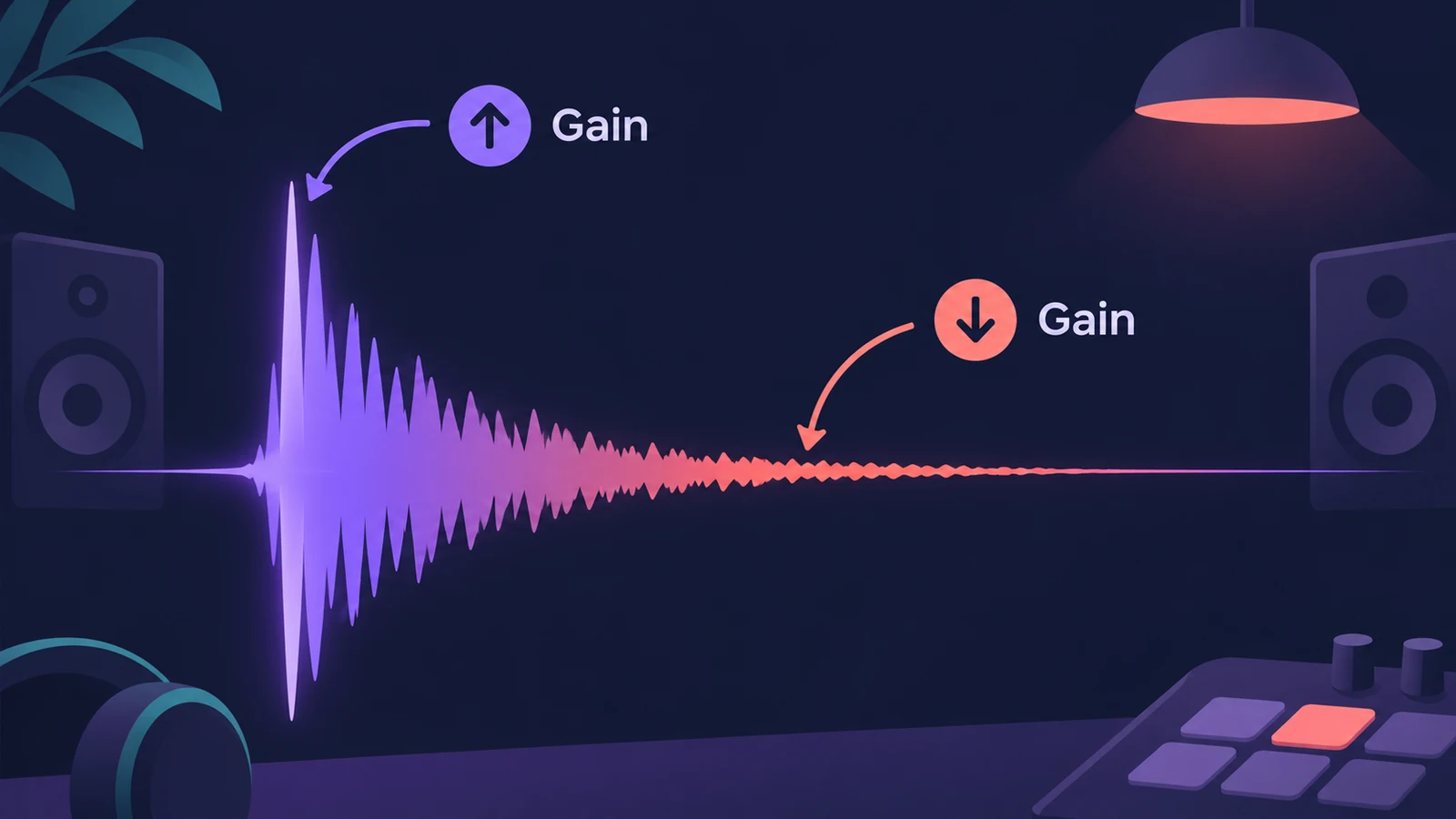 Enveloper in Logic ProEnveloper in Logic Pro shapes transients: boost the attack for more snap, cut it to soften hits, and raise or lower the release to bring out or dry up reverb.
-
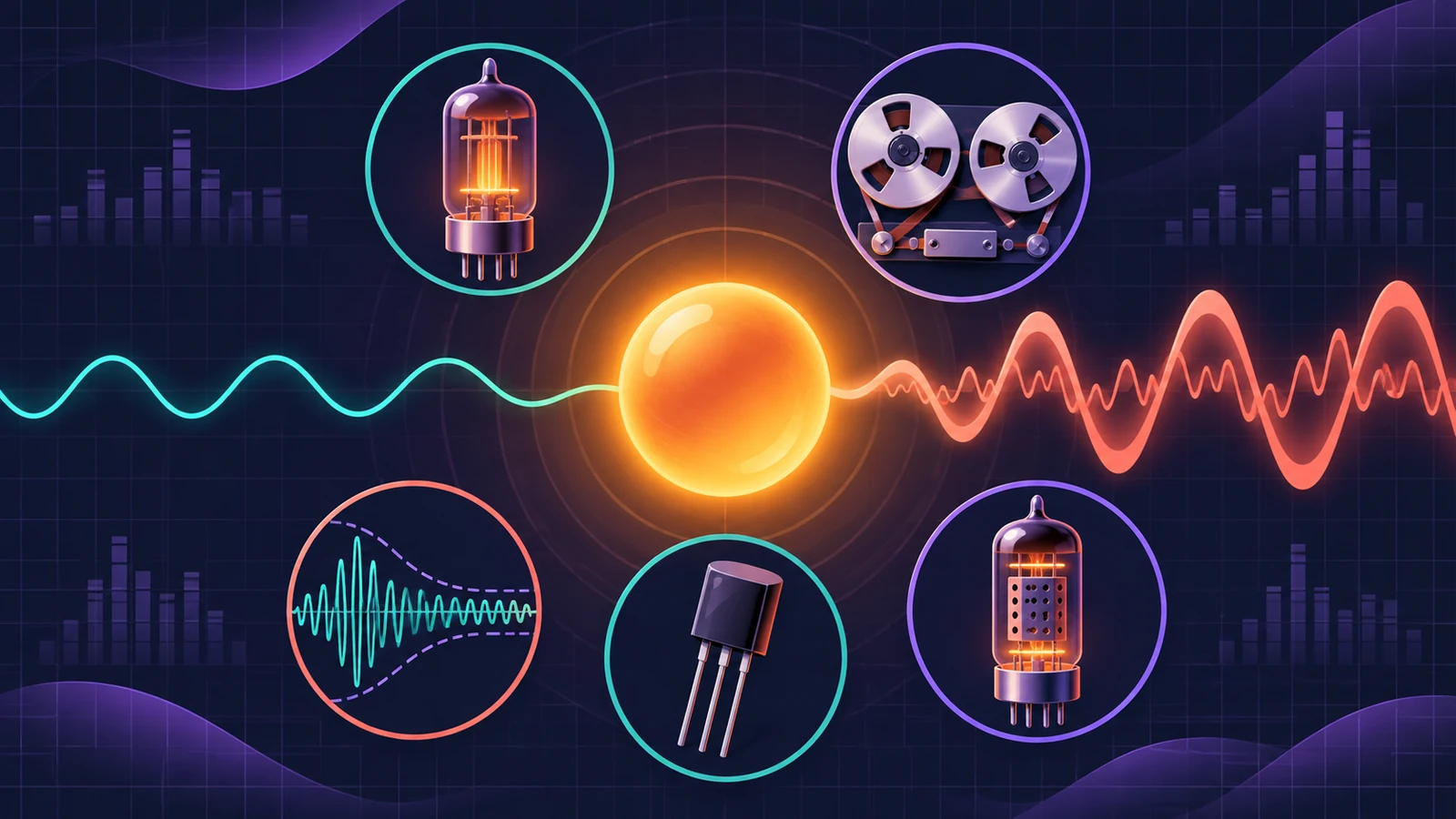 ChromaGlow in Logic ProChromaGlow in Logic Pro adds analog-style warmth: what Retro Tube, Modern Tube, Magnetic, Squeeze and Analog Preamp do, their styles, Drive, Mix and filters.
-
 ChromaVerb in Logic ProSet up ChromaVerb in Logic Pro: choose one of 14 room types, shape decay with the Damping EQ, set size, density and predelay, use Freeze and the output EQ.
-
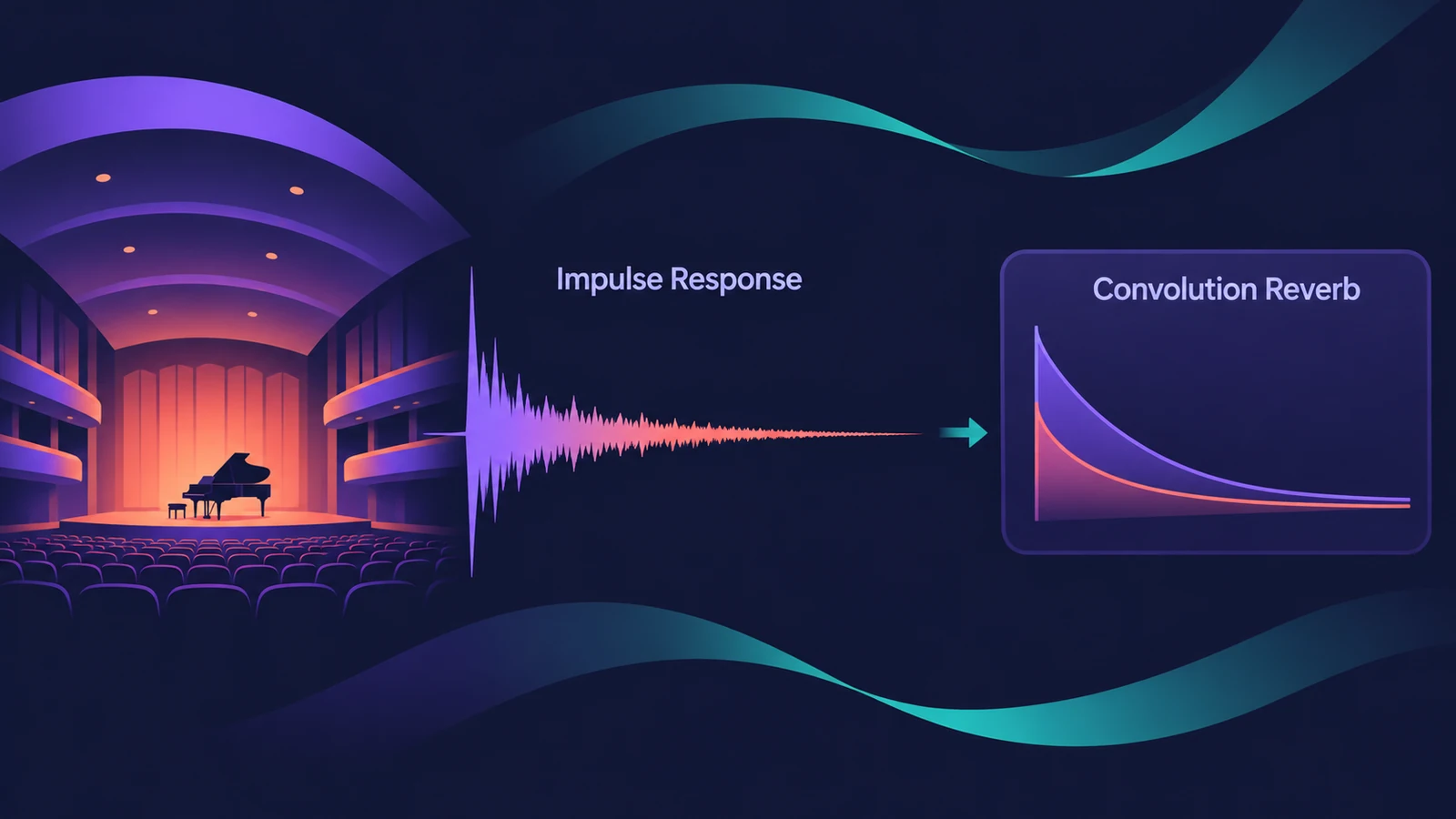 Space Designer in Logic ProUse Space Designer, Logic Pro's convolution reverb: load a sampled IR or synthesize one, set length, predelay and spread, and load your own impulse responses.
-
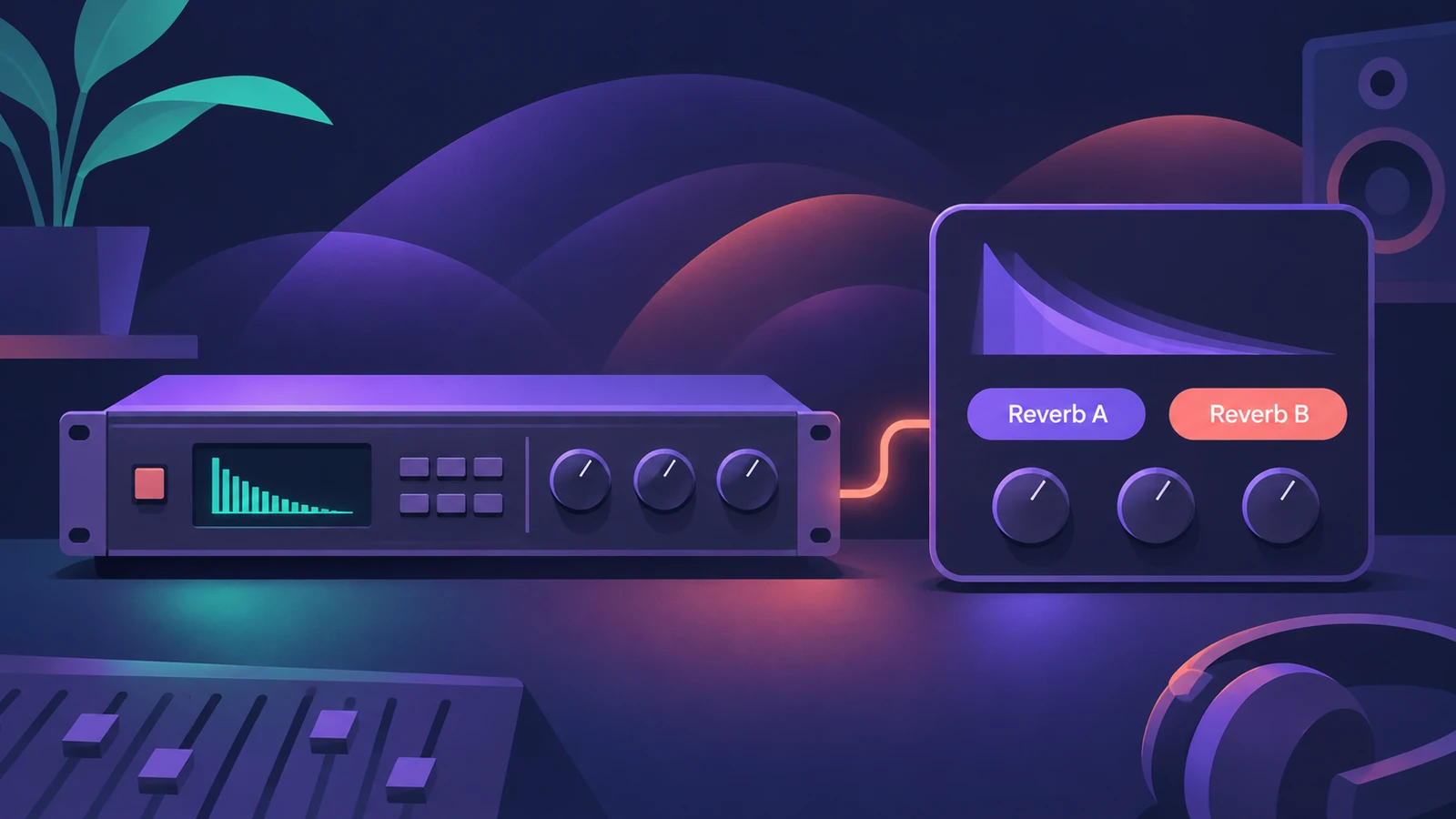 Quantec Room Simulator in Logic ProThe Quantec Room Simulator in Logic Pro 11.1 and later: the QRS and YardStick models, Room Size, Reverb Time, Freeze, Enhance and the AD/DA converter emulation.
-
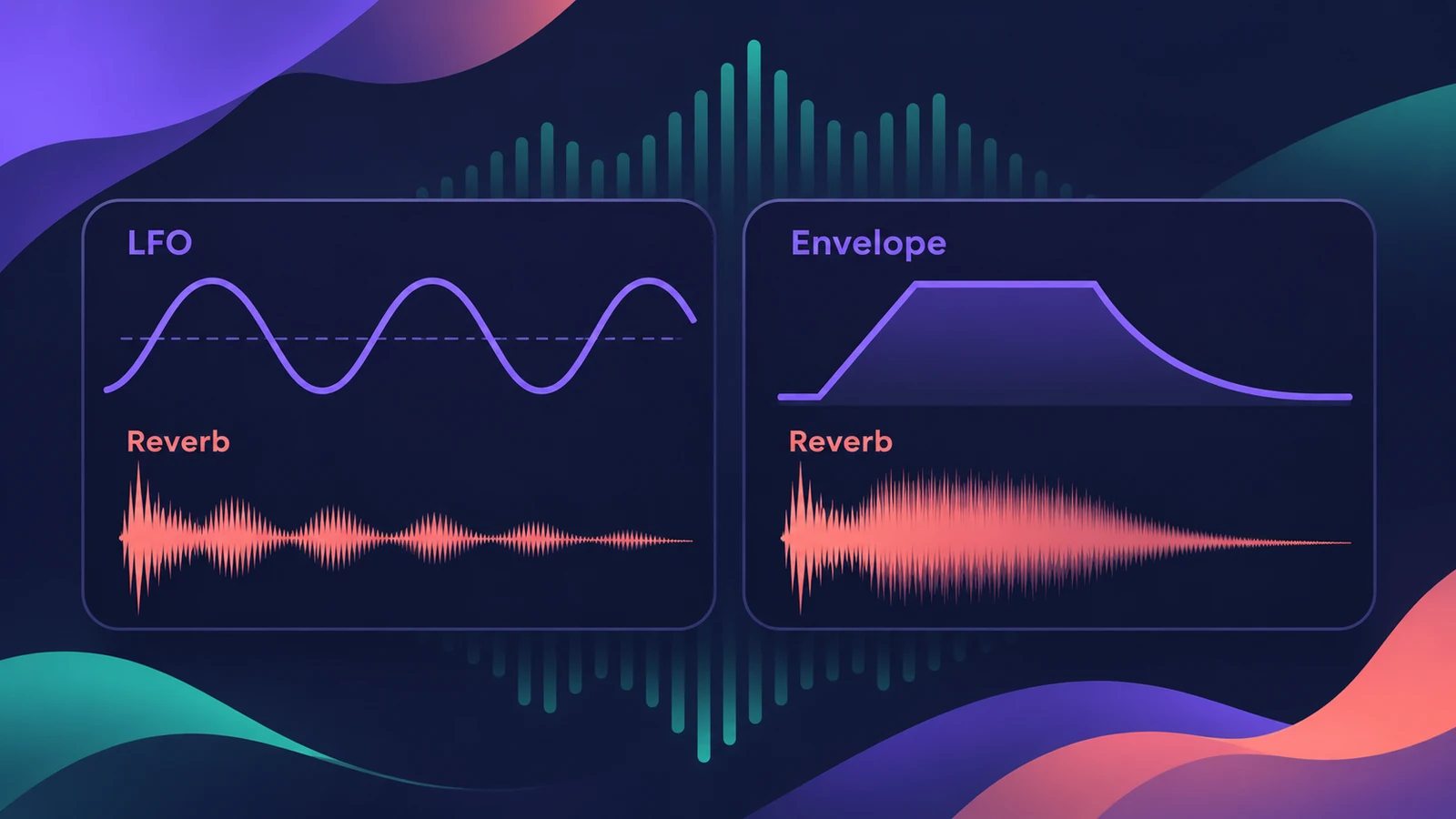 SilverVerb and EnVerb in Logic ProSilverVerb and EnVerb in Logic Pro: a CPU-light reverb with an LFO and filters, and an envelope-shaped reverb for unusual effects. What each one is for.
-
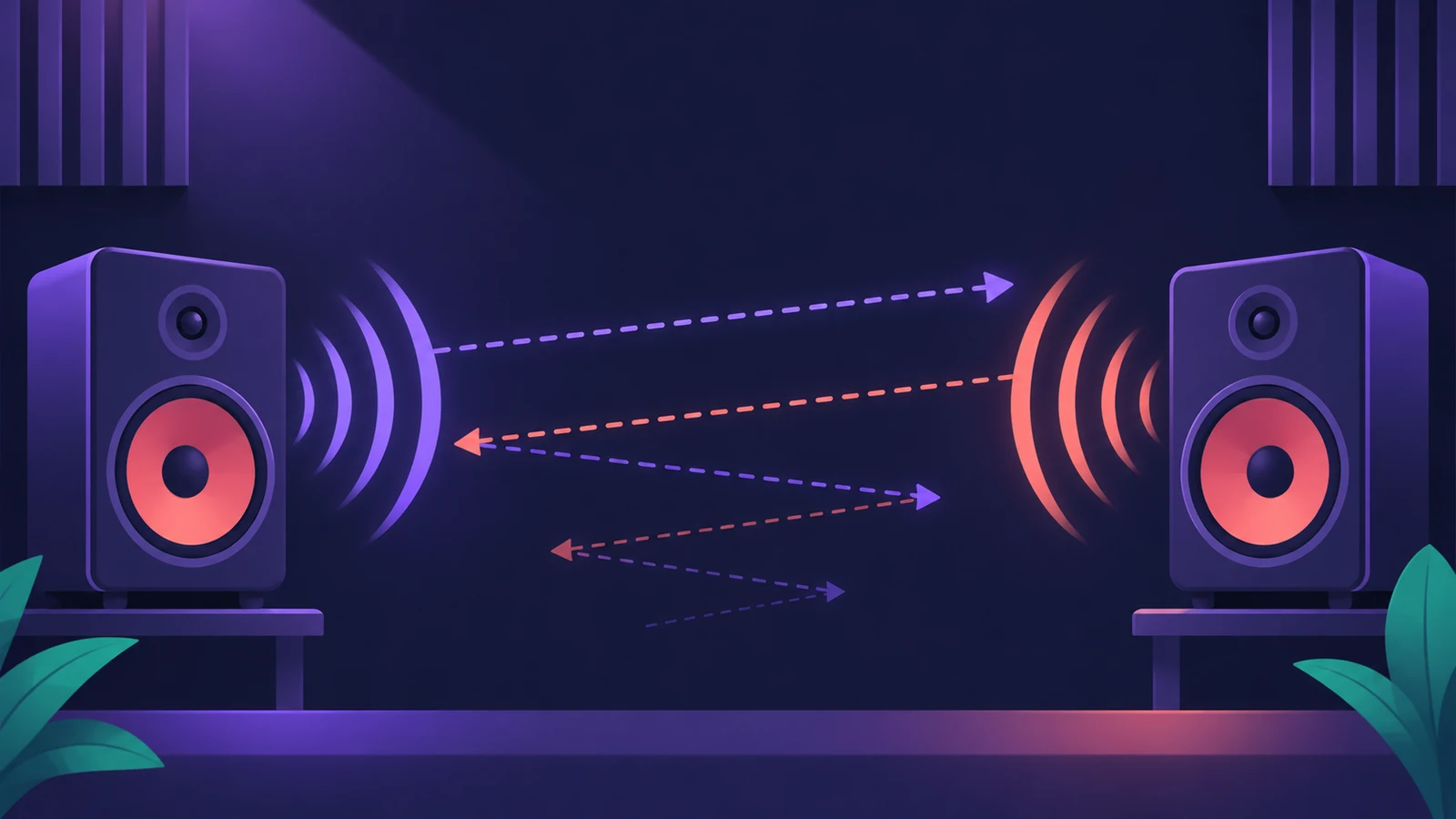 Stereo Delay in Logic ProUse Stereo Delay in Logic Pro: set delay, feedback and mix for each side, sync to tempo with note values, use crossfeed for ping-pong and filter the repeats.
-
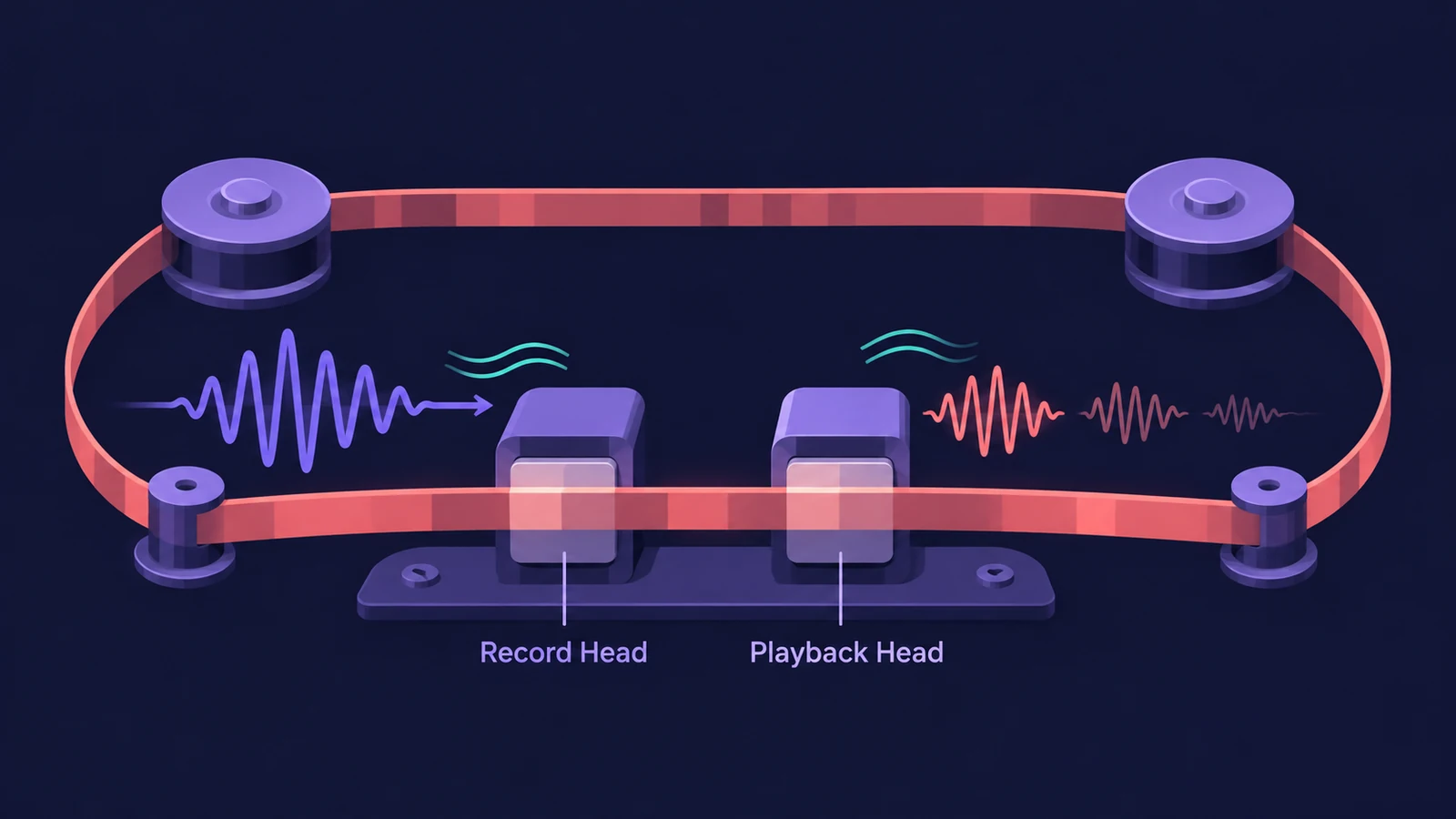 Tape Delay in Logic ProGet a vintage echo with Tape Delay in Logic Pro: sync to tempo, set feedback, choose Clean or Diffuse tape head, add flutter, LFO and tape saturation with Clip.
-
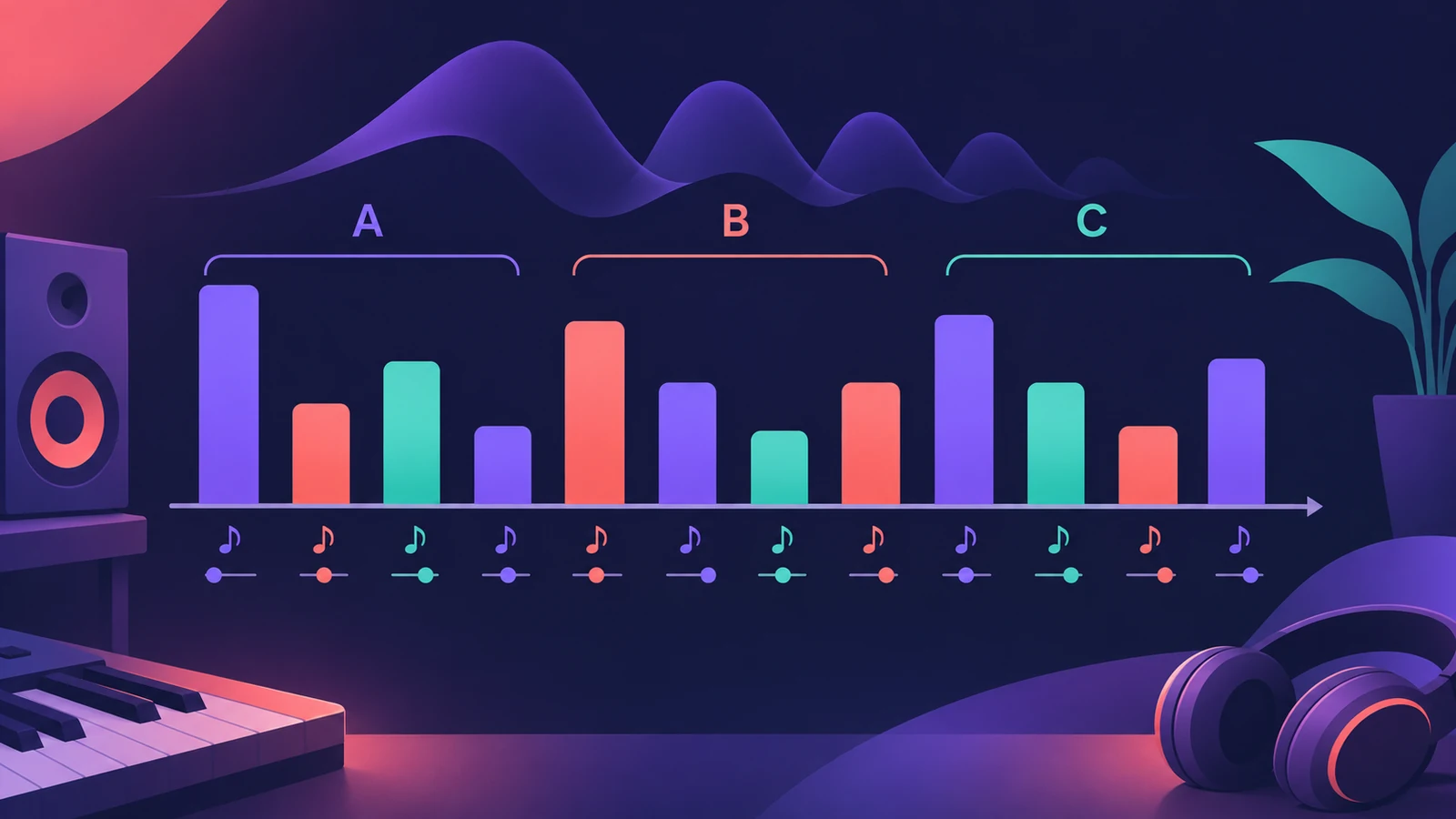 Delay Designer in Logic ProBuild rhythmic echoes with Delay Designer in Logic Pro: create up to 26 taps by tapping or adding them, set level, pan, pitch and filter per tap, and sync.
-
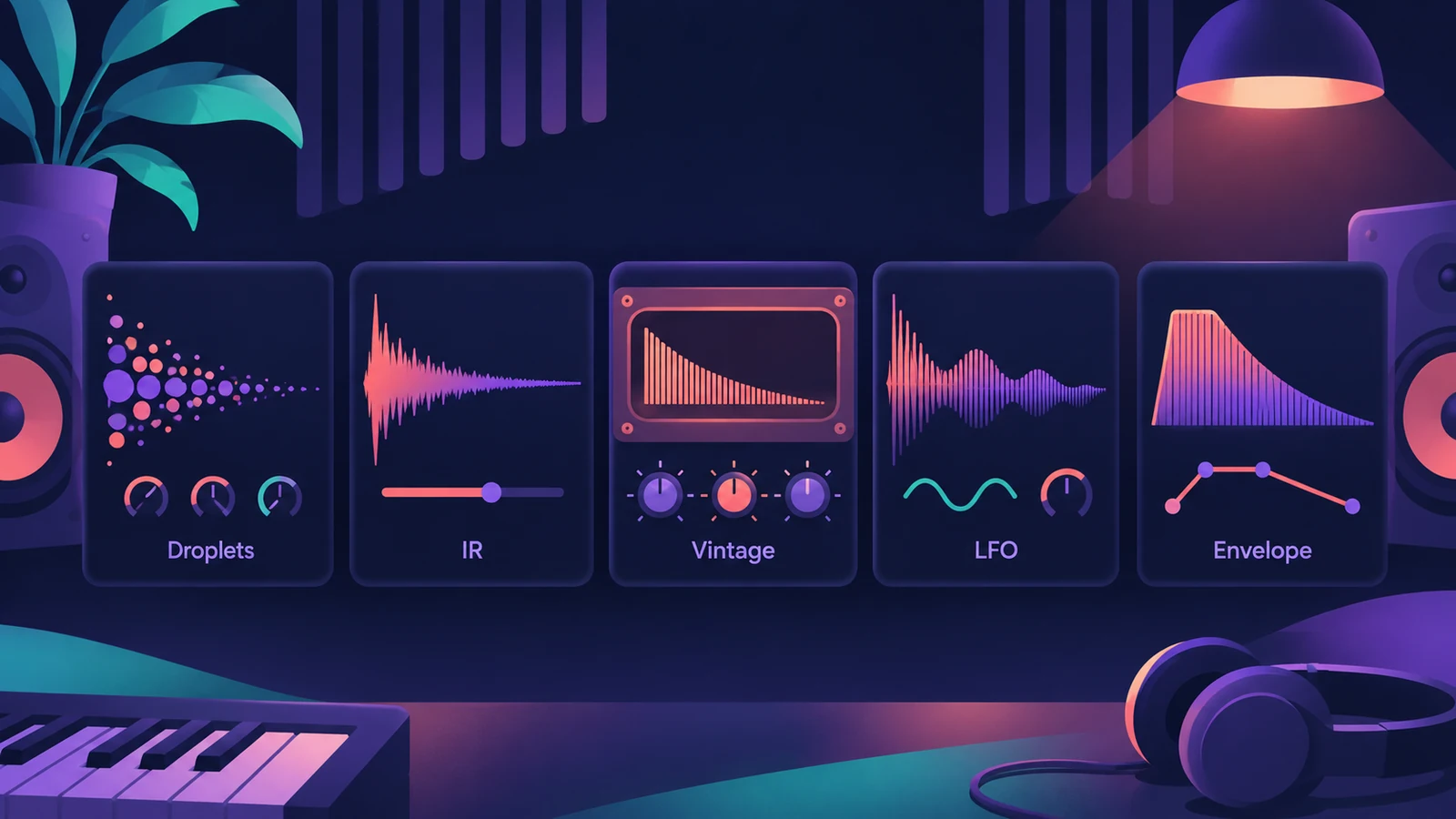 Which Logic Pro reverb should you use?Compare Logic Pro's reverbs — ChromaVerb, Space Designer, Quantec Room Simulator, SilverVerb and EnVerb — and see which one fits vocals, drums, pads or low CPU.
-
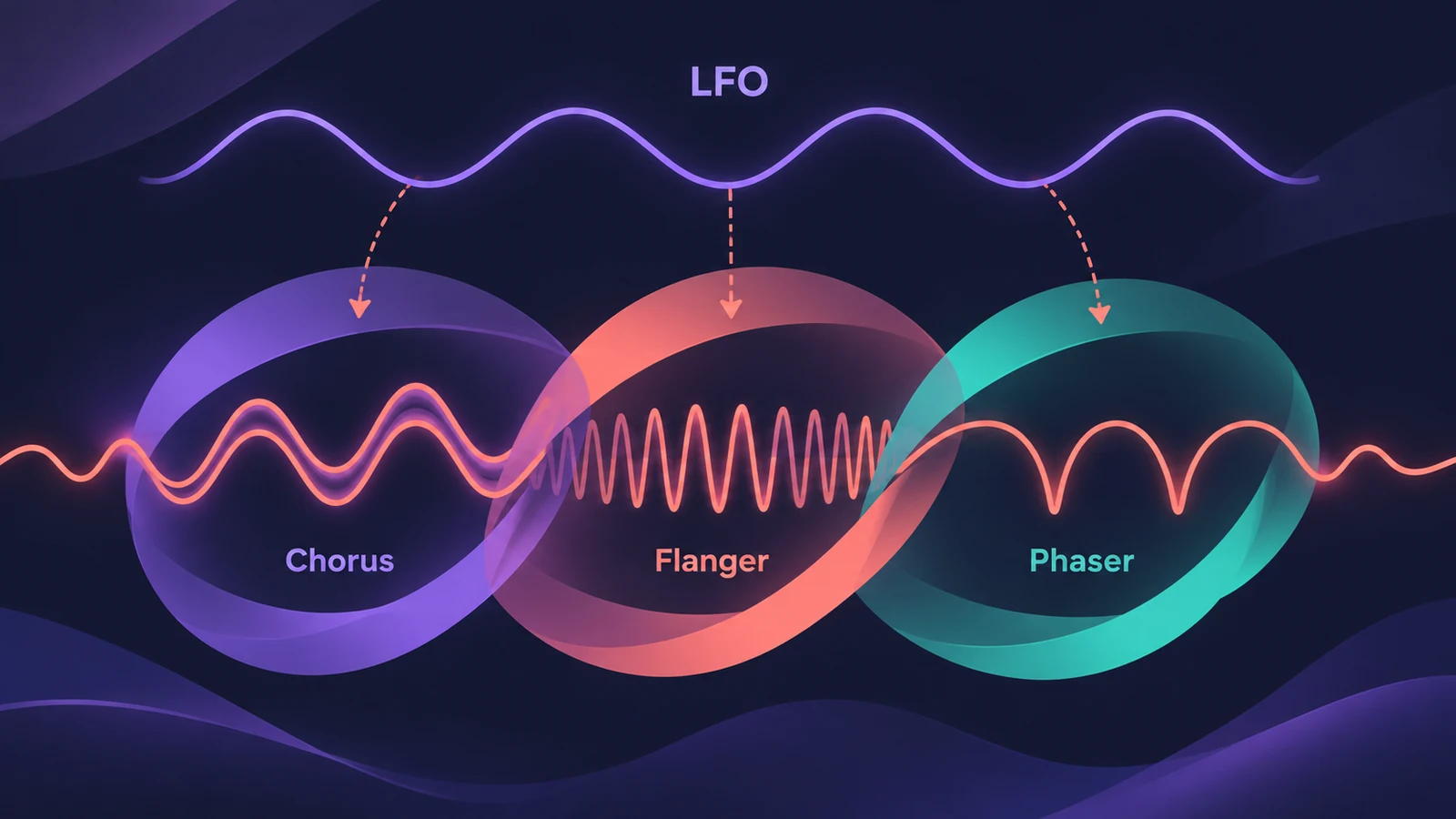 Chorus, Flanger, Phaser and other modulation effects in Logic ProLogic Pro's modulation effects explained: Chorus, Ensemble, Flanger, Phaser, Microphaser, Tremolo, Ringshifter and more — what each does and when to use it.
-
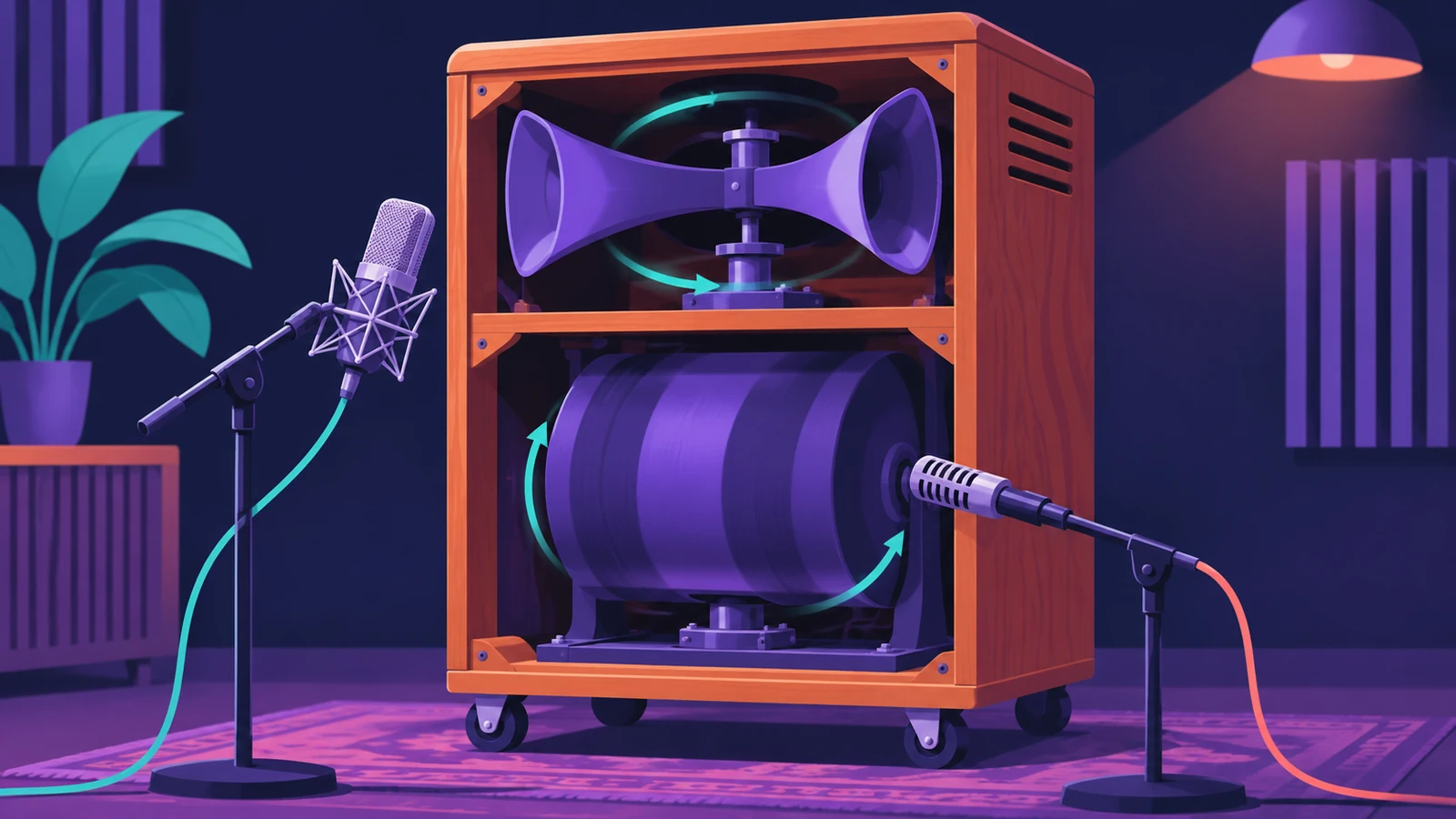 Rotor Cabinet in Logic ProRotor Cabinet in Logic Pro emulates a rotating speaker cabinet: pick a cabinet type, switch Slow, Brake and Fast, set the deflector and microphones.
-
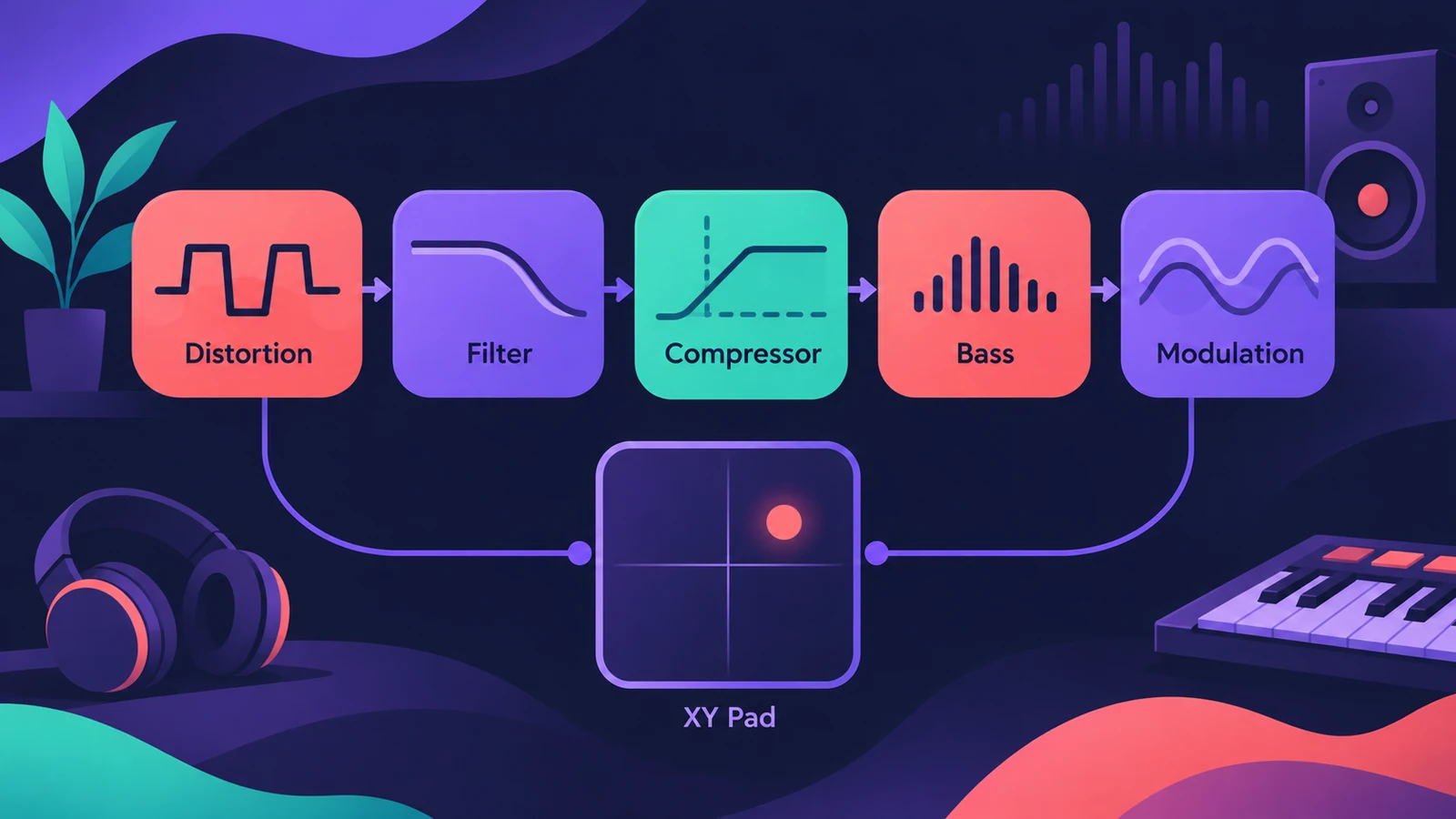 Phat FX in Logic ProPhat FX in Logic Pro is a colouring multi-effect: distortion, filters, compressor, bass enhancer and Mod FX in a chain you can reorder, plus an XY pad and LFOs.
-
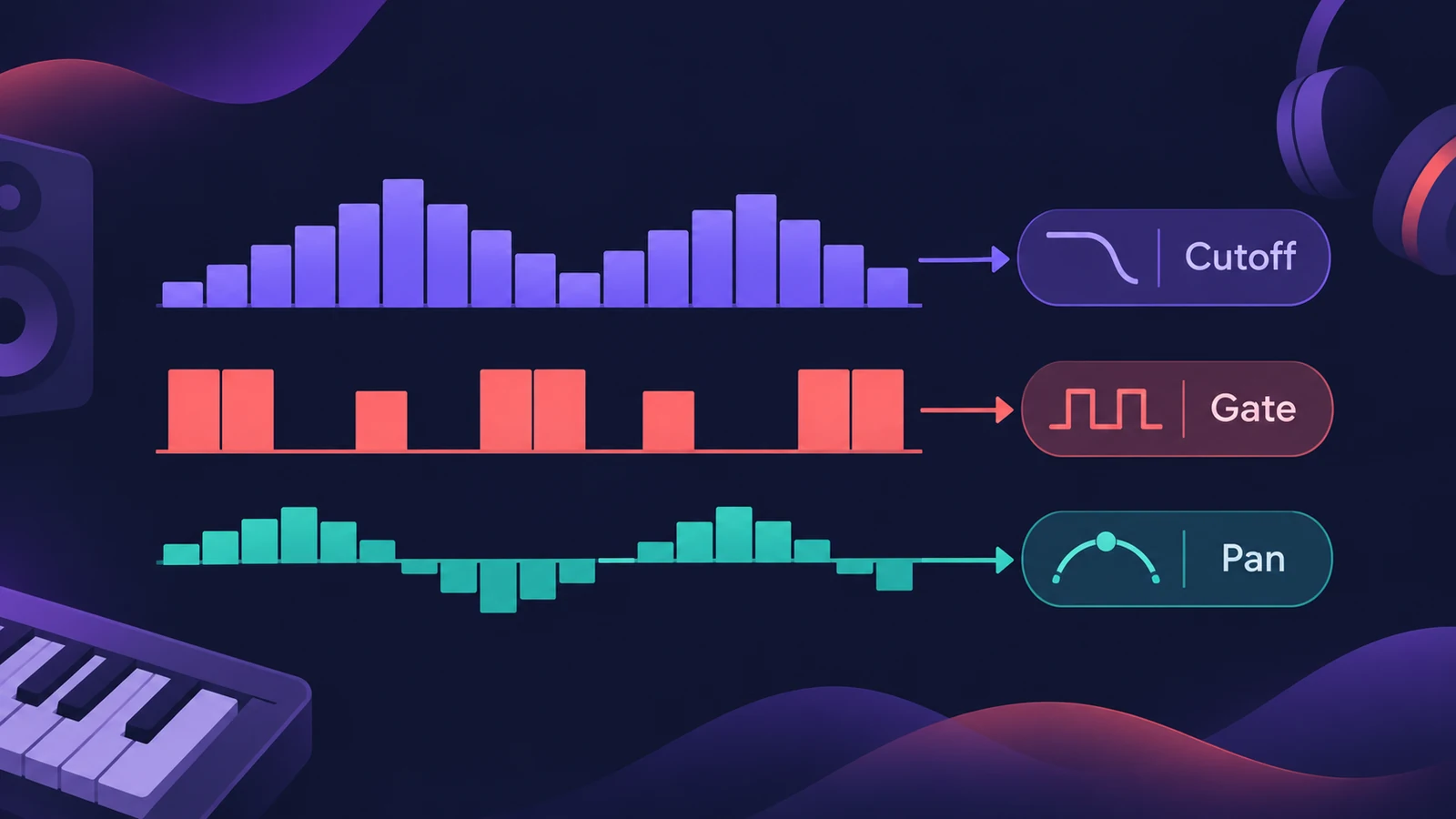 Step FX in Logic ProUse Step FX in Logic Pro: assign three 128-step modulators to filter, distortion, delay, reverb, gate or pan, and set pattern lengths for polyrhythms.
-
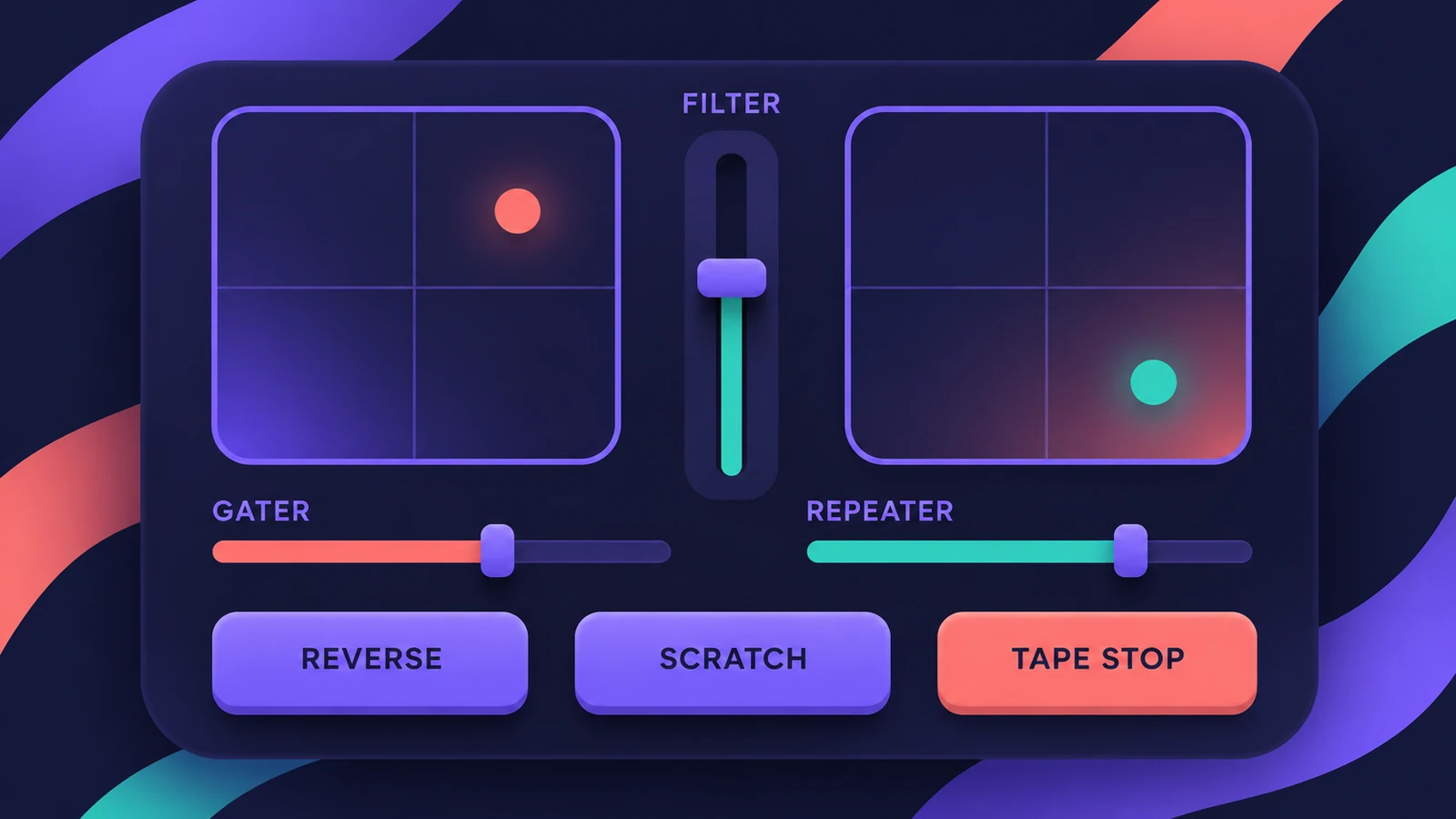 Remix FX in Logic ProUse Remix FX in Logic Pro for DJ-style filter, gater, repeater, reverse, scratch and tape stop moves, control it with Logic Remote and record it as automation.
-
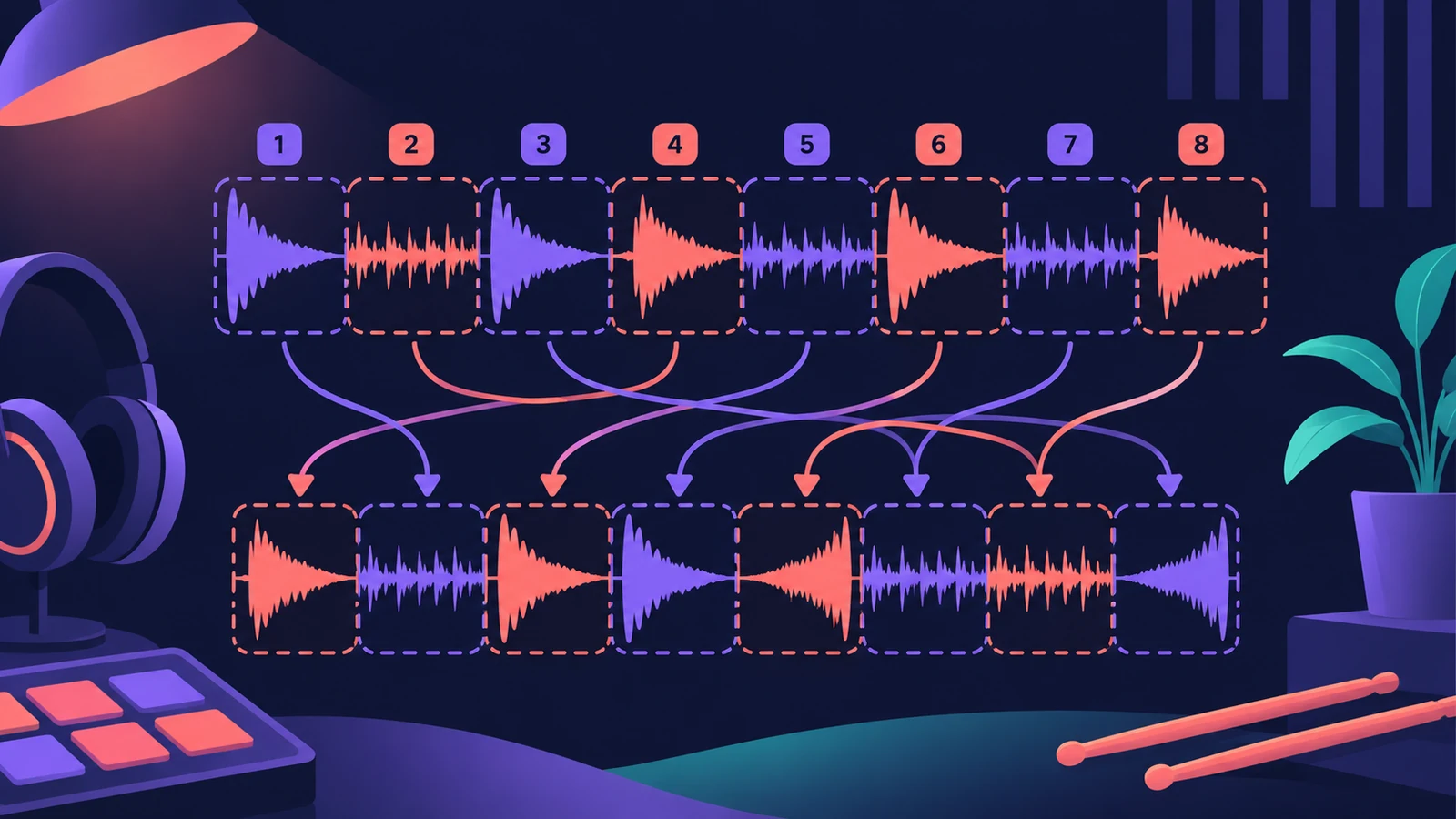 Beat Breaker in Logic ProBeat Breaker in Logic Pro slices incoming audio and reorders it in real time, with edit modes for time, repeat, cutoff, resonance, volume and pan.
-
 Distortion and Bitcrusher in Logic ProAdd grit with Logic Pro's distortion plug-ins: Bitcrusher resolution, downsampling and clip modes, plus Overdrive, Distortion and Clip Distortion.
-
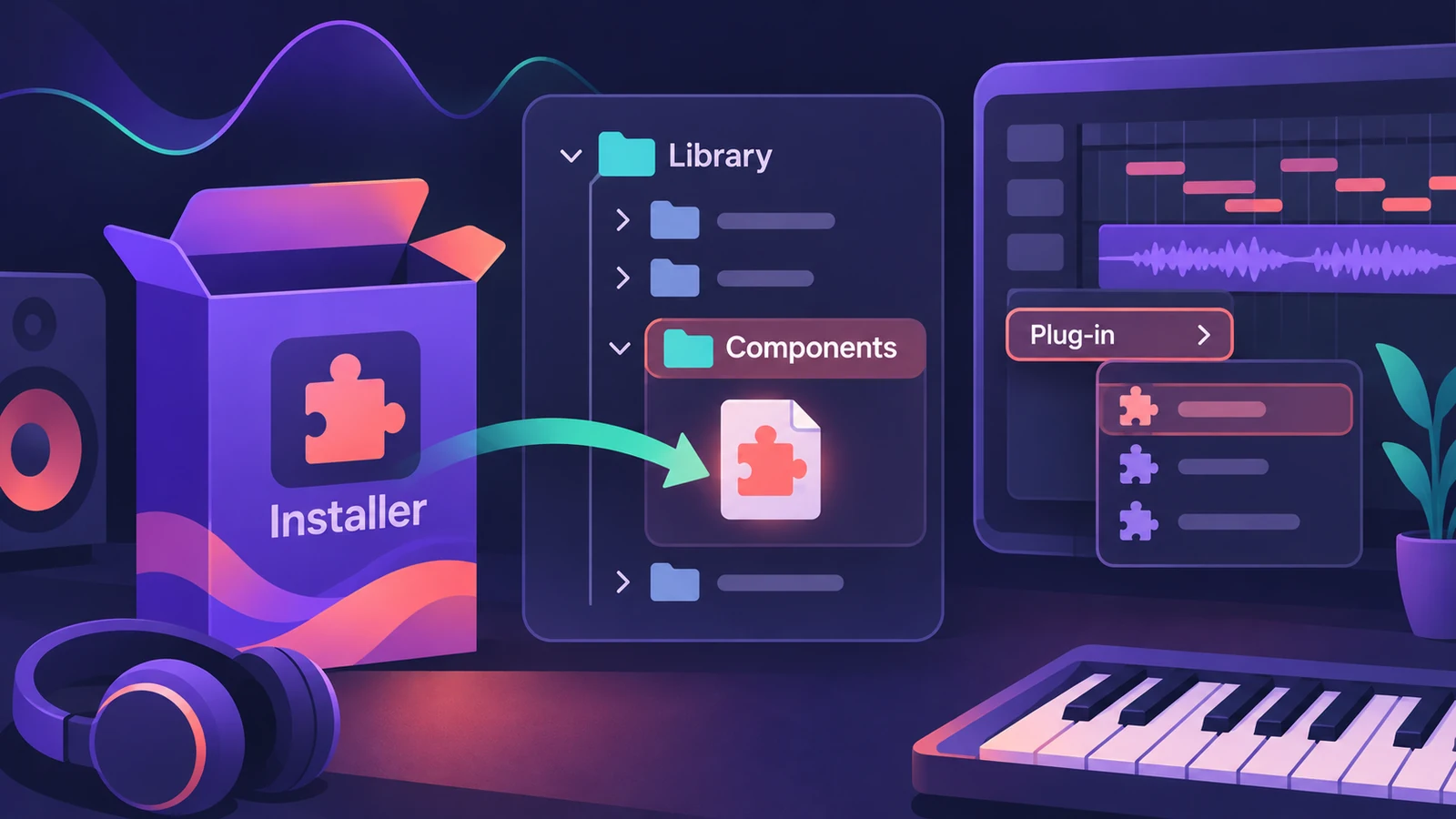 How to install third-party plug-ins in Logic ProInstall third-party plug-ins for Logic Pro: it uses Audio Units, which go in the Components folder. Install, restart, check the Plug-in Manager.
-
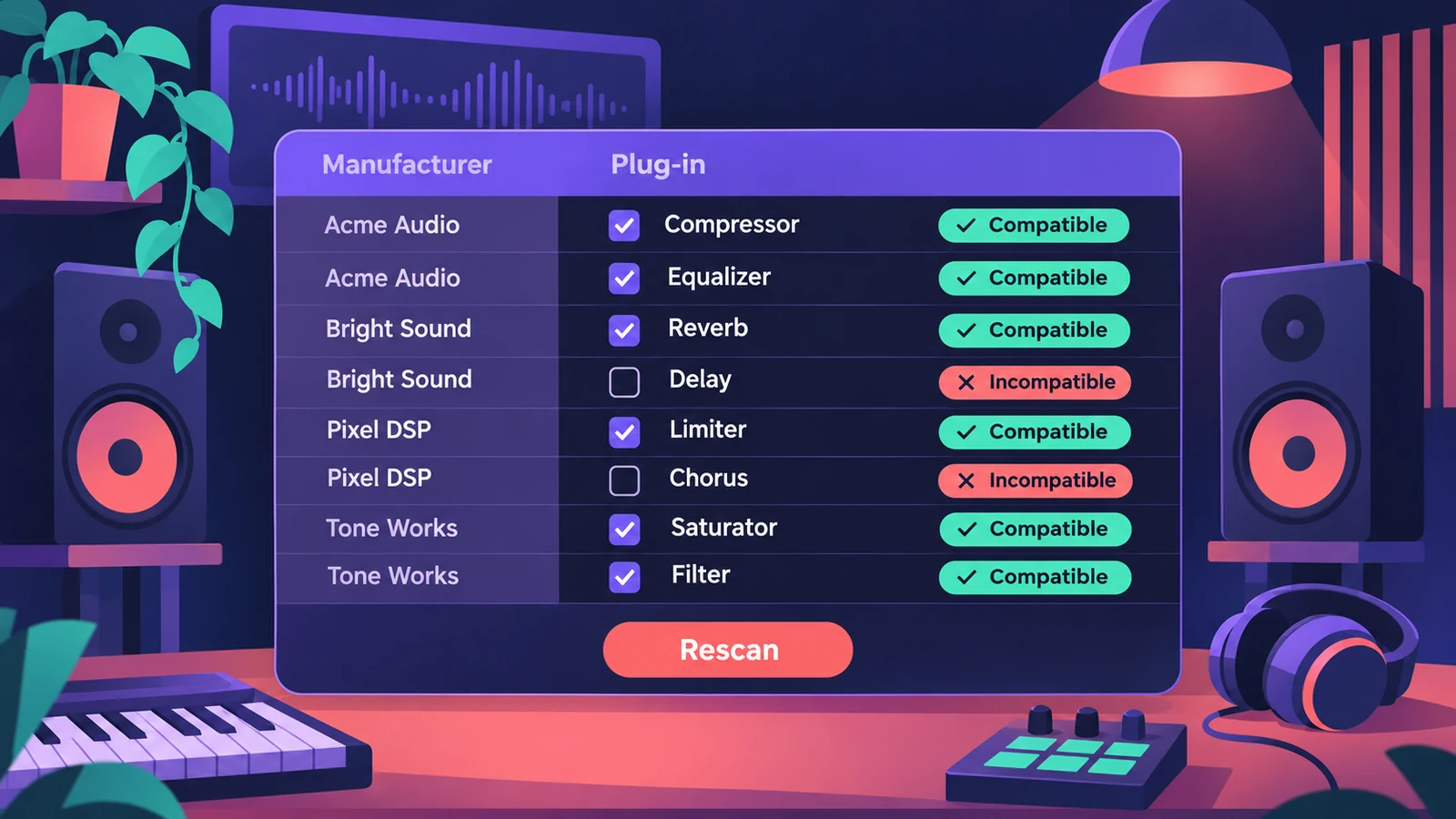 Plug-in Manager in Logic ProUse Logic Pro's Plug-in Manager to check Audio Units compatibility, rescan a plug-in, run a full Audio Unit reset, disable plug-ins, add categories.
-
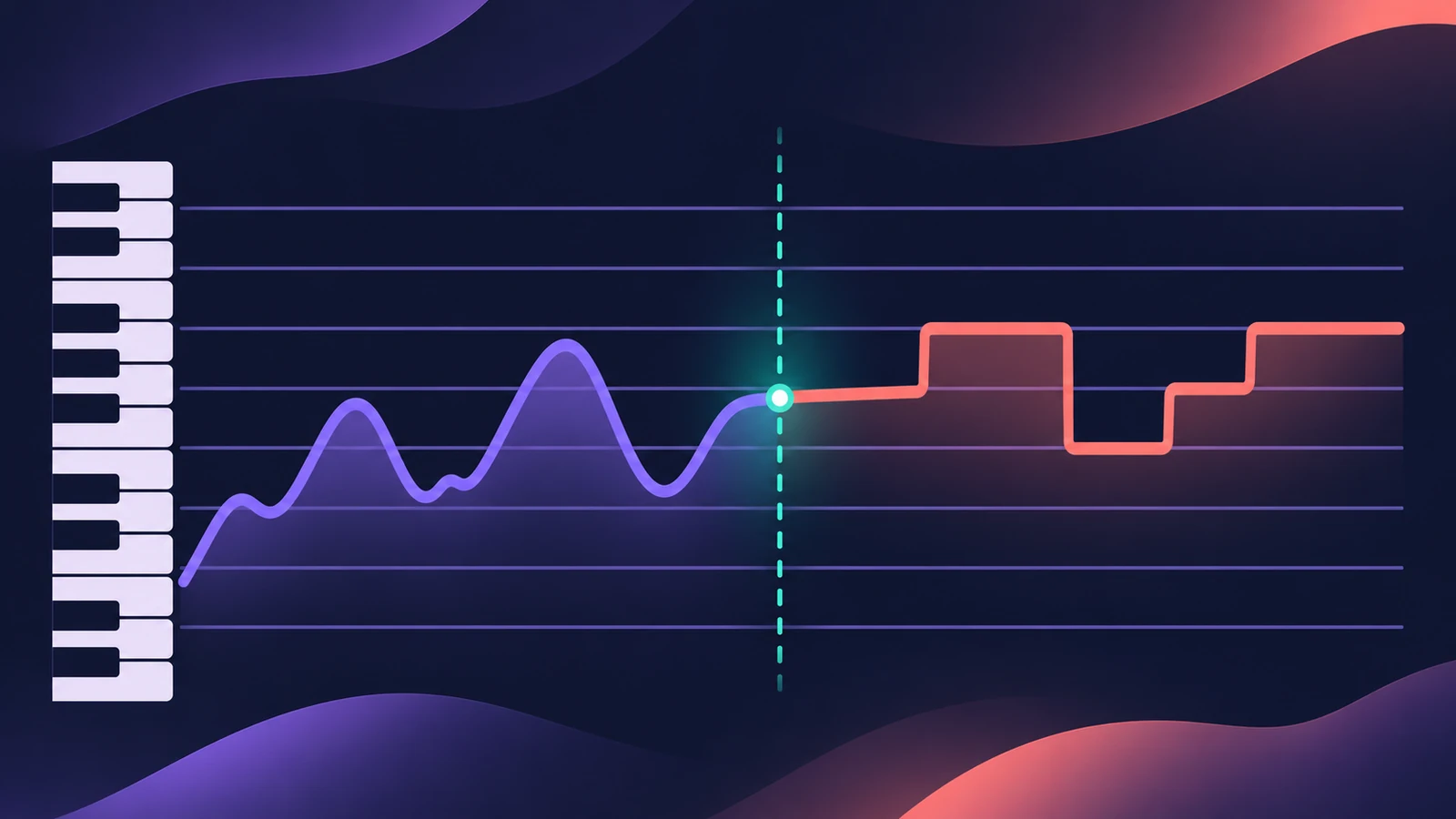 Pitch Correction plug-in in Logic ProAuto-tune vocals with Logic Pro's Pitch Correction plug-in: set Root and Scale, adjust Response for natural or hard tuning, bypass notes and use Global Tuning.
-
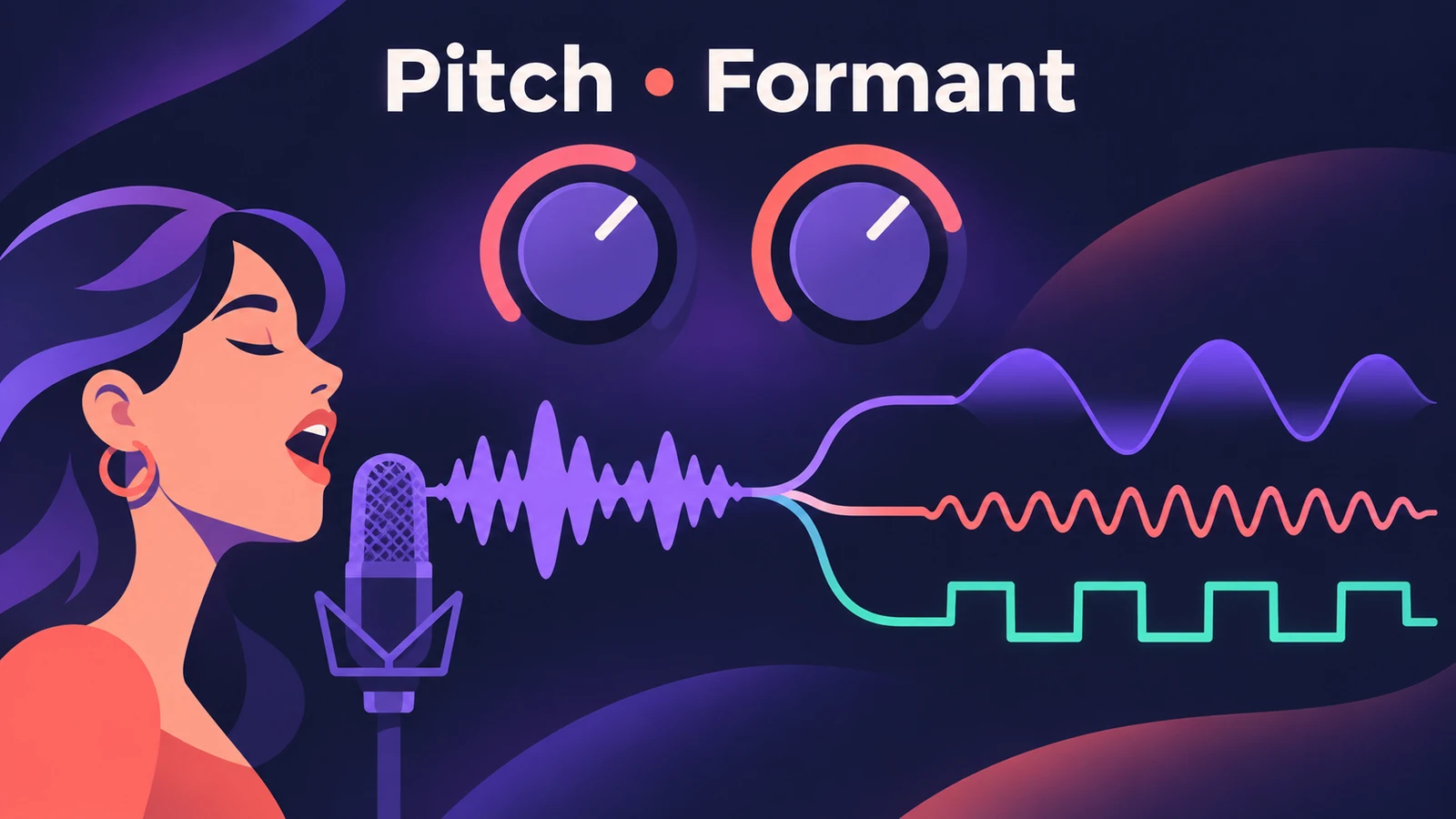 Vocal Transformer in Logic ProUse Vocal Transformer in Logic Pro to shift a voice's pitch without changing its character, move formants for deep or tiny voices, double a vocal and Robotize.
-
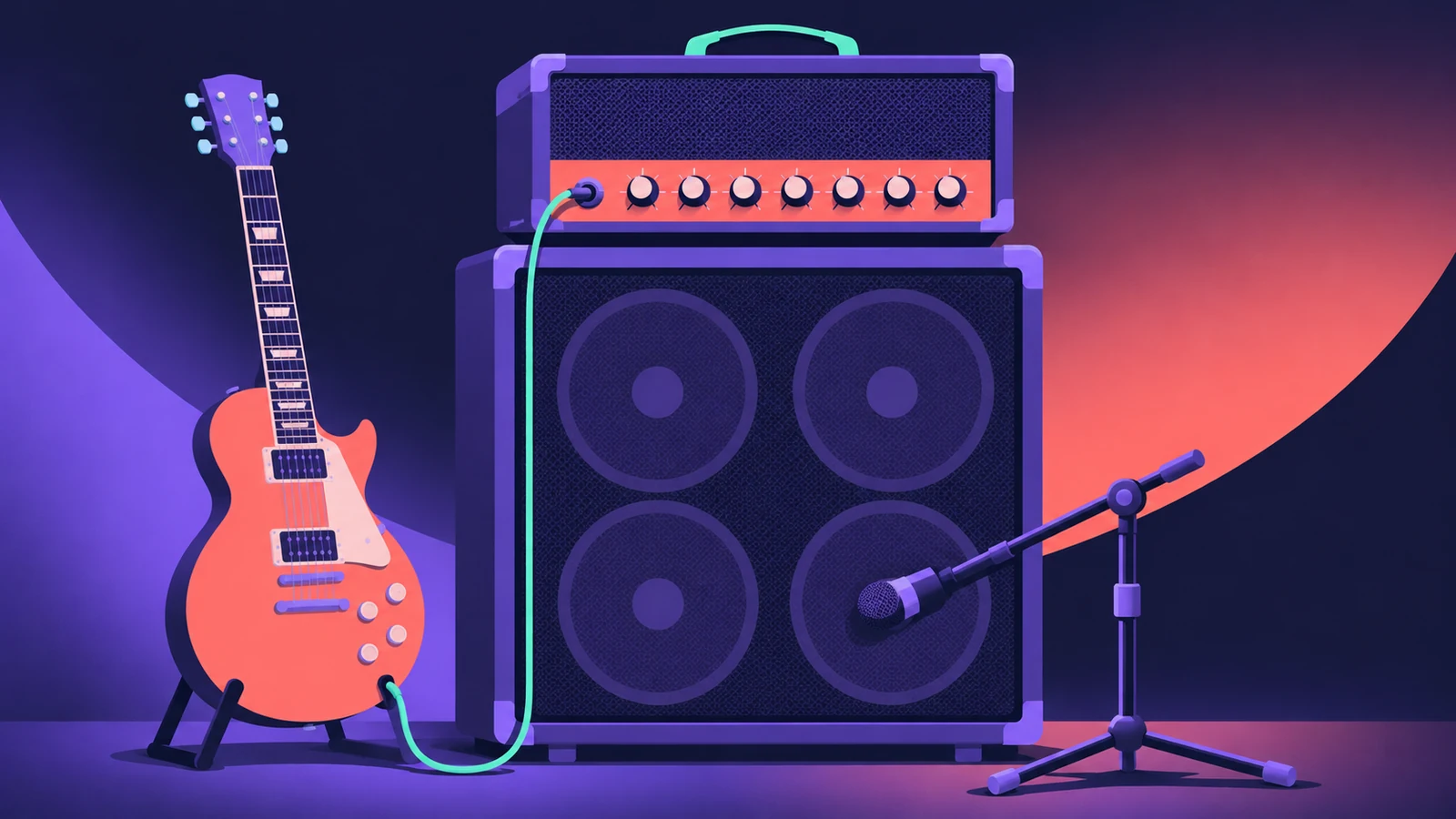 Amp Designer in Logic ProBuild guitar tones with Amp Designer in Logic Pro: pick a model, mix amps, cabinets and seven mics, set EQ and the built-in reverb, tremolo and vibrato.
-
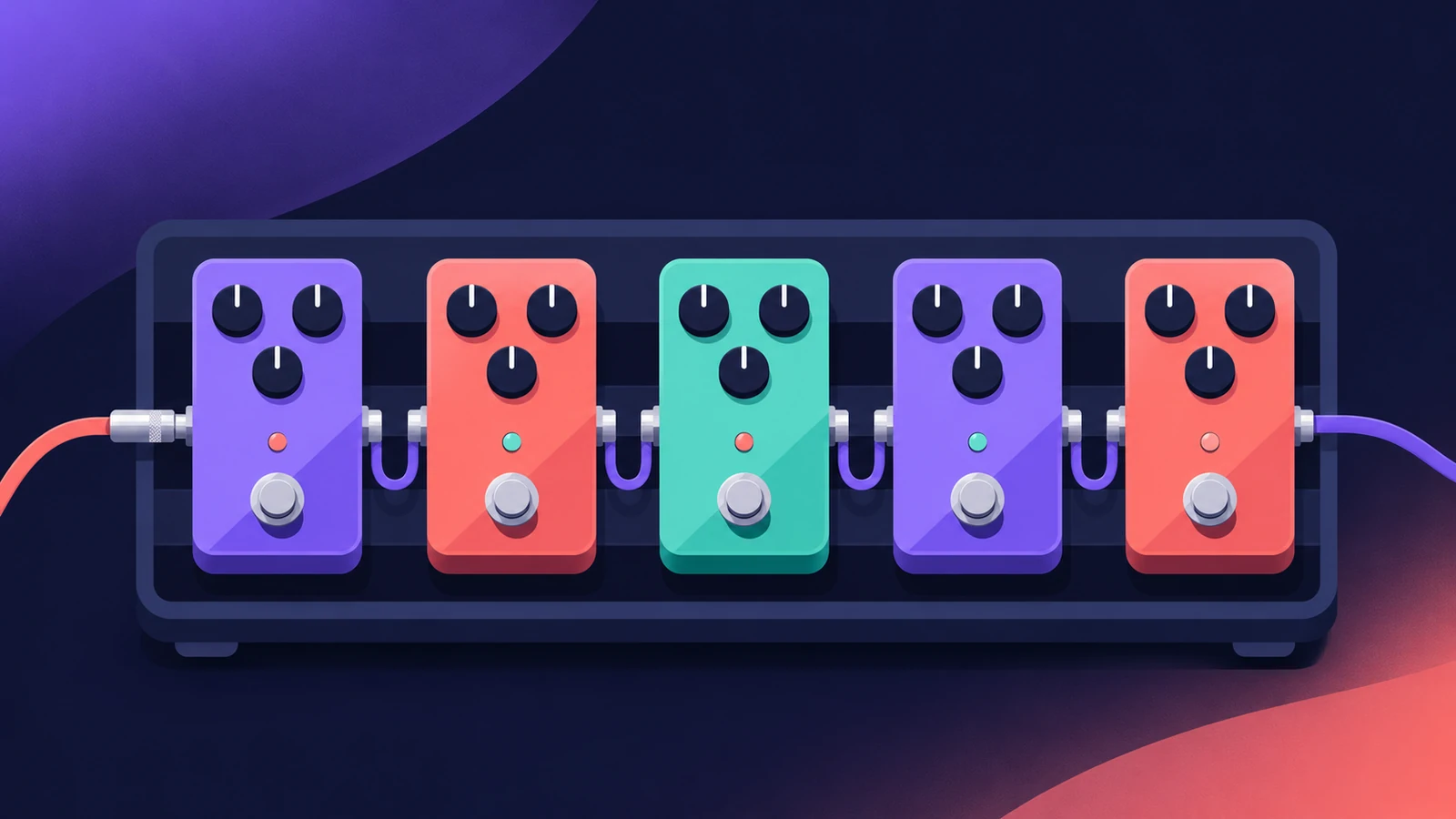 Pedalboard in Logic ProUse Pedalboard in Logic Pro: drag stompboxes from the Pedal Browser, set their order, split the signal into Bus A and Bus B with the Router and mix them back.
-
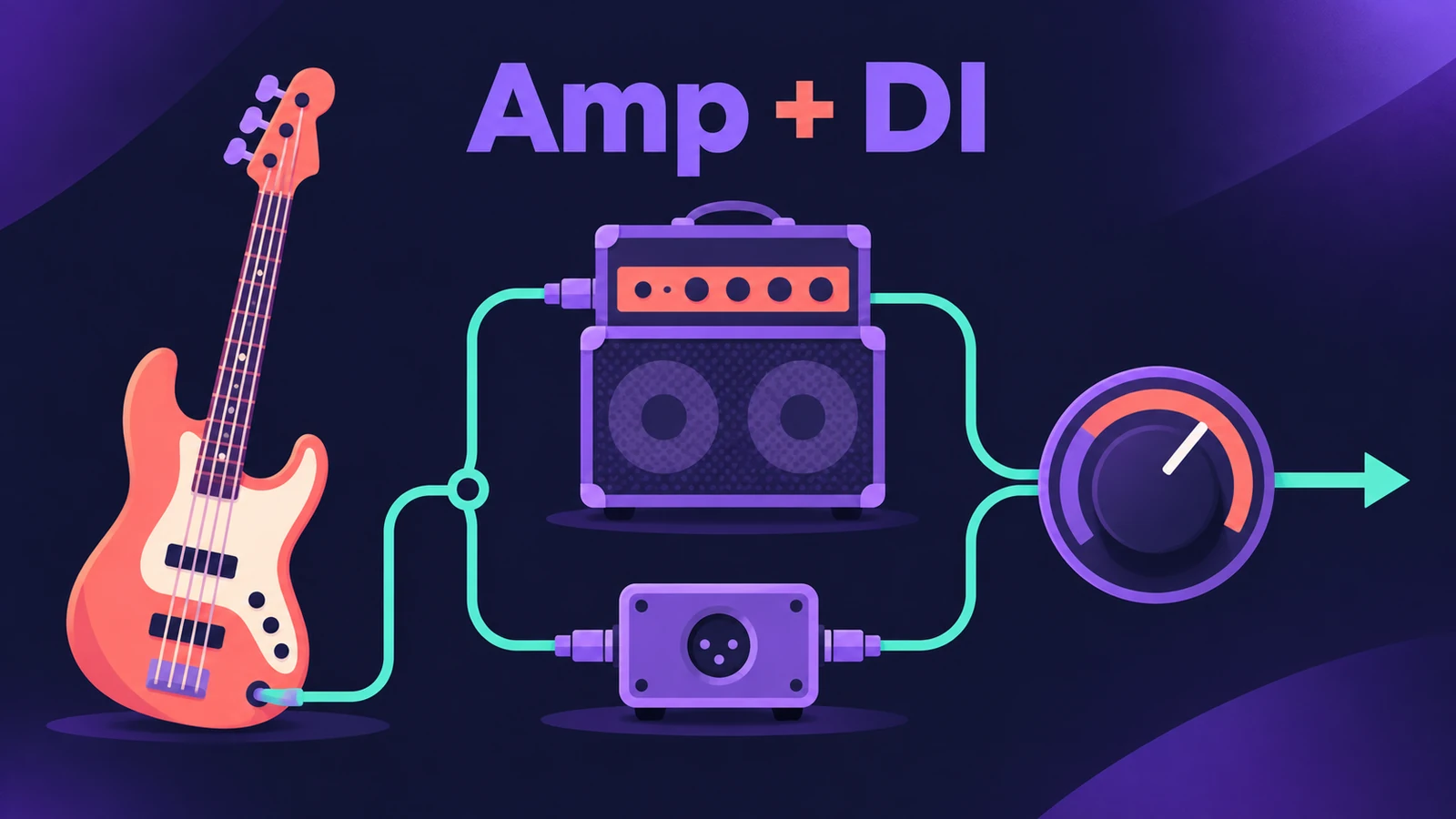 Bass Amp Designer in Logic ProShape bass guitar in Logic Pro with Bass Amp Designer: three amp models, a D.I. box channel, blend amp and DI, built-in compressor and graphic or parametric EQ.
-
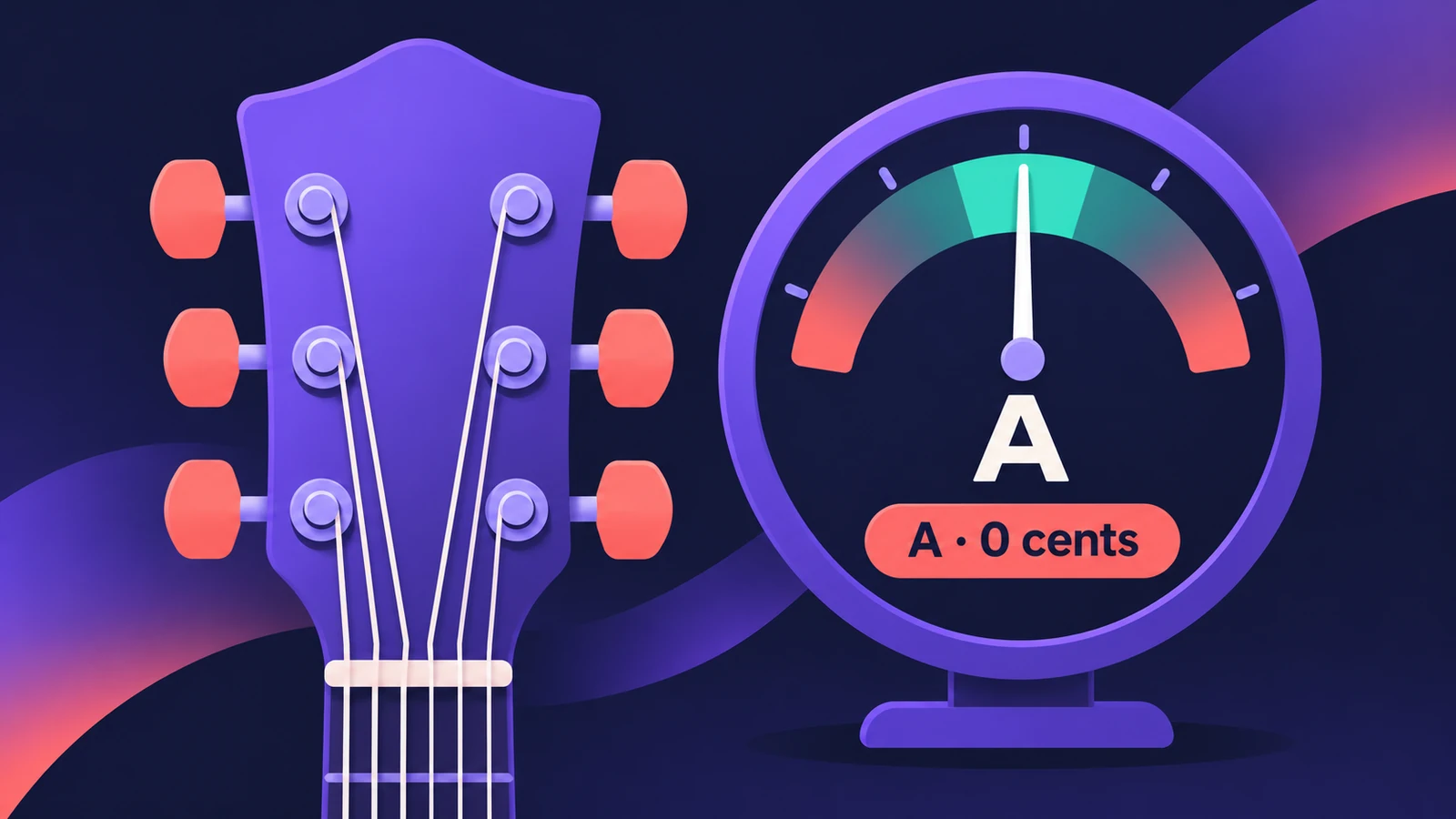 Tuner in Logic ProTune a guitar, bass or any instrument in Logic Pro with the control-bar Tuner or the Tuner plug-in: read cents, change the A=440 reference, mute while tuning.
-
 Exciter in Logic ProBrighten dull recordings with Logic Pro's Exciter: set the high-pass Frequency, the Harmonics amount, choose Color 1 or Color 2 and blend with the dry signal.
-
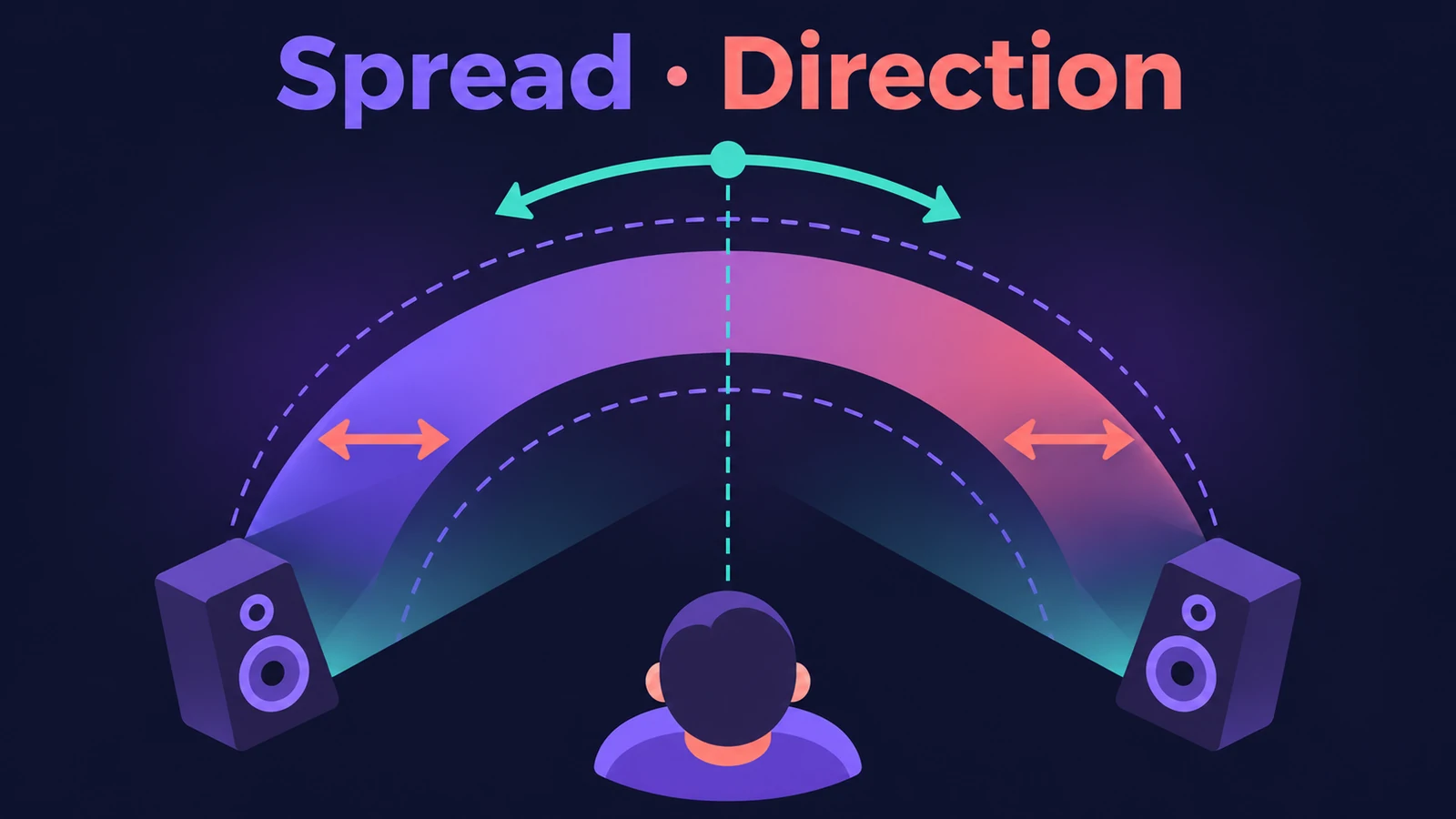 Direction Mixer in Logic ProUse Direction Mixer in Logic Pro to widen or narrow a stereo track, pan a stereo signal properly instead of balancing it, split by frequency and decode M/S.
-
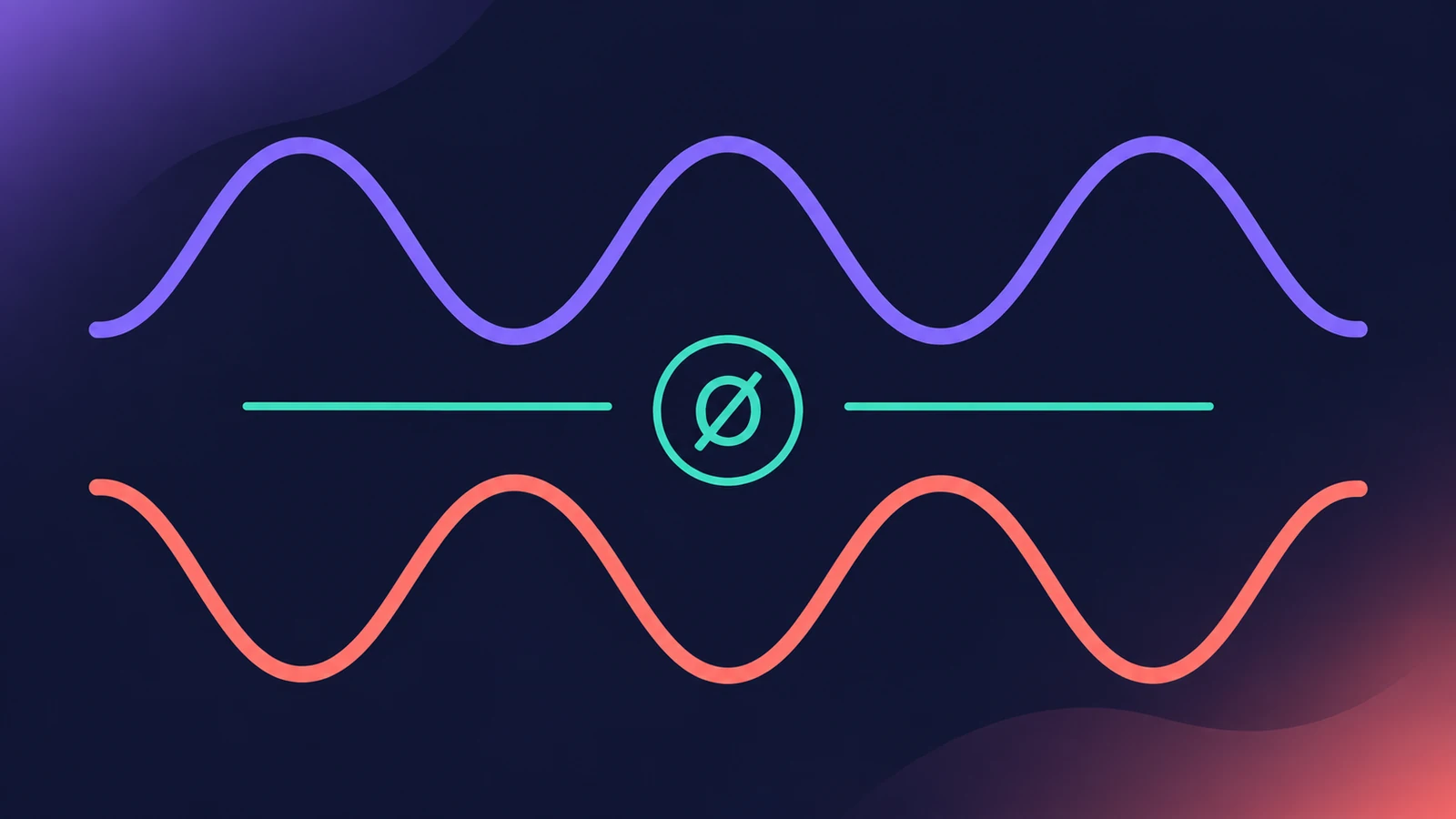 Gain plug-in in Logic ProUse Logic Pro's Gain plug-in to change level by dB, invert phase (polarity) on a snare-bottom mic, sum stereo to mono, swap left and right and adjust balance.
-
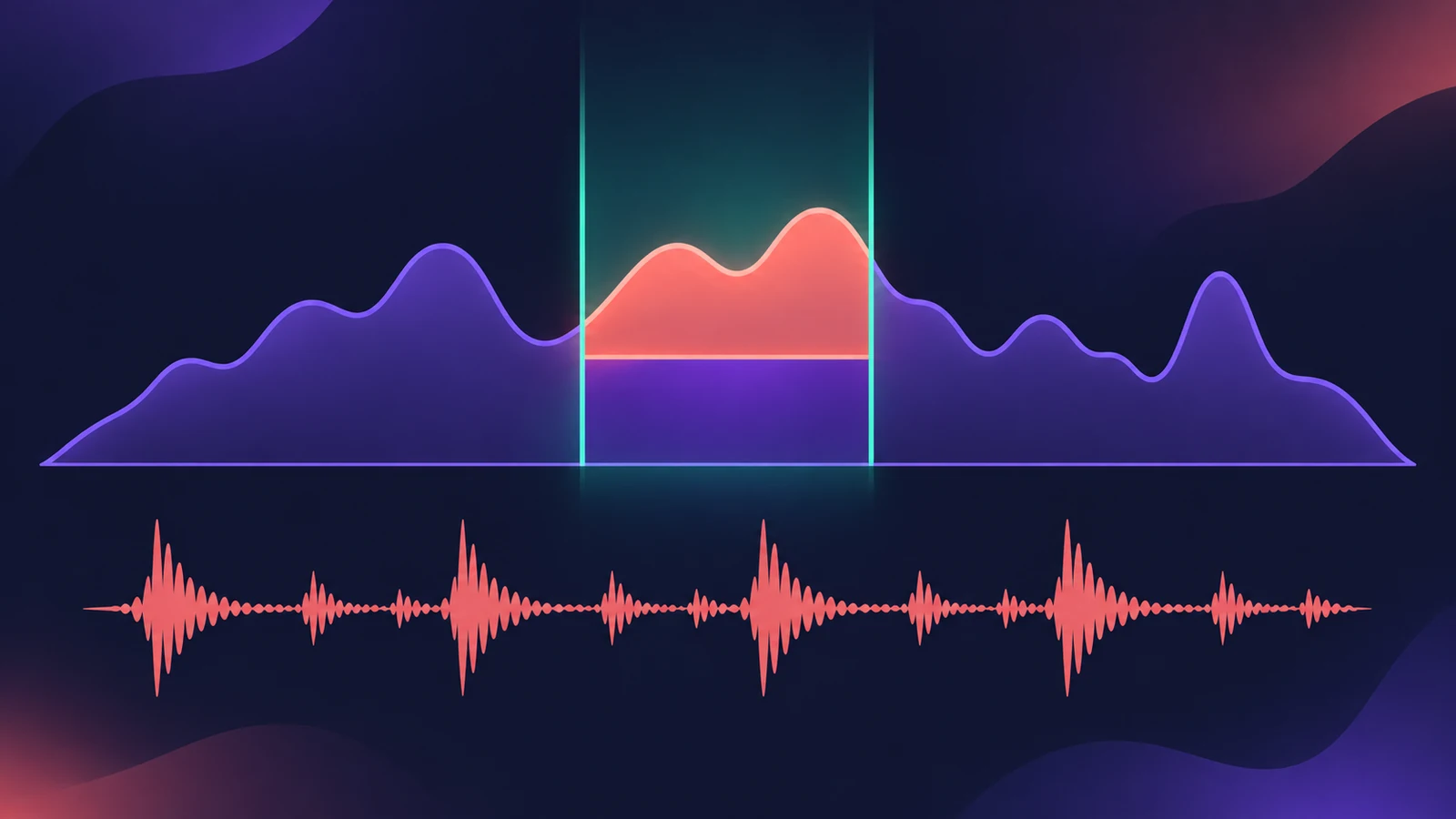 Spectral Gate in Logic ProUse Spectral Gate in Logic Pro for creative sound design: set Center Freq and Bandwidth, Threshold, Super and Sub Energy, blend the original and add modulation.
-
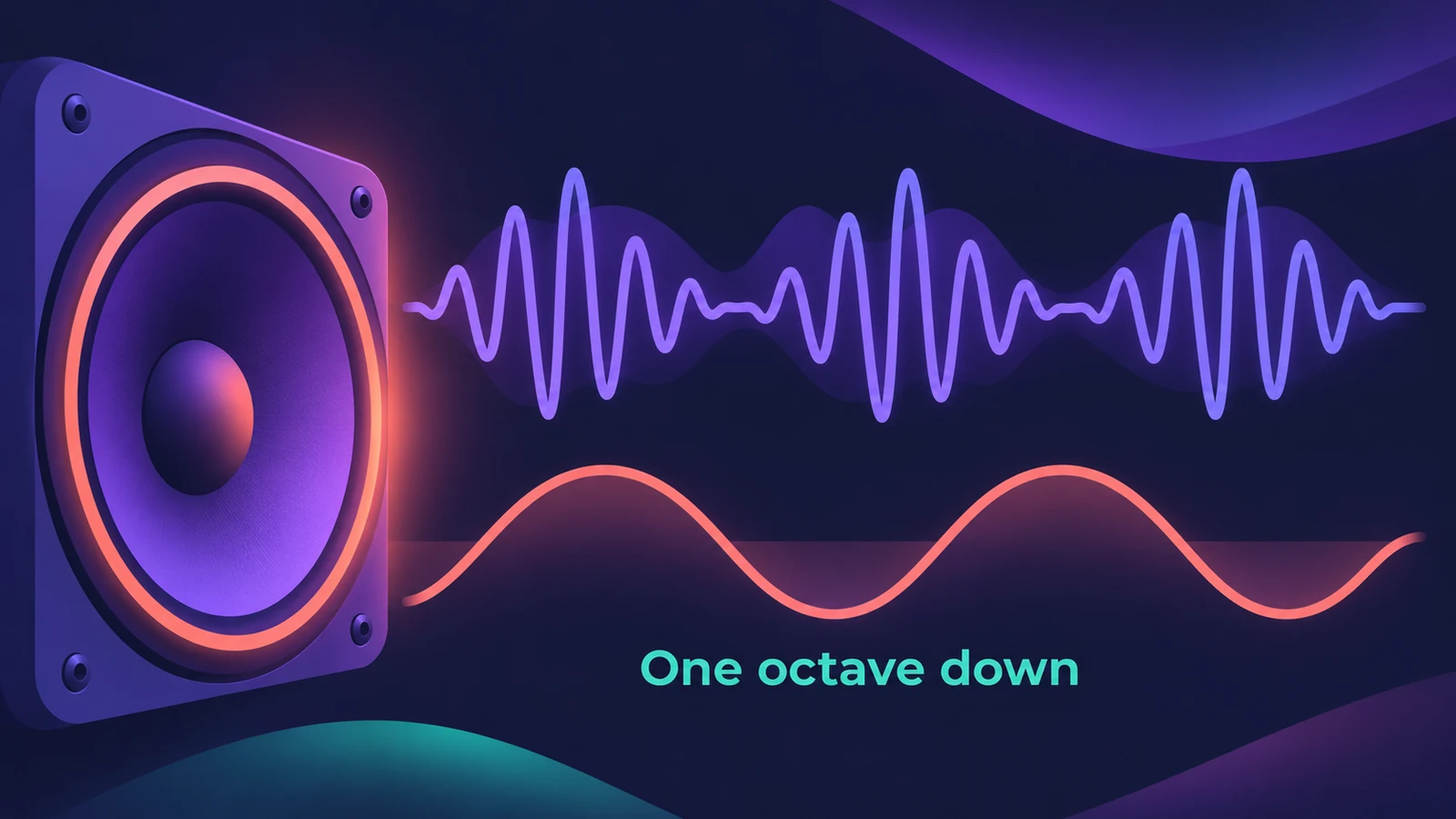 SubBass in Logic ProAdd sub-octave low end with SubBass in Logic Pro: set High and Low bands a fifth apart, use Ratio 2 for an octave down, blend Wet and Dry, watch the level.
-
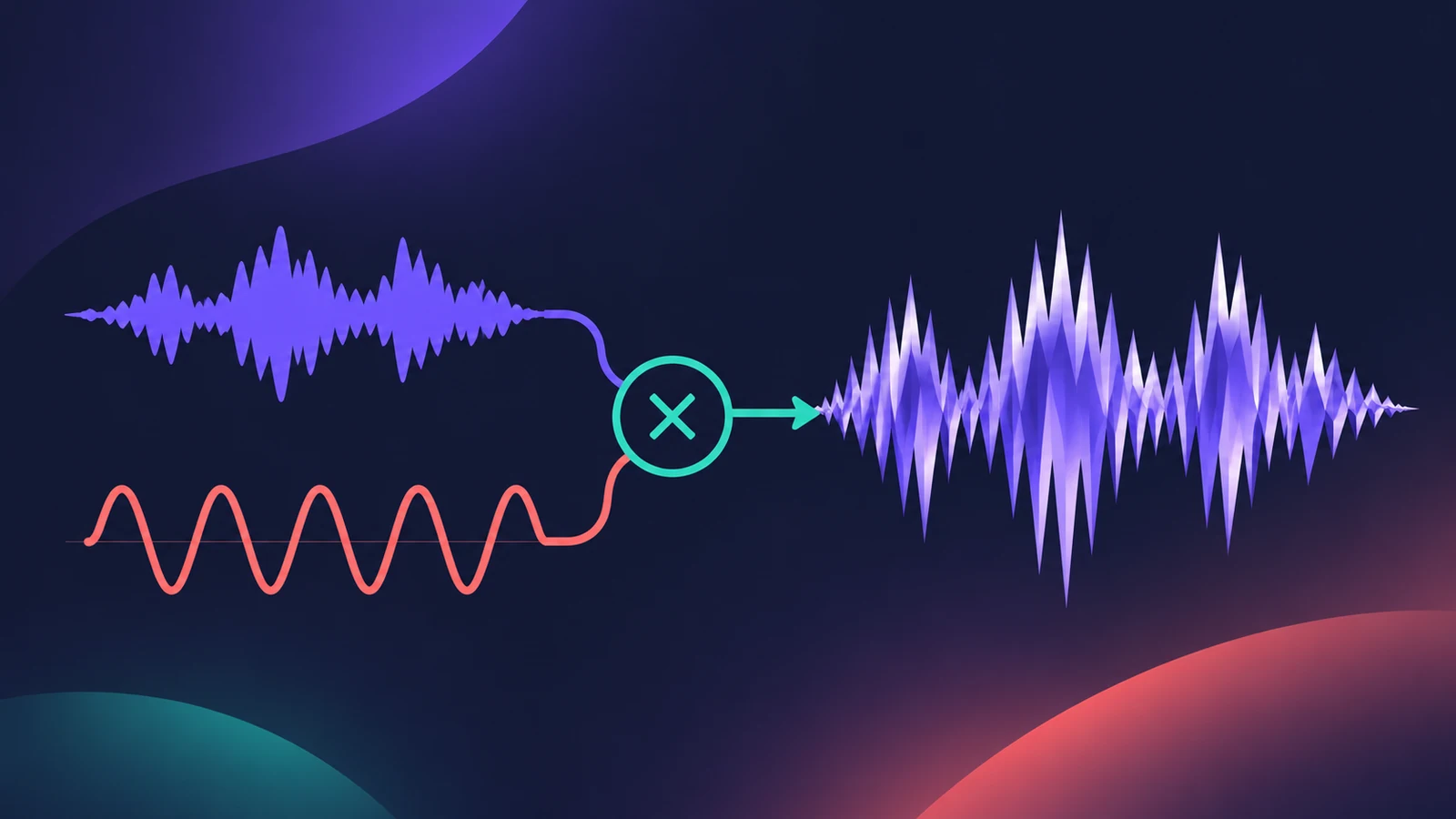 Ringshifter in Logic ProUse Ringshifter in Logic Pro as a ring modulator or frequency shifter: pick Single, Dual, OSC or Side Chain mode, set Frequency, add delay, LFO and envelope.
-
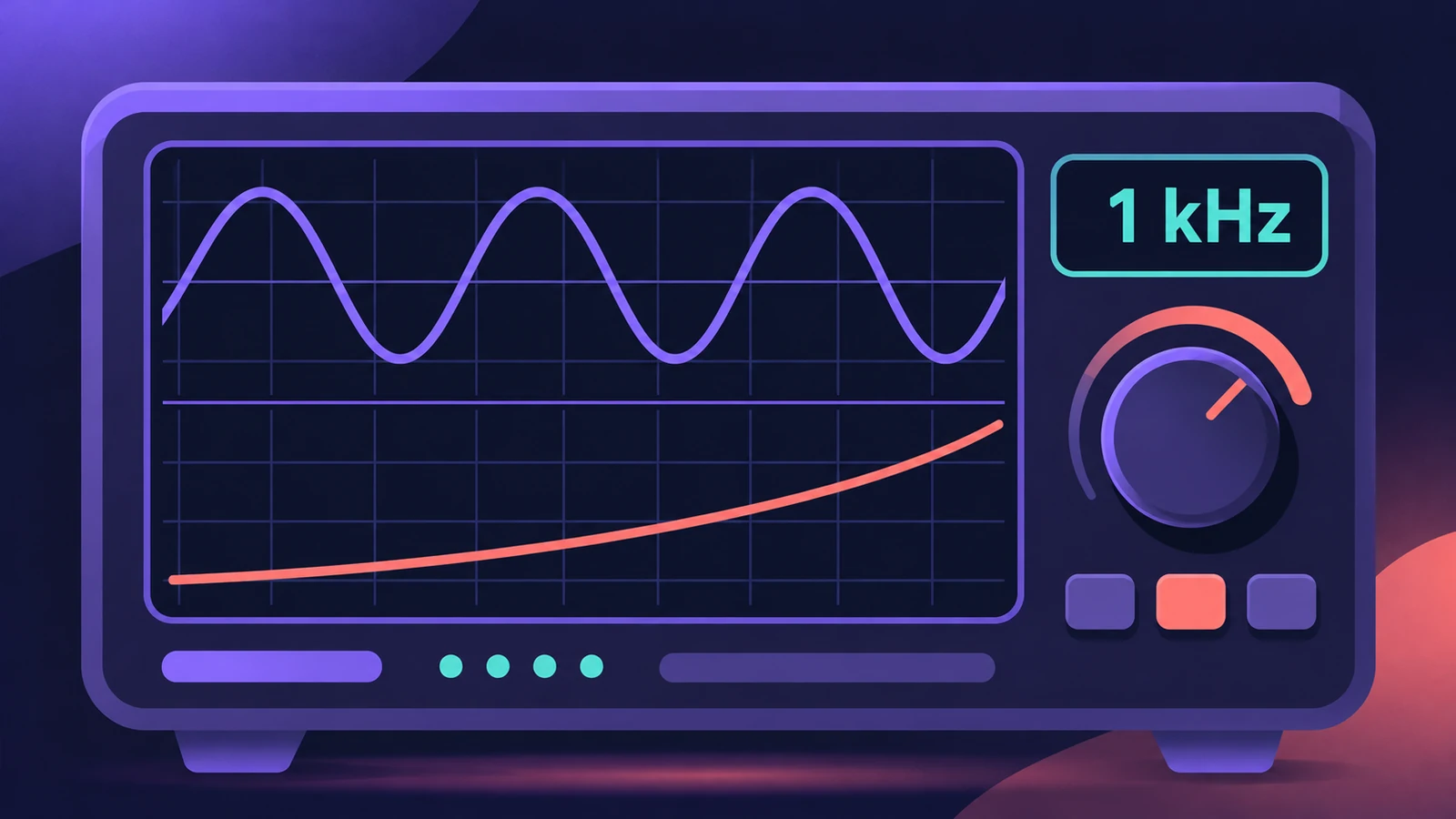 Test Oscillator in Logic ProGenerate a test tone or sine sweep with Logic Pro's Test Oscillator: insert it as an effect or instrument, set the frequency, sweep, and bypass to stop it.
-
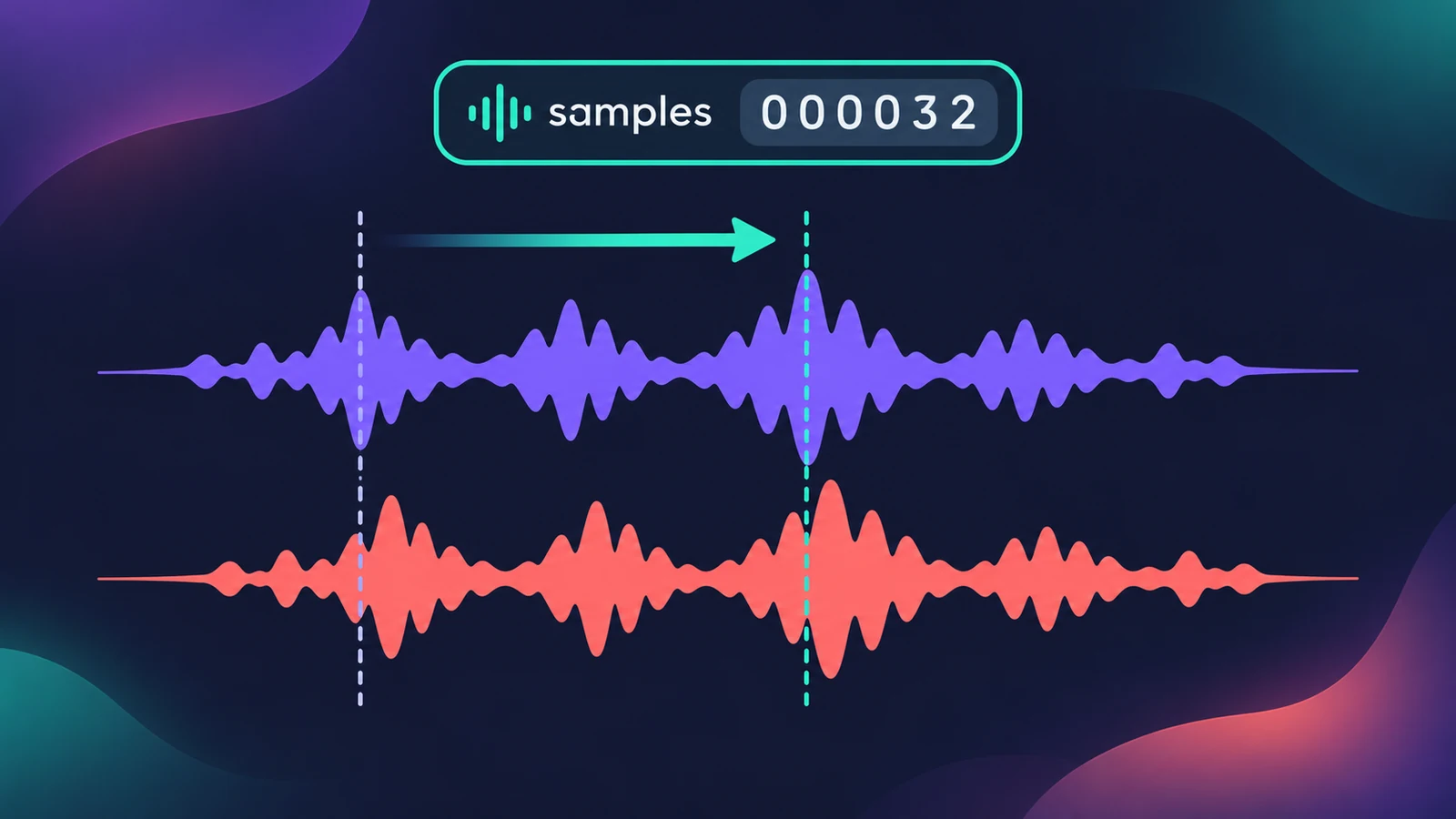 Sample Delay in Logic ProUse Sample Delay in Logic Pro to delay left or right by samples or milliseconds: align multi-mic recordings, fix stereo timing and create a Haas-style width.
-
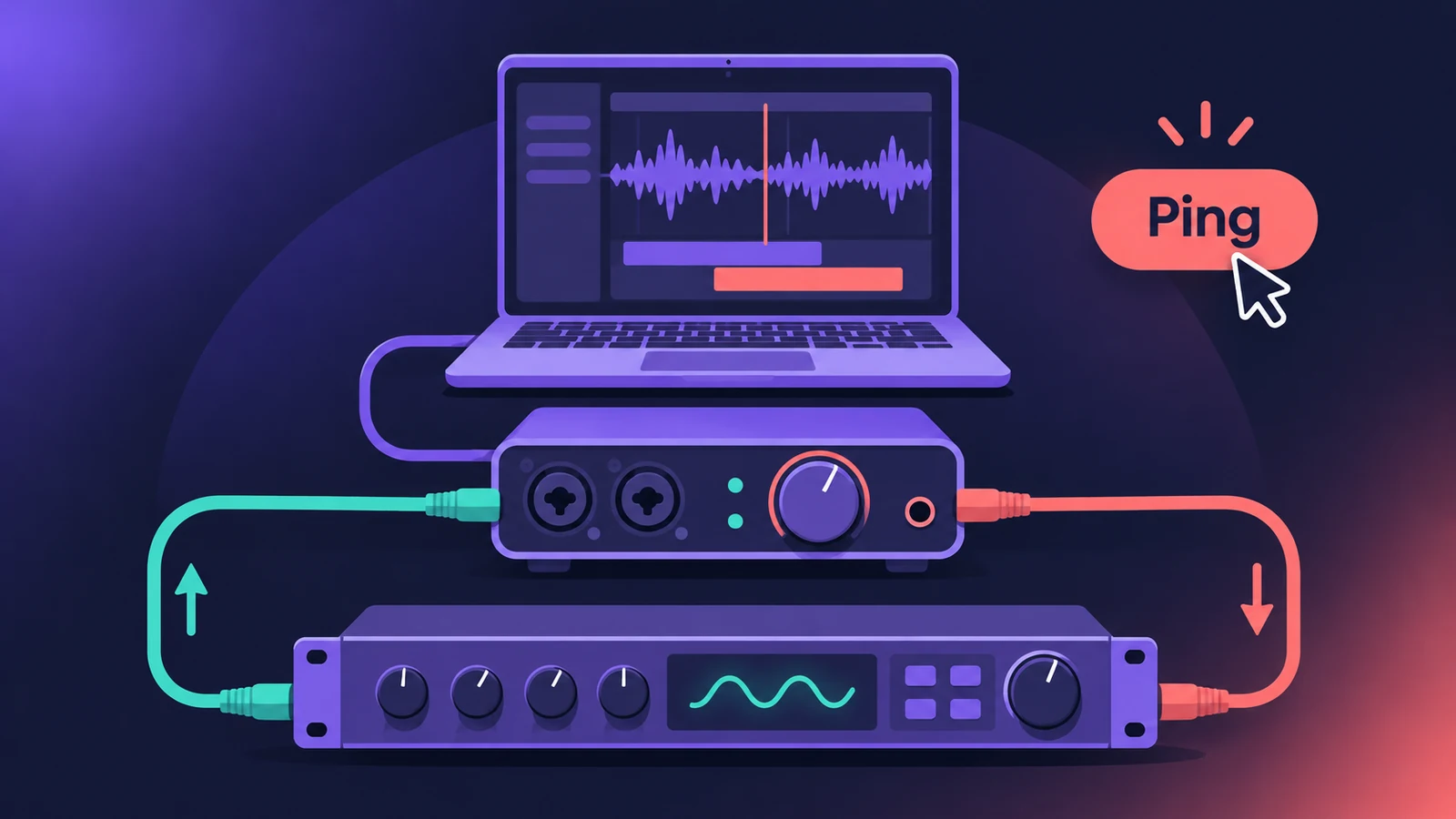 I/O utility in Logic Pro — use hardware effectsUse outboard gear in Logic Pro with the I/O utility: wire the interface to the effect, insert I/O on an aux, choose outputs and inputs, then Ping latency.
-
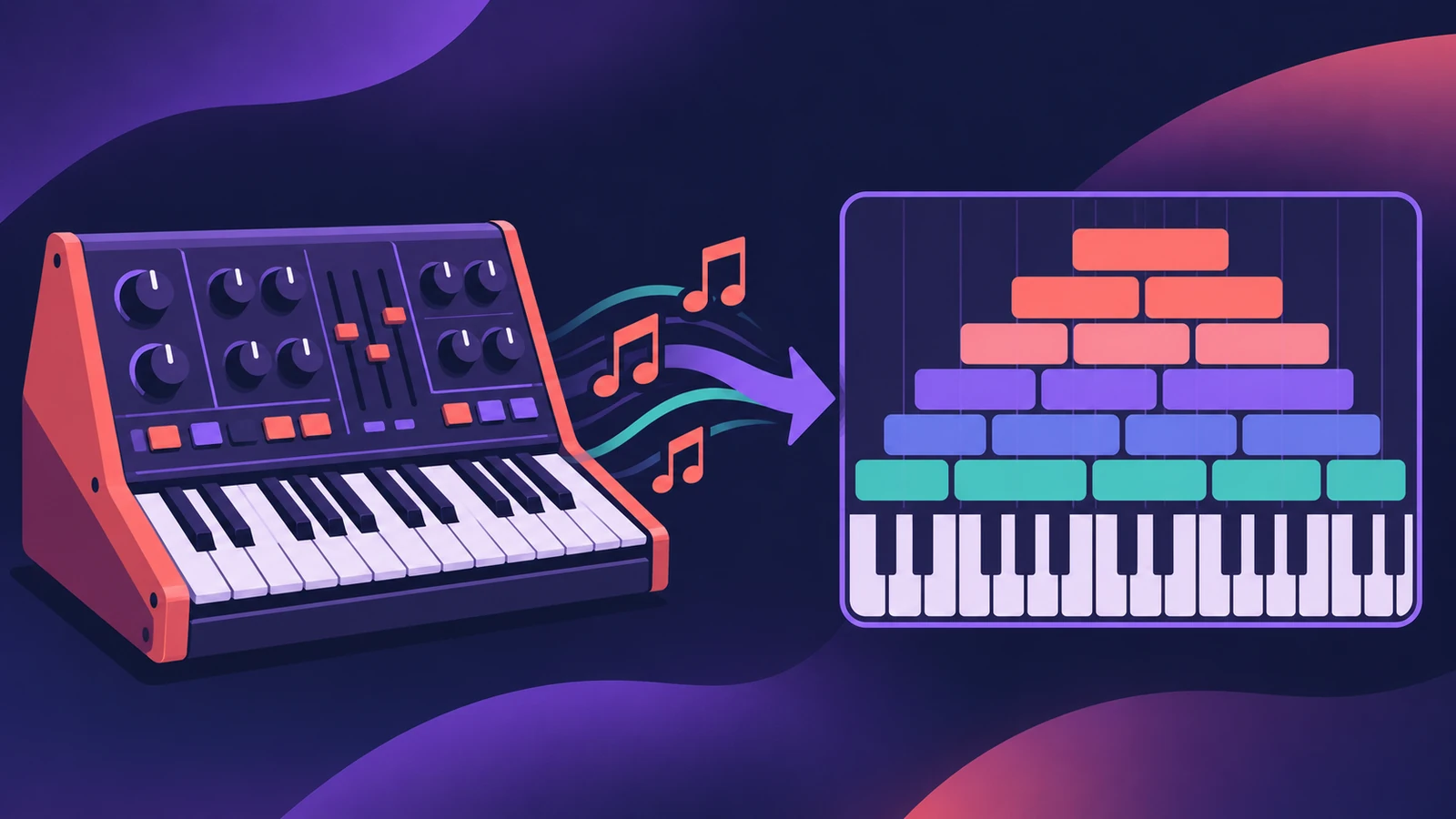 Auto Sampler in Logic ProTurn a hardware synth or software instrument into a Sampler instrument with Logic Pro's Auto Sampler: set range, Sample Every, velocity layers, then Sample.
-
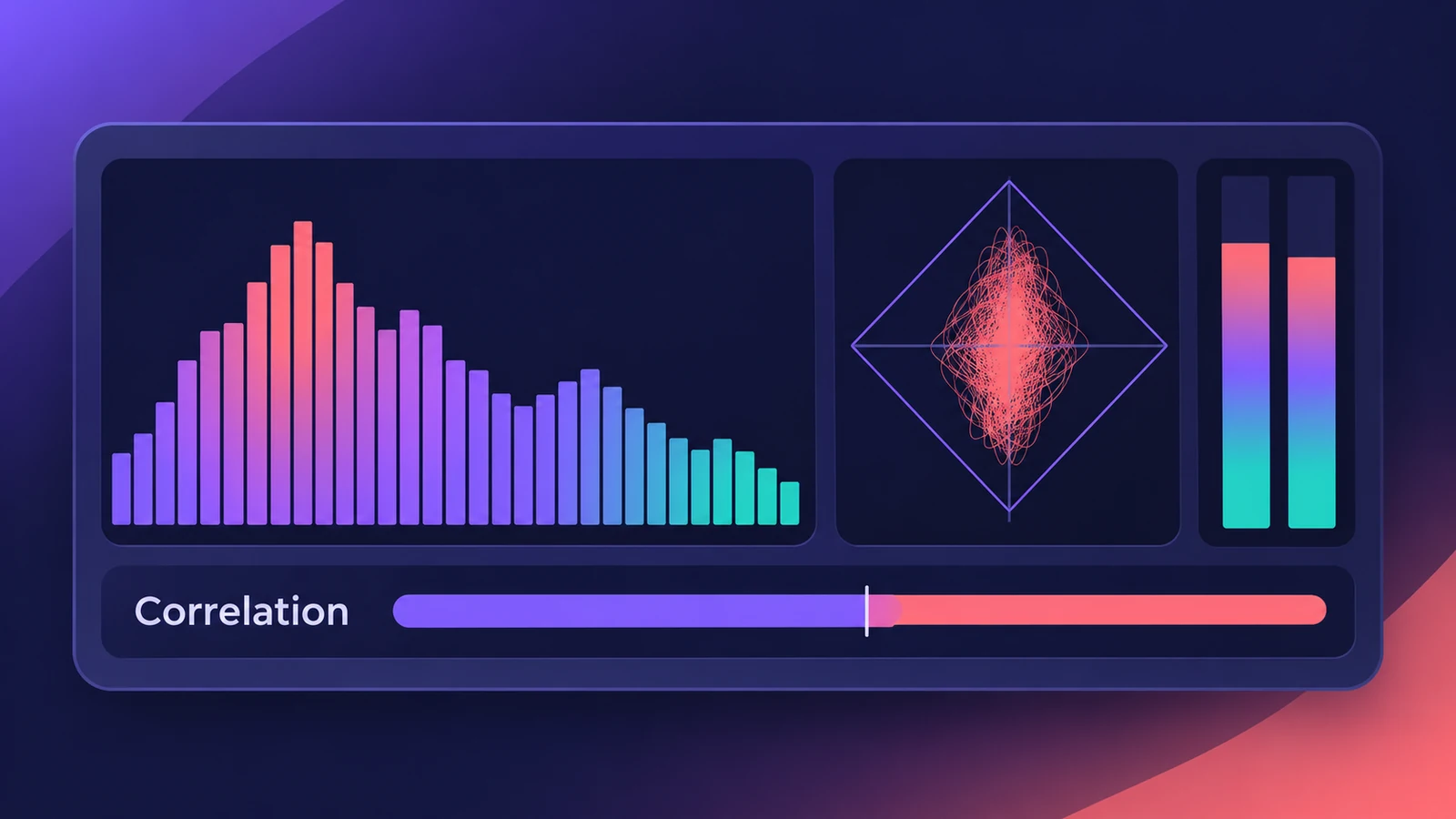 MultiMeter in Logic ProCheck a mix with Logic Pro's MultiMeter: spectrum Analyzer, Goniometer for stereo, Correlation meter for mono compatibility, Level and AES 128 Loudness meters.
Sources
- Apple — Logic Pro for iPad User Guide: Compressor main parameters
- Apple — Logic Pro for iPad User Guide: Dynamics processors overview
- Apple Support — About Vintage EQs in Logic Pro for Mac and MainStage
- Apple — Logic Pro for iPad User Guide: Linear Phase EQ
- Apple — Logic Pro for iPad User Guide: Multipressor
- Apple — Logic Pro for iPad User Guide: Adaptive Limiter
- Apple Support — Reduce sibilance in Logic Pro for Mac
- Apple — Logic Pro for iPad User Guide: ChromaGlow
Checked November 2026. Logic ProFiles is independent of Apple; menu names can differ slightly between Logic Pro versions.
Frequently asked questions
Which EQ should I use in Logic Pro?
+
Channel EQ for everyday mixing, Linear Phase EQ when phase coherence or mastering matters, Vintage EQs for colour, and Match EQ to match a reference.
What's the difference between Limiter and Adaptive Limiter?
+
Limiter stops peaks above the threshold; Adaptive Limiter is built to raise perceived loudness on a final mix. Both can detect true peaks.
Is ChromaGlow a distortion plug-in?
+
It's a saturation plug-in, listed with Logic Pro's distortion effects, with five models of analog-style warmth.
Related
- Logic Pro Compressor and its circuit typesLogic Pro's Compressor has seven circuit types — Platinum Digital, Studio and Classic VCA, Studio FET and Vintage VCA, FET and Opto. Pick one and set it up.
- ChromaGlow in Logic ProChromaGlow in Logic Pro adds analog-style warmth: what Retro Tube, Modern Tube, Magnetic, Squeeze and Analog Preamp do, their styles, Drive, Mix and filters.
- How to use Channel EQ in Logic ProLearn Logic Pro's Channel EQ: the eight bands, the high-pass and shelving filters, the Analyzer, Q-Couple and HQ mode, plus a simple workflow for cleaner mixes.
- Mix and master in Logic ProMix and master songs in Logic Pro with stock tools: vocal tuning, EQ, compression, sends, automation, Mastering Assistant, LUFS targets and Dolby Atmos.