Plug-ins
Sample Delay in Logic Pro
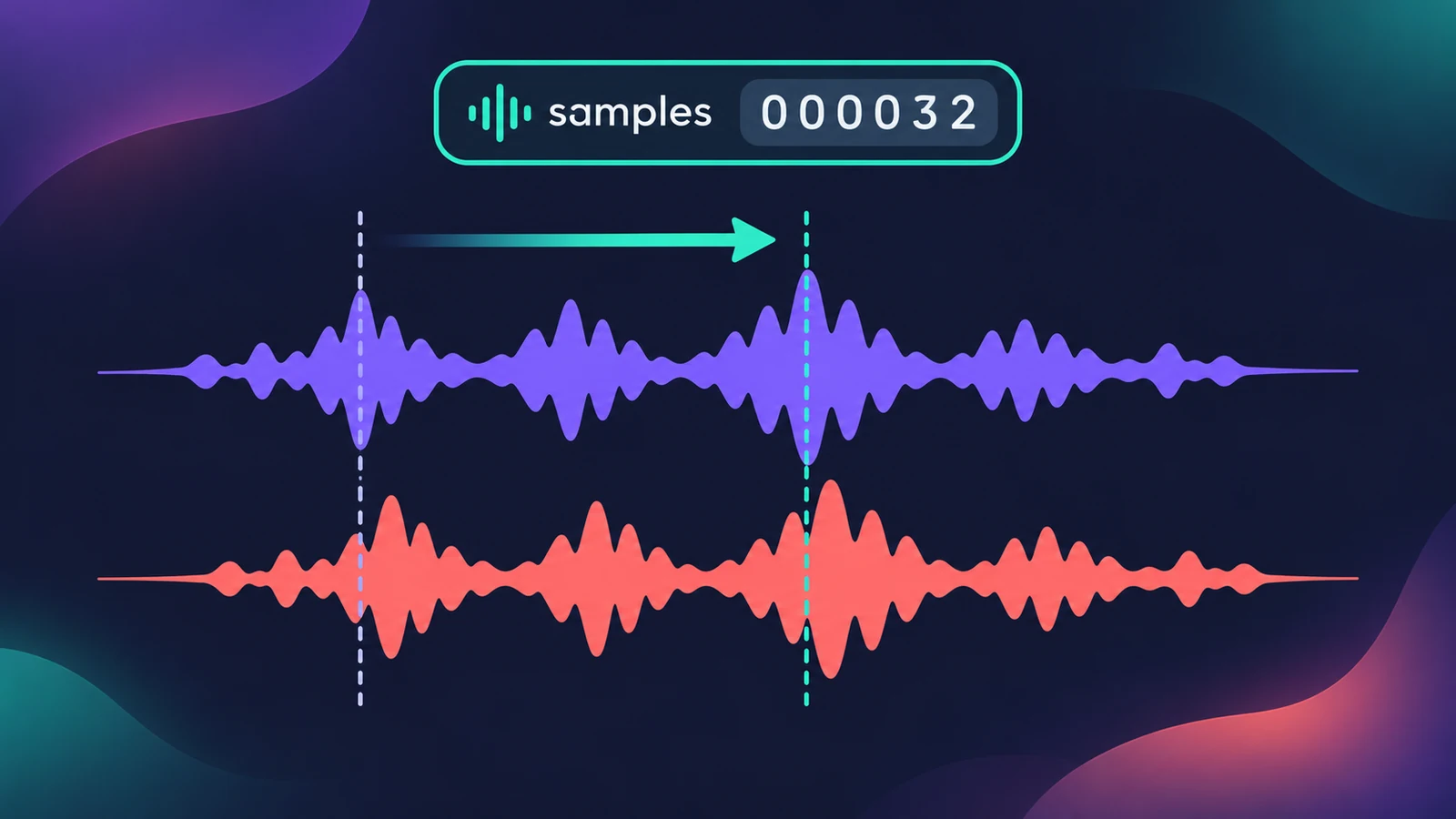
Sample Delay is more a utility than an effect. It delays the left and right channels by a number of samples or milliseconds — tiny amounts that can line up microphones, fix a stereo channel that's slightly late, or move a sound in the stereo field without panning.
 Owen Hartley
Where to find it
Audio Effect slot > Delay > Sample Delay
Sample Delay controls
| Control | What it does |
|---|---|
| Left / Right Delay | Delay each channel by samples or milliseconds |
| Link | Adjust both channels together |
| Samples / ms | Choose the unit |
Step by step
-
1
Insert Sample Delay
Choose Delay > Sample Delay on the track you want to shift.
-
2
Choose samples or milliseconds
Work in samples for alignment and milliseconds for wider stereo effects.
-
3
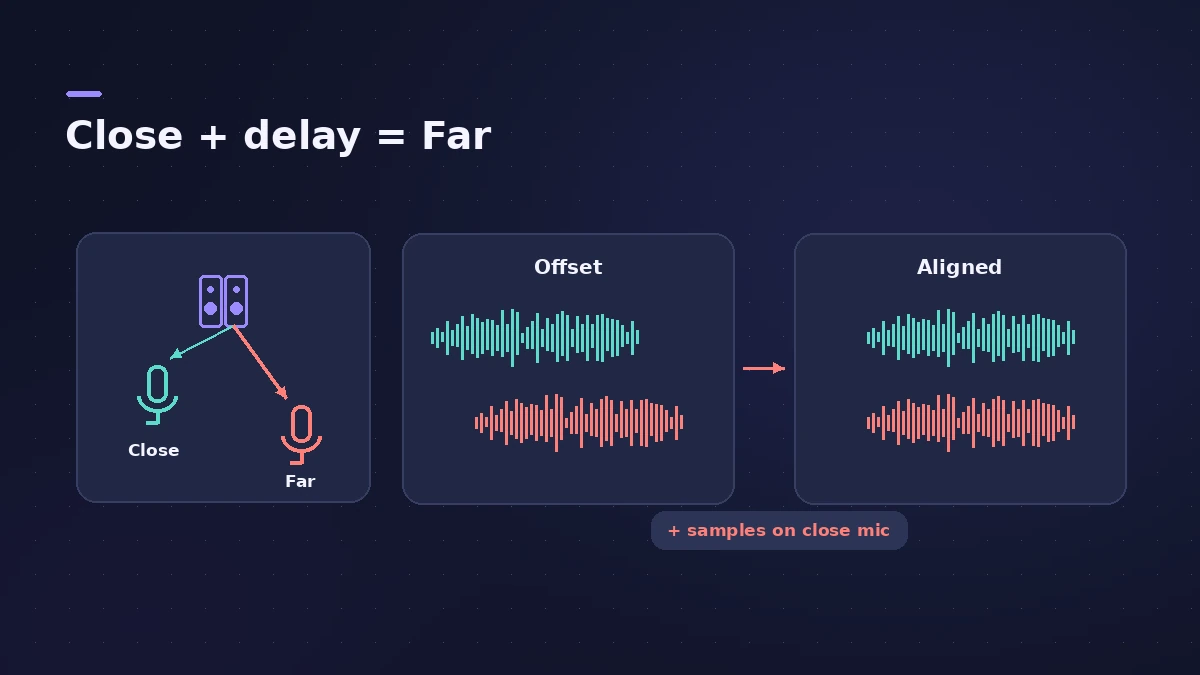
Align microphones
Delay the closer microphones so their waveforms line up with the farthest one, checking by ear and against the waveforms.
-
4
Fix one late channel
If one side of a stereo recording is slightly late, delay the other side until they match.
-
5
Link for equal delays
Turn on Link to delay both channels by the same amount.
Common mistakes
- Adding width with a channel delay and never checking the mix in mono.
- Using milliseconds where a few samples are enough for alignment.
Phase tools together
Combine it with the Gain plug-in's Phase Invert, and convert values with the samples to ms calculator. For echoes, see Stereo Delay.
Sources
- Apple — Logic Pro for iPad User Guide: Sample Delay
- Apple (Germany) — Logic Pro for iPad User Guide 3.0: Sample Delay
- Apple — Logic Pro 9 Effects: Sample Delay (old)
- Ask.Audio — Phase correction using Logic's Sample Delay plug-in
- CreativeLive — Tomas George: Sample Delay and Haas effect in Logic Pro
Checked November 2026. Logic ProFiles is independent of Apple; menu names can differ slightly between Logic Pro versions.
Frequently asked questions
How many samples equal 10 cm of mic distance?
+
Apple's older effects guide says delaying one channel of a stereo mic by 13 samples emulates a 10 cm separation.
Does Sample Delay make echoes?
+
No. It shifts timing by small amounts; for echoes use Stereo Delay, Tape Delay or Delay Designer.
Related
- Logic Pro delays comparedWhich Logic Pro delay to use: Stereo Delay for ping-pong, Tape Delay for warm echoes, Delay Designer for multitap rhythms, Sample Delay for alignment.
- Gain plug-in in Logic ProUse Logic Pro's Gain plug-in to change level by dB, invert phase (polarity) on a snare-bottom mic, sum stereo to mono, swap left and right and adjust balance.
- Samples to milliseconds calculatorConvert samples to milliseconds and milliseconds to samples at any sample rate — useful for recording offsets, latency figures and sample delay settings.
- How to record drums in Logic ProRecord a drum kit in Logic Pro: start with overheads, add kick and snare mics, give each mic its own input and track, then group them in a Track Stack.
- Stereo Delay in Logic ProUse Stereo Delay in Logic Pro: set delay, feedback and mix for each side, sync to tempo with note values, use crossfeed for ping-pong and filter the repeats.
- Plug-ins in Logic ProGuides to Logic Pro's stock plug-ins: Compressor, EQs, limiters, Pitch Correction, Amp Designer, Pedalboard, ChromaGlow, ChromaVerb, Space Designer and delays.