How we test
Tutorials, fixes, prices and gear recommendations each get their own checks before a page goes live. Here they are, so you can judge how far to trust each page.
 Owen Hartley
Updated
The four checks every guide passes
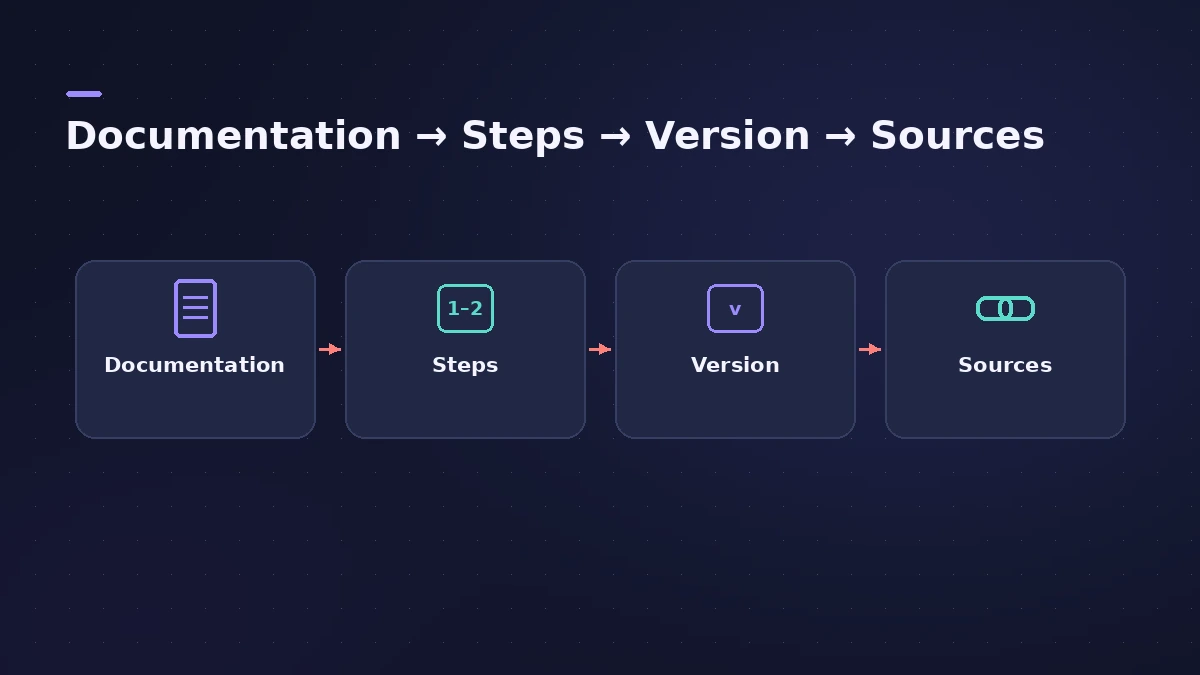
- Documentation. Each step is matched to the current Logic Pro User Guide or an Apple Support article.
- Steps in order. Menus and buttons are named exactly as they appear in the current version, in the order you click them.
- Version. The page records which Logic Pro version it was checked for. When Apple renames a setting, the page is updated.
- Sources. Everything the page relies on is linked at the end.
Tutorials
A tutorial starts from a new, empty project and lists every setting it depends on — sample rate, I/O buffer size, which patch or plug-in. If a feature needs an Apple silicon Mac, a newer macOS or a Creator Studio subscription, the page says so before step one.
Error fixes
Fix pages list the likely causes first and the fixes in order of effort, starting with what Apple recommends. A fix that only works on some systems is labelled as such, and every fix ends with a way to confirm it worked.
Prices and requirements
Prices and system requirements are read from Apple's App Store listings and support pages on the date shown. When Apple's pages disagree, both figures are shown with their source.
Gear
Hardware recommendations are based on the manufacturer's published specifications and compatibility statements, and on Apple's requirements for Logic Pro. We say what a pick is good for and what it costs — not that we measured something we did not.
Calculators
Our audio calculators print their formulas next to the inputs, so you can check the arithmetic yourself.
Related
- Editorial policyHow Logic ProFiles researches, sources, dates and corrects its Logic Pro guides — which sources we trust, how we handle versions and how to report an error.
- About Logic ProFilesLogic ProFiles is an independent guide to Apple's Logic Pro: who writes it, what we cover, how we check every setting and how we are funded.
- Audio calculatorsFree audio calculators for Logic Pro: buffer latency, file size, BPM to delay time, bars to time, tempo change, samples to ms and note frequency.