Gear
Gear for Logic Pro
Logic Pro runs on every Mac Apple sells today, from the MacBook Neo to the Mac Studio. What decides how big your projects can get is mostly memory and storage — and both are fixed when you buy. These guides cover choosing a Mac, sizing RAM, moving sounds to an external drive and connecting controllers.
 Owen Hartley
Buy for what you can't change
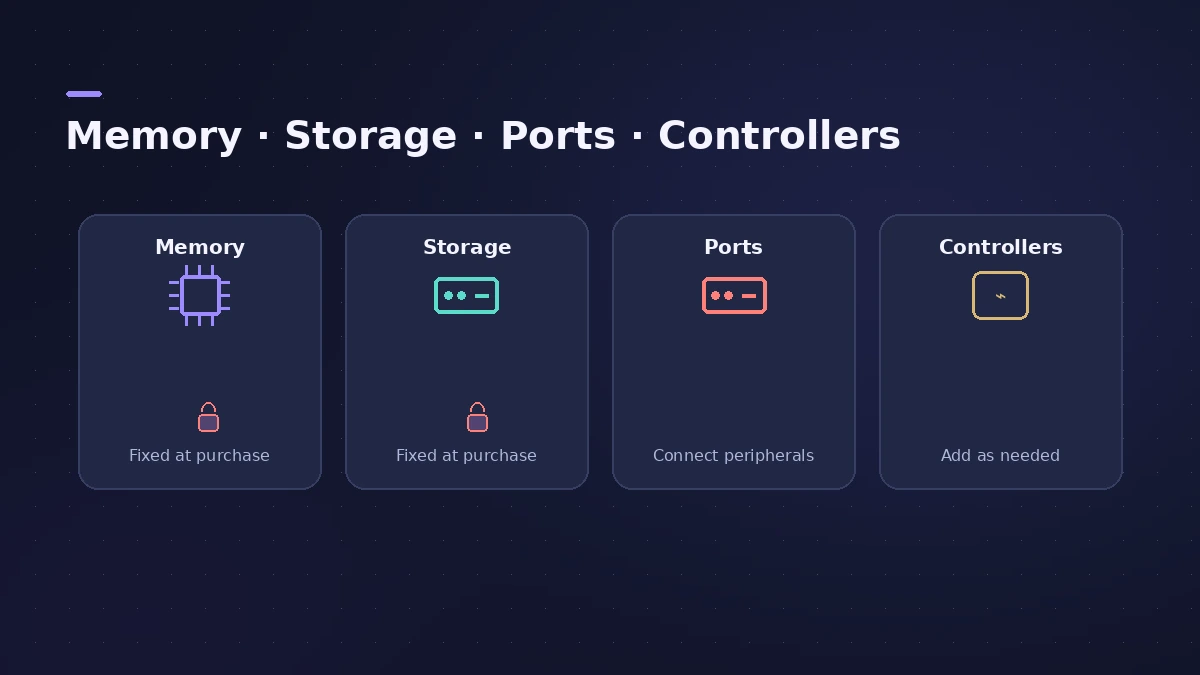
On a Mac with Apple silicon you can add an external SSD, an audio interface or a controller at any time — but not more memory or internal storage. Start with how much RAM you need, then pick a model in best Mac for Logic Pro. For connecting an interface, see audio interface setup.
Studio gear and setup
Choosing hardware: an audio interface, a MIDI keyboard controller, headphones and a dynamic or condenser mic. Setting up the room: monitor placement and acoustic treatment.
Connecting it to your Mac
Configure devices in Audio MIDI Setup, combine interfaces with an aggregate device, connect a Bluetooth MIDI keyboard and sync drum machines with MIDI clock.
All gear guides
-
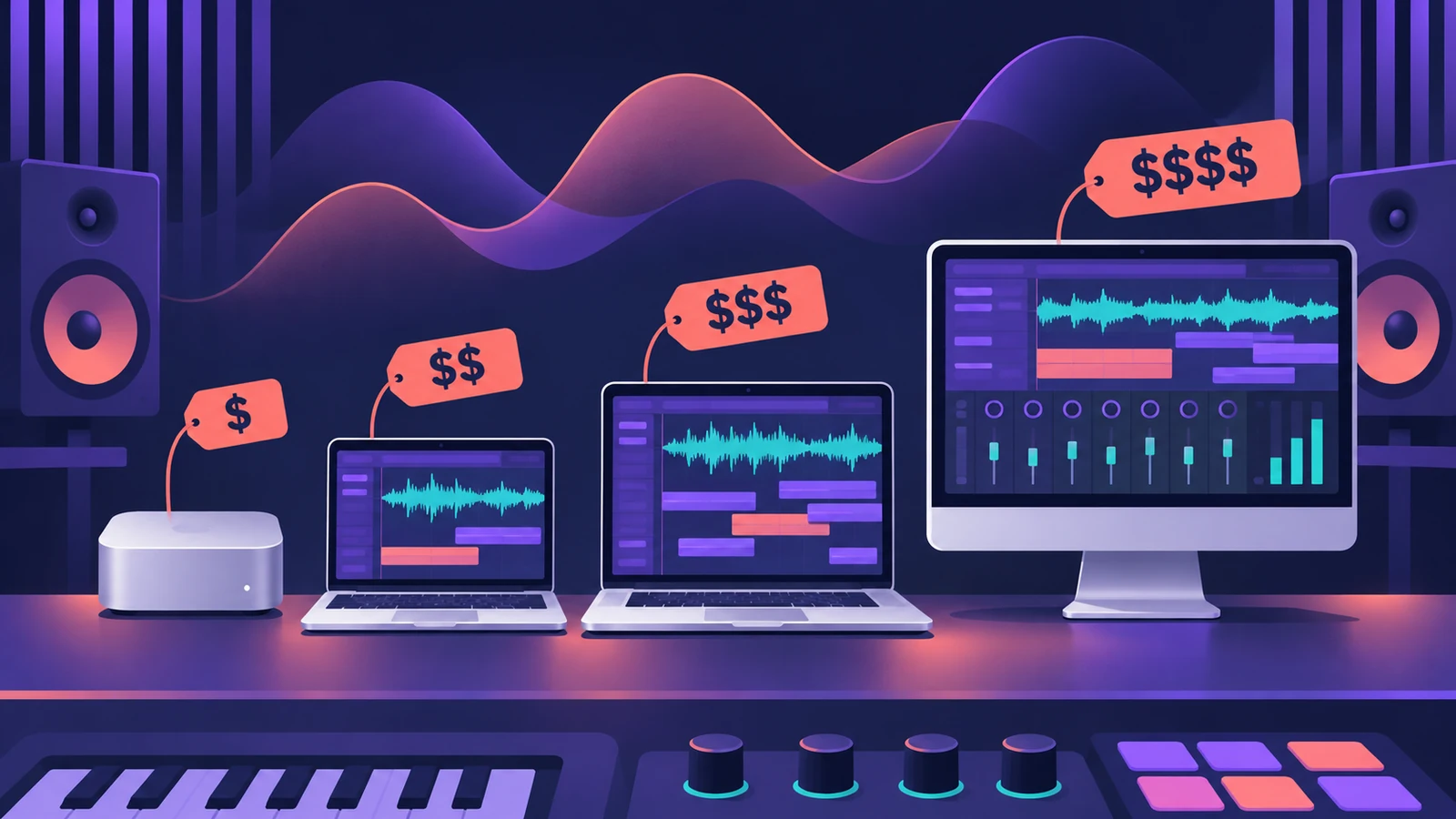 Best Mac for Logic Pro in 2026Best Mac for Logic Pro in 2026: Mac mini M6 from $899, M5 Pro mini, Mac Studio M5 Max and Ultra, MacBook Air and Pro — which suits your projects and budget.
-
 Best MacBook for Logic Pro in 2026Best MacBook for Logic Pro in 2026: MacBook Neo for beginners, MacBook Air M5 for most, MacBook Pro M6 or M5 Pro/Max for big sessions. Ports, memory and prices.
-
 Is the MacBook Neo good for Logic Pro?Is the MacBook Neo good for Logic Pro? MusicRadar played 171 tracks of stock plug-ins at a 32-sample buffer, but 8 GB is fixed and there's no Thunderbolt.
-
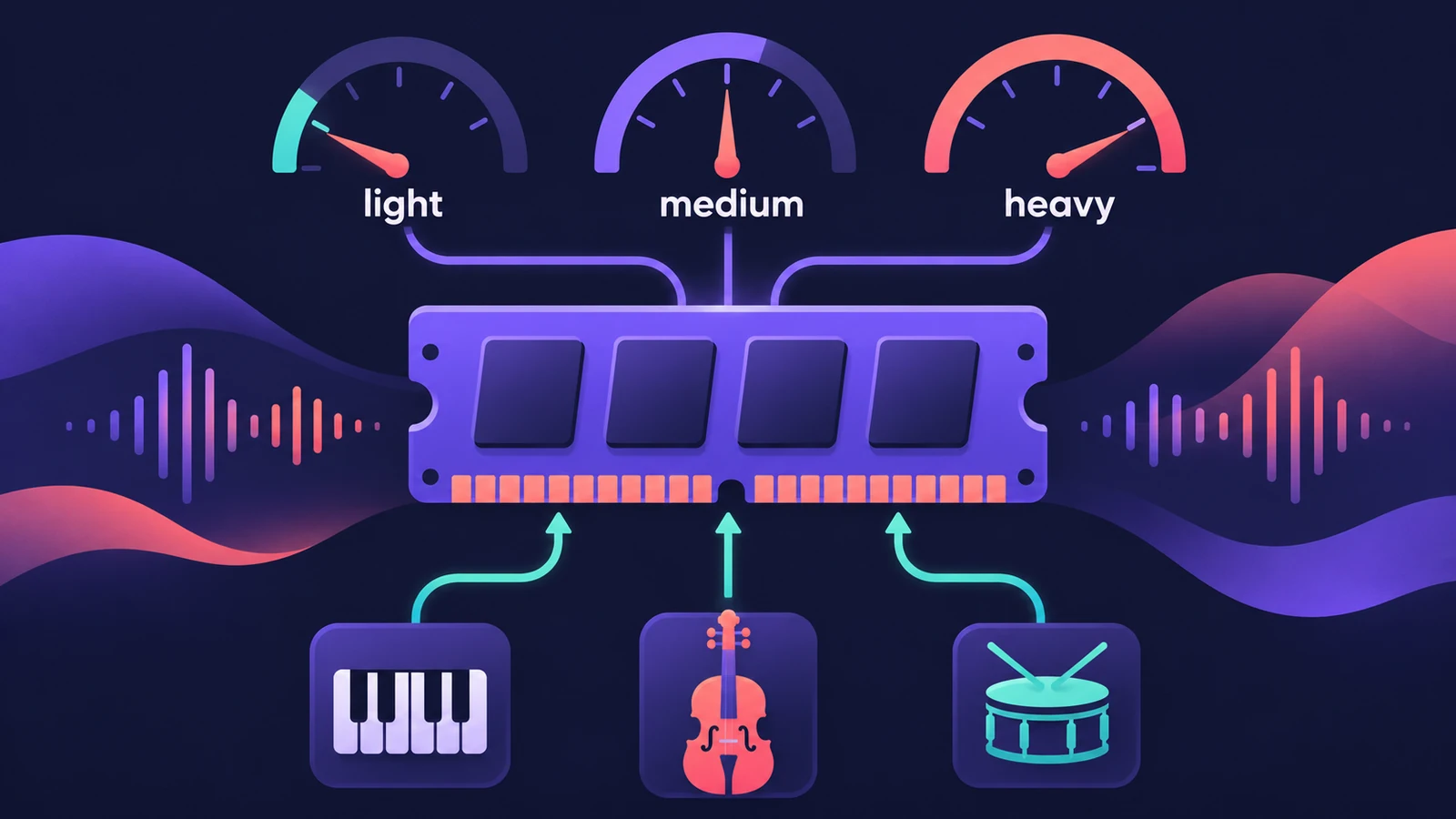 How much RAM do you need for Logic Pro?How much RAM for Logic Pro: 16 GB for MIDI and light plug-ins, 32 GB for mixing, 64 GB+ for big orchestral templates. Memory is fixed when you buy.
-
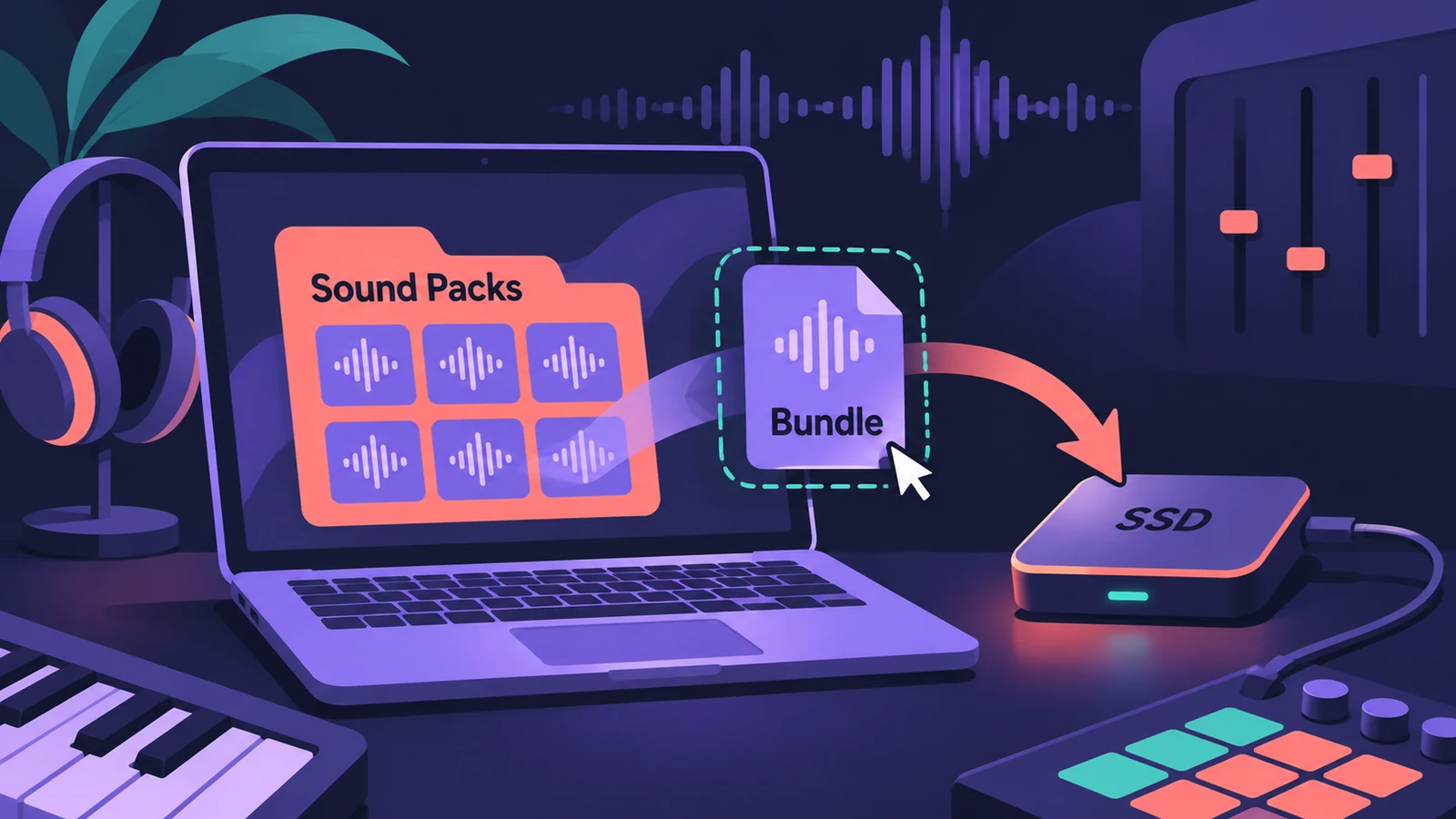 Move the Logic Pro Sound Library to an external SSDMove the Logic Pro Sound Library to an external SSD or USB drive: in Logic Pro 12+ drag Logic Pro Library.bundle; older versions use Relocate Sound Library.
-
 Control surfaces in Logic ProUse a control surface with Logic Pro: Mackie Control units are detected automatically, HUI devices are added in Control Surfaces > Setup, EuCon uses EuControl.
-
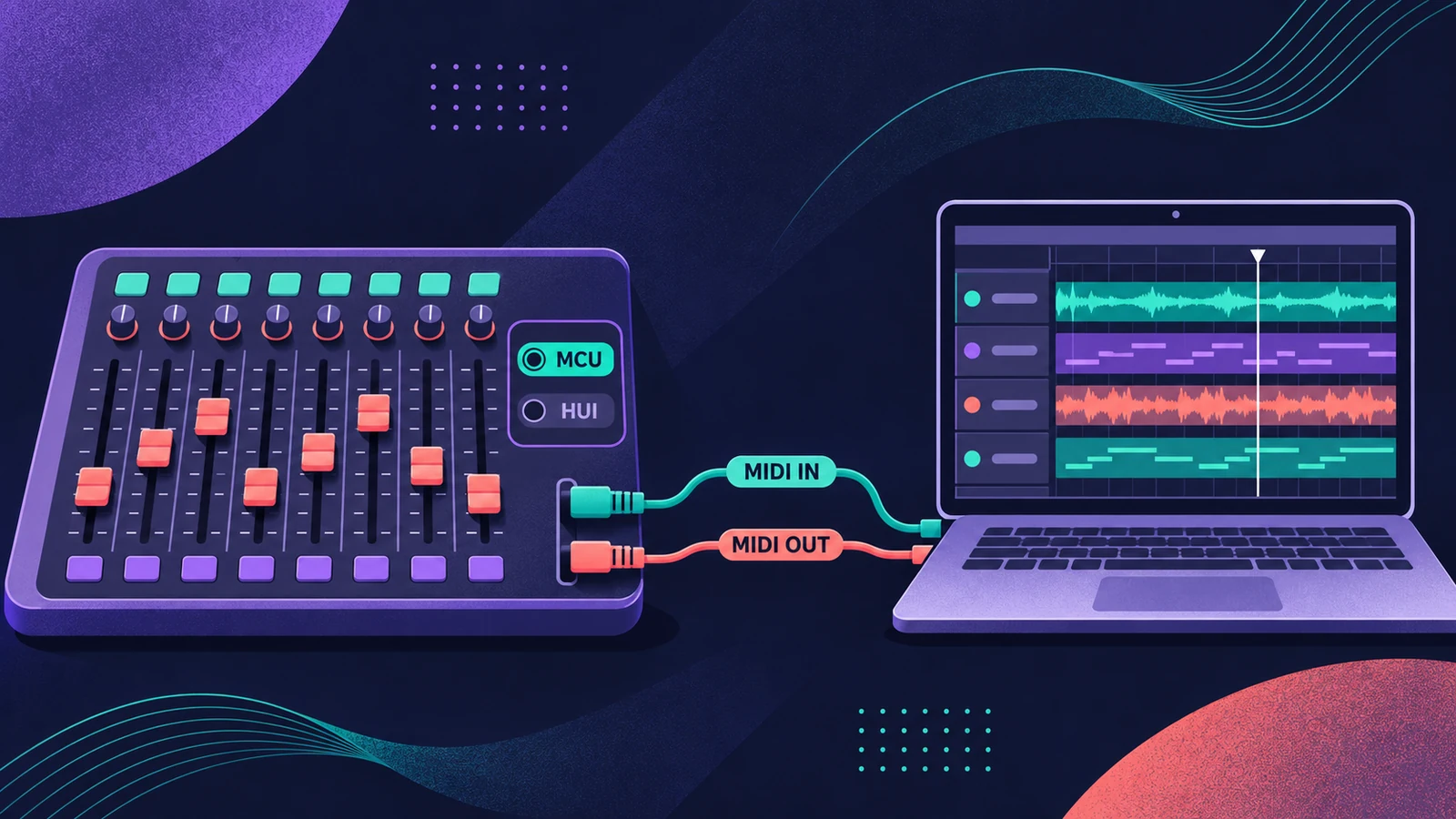 Mackie Control and HUI controllers in Logic ProSet up a Mackie Control or HUI controller in Logic Pro: Mackie units are detected automatically; add HUI in Control Surfaces > Setup with both MIDI ports.
-
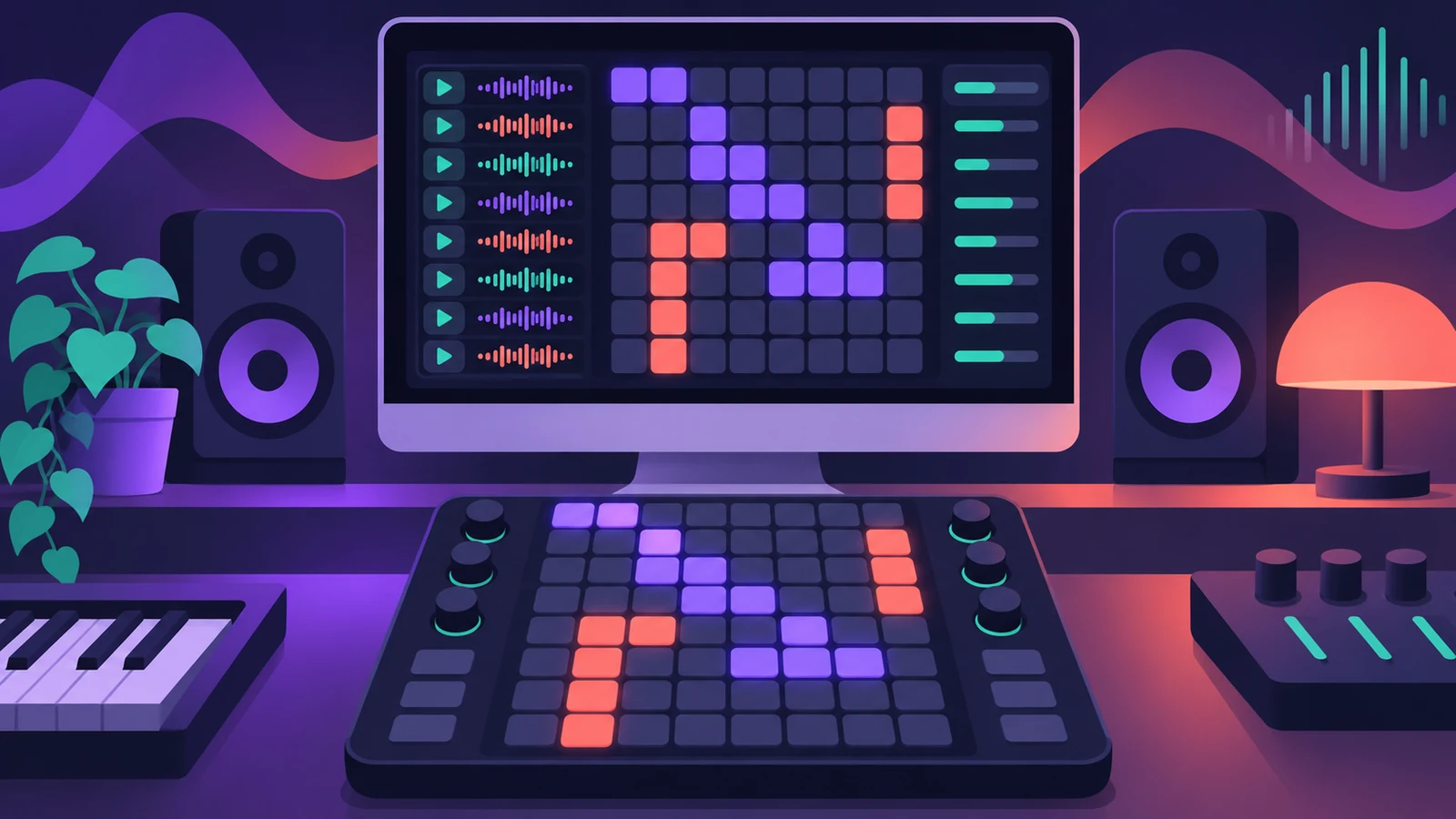 Use a Launchpad with Logic Pro Live LoopsControl Logic Pro Live Loops with a Novation Launchpad: Apple supports it in the Control Surfaces guide for triggering cells, scenes and mixing parameters.
-
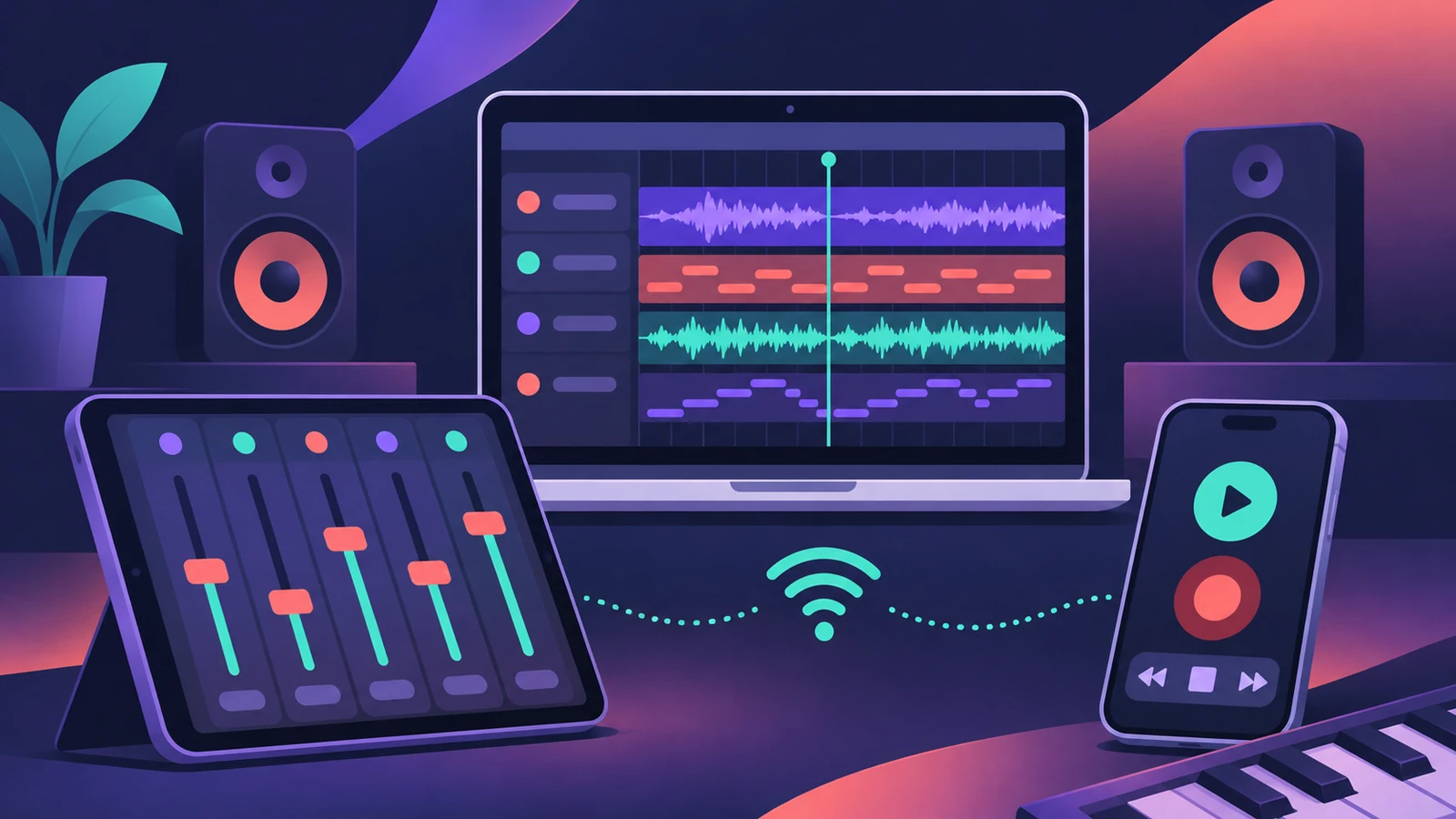 Logic Remote — control Logic Pro from an iPad or iPhoneLogic Remote is Apple's free app that turns an iPad or iPhone into a Logic Pro mixer, transport and Touch Instrument. Connect over Wi-Fi or USB in a few taps.
-
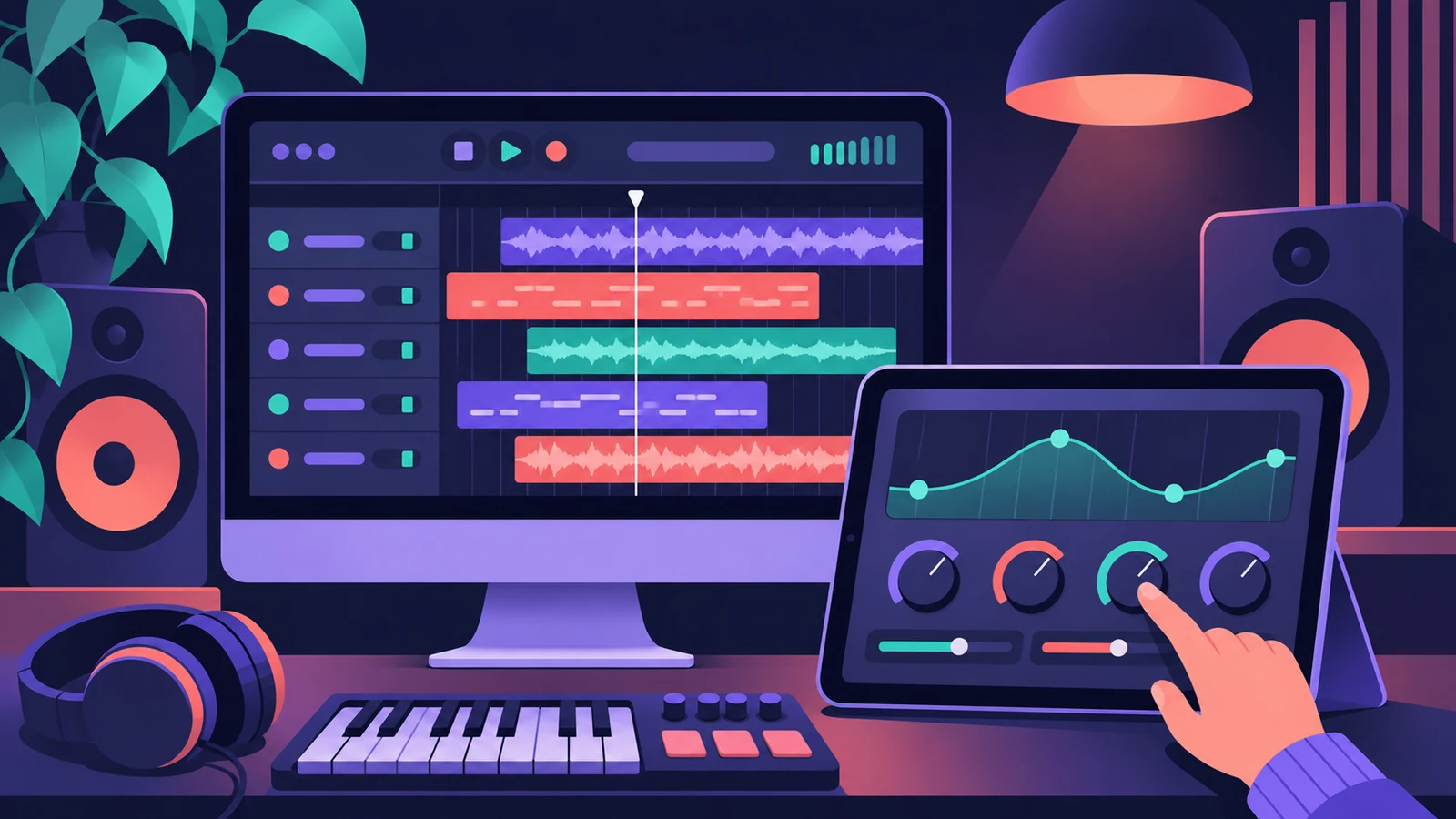 Use an iPad with Logic Pro 13 through SidecarUse an iPad as a touch screen for Logic Pro 13 with Sidecar: plug-in windows resize to fit. Setup, requirements and how it differs from Logic Remote.
-
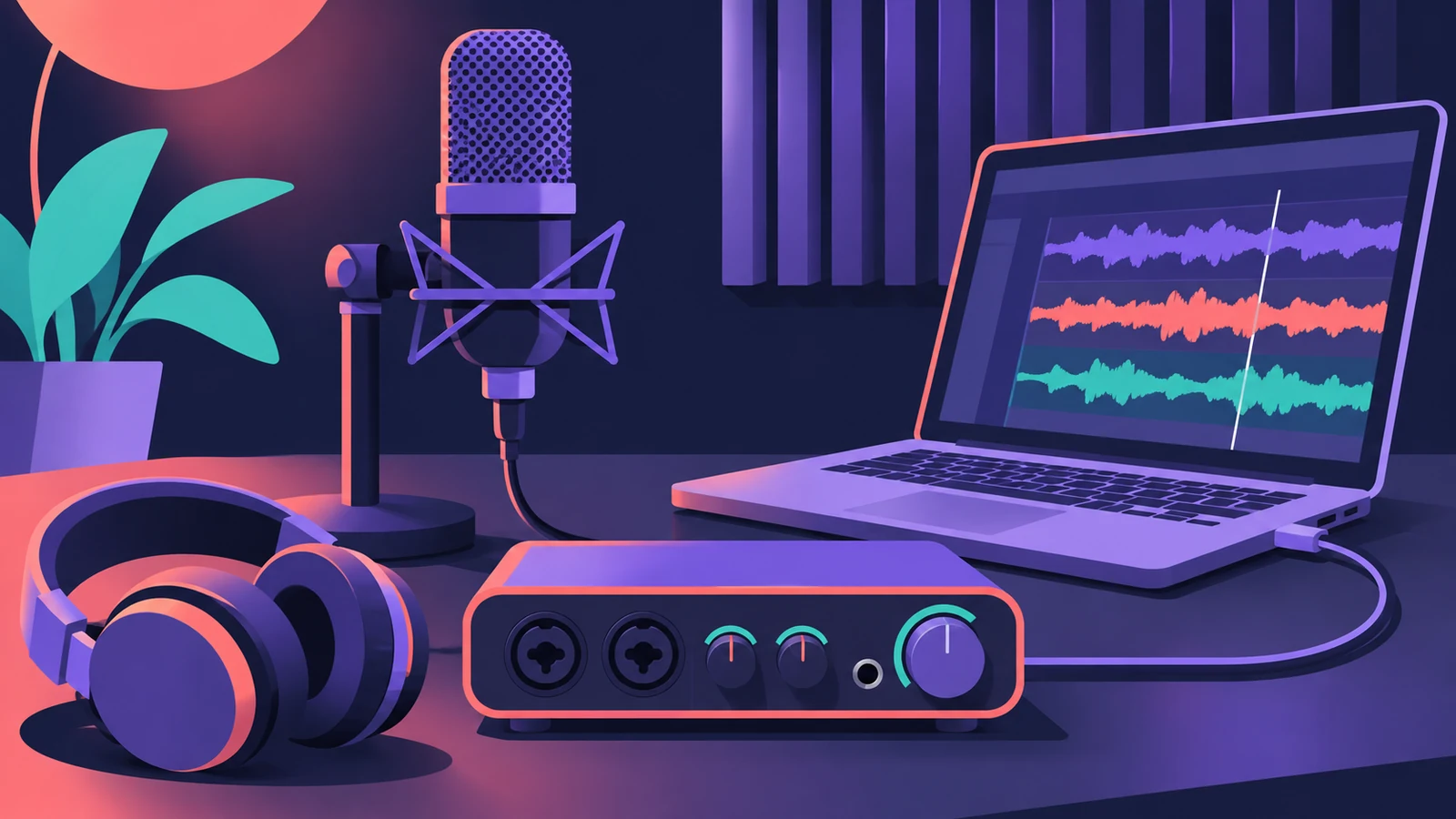 Choosing an audio interface for Logic ProWhat to look for in an audio interface for Logic Pro: class-compliant drivers, enough inputs, phantom power for condenser mics, direct ports and latency.
-
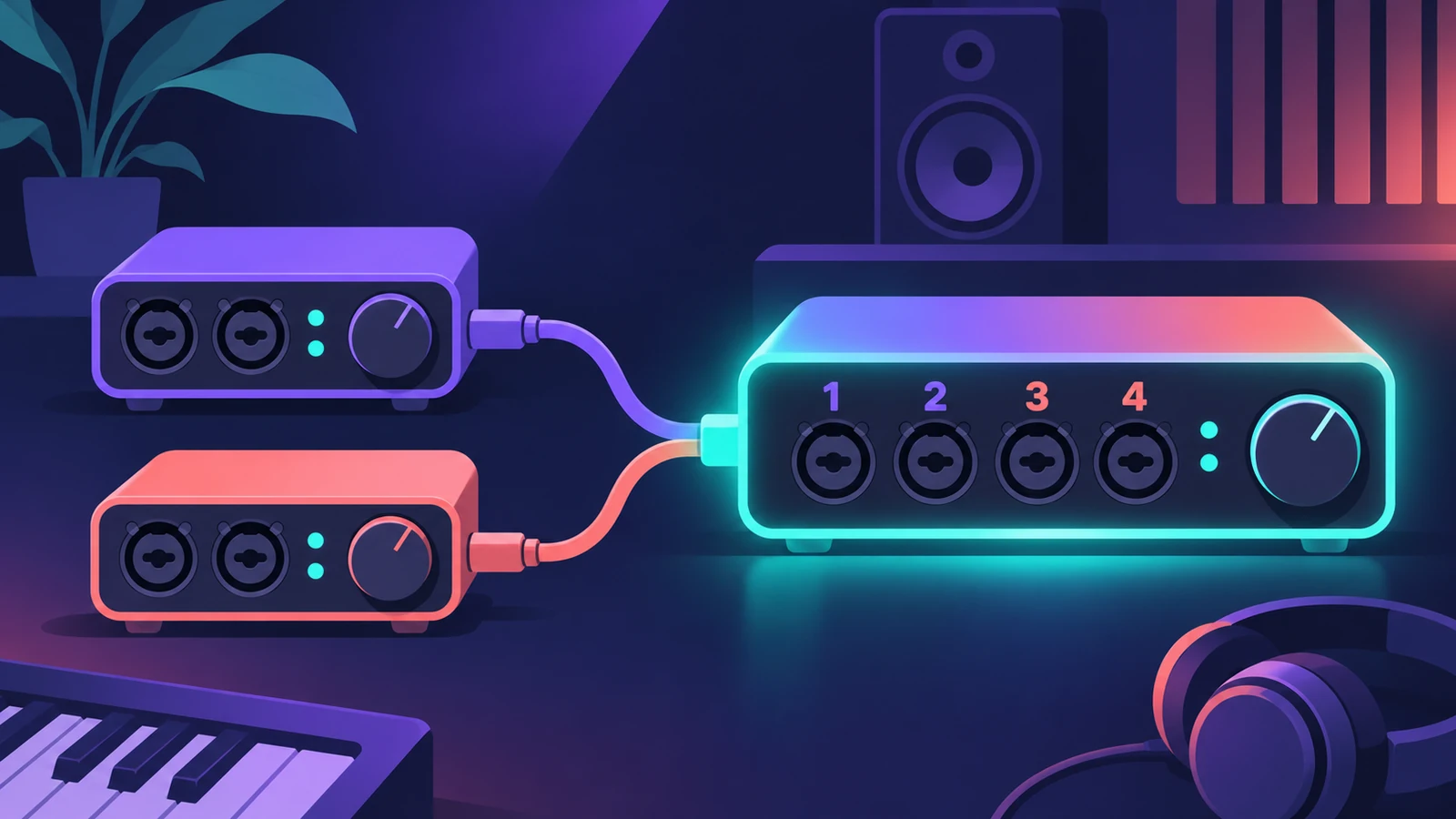 Use two audio interfaces in Logic Pro with an aggregate deviceCombine two audio interfaces or USB mics into one aggregate device in Audio MIDI Setup, set the clock source and drift correction, then select it in Logic Pro.
-
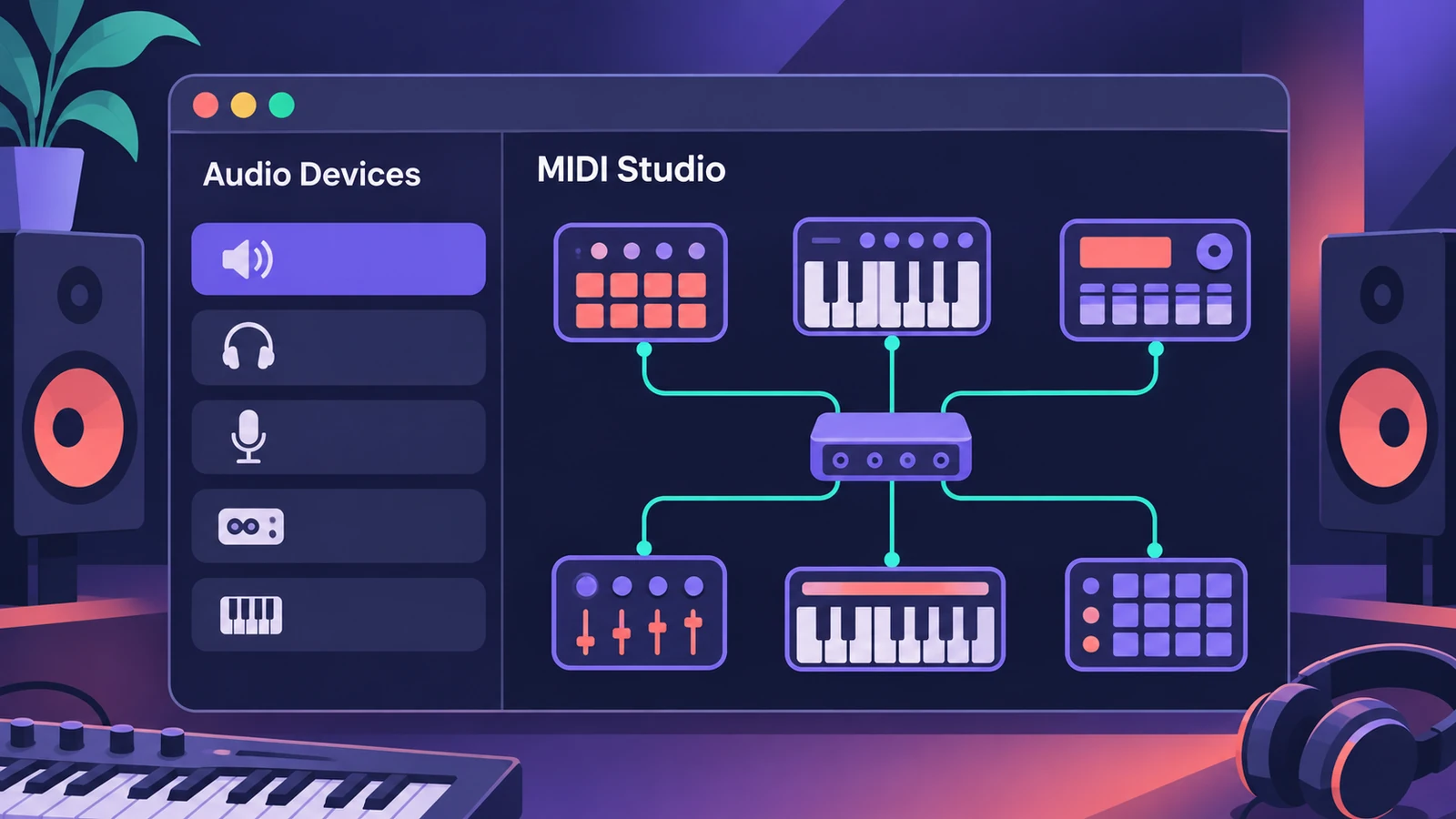 Audio MIDI Setup on Mac for Logic Pro usersUse the Mac's Audio MIDI Setup app with Logic Pro: set an interface's sample rate and bit depth, configure speakers, add MIDI devices and test MIDI connections.
-
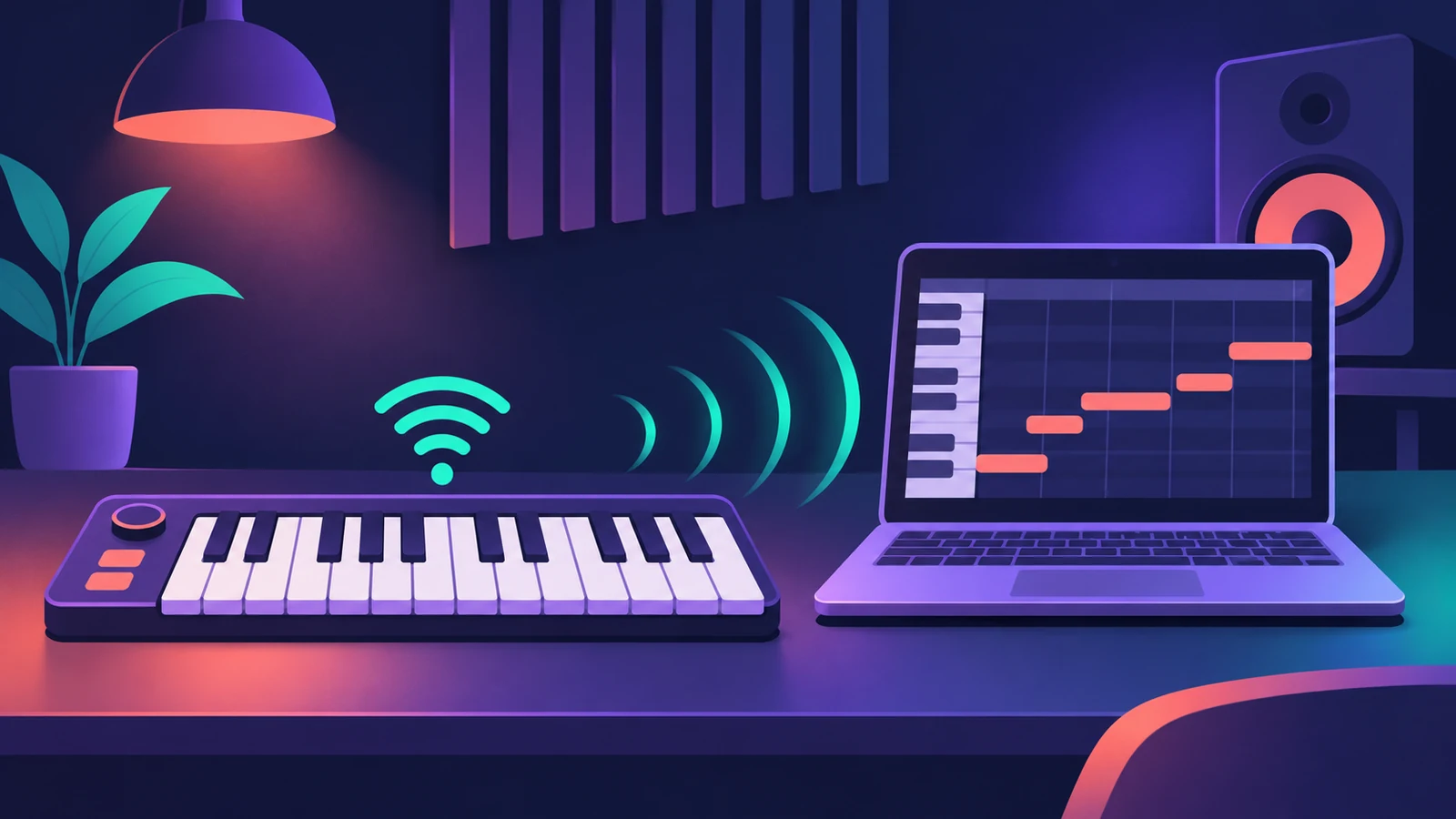 Connect a Bluetooth MIDI keyboard to Logic ProConnect a Bluetooth LE MIDI keyboard or controller to your Mac for Logic Pro using Audio MIDI Setup's MIDI Studio, or link a Mac and iPad over Bluetooth MIDI.
-
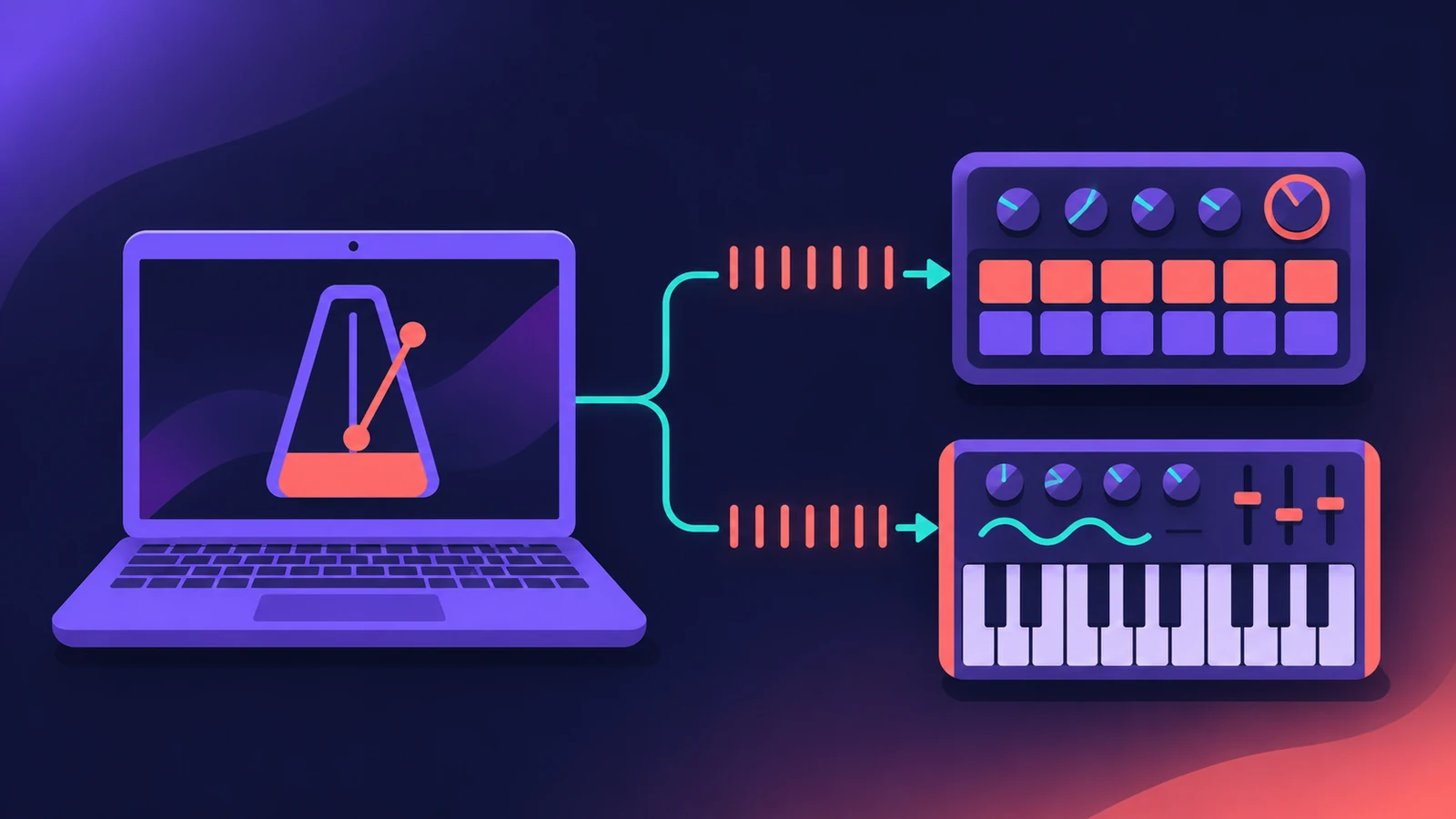 Sync external gear to Logic Pro's MIDI clockSend MIDI clock from Logic Pro to drum machines, grooveboxes and synths: pick destinations, set delay and PDC per device, and choose Pattern or Song clock mode.
-
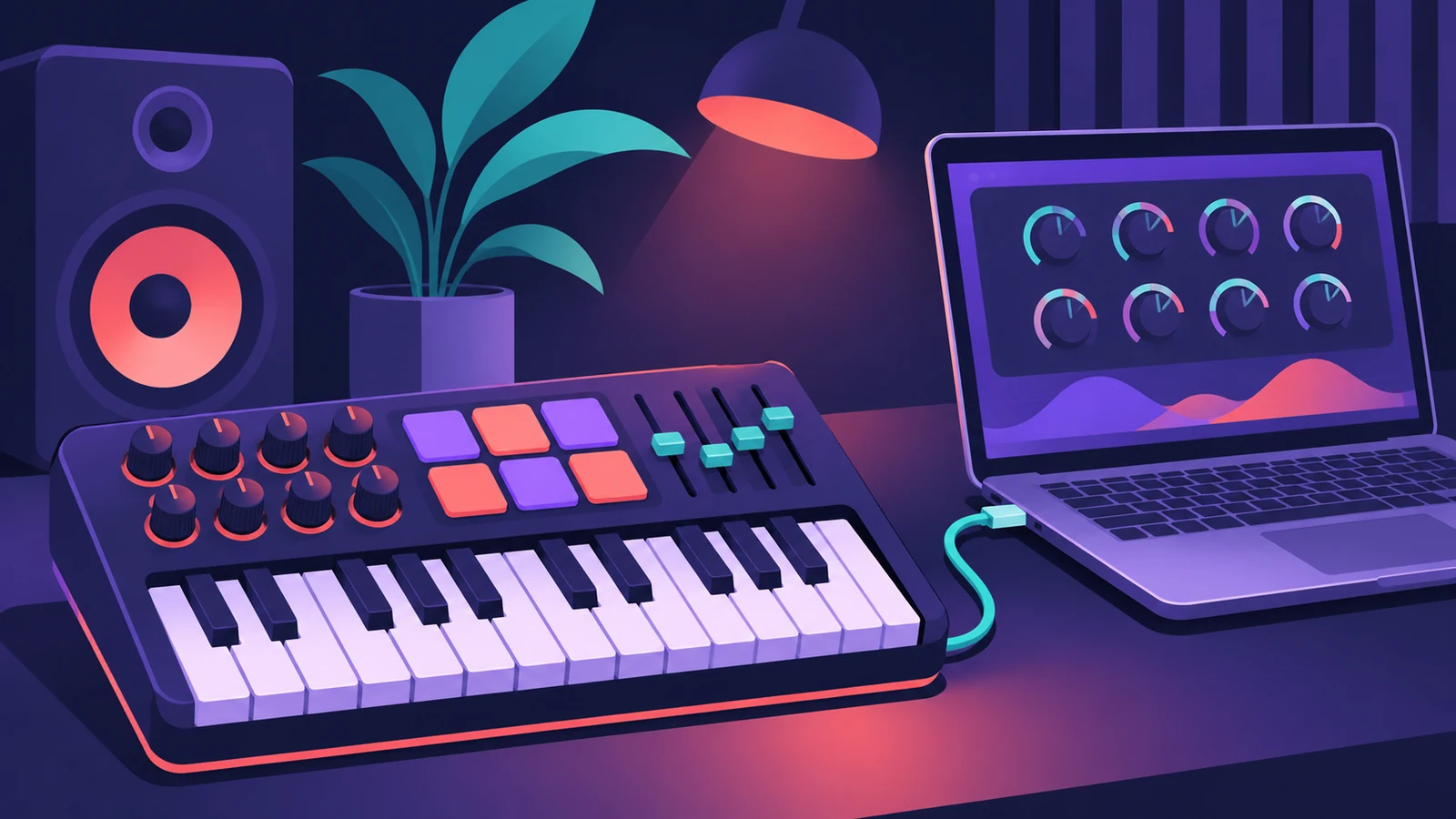 Choosing a MIDI keyboard controller for Logic ProWhat to look for in a MIDI keyboard for Logic Pro: class-compliant USB, automatic Smart Controls mapping, control surface support, MPE and Bluetooth MIDI.
-
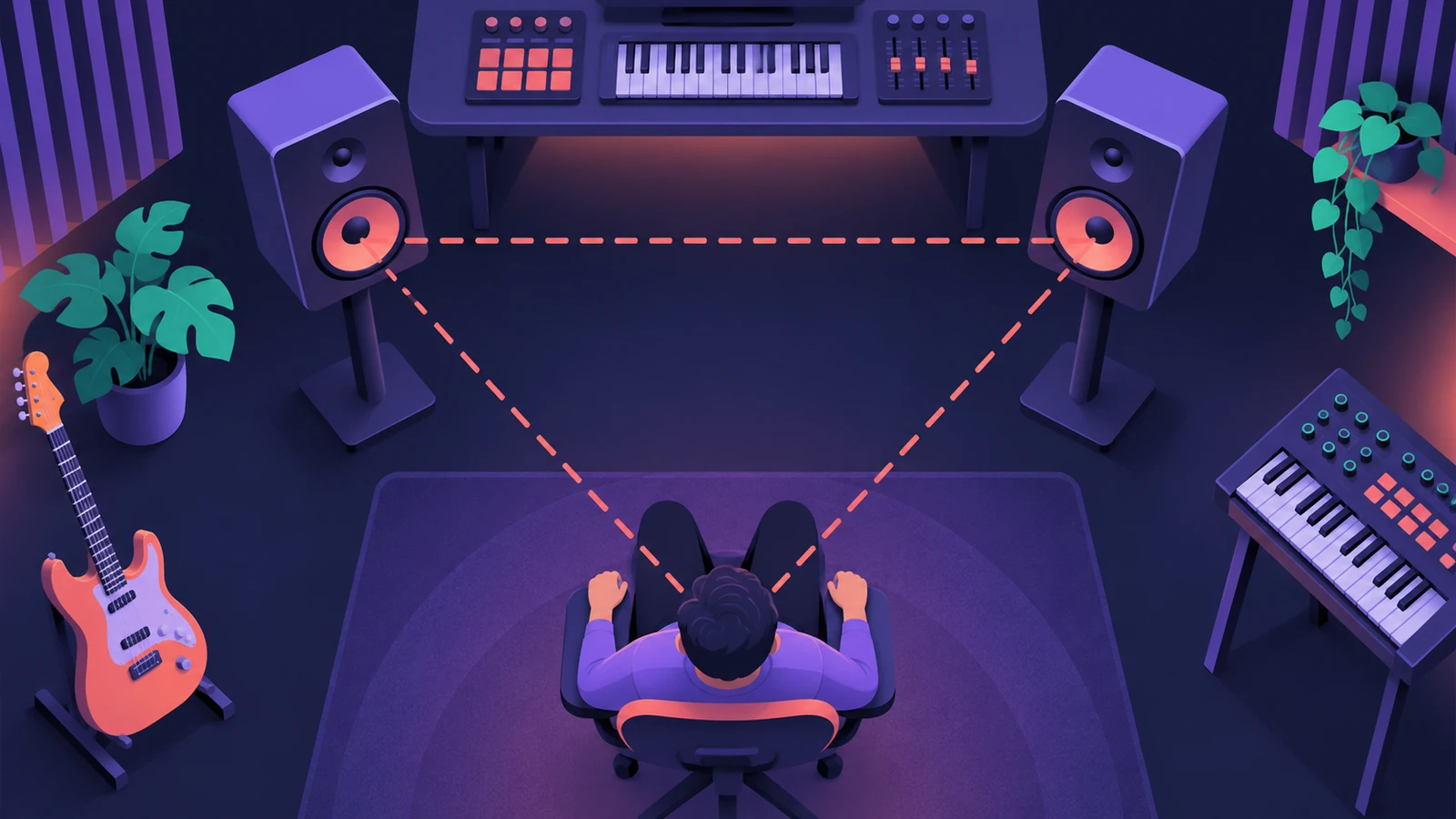 Place your studio monitors for mixingSet up studio monitors for mixing in Logic Pro: equilateral triangle, about 30° toe-in, tweeters at ear height, symmetrical in the room and off the desk.
-
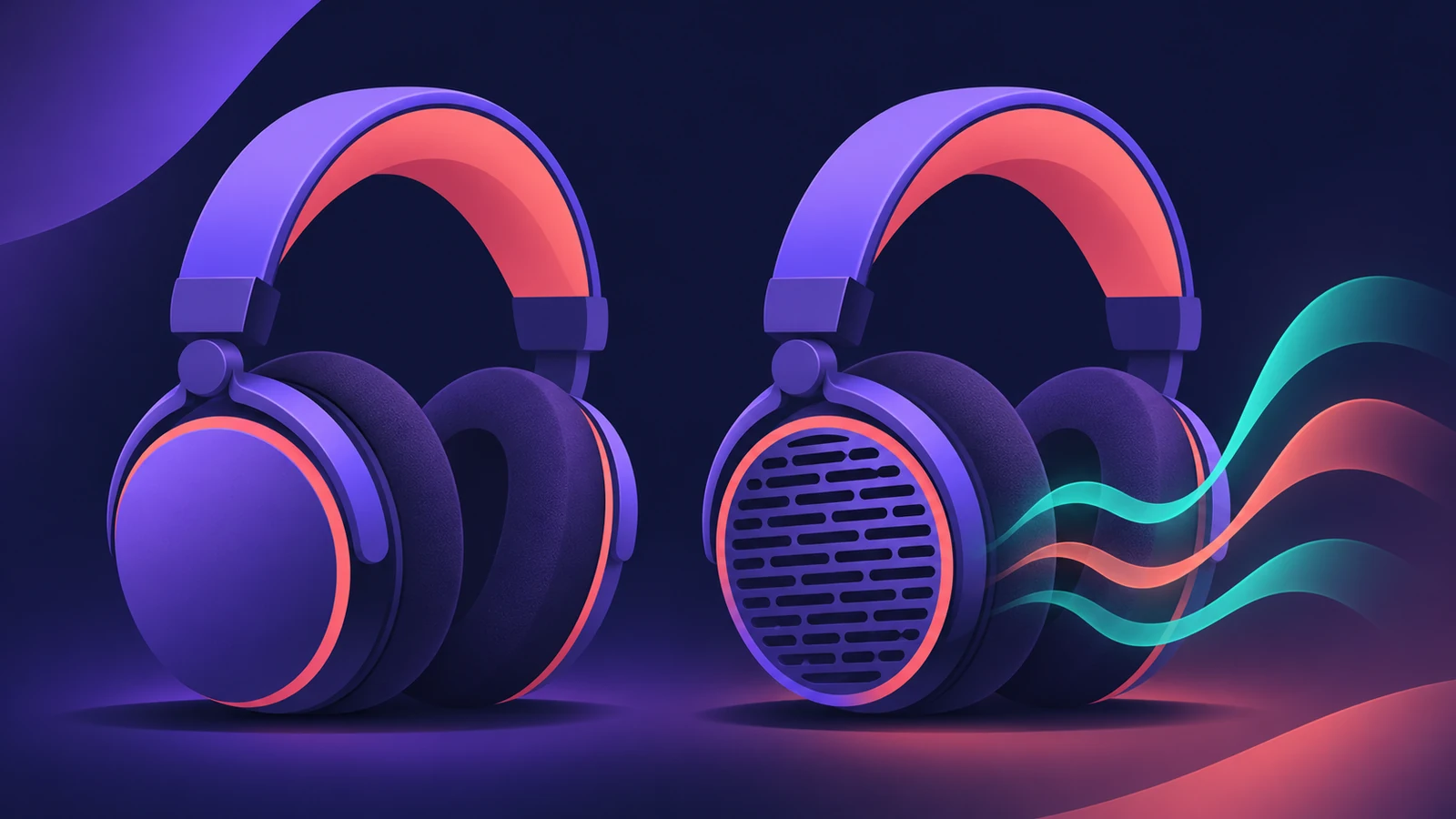 Headphones for Logic Pro: open-back or closed-back?Which headphones to use with Logic Pro: closed-back for recording without bleed, open-back for mixing in quiet rooms, and binaural monitoring for Dolby Atmos.
-
 Dynamic or condenser: choosing a mic for Logic ProDynamic or condenser for home recording in Logic Pro: which suits vocals, guitar amps and untreated rooms, what phantom power is, and USB vs XLR microphones.
-
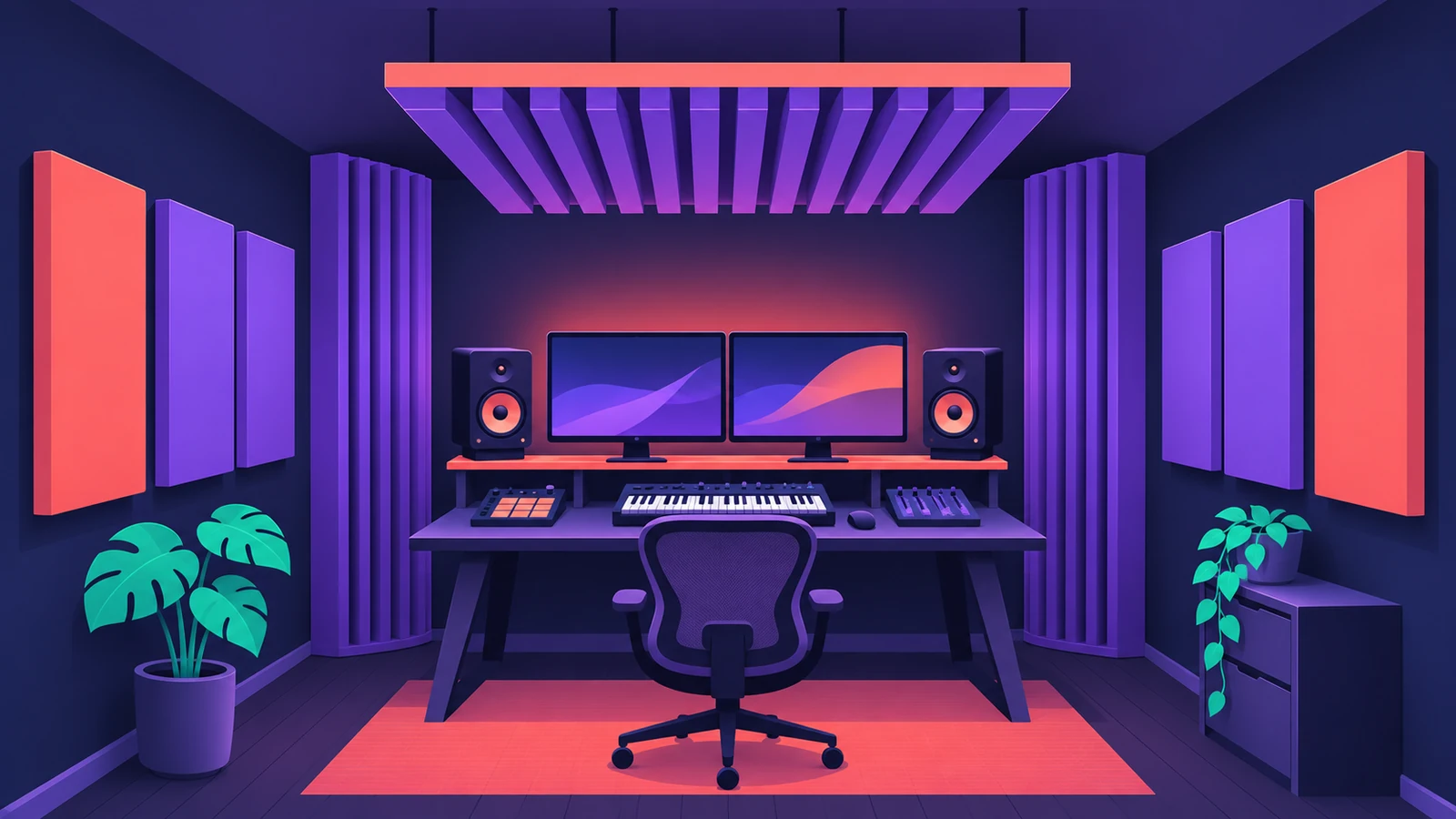 Acoustic treatment for a home studioTreat a small room for mixing in Logic Pro: bass traps in the corners first, absorbers at first reflection points via the mirror trick, then a ceiling cloud.
Sources
- AppleScoop — Mac prices in 2026: every model Apple sells (Nov 2026)
- Shattered — Apple silicon lineup and prices, October 30, 2026
- Production Expert — Mac mini or Mac Studio 2026: which M6 or M5 Mac for audio pros
- MusicRadar — Apple MacBook Neo review (Logic Pro test)
- Apple Support — Move Logic Pro for Mac and MainStage content
- Apple — Control Surfaces Support Guide for Logic Pro (contents)
- Apple — Logic Remote on the App Store
Checked November 2026. Logic ProFiles is independent of Apple; menu names can differ slightly between Logic Pro versions.
Frequently asked questions
What's the cheapest Mac that runs Logic Pro?
+
The MacBook Neo, from $699 in November 2026. MusicRadar found it fine for beginners and students, but not for heavy sessions.
Can I add more RAM to a Mac later?
+
No. Memory on Apple silicon Macs is fixed at purchase, so choose for the Mac's whole working life.
Related
- Room mode calculatorEnter your room's length, width and height to find axial room modes — the bass frequencies that boom or vanish at your mix position — in metres or feet.
- Best Mac for Logic Pro in 2026Best Mac for Logic Pro in 2026: Mac mini M6 from $899, M5 Pro mini, Mac Studio M5 Max and Ultra, MacBook Air and Pro — which suits your projects and budget.
- How much RAM do you need for Logic Pro?How much RAM for Logic Pro: 16 GB for MIDI and light plug-ins, 32 GB for mixing, 64 GB+ for big orchestral templates. Memory is fixed when you buy.
- Logic Pro system requirements (Mac and iPad, 2026)Logic Pro 13 system requirements: macOS 26.1 or later, Apple silicon on Apple's Creator Studio pages, 6 GB to about 72 GB of space. iPad: iPadOS 26 and A12.
- How to set up an audio interface in Logic ProConnect a USB or Thunderbolt audio interface to Logic Pro: choose input and output devices, set the I/O buffer, allow mic access and pick track inputs.