MainStage & Live
MainStage and live performance
MainStage is Apple's app for playing on stage. It turns your Mac into a multi-instrument and effects rig with sounds and plug-ins compatible with Logic Pro. It costs $29.99 on the Mac App Store or comes with Apple Creator Studio. These guides take you from a first concert to a gig.
 Owen Hartley

From concert to gig
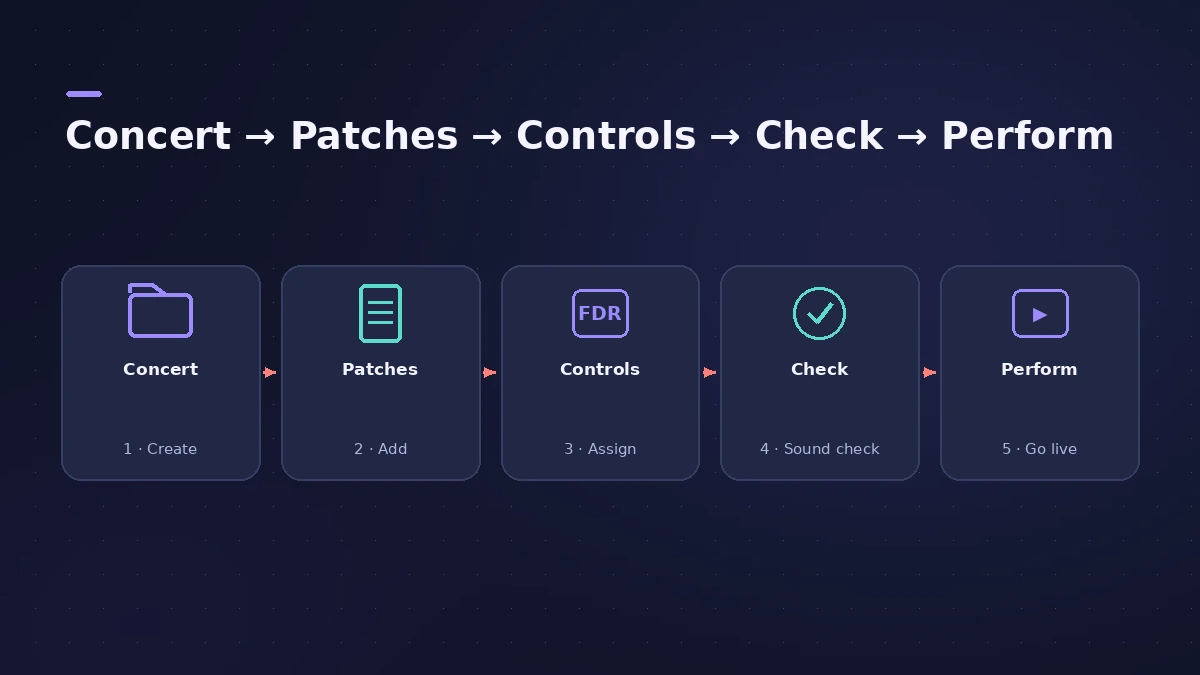
Start with what MainStage 4 is, then set up a concert. Deciding between apps? See Logic Pro vs MainStage.
All live guides
-
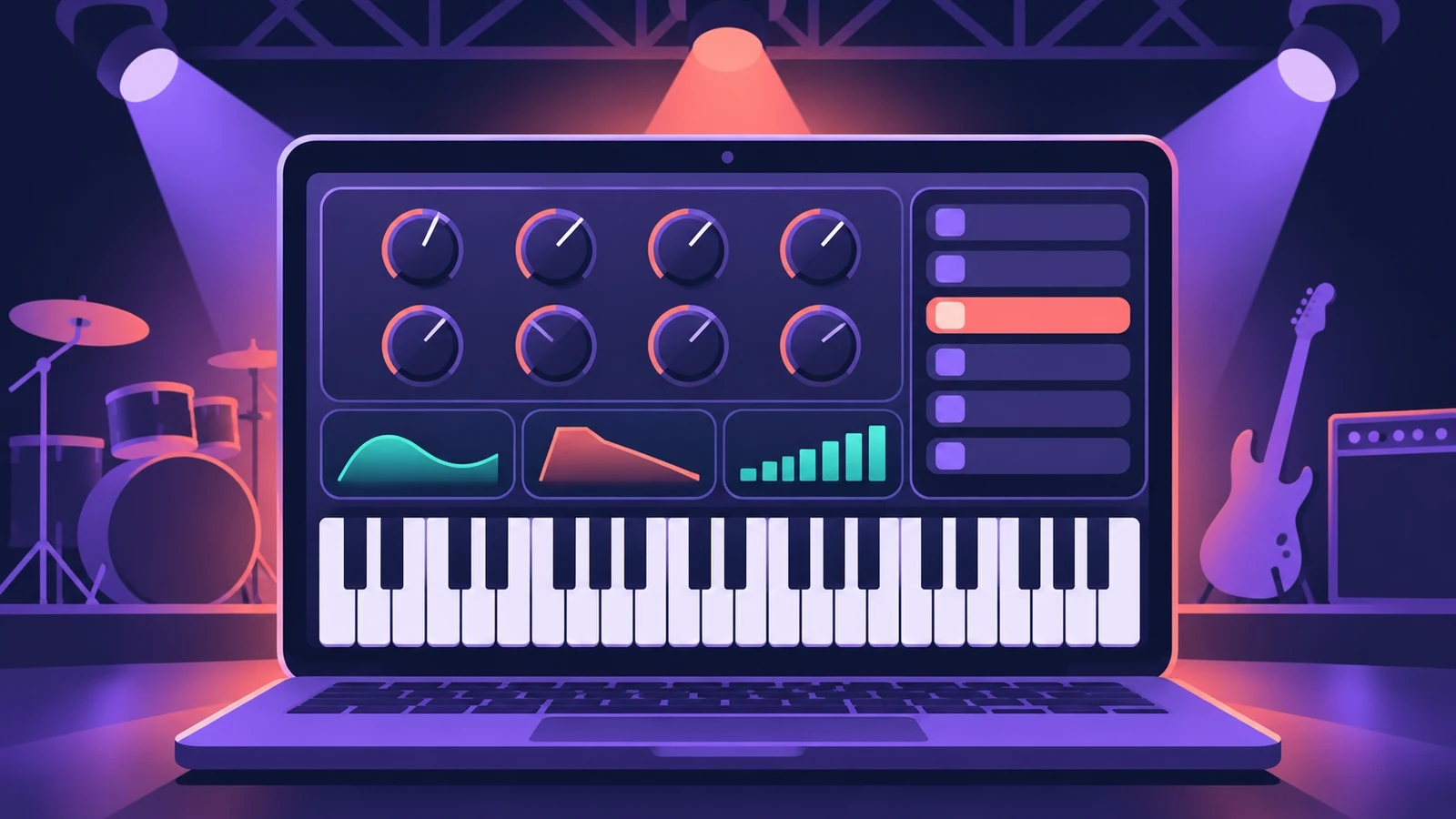 MainStage 4 — what it is and what's newMainStage 4 is Apple's live-performance app for Mac: concerts, patches and sets, Ableton Link sync and the new sound browser. $29.99 or in Apple Creator Studio.
-
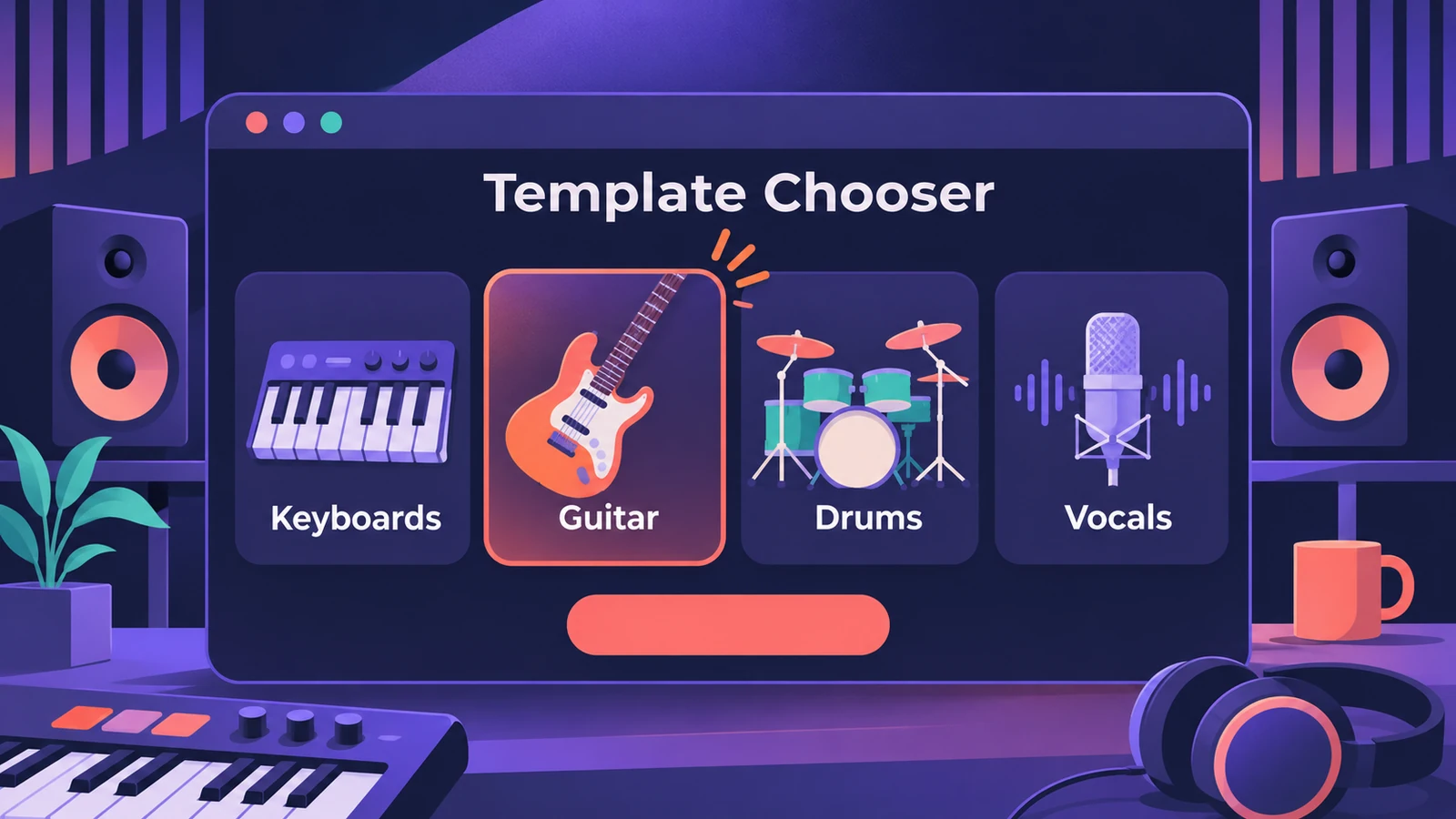 How to set up a MainStage concertSet up a MainStage concert: connect your gear, choose a template, add patches and sets, assign your controller, then switch to Perform mode before the gig.
-
 Play backing tracks in MainStagePlay backing tracks in MainStage with the Playback plug-in: add it to a patch, set or concert, load the file, choose Sync and trigger it from a button.
-
 Assign a MIDI controller in MainStageAssign your MIDI controller's knobs, faders and buttons in MainStage with Learn: select a control, click Assign & Map, move it — press buttons three times.
-
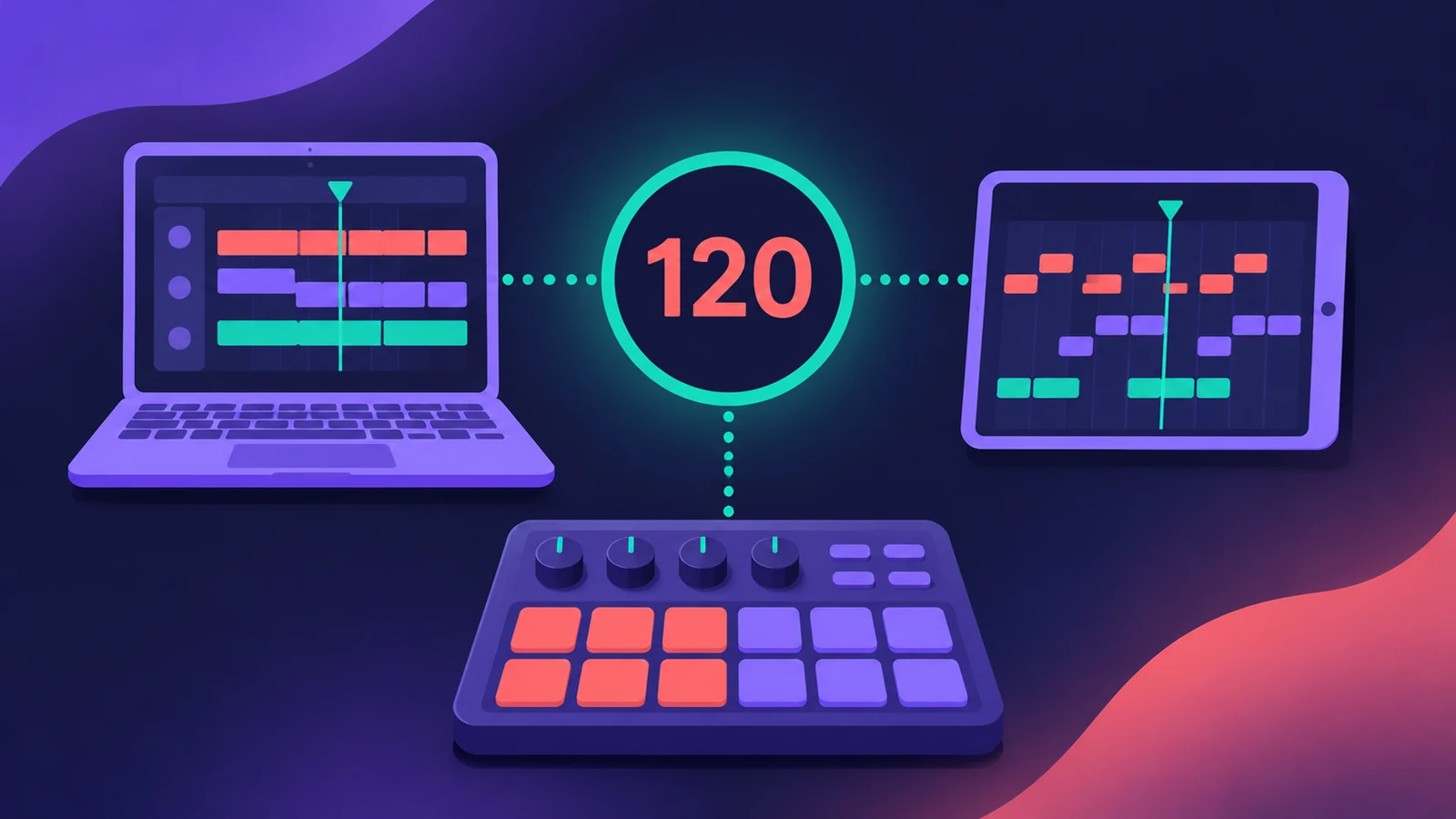 Ableton Link in MainStage 4MainStage 4 syncs with Ableton Link: turn it on in Concert Settings, allow network access, and choose whether start and stop are shared with other Link apps.
-
 MainStage gig checklistApple's checks before playing live with MainStage: test audio and MIDI, close other apps, go offline, use the same hardware, then switch to Perform mode.
-
 Keyboard splits and layers in MainStageCreate keyboard splits and layers in MainStage: add channel strips, set Low and High Key in the Layer Editor, use Learn, floating splits and set-level splits.
-
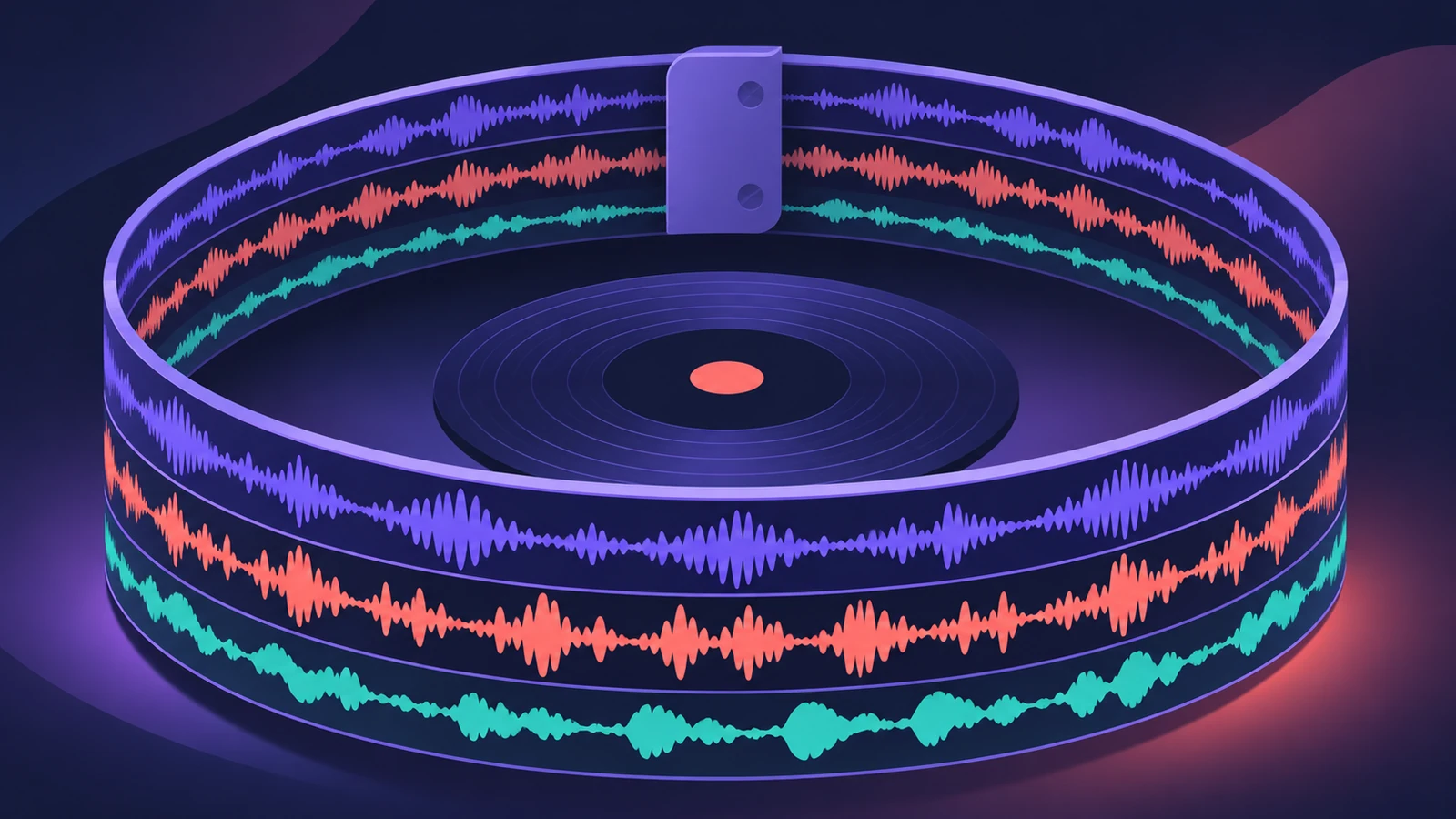 Live looping with MainStage LoopbackLoop live in MainStage with Loopback: add it to a channel strip or aux, record and overdub, sync to the concert tempo, use Snap To, fade out and undo takes.
-
 Using MainStage as a guitar rigUse MainStage as a live guitar rig: connect your guitar, start from a guitar template with Amp Designer and Pedalboard, bypass pedals by foot, and tune.
-
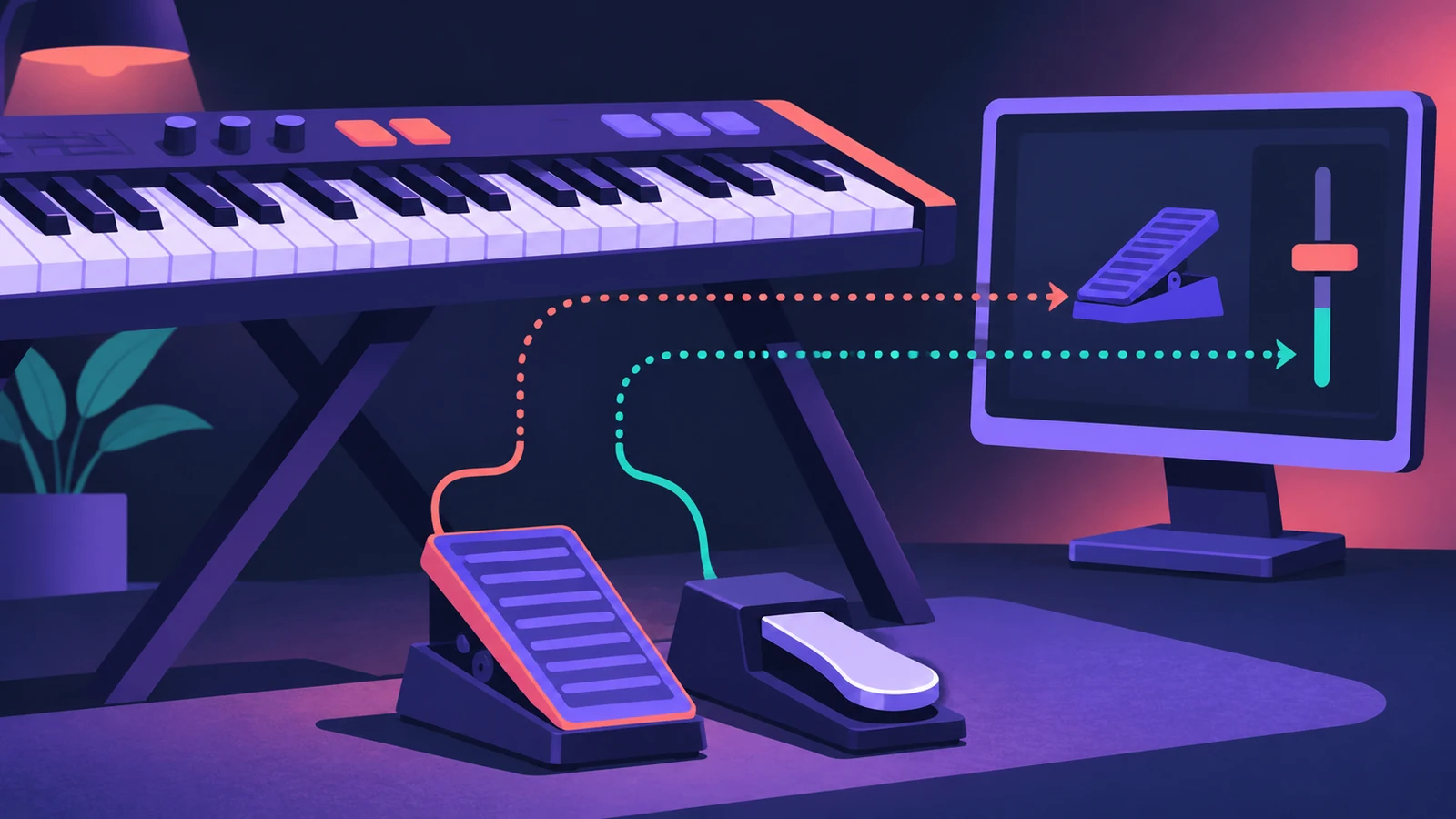 Expression and sustain pedals in MainStageSet up sustain and expression pedals in MainStage: what works by default, Learn an assignment, map a pedal to volume or effects, fix a reversed sustain.
-
 Using the MainStage TunerTune guitar, bass or any instrument in MainStage: open the Tuner with Command-T, use the first audio channel strip, mute other amps and add the Tuner plug-in.
-
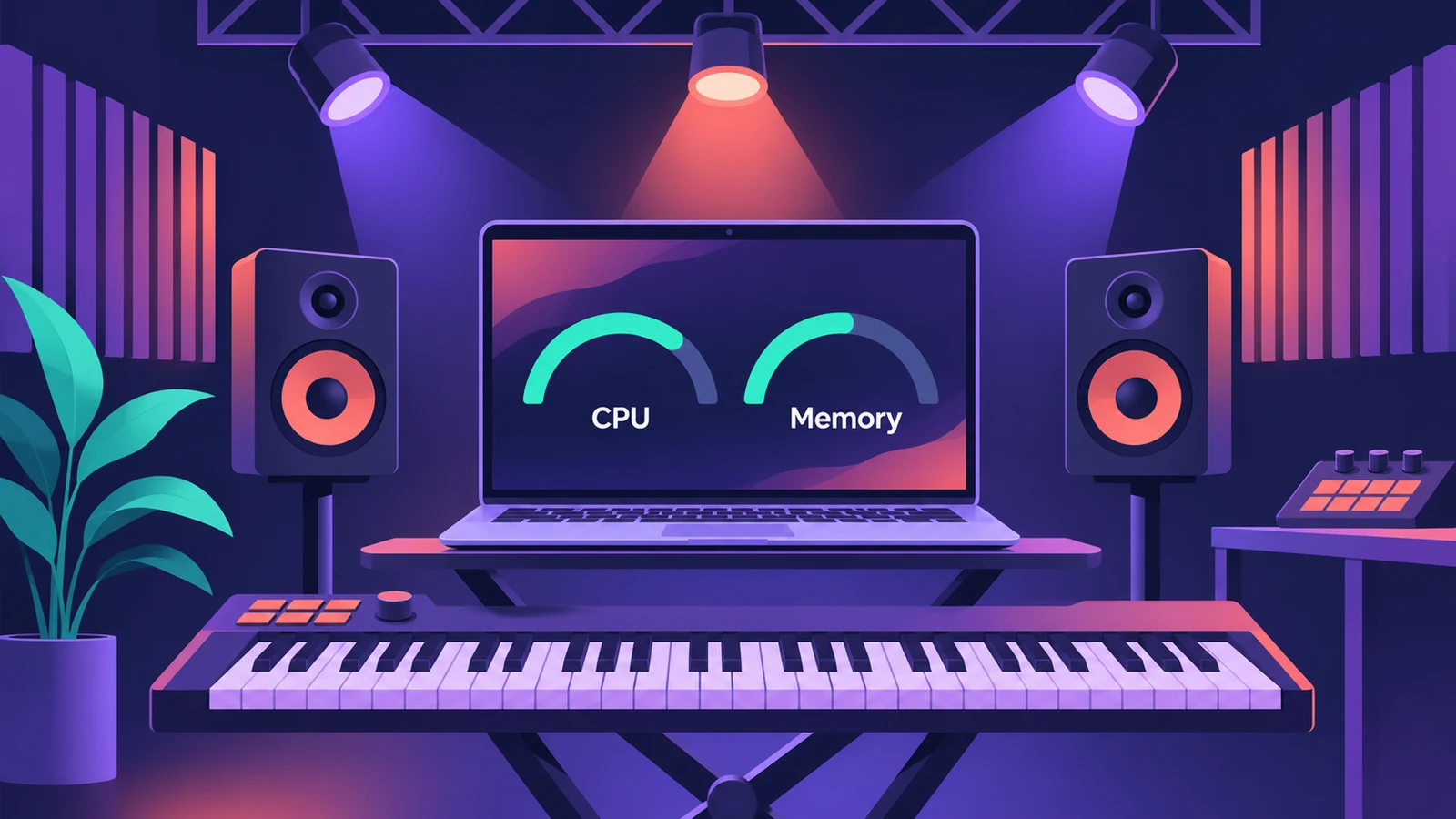 MainStage CPU and memory tipsKeep MainStage stable live: watch CPU and memory meters, set the I/O buffer, use the voice limiter, Perform mode and Sampler memory settings.
-
 Changing patches live in MainStageSwitch patches in MainStage while you play: arrow keys, Next Patch and Prev Patch actions on a foot switch, program changes and Silence Previous Patch.
-
 Using Logic Pro sounds in MainStageBring Logic Pro sounds into MainStage: save and load channel strip settings, load whole patches, and fix sounds that change when sends weren't copied.
-
 Live vocals in MainStageRun live vocals through MainStage: choose the mic input on an audio channel strip, add compression and DeEsser 2, and turn on feedback protection to mute howls.
-
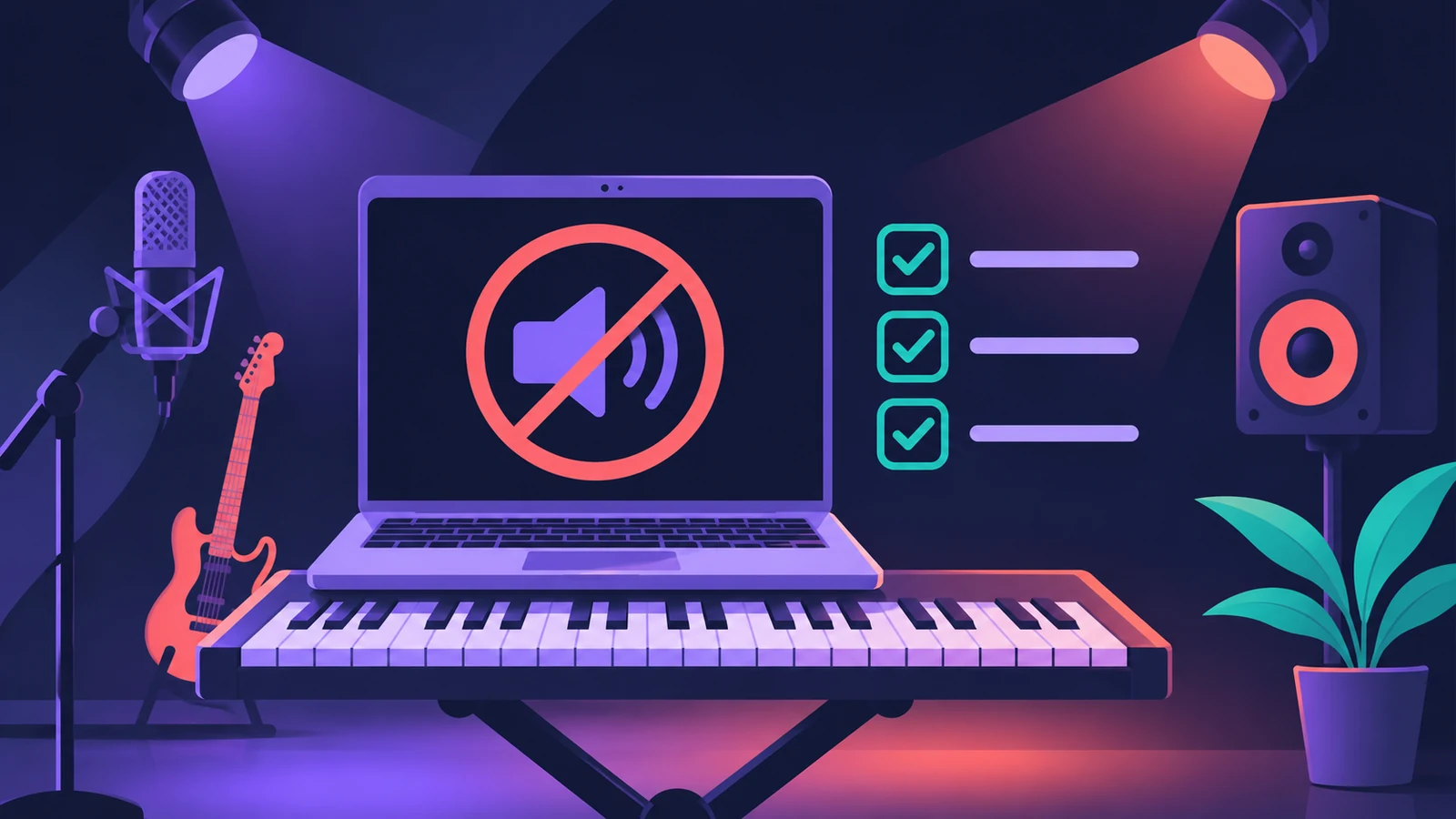 MainStage not working: fixes in orderFix MainStage in Apple's order: update, check device compatibility, test built-in audio, bypass Audio Units, try a new concert, then reset preferences.
Sources
- Apple — MainStage on the Mac App Store
- Apple — MainStage on the Mac App Store (UK, description)
- Apple — MainStage User Guide: What is MainStage?
- Synth Anatomy — Logic Pro 12 and MainStage 4.0 are out as free updates (Jan 2026)
Checked November 2026. Logic ProFiles is independent of Apple; menu names can differ slightly between Logic Pro versions.
Frequently asked questions
Do I need MainStage to play Logic Pro sounds live?
+
MainStage is Apple's tool for it: its plug-ins and sounds are compatible with Logic Pro, in a full-screen interface built for the stage.
Is MainStage included with Logic Pro?
+
Not with the $199.99 purchase; it's $29.99 separately or included in Apple Creator Studio.
Related
- Logic Pro vs MainStage — which do you need?Logic Pro vs MainStage: Logic Pro records and mixes songs; MainStage ($29.99, or in Creator Studio) plays the same instruments and plug-ins live on stage.
- Logic Remote — control Logic Pro from an iPad or iPhoneLogic Remote is Apple's free app that turns an iPad or iPhone into a Logic Pro mixer, transport and Touch Instrument. Connect over Wi-Fi or USB in a few taps.
- Live Loops in Logic ProUse Live Loops in Logic Pro: start a grid, drag in loops and regions, trigger cells and scenes in time, then record the performance to the Tracks area.
- Apple Creator Studio explained for Logic Pro usersApple Creator Studio for Logic Pro users: what the $12.99 a month bundle includes, the free trial, Family Sharing, iPad access and what happens if you cancel.