MainStage & Live
Expression and sustain pedals in MainStage
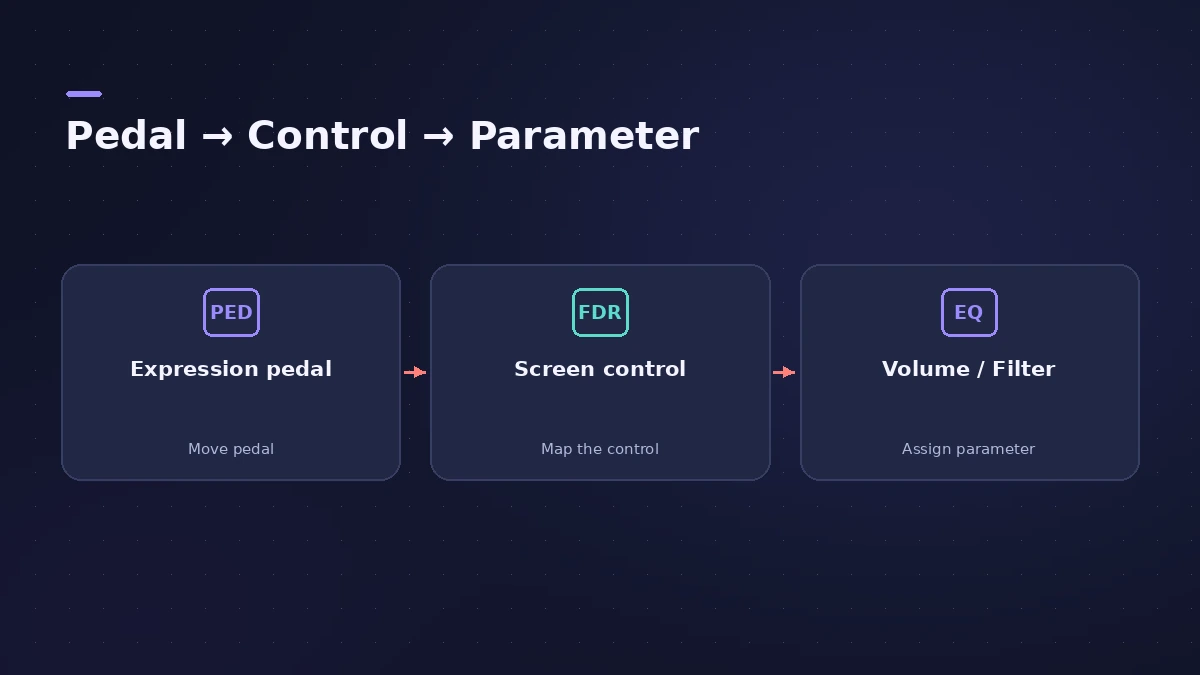
MainStage responds to sustain and expression pedals without setup. To make a pedal do something specific — control master volume, sweep a filter or fade in a pad — you assign it to a screen control and map that control to a parameter.
 Owen Hartley

Where to find it
Layout mode > foot pedal screen control
Typical pedal mappings
| Pedal | Common mapping |
|---|---|
| Sustain | 64 (Sustain), passes through by default |
| Expression | Output volume or a filter cutoff |
| Second pedal | Volume |
| Foot switch | Next Patch or effect bypass |
Step by step
-
1
Check what works by default
MainStage responds to sustain, expression and volume messages without configuring screen controls.
-
2
Add a pedal screen control
The first foot pedal screen control receives expression, the second volume.
-
3
Learn the pedal
Select the screen control, click Assign & Map and move the pedal through its full range.
-
4
Map it
In Edit mode, map the screen control to a parameter — for example the output volume — or choose Don’t pass thru to control something else.
-
5
Shape the range
Set minimum and maximum values, and invert the range if the effect should rise as you lift your foot.
Common mistakes
- Mapping an expression pedal to an effect but leaving MIDI Thru on, so it still changes volume.
- Saving a patch while the volume pedal sits at zero, so it starts silent.
Switch patches with your feet
Foot switches can also change patches — see patch changes. General controller setup is in MIDI controller.
Sources
- Apple — MainStage User Guide: Foot pedal screen controls
- Apple — MainStage 2 Help: Learning a controller assignment (old)
- Brian Li — Assigning controllers to functions in MainStage
- Brian Li — How to map controllers to effects in MainStage
- KeyboardTEK — Sustain pedal reversed or not working in MainStage
- KeyboardTEK — I don't hear sound in MainStage
Checked November 2026. Logic ProFiles is independent of Apple; menu names can differ slightly between Logic Pro versions.
Frequently asked questions
Why is my sustain pedal reversed in MainStage?
+
The pedal polarity may be reversed; KeyboardTEK suggests checking the pedal, re-assigning the screen control and mapping it to 64 (Sustain).
How do I use a volume pedal for the whole concert?
+
A common approach is mapping the pedal at concert level to the output volume, from silence to 0 dB.
Related
- Assign a MIDI controller in MainStageAssign your MIDI controller's knobs, faders and buttons in MainStage with Learn: select a control, click Assign & Map, move it — press buttons three times.
- Changing patches live in MainStageSwitch patches in MainStage while you play: arrow keys, Next Patch and Prev Patch actions on a foot switch, program changes and Silence Previous Patch.
- Using MainStage as a guitar rigUse MainStage as a live guitar rig: connect your guitar, start from a guitar template with Amp Designer and Pedalboard, bypass pedals by foot, and tune.
- MainStage and live performancePlay Logic Pro's instruments on stage with MainStage 4: concerts and patches, backing tracks, MIDI controllers, Ableton Link and pre-gig checks.