Workflows
Logic Pro workflows
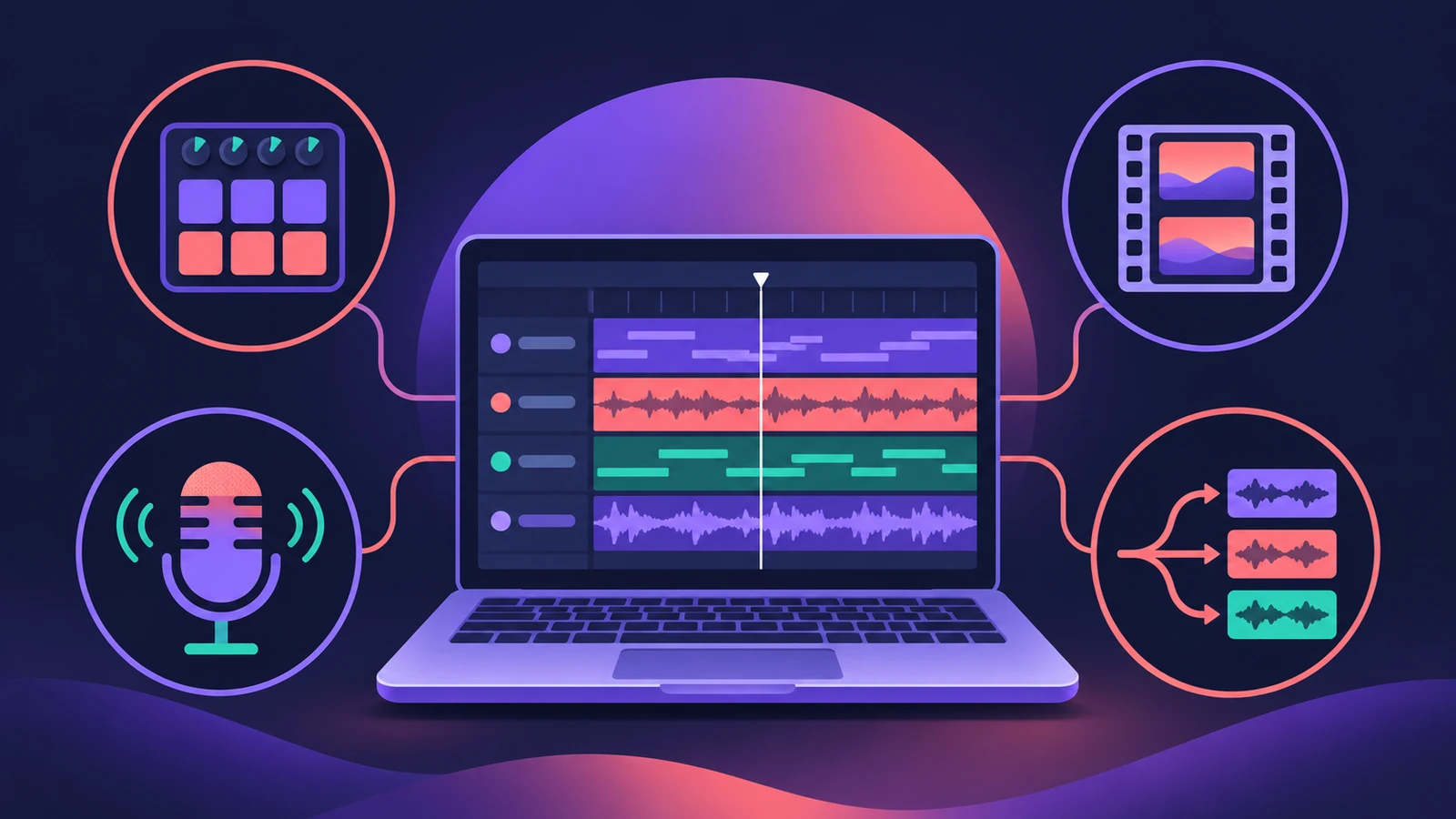
The other sections explain single tools. These guides put them together for one job from start to finish — a beat, a film cue, a podcast episode or a remix — and link back to the detailed guide for each step.
 Owen Hartley
Pick a workflow
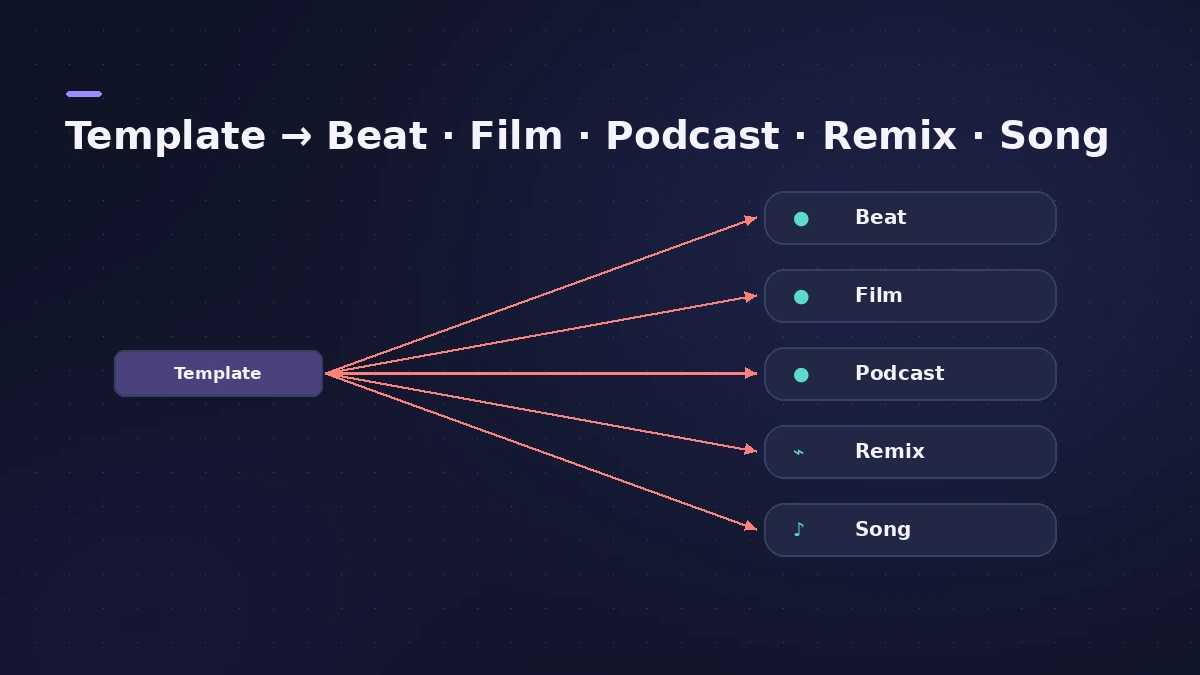
| Job | Guide | Main tools |
|---|---|---|
| Start every project the same way | Project templates | Save As Template, My Templates |
| Make a hip-hop or trap beat | Hip-hop beat | Drum Machine Designer, Step Sequencer |
| Write an 808 bass line | 808 bass | Synth Bass Player, Chord track |
| Score a video | Scoring to picture | Open Movie, scene markers, Export Audio to Movie |
| Record and deliver a podcast | Podcast | Audio tracks, Loudness Meter, Bounce |
| Remix a song | Remix with Stem Splitter | Stem Splitter, Smart Tempo |
| Write a song from a demo | Songwriting | Chord ID, Session Players |
Workflows by genre
| Genre | Guide | Main tools |
|---|---|---|
| House | House music | Drum Machine Designer, Synth Players, sidechain |
| Techno | Techno | Step Sequencer, Step FX |
| Drum and bass | Drum and bass | Quick Sampler Slice, Beat Breaker |
| Lo-fi hip hop | Lo-fi beat | Vintage Electric Piano, Bitcrusher, Tape Delay |
| Synthwave | Synthwave | Retro Synth, Arpeggiator, Noise Gate |
| Ambient | Ambient music | Alchemy, Sample Alchemy, ChromaVerb |
| Orchestral | Orchestral mockup | Studio Strings and Horns, CC1/CC11 |
| Rock | Rock band | Drummer, Amp Designer |
| Singer-songwriter | Singer-songwriter demo | Session Players, Chord track |
| R&B and soul | R&B and soul | Drummer, vintage keyboards |
Keep learning
For structured study, see books and courses for Logic Pro and what is known about Logic Pro certification.
All workflow guides
-
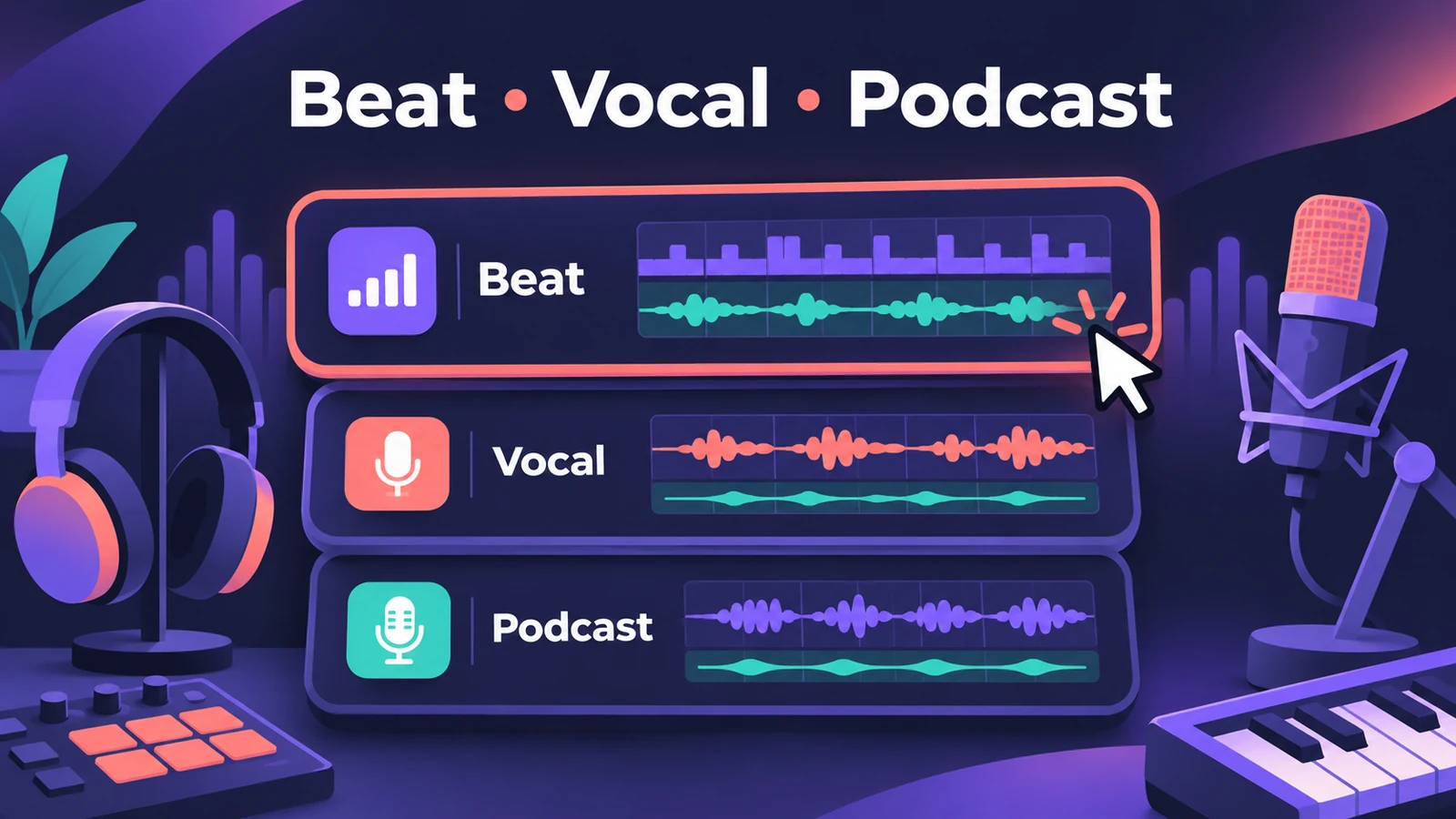 Logic Pro project templatesSave a Logic Pro project as a template with File > Save As Template, keep templates in folders, find them under My Templates and build a reusable setup.
-
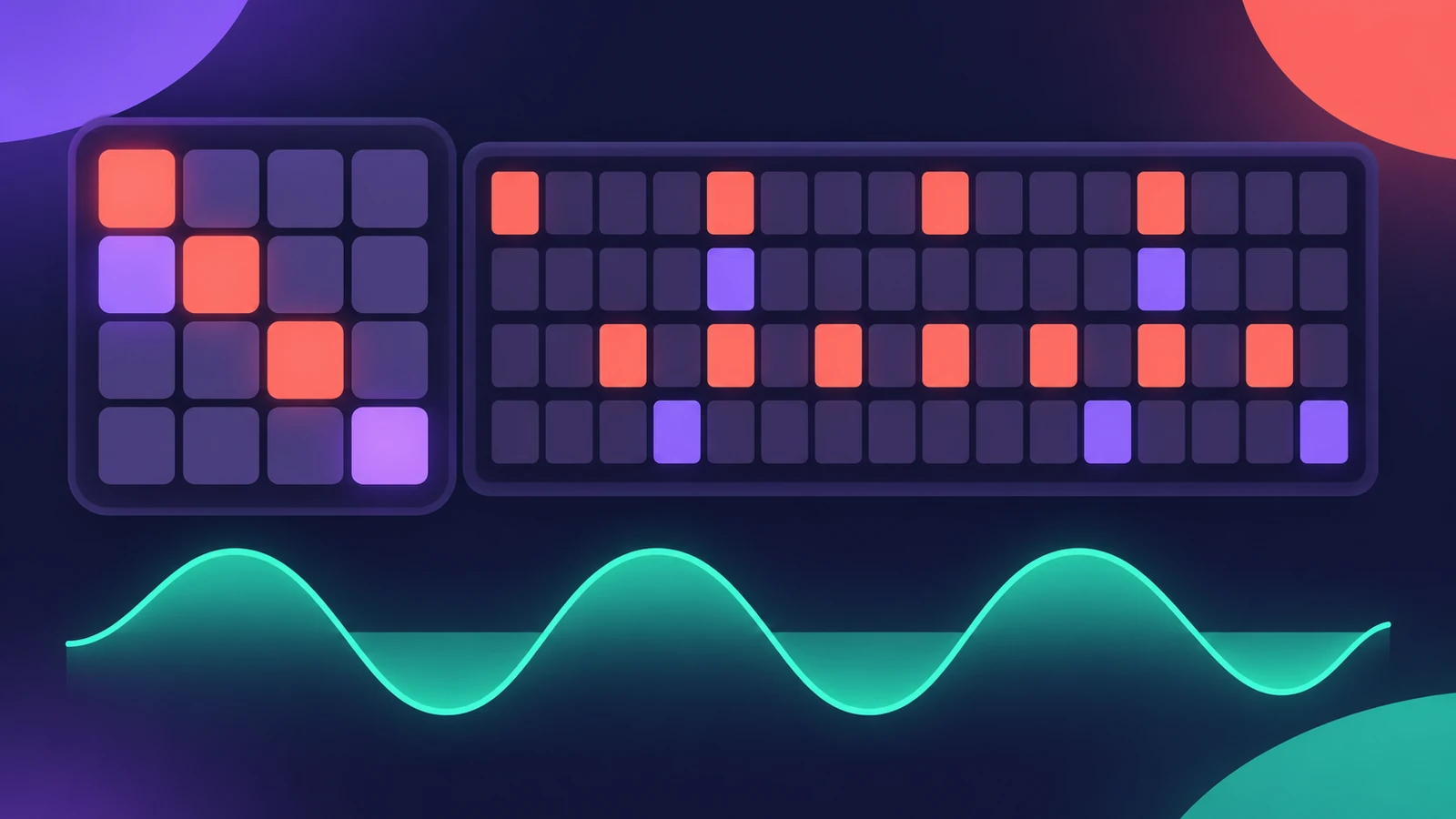 How to make a hip-hop or trap beat in Logic ProMake a hip-hop or trap beat in Logic Pro with Drum Machine Designer, the Step Sequencer, hi-hat rolls, an 808 Bass Synth Player and chords that follow along.
-
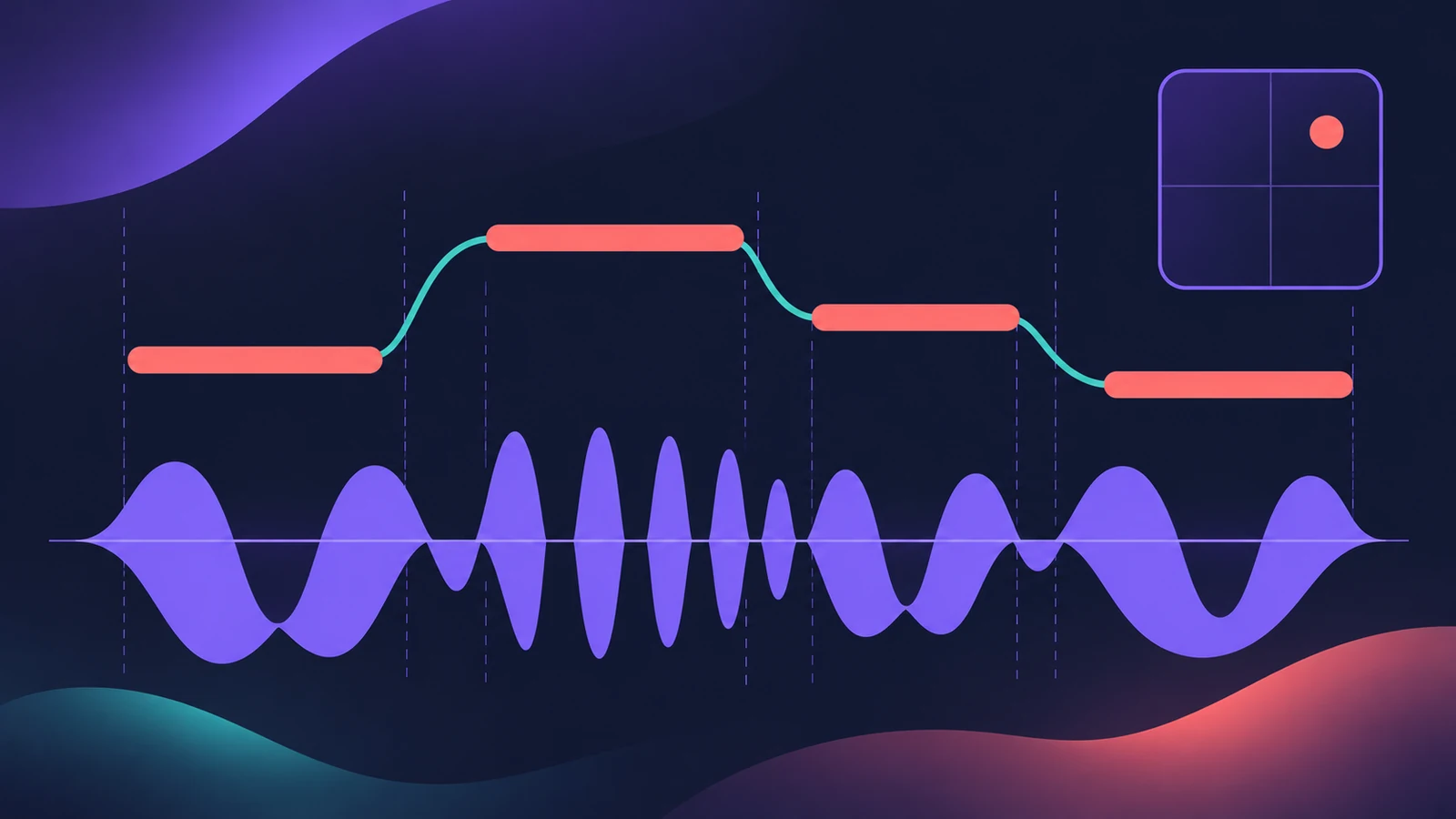 808 bass in Logic ProWrite an 808 bass line in Logic Pro 12 or later with the Synth Bass Player's 808 Bass style: chords, octave, range, slides, repeats and triplets, then tune it.
-
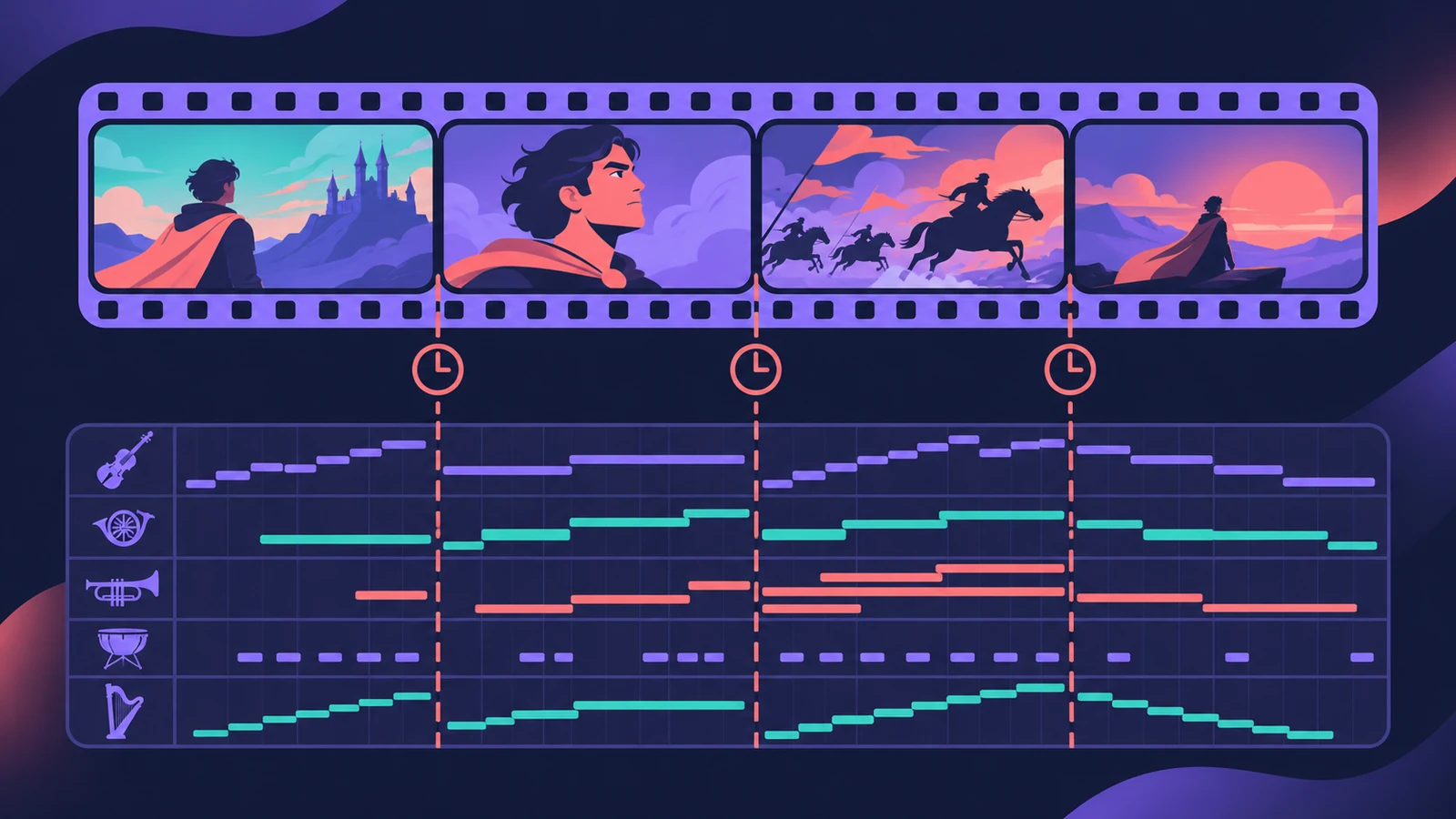 Scoring to picture in Logic ProScore a film or video in Logic Pro: open the movie, show the Movie track, import its audio, add SMPTE-locked scene markers and export your music to the movie.
-
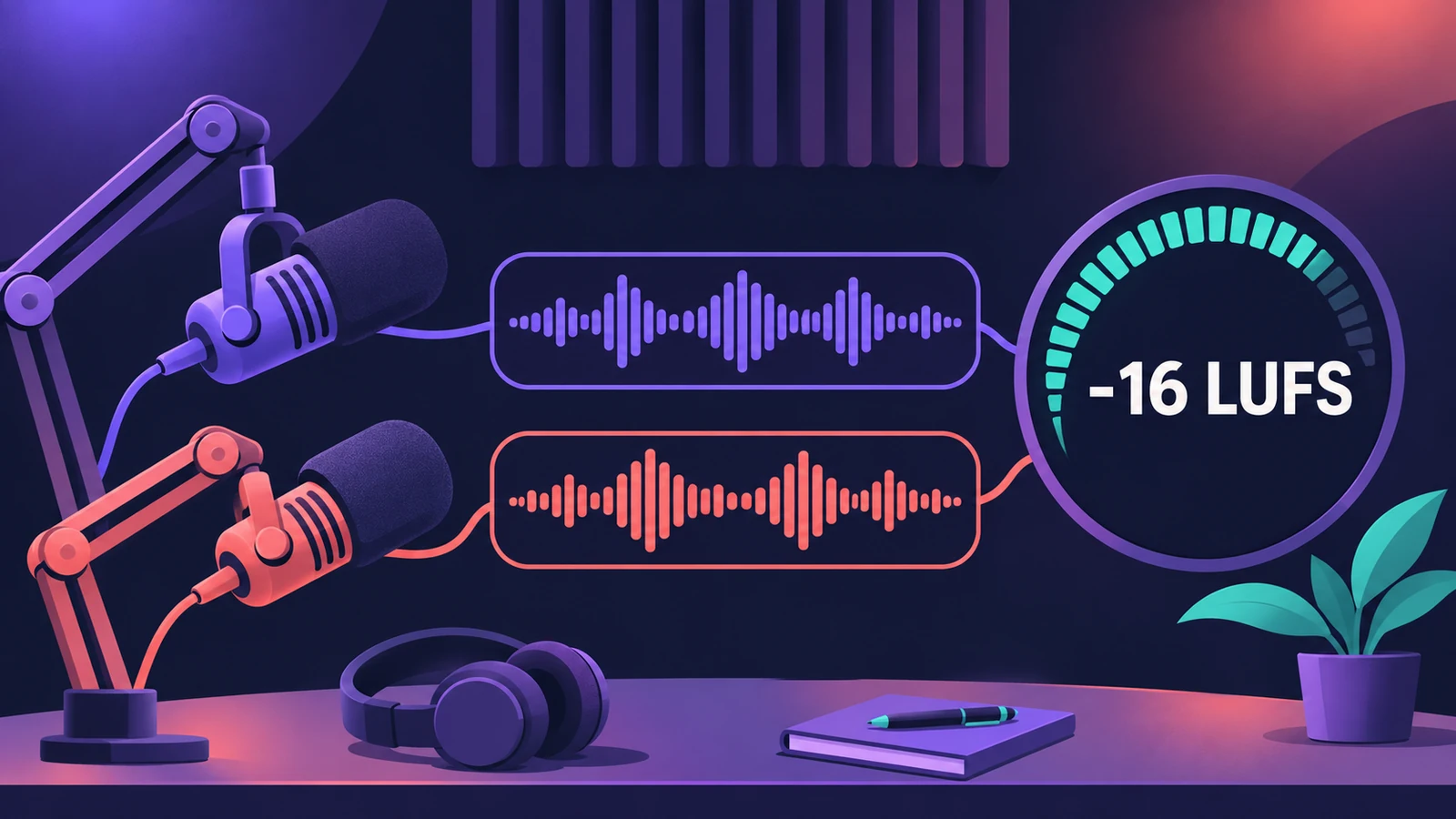 How to record and mix a podcast in Logic ProRecord, edit and mix a podcast in Logic Pro, check loudness with the Loudness Meter against Apple Podcasts' -16 LKFS and -1 dBFS true-peak advice, and bounce.
-
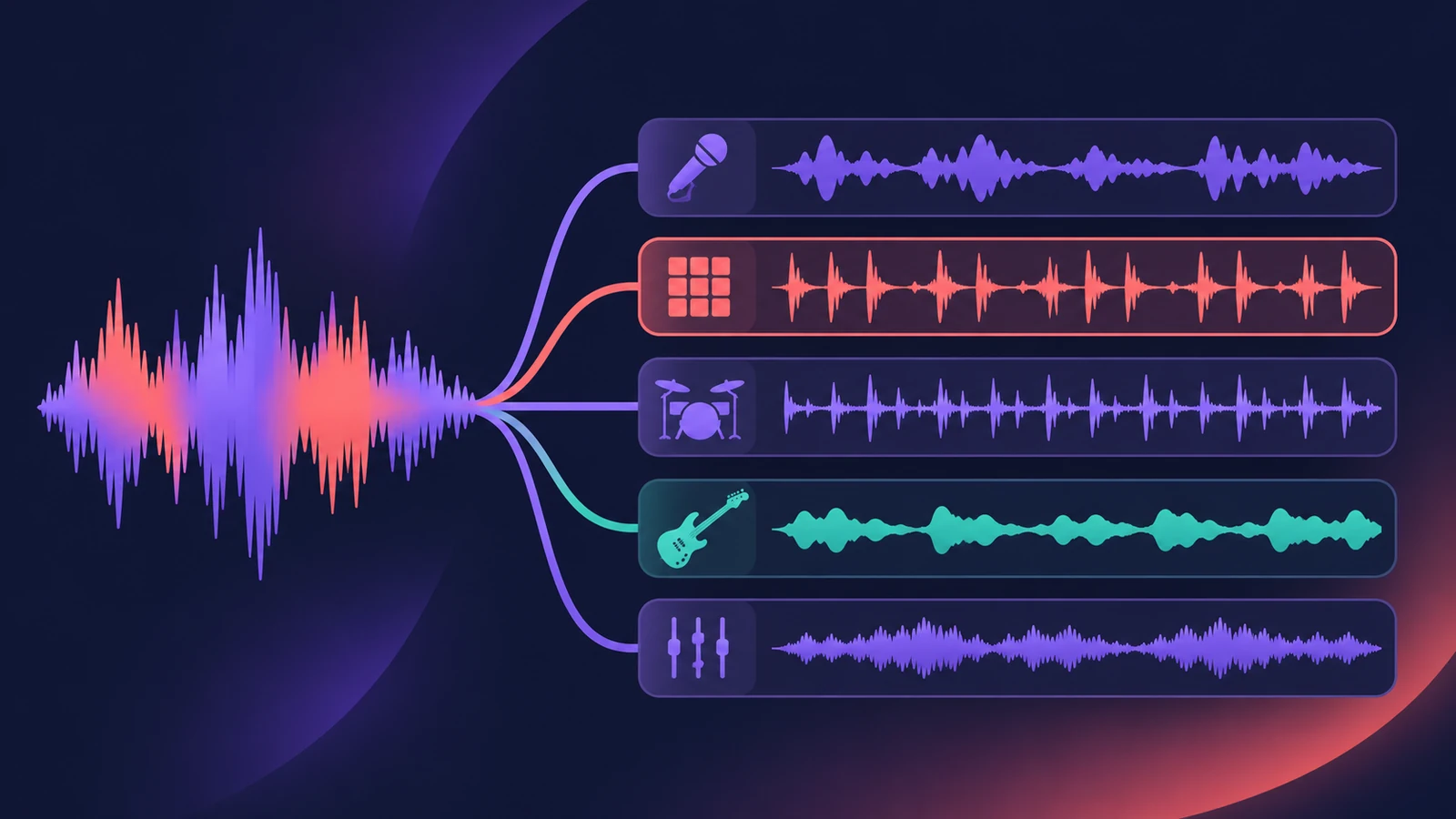 How to remix a song in Logic Pro with Stem SplitterRemix a song in Logic Pro: match the tempo with Smart Tempo, split the mix with Stem Splitter, keep the vocal, change tempo with Flex and build new parts.
-
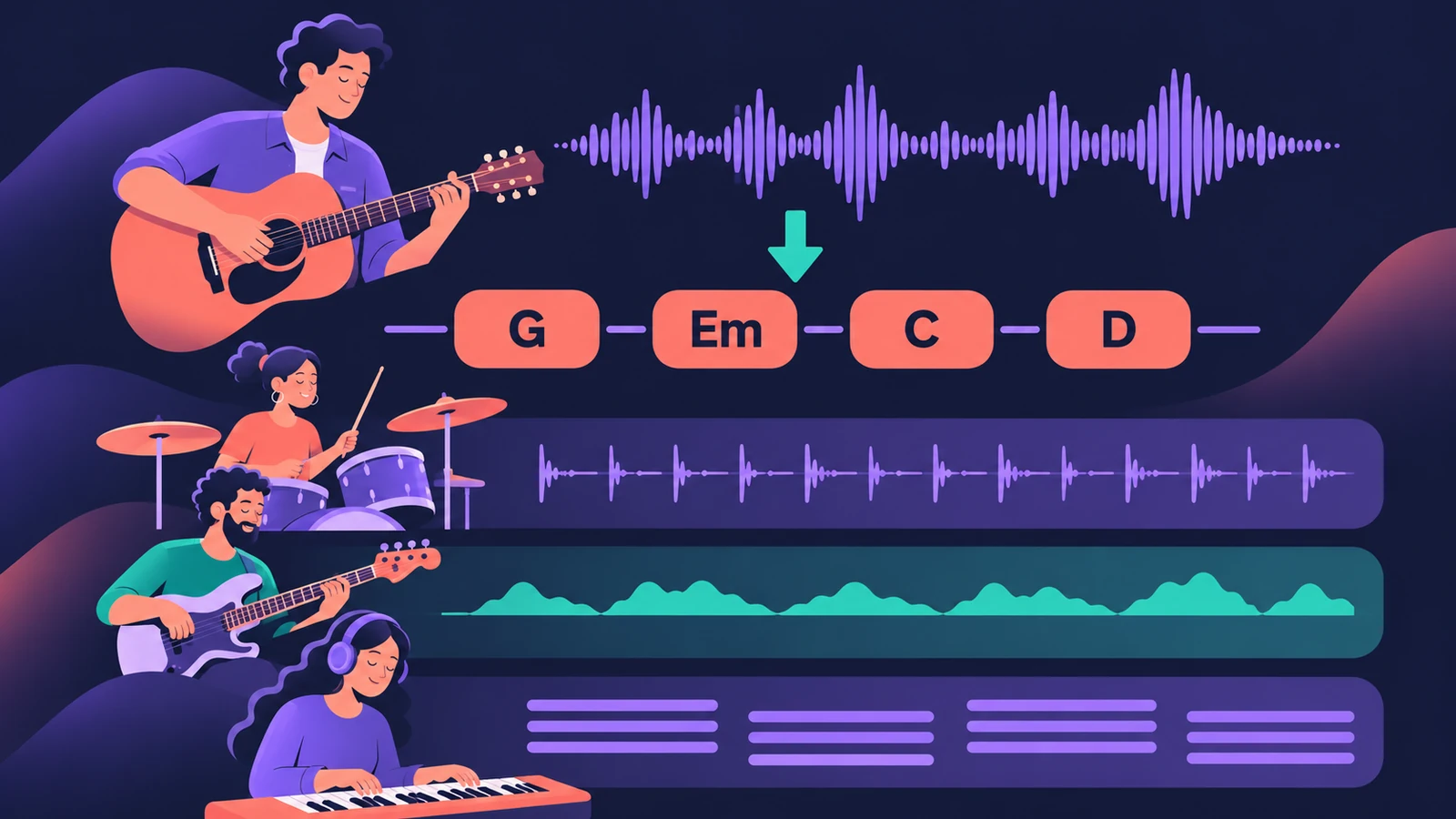 Songwriting in Logic Pro with Chord ID and Session PlayersTurn a voice memo or guitar demo into a song in Logic Pro: detect chords with Chord ID, fill the Chord track, add Session Players and shape each section.
-
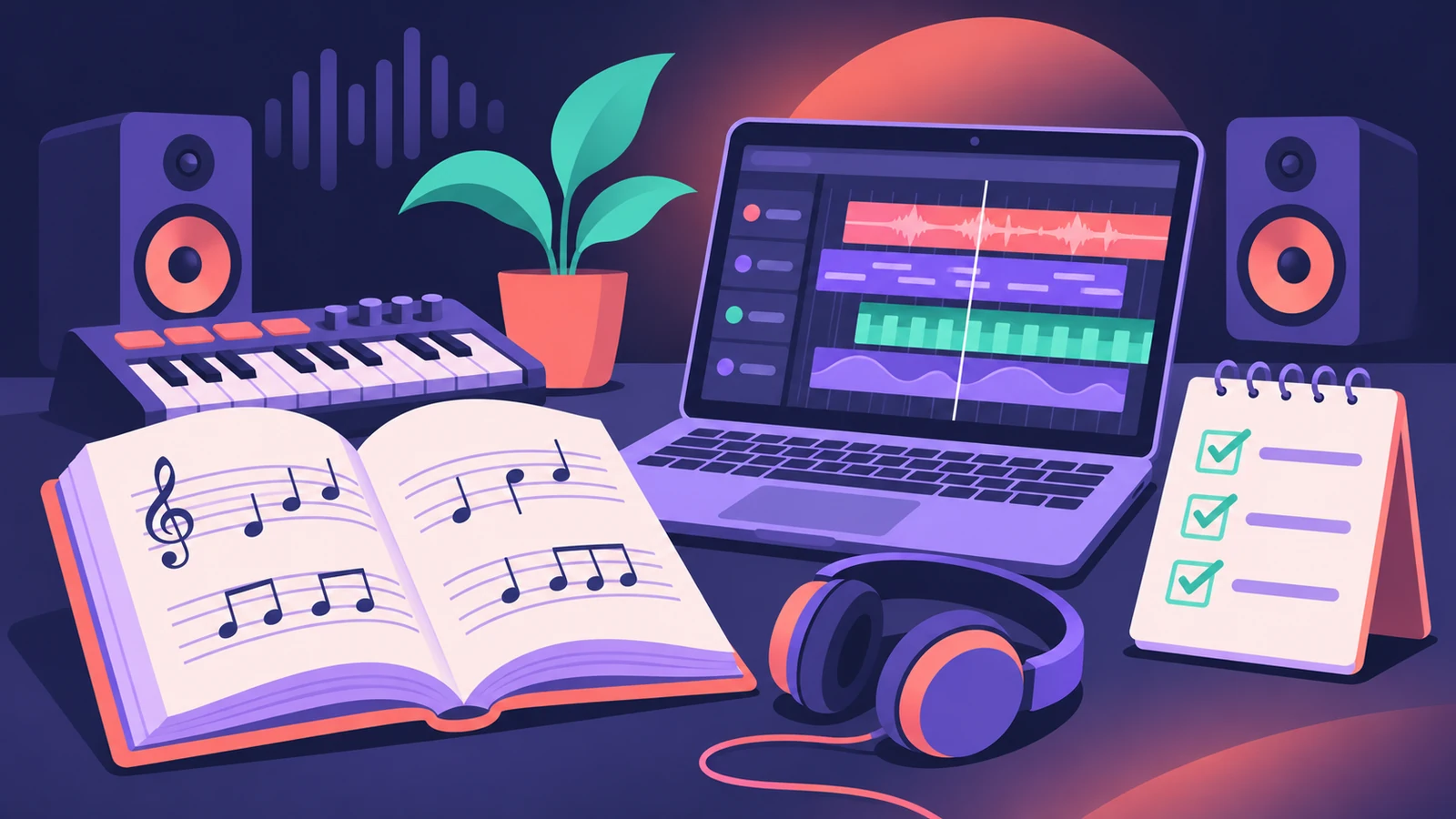 How to learn Logic Pro — books, courses and built-in lessonsHow to learn Logic Pro: the Apple Pro Training book by David Nahmani, free built-in Lessons and tutorials, instructor-led courses and a film-scoring book.
-
 Logic Pro certification — what's still available?What Apple Certified Pro – Logic Pro was, what Apple's training site lists in 2026, where Logic Pro courses with exams still run and what to ask before booking.
-
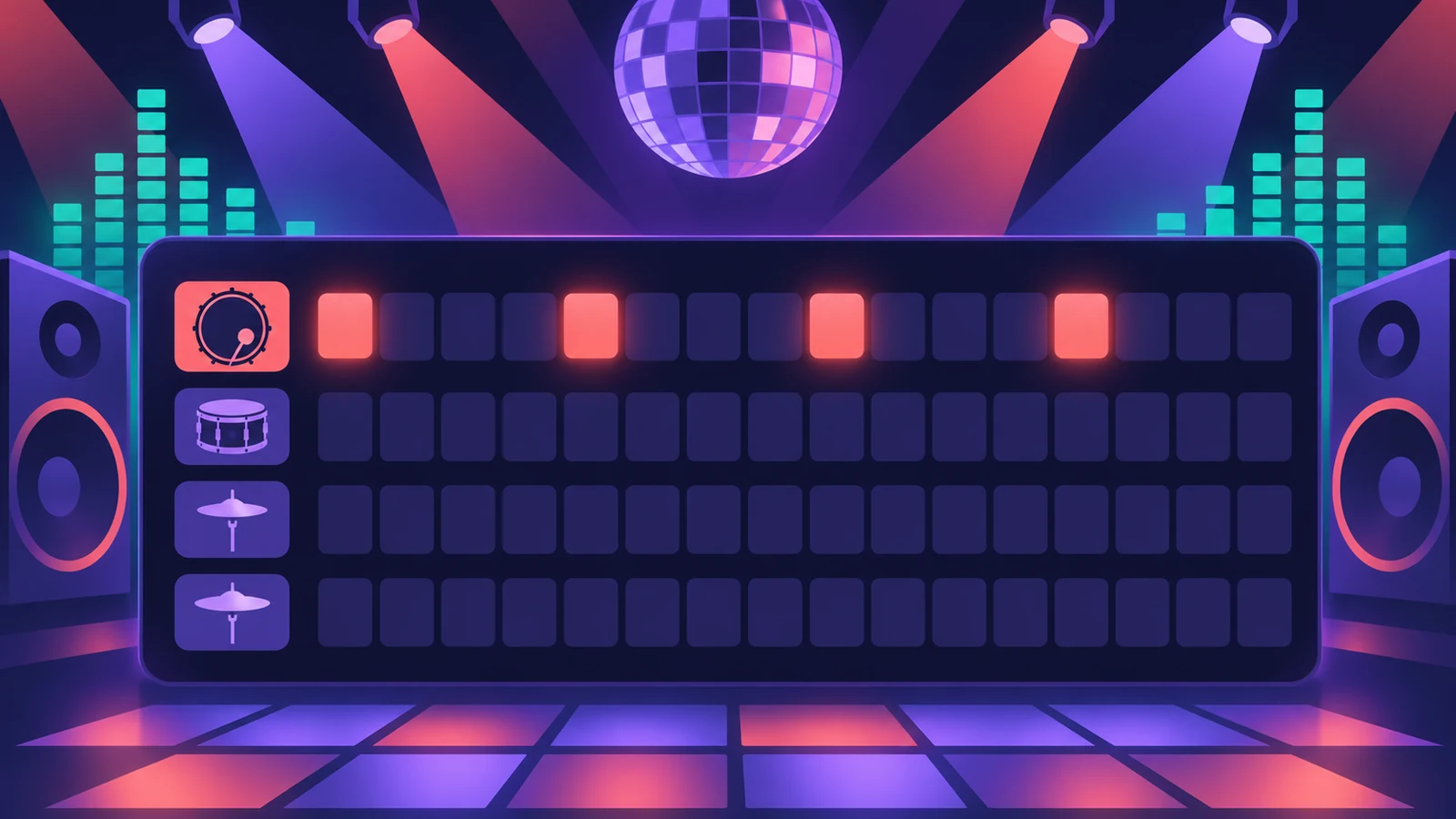 How to make house music in Logic ProBuild a house track in Logic Pro: tempo around 124–128 BPM, a four-on-the-floor kick in Drum Machine Designer, Synth Player bass and chords, sidechain pump.
-
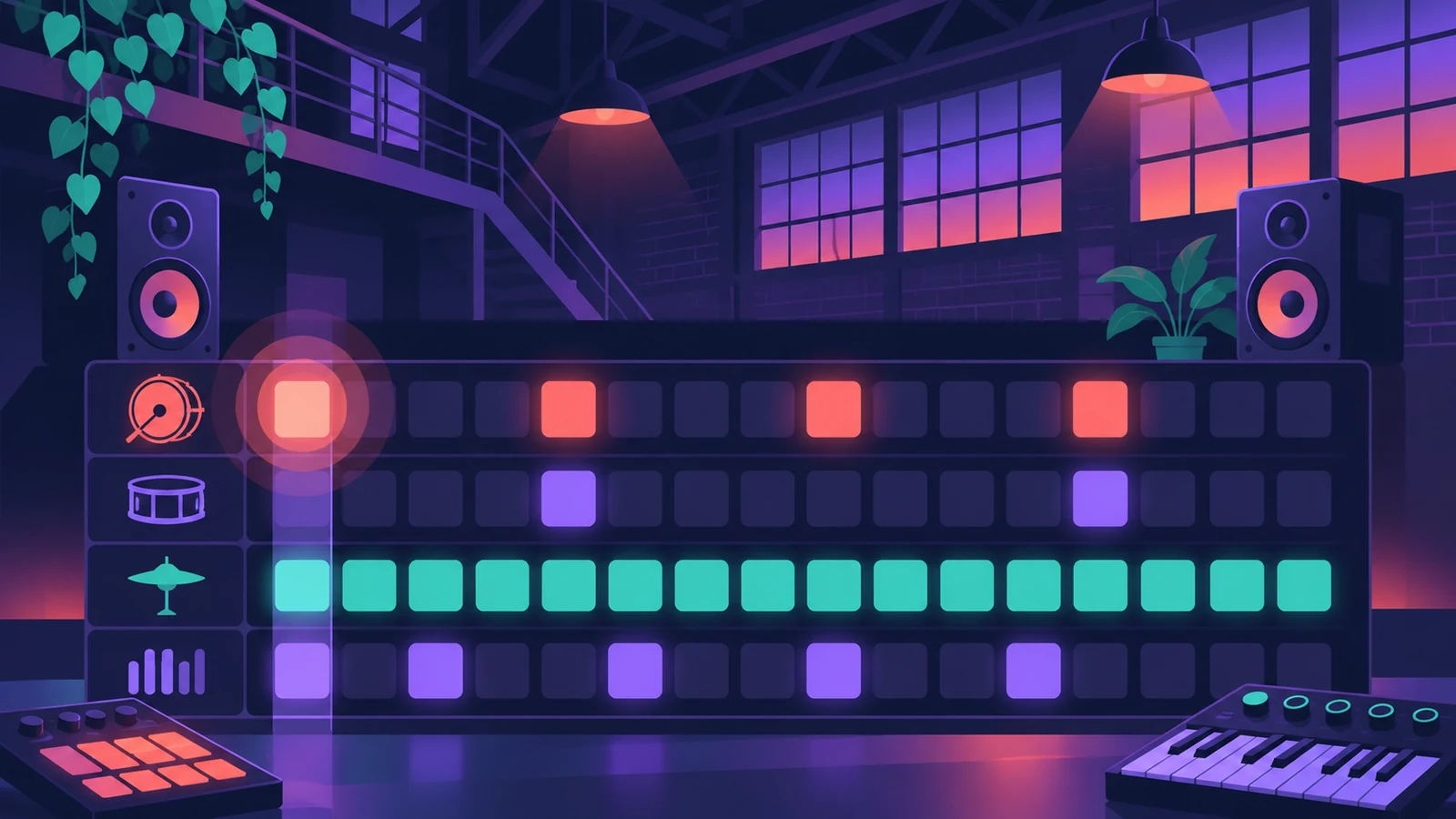 How to make techno in Logic ProMake techno in Logic Pro: tempo around 130 BPM, a driving kick in Drum Machine Designer, Step Sequencer patterns, sequenced bass and Step FX for movement.
-
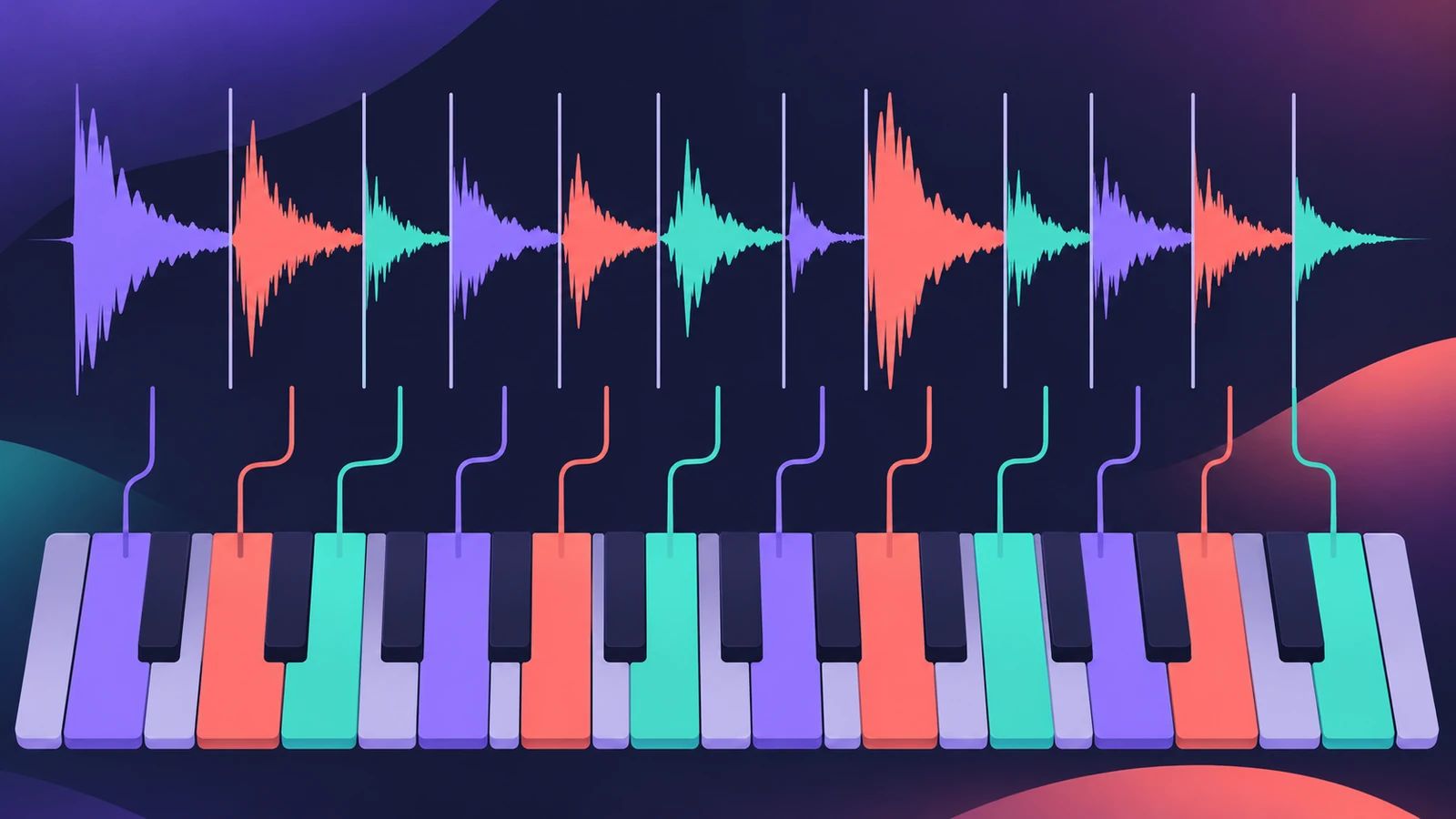 How to make drum and bass in Logic ProMake drum and bass in Logic Pro: set 170–175 BPM, chop a breakbeat with Quick Sampler's Slice mode or Beat Breaker, and write a sub bass on the half-time count.
-
 How to make a lo-fi hip-hop beat in Logic ProMake a lo-fi hip-hop beat in Logic Pro: 70–90 BPM, jazzy seventh chords on Vintage Electric Piano, swung drums, then Bitcrusher and Tape Delay for texture.
-
 How to make synthwave in Logic ProMake synthwave in Logic Pro: 80–118 BPM, Retro Synth pads, an Arpeggiator line and a gated reverb snare built from a reverb aux followed by Noise Gate.
-
 How to make ambient music in Logic ProMake ambient music in Logic Pro: slow tempos, evolving Alchemy pads, Sample Alchemy textures from your own recordings, and long ChromaVerb reverbs.
-
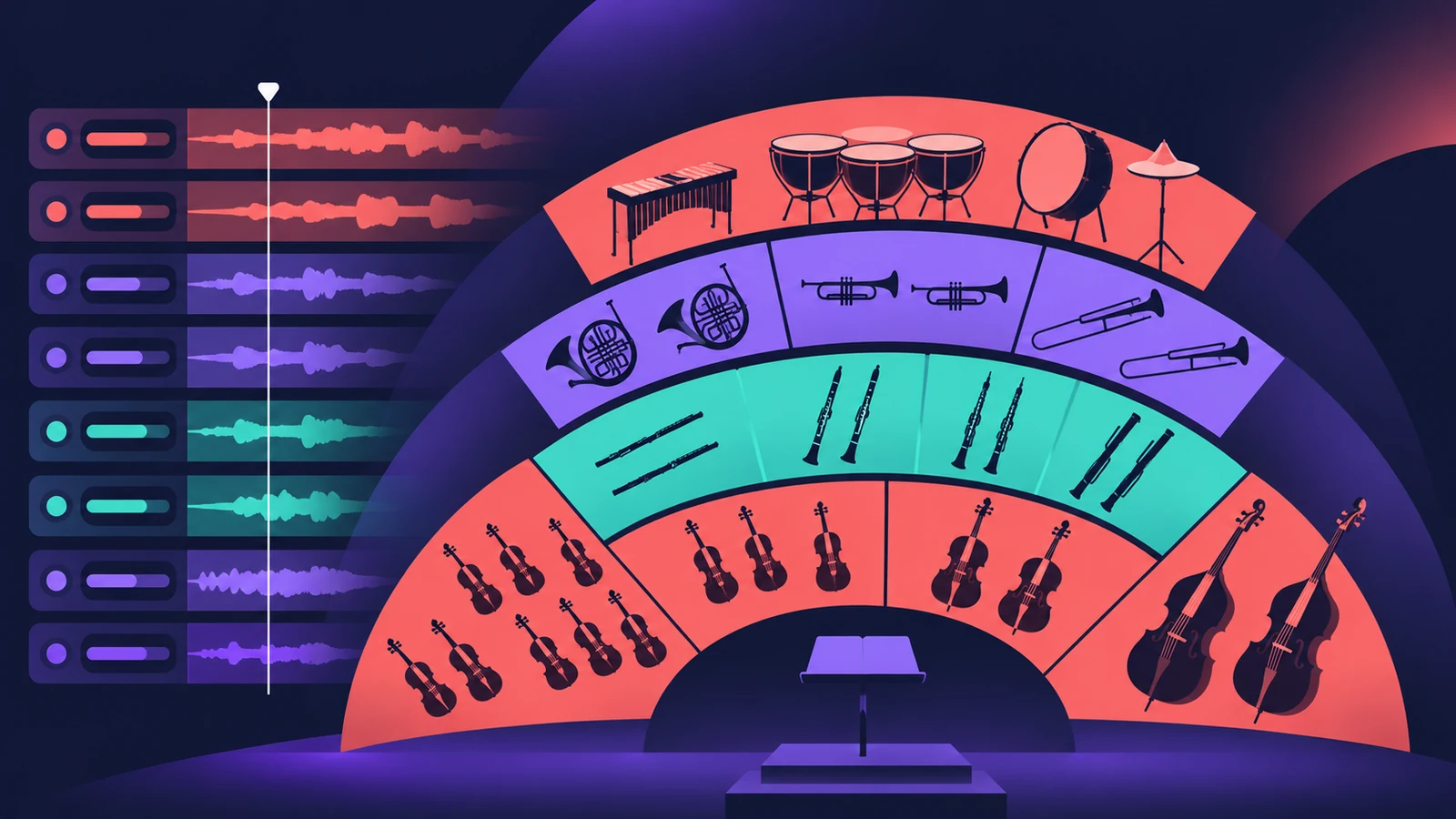 Orchestral mockups in Logic ProBuild a realistic orchestral mockup in Logic Pro: Studio Strings and Horns sections, articulations by keyswitch, legato lines, and CC1 and CC11 for dynamics.
-
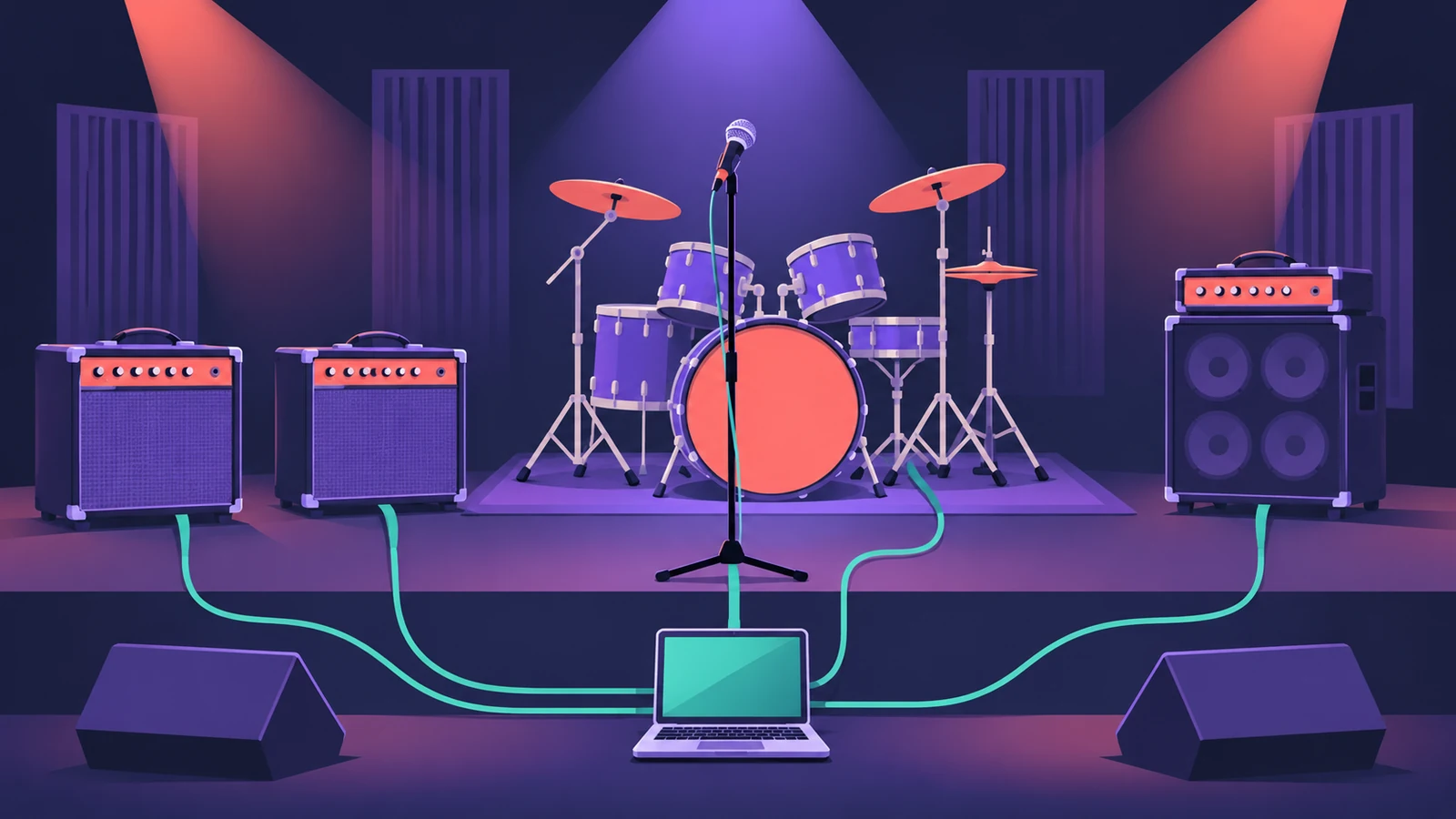 Record and produce a rock band in Logic ProProduce a rock song in Logic Pro: sketch with a Rock Drummer, record DI guitars into Amp Designer, add bass and vocals, then mix with buses and compression.
-
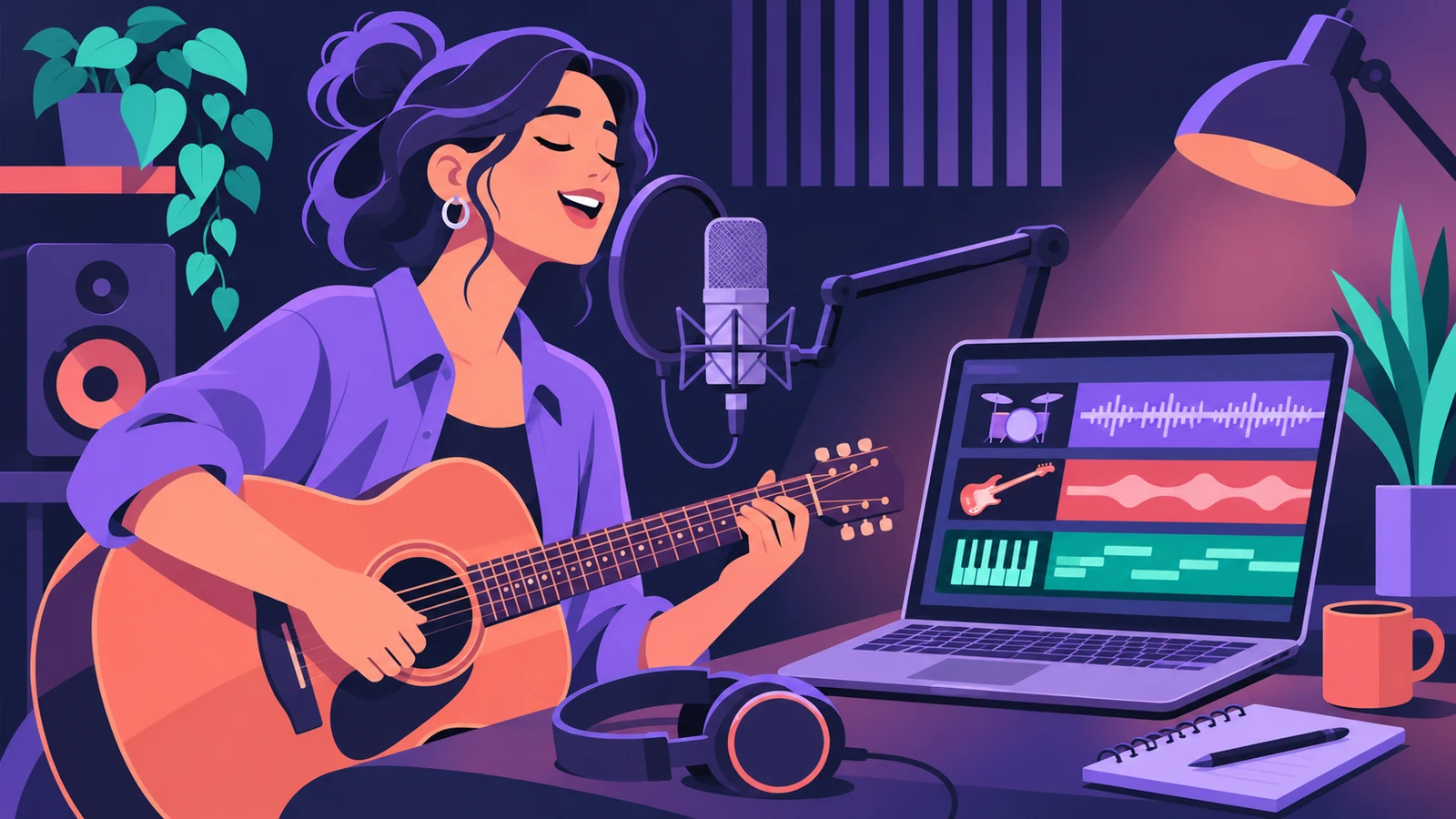 Make a singer-songwriter demo in Logic ProMake a singer-songwriter demo in Logic Pro: record guitar and vocal, then add a Songwriter Drummer, Bass Player and Keyboard Player that follow your chords.
-
 Make R&B and soul grooves in Logic ProMake an R&B or soul groove in Logic Pro: an R&B Drummer with swing, Vintage Electric Piano and B3 Organ chords, Clav riffs and a bass locked to the kick.
Sources
- Apple — Logic Pro X 10.1 Help: Save projects (package or folder)
- Apple — Logic Pro User Guide: What's new in Logic Pro for Mac 12
- Apple — Logic Pro X 10.1 Help: Open a movie (old)
- Apple Podcasts for Creators — Audio requirements
- Apple — Logic Pro for iPad User Guide: Extract vocal and instrumental stems with Stem Splitter
Checked November 2026. Logic ProFiles is independent of Apple; menu names can differ slightly between Logic Pro versions.
Frequently asked questions
Which workflow should a beginner start with?
+
Save a project template first — every other workflow starts faster from one. If Logic Pro is completely new to you, begin with the beginner tutorial.
Do these workflows work on iPad?
+
Many of the tools exist in Logic Pro for iPad too, such as Stem Splitter, Session Players and Chord ID. Steps and menus differ; see the iPad section.
Related
- Learn Logic Pro — tutorials for beginnersLearn Logic Pro on Mac: a beginner tutorial, the interface, the Logic Pro 13 Browser, audio interface setup, key commands, loops, patches and saving projects.
- Session Players in Logic ProHow Session Players work in Logic Pro: add a Drummer, Bass, Keyboard or Synth Player, pick a style, shape Complexity and Intensity, follow the Chord track.
- Stem Splitter in Logic ProSeparate a song into vocals, drums, bass, guitar, piano and other with Logic Pro's Stem Splitter — and in Logic Pro 13 split drums into kick, snare and more.
- How to export audio to a video in Logic ProPut your Logic Pro mix onto a video with File > Movie > Export Audio to Movie, and avoid the common mistake that adds the old soundtrack back into the file.