Instruments
Session Players in Logic Pro
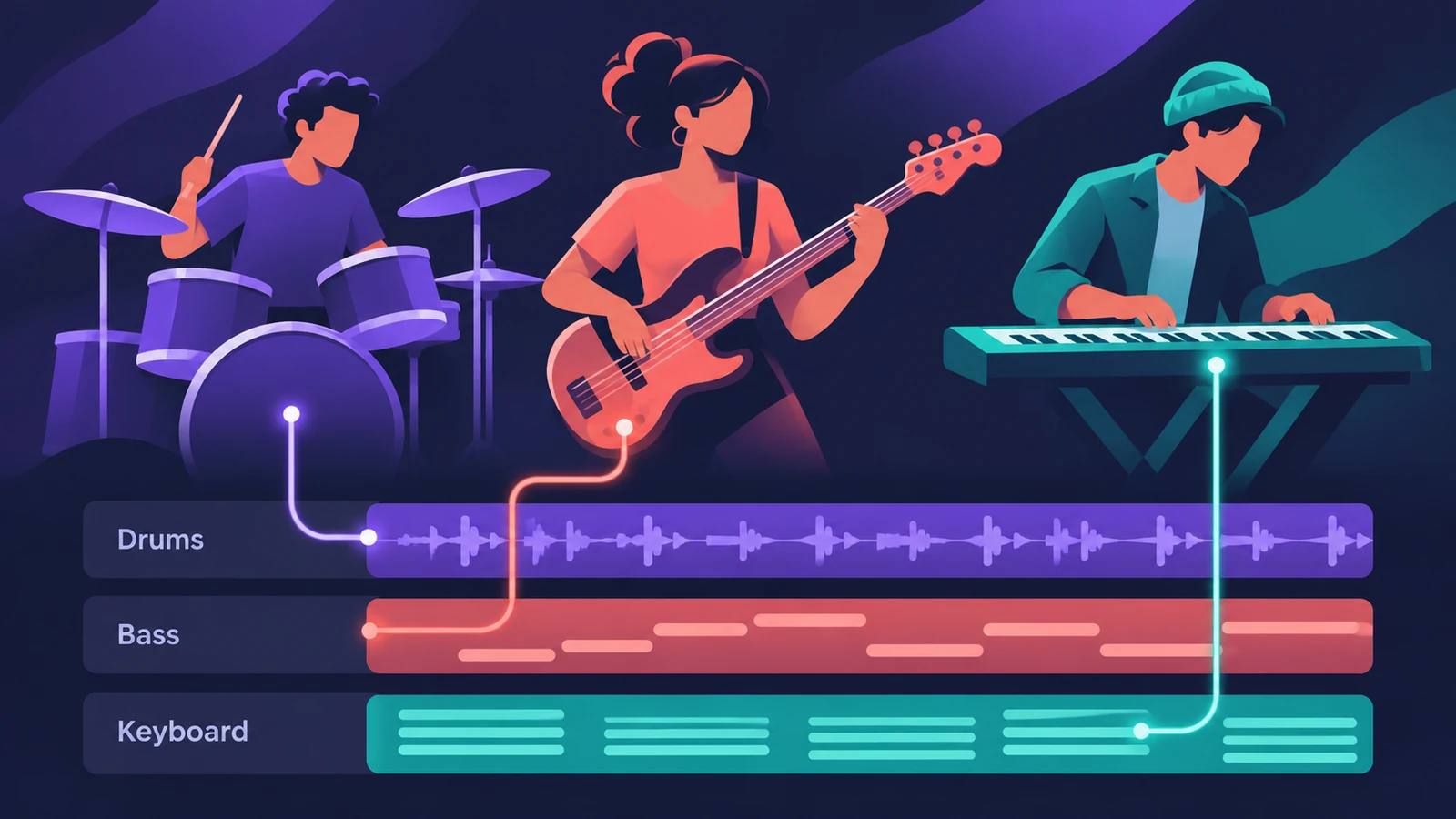
Session Players are Logic Pro's virtual band members. Add one and Logic Pro creates a software instrument track with a region of music already on it; you then steer the performance with a style, presets and a couple of sliders rather than editing notes one by one.
 Owen Hartley
Where to find it
Track > New Track (New Tracks dialog)
The Session Players
| Player | What it plays | Since |
|---|---|---|
| Drummer | Acoustic and electronic drum parts | Logic Pro X |
| Bass Player | Bass lines that follow the chords | Logic Pro 11 |
| Keyboard Player | Piano and keys accompaniment | Logic Pro 11 |
| Synth Players | Synth bass and synth keyboard parts | Logic Pro 12 |
Since Logic Pro 10.8, Drummer regions sit on ordinary software instrument tracks, so you can swap the instrument plug-in like on any other track type.
Give the players chords
Bass Player, Keyboard Player and Synth Players follow the Chord track. If you already have a recording, let Chord ID detect the chords for you.
Change the sound
Each new Session Player track starts with a default patch. The part and the sound are separate, so you can load a different patch and keep the performance.
Step by step
-
1
Open the New Tracks dialog
Choose the Session Player you want — Drummer, Bass Player or Keyboard Player (and Synth Players in Logic Pro 12 and later).
-
2
Create the track
Click Create. Logic Pro adds a software instrument track with an 8-bar Session Player region and a default patch.
-
3
Open the Session Player Editor
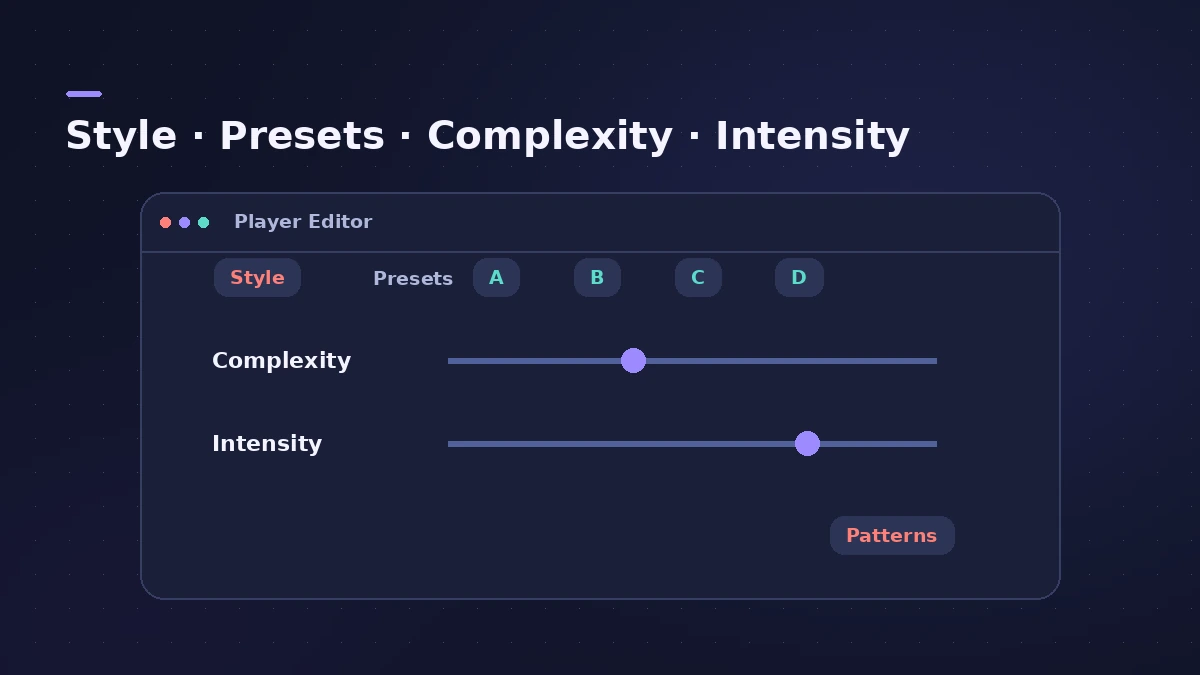
Select the region and open the editor. Use the style button and presets to choose the feel of the part.
-
4
Shape the performance
Drag the Complexity and Intensity sliders, or open Patterns for more control. Changes apply to the selected region only.
Common mistakes
- Expecting a change in the editor to affect the whole track — it only changes the selected region.
- Leaving the Chord track empty, so Bass and Keyboard Player have nothing to follow.
- Running Session Players on an older iPad — Apple recommends M-series chips there.
Make regions different
Because settings belong to regions, you can split the part into verse and chorus regions and give each its own complexity and intensity. For the drummer specifically, see Drummer.
Sources
- Apple — Logic Pro User Guide: Get started with Session Players
- Apple Newsroom — Logic Pro takes music-making to the next level with new AI features (May 2024)
- Apple Newsroom (Canada) — Logic Pro takes music-making to the next level (May 2024)
- Apple — Logic Pro for iPad User Guide: Intro to Synth Player styles
- Sound On Sound — Logic Pro: Synth Players (Apr 2026)
- Apple — Logic Pro User Guide: What's new in Logic Pro for Mac 10.8
Checked November 2026. Logic ProFiles is independent of Apple; menu names can differ slightly between Logic Pro versions.
Frequently asked questions
Which Session Players does Logic Pro have?
+
Drummer, Bass Player and Keyboard Player; Logic Pro 12 added Synth Players for synth bass and synth keyboard parts.
Do Session Players follow the chords?
+
Yes. Bass Player, Keyboard Player and Synth Players follow the chord progression on the Chord track.
Are Session Players on Logic Pro for iPad?
+
Yes. Apple notes that M-series chips are recommended for Session Players on iPad.
Related
- Make a singer-songwriter demo in Logic ProMake a singer-songwriter demo in Logic Pro: record guitar and vocal, then add a Songwriter Drummer, Bass Player and Keyboard Player that follow your chords.
- Studio Piano in Logic ProGet the most from Studio Piano in Logic Pro: choose Studio Grand, Concert Grand or Vintage Upright, balance mic positions, set pedal and key noise.
- Studio Bass in Logic ProUse Studio Bass in Logic Pro: choose one of six sampled basses, shape tone and pickups, use articulations and keyswitches, and pair it with the Bass Player.
- Songwriting in Logic Pro with Chord ID and Session PlayersTurn a voice memo or guitar demo into a song in Logic Pro: detect chords with Chord ID, fill the Chord track, add Session Players and shape each section.
- Session Players in Logic Pro for iPadAdd Session Players in Logic Pro for iPad — Drummer, Bass Player and Keyboard Player — make them follow your chords and edit them. Needs an M1 iPad.
- Drummer in Logic ProAdd a Drummer to Logic Pro and shape the part: XY pad for complexity and loudness, fills, swing, kit pieces and Follow so the kick and snare match your bass.
- Bass Player in Logic ProUse Bass Player in Logic Pro to get a bass line that follows your chords: choose one of eight bassists, shape the part, use Studio Bass and Bass Player loops.
- Keyboard Player in Logic ProUse Keyboard Player in Logic Pro for piano and keys parts that follow your chords: pick one of four styles, shape the part and set up the Studio Piano sound.
- Synth Players in Logic ProSynth Players in Logic Pro 12 and 13: 808 Bass, Pump Bass, Sequenced Bass, Rhythmic Chords and pads that follow the Chord track. Add one and shape the part.
- The Chord track in Logic ProWhat the Chord track does in Logic Pro: which players and tools follow it — Session Players, Step Sequencer, Play Surface — and how Chord ID fills it for you.