Learn Logic Pro
Logic Pro patches — load, edit and save your own
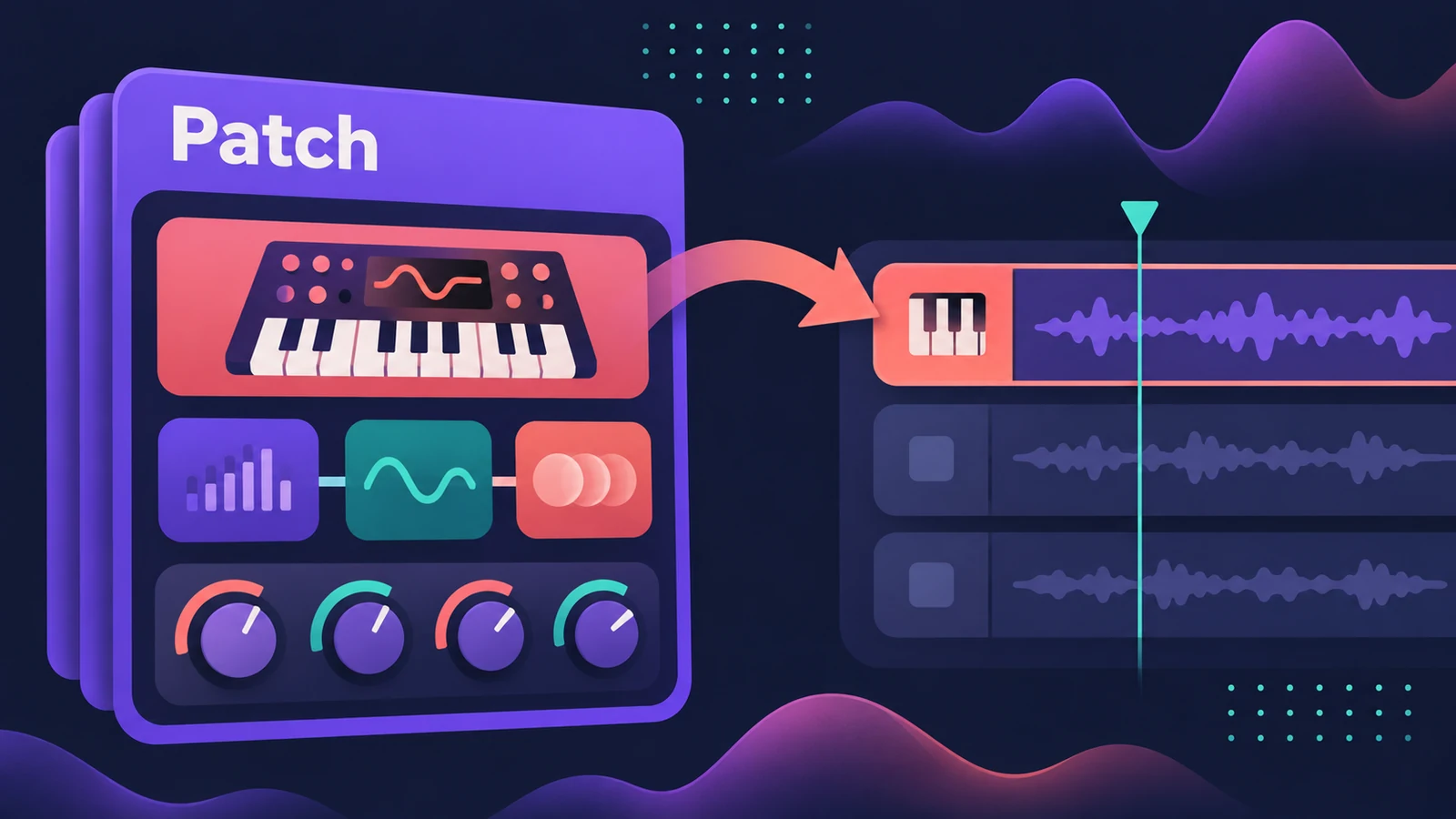
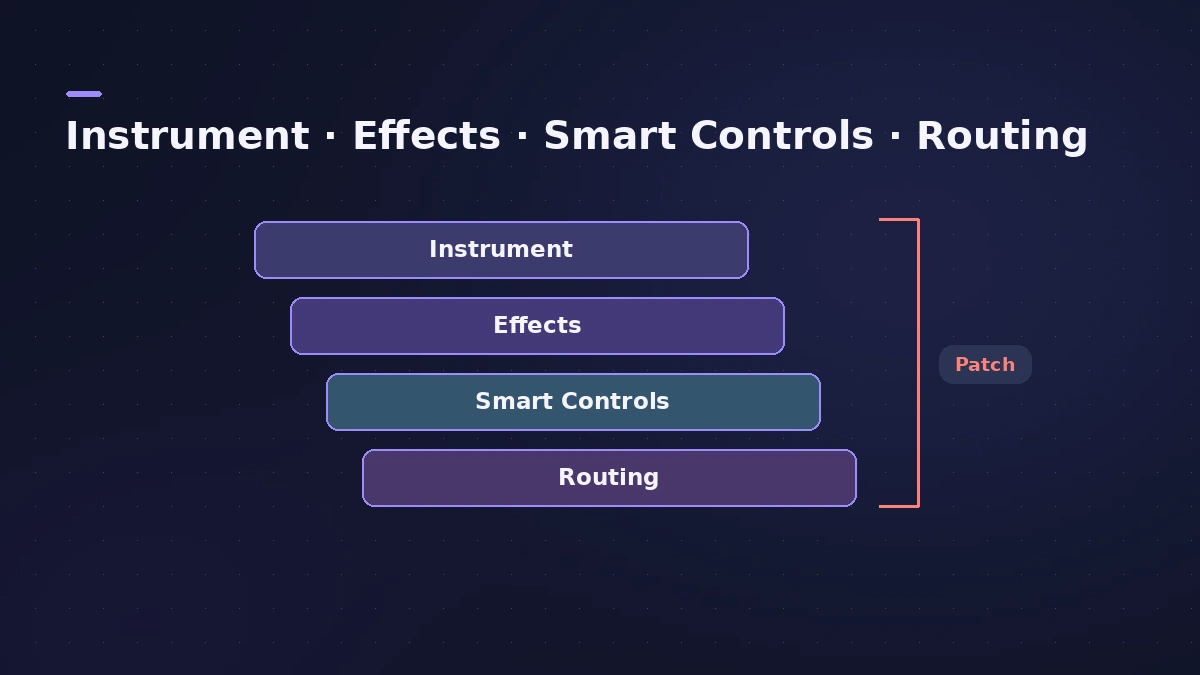
A patch is a complete sound for a track: the instrument, its effects, Smart Controls and routing. Choosing a patch applies all of that to the selected track in one click. In Logic Pro 13 patches live in the unified Browser; in Logic Pro 12 and earlier you choose them in the Library.
 Owen Hartley
Load a patch
Select a track, open the Browser in Logic Pro 13 (B) and click a patch. In Logic Pro 12 and earlier, open the Library and click a patch there. You can drag a patch onto a Drum Machine Designer pad as well.
Edit and save your own
Change the sound by editing the instrument, adding or removing plug-ins or adjusting Smart Controls, then save the result as a patch. The first time you save, a User Patches folder appears; its patches work in every project.
What Logic Pro 13 changed
| Feature | In Logic Pro 13 |
|---|---|
| Where patches live | The unified Browser, alongside loops and samples |
| Save a patch | From the Browser or the track header menu |
| Merge part of a patch | Only MIDI effects, only the instrument or only audio effects |
| Drum Machine Designer | Drag a patch onto a pad |
Missing patches after updating
If patches you used went missing after Logic Pro 12.0, Apple's fix is to update to 12.2 or later and install the Logic Pro Legacy Patches, Instruments and Loops packs from the Sound Library. More in legacy content.
Sources
- Apple — Logic Pro User Guide: Get started with patches
- Apple — Logic Pro User Guide glossary: Patch
- Apple — Logic Pro X 10.1 Help: Save custom patches (old)
- Apple Support — Logic Pro for Mac release notes
- Apple Support — Get missing Sound Library patches in Logic Pro for Mac
- Apple — Logic Pro User Guide for Mac (table of contents)
Checked November 2026. Logic ProFiles is independent of Apple; menu names can differ slightly between Logic Pro versions.
Frequently asked questions
Where are my saved patches?
+
Patches you save appear in a User Patches folder that you can use in any project. In Logic Pro 13 you can save a track as a patch from the Browser or from the track header menu.
Some patches disappeared after updating to Logic Pro 12. How do I get them back?
+
Update to 12.2 or later, open the Sound Library, search for "Logic Pro Legacy" and install the Legacy Patches, Instruments and Loops packs.
Can I load only the effects from a patch?
+
Yes. Logic Pro 13's Browser can merge just the MIDI effects, the instrument or the audio effects of a patch into the current track.
Related
- Using Logic Pro sounds in MainStageBring Logic Pro sounds into MainStage: save and load channel strip settings, load whole patches, and fix sounds that change when sends weren't copied.
- Sampler in Logic ProBuild a multisampled instrument with Logic Pro's Sampler: drag in samples, choose a mapping, edit zones and groups, and open old EXS24 instruments in Sampler.
- The Logic Pro 13 Browser — search, tags and Find SimilarThe unified Browser in Logic Pro 13: loops, samples, patches and presets in one place, filter tags, describe-a-sound search, Find Similar and Splice.
- Smart Controls in Logic Pro — use and map themUse Logic Pro Smart Controls to shape a track's sound with a few knobs, change the layout, map screen controls and assign knobs on your MIDI controller.
- Logic Pro track types explainedLogic Pro track types explained: audio, software instrument (MIDI, Session Player and pattern regions), external MIDI, Track Stacks, aux and global tracks.
- Learn Logic Pro — tutorials for beginnersLearn Logic Pro on Mac: a beginner tutorial, the interface, the Logic Pro 13 Browser, audio interface setup, key commands, loops, patches and saving projects.