Learn Logic Pro
Logic Pro track types explained
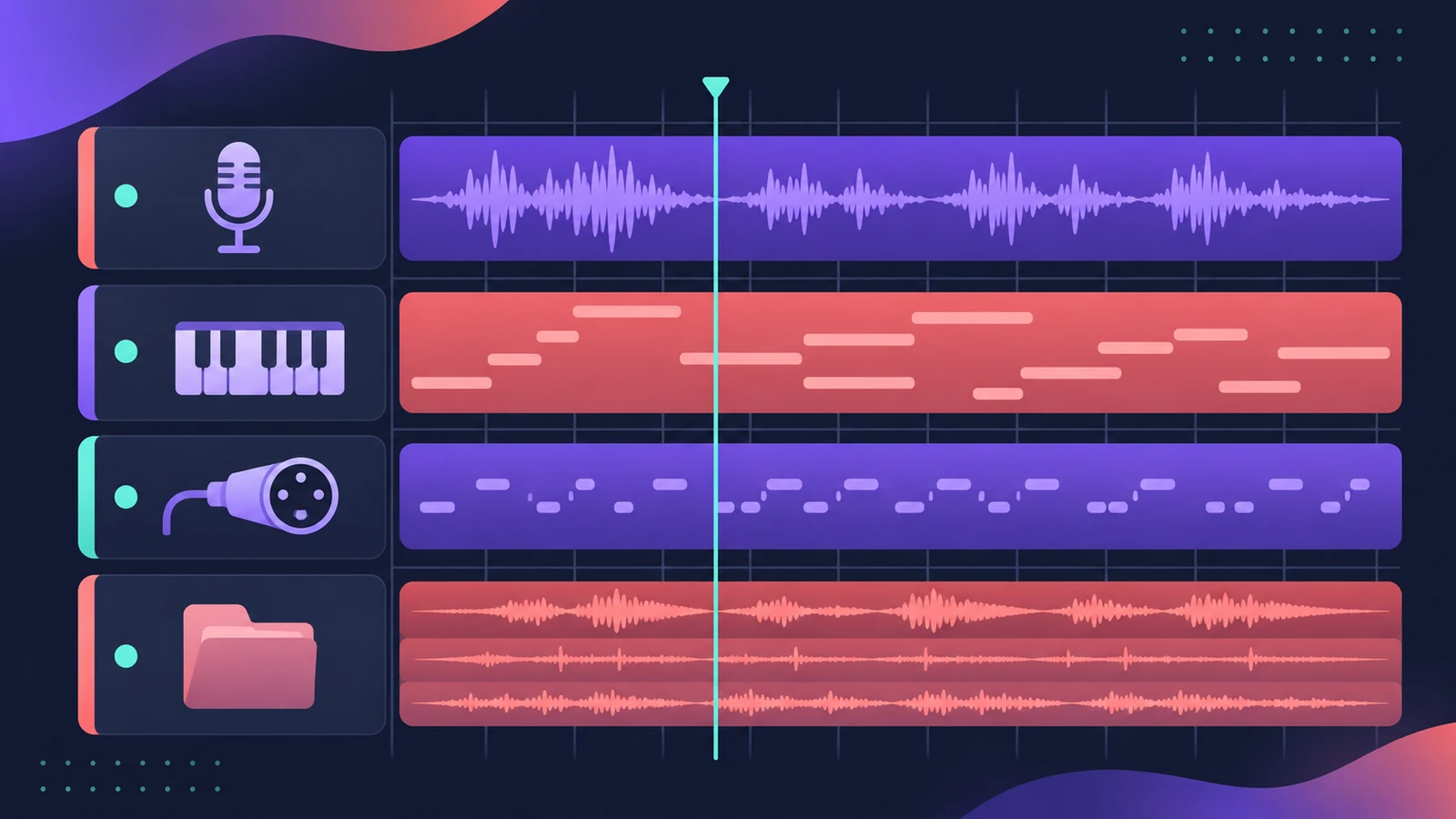
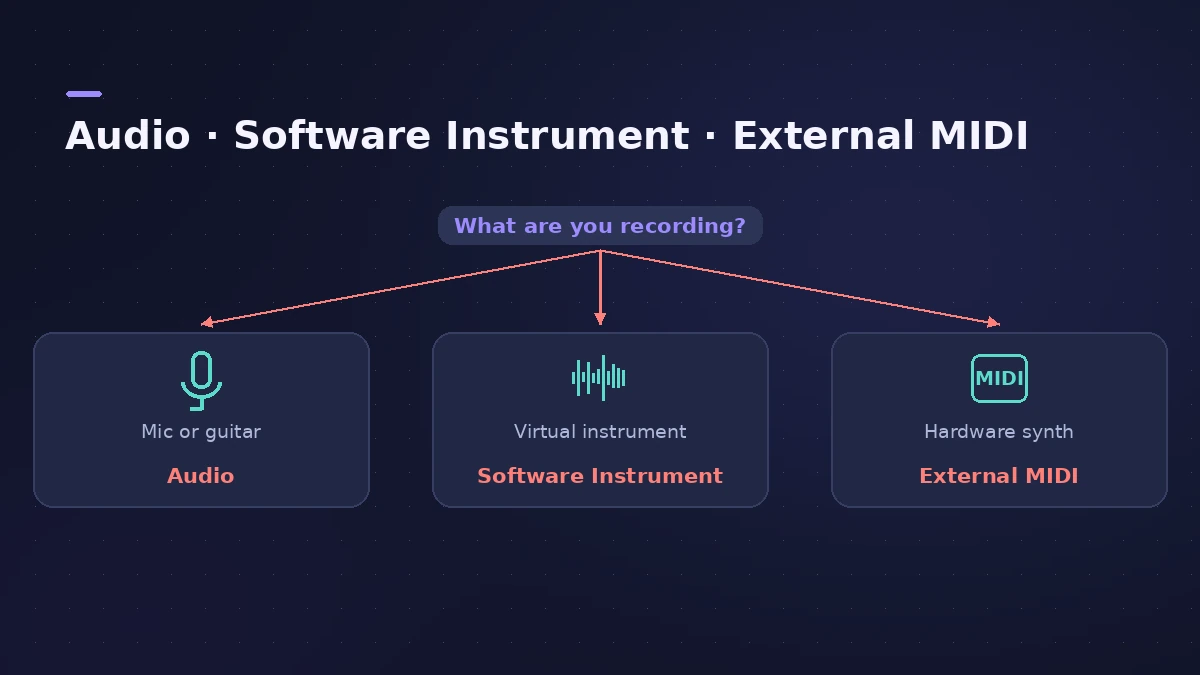
Every track in Logic Pro is one of a few types, and the type decides what it can hold. Audio tracks hold recordings and audio files; software instrument tracks hold MIDI, Session Player (Drummer) and pattern regions; external MIDI tracks drive hardware synths. Since Logic Pro 10.8 there's no separate Drummer track type.
 Owen Hartley
Tracks that hold regions
| Track type | Holds | Edited in |
|---|---|---|
| Audio | Recordings, audio Apple Loops, imported audio | Audio Track Editor |
| Software instrument | MIDI, Drummer and pattern regions, plus Session Player loops | Piano Roll, Drummer Editor, Step Sequencer |
| External MIDI | MIDI that plays an external synth or sound module | Piano Roll |
| Track Stack | A folder or summing group of other tracks | — |
Software instrument tracks have a default region type — MIDI, Drummer or pattern. You set it when you create the track and can change it in the Track inspector; it decides which editor opens by default. A single track can still mix all three region types.
Tracks that route or control
Aux and output tracks route the sound of other tracks; they don't contain regions. Global tracks, such as the tempo track and markers, control the whole project — see tempo, key and time signature. The master track controls the overall output. Group related tracks with Track Stacks.
Sources
- Apple — Logic Pro X 10.1 Help: Tracks overview (old)
- Apple — Logic Pro User Guide: What's new in Logic Pro for Mac 10.8
- Apple Support — Use Session Player loops in Logic Pro for Mac
- Apple — Logic Pro User Guide for Mac (table of contents)
Checked November 2026. Logic ProFiles is independent of Apple; menu names can differ slightly between Logic Pro versions.
Frequently asked questions
What happened to Drummer tracks?
+
Since Logic Pro 10.8, Drummer regions live on software instrument tracks. Older projects convert Drummer tracks to software instrument tracks with Drummer as the default region type.
What's the difference between an audio track and a software instrument track?
+
An audio track plays recorded or imported audio. A software instrument track plays MIDI data through a virtual instrument such as a synth or sampler.
What is the default region type?
+
A setting on software instrument tracks — MIDI, Drummer or pattern — that decides which editor opens when you select the track: Piano Roll, Drummer Editor or Step Sequencer.
Related
- Region types in Logic ProEvery region type in Logic Pro: audio, MIDI, pattern and Session Player regions, aliases, take folders, folders and Apple Loops — and what each holds.
- Session Players in Logic ProHow Session Players work in Logic Pro: add a Drummer, Bass, Keyboard or Synth Player, pick a style, shape Complexity and Intensity, follow the Chord track.
- Logic Pro patches — load, edit and save your ownWhat a Logic Pro patch is, how to load and swap patches in the Browser or Library, save your own, merge only parts of a patch and restore legacy patches.
- How to use the groove track in Logic ProSet a groove track in Logic Pro and make other tracks follow its timing: show the star, tick Match Groove Track and know the limits with loops and quantize.
- Track Stacks in Logic Pro — folder vs summing stacksGroup tracks in Logic Pro with Track Stacks: when to use a Folder Stack or a Summing Stack, how to create, nest and open them, and why summing stacks are buses.
- Learn Logic Pro — tutorials for beginnersLearn Logic Pro on Mac: a beginner tutorial, the interface, the Logic Pro 13 Browser, audio interface setup, key commands, loops, patches and saving projects.