Reference
Region types in Logic Pro
Everything you record or add in the Tracks area becomes a region. Different kinds hold different data — audio, MIDI notes, a step pattern or a generated performance — and some can be converted into others.
 Owen Hartley
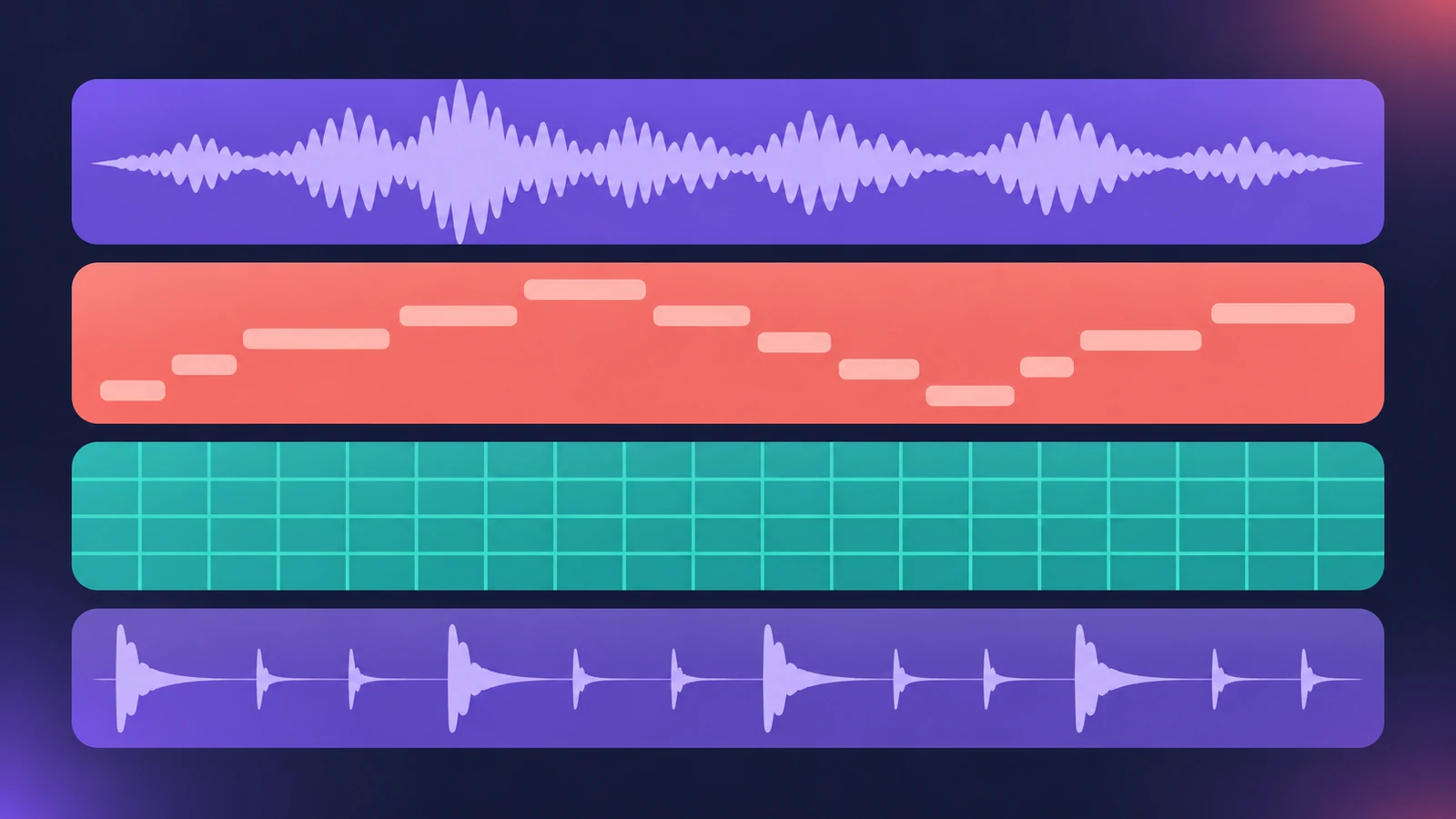
Region types
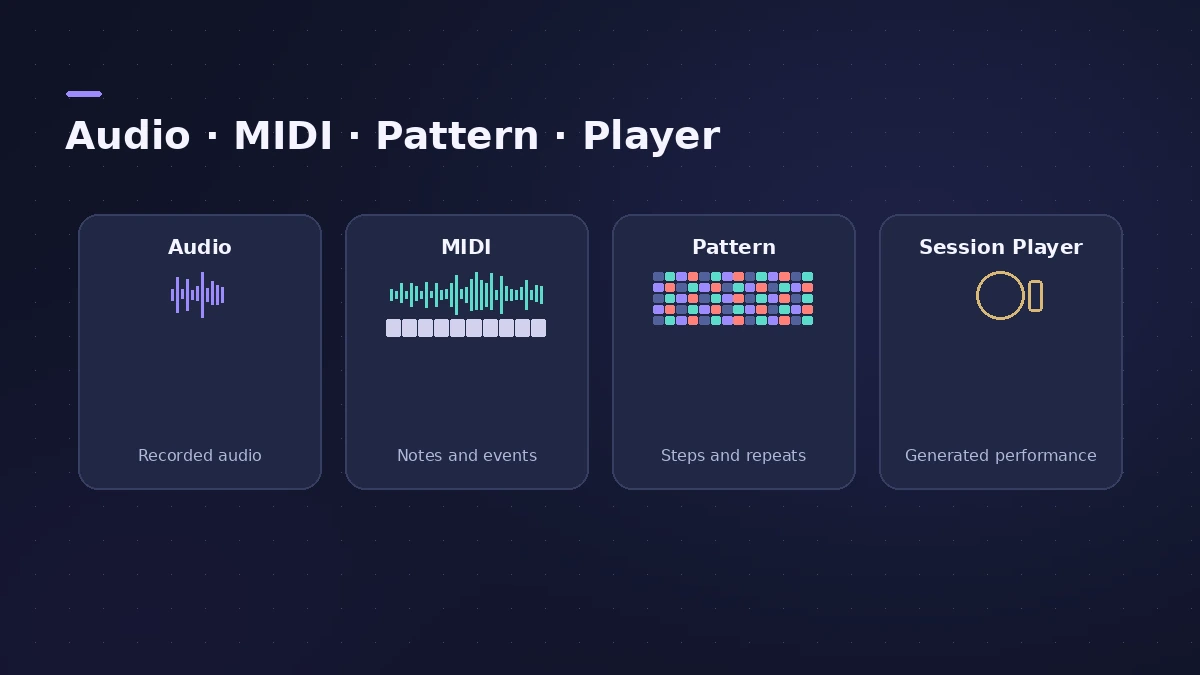
| Region | What it holds |
|---|---|
| Audio region | A segment of an audio file |
| MIDI region | A container for MIDI events |
| Pattern region | A step pattern, edited in the Step Sequencer |
| Session Player region | A realistic bass, piano or drum performance |
| Alias | A pointer to a MIDI region |
| Take folder | A container for multiple take recordings |
| Folder | A container for regions |
| Apple Loops | Prerecorded audio or MIDI regions |
The User Guide also covers converting regions: a MIDI region into a pattern region, a MIDI region into a Session Player region, and Session Player regions into MIDI or pattern regions.
Apple's glossary defines a track as a row that contains audio, MIDI, Session Player or pattern regions. For track kinds, see track types.
Sources
Checked November 2026. Logic ProFiles is independent of Apple; menu names can differ slightly between Logic Pro versions.
Frequently asked questions
What’s the difference between a region and a track?
+
A track is a horizontal row; regions are the segments placed on it that hold recordings and media.
What is an alias?
+
In Apple’s glossary, an alias is a pointer to a MIDI region in the Tracks area.
Related
- Logic Pro track types explainedLogic Pro track types explained: audio, software instrument (MIDI, Session Player and pattern regions), external MIDI, Track Stacks, aux and global tracks.
- Cycle recording and take folders in Logic ProRecord several takes of one section in Logic Pro: set a cycle area, choose Create Take Folder, record multiple passes, then preview takes and comp.
- Session Players in Logic ProHow Session Players work in Logic Pro: add a Drummer, Bass, Keyboard or Synth Player, pick a style, shape Complexity and Intensity, follow the Chord track.
- Logic Pro referenceLogic Pro reference: a plain-English glossary, supported audio and MIDI file formats, where plug-ins are installed, and how to make custom key commands.