Mix & Master
Mix and master in Logic Pro
Mixing balances the tracks against each other; mastering prepares the finished stereo file for listeners. Logic Pro covers both with stock plug-ins — Channel EQ, Compressor, Pitch Correction, Adaptive Limiter, Loudness Meter — plus Mastering Assistant, which analyses your mix and sets EQ, loudness and width for you. These guides take you through each step.
 Owen Hartley
Find the right guide
| Job | Logic Pro tool | Guide |
|---|---|---|
| Plan a whole mix | Mixer, Channel EQ, Compressor | How to mix in Logic Pro |
| Save CPU on heavy tracks | Freeze (Source Only, Pre Fader) | Freeze tracks |
| Find your way around the Mixer | Views, filters, strip types | The Mixer |
| Move several faders together | Mixer groups | Groups |
| One fader for a whole section | VCA faders | VCA faders |
| Pan stereo tracks properly | Stereo Pan, pan law | Panning and pan law |
| Keep levels healthy | Pre-fader metering, region gain | Gain staging |
| Glue the mix | Compressor (VCA types) | Bus compression |
| Compare with a pro mix | Level-matched reference | Reference track |
| Check phone and club playback | Gain Mono, Correlation | Mono check |
| Know where master plug-ins go | Stereo Out, Master | Stereo Out vs Master |
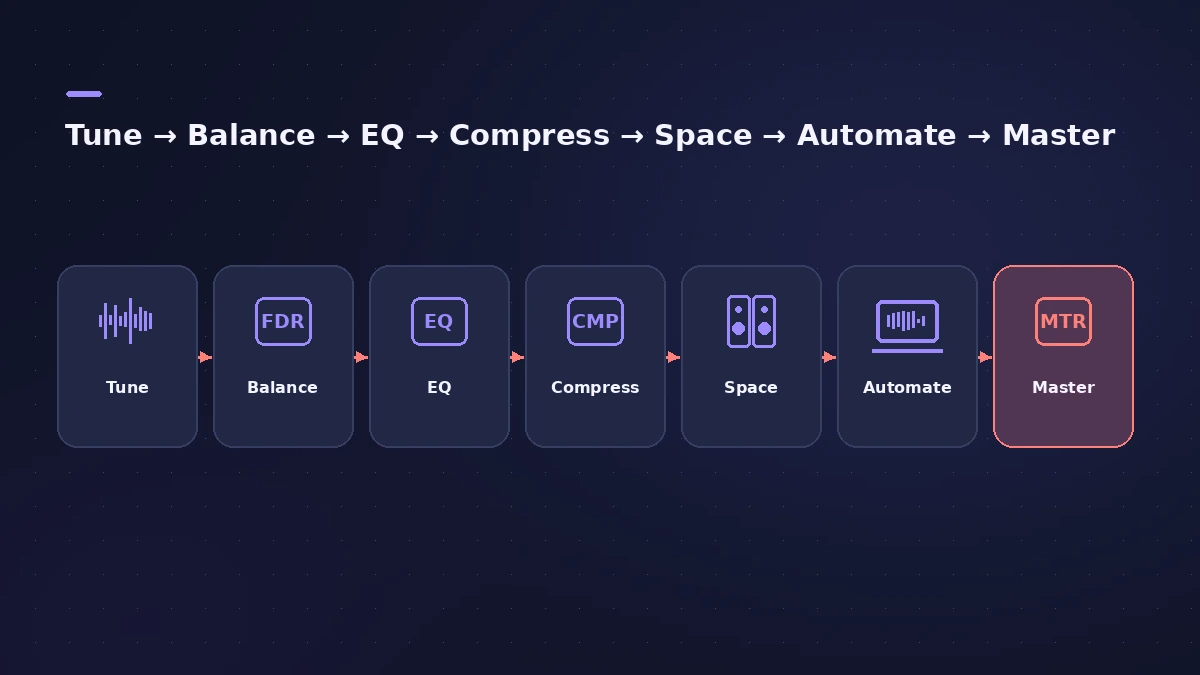
| Mix in the right order | All of the above | Mixing checklist |
| Tune a vocal | Flex Pitch, Pitch Correction | Autotune in Logic Pro |
| Make vocals sit in the mix | EQ, compression, sends | Mix vocals |
| Shape tone | Channel EQ | Channel EQ |
| Duck bass under the kick | Compressor side chain | Sidechain compression |
| Thicken drums | Compressor Mix knob | Parallel compression |
| Share reverb and delay | Sends and aux channels | Aux sends and buses |
| Group and bus tracks | Folder and Summing Stacks | Track Stacks |
| Move levels over time | Read, Touch, Latch, Write | Automation |
| Master in one click | Mastering Assistant | Mastering in Logic Pro |
| Master by hand | EQ, limiter, meter | Stock mastering chain |
| Hit streaming loudness | Loudness Meter | LUFS and loudness |
| Mix in 3D | Dolby Atmos plug-in, 3D Object Panner | Dolby Atmos mixing |
When the mix is done, the next stop is bouncing and exporting. If playback stutters while you add plug-ins, see system overload.
All mixing and mastering guides
-
 Mastering in Logic Pro with Mastering AssistantMaster your song in Logic Pro with Mastering Assistant: insert it on the stereo output, pick a Character, adjust EQ, loudness and width, then bounce the master.
-
 Autotune in Logic Pro — Flex Pitch and Pitch CorrectionTune vocals in Logic Pro without extra plug-ins: fix notes by hand with Flex Pitch, or use the Pitch Correction plug-in for real-time autotune. Both explained.
-
 How to mix a song in Logic Pro, step by stepA step-by-step mixing workflow for Logic Pro with stock plug-ins: organise tracks, balance levels, EQ, compress, add space with sends, automate, check loudness.
-
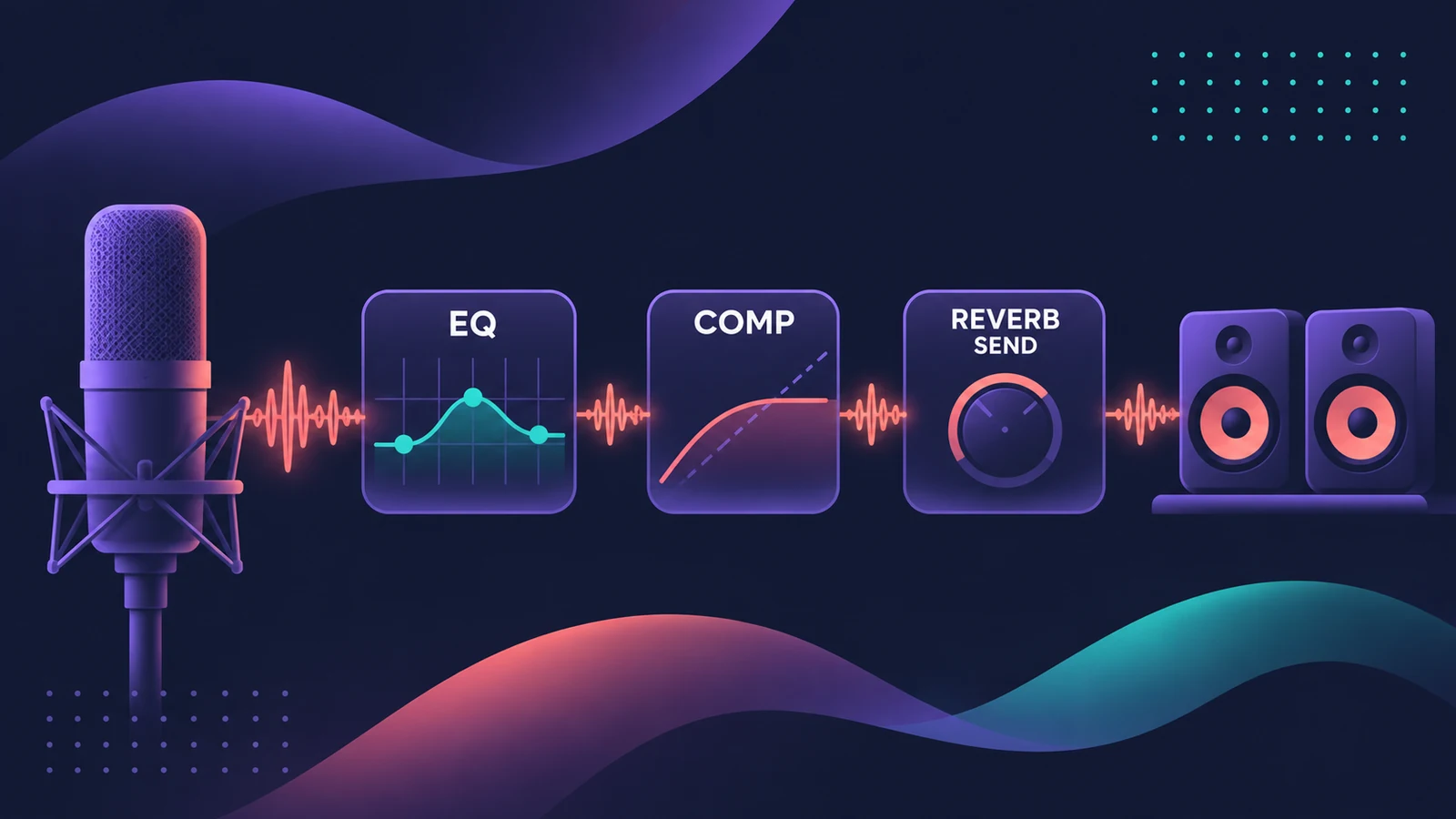 How to mix vocals in Logic ProMix vocals in Logic Pro with stock plug-ins: tune with Flex Pitch, clean up with Channel EQ, control level with Compressor, add reverb on a send and automate.
-
 How to use Channel EQ in Logic ProLearn Logic Pro's Channel EQ: the eight bands, the high-pass and shelving filters, the Analyzer, Q-Couple and HQ mode, plus a simple workflow for cleaner mixes.
-
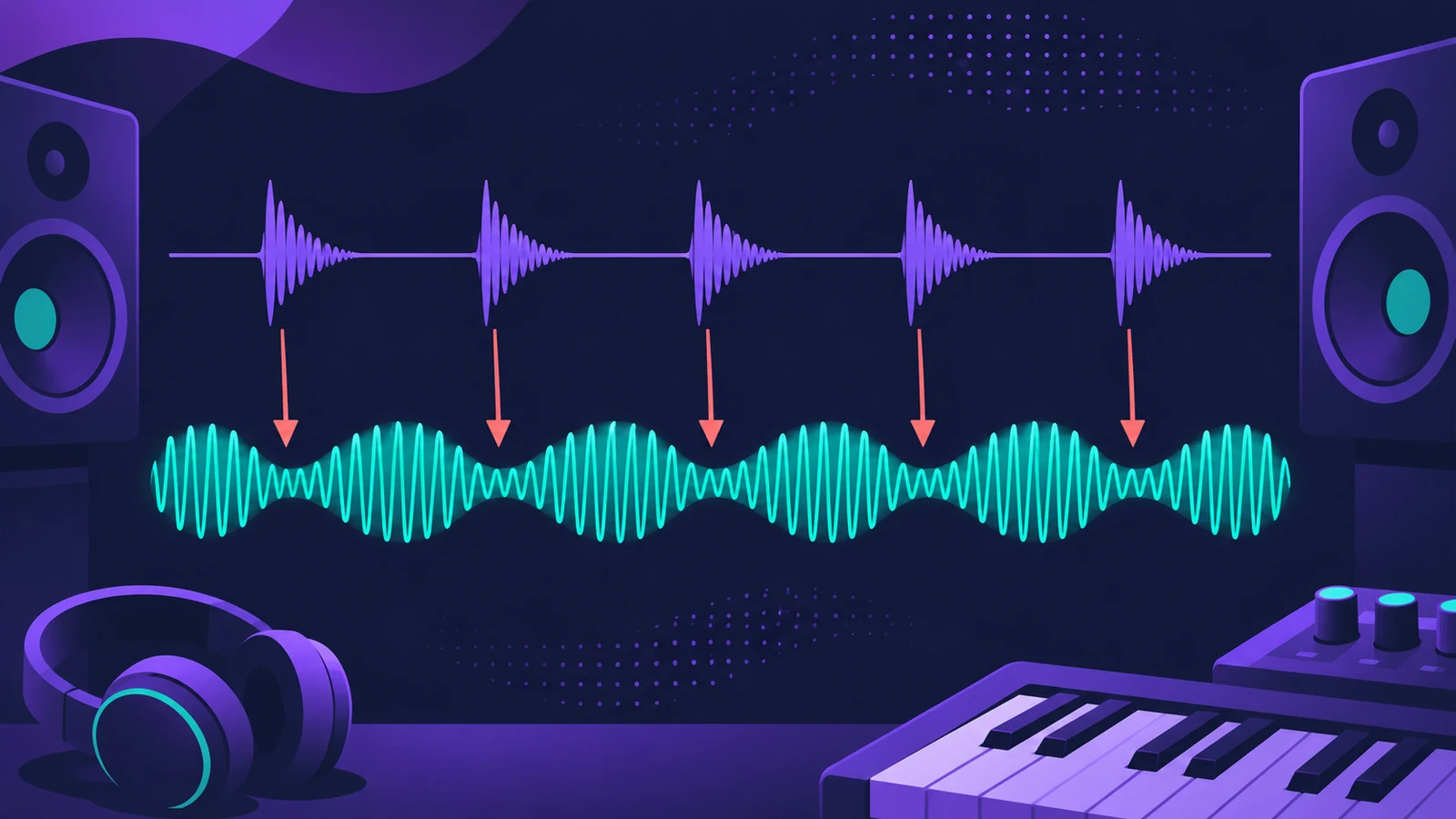 How to sidechain in Logic ProSet up sidechain compression in Logic Pro: put Compressor on the bass or pad, pick the kick in the Side Chain menu, then set threshold, ratio, attack, release.
-
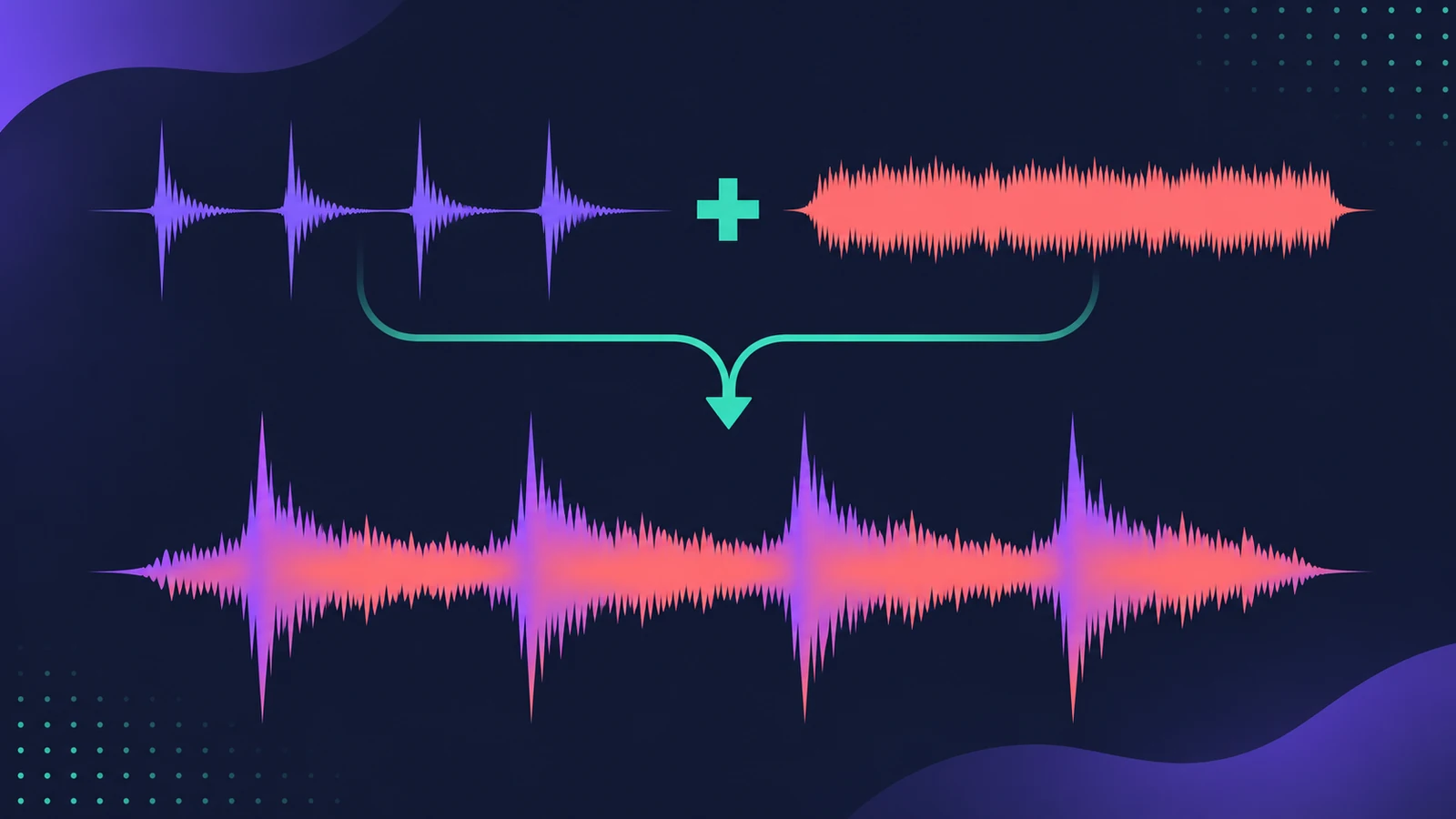 Parallel compression in Logic Pro — two easy methodsDo parallel compression in Logic Pro two ways: with the Compressor's Mix knob on the track, or by sending drums to an aux with a heavily compressed Compressor.
-
 Aux sends and buses in Logic ProSet up aux sends in Logic Pro: send several tracks to one reverb on a bus, choose pre fader, post fader or post pan, and use Sends on Faders for headphones.
-
 Track Stacks in Logic Pro — folder vs summing stacksGroup tracks in Logic Pro with Track Stacks: when to use a Folder Stack or a Summing Stack, how to create, nest and open them, and why summing stacks are buses.
-
 Automation in Logic Pro — Read, Touch, Latch and WriteAutomate volume, pan, sends and plug-ins in Logic Pro: what Read, Touch, Latch, Write and Trim do, how to record automation with the fader and how to draw it.
-
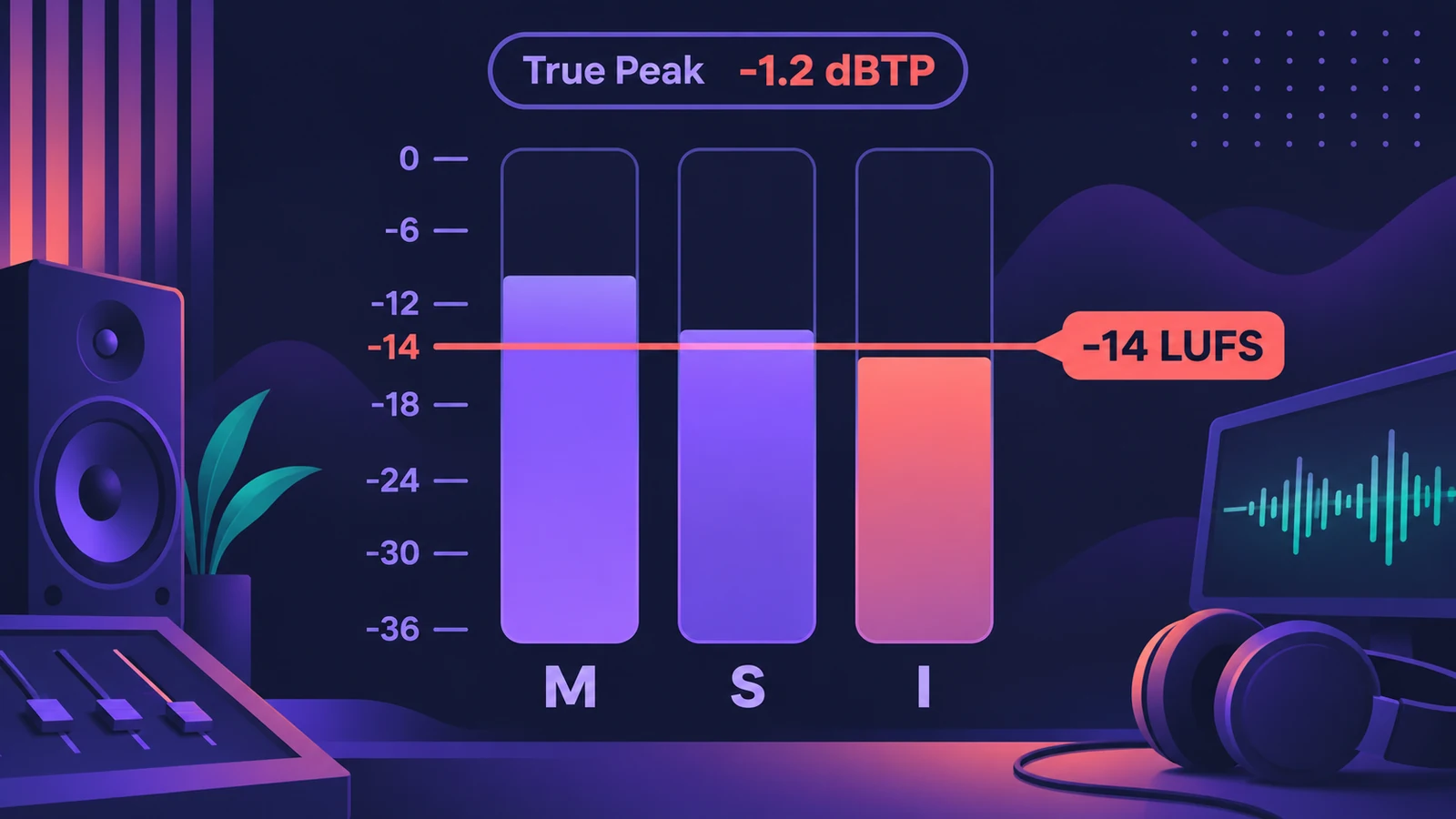 LUFS in Logic Pro — how loud for Spotify and Apple MusicMeasure LUFS in Logic Pro with the Loudness Meter and hit streaming targets: Spotify's -14 LUFS and -1 dB true peak, Apple's headroom advice and normalization.
-
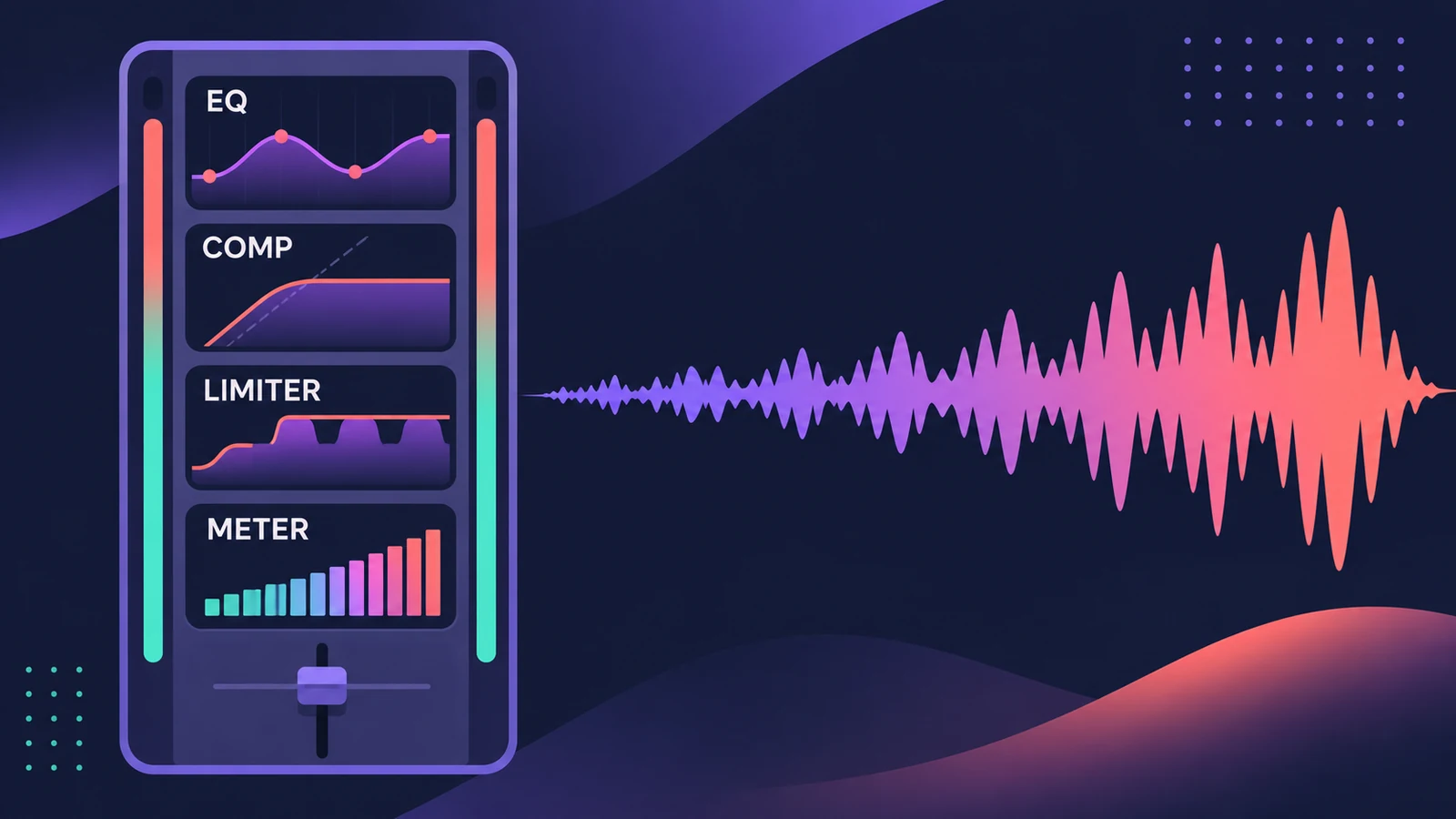 A mastering chain in Logic Pro with only stock plug-insMaster in Logic Pro by hand with stock plug-ins: EQ, compression, Adaptive Limiter with the right Out Ceiling and True Peak Detection, then the Loudness Meter.
-
 How to mix in Dolby Atmos in Logic ProStart a Dolby Atmos mix in Logic Pro: switch to Spatial Audio, use bed tracks and up to 118 objects, monitor on headphones or speakers, then export the master.
-
 Freeze tracks in Logic ProFreeze tracks in Logic Pro to save CPU: show the Freeze button, choose Source Only or Pre Fader, press Play to render, and unfreeze to edit plug-ins again.
-
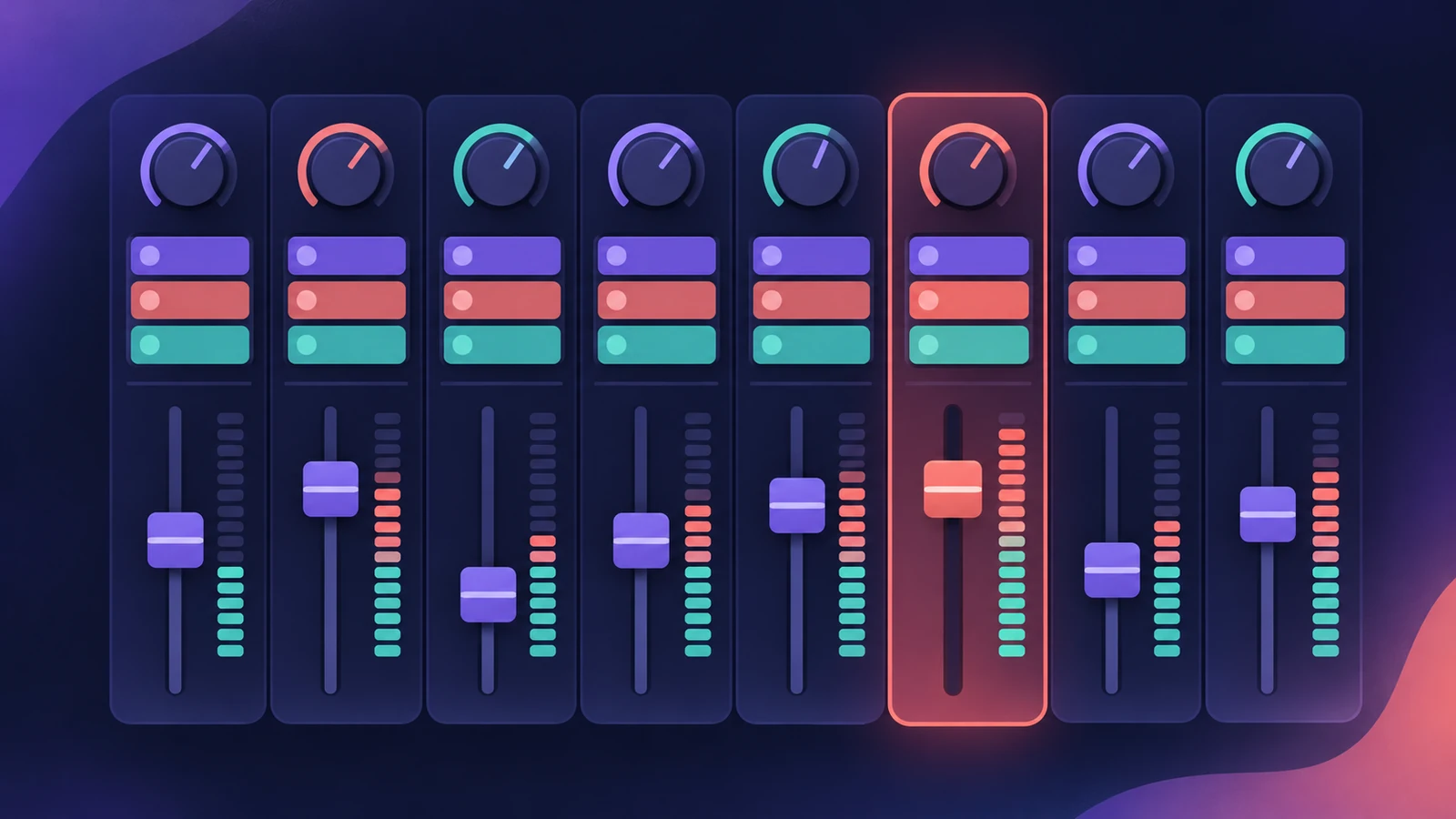 The Logic Pro Mixer explainedFind your way around the Logic Pro Mixer: open it with X, switch Single, Tracks and All views, filter strip types, and learn what aux, output and VCA do.
-
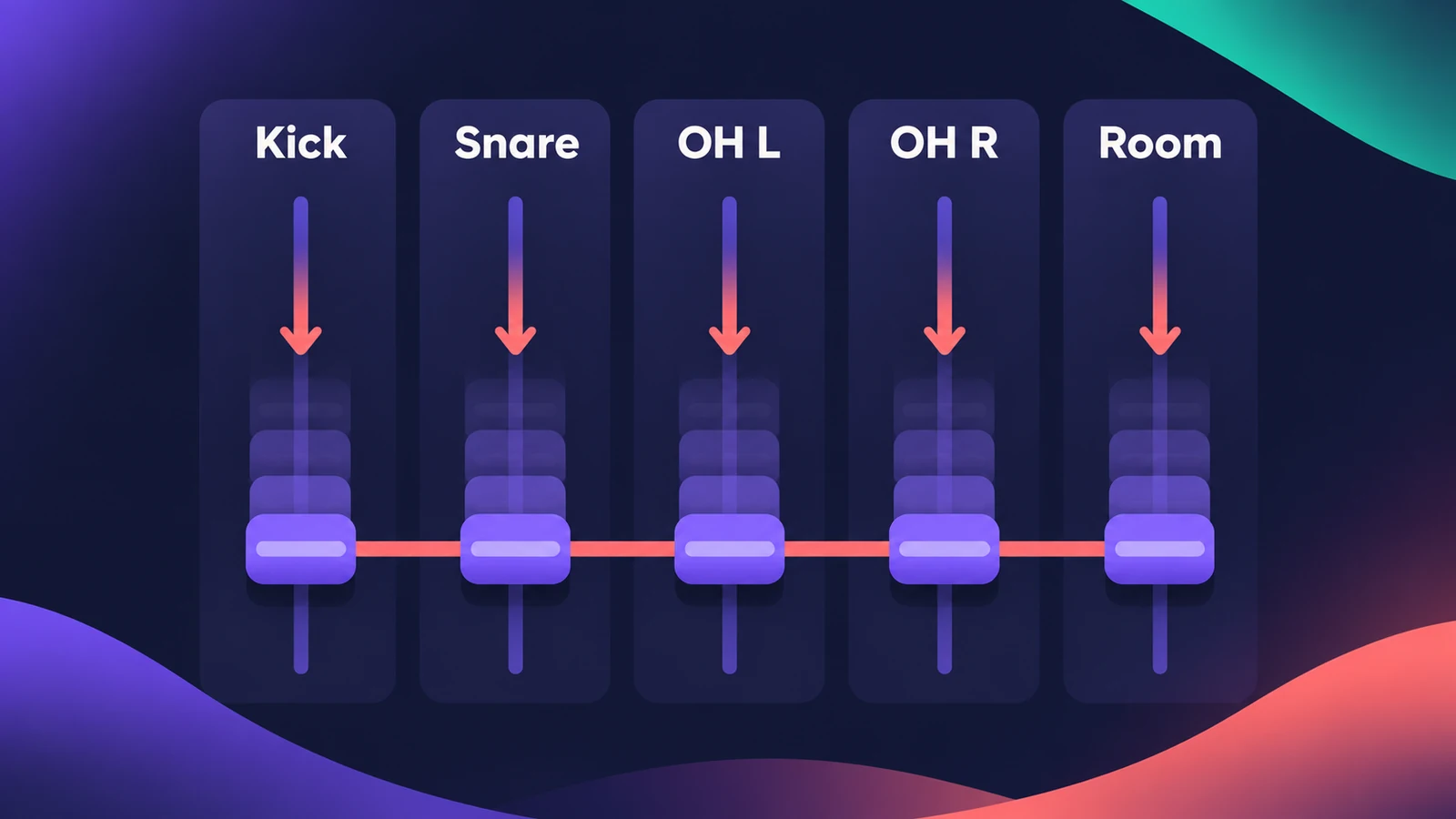 Mixer groups in Logic ProCreate Mixer groups in Logic Pro to link volume, pan, mute, solo, sends and editing across tracks, choose what each group links, and switch groups off.
-
 VCA faders in Logic ProUse VCA faders in Logic Pro to control many tracks' levels without an audio bus: create a VCA for selected strips, keep post-fader sends in step, automate it.
-
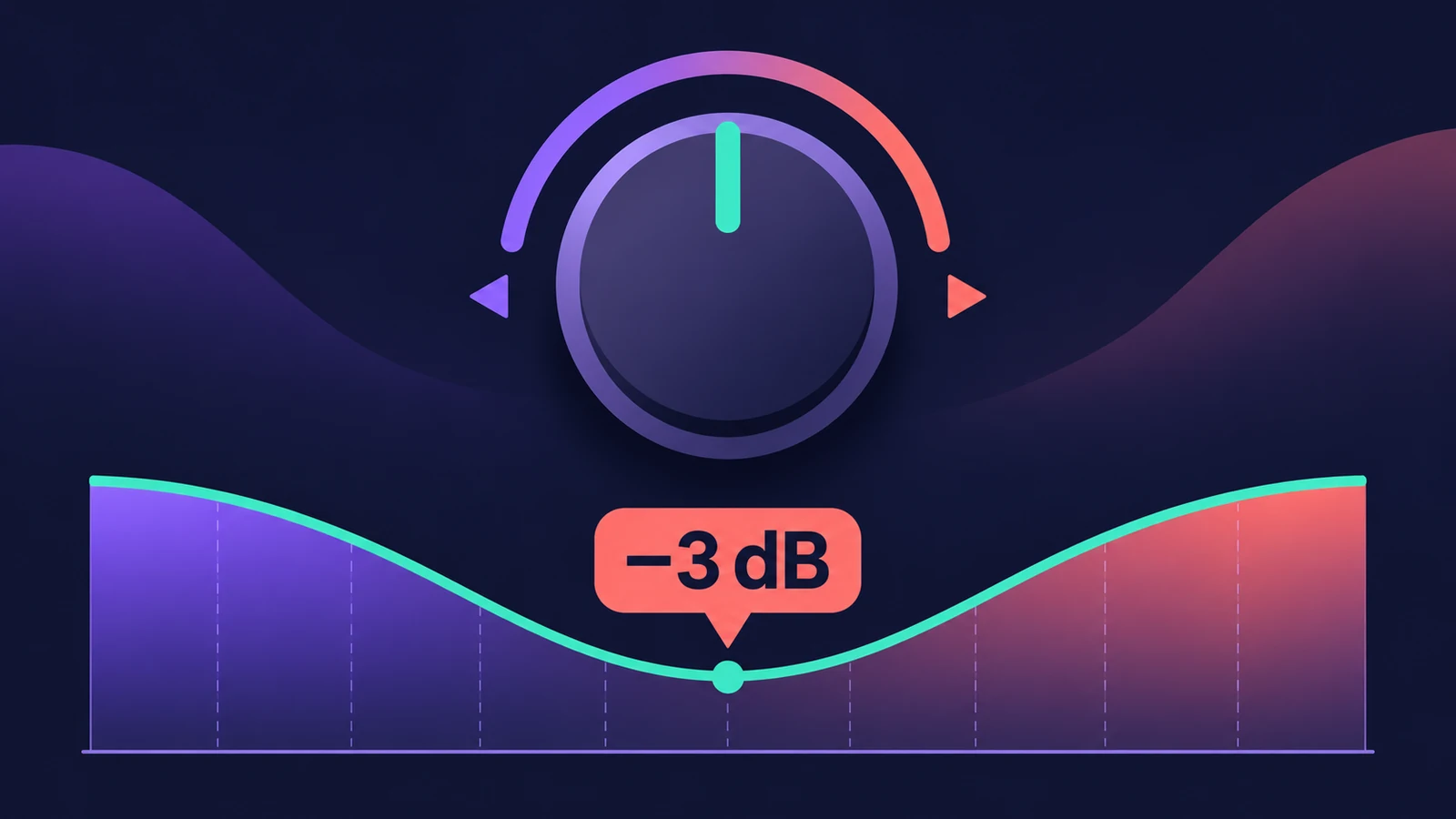 Panning and pan law in Logic ProPan in Logic Pro the right way: Pan on mono strips, Balance or Stereo Pan on stereo strips, and pick a pan law — 0 dB, −3 dB or −3 dB compensated.
-
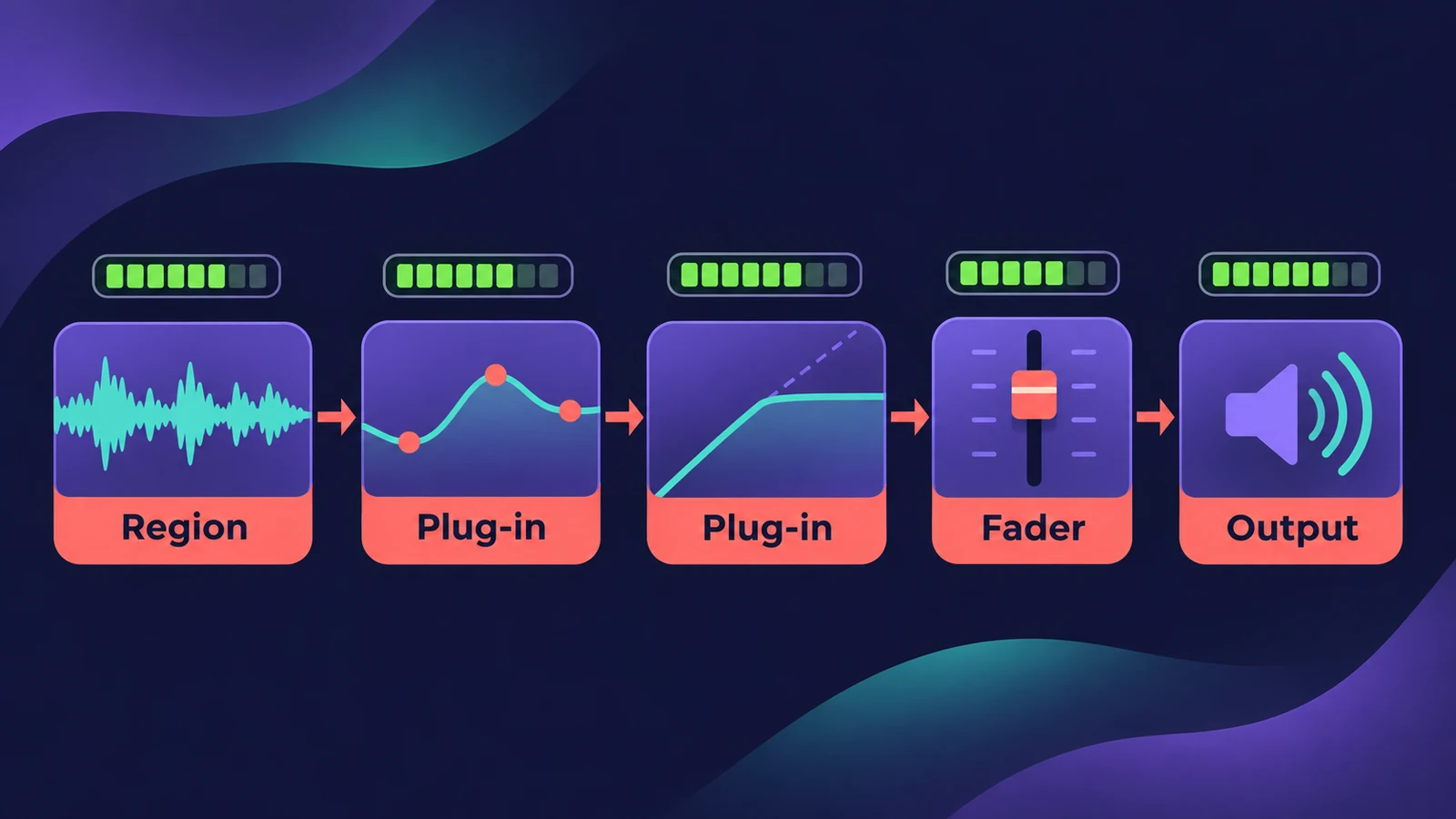 Gain staging in Logic ProGain stage a Logic Pro mix: turn on pre-fader metering, set region gain and plug-in levels before the fader, keep peaks clear of clipping, leave headroom.
-
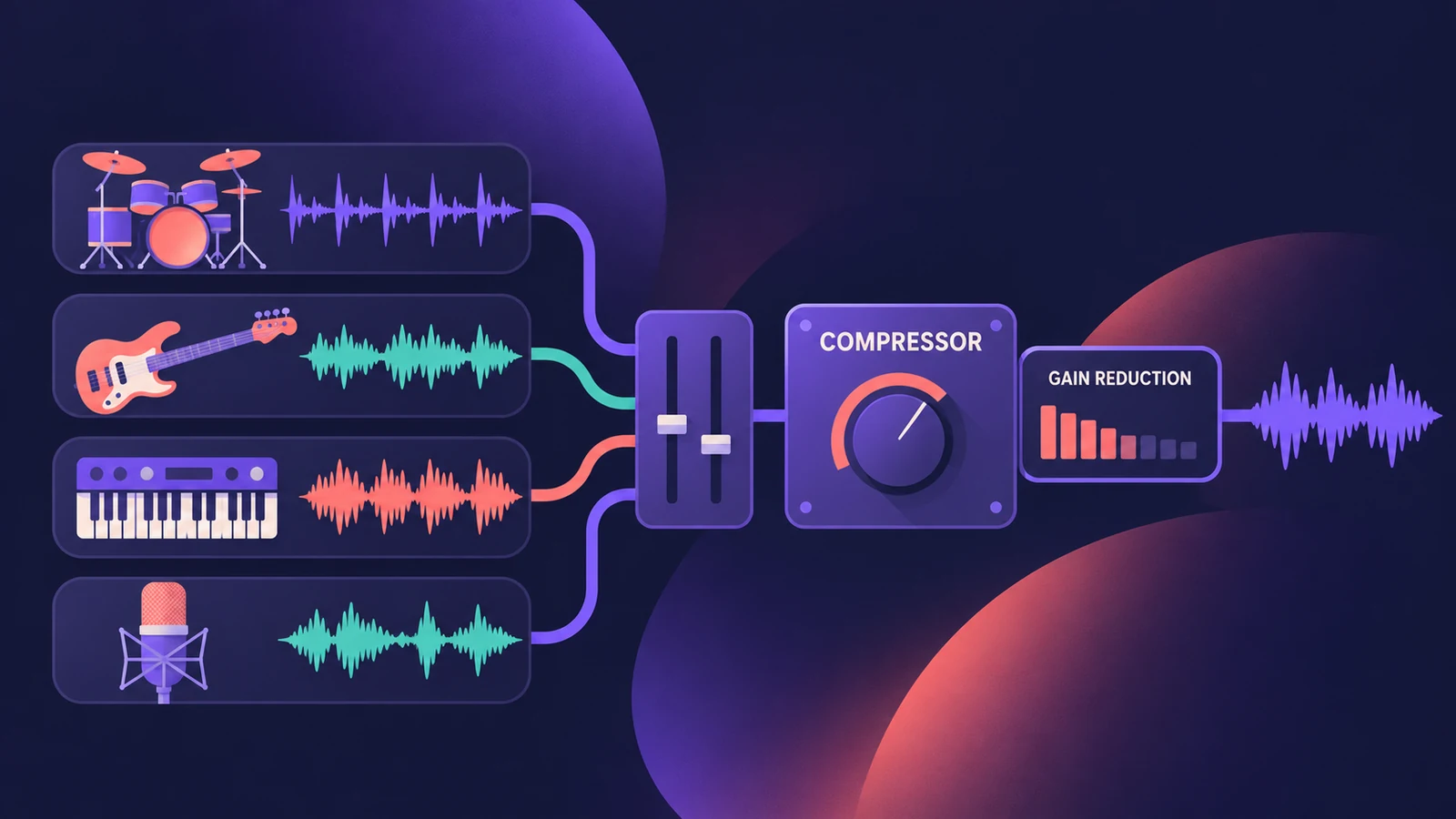 Mix bus compression in Logic ProAdd mix bus glue in Logic Pro with the stock Compressor: pick a VCA circuit type, set a gentle ratio and threshold, mind attack and release, blend with Mix.
-
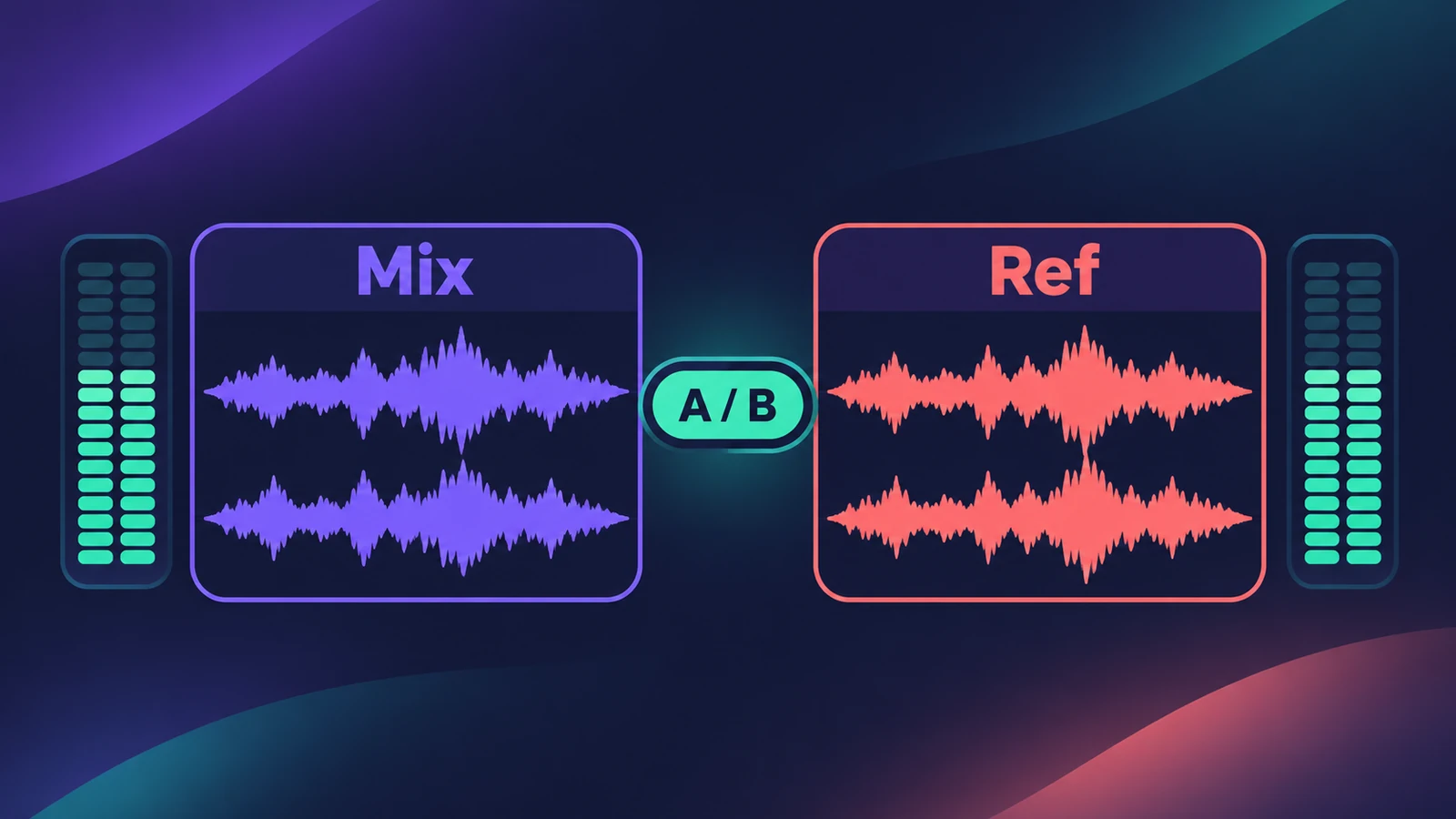 How to use a reference track in Logic ProMix against a reference track in Logic Pro: import it, route it past your master processing, match its loudness to your mix, A/B by section, and try Match EQ.
-
 How to check your mix in mono in Logic ProCheck a Logic Pro mix in mono: put Gain on the Stereo Out and turn on Mono, watch MultiMeter's Correlation meter, and fix weak parts with polarity or width.
-
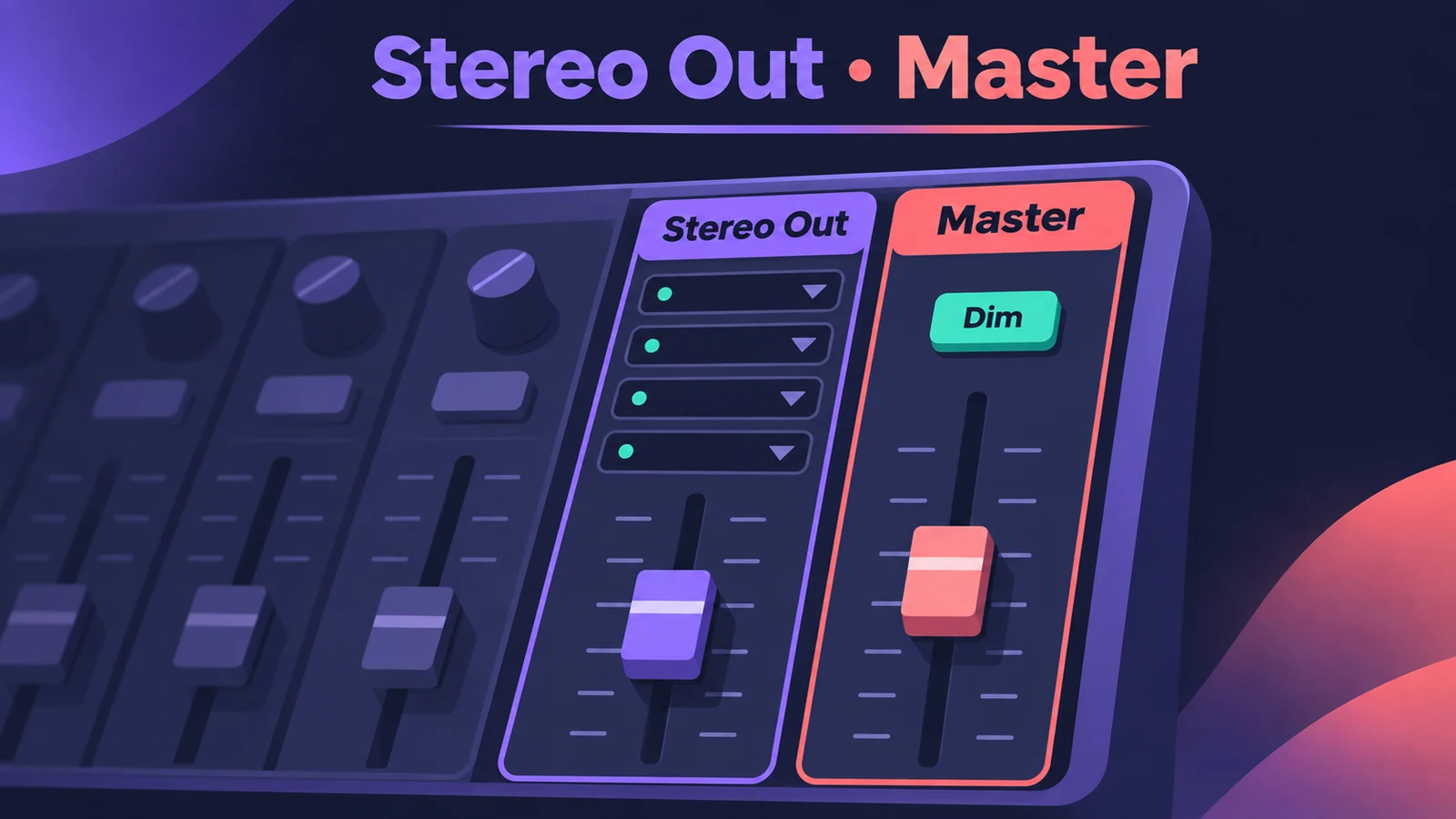 Stereo Out vs Master channel strip in Logic ProThe difference between Logic Pro's Stereo Out and Master channel strips: where mastering plug-ins go, which fader affects the bounce, and how Dim works.
-
 Logic Pro mixing checklistA Logic Pro mixing checklist: organise and gain stage, balance and pan, EQ and compression, buses and VCAs, reference, mono check, loudness and bounce.
Sources
- Apple Support — Use Mastering Assistant in Logic Pro (Mar 2025)
- Spotify for Artists — Loudness normalization
- Apple — Logic Pro User Guide: Channel EQ parameters in Logic Pro for Mac
- Apple — Logic Pro X 10.1 Help: Route audio via send effects (old)
- Apple — Logic Pro X 10.1 Help: Automation modes (old)
Checked November 2026. Logic ProFiles is independent of Apple; menu names can differ slightly between Logic Pro versions.
Frequently asked questions
Can you mix and master a song only with Logic Pro's own plug-ins?
+
Yes. Logic Pro includes EQ, compression, reverb, limiting and loudness metering, plus Mastering Assistant on the stereo output.
How loud should a Logic Pro master be for Spotify?
+
Spotify normalizes playback to -14 LUFS integrated and suggests keeping true peak below -1 dB. See our LUFS guide for the details.
Related
- Logic Pro signal flow explainedHow audio flows through a Logic Pro channel strip: insert effects in series, sends over buses to aux channels, pre-fader, post-fader and post-pan sends.
- How to mix a song in Logic Pro, step by stepA step-by-step mixing workflow for Logic Pro with stock plug-ins: organise tracks, balance levels, EQ, compress, add space with sends, automate, check loudness.
- Mastering in Logic Pro with Mastering AssistantMaster your song in Logic Pro with Mastering Assistant: insert it on the stereo output, pick a Character, adjust EQ, loudness and width, then bounce the master.
- LUFS in Logic Pro — how loud for Spotify and Apple MusicMeasure LUFS in Logic Pro with the Loudness Meter and hit streaming targets: Spotify's -14 LUFS and -1 dB true peak, Apple's headroom advice and normalization.
- Autotune in Logic Pro — Flex Pitch and Pitch CorrectionTune vocals in Logic Pro without extra plug-ins: fix notes by hand with Flex Pitch, or use the Pitch Correction plug-in for real-time autotune. Both explained.