Editorial policy
Our guides are only useful if the steps match what you see on screen. These are the rules every page follows — what counts as a source, how versions and dates are shown, and what happens when something is wrong.
 Owen Hartley
Updated
Sources we use
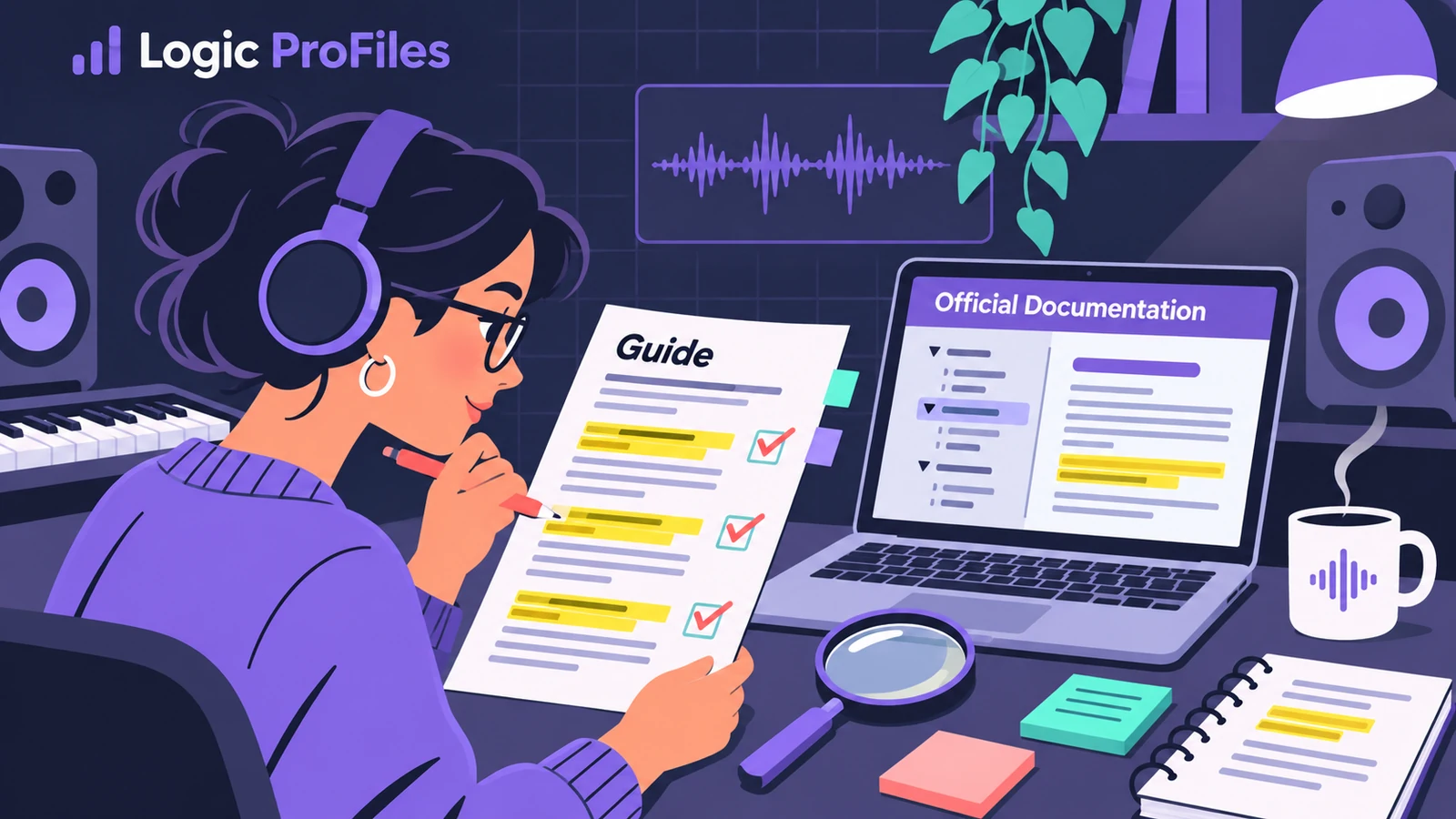
- Apple first. The Logic Pro User Guide, Apple Support articles, Logic Pro release notes, the App Store listings and Apple Newsroom.
- Specialist press second — Sound On Sound, MusicRadar, Production Expert and similar — for context, history and reported changes, never for a setting Apple documents differently.
- Manufacturers for third-party plug-ins, audio interfaces and controllers.
Forums show us which problems people actually hit; they are not cited as proof. Every source a page relies on is listed under Sources at the end of that page.
Versions and dates
- Each page shows the Logic Pro version it was checked for and the date it was last updated.
- Prices are shown with their currency and region, as listed by Apple on the date checked.
- Where Apple's own pages disagree — for example two different minimum macOS versions — we say so instead of picking one silently.
Independence
Logic ProFiles is not affiliated with Apple. No company pays for coverage or reviews pages before publication. Brand names stay as their owners write them; our own name is Logic ProFiles.
AI and images
Illustrations on the site are editorial artwork, not screenshots of Logic Pro. Where an exact window matters, the steps describe it in words and name the menu path. We do not present generated images as real software screens.
Corrections
Report an error through the contact page. We check it against the sources above, fix the page, and change its "updated" date. Significant corrections are noted at the end of the page.
How individual steps are verified is described in how we test.
Related
- How we testHow Logic ProFiles checks tutorials, error fixes, plug-in guides, prices and gear picks before publishing — the checks for each type of page and what we report.
- About Logic ProFilesLogic ProFiles is an independent guide to Apple's Logic Pro: who writes it, what we cover, how we check every setting and how we are funded.
- Contact usContact Logic ProFiles to report an error, a step that no longer matches your Logic Pro version, or a guide you would like us to write. We read every message.