Learn Logic Pro
Learn Logic Pro — tutorials for beginners
Start here if Logic Pro is new to you. The tutorial takes you from an empty project to a bounced song; the other guides explain the parts of the window, the shortcuts worth learning first, project settings and the Sound Library. Since Logic Pro 12 every feature is switched on from the start, so what you see in these guides is what you'll see on screen.
 Owen Hartley
Where to start
| If you want to… | Read |
|---|---|
| Make a first song from start to finish | Logic Pro tutorial for beginners |
| Know what each part of the window does | Interface overview |
| Set up a new project correctly | New project settings |
| Change tempo, key or time signature | Tempo, key and time signature |
| Work faster | Key commands |
| Download or move the sounds | Sound Library |
| Find the old "Advanced" options | Advanced settings and complete features |
Set up and find your way around
| If you want to… | Read |
|---|---|
| Connect a microphone or guitar interface | Audio interface setup |
| Record in time with a click | Metronome and count-in |
| Find sounds in Logic Pro 13 | The new Browser |
| Build a song from loops | Apple Loops |
| Bring in WAV, MP3 or MIDI files | Import audio and MIDI |
| Keep projects safe | Save and back up projects |
| Change a track's sound | Patches and Smart Controls |
| Choose the right track | Track types |
| Edit faster with the mouse | Tools |
| Switch window layouts | Screensets |
| Make tracks follow one feel | Groove track |
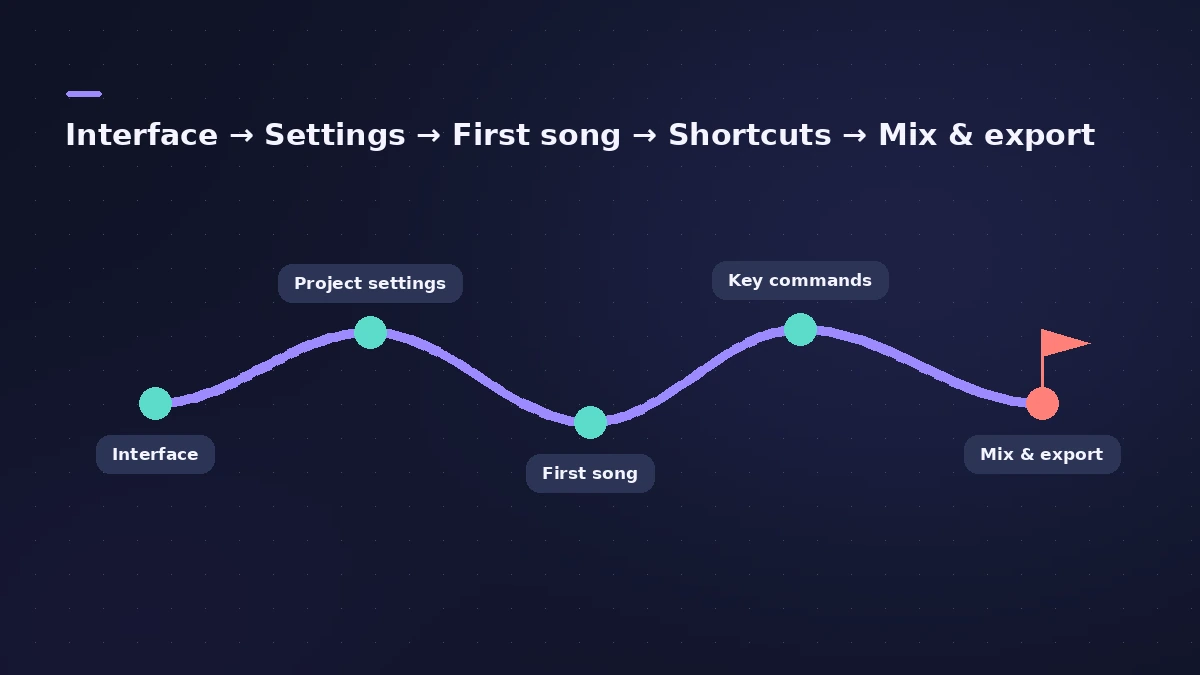
When you're ready to record, see the Recording guides. After that, go on to mixing and mastering and bouncing your song. Still deciding whether Logic Pro is right for you? See our comparisons.
All Logic Pro learning guides
-
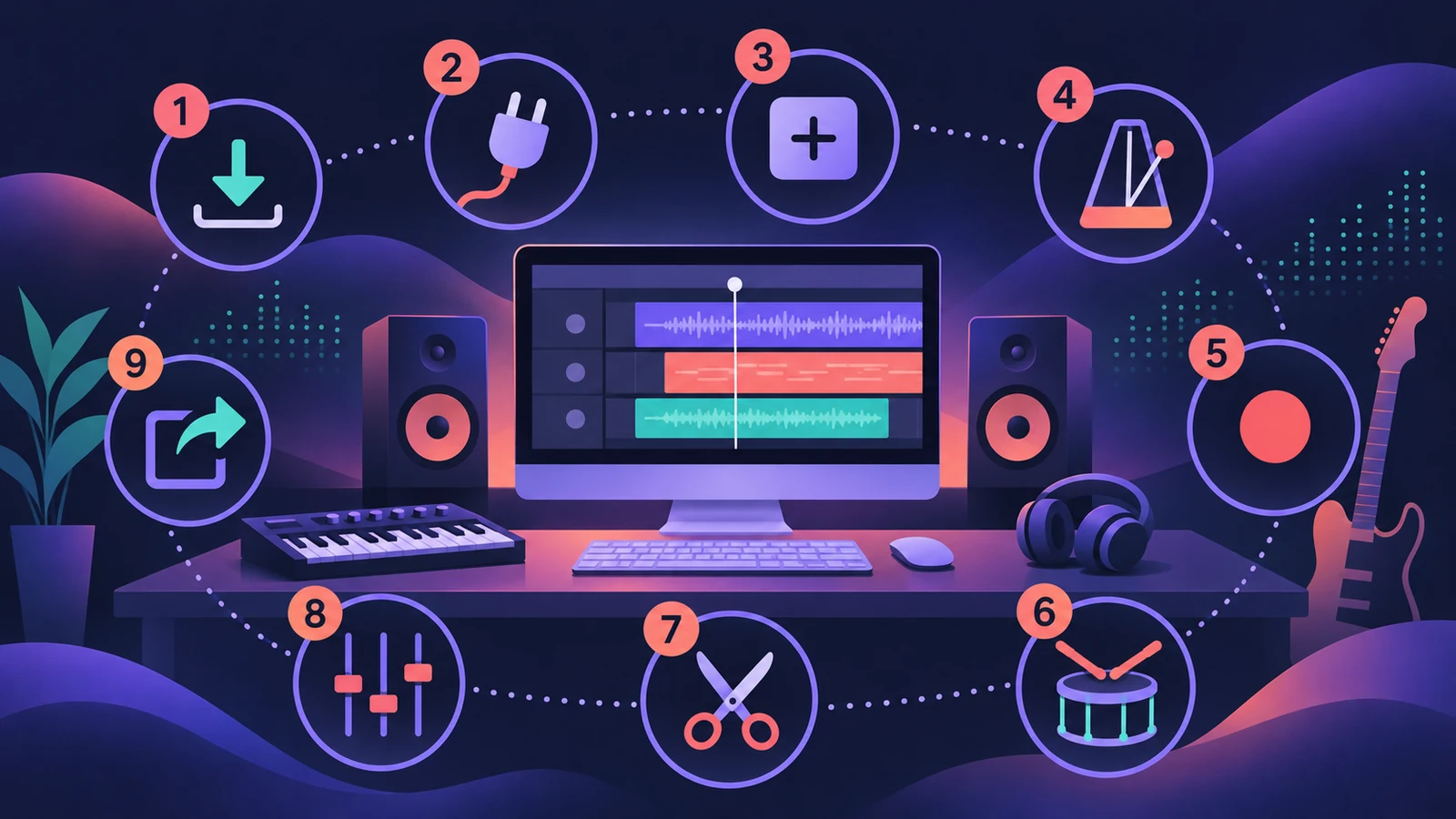 Logic Pro tutorial for beginners — your first song in 9 stepsA Logic Pro tutorial for beginners: set up audio, create a project, set tempo and key, record, add a Session Player, edit, mix, master and bounce a song.
-
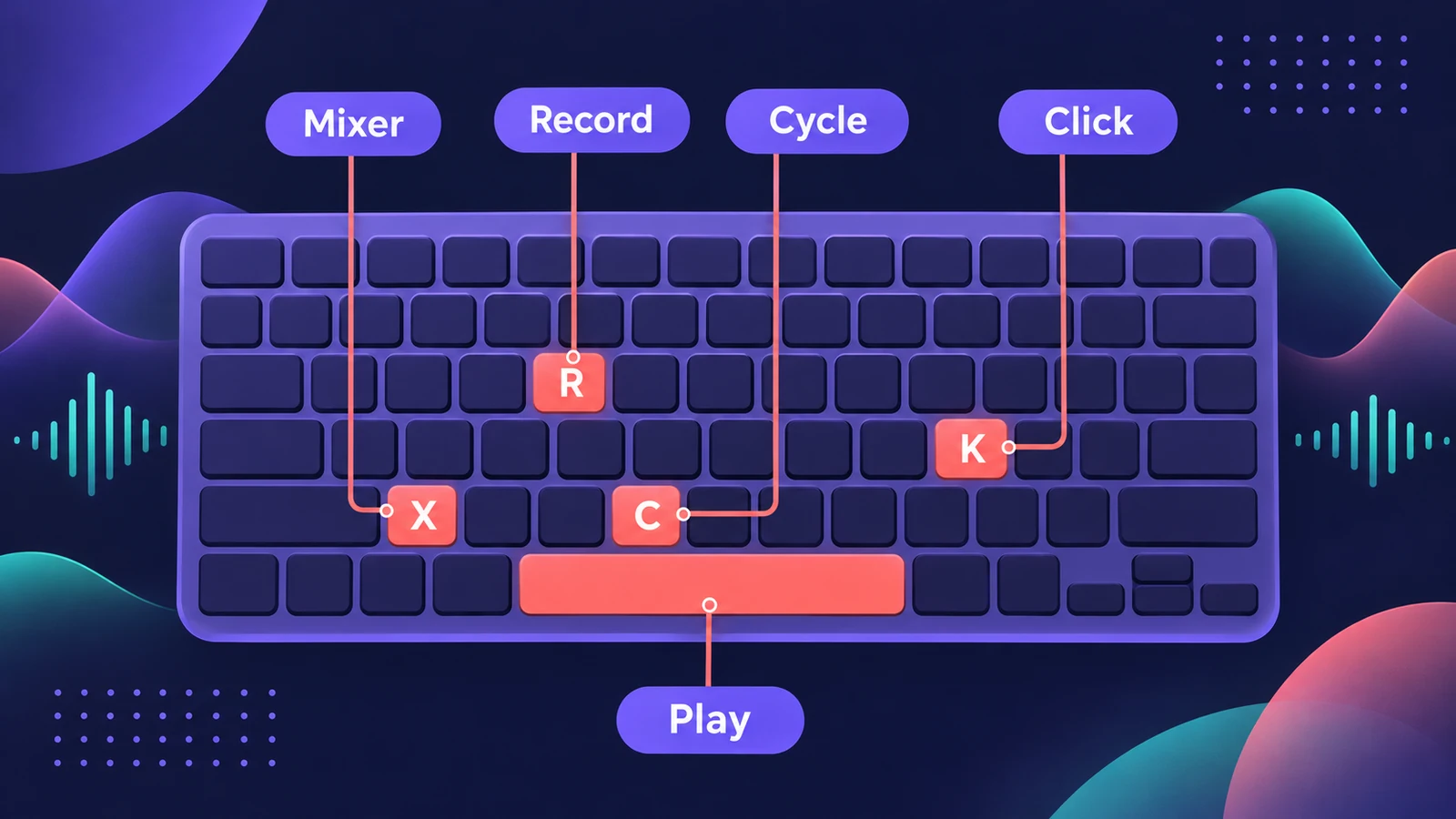 Logic Pro shortcuts — the default key commands worth learningThe Logic Pro key commands worth learning first: transport, recording, windows, editing, tracks and export from Apple's U.S. preset, and how to change them.
-
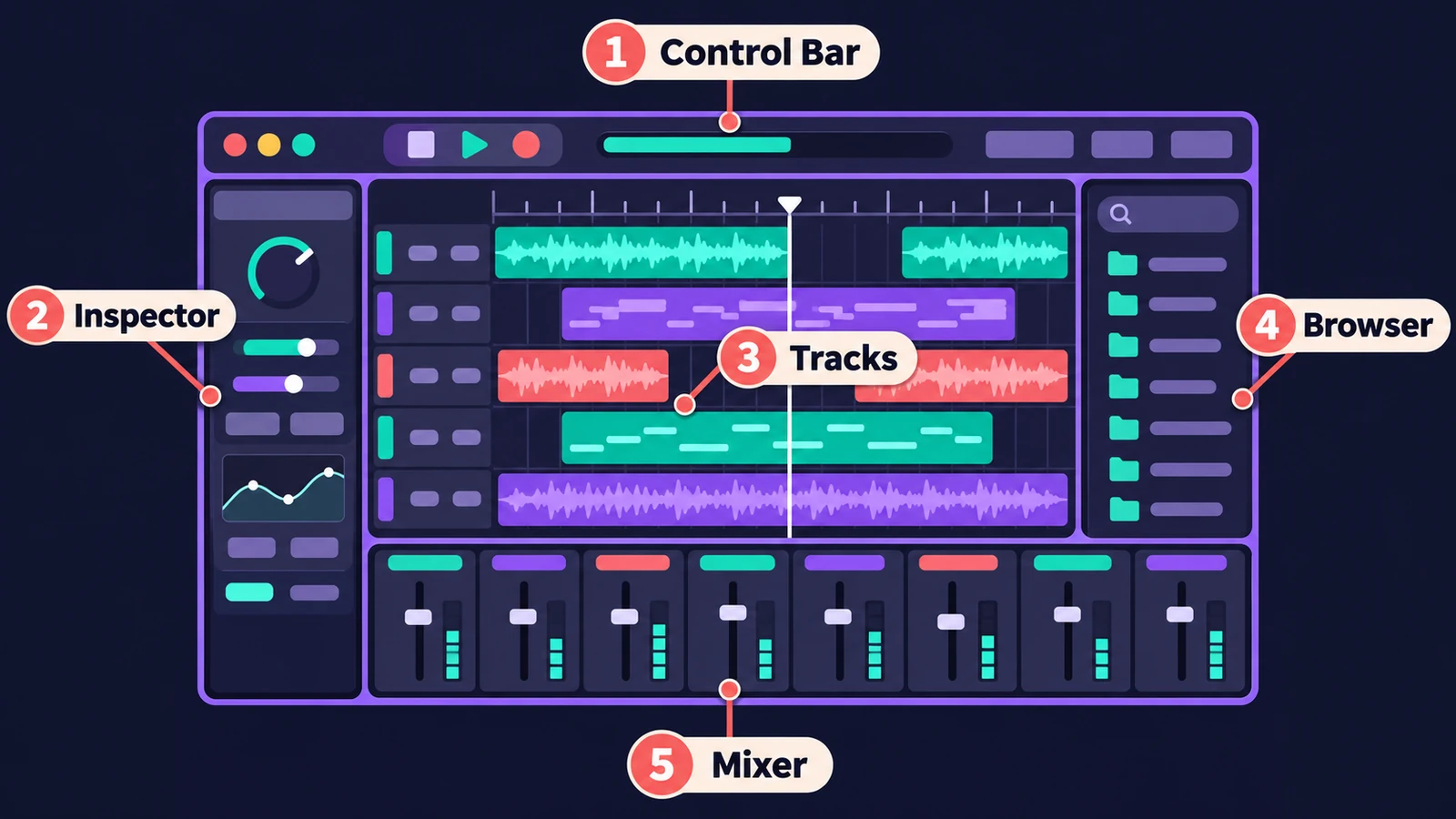 The Logic Pro interface explainedA tour of the Logic Pro window: control bar and LCD, Tracks area, inspector, Library, Browser, Mixer, editors and Smart Controls, with keys to toggle them.
-
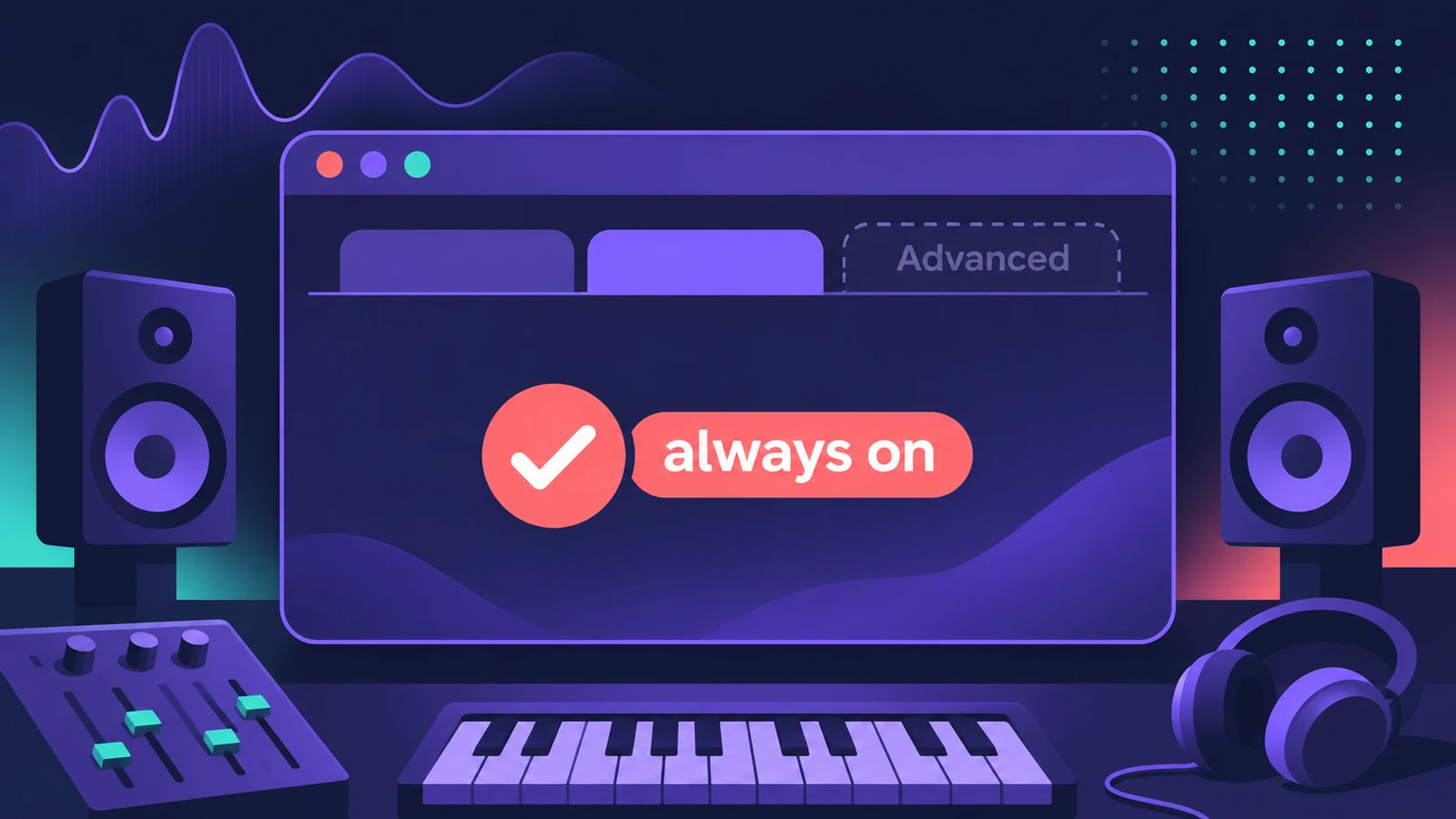 Logic Pro advanced settings — where "Enable Complete Features" wentCan't find Enable Complete Features or the Advanced pane in Logic Pro 12 or 13? Every feature is now always on. What changed and how older versions work.
-
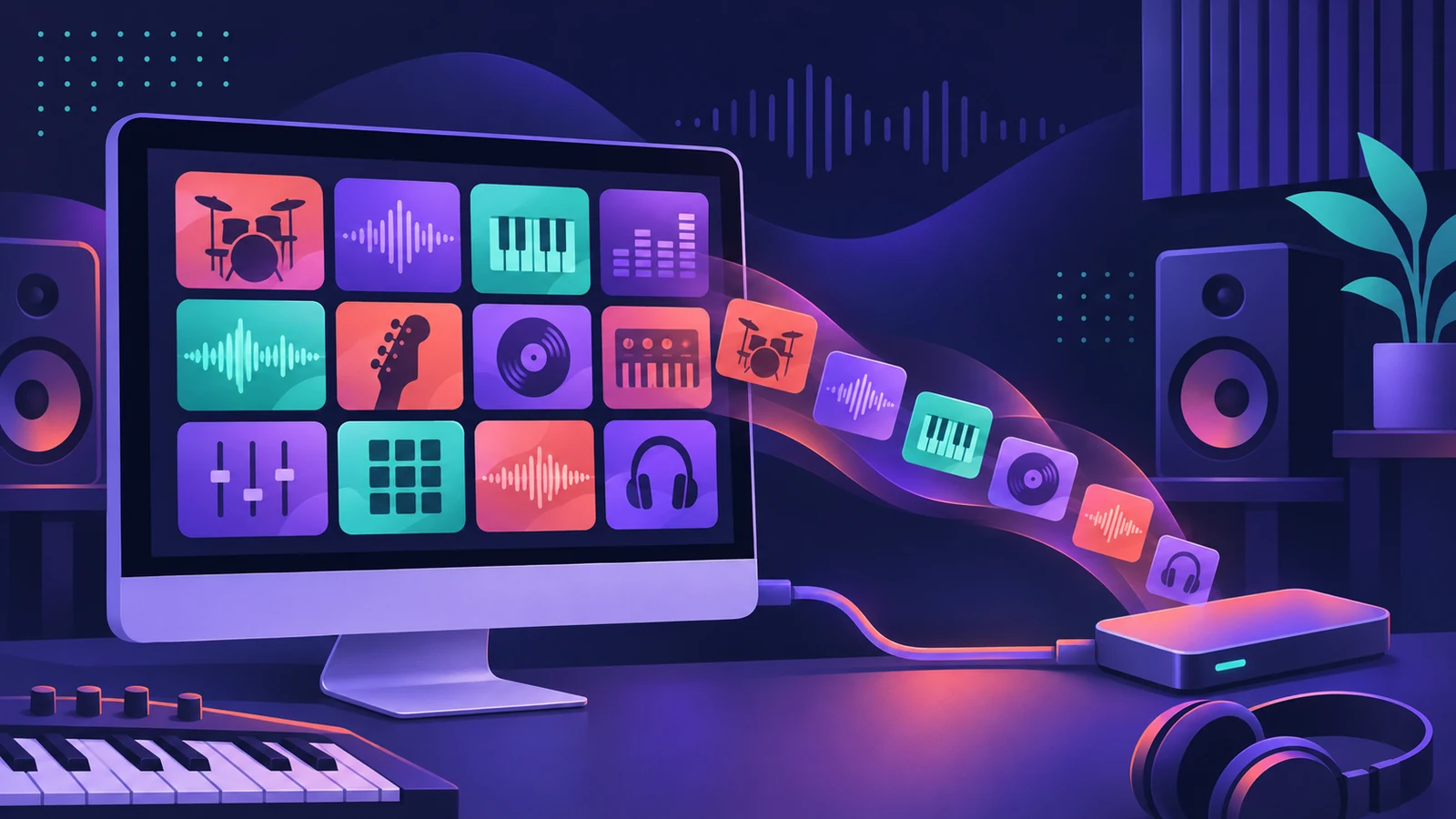 Logic Pro Sound Library — download, install and move itManage the Logic Pro Sound Library: install sound packs, download everything, move it to an external SSD with Relocate Sound Library and fix a missing drive.
-
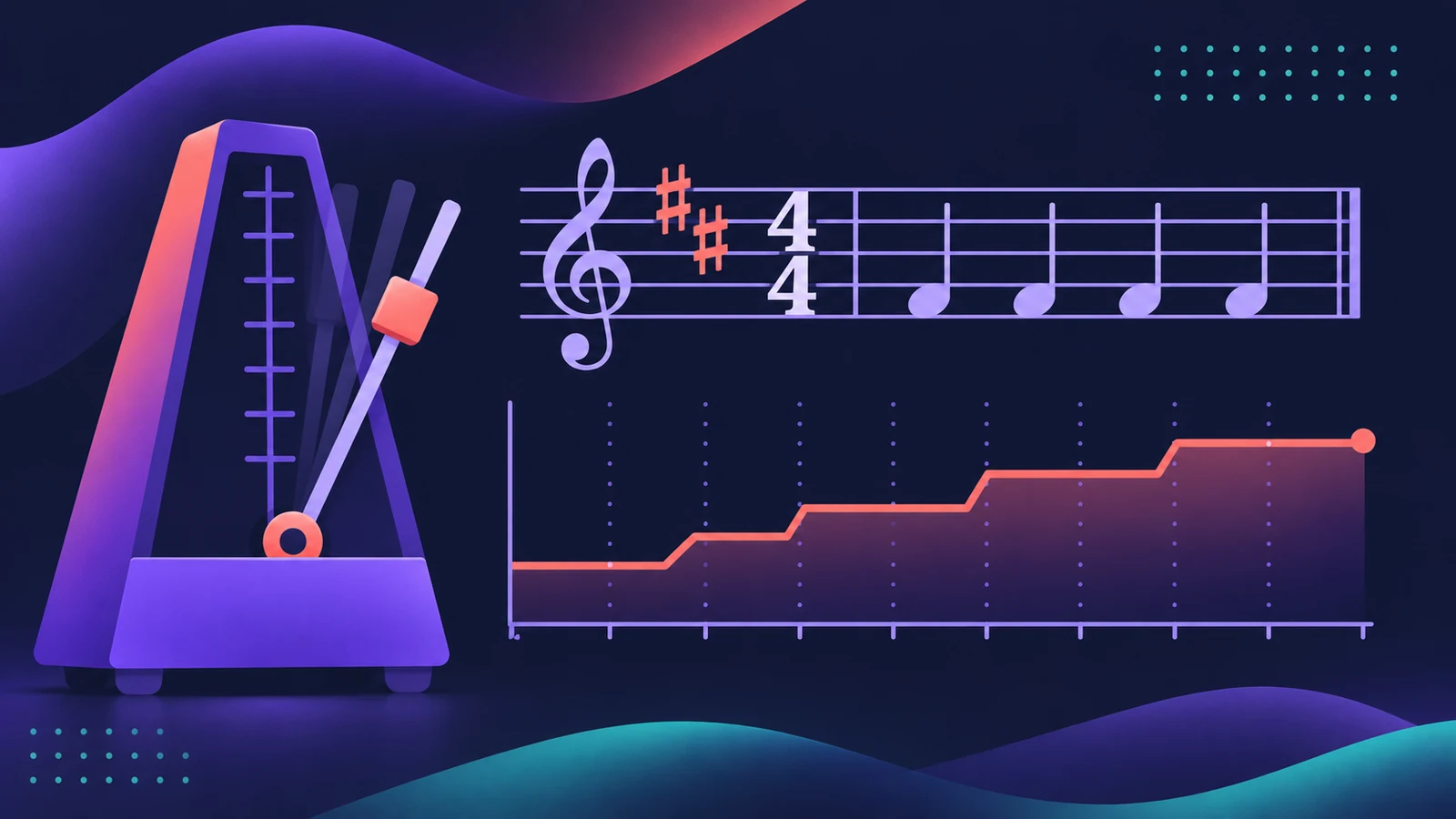 How to set tempo, key and time signature in Logic ProSet tempo, key and time signature in Logic Pro from the LCD, add tempo and key changes later in the song, and see what each setting changes in playback.
-
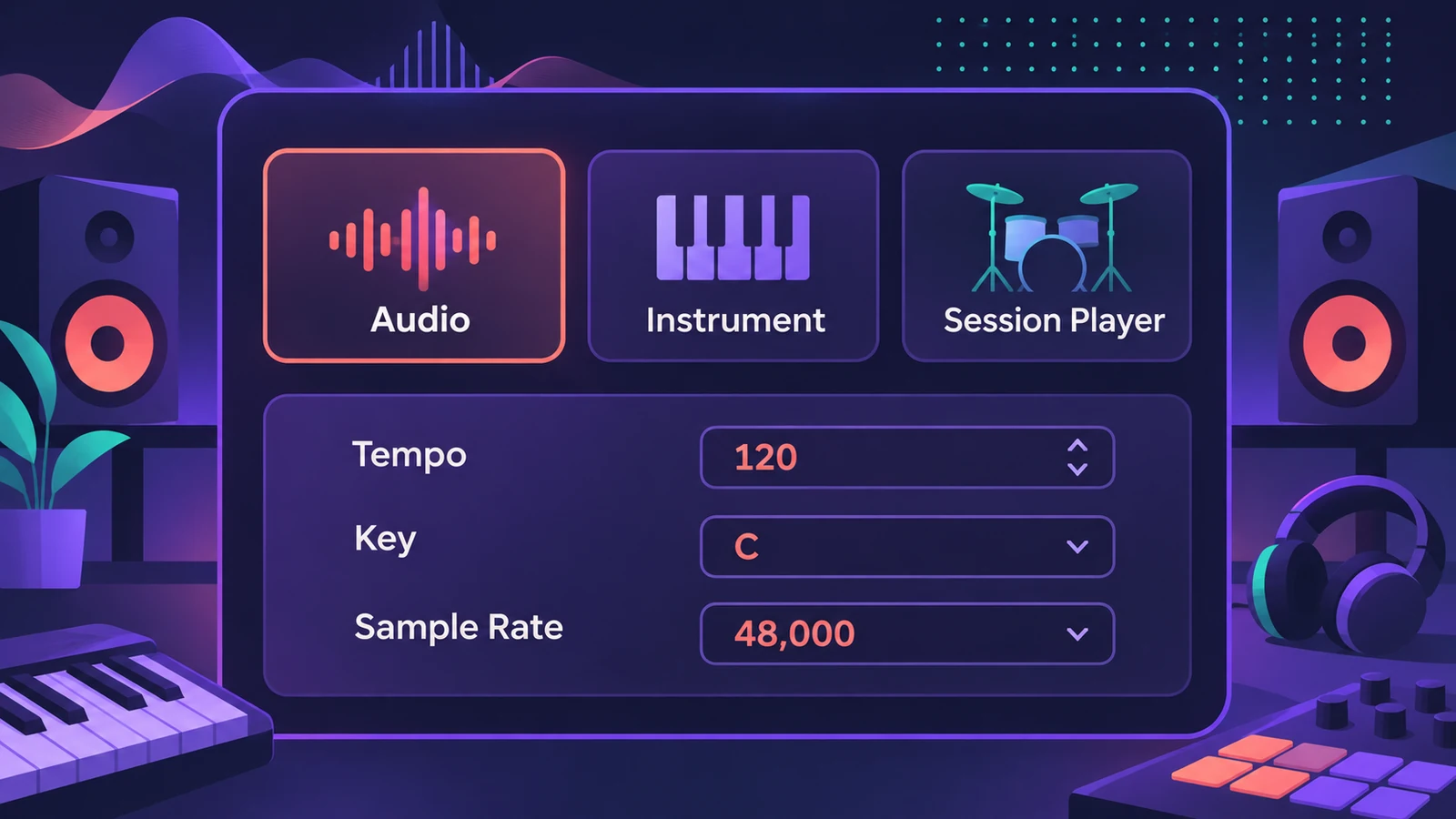 How to create a new project in Logic ProCreate a new Logic Pro project with the right settings: template or empty project, tempo and key, sample rate, Flex Time and where the project is saved.
-
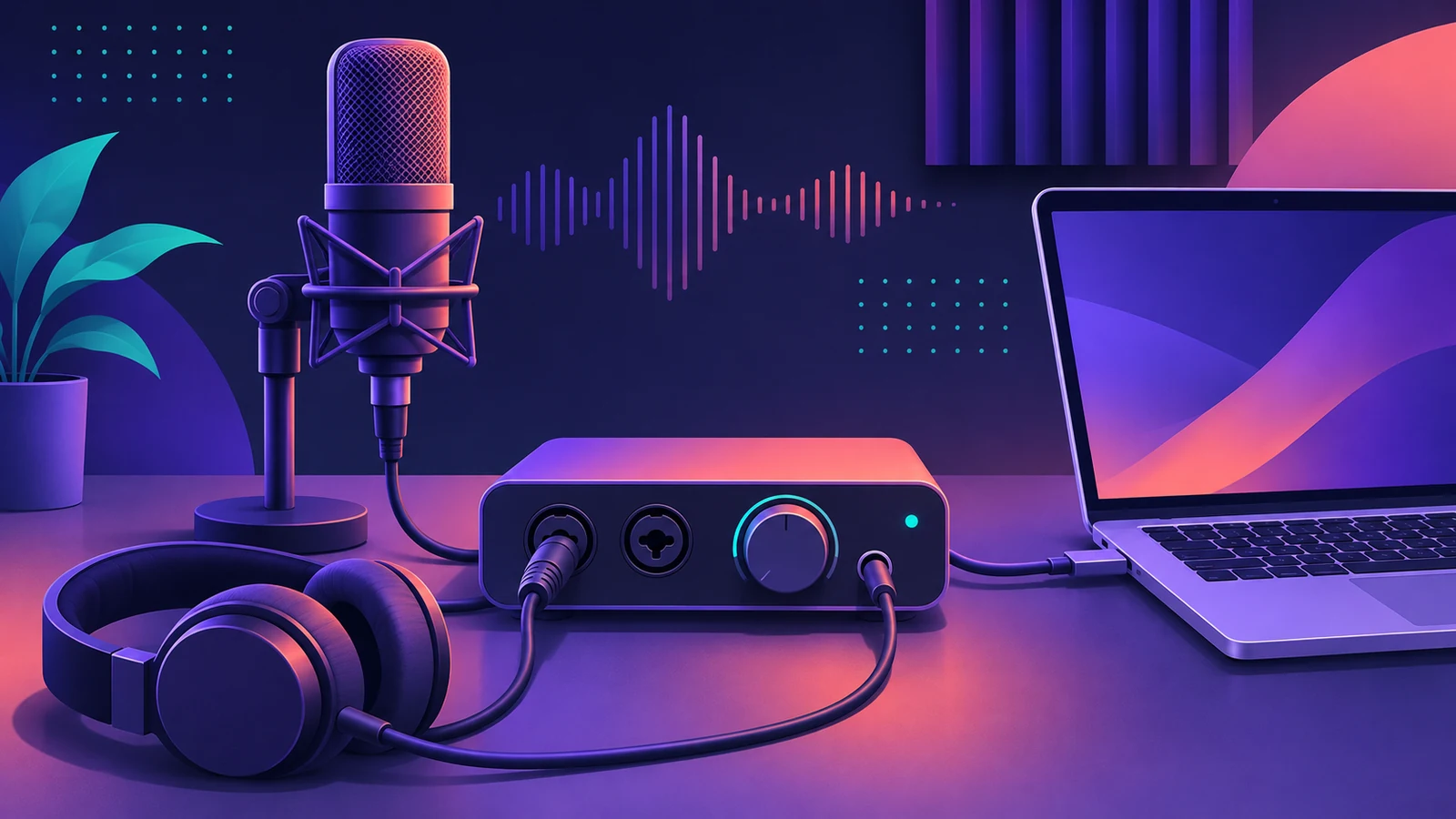 How to set up an audio interface in Logic ProConnect a USB or Thunderbolt audio interface to Logic Pro: choose input and output devices, set the I/O buffer, allow mic access and pick track inputs.
-
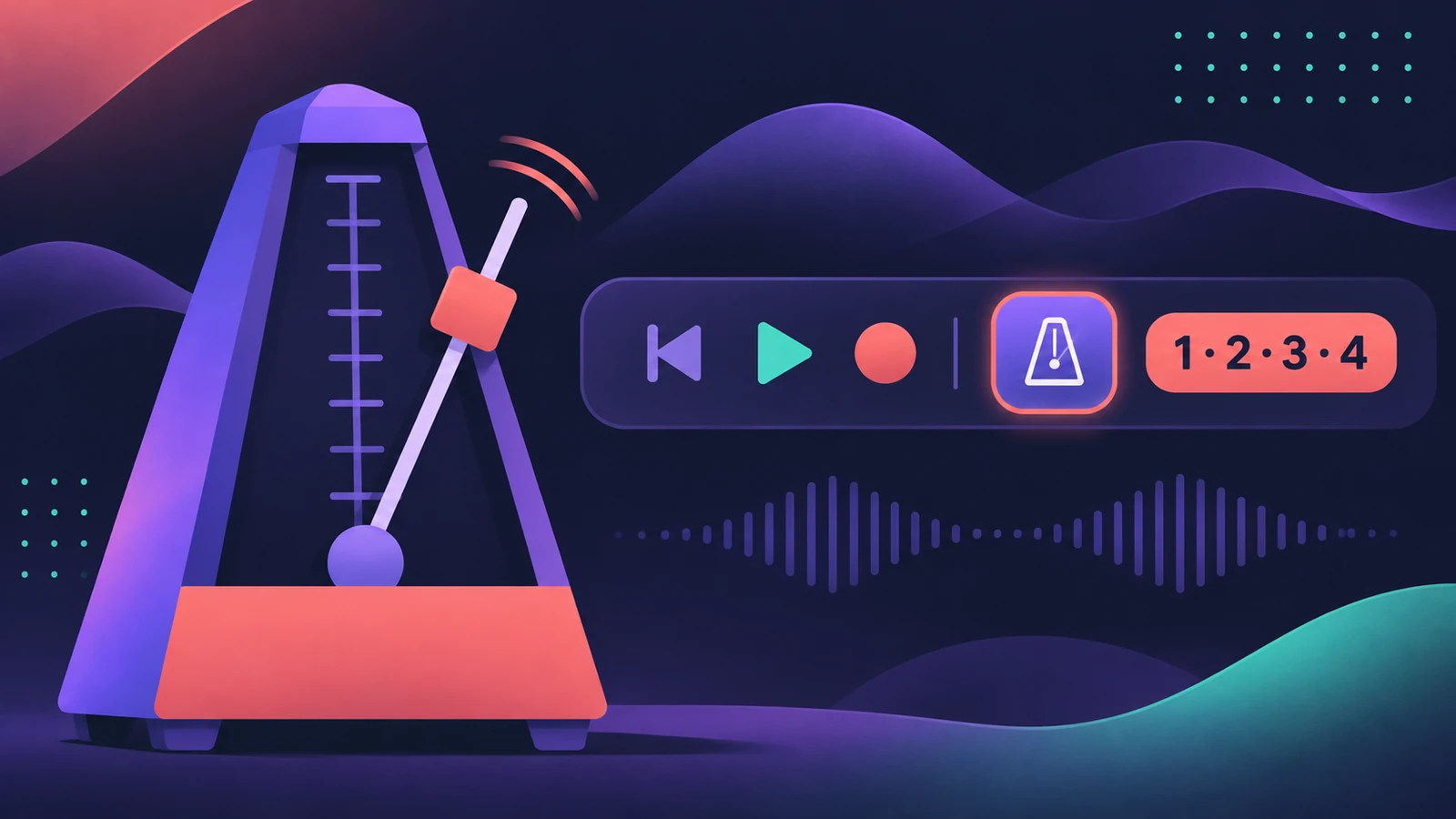 Logic Pro metronome and count-inTurn the Logic Pro metronome on with K and the count-in with Shift-K, choose when it clicks, set the count-in length and change the click in Project Settings.
-
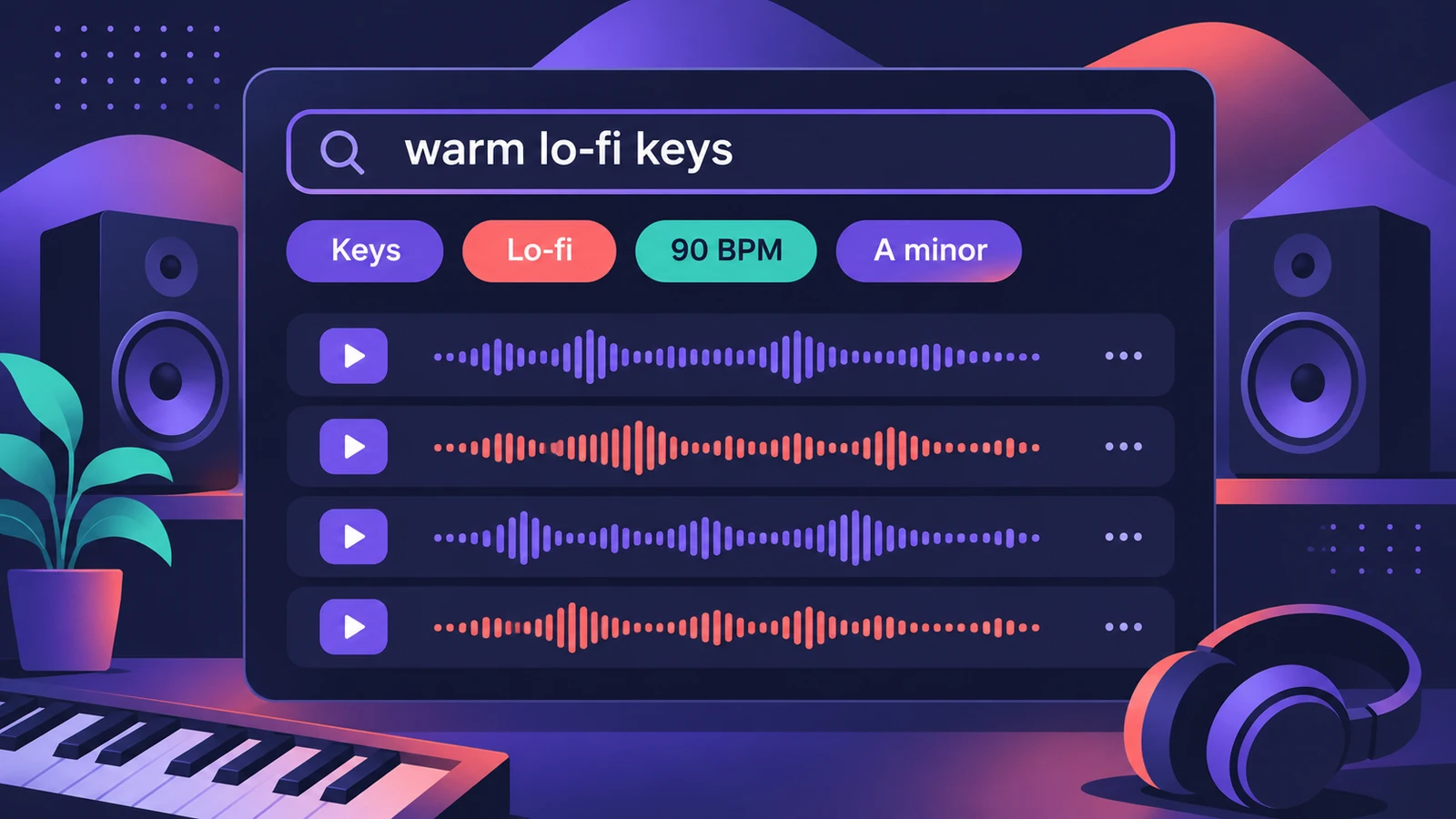 The Logic Pro 13 Browser — search, tags and Find SimilarThe unified Browser in Logic Pro 13: loops, samples, patches and presets in one place, filter tags, describe-a-sound search, Find Similar and Splice.
-
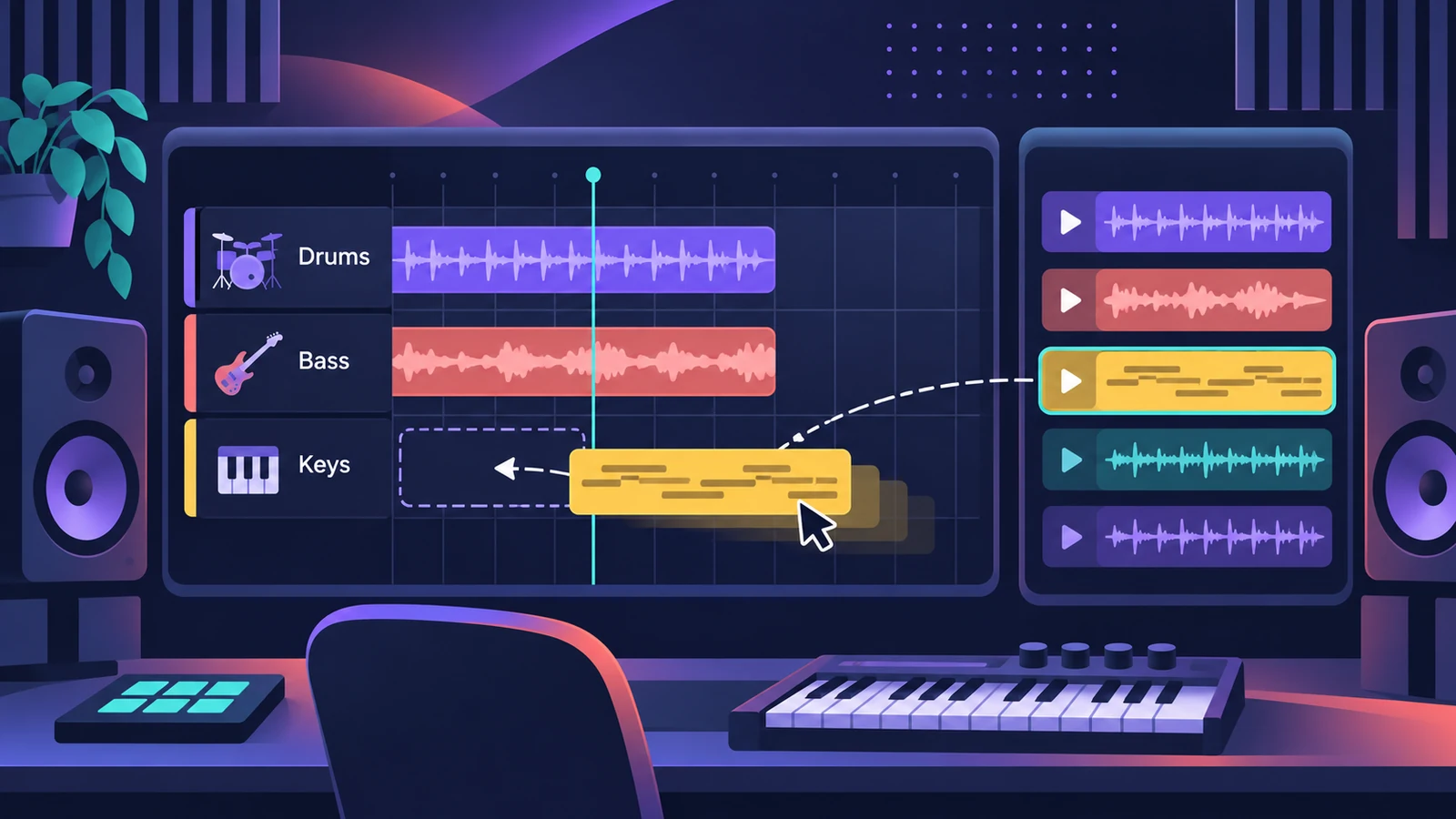 How to use Apple Loops in Logic ProUse Apple Loops in Logic Pro: find loops in the Browser, add them to tracks, how they follow tempo and key, the four loop types and how to make your own loops.
-
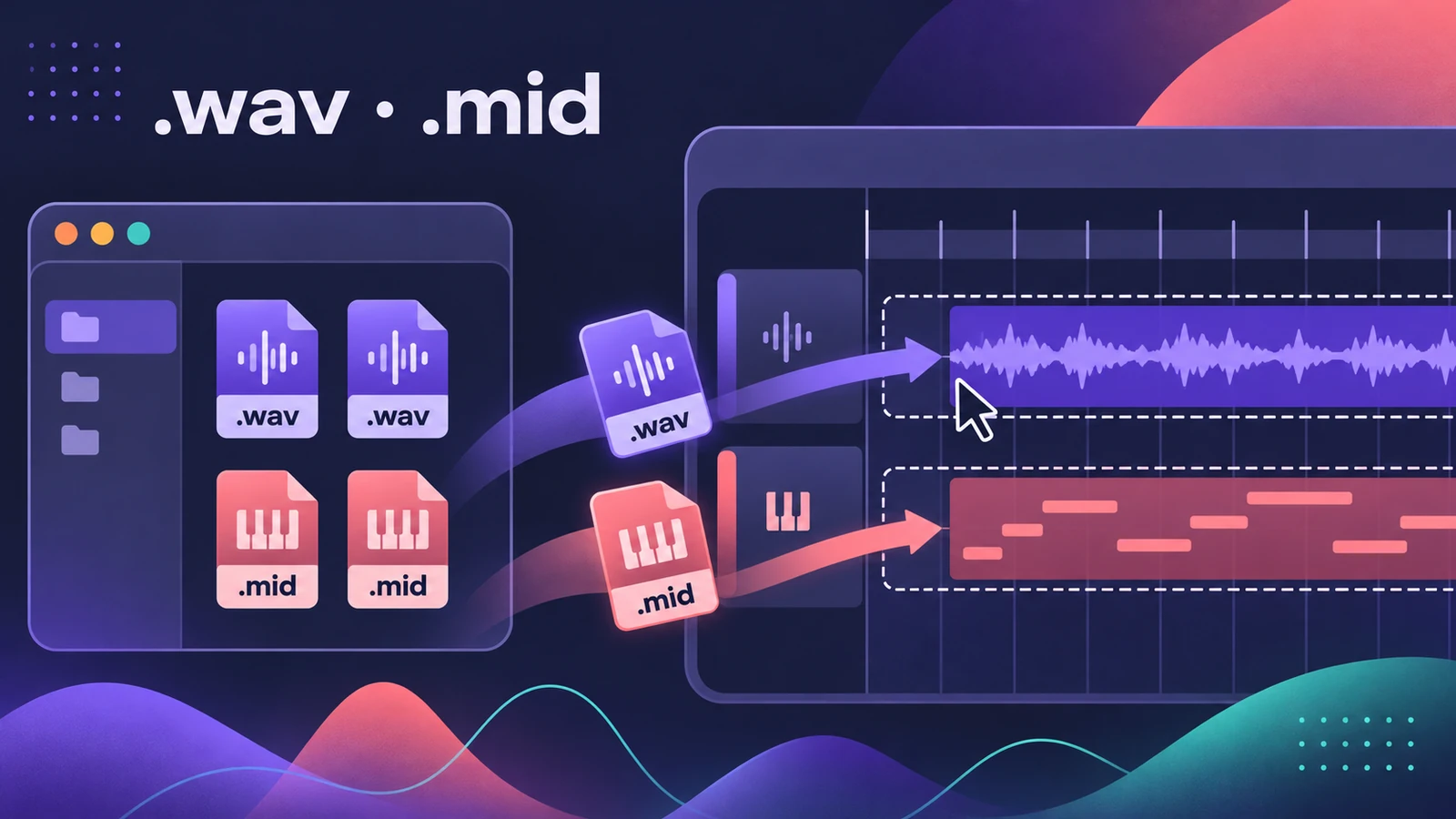 How to import audio and MIDI files into Logic ProImport WAV, AIFF, MP3 and MIDI files into Logic Pro: drag from the Finder, use File > Import, keep files with the project, match tempo, make sampler tracks.
-
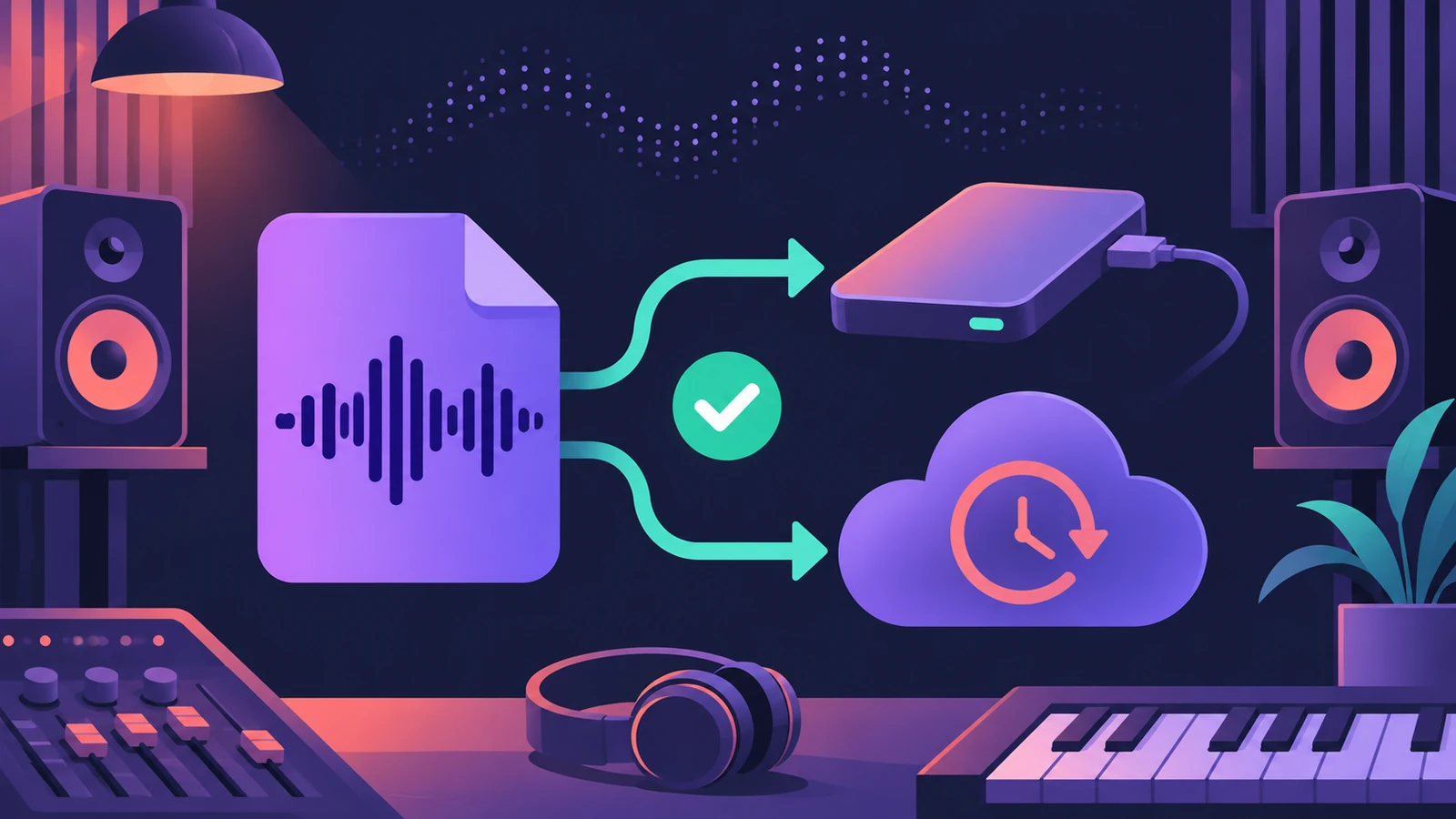 Save and back up Logic Pro projectsSave Logic Pro projects as a package or folder, revert to earlier backups, consolidate assets before moving a project and back everything up with Time Machine.
-
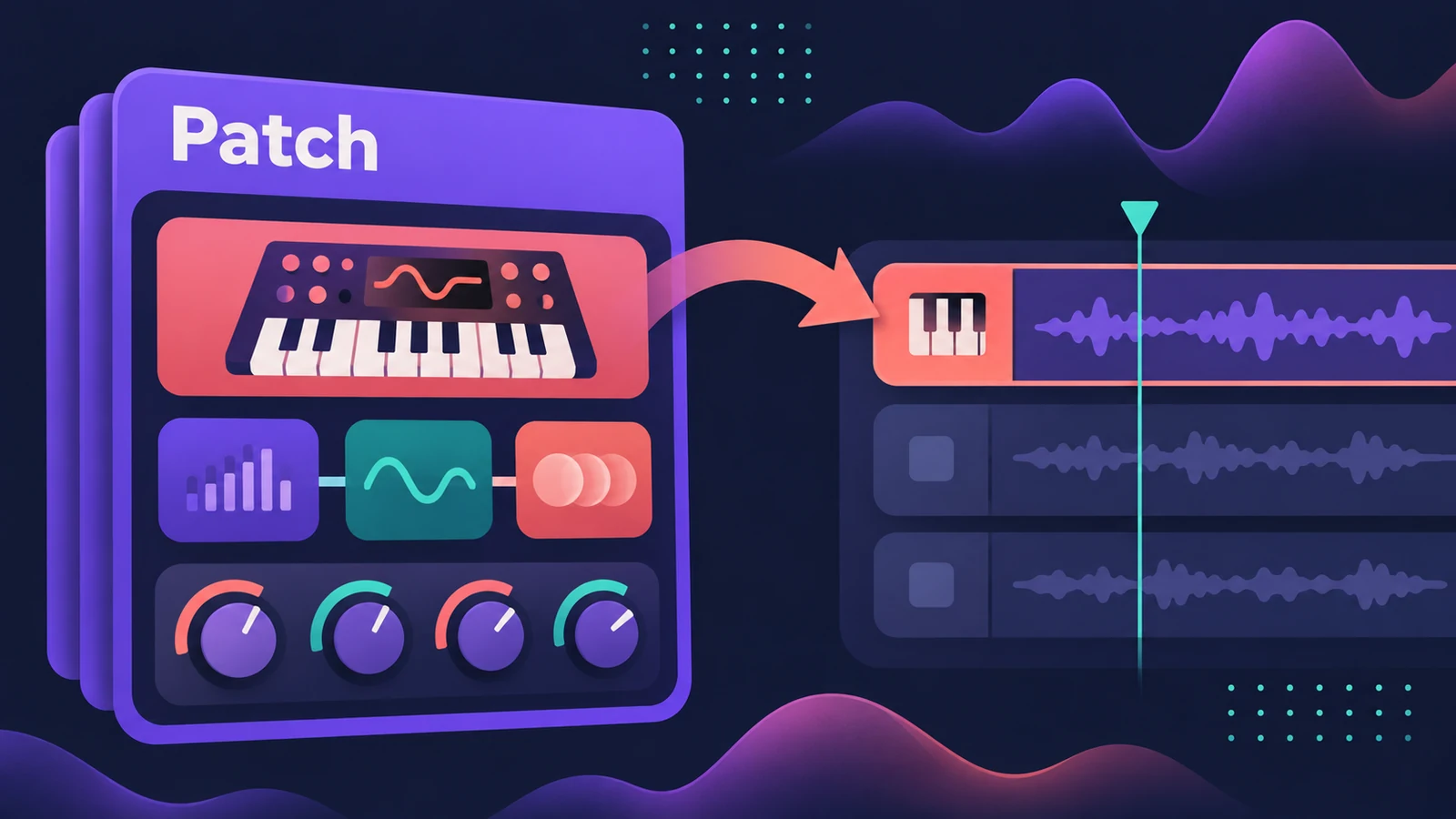 Logic Pro patches — load, edit and save your ownWhat a Logic Pro patch is, how to load and swap patches in the Browser or Library, save your own, merge only parts of a patch and restore legacy patches.
-
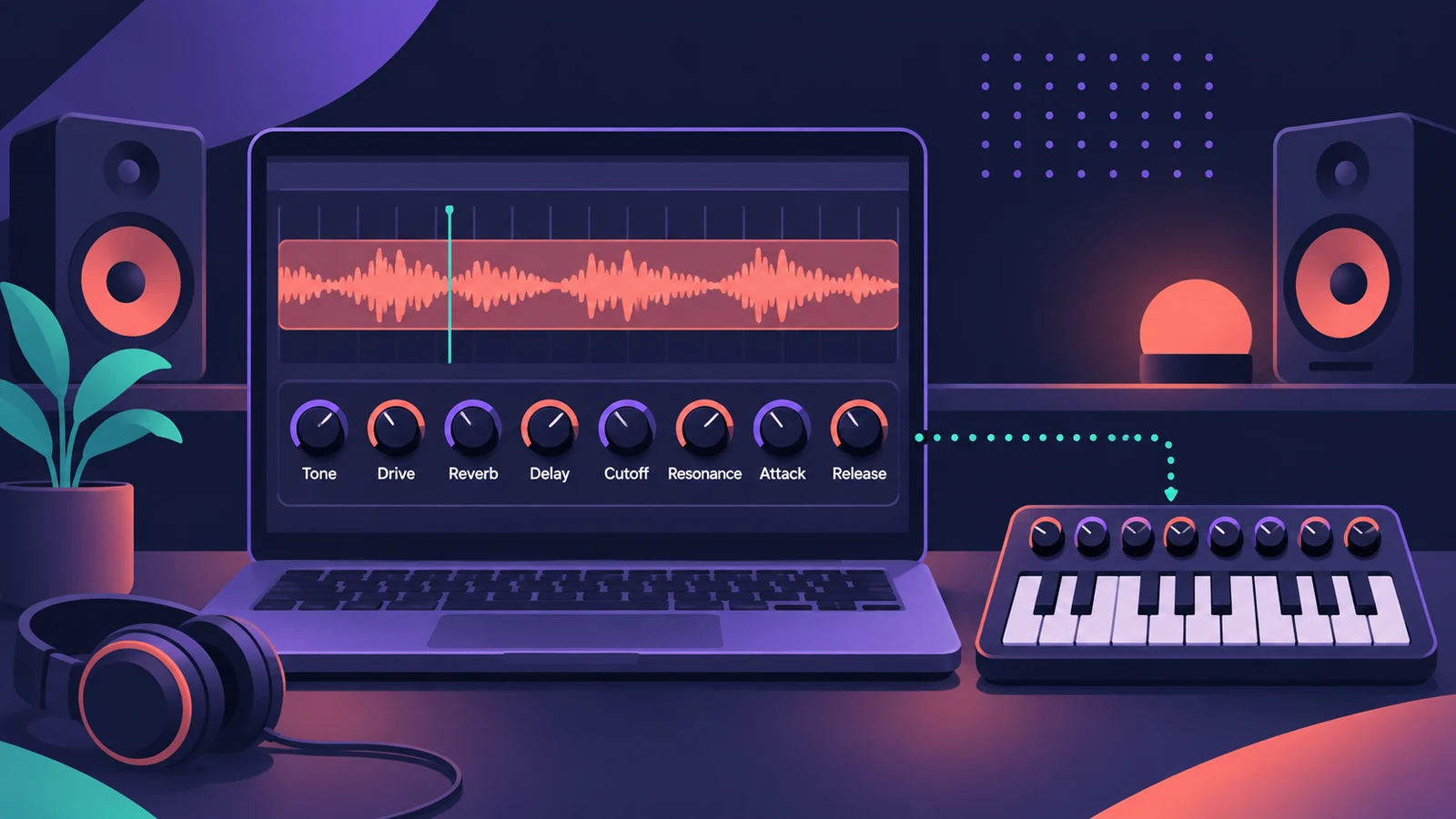 Smart Controls in Logic Pro — use and map themUse Logic Pro Smart Controls to shape a track's sound with a few knobs, change the layout, map screen controls and assign knobs on your MIDI controller.
-
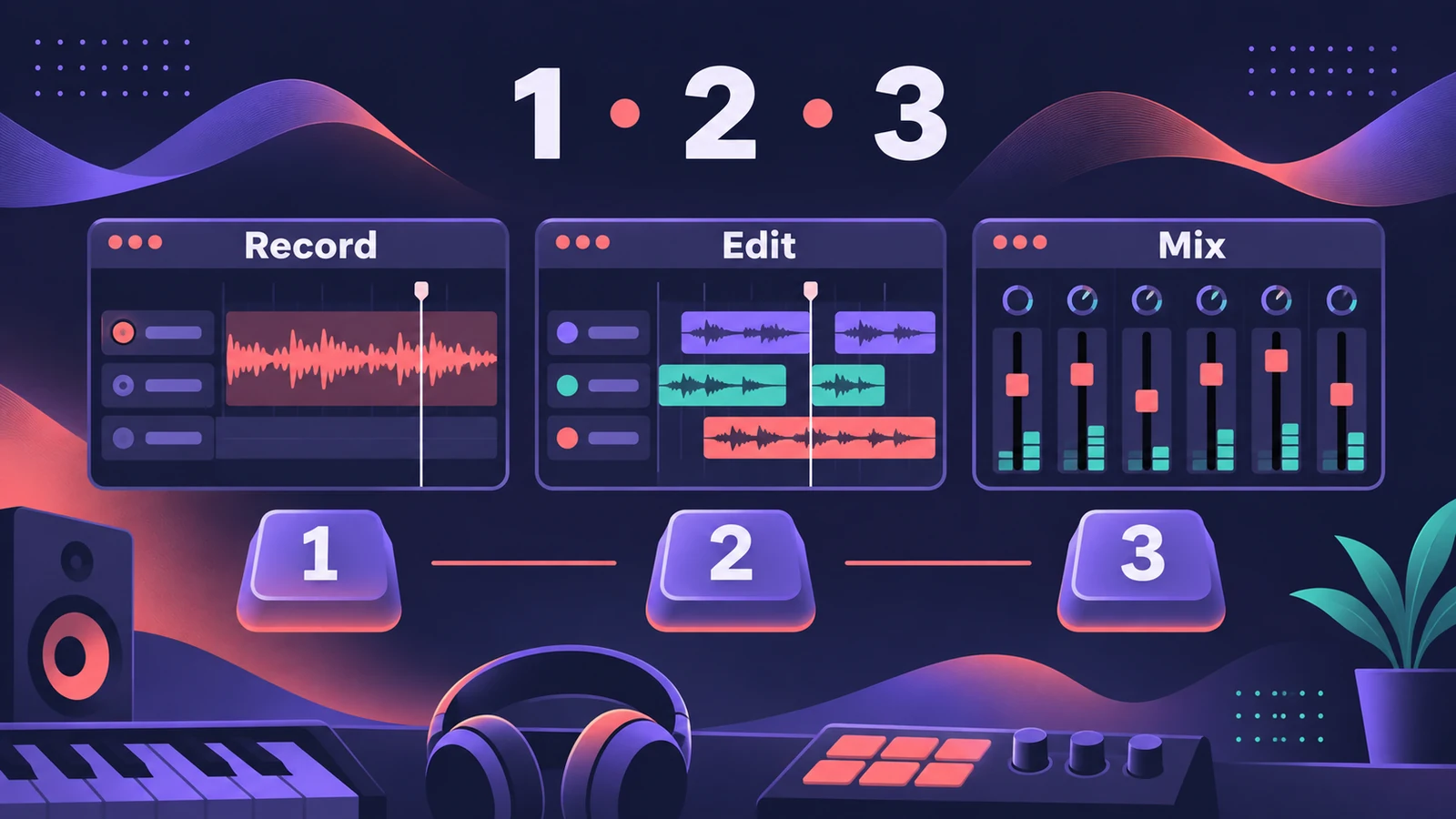 Logic Pro screensets — save and recall window layoutsSave Logic Pro window layouts as screensets and recall them with the number keys: create, switch, lock, revert and import screensets from other projects.
-
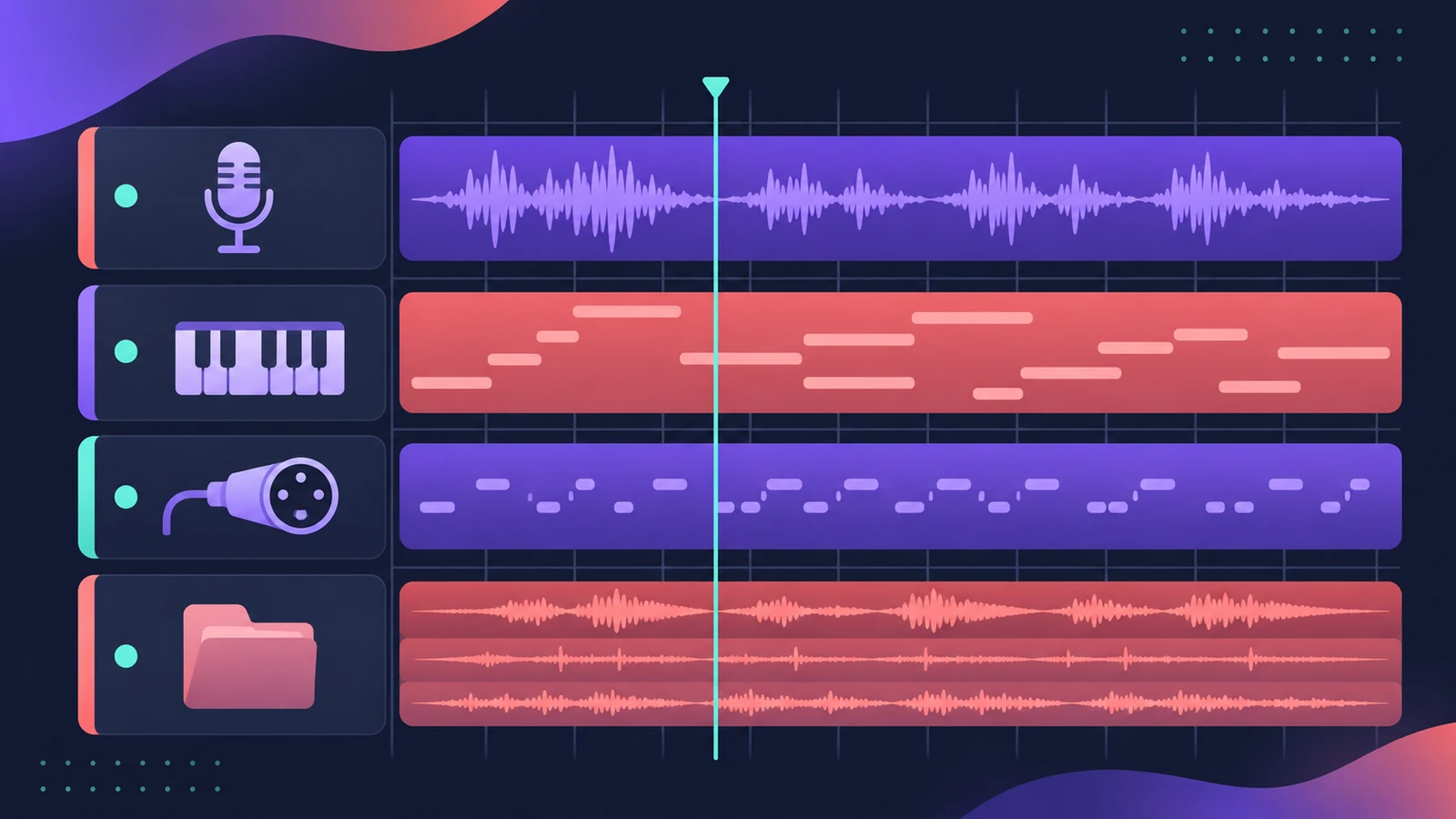 Logic Pro track types explainedLogic Pro track types explained: audio, software instrument (MIDI, Session Player and pattern regions), external MIDI, Track Stacks, aux and global tracks.
-
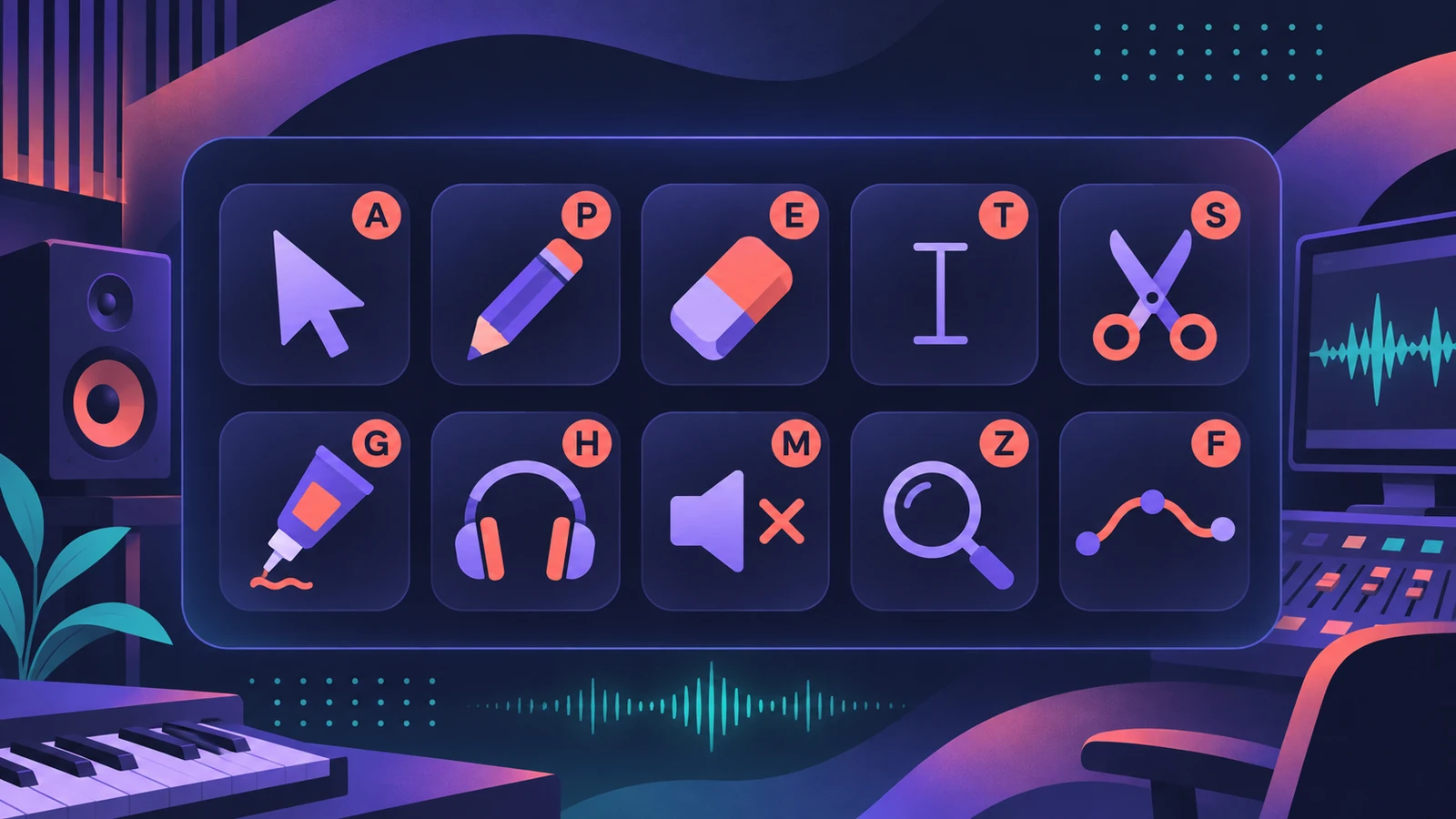 Logic Pro tools explainedThe Logic Pro tools explained: open the Tool menu with T, set Left-click and Command-click tools and the right mouse button, and what each common tool does.
-
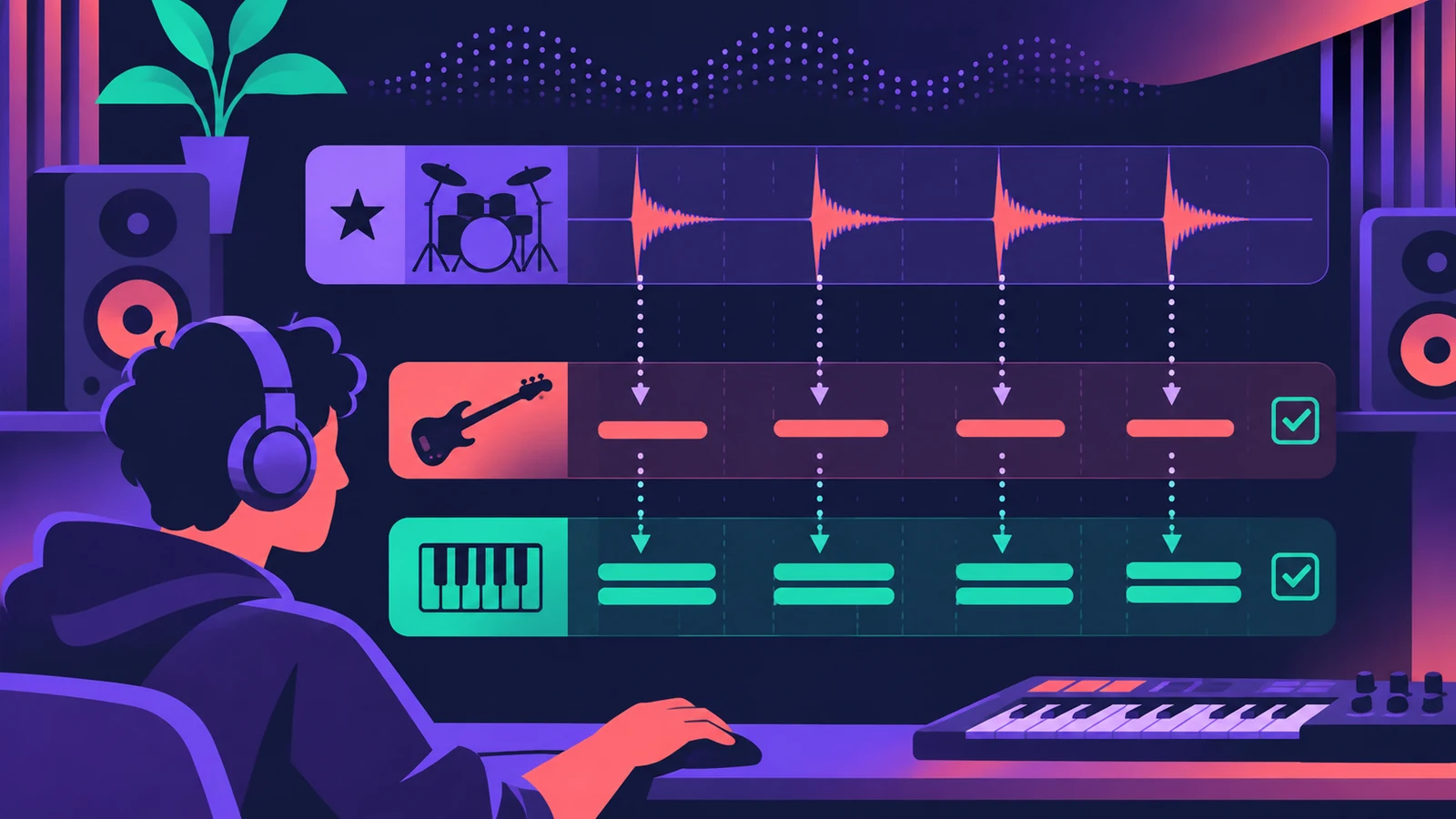 How to use the groove track in Logic ProSet a groove track in Logic Pro and make other tracks follow its timing: show the star, tick Match Groove Track and know the limits with loops and quantize.
Sources
- Apple — Logic Pro User Guide: What's new in Logic Pro for Mac 12
- Apple — Logic Pro User Guide: What's new in Logic Pro for Mac 13
- Apple Support — Logic Pro for Mac release notes
- Apple — Logic Pro User Guide: Get started with project properties
- Apple — Logic Pro X 10.1 Help: Global Commands key commands (old)
- Apple Support — Move Logic Pro for Mac and MainStage content
- Apple — Logic Pro User Guide: Using audio devices with Logic Pro for Mac
Checked November 2026. Logic ProFiles is independent of Apple; menu names can differ slightly between Logic Pro versions.
Frequently asked questions
Is Logic Pro hard to learn?
+
The basics — recording, editing regions and mixing — follow the same layout as GarageBand. Start with the beginner tutorial and learn a handful of key commands; the deeper features can wait.
Where are the advanced features in Logic Pro 12 and 13?
+
Apple says the complete set of features is always available from Logic Pro 12, and the Advanced pane has gone from Settings.
Related
- How to learn Logic Pro — books, courses and built-in lessonsHow to learn Logic Pro: the Apple Pro Training book by David Nahmani, free built-in Lessons and tutorials, instructor-led courses and a film-scoring book.
- Logic Pro workflowsStep-by-step Logic Pro workflows by genre — house, techno, drum and bass, lo-fi, synthwave, orchestral, rock — plus beats, film scoring and podcasts.
- Logic Pro glossaryLogic Pro glossary: region, take, comping, bounce, freeze, bus, channel strip, patch, quantize, latency, Smart Tempo and more — short definitions with links.
- Logic Pro tutorial for beginners — your first song in 9 stepsA Logic Pro tutorial for beginners: set up audio, create a project, set tempo and key, record, add a Session Player, edit, mix, master and bounce a song.
- Logic Pro shortcuts — the default key commands worth learningThe Logic Pro key commands worth learning first: transport, recording, windows, editing, tracks and export from Apple's U.S. preset, and how to change them.
- The Logic Pro interface explainedA tour of the Logic Pro window: control bar and LCD, Tracks area, inspector, Library, Browser, Mixer, editors and Smart Controls, with keys to toggle them.
- Logic Pro Sound Library — download, install and move itManage the Logic Pro Sound Library: install sound packs, download everything, move it to an external SSD with Relocate Sound Library and fix a missing drive.