Logic Pro Tutorials, Fixes and Settings Guides
Independent guides, checked against Apple's documentation for Logic Pro 12
Pick the job you need done today, follow the exact menu path, and get back to making music.

Start with what you need to do
Logic Pro 12 at a glance
- Logic Pro for Mac, one-time purchaseUS$199.99 on the Mac App StoreSource · checked 3 November 2026
- Apple Creator StudioUS$12.99/month or US$129/year, first 30 days free for new subscribersSource · checked 3 November 2026
- Mac requirementmacOS 15.6 or later on a Mac with Apple siliconSource · checked 3 November 2026
- iPad requirementiPadOS 26 or later on an iPad with A12 Bionic or laterSource · checked 3 November 2026
Find your next step
18 practical guides. One place to find them.
Search every tutorial, fix and comparison, or estimate buffer delay and bounce file size before you start.
The learning path
All learning guides- 1. Get Logic Pro on a Mac that can run it
Confirm Apple silicon and macOS 15.6 or later, then buy once or start the Creator Studio trial.
- 2. Make your first song
Nine steps from audio setup to a bounced file, using only stock instruments and plug-ins.
- 3. Learn the key commands you will use every day
About forty defaults for transport, editing, tracks, zoom, the Mixer and bouncing.
- 4. Fix the first problem you hit
System overloads and no-sound issues are the two most common; both have a short diagnosis order.
- 5. Bounce and share it
Choose the right format, sample rate and dither, then export stems if someone else will mix it.
Fix a Logic Pro problem
All fix a problem guides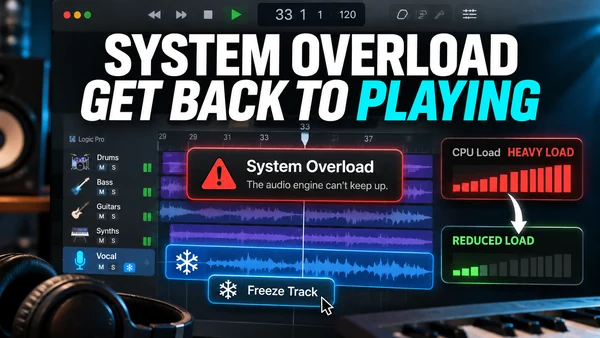 Fix
Logic Pro system overload: how to fix the error (-10011)
What the System Overload alert means and Apple's documented order of fixes, from buffer size to freezing tracks.
10 min read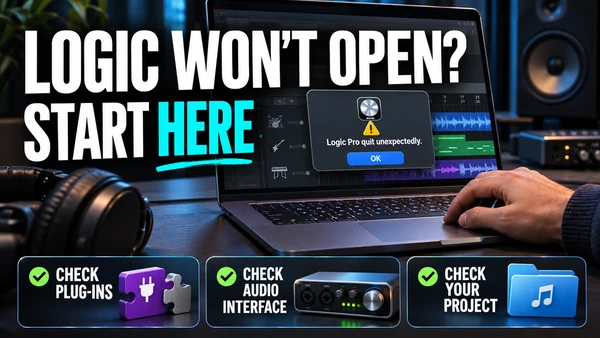 Fix
Logic Pro keeps crashing or won't open: the fix order that works
A diagnosis order for crashes and launch failures: startup keys, Plug-in Manager, the preferences file, Sound Library, reinstall, and project rescue.
10 min read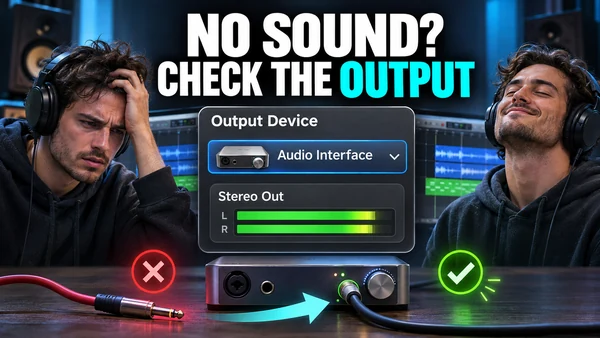 Fix
Logic Pro has no sound: follow the signal chain
A signal-chain walk from the interface to Stereo Out that finds why Logic Pro is silent: device, routing, mute/solo, monitoring, sample rate.
9 min read
Bounce and export
All bounce & export guides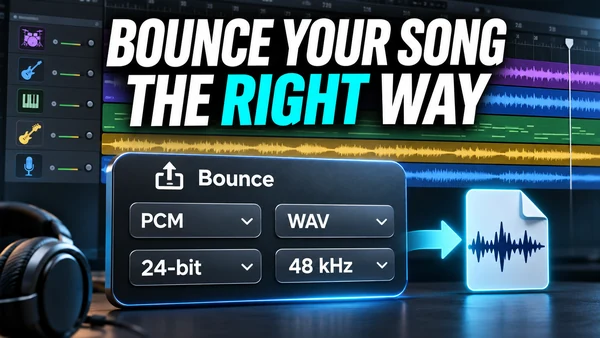 Guide
How to bounce a song in Logic Pro
The Bounce dialog option by option, with the right settings for a distributor master, a demo MP3, a video deliverable and a cycle-range section.
10 min read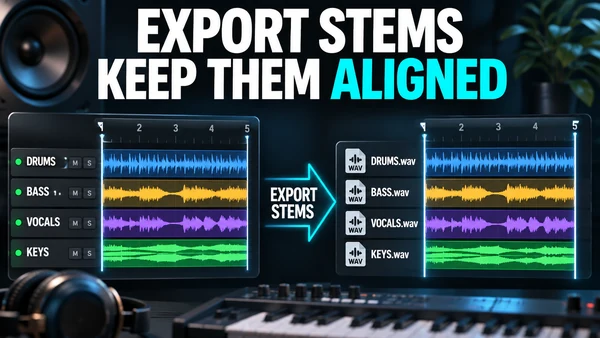 Guide
How to export stems from Logic Pro
One WAV per track, all starting at bar 1: the export dialog options, what to bypass, how to name files for a mix engineer, and the iPad ZIP export.
8 min read
Compare and choose
All compare guides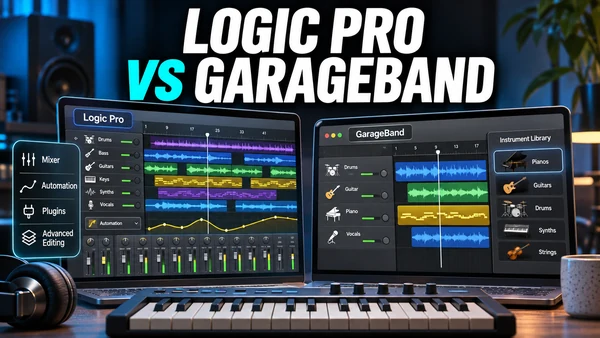 Compare
Logic Pro vs GarageBand: is the upgrade worth it?
GarageBand is free and shares Logic Pro's engine; Logic Pro adds the editing, mixing and mastering tools you need to finish records. Here is where the line falls.
7 min read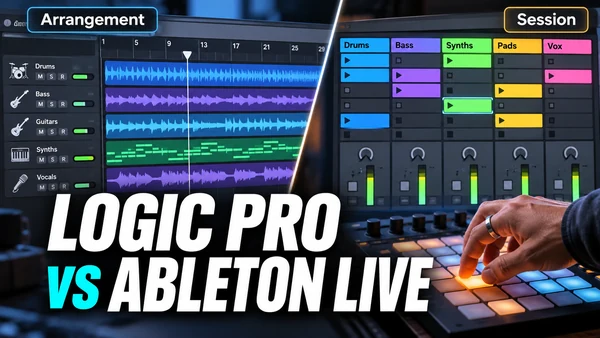 Compare
Logic Pro vs Ableton Live 12
Logic Pro wins on price and bundled content; Ableton Live wins on Session View, live performance and Windows support. Here is how to choose.
6 min read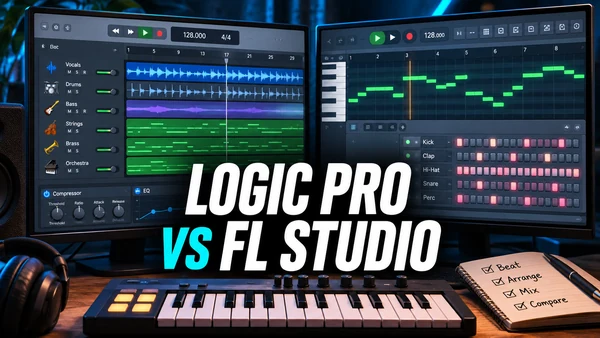 Compare
Logic Pro vs FL Studio
FL Studio's piano roll and pattern workflow against Logic Pro's arrangement, Session Players and mix tools, with edition prices from Image-Line and the true cost over time.
6 min read
Who writes Logic Pro Files and how we check it
Who we are
Logic Pro Files is written and maintained by the Logic Pro Files Team, an independent group of Logic Pro users and technical writers. We are not affiliated with Apple, and we do not sell plug-ins, courses or affiliate deals. Questions and corrections go to [email protected].
What we check
Every price, requirement, trial term and version claim on this site links to an Apple page or a named press source, and every page shows the date it was last checked. Menu paths use Apple's current names, so you will see Logic Pro > Settings > Audio > Devices rather than older wording (it was Preferences on macOS 12 or earlier). When Apple's documentation and common forum advice disagree, we follow Apple and say so.
What we cover
- Getting Logic Pro: purchase, Apple Creator Studio, the trial, Mac and iPad requirements, and your options on Windows.
- Learning: a beginner's path from install to first bounce, and the default key commands.
- Fixing: system overloads, crashes, no sound, latency and plug-ins that do not appear.
- Exporting: bouncing a mix and exporting stems.
- Mixing and mastering: Flex Pitch and a mastering chain built from stock plug-ins.
- Comparing: Logic Pro against GarageBand, Ableton Live and FL Studio, with vendor prices cited.
Read our editorial policy for the full checking process, or learn more about the team.
Questions people ask
Is Logic Pro Files an Apple website?
No. Logic Pro Files is independent and has no connection to Apple. We cite Apple's documentation so you can check every claim yourself.
Which version of Logic Pro do these guides cover?
Logic Pro 12 on macOS 15.6 and Logic Pro for iPad on iPadOS 26. Each page says where the iPad app differs and notes older names, such as Preferences on macOS 12 or earlier.
How much does Logic Pro cost?
Logic Pro for Mac is a US$199.99 one-time purchase on the Mac App Store, or it comes with Apple Creator Studio at US$12.99 a month or US$129 a year, according to Apple.
Is there a free trial?
New Apple Creator Studio subscribers get 30 days free, and that includes Logic Pro for Mac and iPad. The old standalone 90-day Logic Pro trial ended in early 2026.
Does Logic Pro run on Windows or Intel Macs?
No. Apple's current specs list only Macs with Apple silicon on macOS 15.6 or later, and there is no Windows version. Our Windows guide covers what you can do instead.
Where should a beginner start?
Start with the system requirements, then follow the beginner tutorial, which takes you from installing Logic Pro to bouncing a first song in nine steps.