Logic Pro for iPad
Logic Pro for iPad
Logic Pro for iPad is the touch version of Apple's DAW, included with Apple Creator Studio. It runs on iPads with an A12 Bionic chip or later, opens GarageBand songs and Logic Pro for Mac projects, and supports third-party Audio Unit Extensions. These guides cover setting it up and getting work in and out of it.
 Owen Hartley
Start here
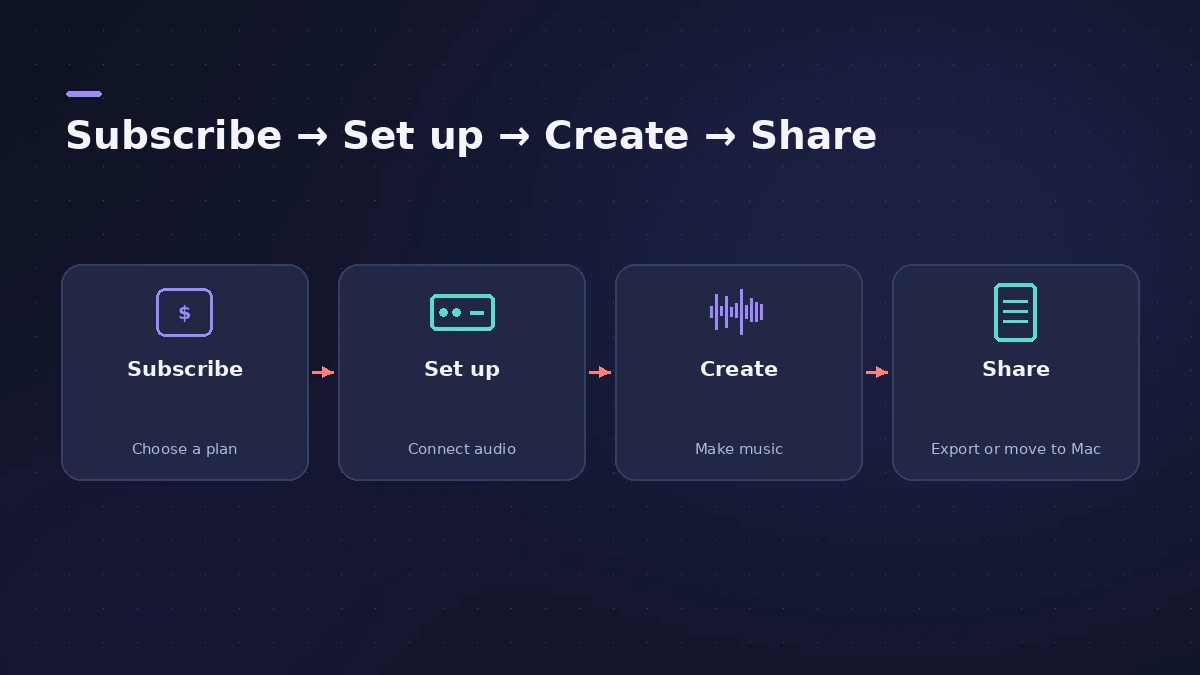
New to the app? Start with getting started, then check which iPads run it. If you also use a Mac, read moving projects between Mac and iPad before you share your first project. Then explore Live Loops, beat making, recording vocals, mixing and Mastering Assistant. For a feature-by-feature comparison with the Mac version, see Logic Pro for iPad vs Mac.
All iPad guides
-
 Logic Pro for iPad for beginners — your first projectStart with Logic Pro for iPad: begin the trial, create a Tracks or Live Loops project, add loops and instruments, and learn with the built-in Lessons.
-
 Logic Pro for iPad subscriptionLogic Pro for iPad comes with Apple Creator Studio ($12.99/mo or $129/yr in the US). Free trial, Family Sharing, cancelling and what still works after.
-
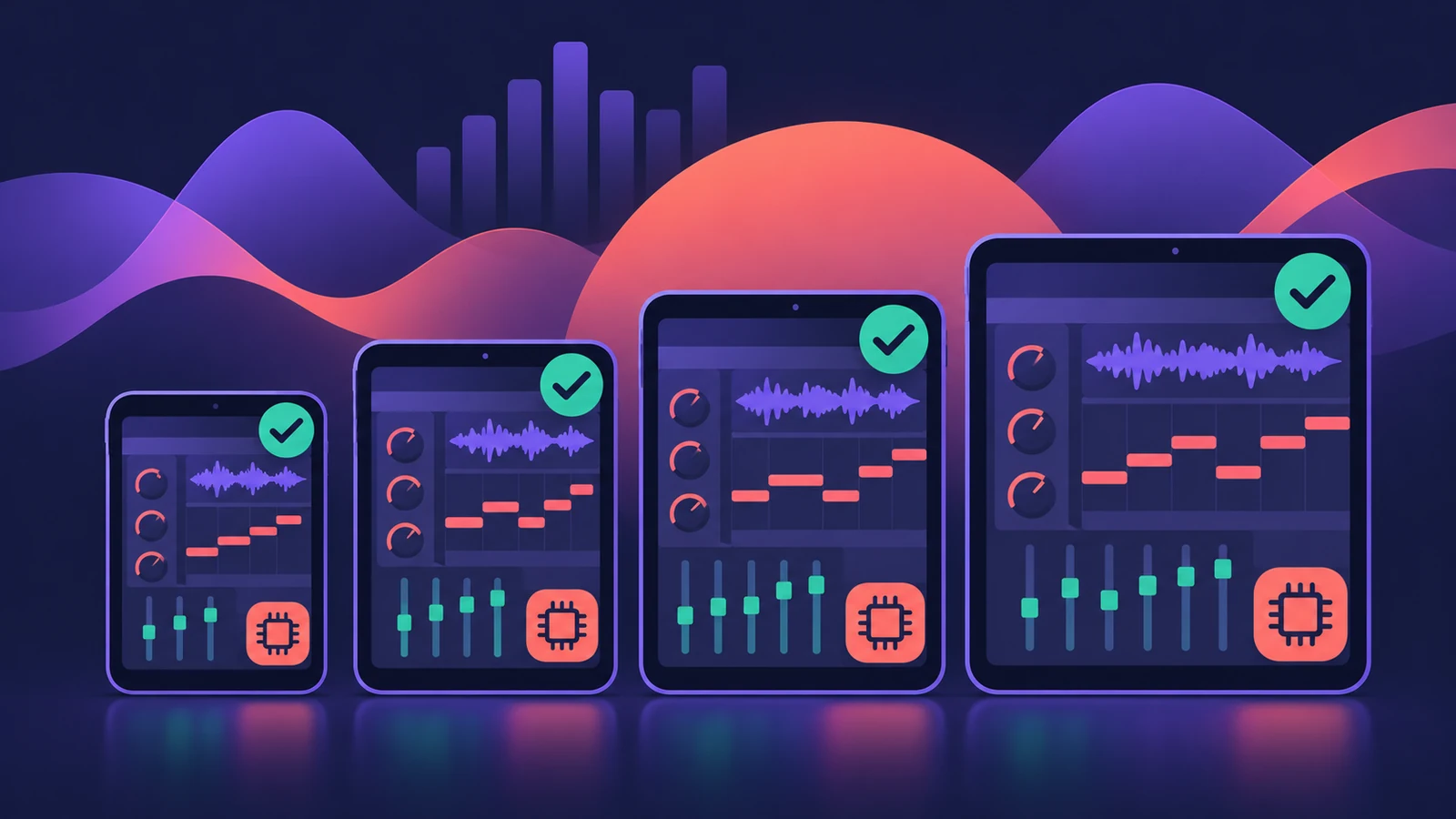 Which iPads run Logic Pro?Logic Pro for iPad needs an A12 Bionic or later: iPad Pro, iPad Air 3rd gen+, iPad mini 5th gen+, iPad 8th gen+. Session Players and Stem Splitter need M1.
-
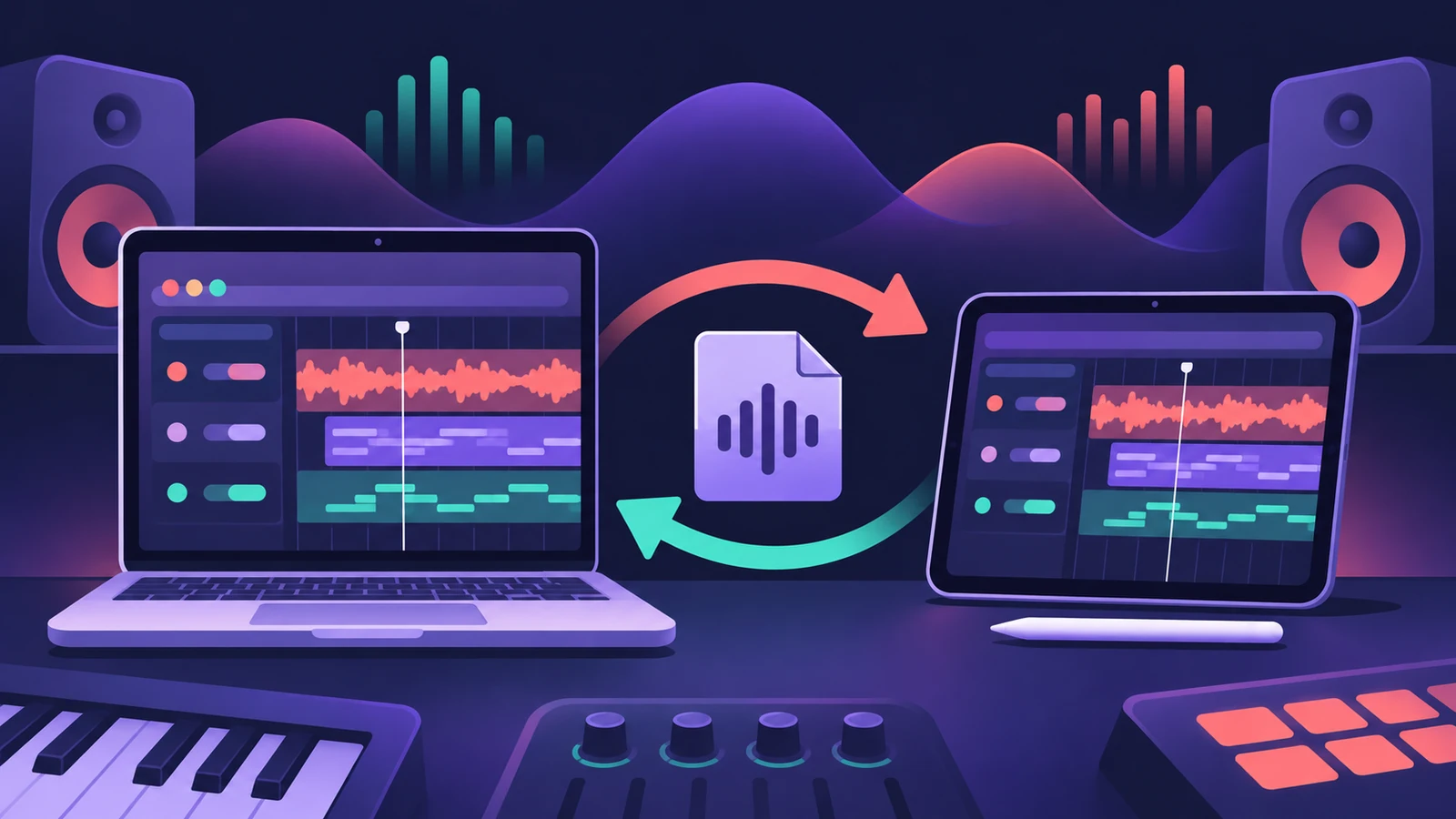 Move Logic Pro projects between Mac and iPadMove Logic Pro projects between Mac and iPad: copy files into the project, bounce third-party plug-ins and avoid the Mac-only features iPad can't open.
-
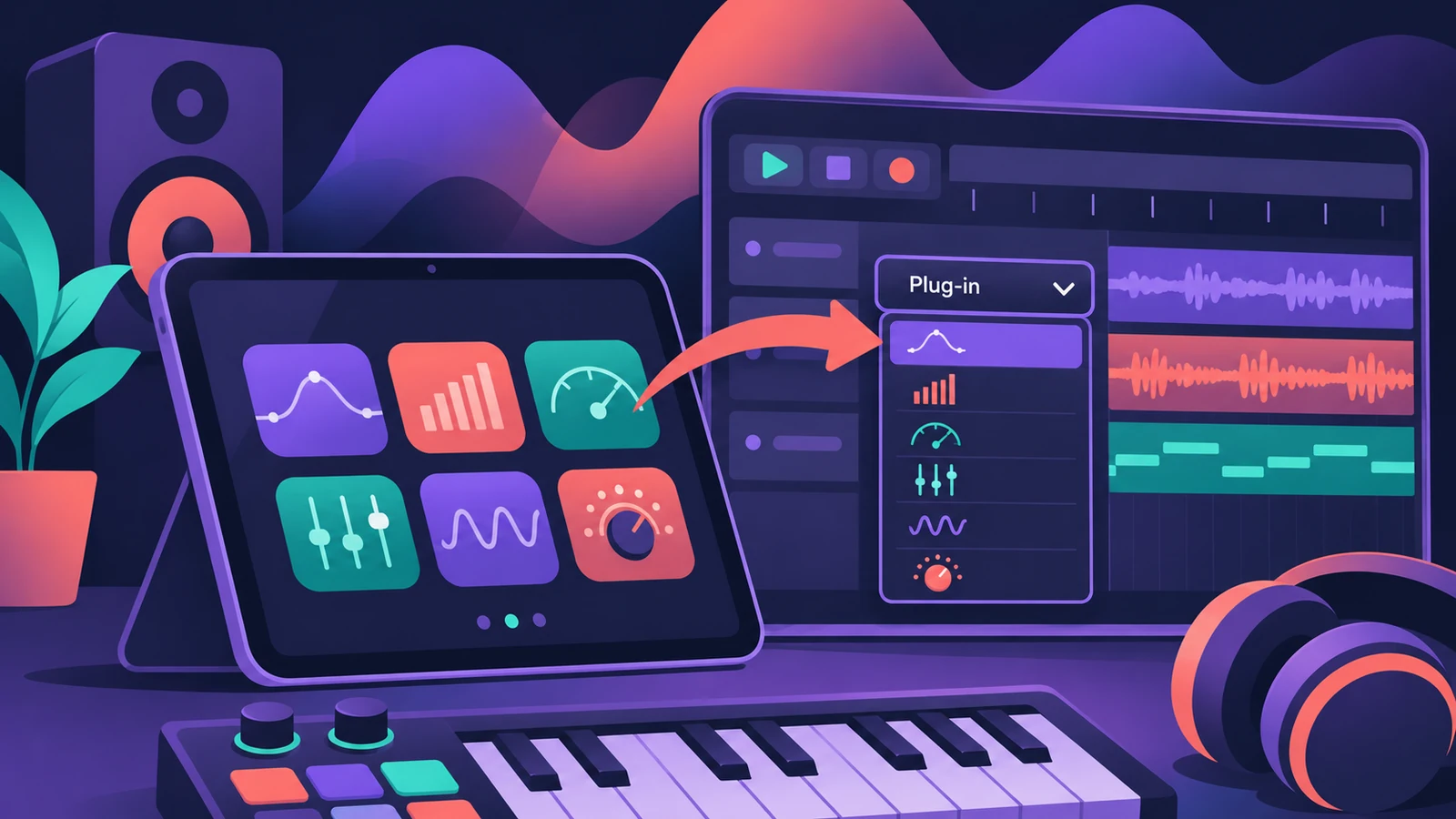 Use AUv3 plug-ins in Logic Pro for iPadLogic Pro for iPad runs third-party instruments and effects as Audio Unit Extensions (AUv3) from the App Store. How to install, find and use them.
-
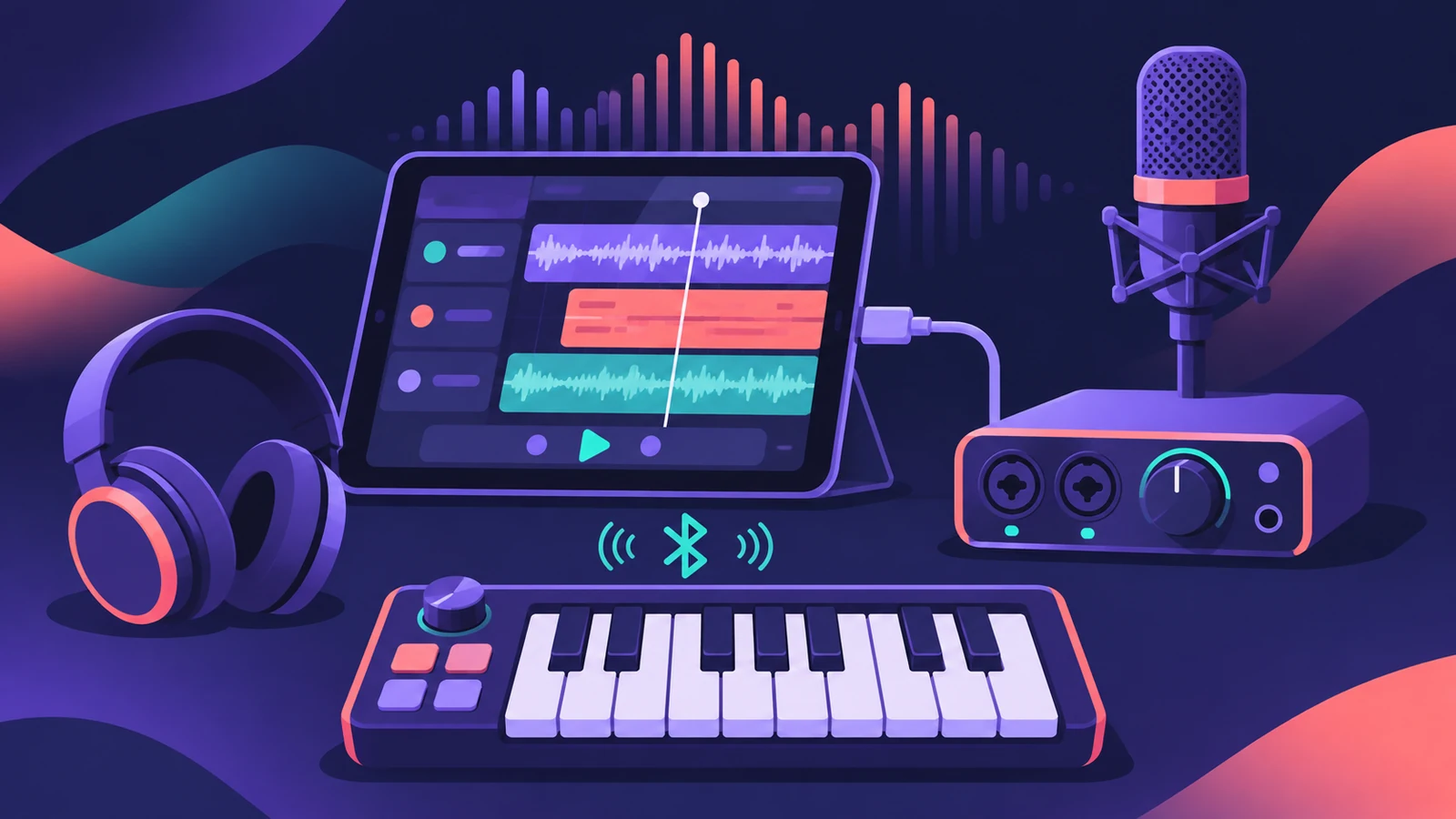 Use an audio interface or MIDI keyboard with Logic Pro for iPadConnect an audio interface, mic or MIDI keyboard to Logic Pro for iPad: Autoselect picks the device; App Settings > Audio sets inputs, outputs and buffer.
-
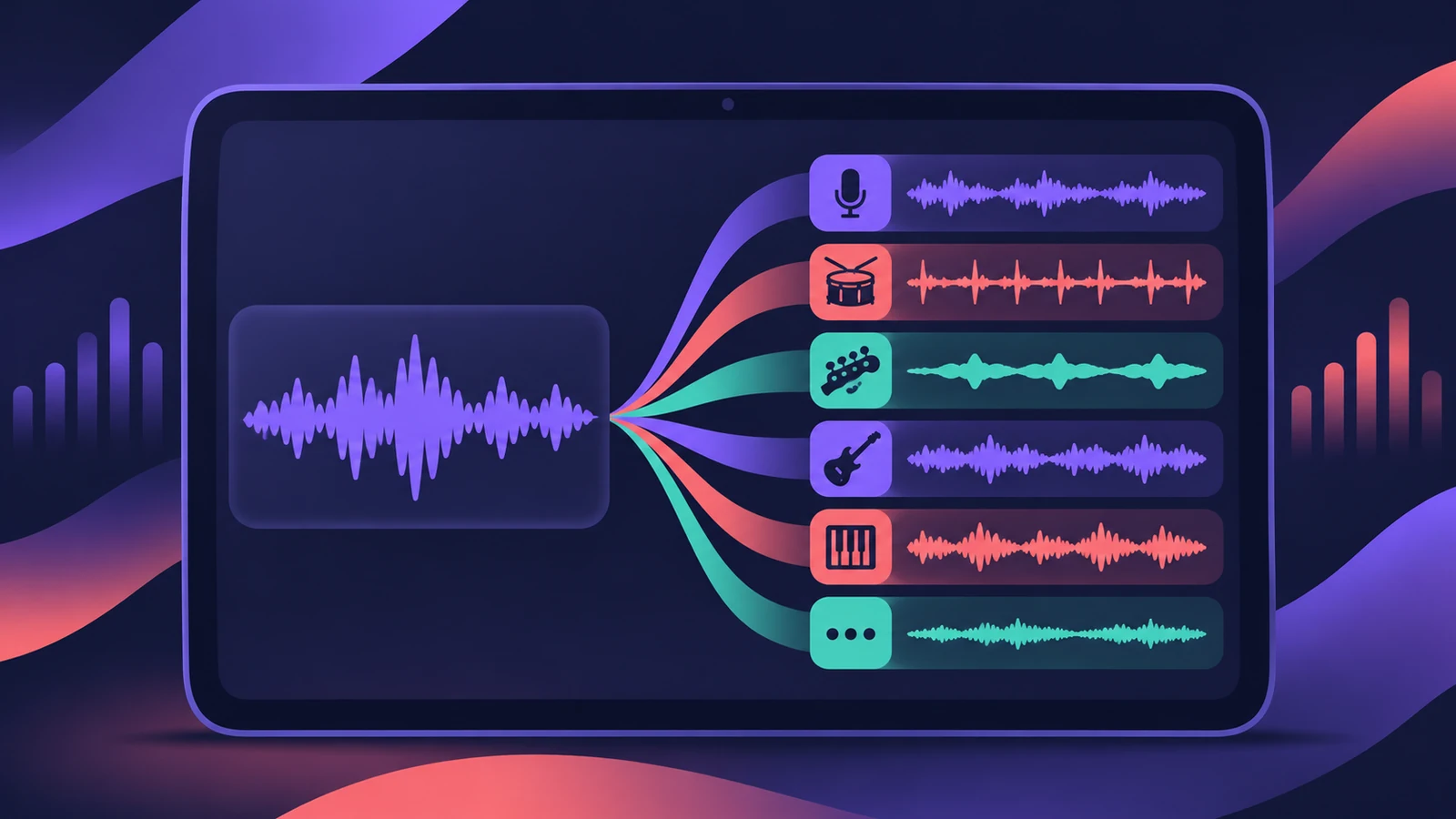 Stem Splitter in Logic Pro for iPadUse Stem Splitter in Logic Pro for iPad to pull vocals, drums, bass, guitar, piano and other parts from a mix. Needs an M1 or later iPad. Steps and presets.
-
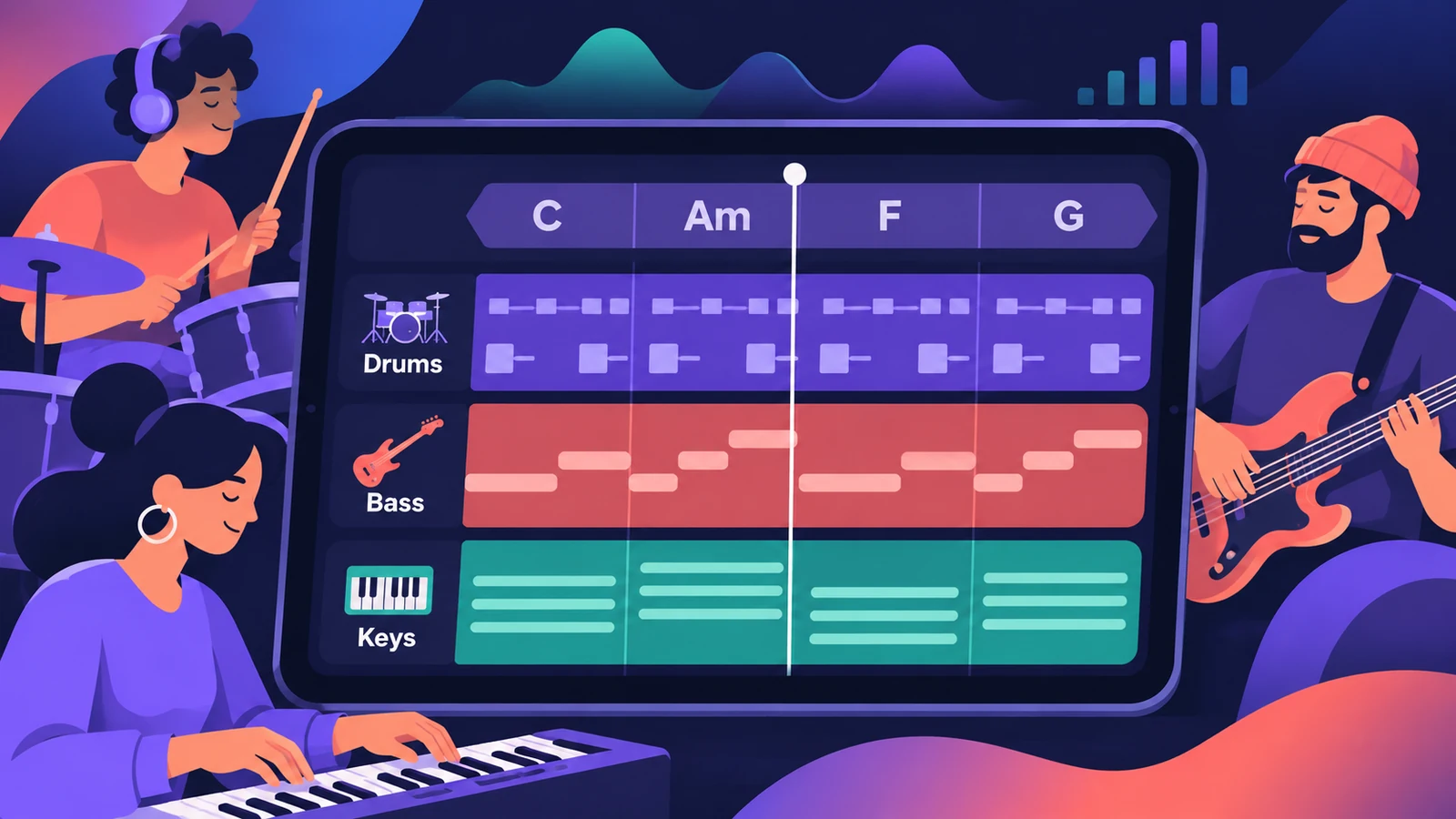 Session Players in Logic Pro for iPadAdd Session Players in Logic Pro for iPad — Drummer, Bass Player and Keyboard Player — make them follow your chords and edit them. Needs an M1 iPad.
-
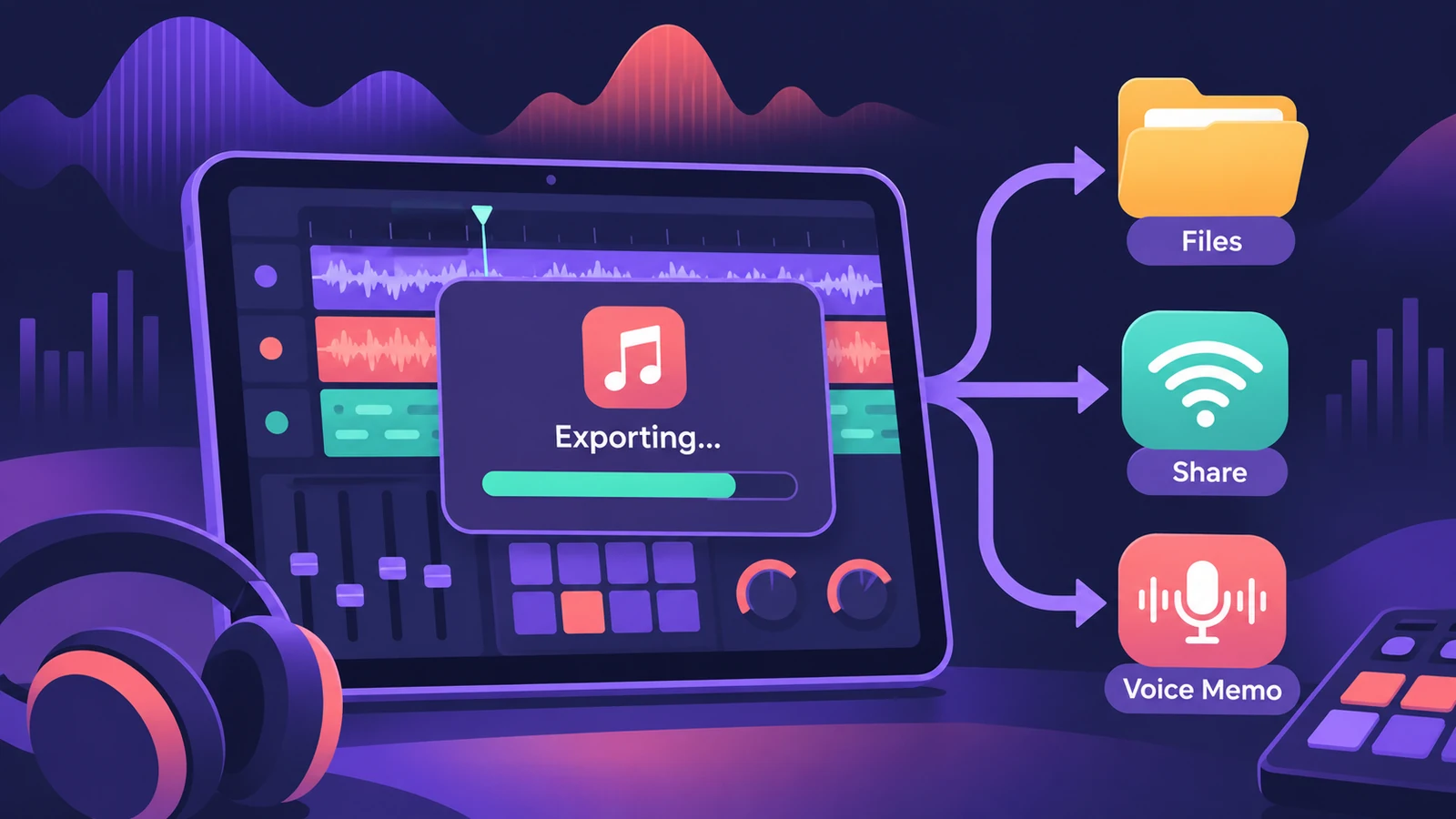 Export and share songs from Logic Pro for iPadExport a song from Logic Pro for iPad as WAV, AIFF or M4A, export stems as a zip or MIDI files, and share to Files, AirDrop, other apps or Voice Memos.
-
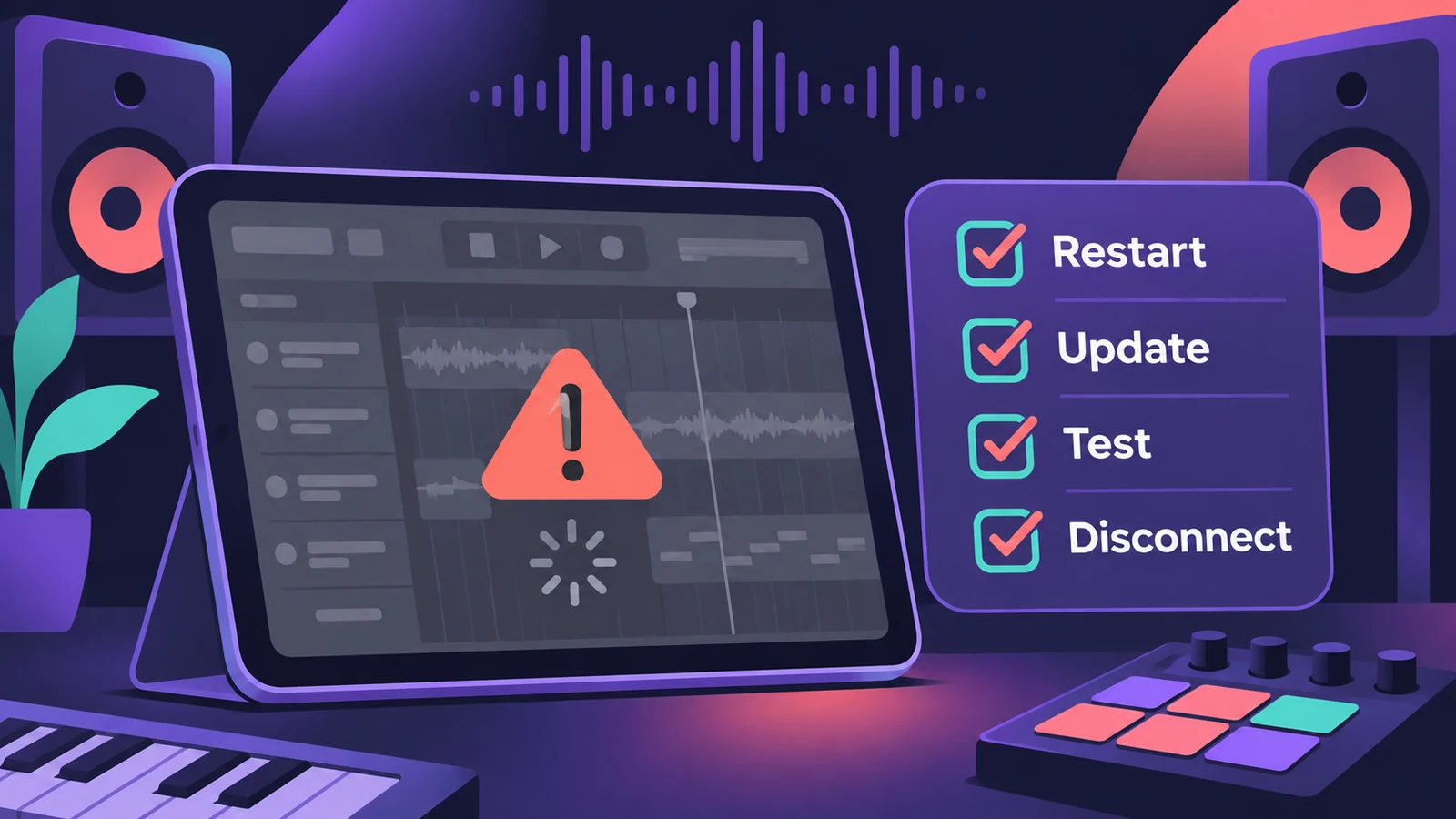 Logic Pro for iPad not workingLogic Pro for iPad won't open or play? Restart, update iPadOS and the app, test a new project, disconnect devices and switch to the iPad's own audio.
-
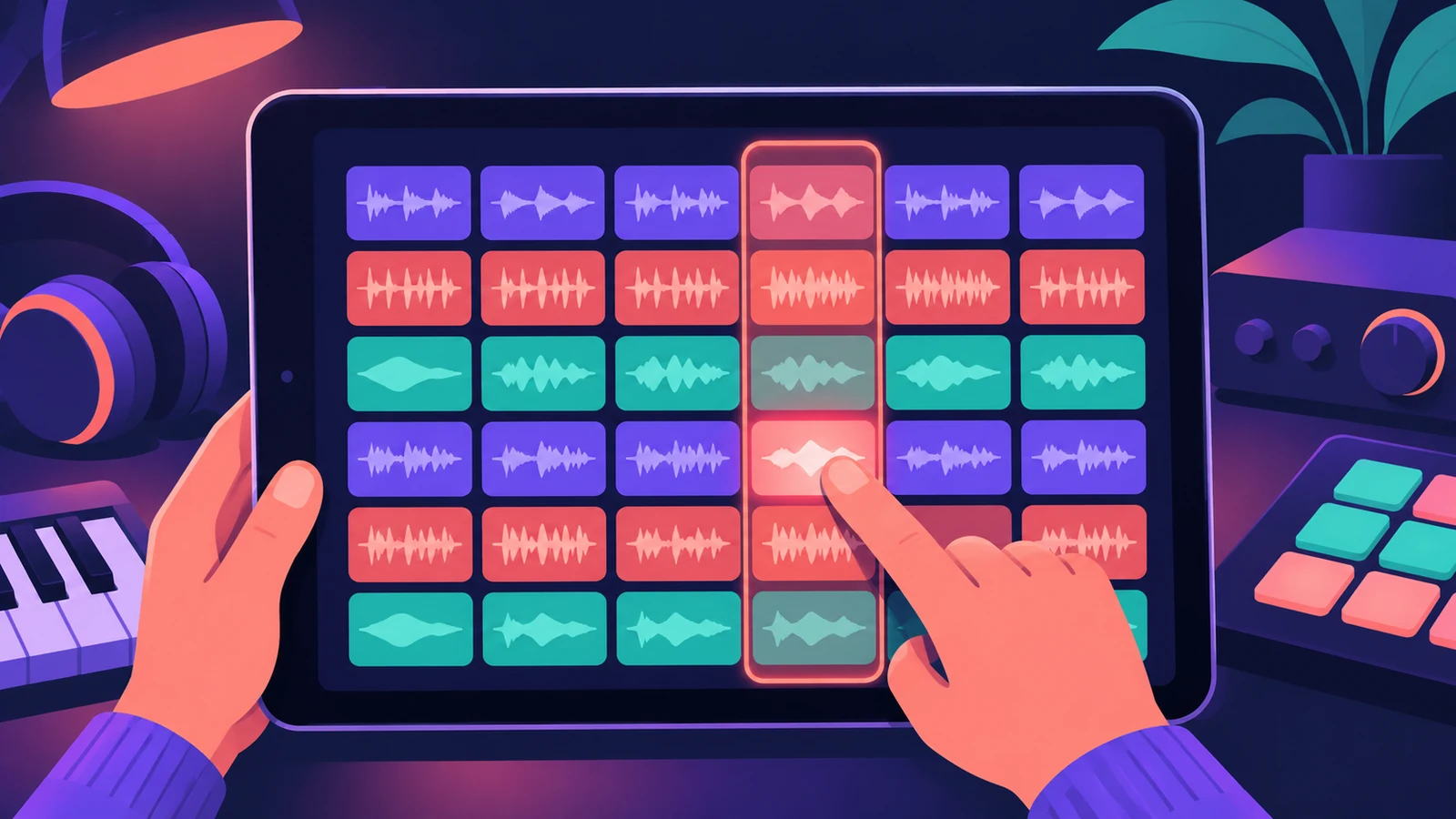 Live Loops in Logic Pro for iPadUse Live Loops in Logic Pro for iPad: open a starter grid, trigger cells and scenes, set Quantize Start, record into cells and capture a performance.
-
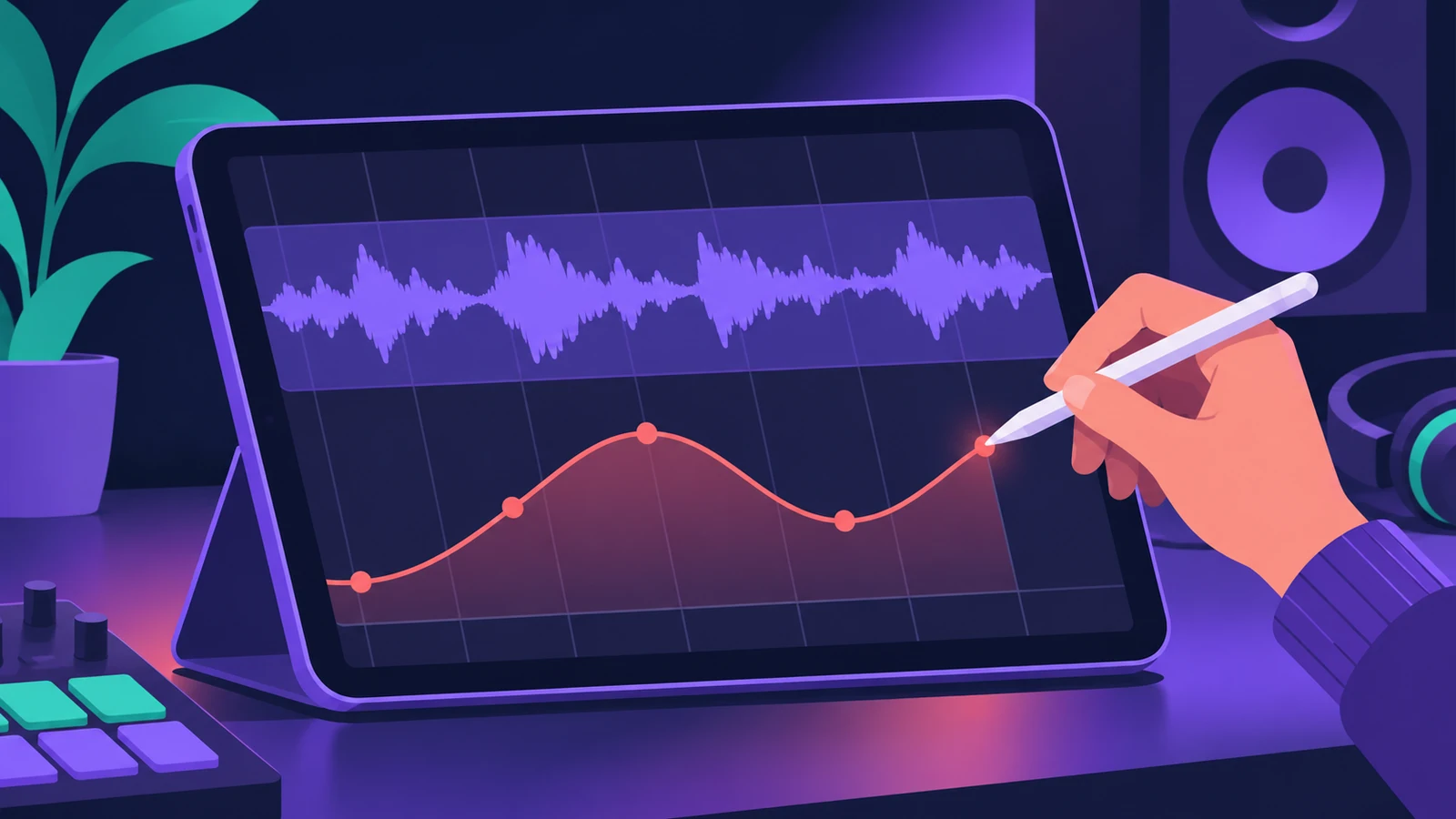 Apple Pencil in Logic Pro for iPadUse Apple Pencil in Logic Pro for iPad: draw automation and notes precisely, double-tap to switch edit modes, Scribble names and hover on iPad Pro.
-
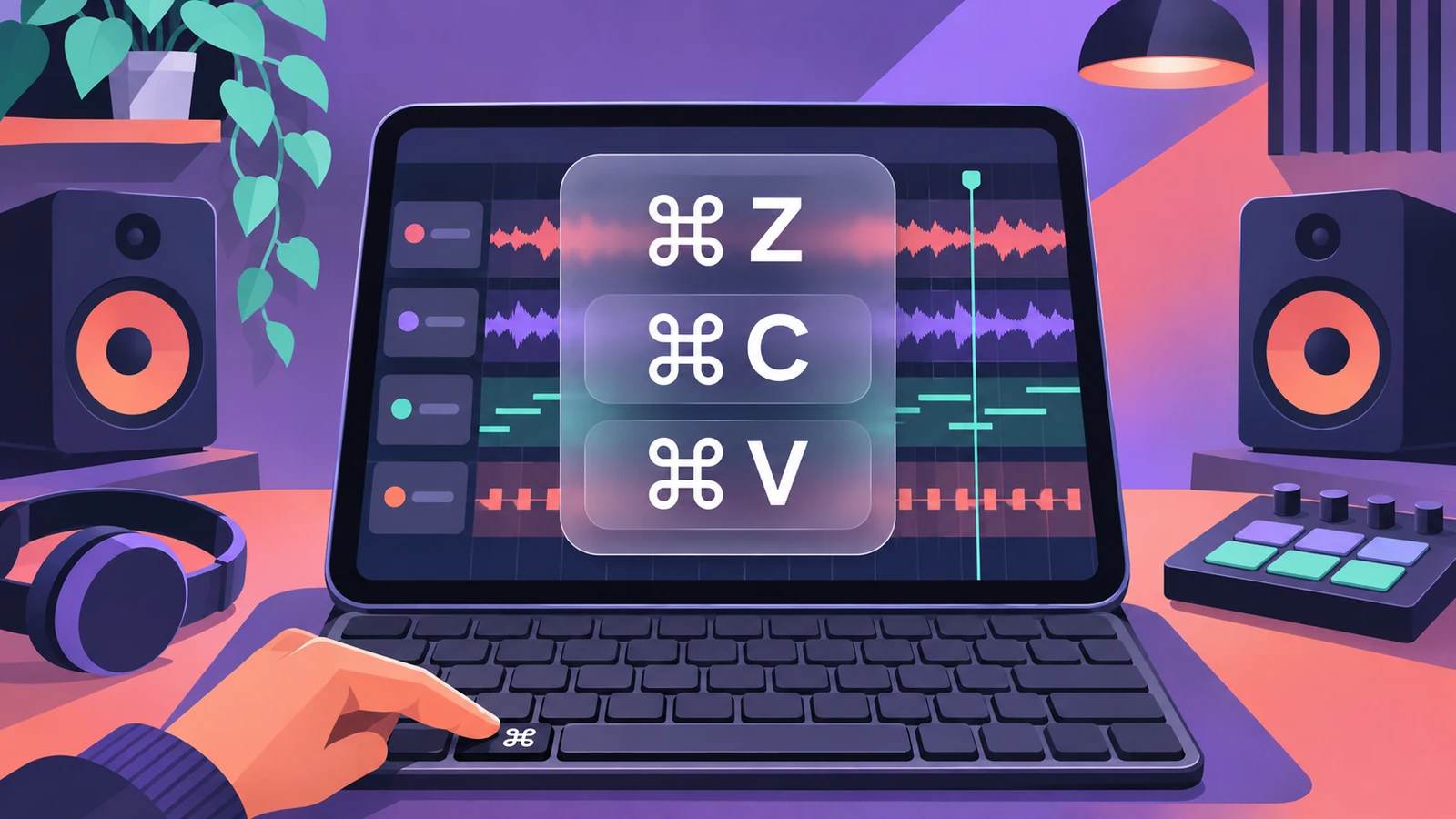 Logic Pro for iPad keyboard shortcutsUse Logic Pro for iPad with a keyboard: hold Command to see shortcuts, move key focus with Command-Tab, view keys like X for Mixer, and Universal Control.
-
 Mastering Assistant in Logic Pro for iPadMaster a song in Logic Pro for iPad: add Mastering Assistant to the stereo output, let it analyse, pick Clean, Valve, Punch or Transparent, set loudness.
-
 How to record vocals in Logic Pro for iPadRecord vocals in Logic Pro for iPad with the built-in mic, a USB mic or an interface: pick the input, set Input Gain, use headphones and Low Latency mode.
-
 Sound Library in Logic Pro for iPadManage sounds in Logic Pro for iPad: open the Sound Library, download or update sound packs, delete packs to free storage, and get packs old songs need.
-
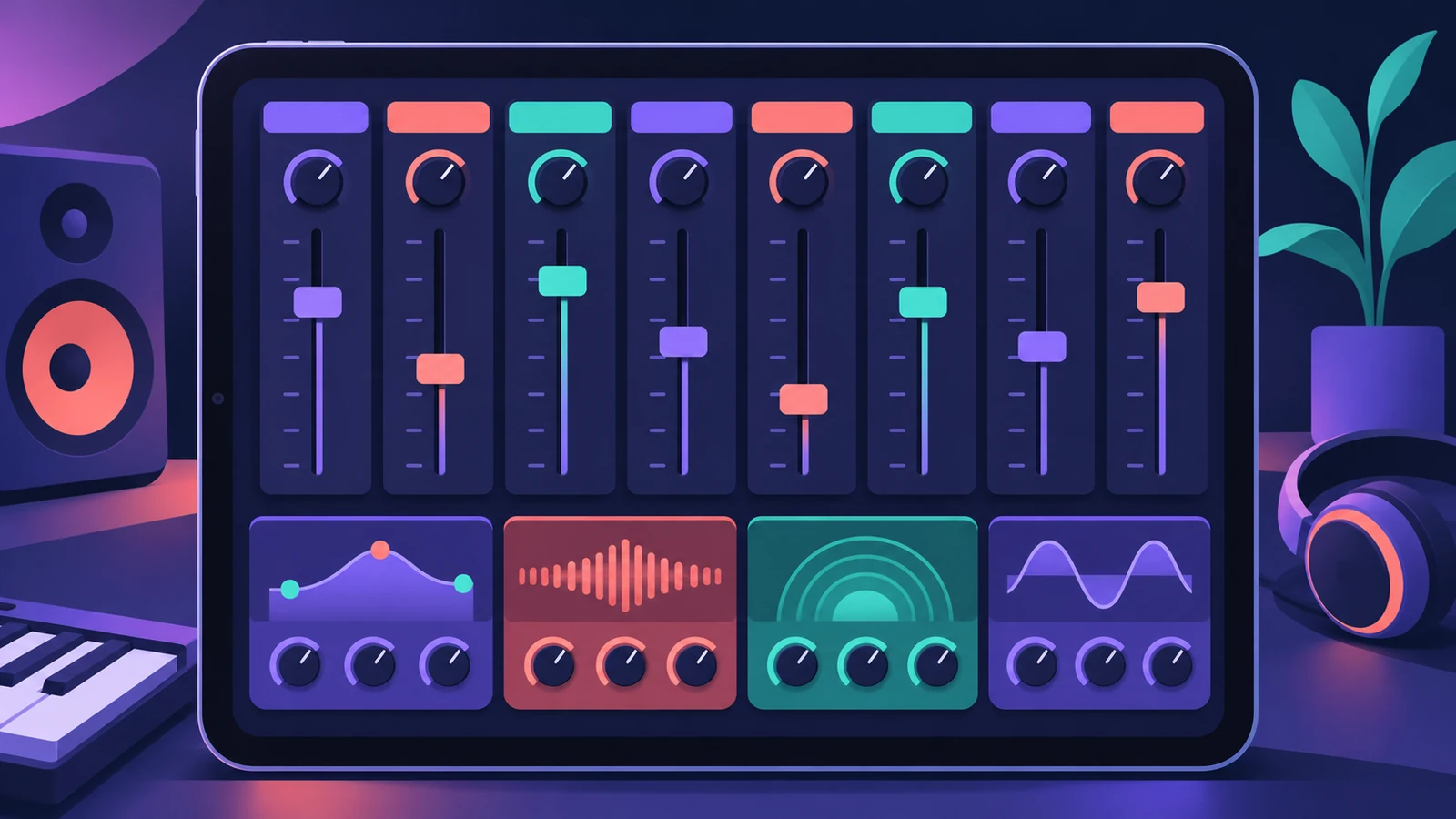 Mixing in Logic Pro for iPadMix in Logic Pro for iPad: the Fader for quick track controls, the Plug-ins area with tiles and Details view, Sends and Output views, and the full Mixer.
-
 Piano Roll Editor in Logic Pro for iPadEdit MIDI in Logic Pro for iPad's Piano Roll: Pencil and Brush to add notes, Velocity and Select modes, Snap values, quantize and region automation.
-
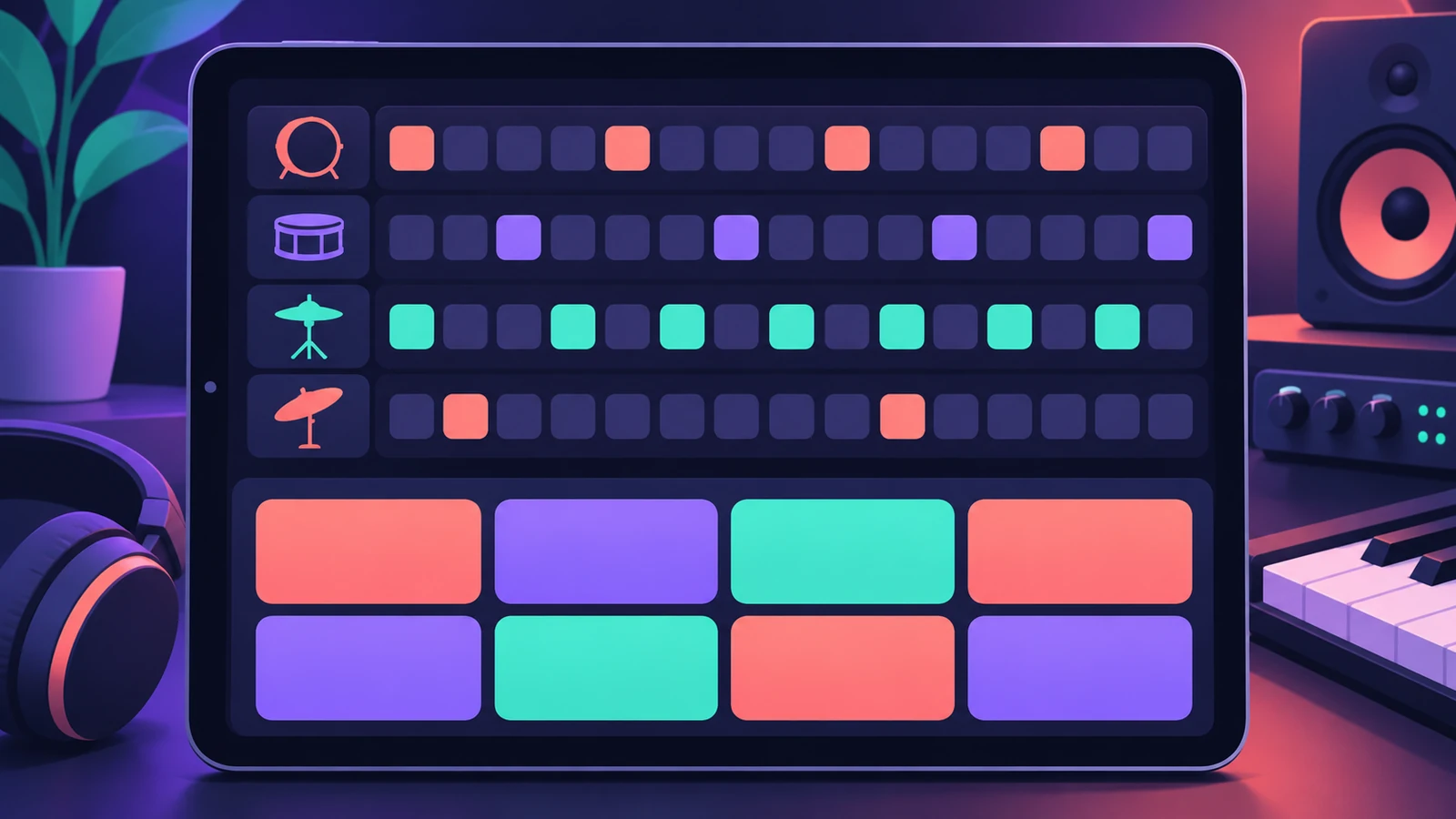 How to make beats in Logic Pro for iPadMake beats in Logic Pro for iPad: load a Drum Machine Designer kit, program Step Sequencer patterns, add velocity and note repeat, then try Beat Breaker.
-
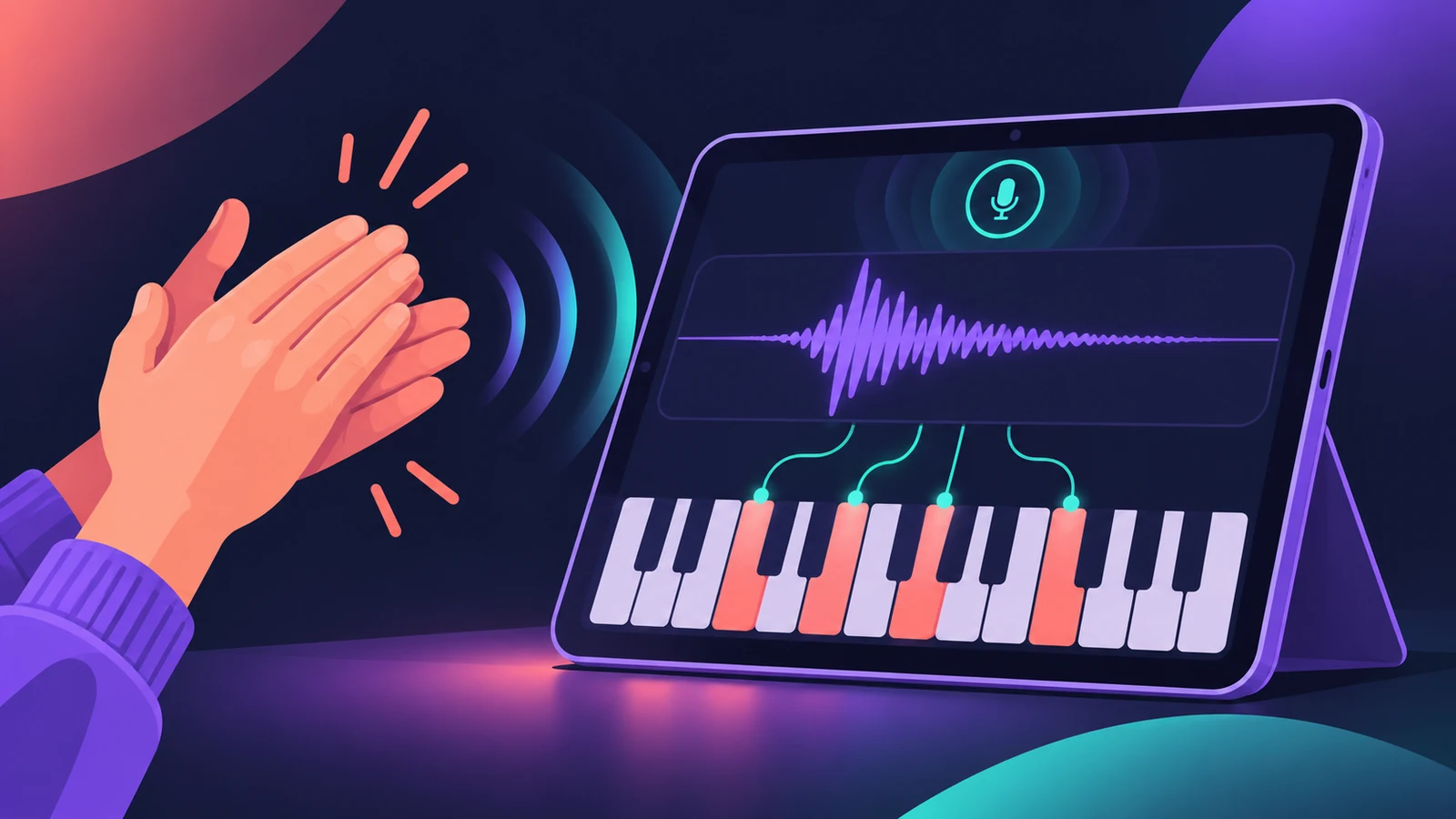 Sample with the iPad mic in Quick SamplerTurn any sound into an instrument in Logic Pro for iPad: record into Quick Sampler's Recorder mode with the iPad mic, then play it in Classic or Slice.
Sources
- Apple Support — About Logic Pro for iPad
- Apple Support — About Logic Pro for iPad (Creator Studio)
- Apple — Logic Pro User Guide for iPad: What is Logic Pro?
- Apple (Canada) — Logic Pro for iPad
Checked November 2026. Logic ProFiles is independent of Apple; menu names can differ slightly between Logic Pro versions.
Frequently asked questions
Is Logic Pro for iPad the same as Logic Pro for Mac?
+
No. It's a separate app designed for touch, but projects move between the two and many plug-ins are shared.
How do I get Logic Pro for iPad?
+
It's included with Apple Creator Studio; you can also reactivate a standalone Logic Pro for iPad subscription.
Related
- Logic Pro for iPad vs Logic Pro for MacLogic Pro for iPad vs Mac: Creator Studio at $12.99 a month vs $199.99 once, which iPads run it, what's Mac-only and how projects move between the two apps.
- Logic Pro for iPad versions — 1.0 to 3.4Logic Pro for iPad version history from 1.0 (May 2023) to 3.4: what each release added, which iPadOS it needs and how iPad versions pair with Logic Pro for Mac.
- GarageBand vs Logic Pro for iPadGarageBand vs Logic Pro for iPad: GarageBand is free on iPhone and iPad; Logic Pro for iPad comes with Apple Creator Studio and opens GarageBand songs directly.
- Use an iPad with Logic Pro 13 through SidecarUse an iPad as a touch screen for Logic Pro 13 with Sidecar: plug-in windows resize to fit. Setup, requirements and how it differs from Logic Remote.