Logic Pro for iPad
Export and share songs from Logic Pro for iPad
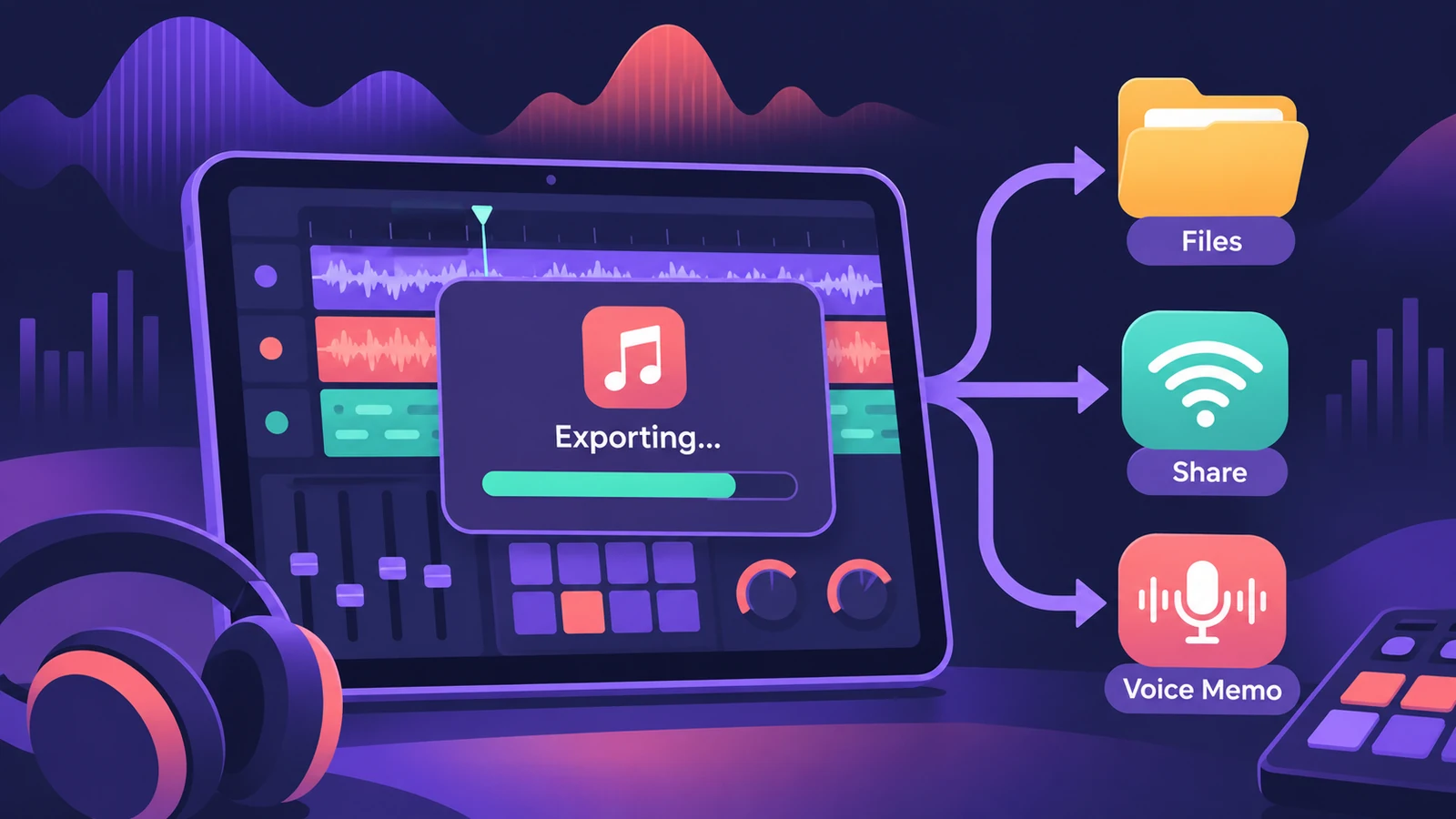
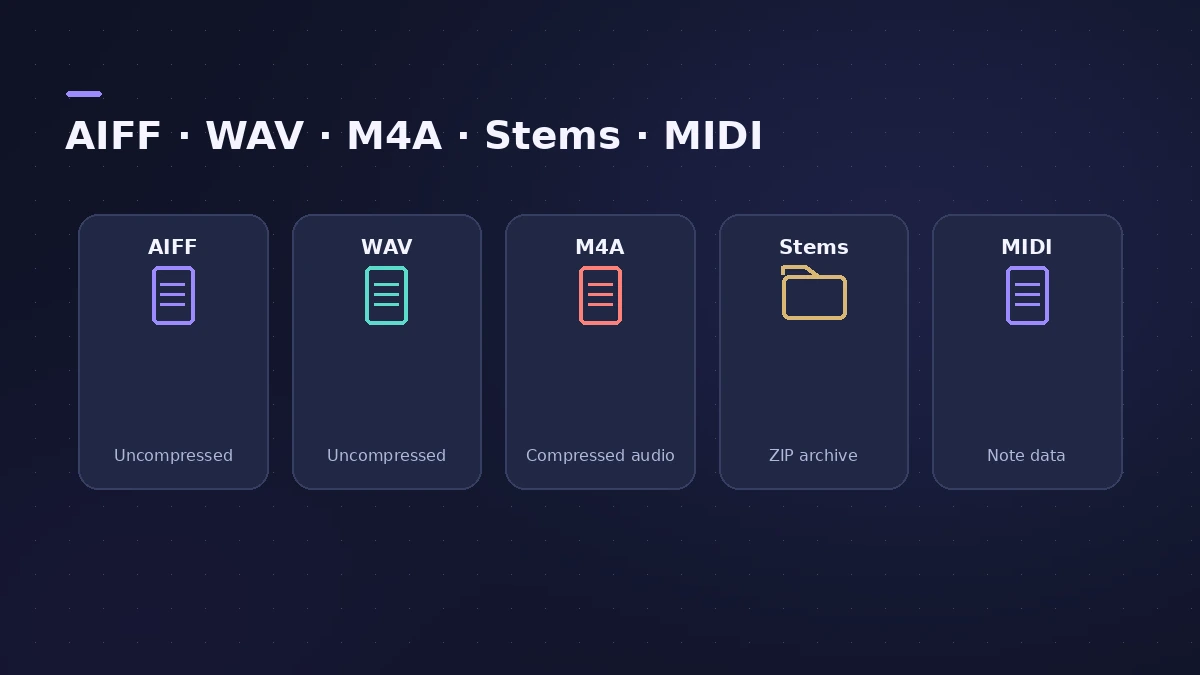
Logic Pro for iPad exports the whole project as one stereo audio file — AIFF, WAV or compressed M4A — with all effects and automation on unmuted tracks. You can also export each track as its own file, export MIDI, or send a mix straight to Voice Memos.
 Owen Hartley
Where to find it
Projects > Export (or the Export button in the control bar)
Formats
Step by step
-
1
Check the mix
Make sure the tracks you want are routed to the main stereo output and aren't muted.
-
2
Open Export
Tap the Projects button, then Export — or the Export button if it's in your control bar.
-
3
Choose a format
Uncompressed (AIFF or WAV) or Compressed (M4A). Turn on Cycle mode first to export only the cycle area.
-
4
Share
Tap Share, then Save to Files, AirDrop or another app.
Common mistakes
- Running out of space: Share is dimmed if your iPad doesn't have enough storage. M4A exports briefly need extra space for an uncompressed file.
- Expecting stems in M4A: Exporting tracks as individual files is only available with Uncompressed.
Stems, MIDI and Voice Memos
Turn on Export All (or Selected) Tracks as Individual Audio Files to get a zip of stems. Choose the MIDI file type to export MIDI tracks. To hear a mix on your other devices, export Compressed and tap Voice Memos.
Sources
- Apple — Logic Pro User Guide for iPad: Export a project to an audio file
- Apple — Logic Pro User Guide for iPad 1.0: Export to an audio file (formats, destinations)
- Apple — Logic Pro User Guide for iPad: Export tracks as individual audio files
- Apple — Logic Pro User Guide for iPad: Export MIDI tracks as a MIDI file
- Apple — Logic Pro User Guide for iPad: Work with Voice Memos
Checked November 2026. Logic ProFiles is independent of Apple; menu names can differ slightly between Logic Pro versions.
Frequently asked questions
Can I export WAV from Logic Pro for iPad?
+
Yes — choose Uncompressed, then WAV (or AIFF).
Can I export stems on iPad?
+
Yes. With Uncompressed selected, export all or selected tracks as individual audio files in a zip.
Related
- Mastering Assistant in Logic Pro for iPadMaster a song in Logic Pro for iPad: add Mastering Assistant to the stereo output, let it analyse, pick Clean, Valve, Punch or Transparent, set loudness.
- How to export WAV from Logic Pro — 24-bit or 16-bitBounce a WAV from Logic Pro for mastering, a distributor or CD: choose Uncompressed, WAVE, bit depth, sample rate, interleaved files and when to add dither.
- How to bounce in Logic Pro — every bounce setting explainedBounce your Logic Pro project to WAV, MP3 or AAC: set the range, choose offline or realtime, include the reverb tail and pick the right normalize setting.
- Move Logic Pro projects between Mac and iPadMove Logic Pro projects between Mac and iPad: copy files into the project, bounce third-party plug-ins and avoid the Mac-only features iPad can't open.
- Logic Pro for iPadLogic Pro for iPad guides: subscription, compatible iPads, Mac round-trips, AUv3 plug-ins, audio interfaces, Stem Splitter, exporting and fixes.