Logic Pro for iPad
Move Logic Pro projects between Mac and iPad
Logic Pro for iPad opens projects from Logic Pro for Mac 10.7.8 or later, and iPad projects open on the Mac. Most problems come from missing files, plug-ins without an iPad version, or a handful of Mac-only project features that stop the iPad opening the project at all.
 Owen Hartley
Where to find it
Logic Pro for Mac: File > Save As
Before you share
Instruments that only exist as Mac plug-ins can travel as sampler instruments: Auto Sampler in Logic Pro for Mac can turn an Audio Unit instrument into one — see Sampler.
Step by step
-
1
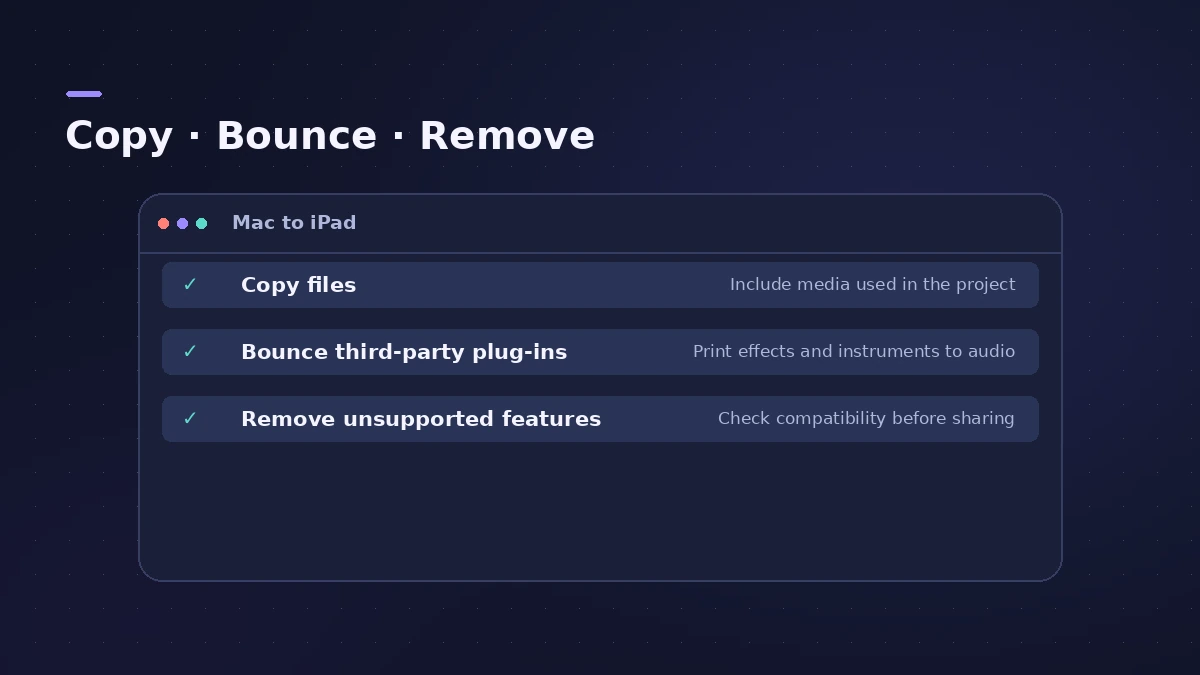
Copy files into the project
When saving in Logic Pro for Mac, tick all the "Copy the following files into your project" checkboxes, or consolidate the project.
-
2
Bounce or freeze third-party plug-ins
Tracks using Audio Units not installed on the iPad (and Drummer multi-channel kits) should be bounced or frozen first.
-
3
Remove features iPad can't open
Check the list below — surround, binaural panning, sample rates above 96 kHz and others stop the project opening.
-
4
Open it on the iPad
Open the project in Logic Pro for iPad and download any content packs it asks for.
Common mistakes
- Saving as a folder: Projects saved as folders instead of packages can't be opened on iPad.
- Old .logic projects: Projects last saved in Logic Pro 9 or earlier don't appear on iPad.
Features that stop a project opening on iPad
Surround and spatial audio, binaural panning, projects saved in folders, sample rates above 96 kHz, a primary ruler set to time, projects not starting at 1 1 1 1, arrange folders with multiple tracks, external MIDI tracks and not-assigned tracks. If one is present, a dialog tells you which.
Sources
- Apple — Logic Pro User Guide for iPad: Best practices for projects from Logic Pro for Mac
- Apple Support — About Logic Pro for iPad (Mac version for round-trips)
- Apple Support — About Logic Pro for iPad (hardware, plug-ins)
- Apple Support — If Logic Pro for iPad isn't working (iPad and Mac)
Checked November 2026. Logic ProFiles is independent of Apple; menu names can differ slightly between Logic Pro versions.
Frequently asked questions
Can I open a Logic Pro for Mac project on iPad?
+
Yes, from Logic Pro for Mac 10.7.8 or later, as long as it doesn't use the features listed above.
What happens to Mac-only plug-ins?
+
The project still loads, but those plug-ins are disabled or can't be edited. Bounce or freeze those tracks first.
Can I play an Audio Unit instrument on iPad?
+
Use Auto Sampler in Logic Pro for Mac to turn it into a sampler instrument you can play on iPad.
Related
- Logic Pro project package vs project folderLogic Pro projects save as a .logicx package or as a project folder. What each holds, which assets get copied, why iPad needs packages, and how to convert.
- Use AUv3 plug-ins in Logic Pro for iPadLogic Pro for iPad runs third-party instruments and effects as Audio Unit Extensions (AUv3) from the App Store. How to install, find and use them.
- Logic Pro for iPad vs Logic Pro for MacLogic Pro for iPad vs Mac: Creator Studio at $12.99 a month vs $199.99 once, which iPads run it, what's Mac-only and how projects move between the two apps.
- Sampler in Logic ProBuild a multisampled instrument with Logic Pro's Sampler: drag in samples, choose a mapping, edit zones and groups, and open old EXS24 instruments in Sampler.
- Logic Pro for iPadLogic Pro for iPad guides: subscription, compatible iPads, Mac round-trips, AUv3 plug-ins, audio interfaces, Stem Splitter, exporting and fixes.