Logic Pro for iPad
Use AUv3 plug-ins in Logic Pro for iPad
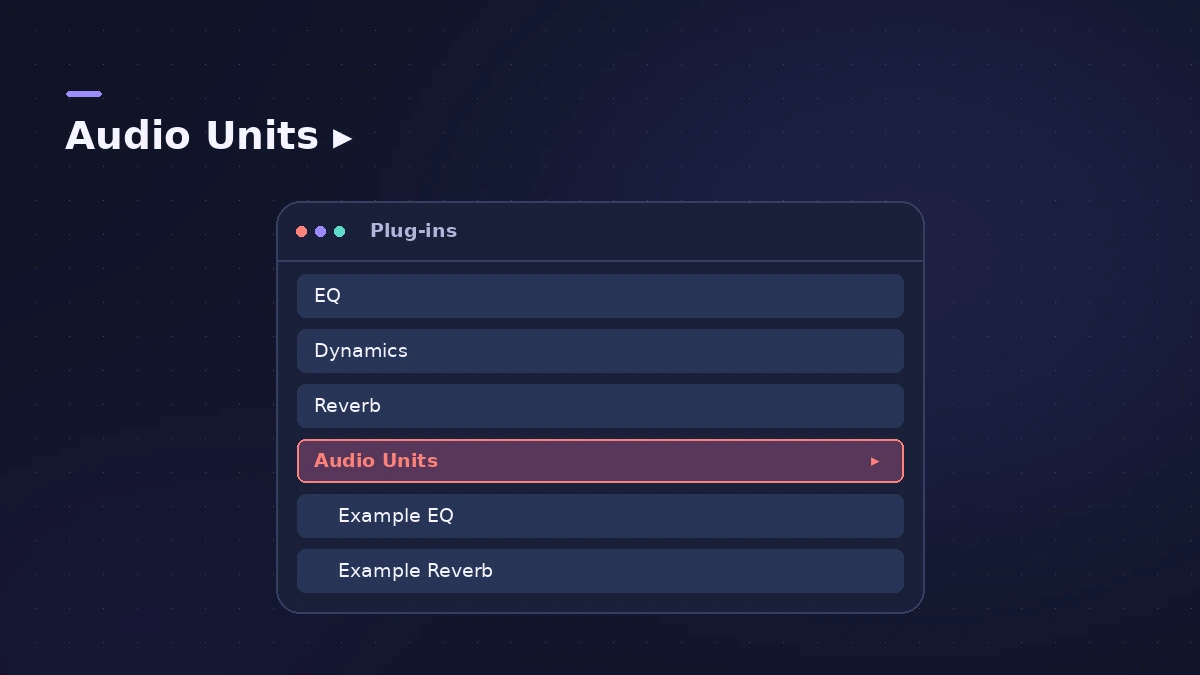
Beyond its own instruments and effects, Logic Pro for iPad supports third-party plug-ins in the Audio Unit Extensions (AUv3) format. You install them from the App Store like apps, and they show up in Logic Pro's plug-in menus under Audio Units.
 Owen Hartley

Where to find it
Plug-ins area > Audio FX or Instrument slot > Audio Units
Where they appear
On the Mac, third-party plug-ins come as Audio Units — see install Audio Units on Mac.
Step by step
-
1
Find AUv3 plug-ins
In the App Store, search for Audio Unit Extensions, or just "AUv3".
-
2
Install the plug-in
An Audio Unit Extension installs as an app on your Home Screen. Check its documentation for any extra installation steps.
-
3
Insert it in Logic Pro
Tap an Audio FX or Instrument slot. Installed extensions appear in the Audio Units section, below the built-in plug-in categories.
-
4
Use it like a built-in plug-in
Audio Unit Extensions work the same way as Logic Pro's own plug-ins.
Common mistakes
- Assuming a Mac plug-in works on iPad: A Mac plug-in may have a separate AUv3 version that must be installed on the iPad; some makers sell a universal purchase covering both.
- Inserting MIDI effects on audio tracks: MIDI effects and software instruments go on instrument channel strips only.
Projects shared with a Mac
If a Mac project uses a plug-in with no iPad version, or you haven't installed its AUv3 version, Logic Pro for iPad shows an alert and disables it, but you can still open and edit the project. See moving projects between Mac and iPad.
Sources
- Apple — Logic Pro User Guide for iPad: Work with Audio Unit Extensions
- Apple — Logic Pro User Guide for iPad 3.0: Audio Unit Extensions
- Apple — Logic Pro User Guide for iPad 3.3: where Audio Unit Extensions appear
- Apple — Logic Pro User Guide for iPad: find AUv3 in the App Store
- Apple — Logic Pro User Guide for iPad 1.1: Audio Unit Extensions install as apps
- Apple Support — About Logic Pro for iPad (hardware, plug-ins)
- Apple Support — About Logic Pro for iPad
- Apple — Logic Pro User Guide for iPad: Intro to plug-ins
Checked November 2026. Logic ProFiles is independent of Apple; menu names can differ slightly between Logic Pro versions.
Frequently asked questions
Does Logic Pro for iPad support third-party plug-ins?
+
Yes, in the Audio Units V3 Extensions (AUv3) format from the App Store.
Where do AUv3 plug-ins appear?
+
In the Audio Units section of the Audio FX and Instrument menus, below the built-in categories.
Do my Mac plug-ins work on iPad?
+
Only if the maker offers an AUv3 version and you install it on the iPad.
Related
- Mixing in Logic Pro for iPadMix in Logic Pro for iPad: the Fader for quick track controls, the Plug-ins area with tiles and Details view, Sends and Output views, and the full Mixer.
- Move Logic Pro projects between Mac and iPadMove Logic Pro projects between Mac and iPad: copy files into the project, bounce third-party plug-ins and avoid the Mac-only features iPad can't open.
- How to install third-party plug-ins in Logic ProInstall third-party plug-ins for Logic Pro: it uses Audio Units, which go in the Components folder. Install, restart, check the Plug-in Manager.
- Logic Pro for iPad for beginners — your first projectStart with Logic Pro for iPad: begin the trial, create a Tracks or Live Loops project, add loops and instruments, and learn with the built-in Lessons.
- Logic Pro for iPadLogic Pro for iPad guides: subscription, compatible iPads, Mac round-trips, AUv3 plug-ins, audio interfaces, Stem Splitter, exporting and fixes.