Plug-ins
How to install third-party plug-ins in Logic Pro
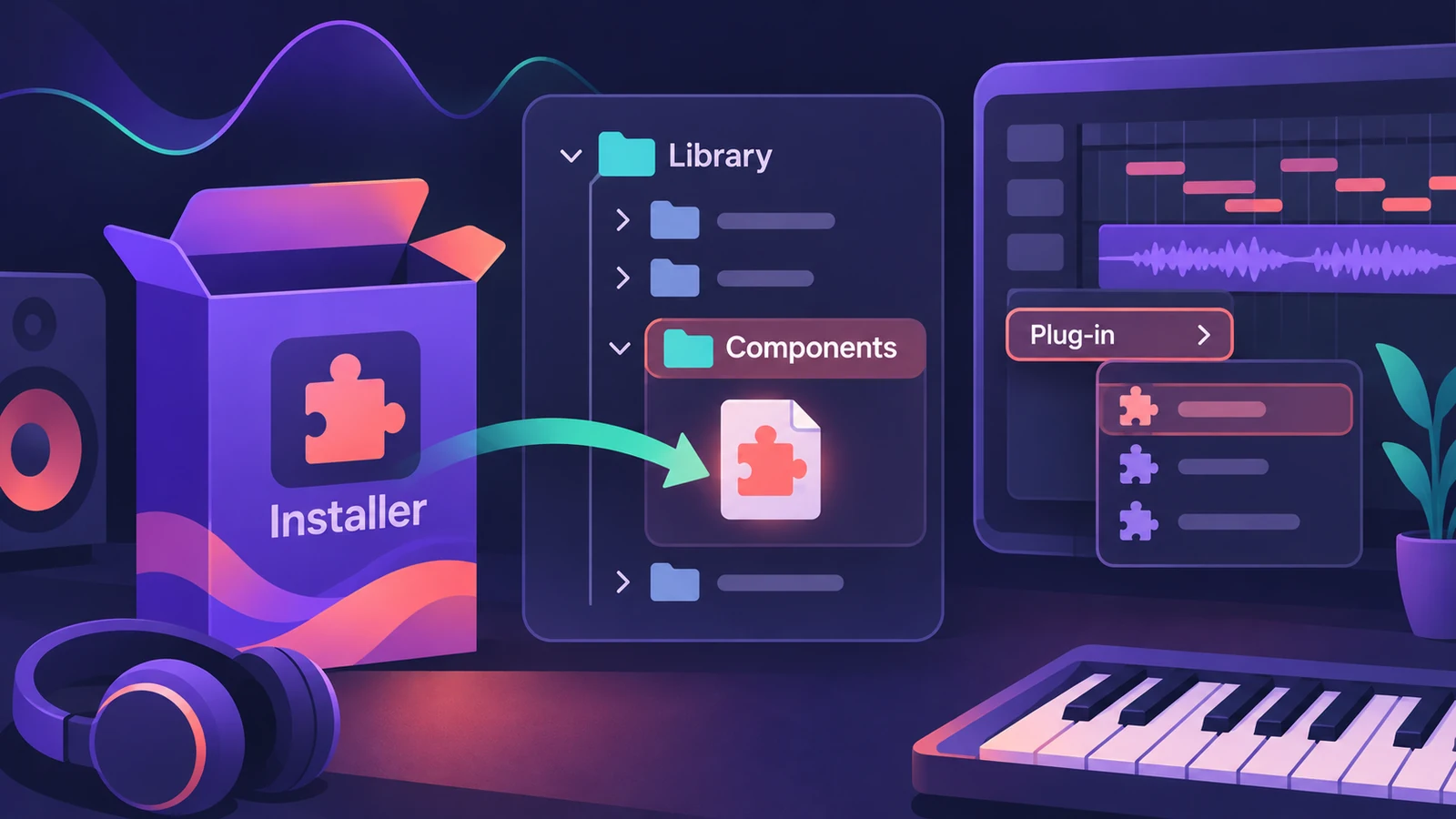
Logic Pro uses Audio Units (AU) plug-ins from other manufacturers. Their installers put each plug-in in a Components folder in your Mac's Library, and Logic Pro checks new plug-ins before they show up in the plug-in menus.
 Owen Hartley
Where to find it
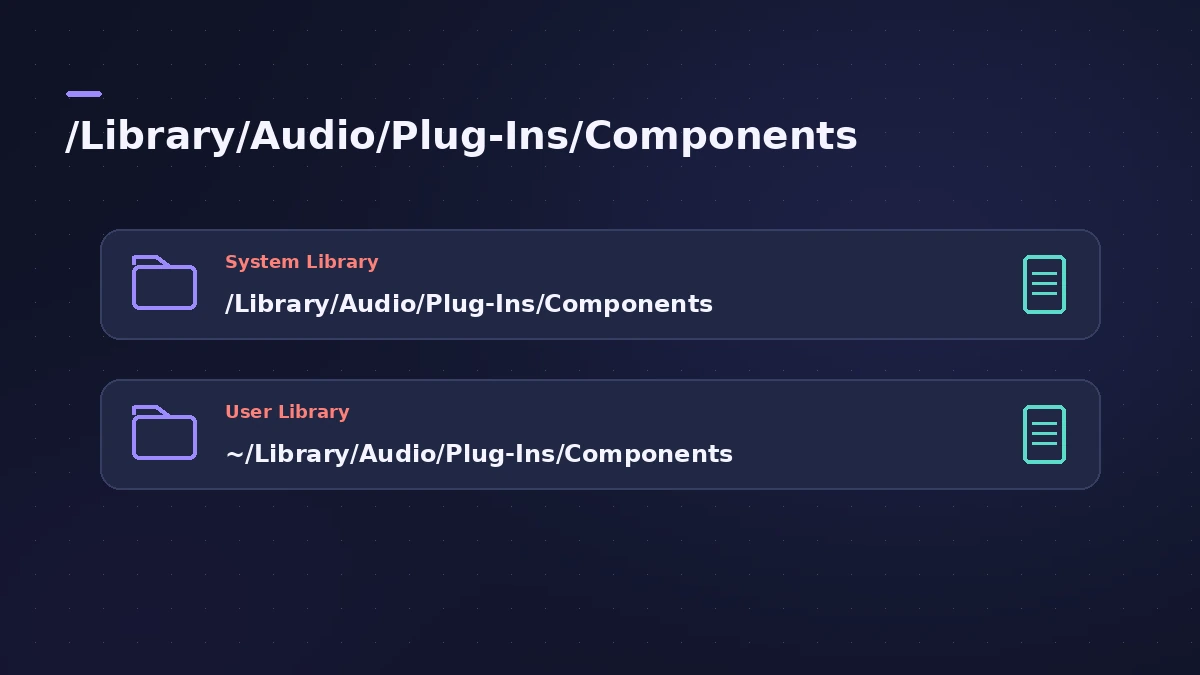
/Library/Audio/Plug-Ins/Components
Where Audio Units go
| Folder | Who sees the plug-in |
|---|---|
| /Library/Audio/Plug-Ins/Components | All users on the Mac |
| ~/Library/Audio/Plug-Ins/Components | Only your user account |
To open either, choose Go > Go to Folder in the Finder and paste the path. These folders are also where you remove a plug-in manually.
Validation
Logic Pro checks Audio Units when it's first opened, after it's updated and when you install or update plug-ins. The results appear in the Plug-in Manager.
Step by step
-
1
Choose the AU version
Download the Mac installer and make sure the Audio Units format is included; 32-bit plug-ins don't work in Logic Pro.
-
2
Run the installer
The installer places the plug-in in /Library/Audio/Plug-Ins/Components (or ~/Library/Audio/Plug-Ins/Components for your user only).
-
3
Authorize it
Activate or authorize the plug-in as the manufacturer describes.
-
4
Restart and open Logic Pro
Restart your Mac, then open Logic Pro so it can scan and validate the new plug-in.
-
5
Find it in a slot
Click an Audio Effect, Instrument or MIDI Effect slot; third-party plug-ins are grouped by manufacturer in submenus.
Common mistakes
- Installing only the VST version — Logic Pro needs Audio Units.
- Looking in the wrong Library — check both the system and your user folder.
- Skipping authorization, so the plug-in shows as not authorized.
Not showing up?
If the plug-in doesn't appear, check the Plug-in Manager, then follow plug-ins not showing or failed validation.
Sources
- Apple Support — Where are third-party Audio Units plug-ins installed on Mac?
- Apple Support — Where are third-party Audio Units plug-ins installed (system folder)
- Apple Support — If you can't find a recently installed plug-in for Logic Pro for Mac
- Apple — Logic Pro 9 User Manual: Audio Units validation (old)
- Native Instruments — Plug-in administration in Logic Pro
Checked November 2026. Logic ProFiles is independent of Apple; menu names can differ slightly between Logic Pro versions.
Frequently asked questions
Where are Audio Units plug-ins installed on a Mac?
+
In /Library/Audio/Plug-Ins/Components, or in the same path inside your Home folder's Library.
Does Logic Pro support VST plug-ins?
+
No. Logic Pro hosts Audio Units plug-ins, not VST.
Can I delete Logic Pro's own plug-ins from the Components folder?
+
No. Built-in Logic Pro effects and instruments don't appear in those folders and can't be removed manually.
Related
- Where Logic Pro plug-ins are installedThird-party Audio Units for Logic Pro live in /Library/Audio/Plug-Ins/Components or the same folder in your home Library. How to find and remove them.
- Use AUv3 plug-ins in Logic Pro for iPadLogic Pro for iPad runs third-party instruments and effects as Audio Unit Extensions (AUv3) from the App Store. How to install, find and use them.
- Logic Pro vs Reason — price, Rack and platformsLogic Pro vs Reason 14: $199.99 on Mac vs Reason at $299, Reason+ at $169 a year, or just the Reason Rack plug-in inside Logic Pro for $199. Checked Nov 2026.
- Plug-in Manager in Logic ProUse Logic Pro's Plug-in Manager to check Audio Units compatibility, rescan a plug-in, run a full Audio Unit reset, disable plug-ins, add categories.
- Plug-ins not showing in Logic Pro — how to make them appearInstalled a plug-in but Logic Pro doesn't list it? Check it's an Audio Unit in the Components folder, then rescan in the Plug-in Manager or reset the AU cache.
- Audio Unit failed validation in Logic Pro — how to fix itA plug-in failed Audio Unit validation in Logic Pro? Rescan it in the Plug-in Manager, update or authorise it, clear the AU cache and check Rosetta.
- Plug-ins in Logic ProGuides to Logic Pro's stock plug-ins: Compressor, EQs, limiters, Pitch Correction, Amp Designer, Pedalboard, ChromaGlow, ChromaVerb, Space Designer and delays.