Editing
Editing in Logic Pro
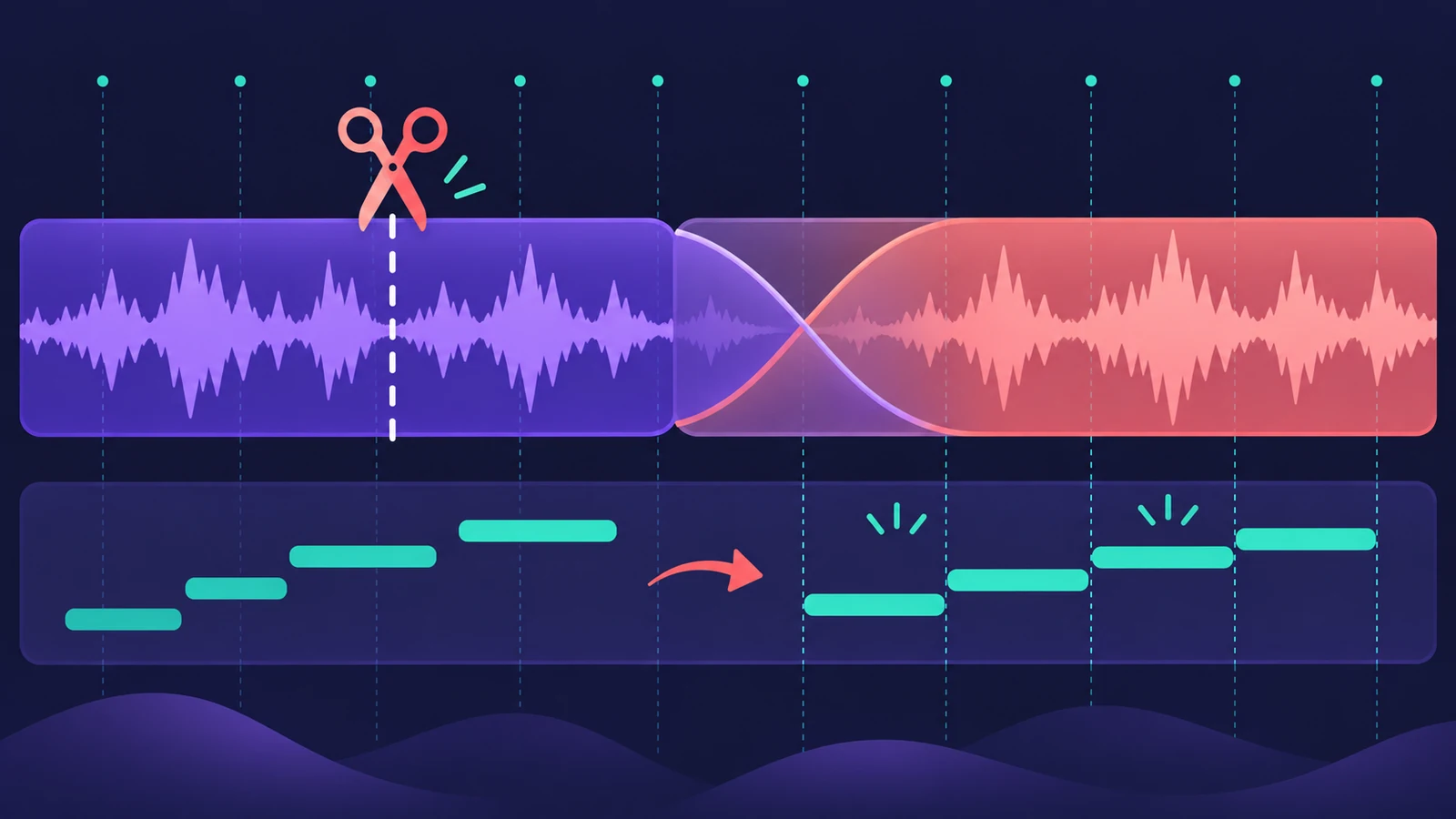
Once the takes are in, editing turns them into a finished part: pick the best phrases, tighten the timing, fit audio to the tempo, change the key, clean up gaps and smooth the joins. Most of these edits in Logic Pro are non-destructive, so you can always go back to the original recording.
 Owen Hartley
Which tool for which job
| You want to… | Use |
|---|---|
| Build one take from several | Comping |
| Tighten MIDI or audio timing | Quantize and Flex Time |
| Match the project to a recording | Smart Tempo |
| Change tempo, keep pitch | Time stretch |
| Change key | Transpose |
| Edit MIDI notes | Piano Roll |
| Turn audio into MIDI | Audio to MIDI |
| Separate a mix | Stem Splitter |
| Print sheet music | Score Editor |
| Edit MIDI events by numbers | Event List |
| Edit the audio file itself | Audio File Editor |
| Quantize to a real feel | Groove templates |
| Make MIDI less mechanical | Humanize MIDI |
| Clip gain and normalize | Region gain |
| Play audio backwards | Reverse audio |
| Keep several versions of a track | Track Alternatives |
| Shrink a project | Delete unused audio |
Pitch-correcting vocals is covered in Flex Pitch.
All editing guides
-
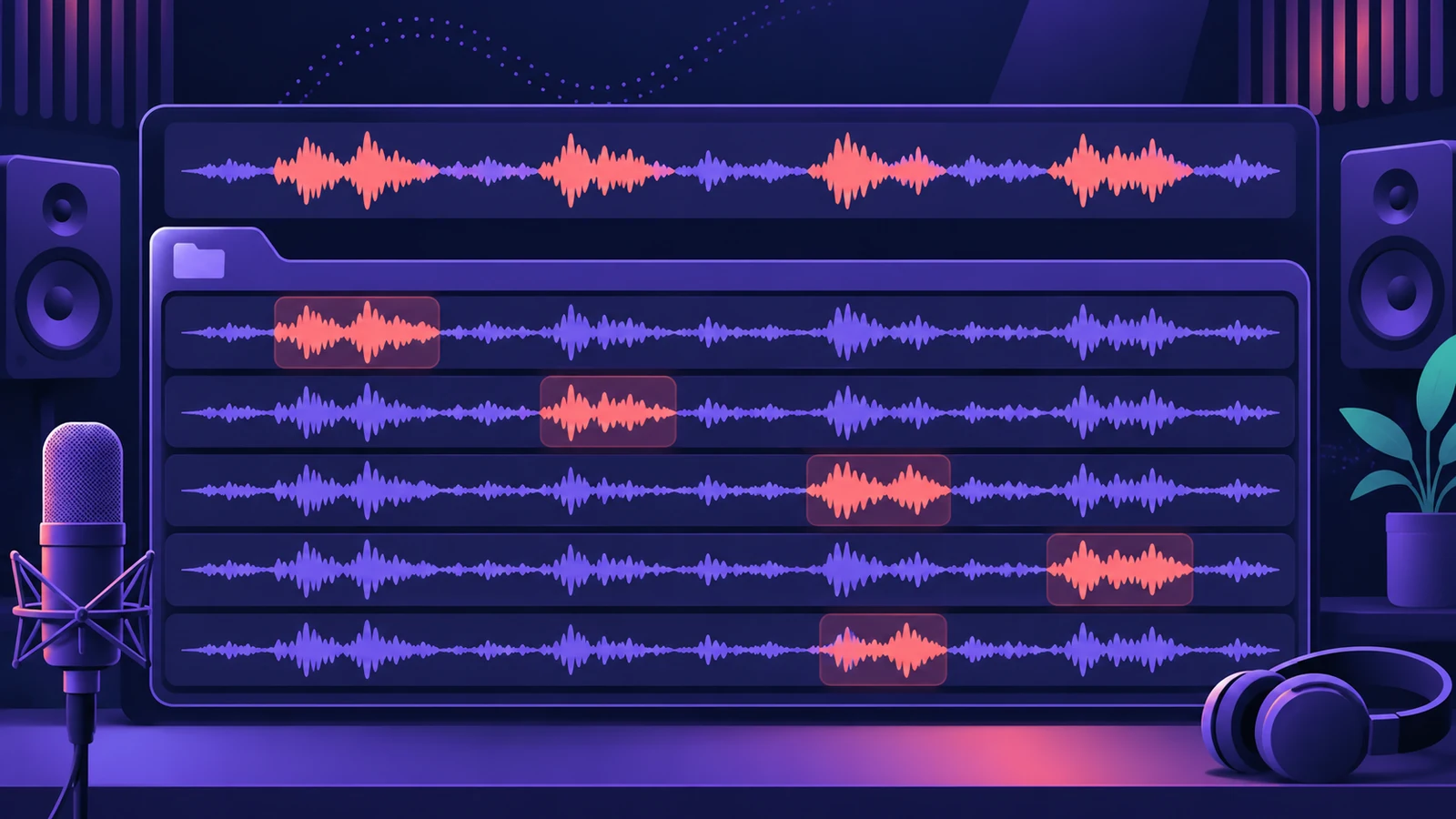 How to comp vocals in Logic ProComp the best parts of several takes in Logic Pro with Quick Swipe Comping: open the take folder, swipe the best phrases, compare comps and flatten.
-
 How to quantize MIDI and audio in Logic ProQuantize MIDI and audio in Logic Pro: pick a grid in the Region inspector, add swing, use strength and range to keep the feel, quantize notes in the Piano Roll.
-
 Flex Time in Logic Pro — fix audio timingUse Flex Time in Logic Pro to fix and quantize audio timing: turn on Flex, choose Slicing, Rhythmic, Monophonic or Polyphonic, then drag or quantize.
-
 Smart Tempo in Logic ProUse Smart Tempo in Logic Pro to record without a click and build a tempo map: choose Adapt, Keep or Automatic, fix the analysis with hints, multitrack.
-
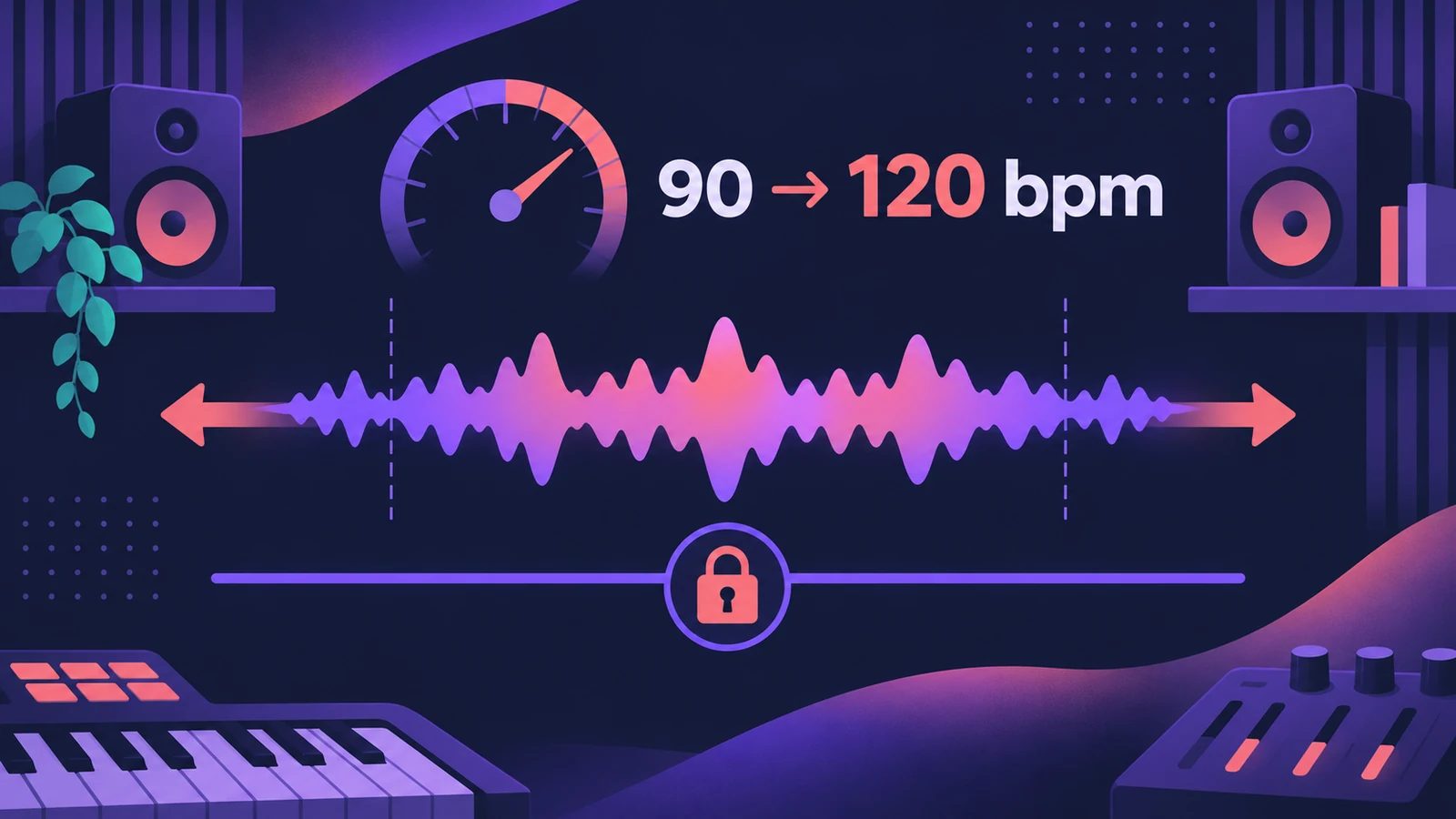 How to change tempo without changing pitch in Logic ProChange the tempo of audio in Logic Pro without changing pitch: let regions follow tempo with Flex, use the Time and Pitch Machine or Varispeed Speed Only.
-
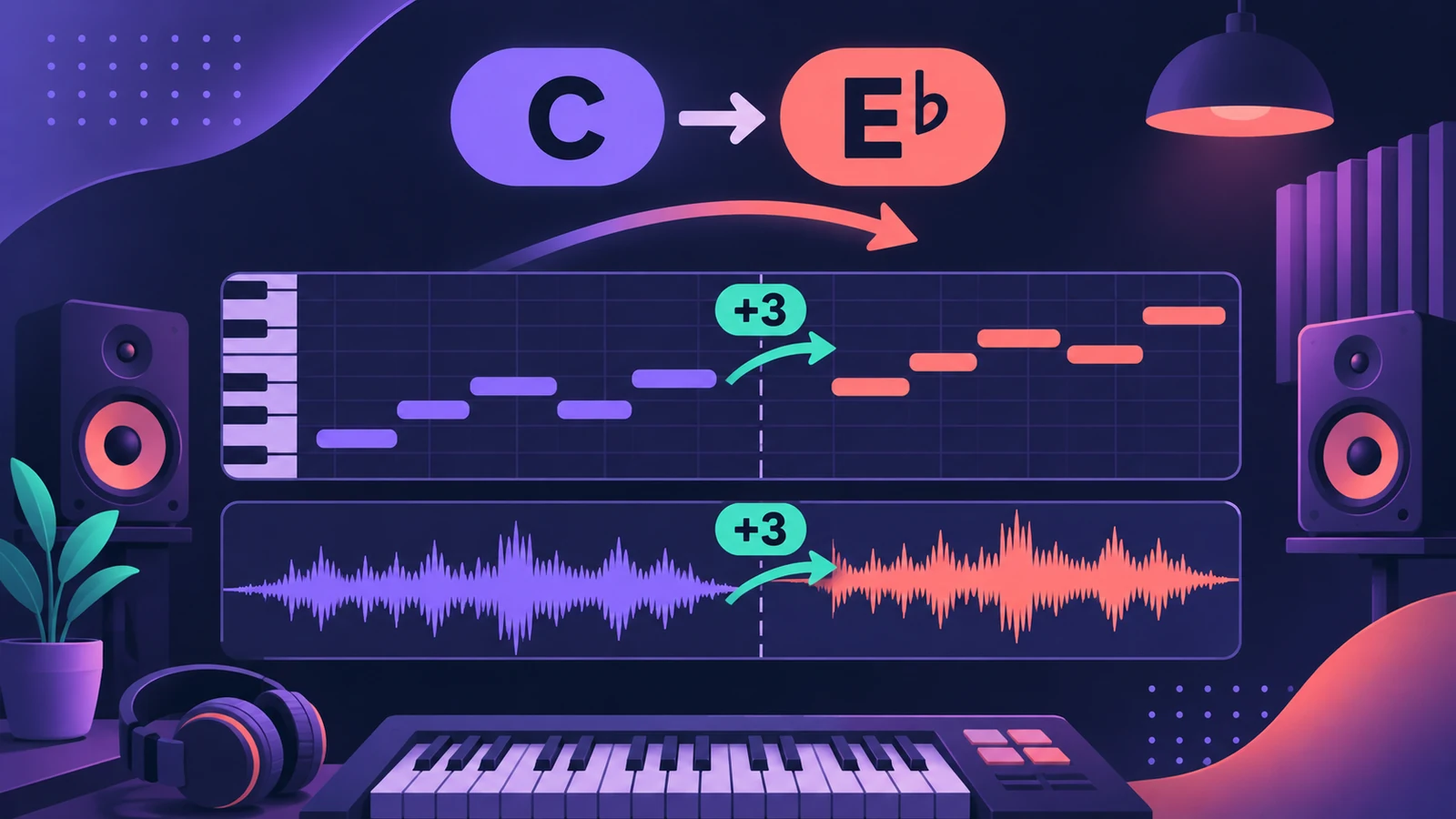 How to transpose or change the key in Logic ProTranspose MIDI and audio regions in Logic Pro, change a song's key with key signatures and Pitch Source, and fine-tune audio regions in cents.
-
 The Logic Pro Piano Roll EditorEdit MIDI in the Logic Pro Piano Roll: open it with P, add and move notes, change length and velocity, quantize selected notes and colour notes by velocity.
-
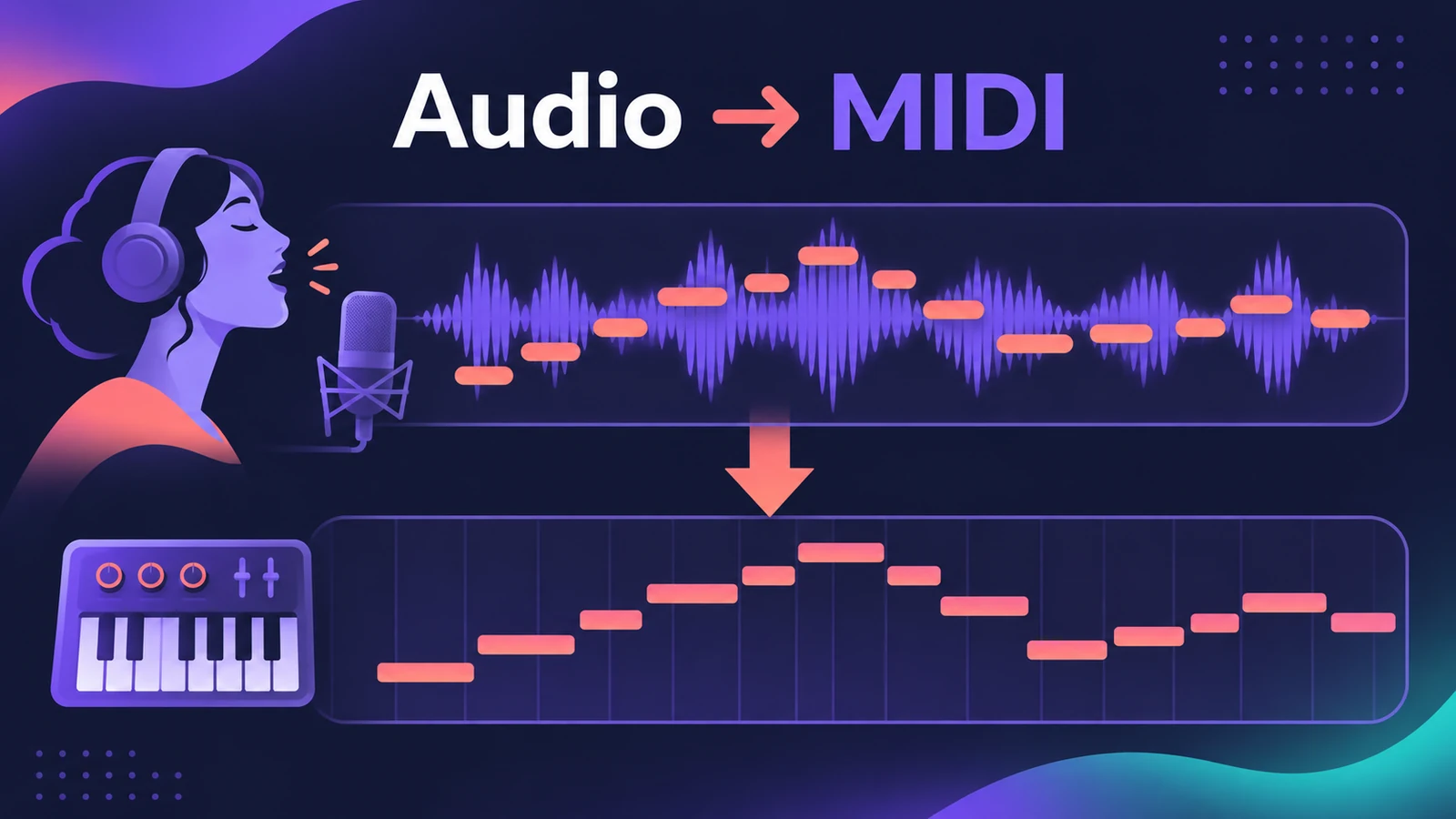 How to convert audio to MIDI in Logic ProConvert a melody or bass line from audio to MIDI in Logic Pro with Flex Pitch and Create MIDI Track from Flex Pitch Data, for a synth layer or a score.
-
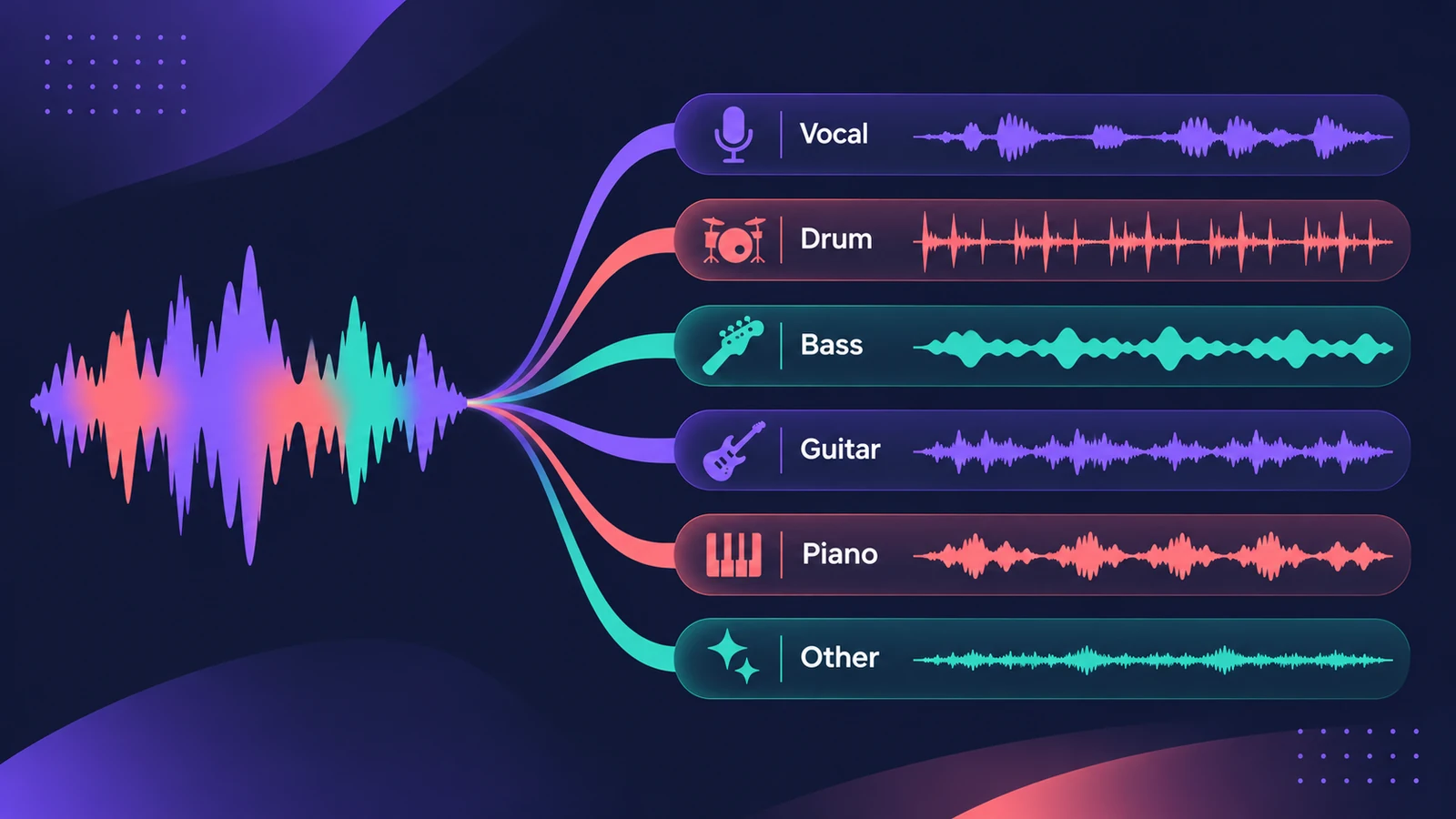 Stem Splitter in Logic ProSeparate a song into vocals, drums, bass, guitar, piano and other with Logic Pro's Stem Splitter — and in Logic Pro 13 split drums into kick, snare and more.
-
 Varispeed in Logic ProUse Varispeed in Logic Pro to play a whole project at 50% to 200% speed: Speed Only, tape-style Speed and Pitch, Varispeed and MIDI, and how to add it.
-
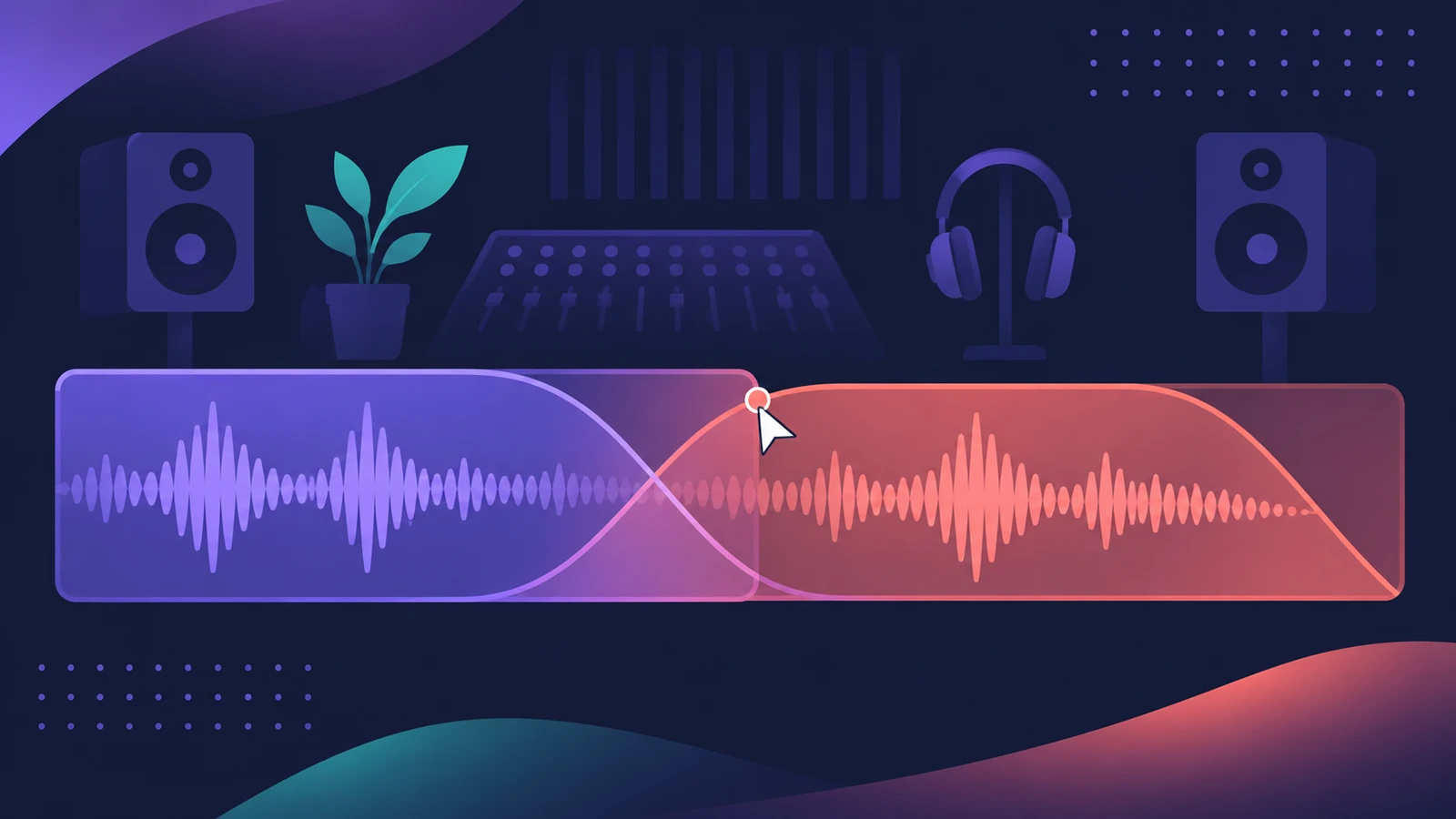 Fades and crossfades in Logic ProAdd fade-ins, fade-outs and crossfades in Logic Pro with the Fade tool or Region inspector, change curve and type, use speed fades and auto crossfades.
-
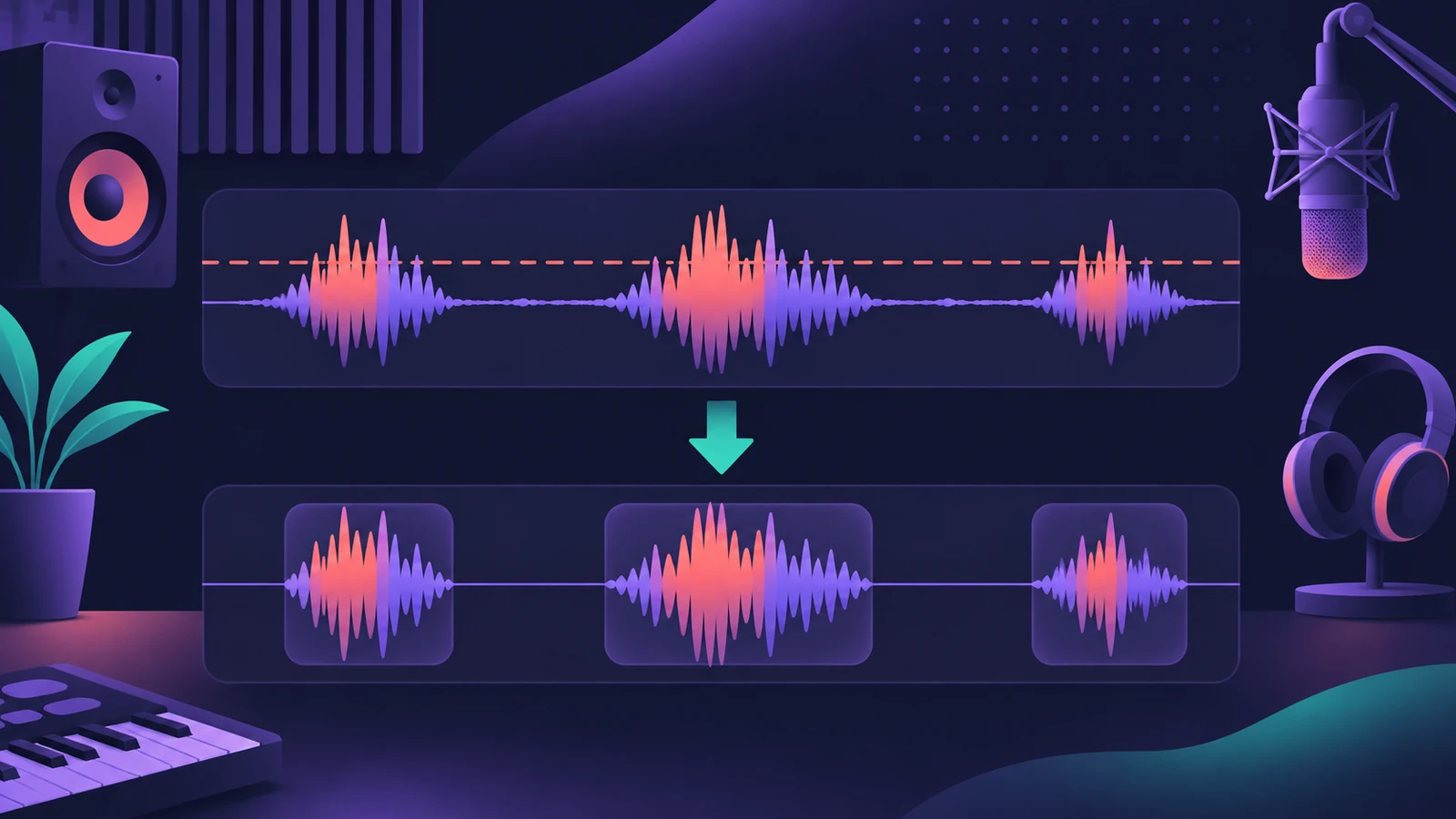 Remove Silence in Logic ProUse Remove Silence (Strip Silence) in Logic Pro to cut quiet passages from audio: set Threshold, minimum time, pre-attack and post-release, then replace.
-
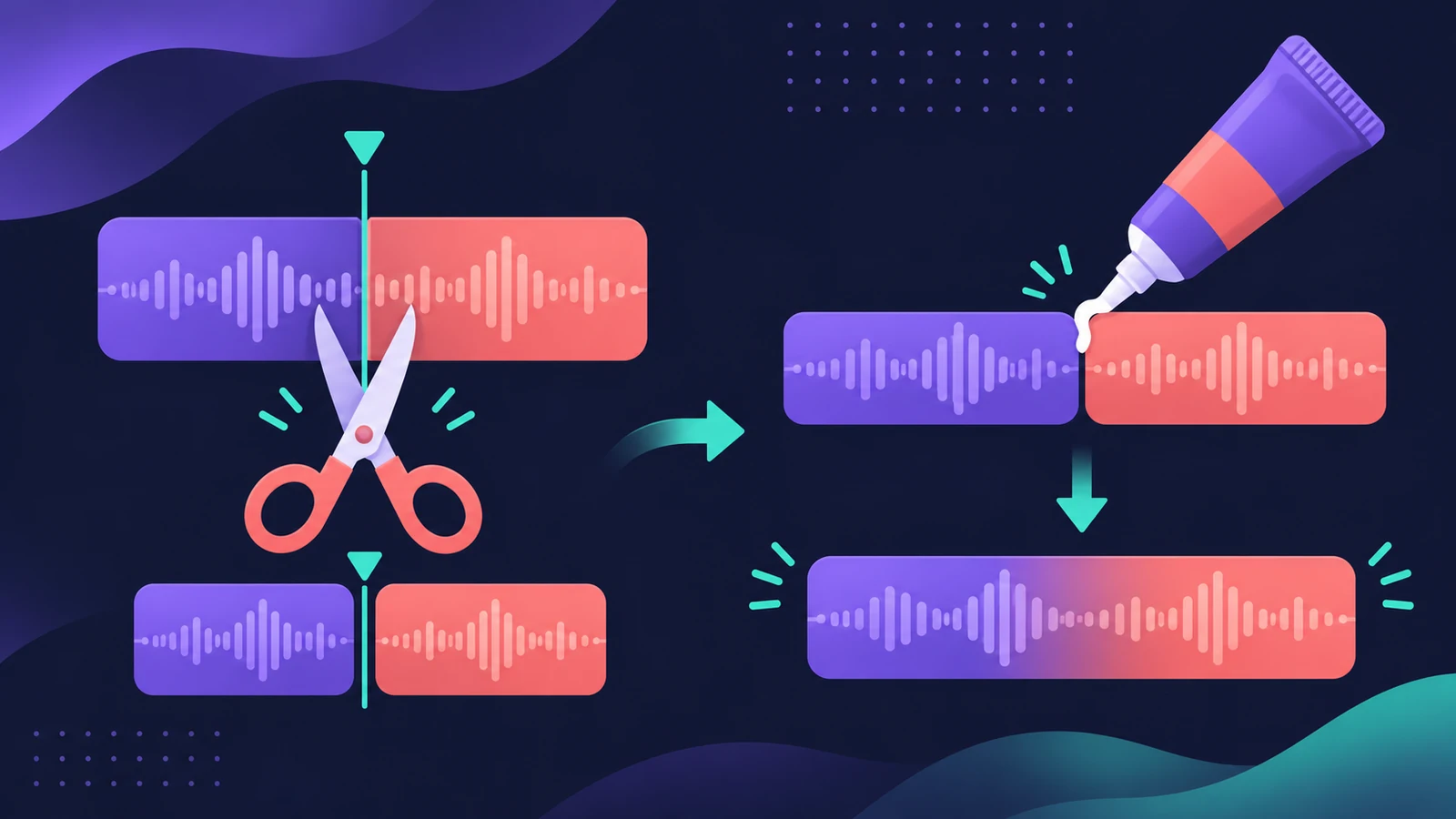 How to split and join regions in Logic ProSplit regions in Logic Pro at the playhead, at the locators or with the Scissors tool, and join them back with Join or the Glue tool, for audio and MIDI.
-
 Score Editor in Logic Pro — sheet music from MIDITurn MIDI into sheet music with Logic Pro's Score Editor: open it with Command-5, edit notes and symbols, add lyrics, tab and chord grids, then print or PDF.
-
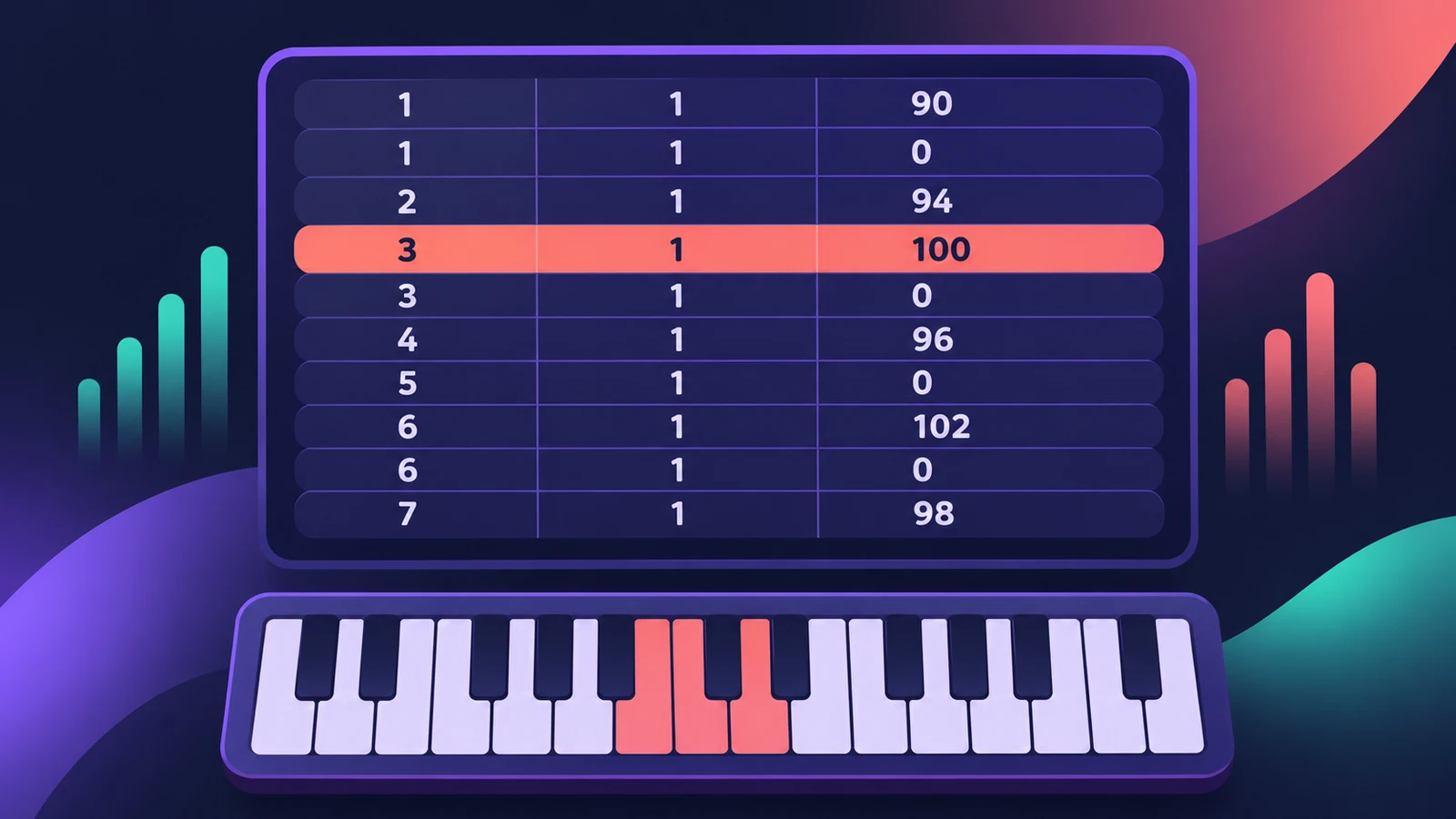 Event List in Logic ProUse the Event List in Logic Pro to see and edit every MIDI event as numbers: position, channel, value and length; filter by type; fix stray controllers.
-
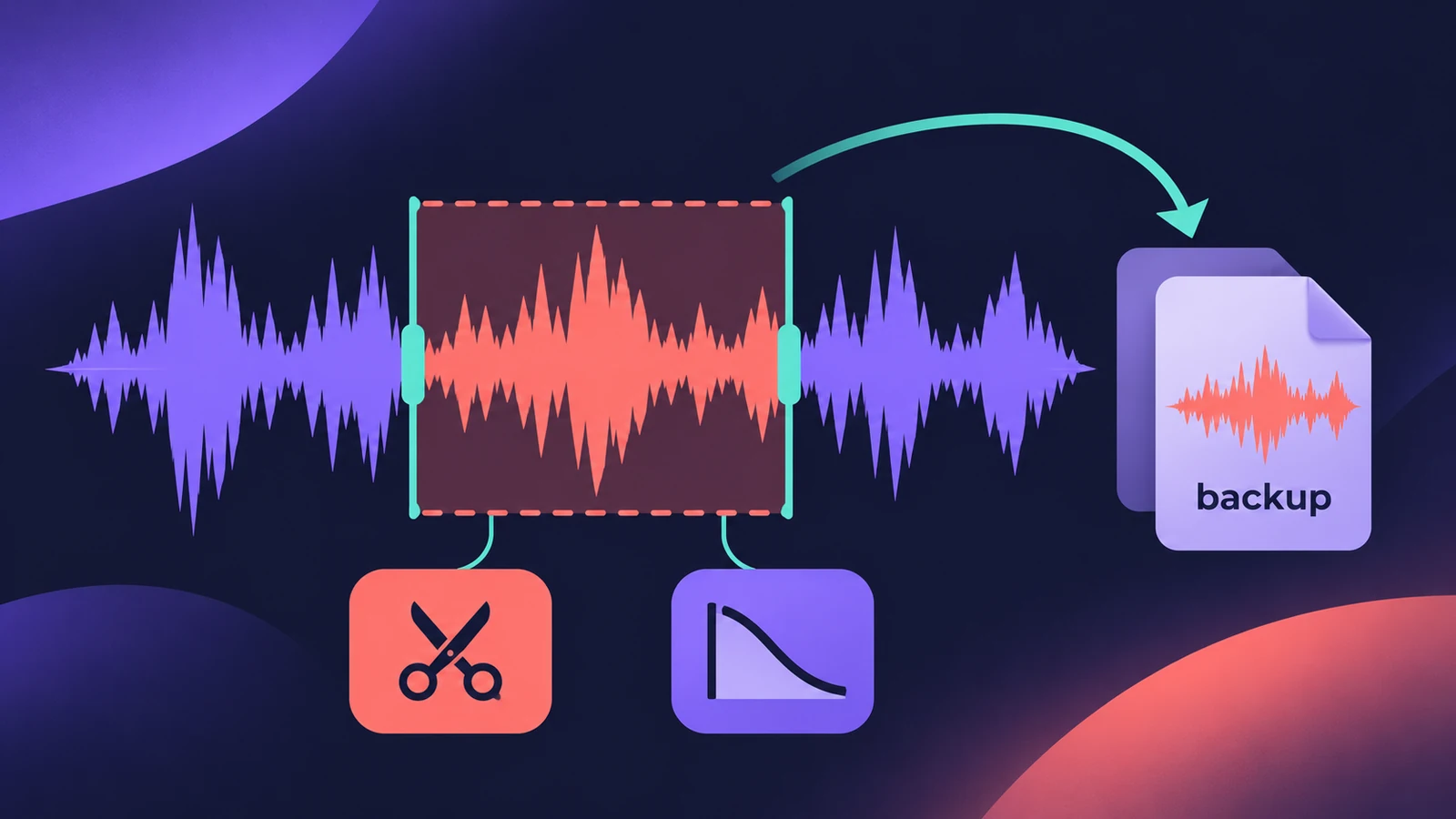 Audio File Editor in Logic ProEdit audio files in Logic Pro's Audio File Editor: trim, silence, normalize, fade, reverse, remove DC offset — and back up first, as edits are destructive.
-
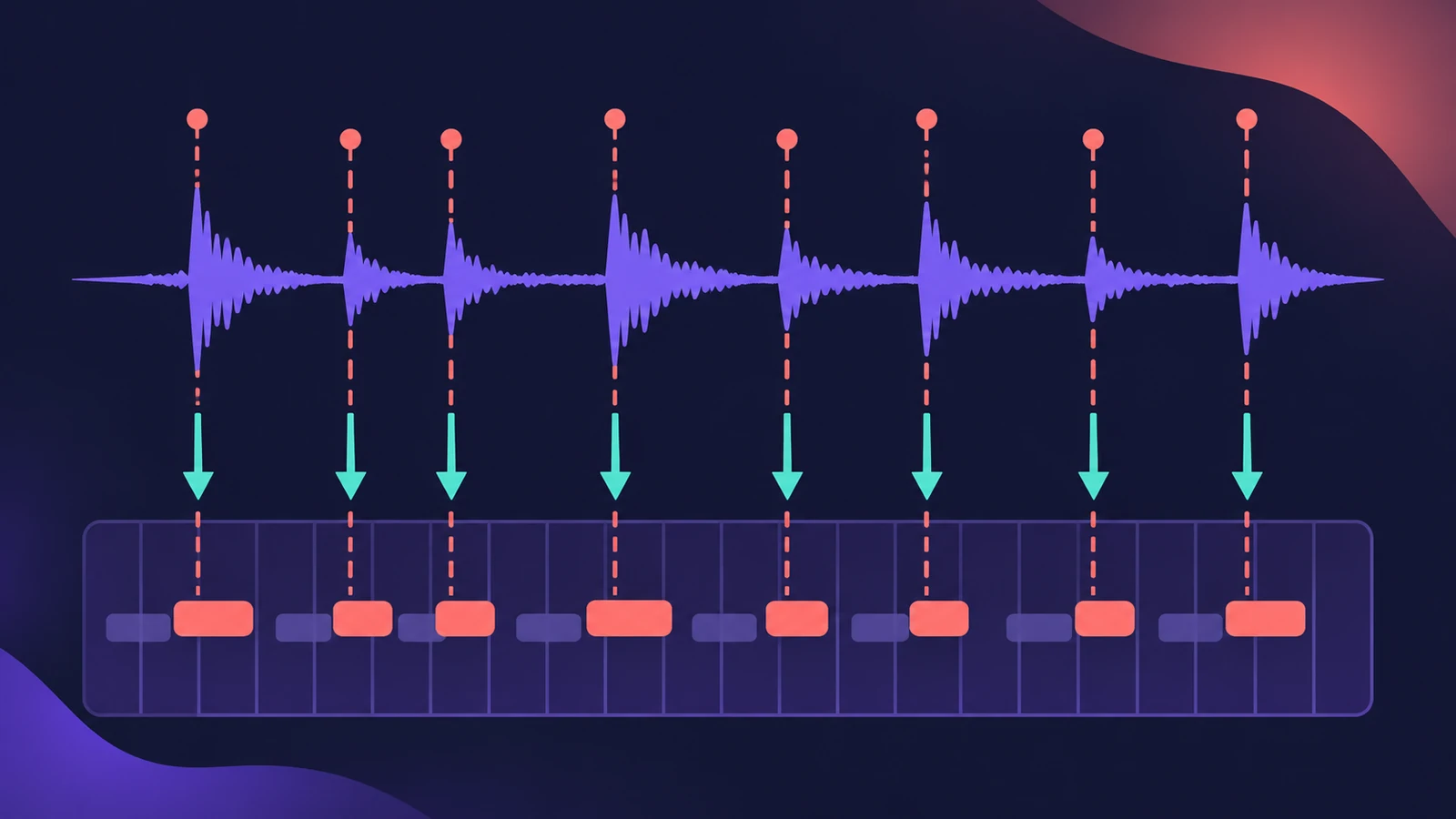 Groove templates in Logic ProMake a groove template in Logic Pro from an audio or MIDI region with Make Groove Template, quantize other parts to its feel and keep the source region.
-
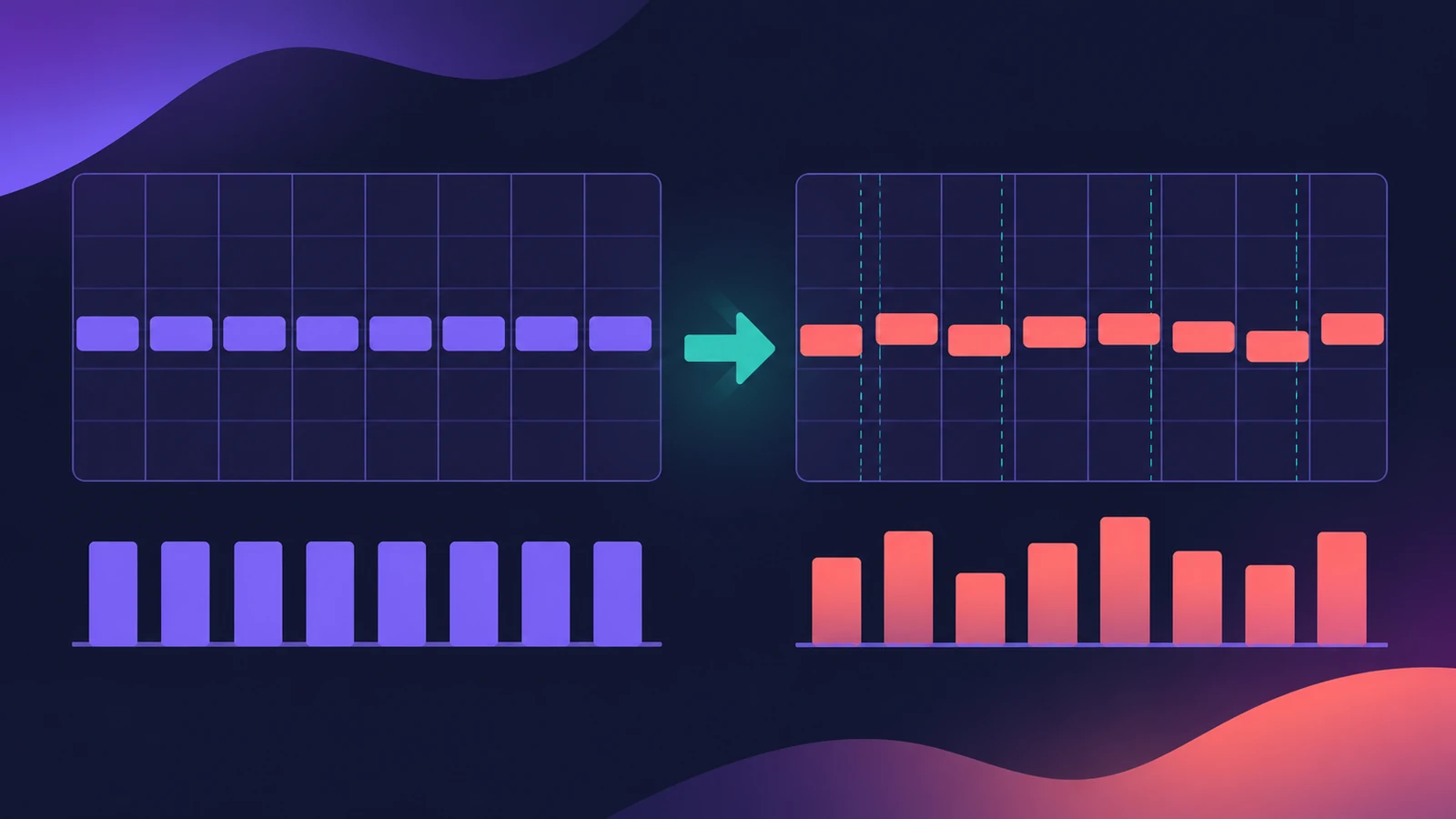 Humanize MIDI in Logic Pro — the MIDI Transform windowHumanize MIDI in Logic Pro with the MIDI Transform window: choose the Humanize preset, set random Position, Velocity and Length, or try Random Velocity.
-
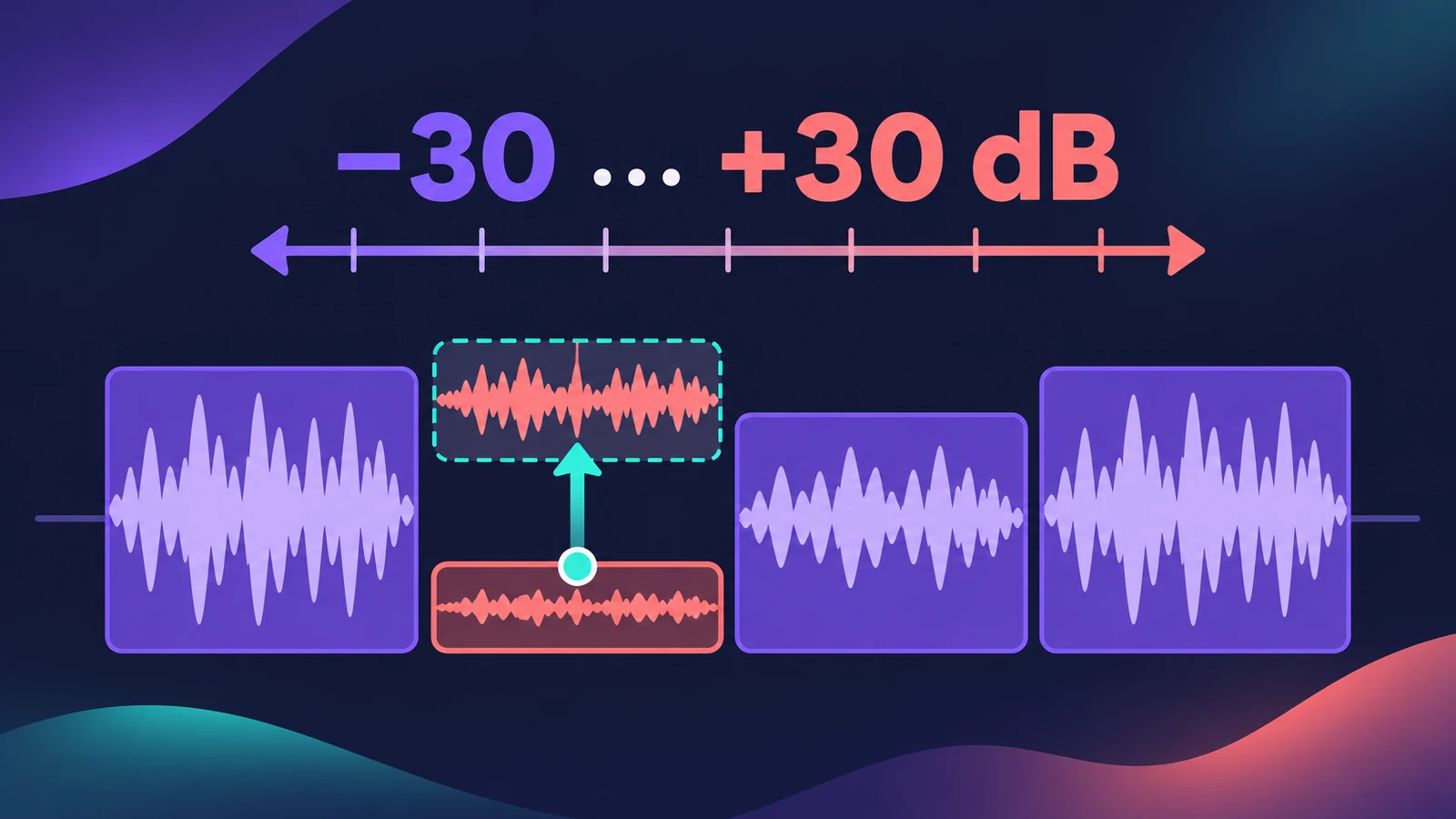 Region gain and normalize in Logic ProChange audio region gain in Logic Pro with the Gain tool or Region inspector (−30 to +30 dB), and normalize regions to a Peak or Loudness target.
-
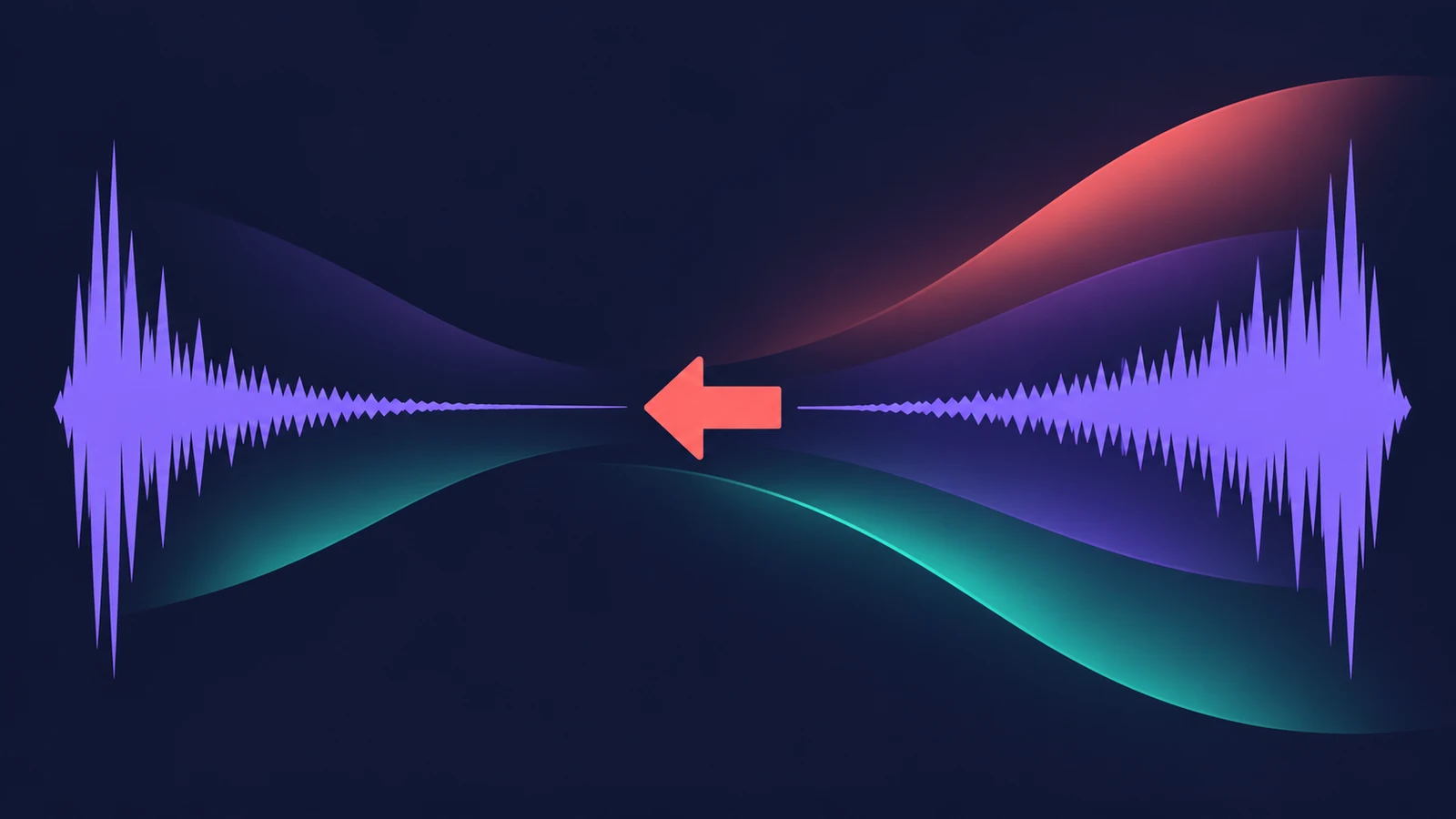 How to reverse audio in Logic ProReverse audio in Logic Pro with the Reverse checkbox in the Region inspector, turn on advanced tools if it's missing, switch off Flex, bounce MIDI first.
-
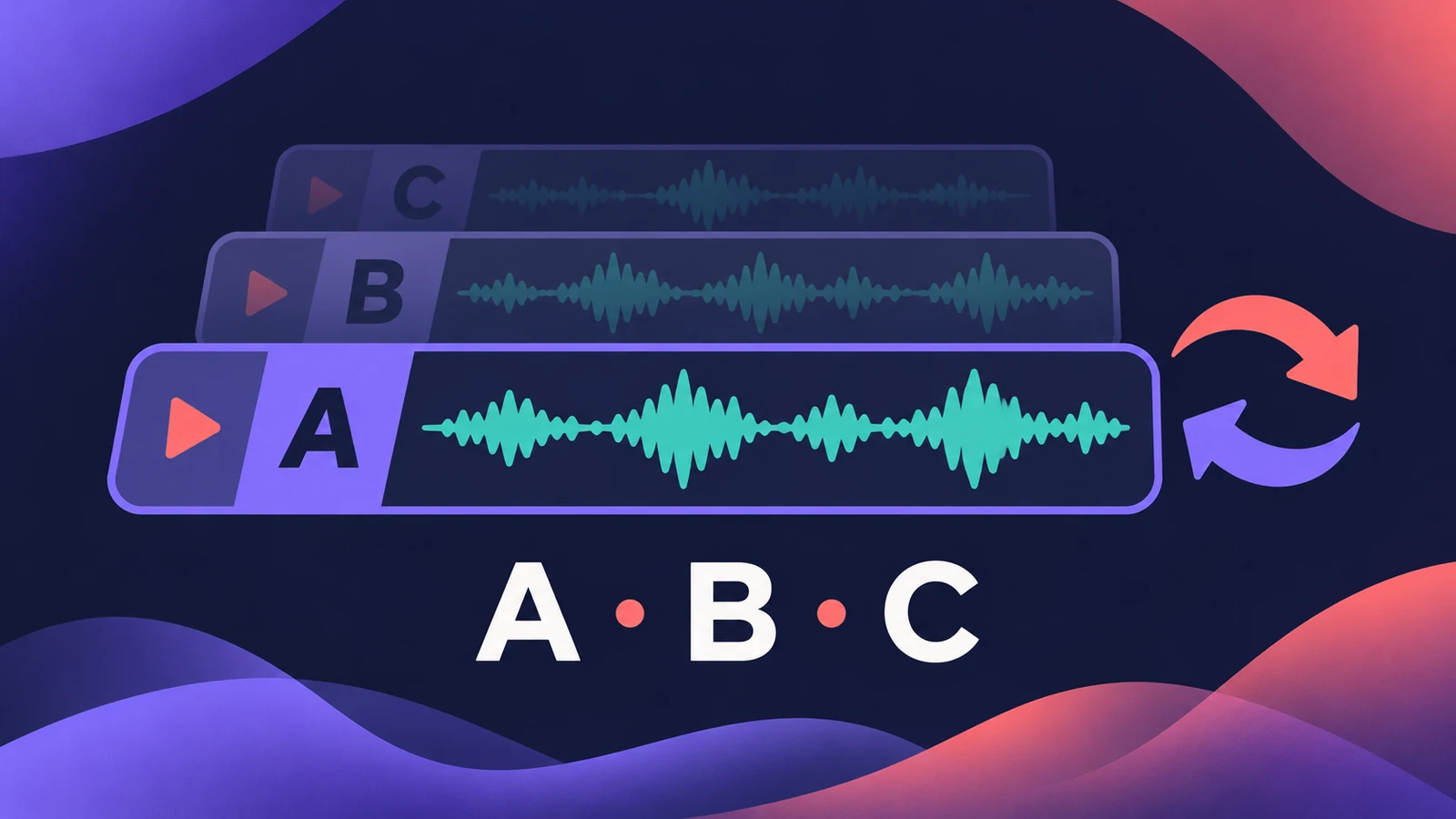 Track Alternatives in Logic ProUse Track Alternatives in Logic Pro like playlists: create New or Duplicate versions, prelisten and exchange, rename, and delete inactive ones to save space.
-
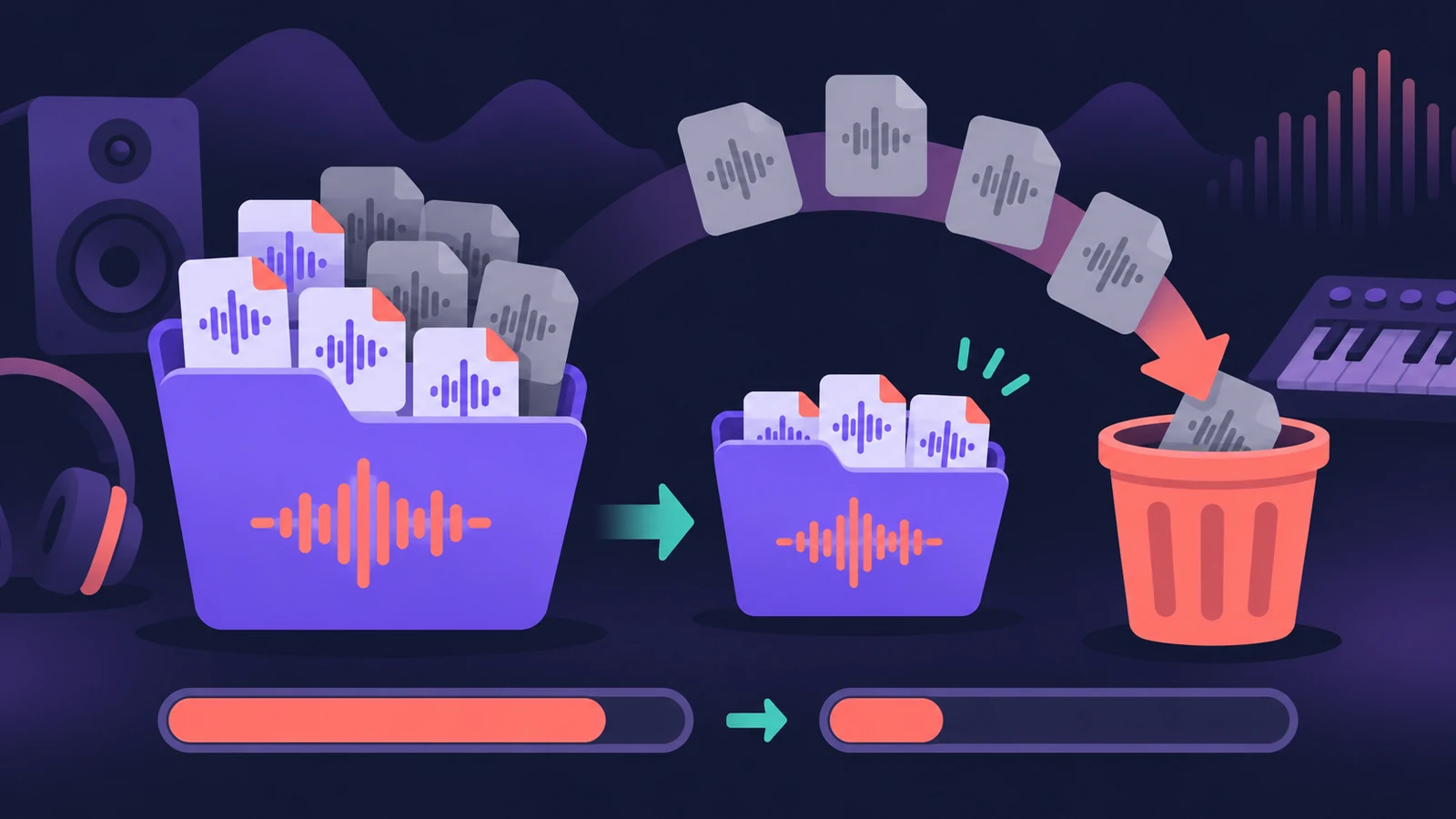 Delete unused audio files in Logic ProShrink a Logic Pro project: delete inactive track alternatives, Select Unused in the Project Audio Browser, delete files, optimize audio and run Clean Up.
Sources
- Apple — Logic Pro User Guide for Mac 12.3 (table of contents)
- Apple — Logic Pro X 10.1 Help: Quantize parameter values (old)
- Apple — Logic Pro X 10.1 Help: Create fades (old)
- Apple — Logic Pro User Guide glossary: Quick Swipe Comping
- Apple — Logic Pro User Guide: Quantize regions
- Apple — Logic Pro X 10.4 Help: Flex Time and Pitch overview (old)
- Apple Support — Match the tempo automatically in Logic Pro for Mac
- Production Expert — Logic Pro 13 splits drum stems into kit pieces (Nov 2026)
Checked November 2026. Logic ProFiles is independent of Apple; menu names can differ slightly between Logic Pro versions.
Frequently asked questions
Are edits in Logic Pro destructive?
+
Most aren't. Region quantize and region fades change playback, not the audio file, and comping keeps every take in the take folder.
How do I change the tempo of audio without changing the pitch?
+
Turn on Flex Time on the track (or use Smart Tempo), then change the project tempo; the Time and Pitch Machine is another option.
Can Logic Pro separate vocals from a song?
+
Yes. Stem Splitter extracts vocals, drums, bass, guitar, piano and other parts on Apple silicon Macs; Logic Pro 13 also splits drums into kit pieces.
Related
- How to comp vocals in Logic ProComp the best parts of several takes in Logic Pro with Quick Swipe Comping: open the take folder, swipe the best phrases, compare comps and flatten.
- How to quantize MIDI and audio in Logic ProQuantize MIDI and audio in Logic Pro: pick a grid in the Region inspector, add swing, use strength and range to keep the feel, quantize notes in the Piano Roll.
- Flex Time in Logic Pro — fix audio timingUse Flex Time in Logic Pro to fix and quantize audio timing: turn on Flex, choose Slicing, Rhythmic, Monophonic or Polyphonic, then drag or quantize.
- Recording in Logic ProHow to record in Logic Pro: vocals, electric and acoustic guitar, bass, drums and MIDI, plus cycle takes, punch-in, Flashback Capture and step input.