Editing
Flex Time in Logic Pro — fix audio timing
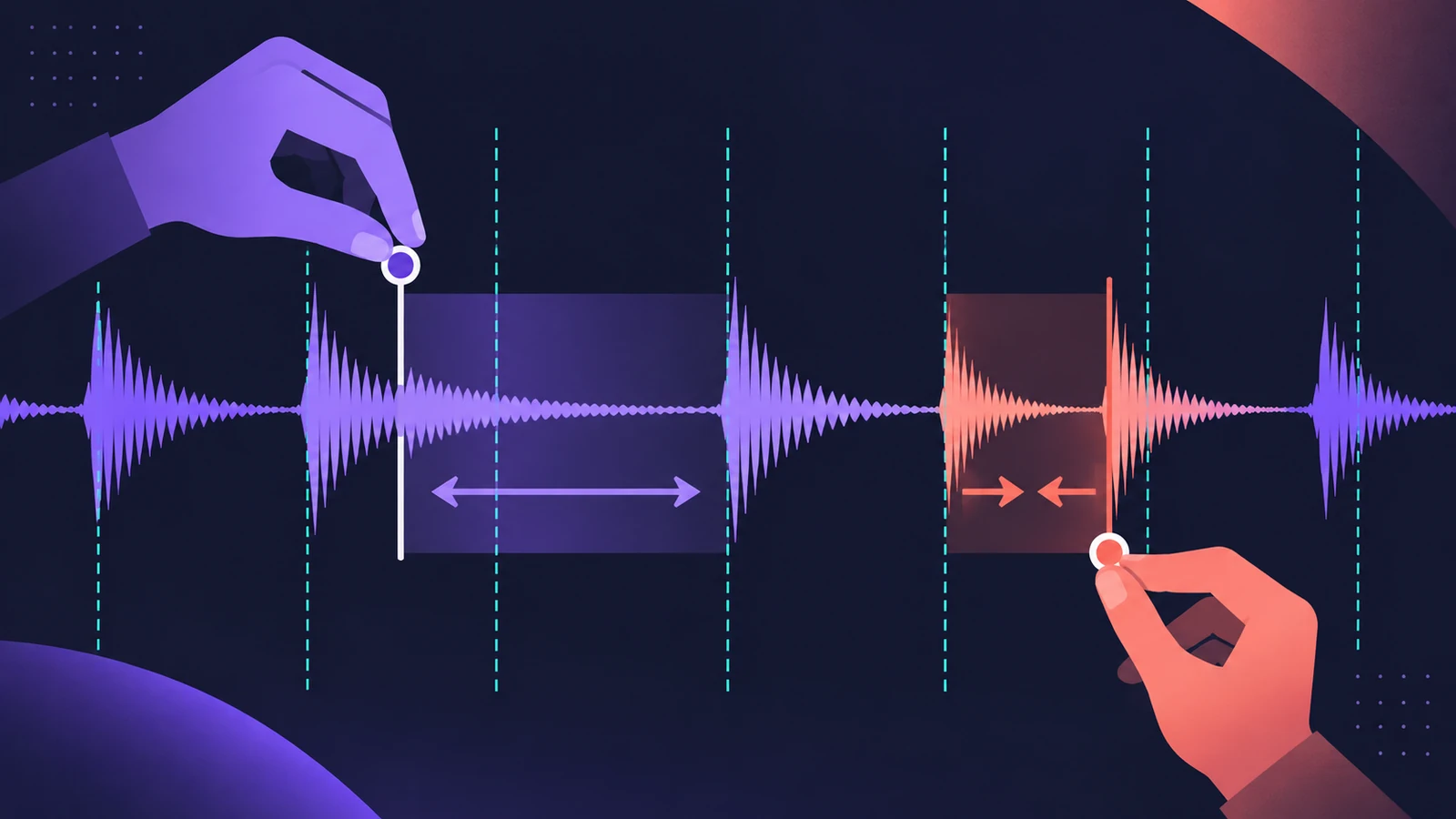
Flex Time lets you move individual notes and beats inside an audio recording and stretch the audio around them, so you can fix timing without cutting. Turn on Flex for the track, choose the mode that fits the material — Slicing or Rhythmic for drums, Monophonic for vocals and bass, Polyphonic for chords — then drag or quantize.
 Owen Hartley
Where to find it
Track header > Flex
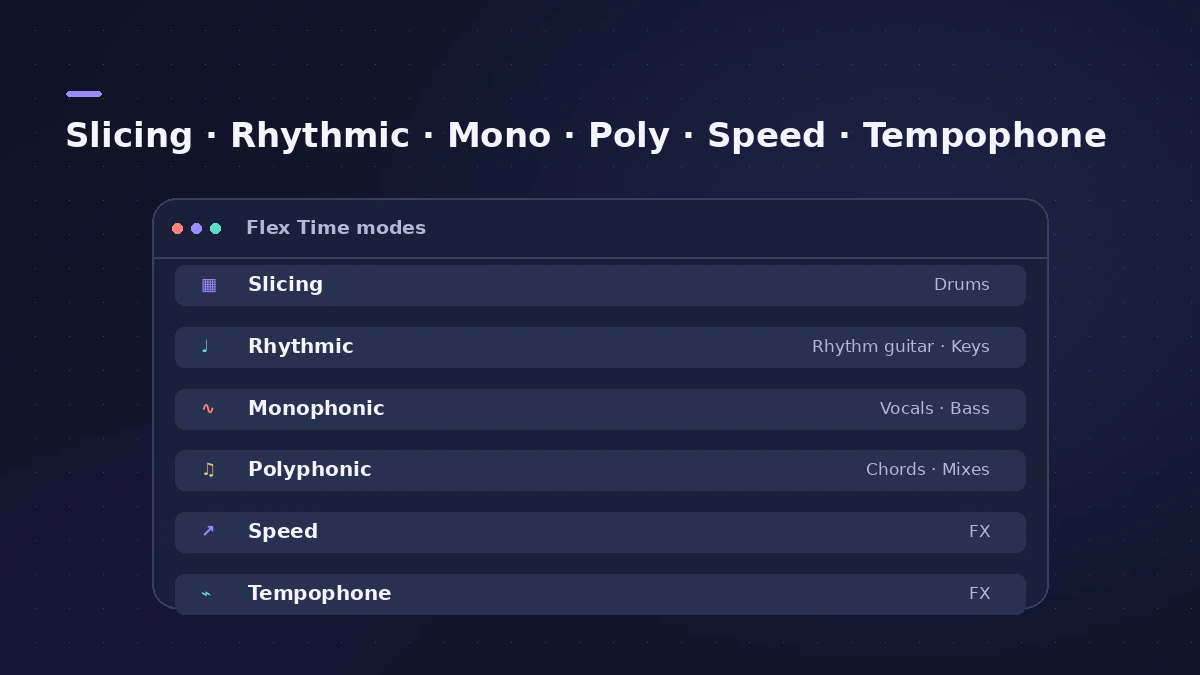
Flex Time modes
| Mode | Best for |
|---|---|
| Slicing | Drums and percussion — cuts at transients, no stretching |
| Rhythmic | Rhythm guitars, keyboard riffs, Apple Loops |
| Monophonic | Solo vocals, bass and single-note lines (dry recordings) |
| Polyphonic | Chords and complex material — uses phase vocoding |
| Speed (FX) | Tape-style speed change; pitch follows |
| Tempophone (FX) | A mechanical, artefact-heavy effect |
Step by step
-
1
Show Flex
Click Show/Hide Flex — in Logic Pro 13 the key is F. A Flex button and Flex pop-up menu appear in the audio track headers.
-
2
Turn on Flex and pick a mode
Turn on Flex for the track and choose a Flex Time mode from the pop-up menu that suits the material.
-
3
Move a note
Drag a transient in the waveform left or right; Logic Pro stretches the audio between the neighbouring transient markers.
-
4
Or quantize the region
With Flex on, choose a Quantize value in the Region inspector to pull the transients to the grid.
Common mistakes
- Using Monophonic on reverb-heavy audio — Apple notes it works best on dry recordings.
- Stretching a long way; large moves add artefacts.
- Choosing Speed (FX) by mistake — it changes pitch along with timing.
Which mode
Not sure? Logic Pro can analyse the audio and choose a mode automatically. For pitch rather than timing, use Flex Pitch; to change the whole tempo, see change tempo without changing pitch.
Sources
- Apple — Logic Pro X 10.4 Help: Flex Time and Pitch overview (old)
- Apple — Logic Pro X 10.4 Help: Flex Time algorithms and parameters (old)
- Apple — Logic Pro for iPad User Guide: Flex Time algorithms and parameters
- Sound On Sound — Flex Education (Jul 2013)
- Apple — Logic Pro for iPad User Guide: Quantize audio regions
- Apple Support — Logic Pro for Mac release notes
Checked November 2026. Logic ProFiles is independent of Apple; menu names can differ slightly between Logic Pro versions.
Frequently asked questions
Does Flex Time change pitch?
+
The timing modes don't. Speed (FX) changes pitch with speed, like tape, and Tempophone (FX) is a deliberate effect.
Which Flex mode is best for drums?
+
Slicing or Rhythmic. Slicing cuts at transients and plays each slice at its original speed.
Related
- Flex Time artifacts in Logic ProFlex Time making audio warbly or glitchy in Logic Pro? Match the algorithm to the material, use Percussive and Complex, and fix transient markers.
- Logic Pro tempo keeps changingProject tempo jumps when you import audio or MIDI in Logic Pro? Set Smart Tempo to Keep Project Tempo, change the import setting, delete tempo points.
- How to quantize MIDI and audio in Logic ProQuantize MIDI and audio in Logic Pro: pick a grid in the Region inspector, add swing, use strength and range to keep the feel, quantize notes in the Piano Roll.
- Smart Tempo in Logic ProUse Smart Tempo in Logic Pro to record without a click and build a tempo map: choose Adapt, Keep or Automatic, fix the analysis with hints, multitrack.
- Autotune in Logic Pro — Flex Pitch and Pitch CorrectionTune vocals in Logic Pro without extra plug-ins: fix notes by hand with Flex Pitch, or use the Pitch Correction plug-in for real-time autotune. Both explained.
- Editing in Logic ProEdit audio and MIDI in Logic Pro: comp takes, quantize, Flex Time, Smart Tempo, change tempo or key, Stem Splitter, audio to MIDI, fades and Remove Silence.