Editing
Smart Tempo in Logic Pro
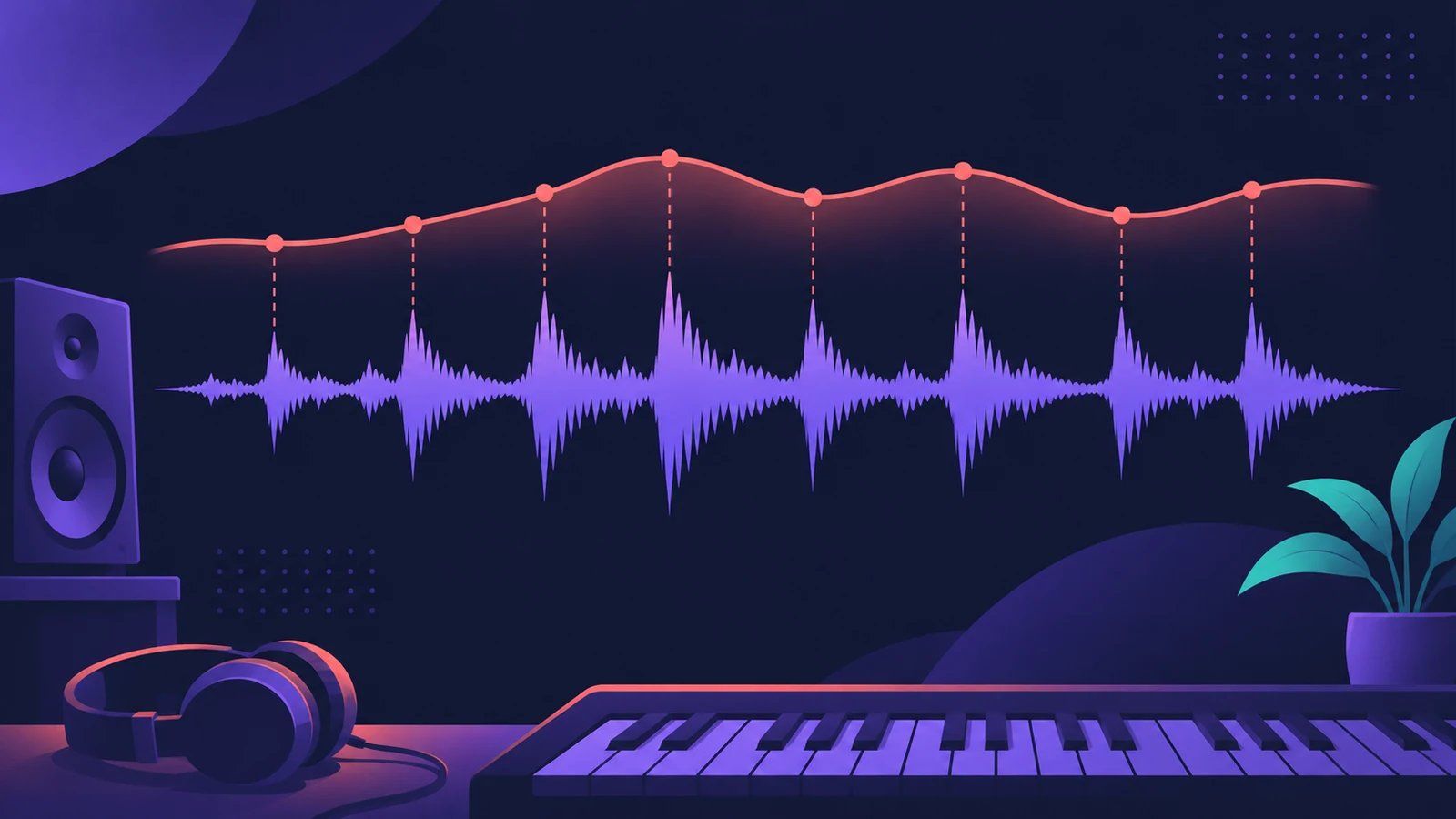
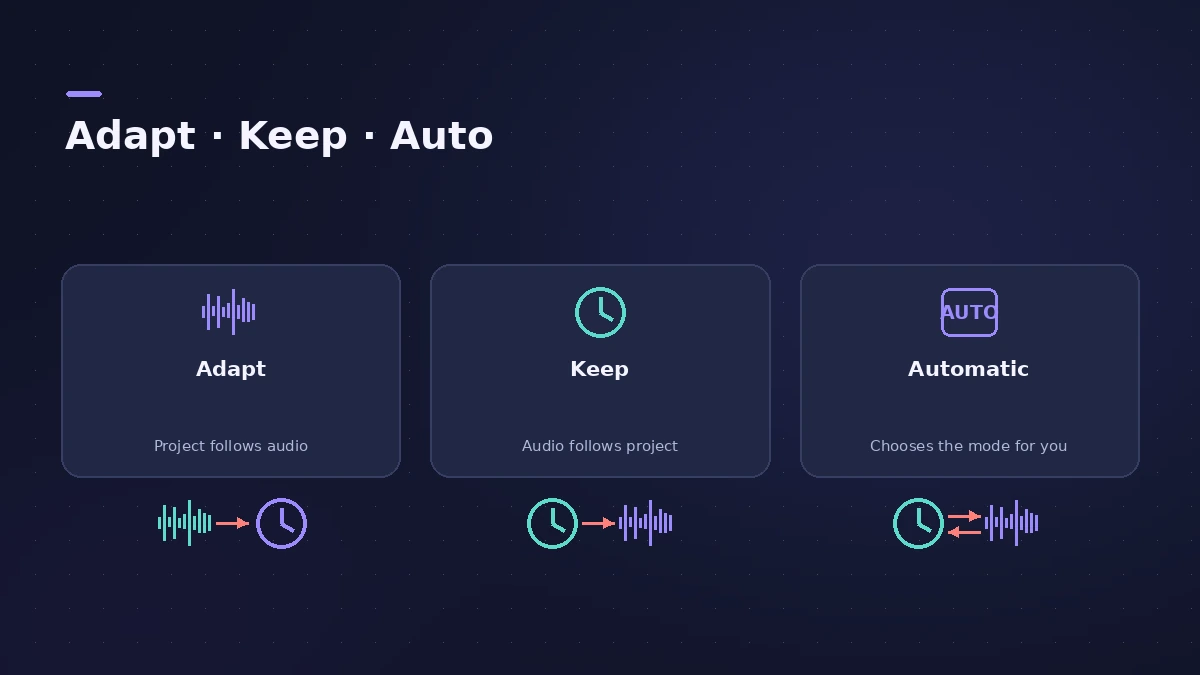
Smart Tempo analyses a recording's tempo. In Adapt mode Logic Pro changes the project tempo to follow your performance, so you can record without a click and still use the metronome, Drummer and tempo-synced effects afterwards. In Keep mode the project tempo stays and the recording is flexed to it.
 Owen Hartley
Where to find it
Control bar > Project Tempo mode
Adapt, Keep or Automatic
| Mode | Use it when |
|---|---|
| Adapt | Recording the first, free-played tracks of a new song |
| Keep | The project already has a tempo you want to keep |
| Automatic | You want Logic Pro to decide based on what's in the project |
Step by step
-
1
Choose a Project Tempo mode
Adapt follows your recording, Keep leaves the project tempo alone, and Automatic picks Adapt when there's no tempo reference in the project (or the metronome is off) and Keep when there is.
-
2
Record freely
Click the Free Tempo Recording button and play. Other tracks are muted so the tempo is yours.
-
3
Open the Smart Tempo Editor
Check the detected beats and downbeats. Use x2 or /2 if Logic Pro found double or half the tempo you meant.
-
4
Add hints
In Hint mode, mark downbeats and beats, and add time signature hints if the meter changes — Logic Pro detects meter changes only from hints.
Common mistakes
- Leaving Adapt on after the first tracks — switch to Keep so later takes don't move the tempo.
- Skipping time signature hints when the song changes meter.
- Analysing each multitrack drum mic separately instead of together.
Multitrack audio
For multitrack recordings, Smart Tempo analyses a downmix of the selected files to build one tempo map. To tighten timing within that map, use Flex Time.
Sources
- Apple — Logic Pro X 10.4 Help: Smart Tempo overview (old)
- Apple Support — Match the tempo automatically in Logic Pro for Mac
- Apple — Logic Pro X 10.4 Help: Work in the Smart Tempo Editor (old)
- Apple — Logic Pro X 10.4 Help: Flex Time and Pitch overview (old)
Checked November 2026. Logic ProFiles is independent of Apple; menu names can differ slightly between Logic Pro versions.
Frequently asked questions
Can I record without a metronome in Logic Pro?
+
Yes. Record in Adapt or Automatic mode and Smart Tempo builds a tempo map from your performance.
What's the difference between Adapt and Keep?
+
Adapt changes the project tempo to match the recording; Keep keeps the project tempo and flexes the recording to it.
Related
- Tap tempo BPM counterTap along to any song to find its BPM, with half and double time, then set Logic Pro's tempo or use its own Tap Tempo key command and Tempo Interpreter.
- How to record without a metronome in Logic ProRecord freely without a click in Logic Pro and let Smart Tempo build the tempo map: the Free Tempo Recording button, or Adapt/Auto mode with the metronome off.
- Logic Pro tempo keeps changingProject tempo jumps when you import audio or MIDI in Logic Pro? Set Smart Tempo to Keep Project Tempo, change the import setting, delete tempo points.
- Flex Time in Logic Pro — fix audio timingUse Flex Time in Logic Pro to fix and quantize audio timing: turn on Flex, choose Slicing, Rhythmic, Monophonic or Polyphonic, then drag or quantize.
- How to change tempo without changing pitch in Logic ProChange the tempo of audio in Logic Pro without changing pitch: let regions follow tempo with Flex, use the Time and Pitch Machine or Varispeed Speed Only.
- How to set tempo, key and time signature in Logic ProSet tempo, key and time signature in Logic Pro from the LCD, add tempo and key changes later in the song, and see what each setting changes in playback.
- Editing in Logic ProEdit audio and MIDI in Logic Pro: comp takes, quantize, Flex Time, Smart Tempo, change tempo or key, Stem Splitter, audio to MIDI, fades and Remove Silence.