Fix Problems
Logic Pro tempo keeps changing
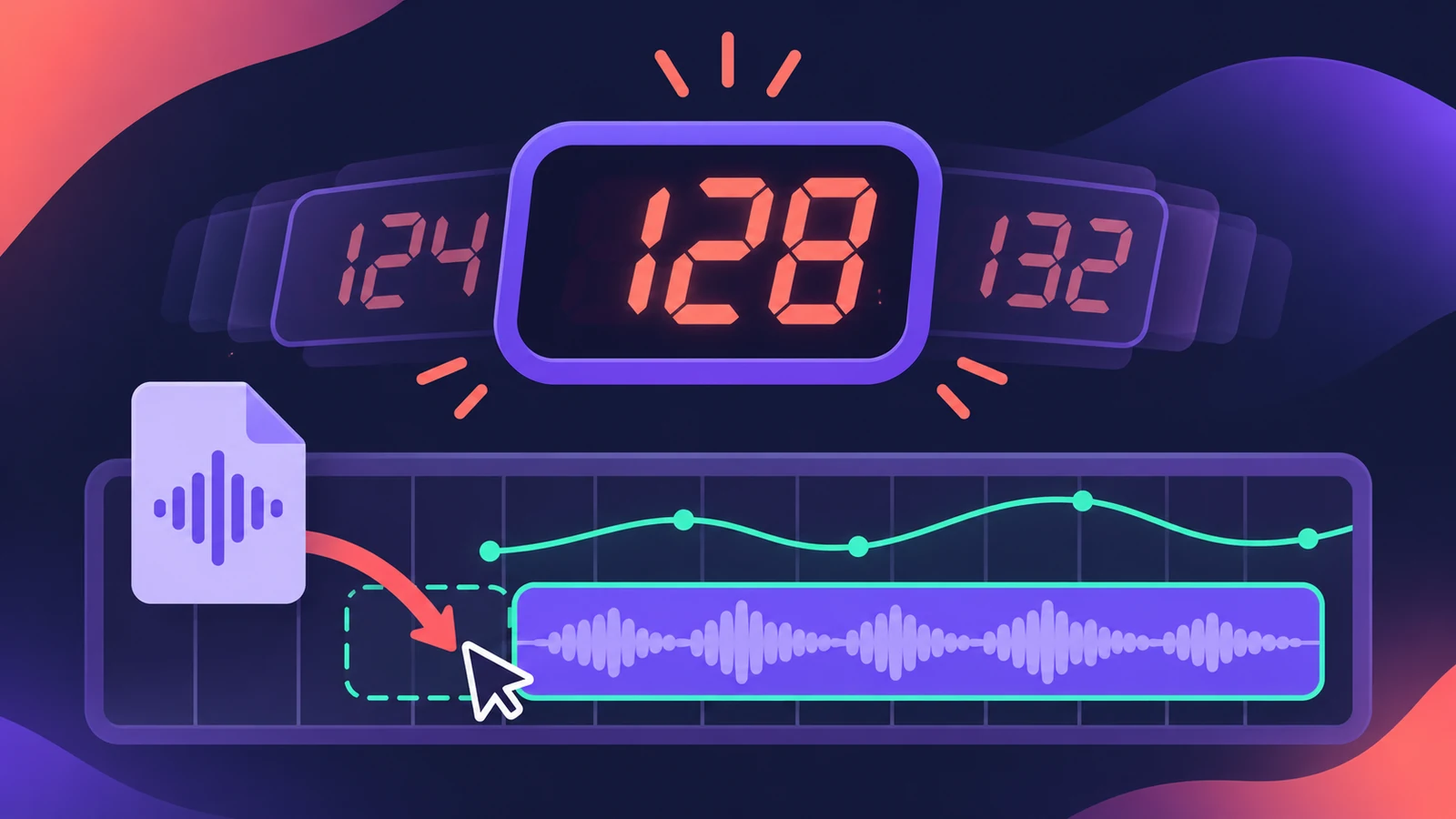
You drag in a loop, a stem or a MIDI file, and the project tempo jumps — sometimes with a whole tempo map. That's Smart Tempo in Adapt (or Automatic) mode, which changes the project tempo to match what you import or record.
 Owen Hartley
Applies to: Logic Pro 13, 12 and 11 for Mac.
Most likely causes
- Project Tempo mode set to Adapt (most common)
- Automatic mode adapting because there's no tempo reference yet (common)
- Imported MIDI file carrying its own tempo (occasional)
Smart Tempo modes
| Mode | What happens |
|---|---|
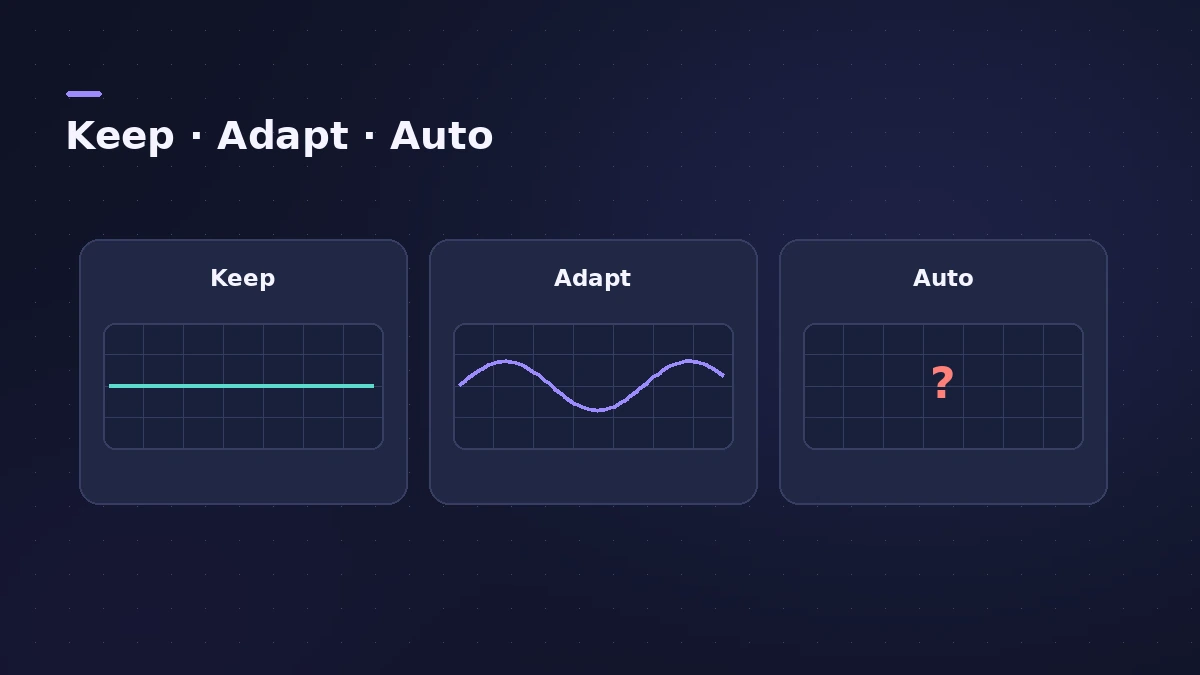
| Keep Project Tempo | Tempo stays put when you record or import |
| Adapt Project Tempo | Tempo changes to match the recording or import |
| Automatic | Keeps or adapts depending on whether a tempo reference exists |
Adapt is useful on purpose — for example, to follow a free-tempo recording. Switch back to Keep once the tempo map is right. More in Smart Tempo.
Fixes, in order
1. Switch to Keep Project Tempo
Click the tempo display in the LCD and choose Keep Project Tempo. The tempo then doesn't change when you record or import.
2. Set the default in Project Settings
In File > Project Settings > Smart Tempo, set the Project Tempo mode to Keep so new imports follow the project.
3. Check the import setting
In the same pane, "Set imported audio files to" decides how imported audio is handled — set it to follow the project tempo.
4. Undo or delete the tempo changes
Undo straight after the import, or open the Tempo track and delete the unwanted tempo points.
5. Know when Automatic adapts
Automatic keeps the tempo when a musical reference, like the metronome or another region, is present — otherwise it adapts.
Sources
- Apple — Logic Pro X 10.4 Help: Choose the Project Tempo mode (old)
- Apple — Logic Pro X 10.4 Help: Smart Tempo project settings (old)
- Apple — Logic Pro X 10.4 Help: Smart Tempo overview (old)
- Apple Music for Artists — Importing stems with Smart Tempo
- Gospel Producers — MIDI file changes tempo (Logic)
Checked November 2026. Logic ProFiles is independent of Apple; menu names can differ slightly between Logic Pro versions.
Frequently asked questions
Why did my tempo change when I imported a MIDI file?
+
The project was in Adapt mode. Set Project Tempo mode to Keep before importing.
Do MIDI regions follow tempo changes?
+
Yes. Apple notes MIDI regions always follow the project tempo.
Related
- How to record without a metronome in Logic ProRecord freely without a click in Logic Pro and let Smart Tempo build the tempo map: the Free Tempo Recording button, or Adapt/Auto mode with the metronome off.
- Smart Tempo in Logic ProUse Smart Tempo in Logic Pro to record without a click and build a tempo map: choose Adapt, Keep or Automatic, fix the analysis with hints, multitrack.
- How to set tempo, key and time signature in Logic ProSet tempo, key and time signature in Logic Pro from the LCD, add tempo and key changes later in the song, and see what each setting changes in playback.
- How to import audio and MIDI files into Logic ProImport WAV, AIFF, MP3 and MIDI files into Logic Pro: drag from the Finder, use File > Import, keep files with the project, match tempo, make sampler tracks.
- Flex Time in Logic Pro — fix audio timingUse Flex Time in Logic Pro to fix and quantize audio timing: turn on Flex, choose Slicing, Rhythmic, Monophonic or Polyphonic, then drag or quantize.
- Fix Logic Pro problems — errors, crashes and no soundStep-by-step fixes for Logic Pro on Mac: system overload, disk too slow, no sound, crashes, latency, missing plug-ins, MIDI keyboards and recording problems.