Learn Logic Pro
How to import audio and MIDI files into Logic Pro
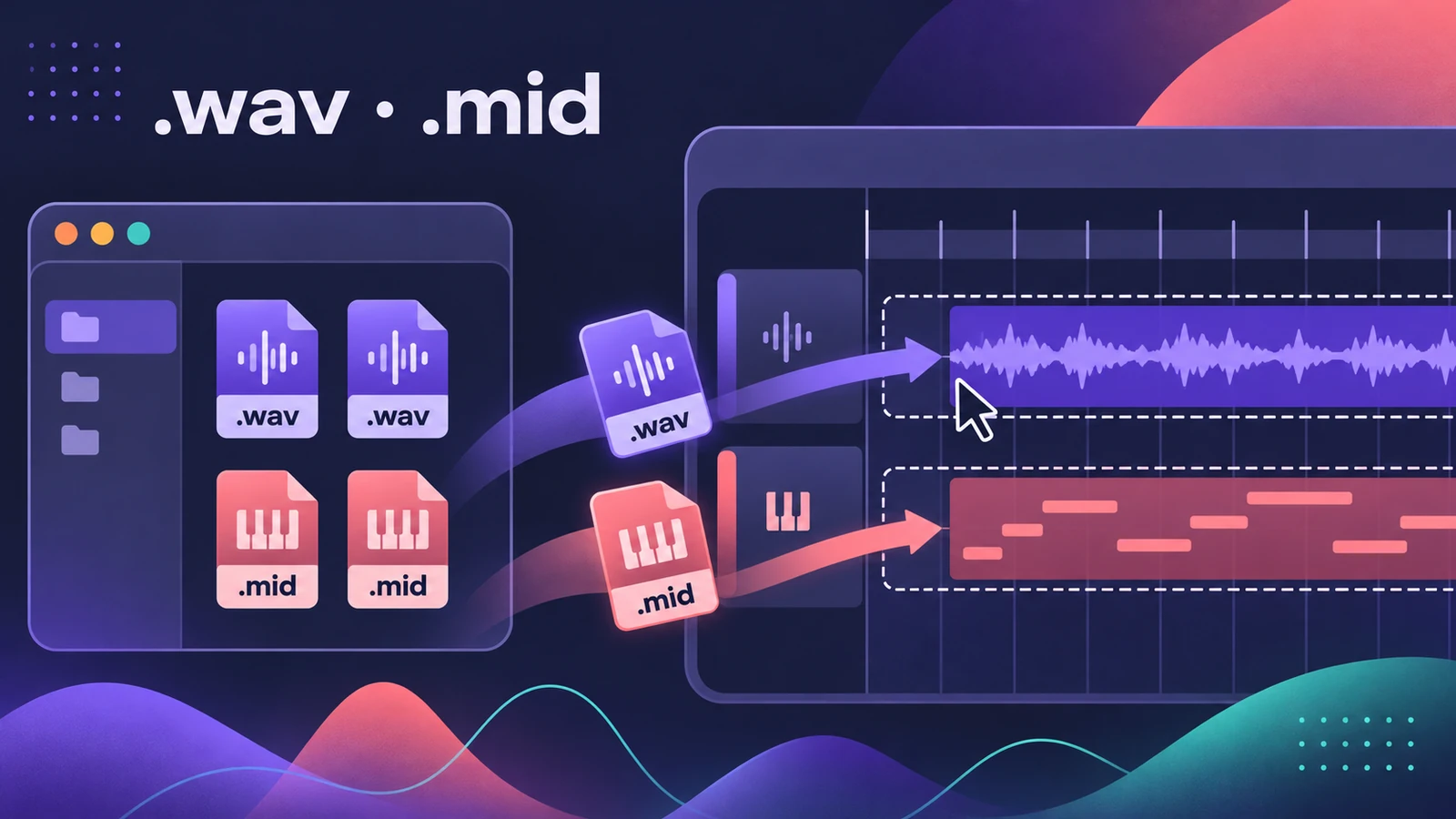
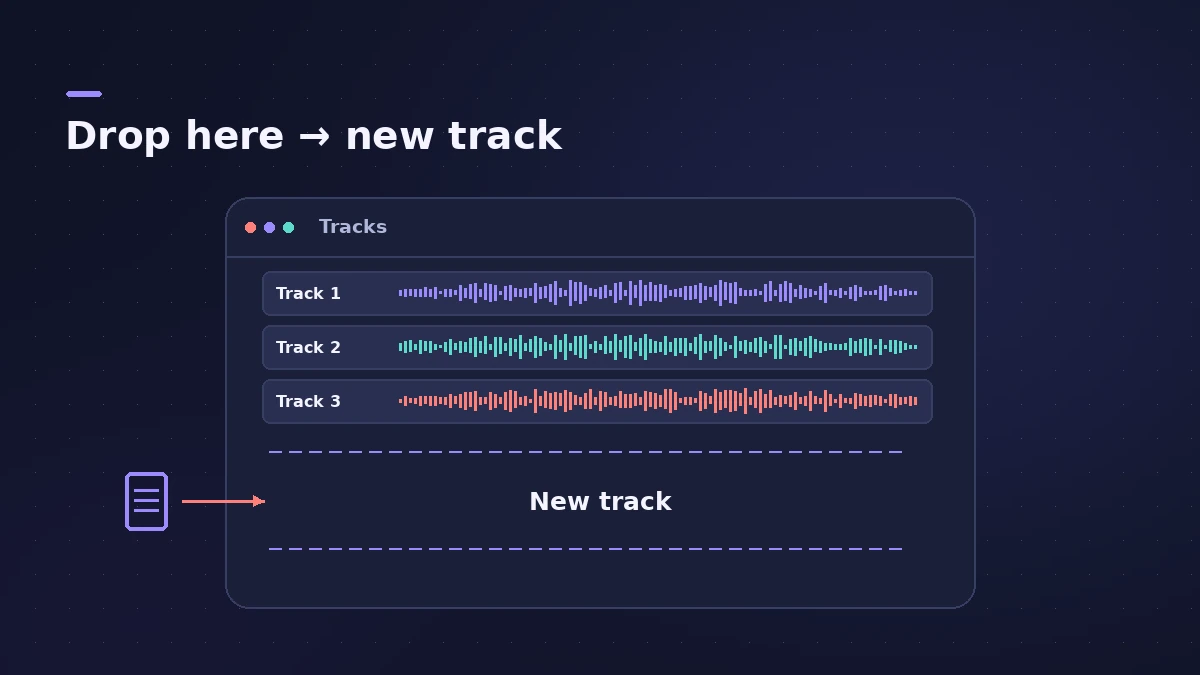
The quickest way to import is to drag a file from the Finder into the Tracks area: drop it below the last track and Logic Pro creates a new track for it. MIDI files come in through File > Import > MIDI File, which can also bring in the file's tempo. Logic Pro 13 imports a MIDI file's key signature as well.
 Owen Hartley
Where to find it
Finder or File > Import
Import options at a glance
| What | How | Follows project tempo? |
|---|---|---|
| WAV, AIFF, MP3, AAC, Apple Lossless | Drag from the Finder | No, unless you add Flex or Smart Tempo |
| MIDI file | File > Import > MIDI File | Notes follow the project; tempo is optional |
| Apple Loops | Browser | Yes |
| Logic Pro recordings and bounces | Drag between projects | Yes, when copied between projects |
| GarageBand projects | Open in Logic Pro | Opens as a Logic Pro project |
Before you send a project to someone else, gather every imported file with consolidate and backup.
Step by step
-
1
Drag audio from the Finder
Drag a WAV, AIFF, MP3, AAC or Apple Lossless file into the empty area below the existing tracks. Logic Pro creates a new audio track with a region for the whole file. Drop it on an existing audio track to place it there instead.
-
2
Import MIDI files
Choose File > Import > MIDI File and select the .mid file. Logic Pro asks whether to import the file's tempo information; in Logic Pro 13 the key signature comes in too.
-
3
Decide what happens to tempo
Audio files from the Finder don't automatically follow the project tempo. Recordings, bounces and Apple Loops made in Logic Pro do. For other audio, use Flex Time or Smart Tempo to match it — see the tempo guide.
-
4
Keep files with the project
In File > Project Settings > Assets, turn on Copy audio files into project so imported files travel with the project. Apple notes files dragged from the Finder are always copied and converted to the project sample rate.
Common mistakes
- Importing a MIDI file into an existing project and expecting the tempo map — check the import tempo option.
- Referencing files on an external drive that you later disconnect.
- Leaving imported files at a different sample rate when the Convert option is off.
Turn a sample into an instrument
Drag an audio file or region below the last track and drop it on Sampler, Quick Sampler or Drum Machine Designer in the menu that appears — Logic Pro creates a playable instrument track from it. GarageBand projects open directly; see Logic Pro vs GarageBand.
Sources
- Apple — Logic Pro X 10.1 Help: Import compressed audio files (old)
- Apple — Logic Pro X 10.1 Help: Match audio files to the project tempo (old)
- Apple — Logic Pro User Guide: Assets project settings
- Berklee Library — Importing MIDI files into Logic
- Apple Support — Drag and drop to create sampler instrument tracks in Logic Pro for Mac
- Apple Support — Logic Pro for Mac release notes
- Apple — Logic Pro User Guide: GarageBand projects in Logic Pro for Mac
Checked November 2026. Logic ProFiles is independent of Apple; menu names can differ slightly between Logic Pro versions.
Frequently asked questions
What audio formats can Logic Pro import?
+
Apple's guide lists AIFF, WAV, AAC, MP3 and Apple Lossless among the files you can drag in from the Finder.
Why doesn't my imported audio follow tempo changes?
+
Audio imported from the Finder keeps its own timing. Use Flex Time or Smart Tempo, or work with Apple Loops, which follow the project tempo.
Can I import a Voice Memos recording?
+
Yes. Logic Pro 13.0 fixed an issue where Voice Memos imports created a surround track.
Related
- Logic Pro tempo keeps changingProject tempo jumps when you import audio or MIDI in Logic Pro? Set Smart Tempo to Keep Project Tempo, change the import setting, delete tempo points.
- Audio plays too fast or too slow in Logic ProAudio plays too fast, too slow or at the wrong pitch in Logic Pro? The file's sample rate doesn't match the project. Match the rate or convert the audio files.
- How to use Apple Loops in Logic ProUse Apple Loops in Logic Pro: find loops in the Browser, add them to tracks, how they follow tempo and key, the four loop types and how to make your own loops.
- Save and back up Logic Pro projectsSave Logic Pro projects as a package or folder, revert to earlier backups, consolidate assets before moving a project and back everything up with Time Machine.
- How to set tempo, key and time signature in Logic ProSet tempo, key and time signature in Logic Pro from the LCD, add tempo and key changes later in the song, and see what each setting changes in playback.
- Learn Logic Pro — tutorials for beginnersLearn Logic Pro on Mac: a beginner tutorial, the interface, the Logic Pro 13 Browser, audio interface setup, key commands, loops, patches and saving projects.