Learn Logic Pro
How to use Apple Loops in Logic Pro
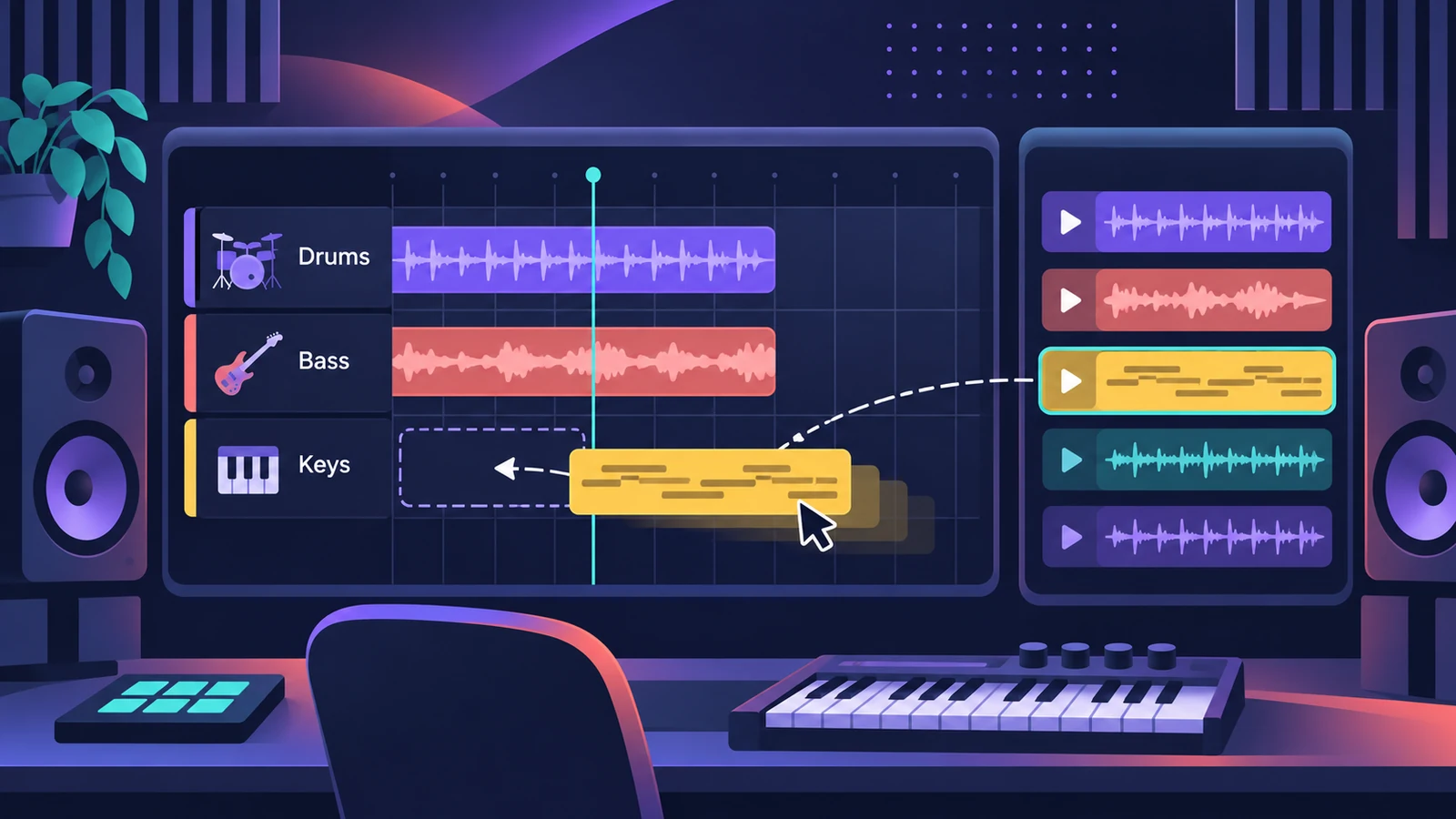
Apple Loops are pre-recorded phrases — beats, bass lines, chords — that follow your project's tempo and key automatically. Drag one into the Tracks area and it plays in time and in tune with the rest of the song. In Logic Pro 13 you find them in the unified Browser; earlier versions use the Loop Browser (O).
 Owen Hartley
Where to find it
Browser (Logic Pro 13) or Loop Browser (12 and earlier)
How loops follow your project
New projects start at 120 bpm or, in an empty project, at the tempo of the first Apple Loop you add. Loops you add after that play at the project tempo and are matched to the project key. Change the key later and the loop regions transpose with it.
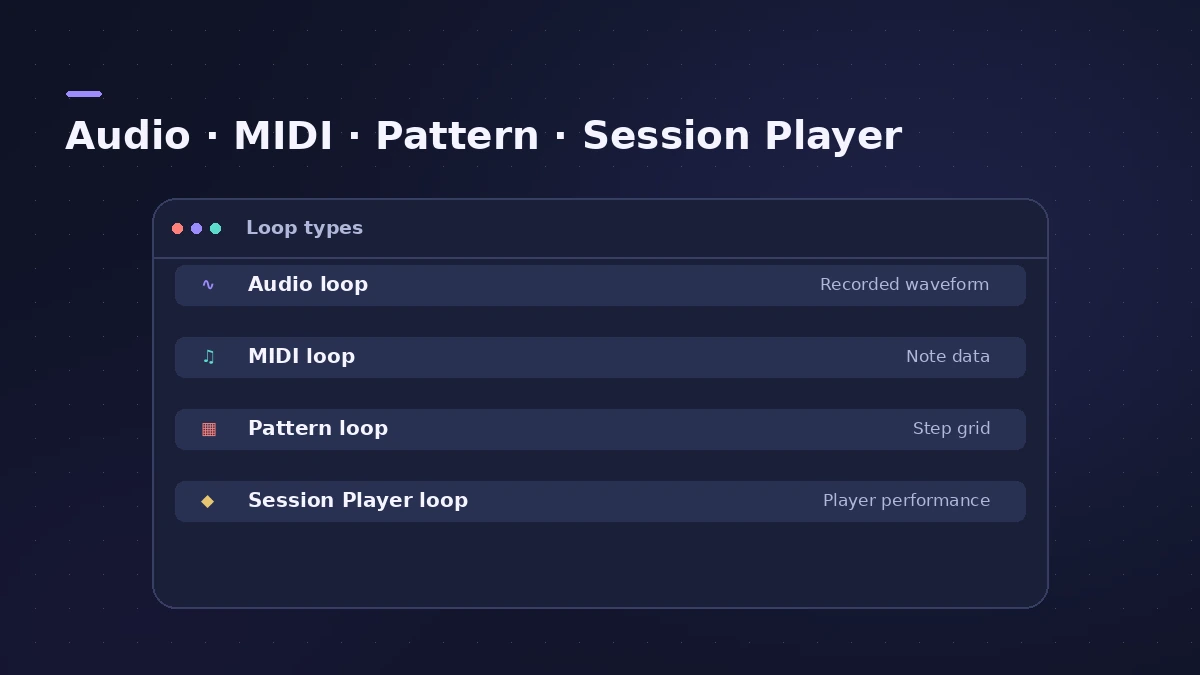
Loop types
| Type | Goes on | Notes |
|---|---|---|
| Audio | Audio tracks | Edit like any audio region |
| MIDI (green) | Software instrument tracks | Drop on an audio track to convert to audio |
| Pattern (violet) | Software instrument tracks | Opens in the Step Sequencer |
| Session Player (yellow) | Software instrument tracks | Opens in the Session Player Editor |
Session Player loops are customisable: once added, you can change the performance in the Session Player Editor.
Your own loops in Logic Pro 13
When you add your own sample folders to the Browser, Logic Pro 13 analyses them for loops, one-shots, tempo and key so you can search them like Apple Loops. To bring in audio that isn't a loop, see import audio and MIDI.
Step by step
-
1
Open the loops
In Logic Pro 13, press B for the Browser. In Logic Pro 12 and earlier, click the Loop Browser button or press O.
-
2
Search and preview
Filter by instrument, genre or key, or type a search. Click a loop to preview it.
-
3
Drag it into the project
Drag the loop to an empty area below the tracks to create a new track with the loop, or onto an existing track of the right type. In the Logic Pro 13 Browser list, Return adds the selected loop on a new track.
-
4
Extend it
Loop or repeat the region to fill as many bars as you need — Apple Loops are made to repeat seamlessly.
Common mistakes
- Expecting a one-shot to follow tempo — one-shots play as recorded.
- Dropping a MIDI loop on an audio track and expecting to edit notes — it becomes audio.
- Forgetting that the first loop in an empty project can set the project tempo.
Sources
- Apple — Logic Pro X 10.1 Help: What are Apple Loops? (old)
- Apple — Logic Pro X 10.1 Help: Add Apple Loops to your project (old)
- Apple — Logic Pro for iPad User Guide: Add Apple Loops to your project
- Apple Support — Use Session Player loops in Logic Pro for Mac
- Apple — Logic Pro 9 manual: Creating Apple Loops in Logic Pro (old)
- Apple Support — Logic Pro for Mac release notes
Checked November 2026. Logic ProFiles is independent of Apple; menu names can differ slightly between Logic Pro versions.
Frequently asked questions
Do Apple Loops change key with my song?
+
Yes. Loops match the project key when added, and Apple says regions made from loops are transposed if you change the project key.
Are Apple Loops royalty-free?
+
Check Apple's licence agreement for Logic Pro for the exact terms before releasing music built on loops.
Can I make my own Apple Loops?
+
Yes. Saving a region to the loop library makes it an Apple Loop you can use in other projects; a one-shot version won't follow tempo or key.
Related
- Apple Loops missing from the Loop BrowserApple Loops not showing in the Logic Pro Loop Browser? Reindex All Loops, check the loops are installed, and give your own loops a descriptor so they appear.
- Beat Breaker in Logic ProBeat Breaker in Logic Pro slices incoming audio and reorders it in real time, with edit modes for time, repeat, cutoff, resonance, volume and pan.
- Live Loops in Logic ProUse Live Loops in Logic Pro: start a grid, drag in loops and regions, trigger cells and scenes in time, then record the performance to the Tracks area.
- Quick Sampler in Logic ProTurn one sound into an instrument with Quick Sampler in Logic Pro: what Classic, One Shot, Slice and Recorder modes do, and when to use Sampler instead.
- The Logic Pro 13 Browser — search, tags and Find SimilarThe unified Browser in Logic Pro 13: loops, samples, patches and presets in one place, filter tags, describe-a-sound search, Find Similar and Splice.
- How to import audio and MIDI files into Logic ProImport WAV, AIFF, MP3 and MIDI files into Logic Pro: drag from the Finder, use File > Import, keep files with the project, match tempo, make sampler tracks.
- How to set tempo, key and time signature in Logic ProSet tempo, key and time signature in Logic Pro from the LCD, add tempo and key changes later in the song, and see what each setting changes in playback.
- Learn Logic Pro — tutorials for beginnersLearn Logic Pro on Mac: a beginner tutorial, the interface, the Logic Pro 13 Browser, audio interface setup, key commands, loops, patches and saving projects.