Instruments
Live Loops in Logic Pro
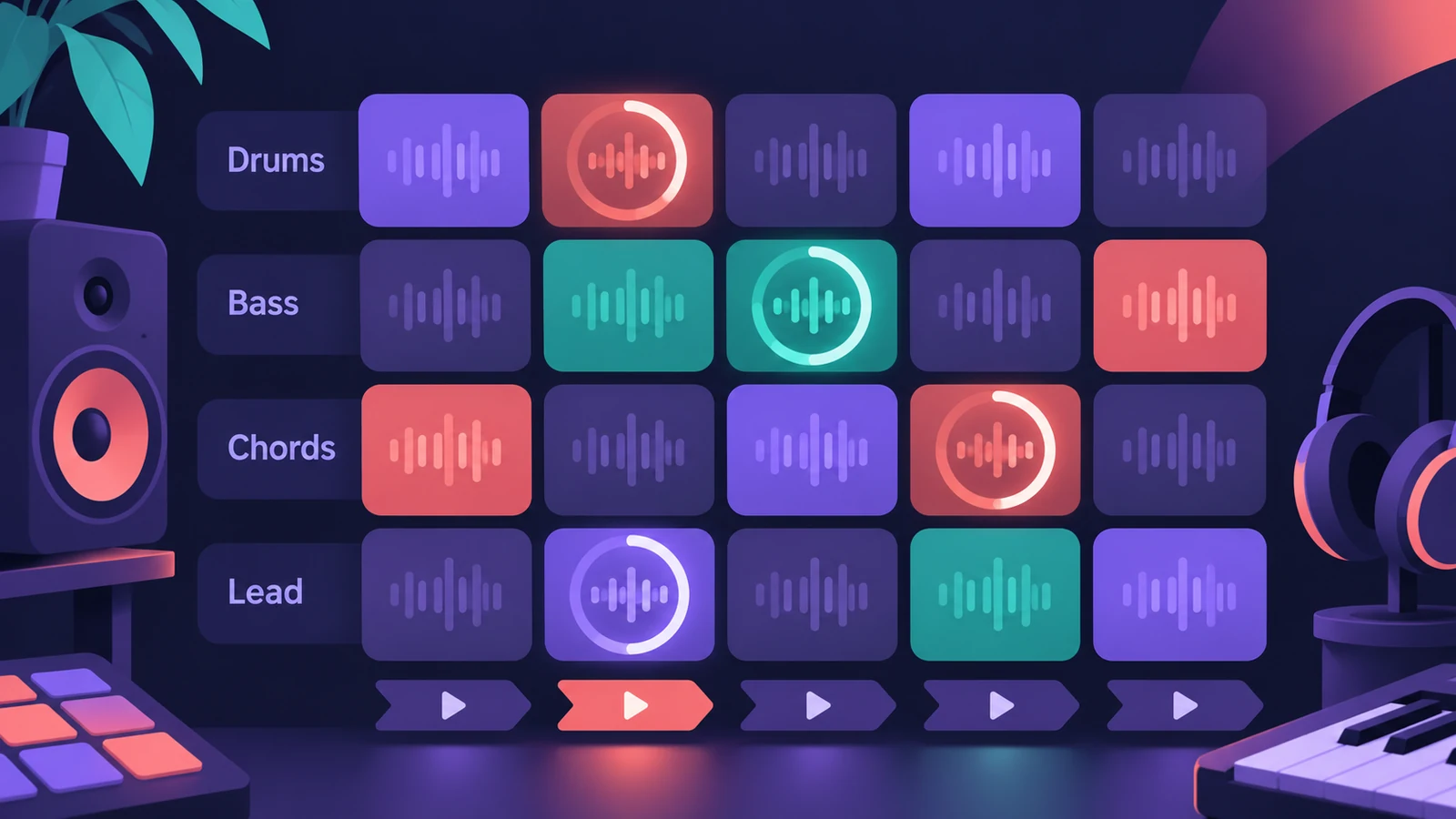
Live Loops, in Logic Pro 10.5 and later, is a grid of cells that each hold a loop or phrase. You start and stop cells in any order and Logic Pro keeps them on the beat, which makes it a fast way to sketch ideas, try arrangements or perform.
 Owen Hartley
Where to find it
File > New from Template > Live Loops (Command-N)
The parts of Live Loops
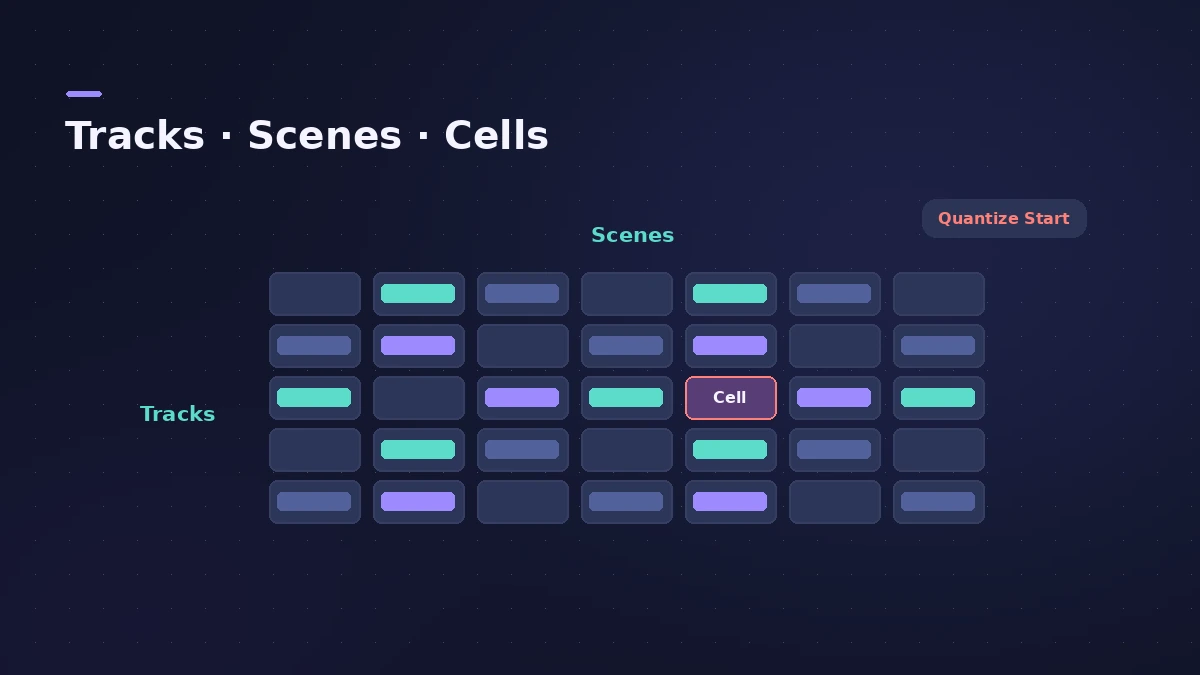
| Part | What it is |
|---|---|
| Cell | Holds one loop or phrase, audio or MIDI |
| Row | A track; it shares the channel strip with the Tracks area |
| Scene | A column of cells you trigger together, like a song section |
| Quantize Start | Makes cells start on a beat or bar |
| Remix FX | Inserted on the Stereo Out in many starter grids |
What's new in recent versions
Logic Pro 13 lets you tap cells to launch them on supported MacBook Pro displays, or on an iPad used with Sidecar. To program patterns inside cells, use the Step Sequencer; to put one-shot sounds in cells, Quick Sampler is quick to set up.
Step by step
-
1
Start a Live Loops project
Choose File > New from Template, then New Project > Live Loops for an empty grid, or a starter grid with cells already filled.
-
2
Add material
Drag a file, region or loop from the Finder or a Logic Pro browser onto the grid. It creates a new track and row of cells.
-
3
Trigger cells and scenes
Click a cell to start it, or a scene trigger to start every cell in that column. Quantize Start keeps them in time.
-
4
Record the performance
Record what you trigger into the Tracks area as regions, or copy cells and whole scenes to the timeline to build the arrangement.
Common mistakes
- Expecting two cells on the same track to play together — only one cell per track can play.
- Wondering why regions on a track are silent — cells usually take priority over regions.
- Setting Quantize Start too short, so cells start off the bar.
Live Loops with the Tracks area
Each grid row shares its channel strip with a track, and a divider between the grid and Tracks area lets you choose cells or regions per track. Apple Loops in cells play at the project tempo — see Apple Loops.
Sources
- Apple Support — Use Live Loops in Logic Pro for Mac
- Apple — Logic Pro for iPad User Guide: Intro to Live Loops
- Apple — Logic Pro for iPad User Guide: Start and stop Live Loops cells
- Apple — Logic Pro for iPad User Guide: Edit Live Loops scenes
- Apple Support — Logic Pro for Mac release notes
- Apple Support — Logic Pro 12 release notes
Checked November 2026. Logic ProFiles is independent of Apple; menu names can differ slightly between Logic Pro versions.
Frequently asked questions
Which version of Logic Pro has Live Loops?
+
Logic Pro 10.5 and later on the Mac, and Logic Pro for iPad.
Can two cells on one track play at once?
+
No. Only one cell per track plays at a time.
How do I turn a Live Loops jam into a song?
+
Record the performance to the Tracks area, or copy cells and scenes to the timeline.
Related
- Live Loops in Logic Pro for iPadUse Live Loops in Logic Pro for iPad: open a starter grid, trigger cells and scenes, set Quantize Start, record into cells and capture a performance.
- Ableton Link in MainStage 4MainStage 4 syncs with Ableton Link: turn it on in Concert Settings, allow network access, and choose whether start and stop are shared with other Link apps.
- Use a Launchpad with Logic Pro Live LoopsControl Logic Pro Live Loops with a Novation Launchpad: Apple supports it in the Control Surfaces guide for triggering cells, scenes and mixing parameters.
- Logic Remote — control Logic Pro from an iPad or iPhoneLogic Remote is Apple's free app that turns an iPad or iPhone into a Logic Pro mixer, transport and Touch Instrument. Connect over Wi-Fi or USB in a few taps.
- Logic Pro vs Bitwig Studio — price, editions and platformsLogic Pro vs Bitwig Studio 6: $199.99 on Mac vs Essentials $99, Producer $199 and Studio $399 on macOS, Windows and Linux, with a paid upgrade plan. Nov 2026.
- Remix FX in Logic ProUse Remix FX in Logic Pro for DJ-style filter, gater, repeater, reverse, scratch and tape stop moves, control it with Logic Remote and record it as automation.
- How to use Apple Loops in Logic ProUse Apple Loops in Logic Pro: find loops in the Browser, add them to tracks, how they follow tempo and key, the four loop types and how to make your own loops.
- Step Sequencer in Logic ProProgram beats with Logic Pro's Step Sequencer: create a Pattern Region, set step rate and velocity, add note repeats and automation, follow the chords.
- Quick Sampler in Logic ProTurn one sound into an instrument with Quick Sampler in Logic Pro: what Classic, One Shot, Slice and Recorder modes do, and when to use Sampler instead.
- MIDI FX in Logic ProWhat each MIDI plug-in in Logic Pro does — Arpeggiator, Chord Trigger, Modifier, Modulator, Note Repeater, Randomizer, Scripter, Transposer, Velocity Processor.