Instruments
MIDI FX in Logic Pro
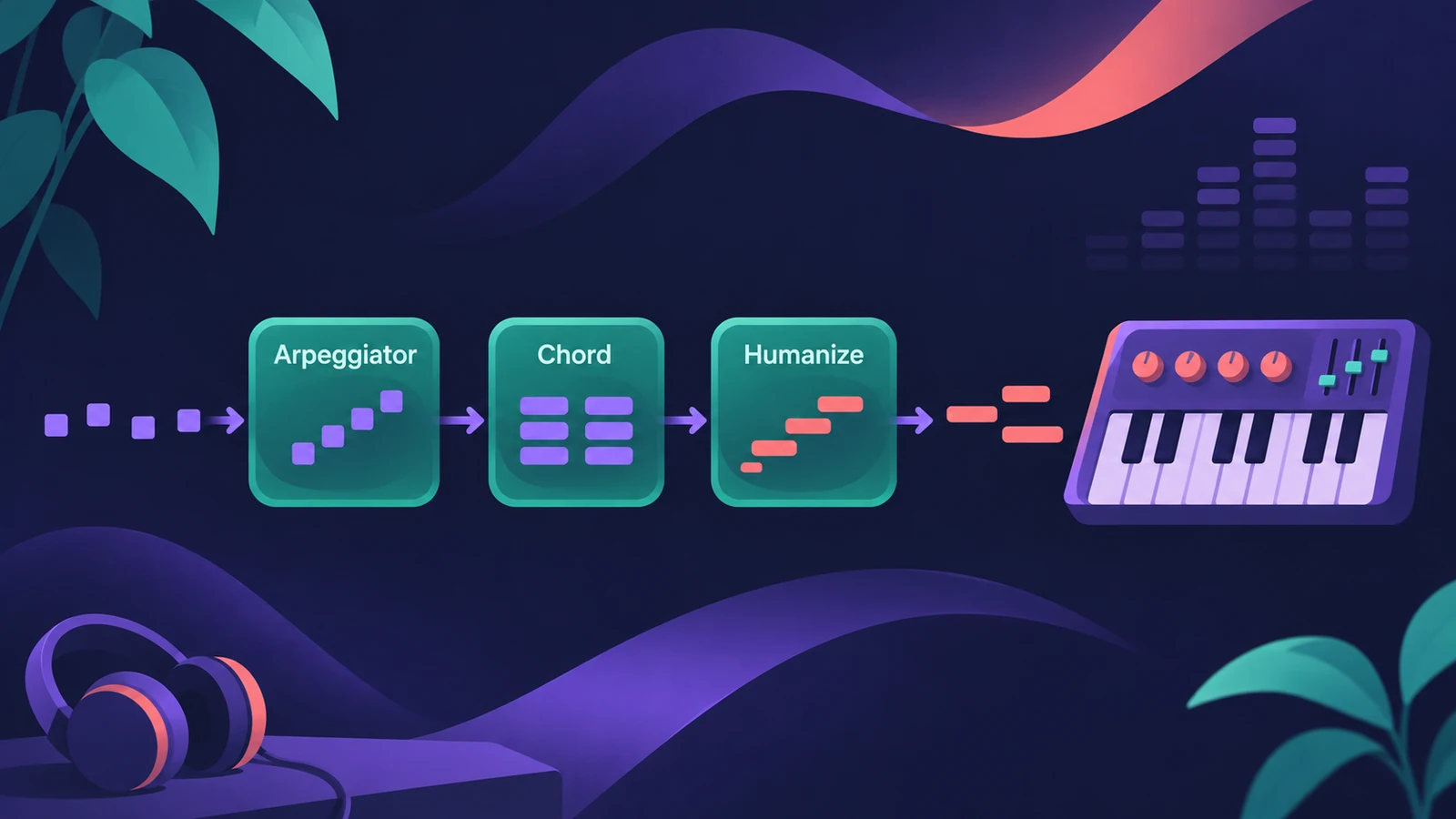
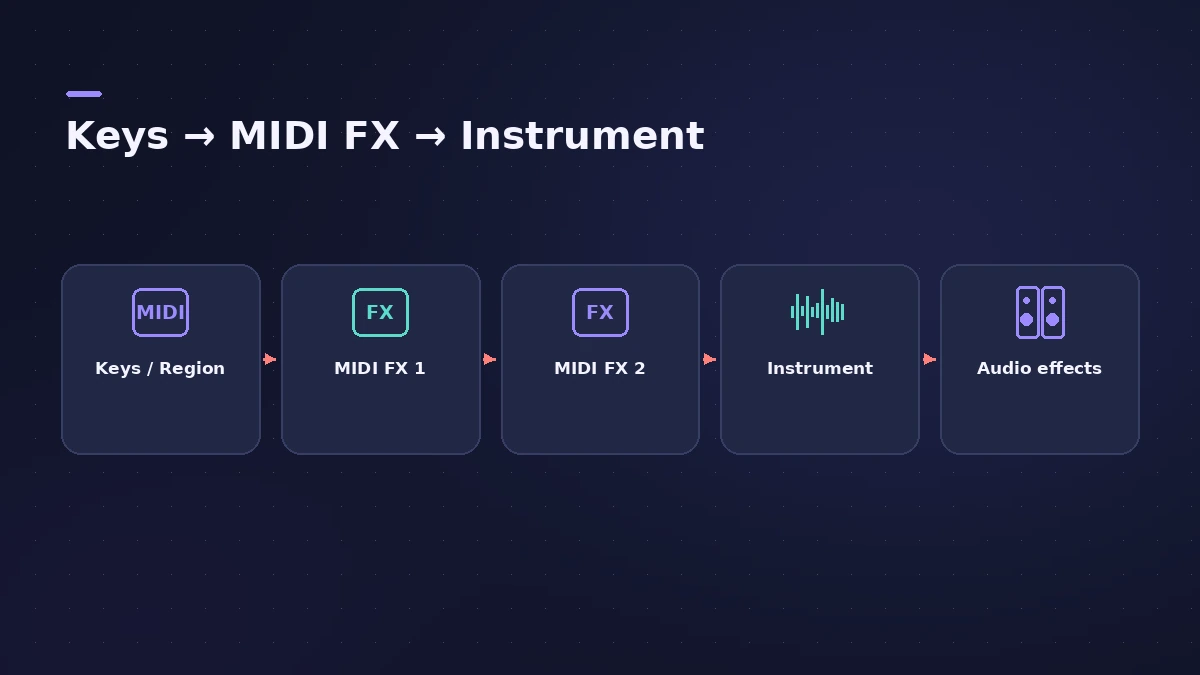
MIDI plug-ins change MIDI before it reaches an instrument. They sit in the MIDI FX slots of a software instrument channel strip and process notes from a region or your keyboard in real time — turning one key into a chord, repeating notes, randomizing velocity or running your own scripts.
 Owen Hartley
The MIDI plug-ins
| Plug-in | What it does |
|---|---|
| Arpeggiator | Turns held notes into arpeggios |
| Chord Trigger | Plays a chord from a single key |
| Modifier | Changes incoming MIDI events |
| Modulator | Generates modulation from LFOs and envelopes |
| Note Repeater | Repeats incoming notes |
| Randomizer | Randomizes values such as velocity, notes or pitch bend |
| Scripter | Runs JavaScript MIDI processors |
| Transposer | Transposes incoming notes |
| Velocity Processor | Changes note velocities |
How they work
The output of a MIDI plug-in is ordinary MIDI — notes and controllers — so you can record it to a track when you want to keep the result. Chord Trigger has trigger range sliders, so only some keys play chords and the rest play single notes.
MIDI FX or the Chord track
Chord Trigger maps fixed chords to keys. If you want parts that follow your song's progression, use the Chord track with the Session Players instead.
Sources
- Apple — Logic Pro X 10.2 Effects Help: MIDI plug-ins (old)
- Apple — Logic Pro for iPad User Guide: MIDI plug-ins
- Apple — MainStage User Guide: Use MIDI plug-ins
- The GarageBand Guide — Logic Pro for iPad MIDI FX explained
- Sound On Sound — Arp Nouveau: Logic Pro X's Arpeggiator (Dec 2013)
Checked November 2026. Logic ProFiles is independent of Apple; menu names can differ slightly between Logic Pro versions.
Frequently asked questions
Where do MIDI plug-ins go in Logic Pro?
+
In the MIDI FX slots of a software instrument channel strip, before the instrument. They run in series.
How do I play a chord with one key?
+
Use Chord Trigger: click Learn, play the chord, and assign it to a key.
What is Scripter?
+
A MIDI plug-in that runs JavaScript, so you can use Apple's scripts or write your own MIDI processors.
Related
- Stuck MIDI notes in Logic ProA note keeps sounding after you let go? Stop hanging notes in Logic Pro with a double Stop, the Panic key command, a pedal check and a settings reset.
- Chord Trigger in Logic ProPlay chords from single keys with Logic Pro's Chord Trigger: choose Single or Multi mode, set the trigger range, use Learn to assign chords and transpose them.
- Scripter in Logic ProUse Logic Pro's Scripter MIDI plug-in: load factory scripts like Guitar Strummer, open the Script Editor and learn from Tutorial scripts in JavaScript.
- Note Repeater in Logic ProCreate MIDI echoes, rolls and stutters with Logic Pro's Note Repeater: sync Delay to tempo, set Repeats, ramp velocity and transpose each repeat.
- Velocity Processor in Logic ProEven out or exaggerate playing with Logic Pro's Velocity Processor: Compress/Expand, Value/Range limiting, Add/Scale, and note range for drum or keyboard parts.
- Modulator MIDI plug-in in Logic ProAdd movement with Logic Pro's Modulator MIDI plug-in: a synced LFO and an envelope sent to MIDI CC, pitch bend or any plug-in parameter in the strip.
- The Logic Pro MIDI Environment explainedThe MIDI Environment is Logic Pro's virtual MIDI studio: input, instrument, fader and processor objects joined by cables, in layers. How to open it.
- Arpeggiator in Logic ProTurn chords into arpeggios with Logic Pro's Arpeggiator MIDI plug-in: set note order, rate and octaves, use Latch, build a 16-step grid and record the output.
- The Chord track in Logic ProWhat the Chord track does in Logic Pro: which players and tools follow it — Session Players, Step Sequencer, Play Surface — and how Chord ID fills it for you.
- Live Loops in Logic ProUse Live Loops in Logic Pro: start a grid, drag in loops and regions, trigger cells and scenes in time, then record the performance to the Tracks area.
- Play Surface in Logic Pro 13Play notes, chords and drums on your Mac with the Play Surface in Logic Pro 13: Command-K, Chord Strips that follow the Chord track, pads, musical typing.