Instruments
Play Surface in Logic Pro 13
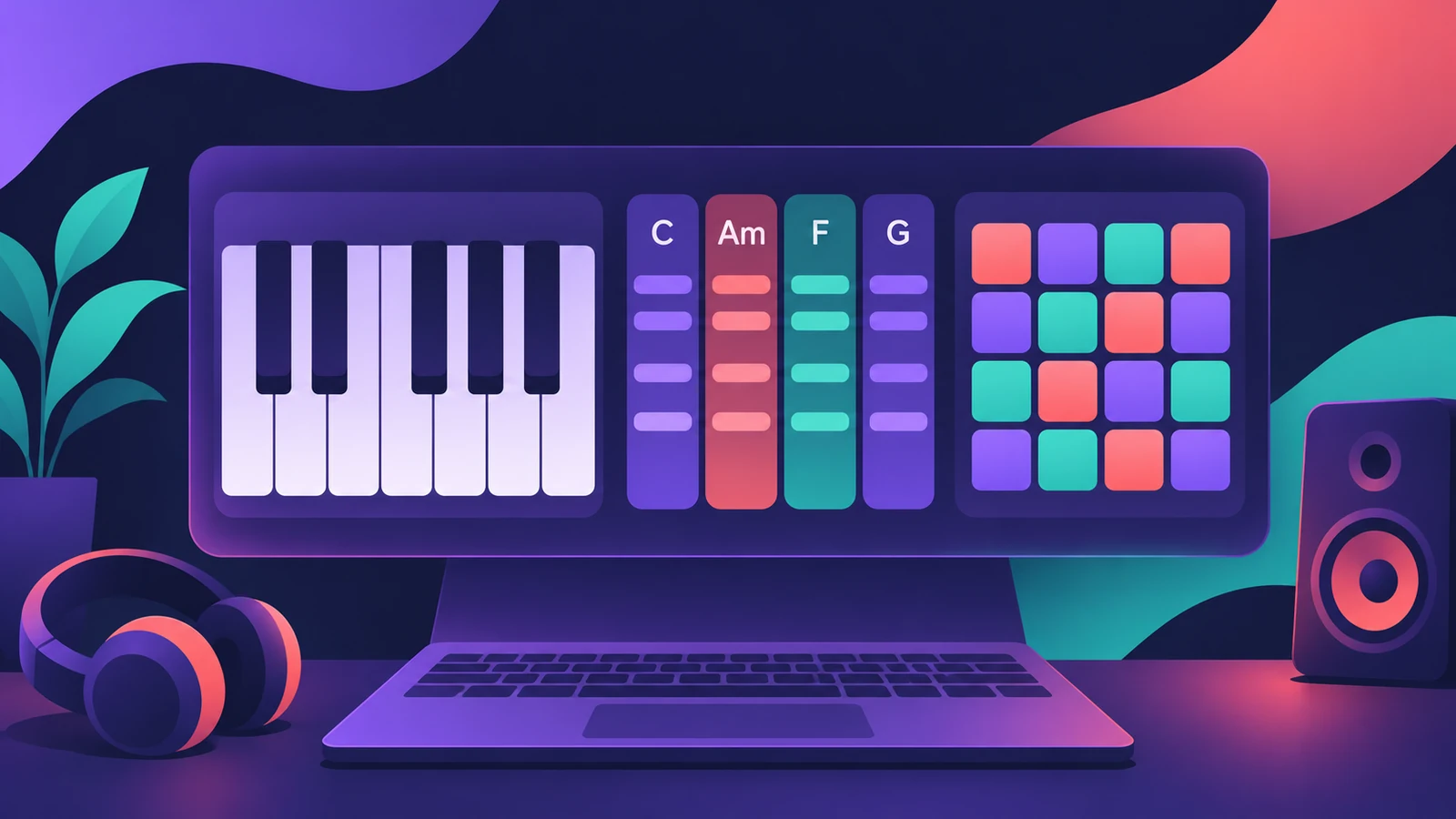
The Play Surface, new in Logic Pro 13, is an on-screen instrument for playing without a MIDI keyboard. It has a piano keyboard, Chord Strips that follow your key or Chord track, and a drum pad grid, and you can open up to four Play Surface windows at once.
 Owen Hartley
Where to find it
Command-K with a software instrument track selected
What's on the Play Surface
| Part | What it does |
|---|---|
| Keyboard | Plays notes, with Poly Pitch |
| Chord Strips | Chords that follow the key or the Chord track |
| Drum pad grid | Pads for beats, with note repeat |
| Windows | Up to four Play Surface windows |
| Multi-Touch | On supported Macs |
Musical typing keys
| Keys | Action |
|---|---|
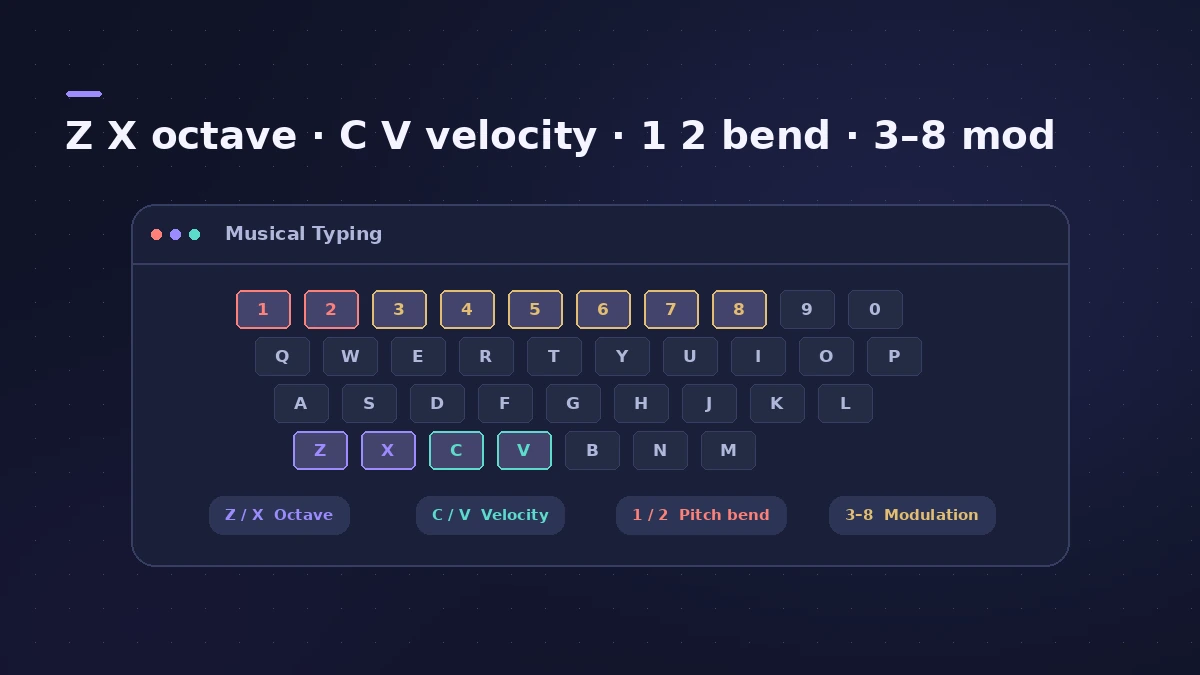
| Z / X | Octave down / up |
| C / V | Velocity down / up |
| 1 / 2 | Pitch bend |
| 3–8 | Modulation |
More Logic Pro 13 keys are on the shortcuts page.
Step by step
-
1
Open the Play Surface
Select a software instrument track and press Command-K.
-
2
Pick a layout
Use the keyboard for melodies, Chord Strips for chords, or the drum pad grid for beats.
-
3
Set up Chord Strips
Let the strips follow the project key or the Chord track, in a circle of fifths or chromatic layout.
-
4
Play from your Mac keyboard
With musical typing, Z and X change octave, C and V change velocity, 1 and 2 bend pitch, and 3 to 8 set modulation.
-
5
Record
Record what you play like any MIDI performance; resize the window or open more windows for other tracks.
Common mistakes
- Looking for the Play Surface in Logic Pro 12 — it's new in Logic Pro 13.
- Leaving Chord Strips on the key when the song's chords are already on the Chord track.
- Forgetting Multi-Touch only works on supported Macs.
Play Surface on iPad and touch
On supported Macs the Play Surface responds to Multi-Touch, and you can use an iPad as a touch surface through Sidecar. For a hardware controller, see recording MIDI.
Sources
- Apple Support — Logic Pro for Mac release notes
- Production Expert — Logic Pro 13 splits drum stems into kit pieces (Nov 2026)
- CDM — Logic Pro 13 hands-on (Nov 2026)
Checked November 2026. Logic ProFiles is independent of Apple; menu names can differ slightly between Logic Pro versions.
Frequently asked questions
How do I open the Play Surface in Logic Pro 13?
+
Press Command-K with a software instrument track selected.
Can the Play Surface play chords?
+
Yes. Chord Strips play chords that follow the key or the Chord track.
Can I play drums on the Play Surface?
+
Yes. It has a drum pad grid, with note repeat for rolls.
Related
- Logic Remote — control Logic Pro from an iPad or iPhoneLogic Remote is Apple's free app that turns an iPad or iPhone into a Logic Pro mixer, transport and Touch Instrument. Connect over Wi-Fi or USB in a few taps.
- Use an iPad with Logic Pro 13 through SidecarUse an iPad as a touch screen for Logic Pro 13 with Sidecar: plug-in windows resize to fit. Setup, requirements and how it differs from Logic Remote.
- Arpeggiator in Logic ProTurn chords into arpeggios with Logic Pro's Arpeggiator MIDI plug-in: set note order, rate and octaves, use Latch, build a 16-step grid and record the output.
- The Chord track in Logic ProWhat the Chord track does in Logic Pro: which players and tools follow it — Session Players, Step Sequencer, Play Surface — and how Chord ID fills it for you.
- How to record MIDI with a keyboard in Logic ProRecord MIDI from a keyboard in Logic Pro: arm an instrument track, record with a count-in, overdub, replace or take passes in Cycle mode, then quantize.
- What's new in Logic Pro 13Logic Pro 13 (5 Nov 2026): the AI Assistant, a unified Browser with Splice, drum-kit Stem Splitter, Play Surface, Liquid Glass, touch control and more.
- Logic Pro shortcuts — the default key commands worth learningThe Logic Pro key commands worth learning first: transport, recording, windows, editing, tracks and export from Apple's U.S. preset, and how to change them.