Fix Problems
Fix Logic Pro problems — errors, crashes and no sound
Most Logic Pro problems fall into a few groups: the audio engine runs out of CPU or disk speed, the wrong audio device is selected, a third-party plug-in misbehaves, or macOS blocks access to your microphone. Find your symptom below. Each guide follows the order Apple recommends, quickest fixes first.
 Owen Hartley
Find your problem
| What you see | Go to |
|---|---|
| "System Overload" alert, playback stops | System overload |
| "Disk is too slow or System Overload (-10010)" | Disk too slow |
| "... not able to process all required data in time (-10011)" | Error -10011 |
| Nothing plays, meters move or stay flat | No sound |
| Logic Pro quits, freezes or won't open | Crashing |
| You hear yourself late when recording | Latency |
| A plug-in you installed isn't in the menu | Plug-ins not showing |
| "Incompatible Audio Units found" | AU validation failed |
| "Error while trying to synchronize Audio and MIDI" | Audio and MIDI sync error |
| You can't hear your mic or guitar while playing | Input monitoring |
| Record does nothing, regions are empty | Can't record audio |
| Logic Pro can't use the microphone | Microphone access |
| Keys on your controller do nothing | MIDI keyboard |
| Clicks, pops or crackles | Clicks and pops |
| Delay or odd playback with AirPods | Bluetooth headphones |
| "Audio file was not found" | Missing audio files |
| One project won't open | Project won't open |
| Strange behaviour everywhere | Reset settings |
| Recordings sound processed | Mic Mode |
| Metronome on, no click | Metronome not working |
| Audio too fast, slow or out of tune | Audio too fast or slow |
| Bounced file is silent | Silent bounce |
| Interface missing from device menus | Interface not recognized |
| "Not able to complete the download" for sounds | Sound Library download error |
| Loop Browser empty or new loops missing | Apple Loops missing |
| Automation doesn't play back | Automation not playing |
| Recorded take lands early or late | Recording out of sync |
| Stem Splitter or ChromaGlow greyed out | Features missing |
| Logic Pro running in Rosetta | Turn off Rosetta |
| Regions grey and silent | Regions greyed out |
| Can't move or edit regions | Can't edit regions |
| Space bar or shortcuts do nothing | Key commands not working |
| MIDI notes recorded, no sound | MIDI region no sound |
| A note keeps sounding after you let go | Stuck MIDI notes |
| Mic or guitar only in one ear | Recording on one side |
| Recording barely audible | Recording too quiet |
| Harsh, crunchy takes | Recording distorted |
| Sidechain set, nothing ducks | Sidechain not working |
| Bounce doesn't match playback | Bounce sounds different |
| Warbly audio after Flex edits | Flex Time artifacts |
| "Missing file in sampler instrument" | Sampler missing samples |
| Howl or screech when you arm a track | Feedback when recording |
| Tempo jumps after an import | Tempo keeps changing |
| Logic Pro for iPad won't open or play | iPad not working |
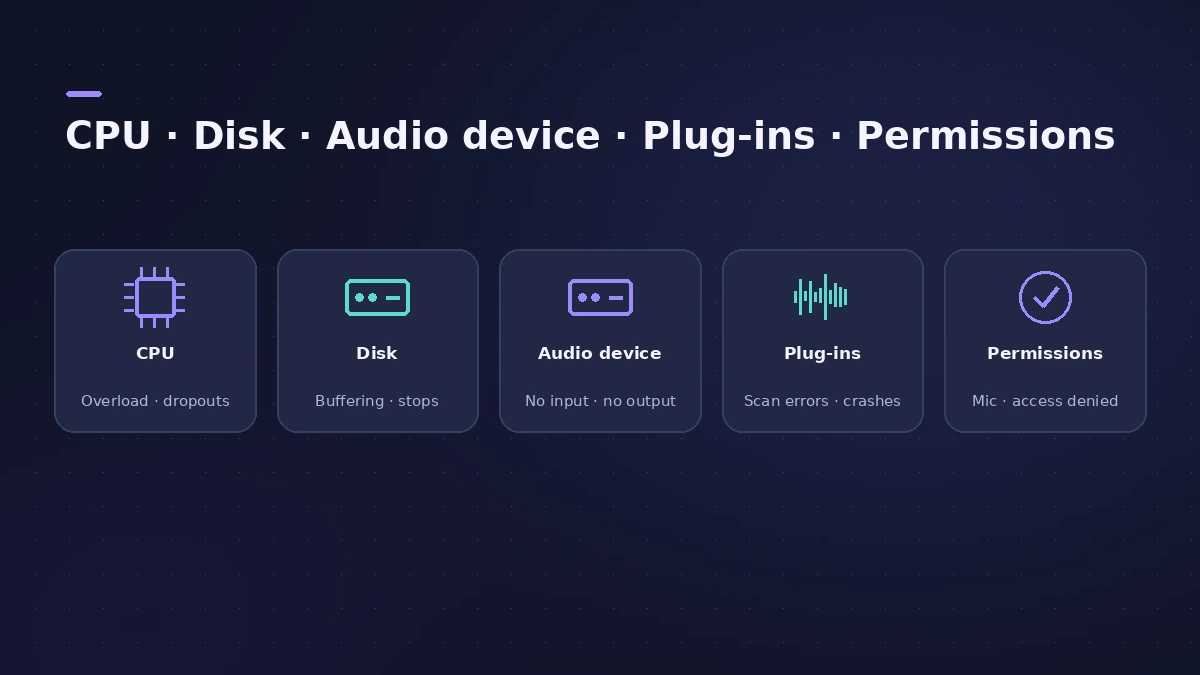
Three checks before any fix
- Restart and update. Apple's troubleshooting article starts with a restart, then an update from the App Store. The Logic Pro 13 release notes list many fixes for unexpected quits.
- Unplug what you can. Disconnect external devices one at a time and switch to the Mac's built-in audio. If the problem disappears, the device or its driver is the cause.
- Back up first. Apple asks you to back up Logic Pro and your projects before you reset settings or reinstall.
If your Mac is older, check system requirements — Apple lists some Logic Pro 13 features as Apple silicon only.
All troubleshooting guides
-
 Logic Pro system overload — how to find the cause and fix itLogic Pro says System Overload? Use the Performance Meter to see if CPU or disk is the cause, then fix it with the buffer, freezing and Sampler settings.
-
 No sound in Logic Pro — 10 fixes, quickest firstNo sound in Logic Pro? Check the output device, Core Audio, mute and solo, the metronome and plug-ins, then test built-in audio to rule out the interface.
-
 Logic Pro keeps crashing or won't open — 14 fixesLogic Pro crashing, quitting or stuck on launch? Follow Apple's order: restart, update, isolate plug-ins with startup keys, reset settings, reinstall.
-
 Logic Pro latency — how to fix delay when recordingHearing a delay when you record in Logic Pro? Lower the I/O buffer, turn on Low Latency Monitoring Mode, use direct monitoring and avoid Bluetooth headphones.
-
 Plug-ins not showing in Logic Pro — how to make them appearInstalled a plug-in but Logic Pro doesn't list it? Check it's an Audio Unit in the Components folder, then rescan in the Plug-in Manager or reset the AU cache.
-
 "Disk is too slow or System Overload (-10010)" in Logic ProLogic Pro says Disk is too slow or System Overload (-10010)? Check the Drive I/O meter, move projects and samples to a fast SSD and tune Sampler Virtual Memory.
-
 Logic Pro error -10011 — what it means and how to fix itFix Logic Pro error -10011, when the audio engine can't process all required data in time. Raise the buffer, freeze tracks and cut CPU load step by step.
-
 "Error while trying to synchronize Audio and MIDI" in Logic ProLogic Pro shows Error while trying to synchronize Audio and MIDI? Match sample rates, use one clock source, raise the buffer and check sync settings. 9 fixes.
-
 Audio Unit failed validation in Logic Pro — how to fix itA plug-in failed Audio Unit validation in Logic Pro? Rescan it in the Plug-in Manager, update or authorise it, clear the AU cache and check Rosetta.
-
 Input monitoring not working in Logic Pro — 8 fixesCan't hear yourself in Logic Pro? Check Software Monitoring, the track's Input Monitoring button, the focused-track setting and direct monitoring.
-
 Logic Pro not recording audio — 9 fixes to tryLogic Pro won't record audio from your mic or interface? Check microphone access, the input device, record-enable state, unique inputs and the recording format.
-
 How to allow Logic Pro microphone access on MacLogic Pro can't hear your mic? Turn on its switch in System Settings > Privacy & Security > Microphone, or use Allow Access in Logic Pro's settings.
-
 MIDI keyboard not working in Logic Pro — 9 fixesLogic Pro not responding to your MIDI keyboard? Check USB and drivers, rescan in Audio MIDI Setup, reset all MIDI drivers and arm a software instrument track.
-
 Clicks, pops and crackles in Logic ProHearing clicks, pops or crackles in Logic Pro? Raise the I/O buffer, check Multithreading, find the busy track and know when the noise is in the file.
-
 AirPods and Bluetooth headphones in Logic ProUsing AirPods or Bluetooth headphones with Logic Pro? Why there's a delay you can't fix, why playback can change speed, and what to use instead for recording.
-
 "Audio file not found" in Logic ProLogic Pro says an audio file wasn't found in its expected location? Use Search or Locate, check moved folders and drives, clean the Project Audio list.
-
 Logic Pro project won't openA Logic Pro project won't open or says it's damaged? Open it without plug-ins, import its tracks into a new project, use Revert To or Project Backups.
-
 How to reset Logic Pro settingsReset Logic Pro settings to fix odd behaviour: use Reset All Settings Except Key Commands, then reset the plist file or the control surfaces file if needed.
-
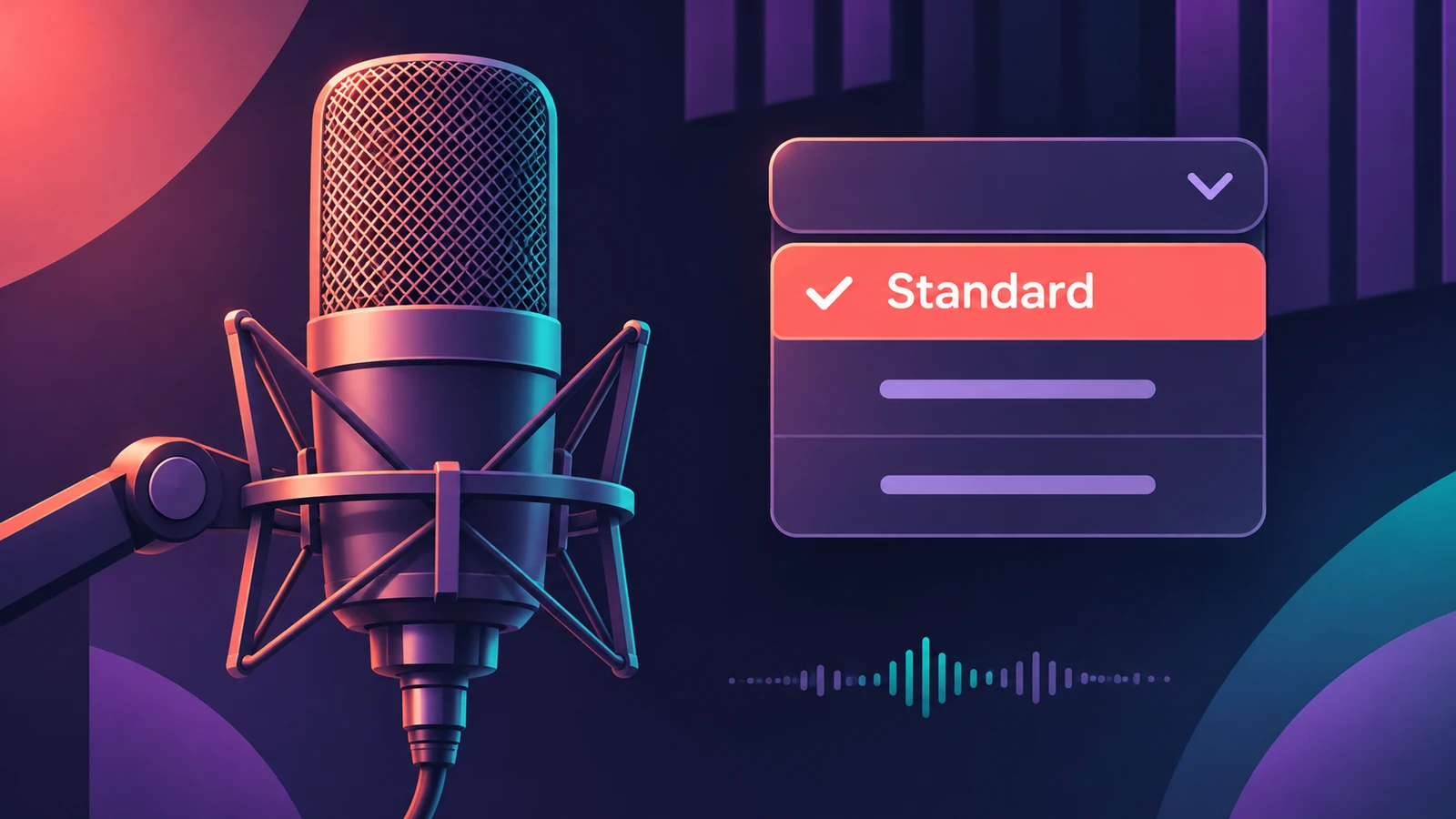 Recordings sound processed? Check Mic ModeIf recordings in Logic Pro sound thin, processed or noise-gated, macOS Mic Mode may be changing the input. Set Mic Mode to Standard in the menu bar.
-
 Logic Pro metronome not workingMetronome on but no click in Logic Pro? Check Click while playing and recording, the Audio Click source, the hidden Click channel strip and its output.
-
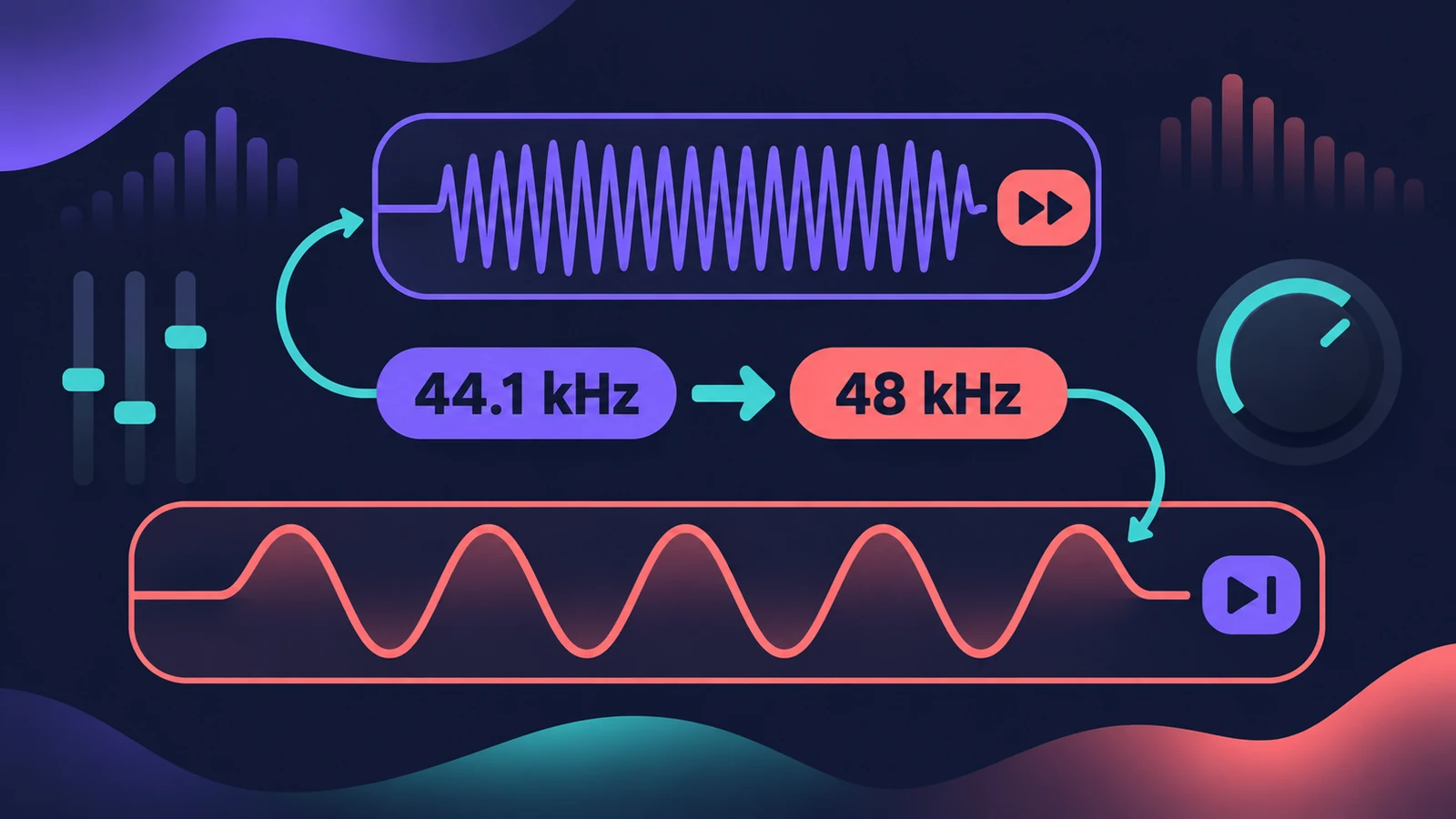 Audio plays too fast or too slow in Logic ProAudio plays too fast, too slow or at the wrong pitch in Logic Pro? The file's sample rate doesn't match the project. Match the rate or convert the audio files.
-
 Logic Pro bounce is silent or missing tracksBounced or exported file silent or missing parts in Logic Pro? Check track outputs, muted tracks, input monitoring on exported tracks and the command.
-
 Audio interface not showing in Logic ProAudio interface missing from Logic Pro's device menu? Check System Information and Audio MIDI Setup, install the driver, test built-in audio.
-
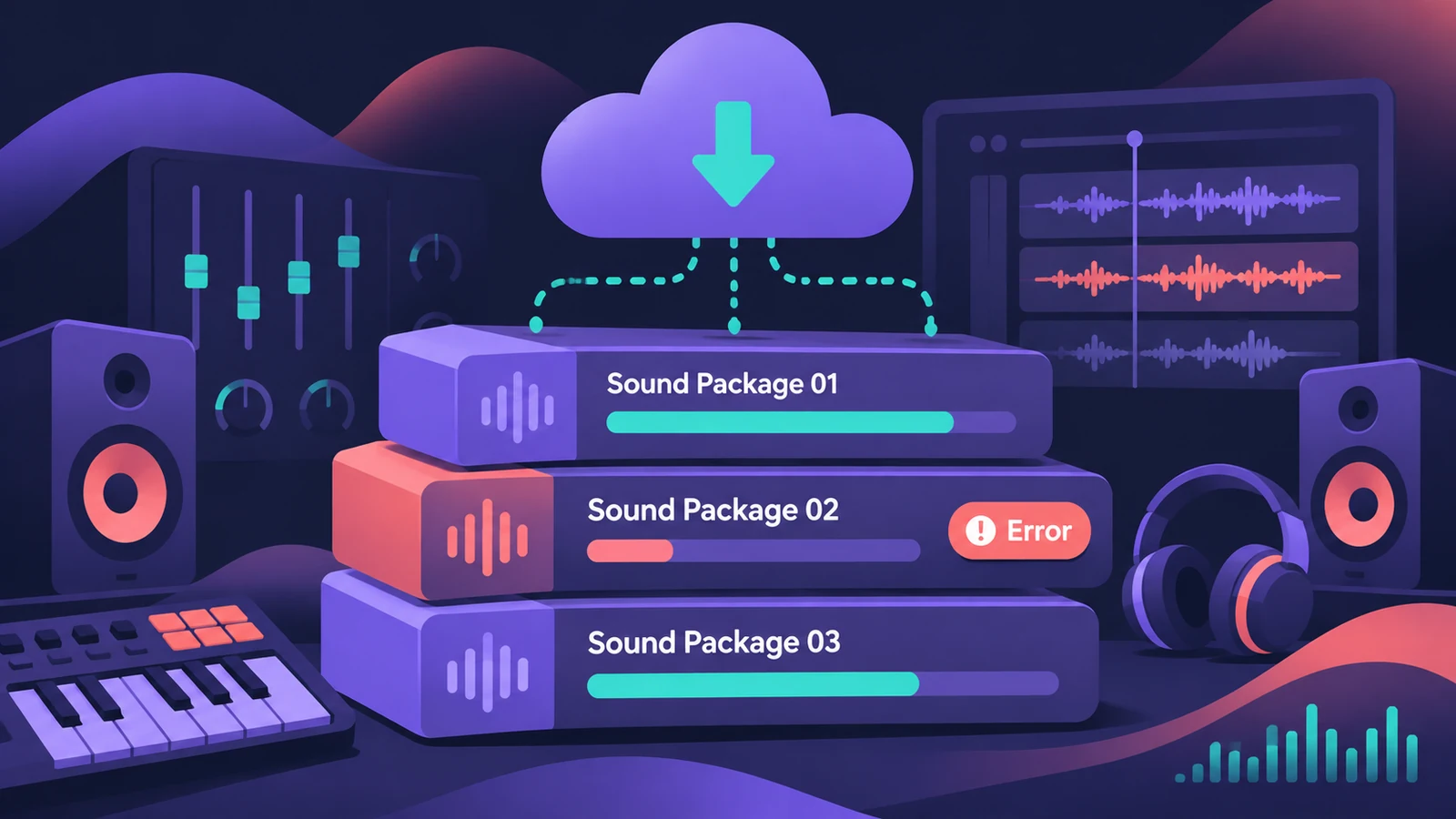 Sound Library won't download in Logic ProLogic Pro says it was not able to complete the download of sounds? Check free space, install packages one by one in the Sound Library Manager, update Logic Pro.
-
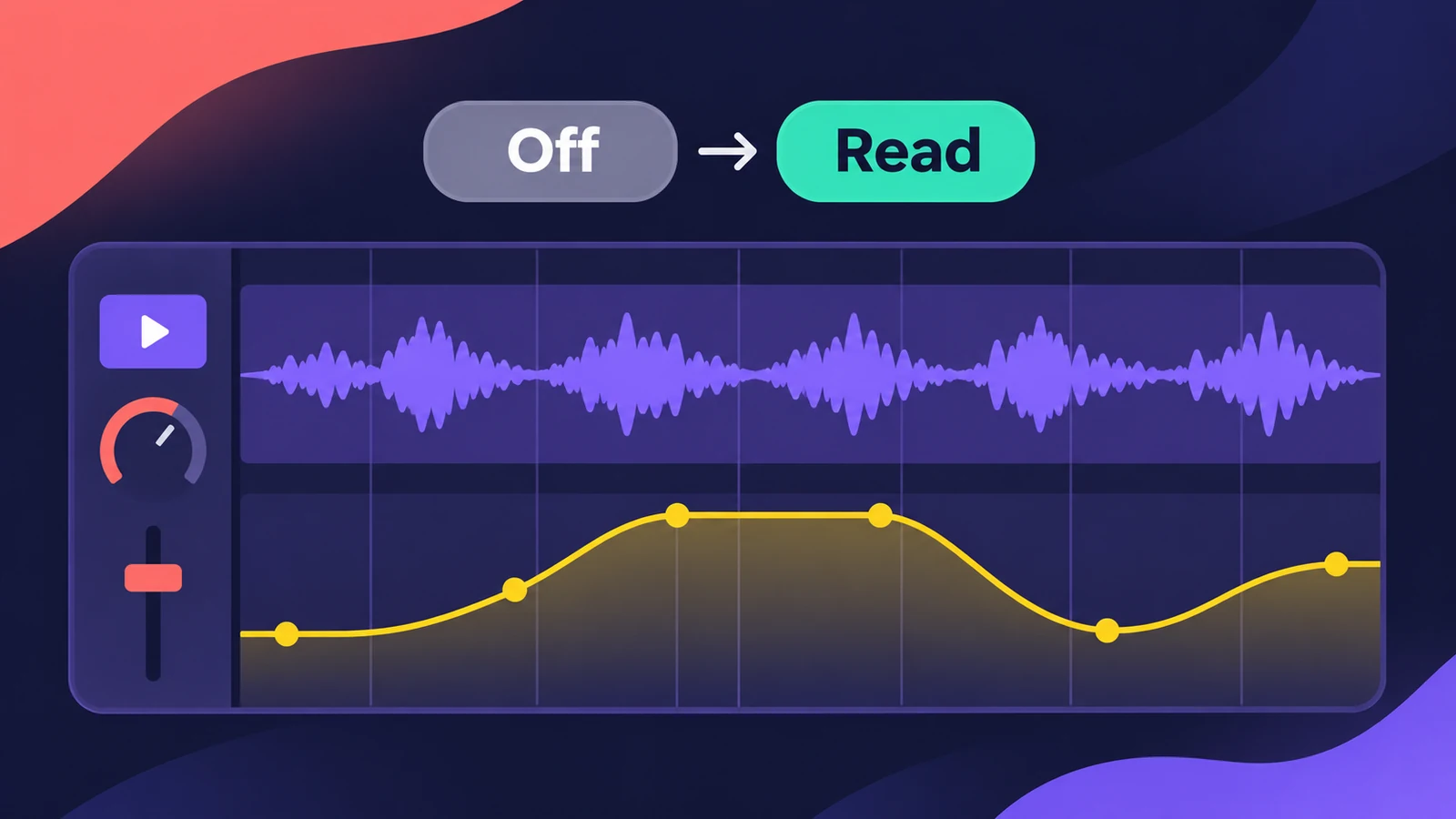 Logic Pro automation not playing backAutomation not playing back in Logic Pro? The track is probably in Off mode. Switch it to Read, check the parameter shown, and avoid Write overwriting moves.
-
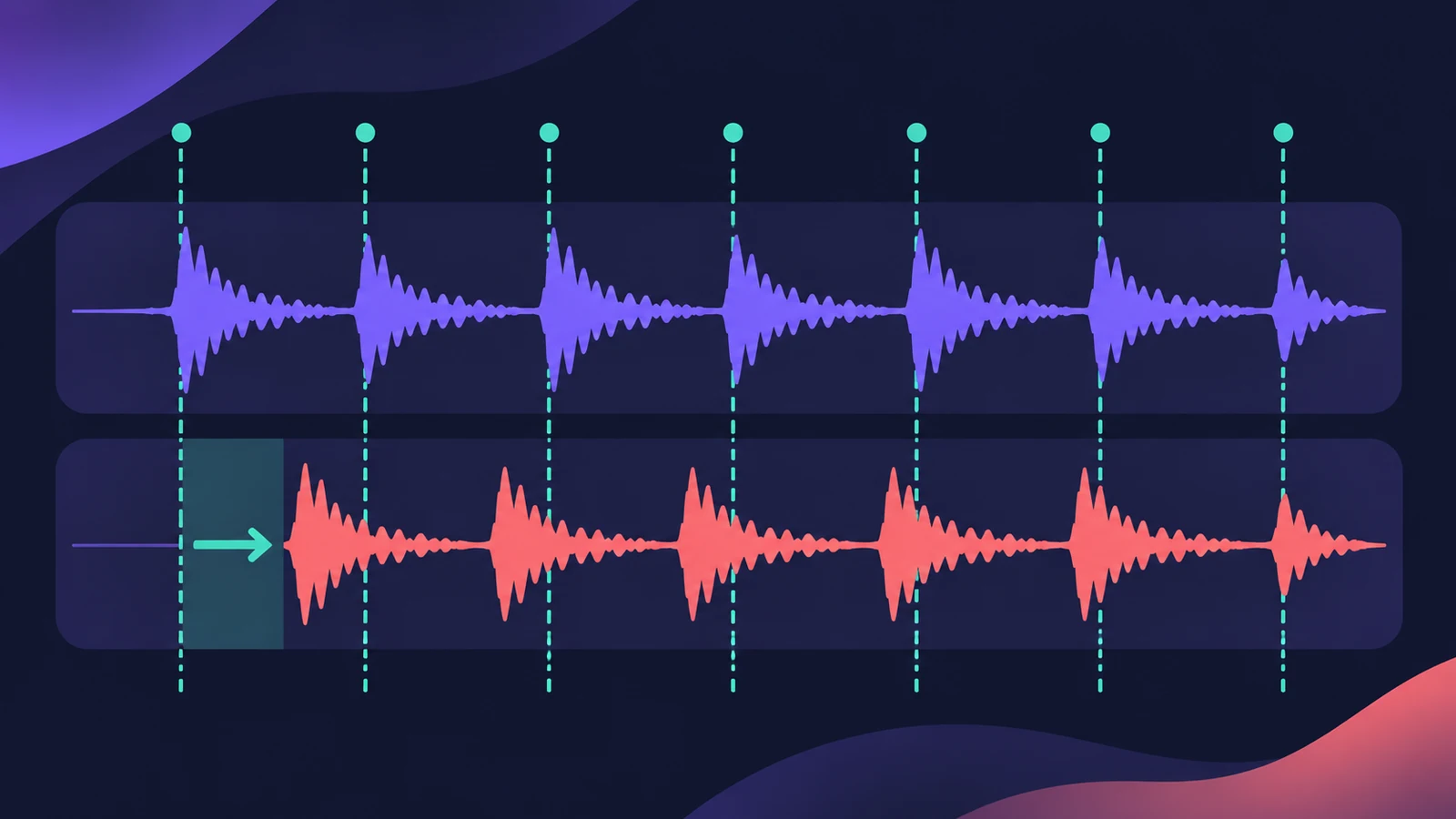 Recorded audio out of sync in Logic ProRecorded audio lands early or late in Logic Pro? Reset the Recording Delay slider to zero, try Low Latency Mode and measure the offset with a loopback test.
-
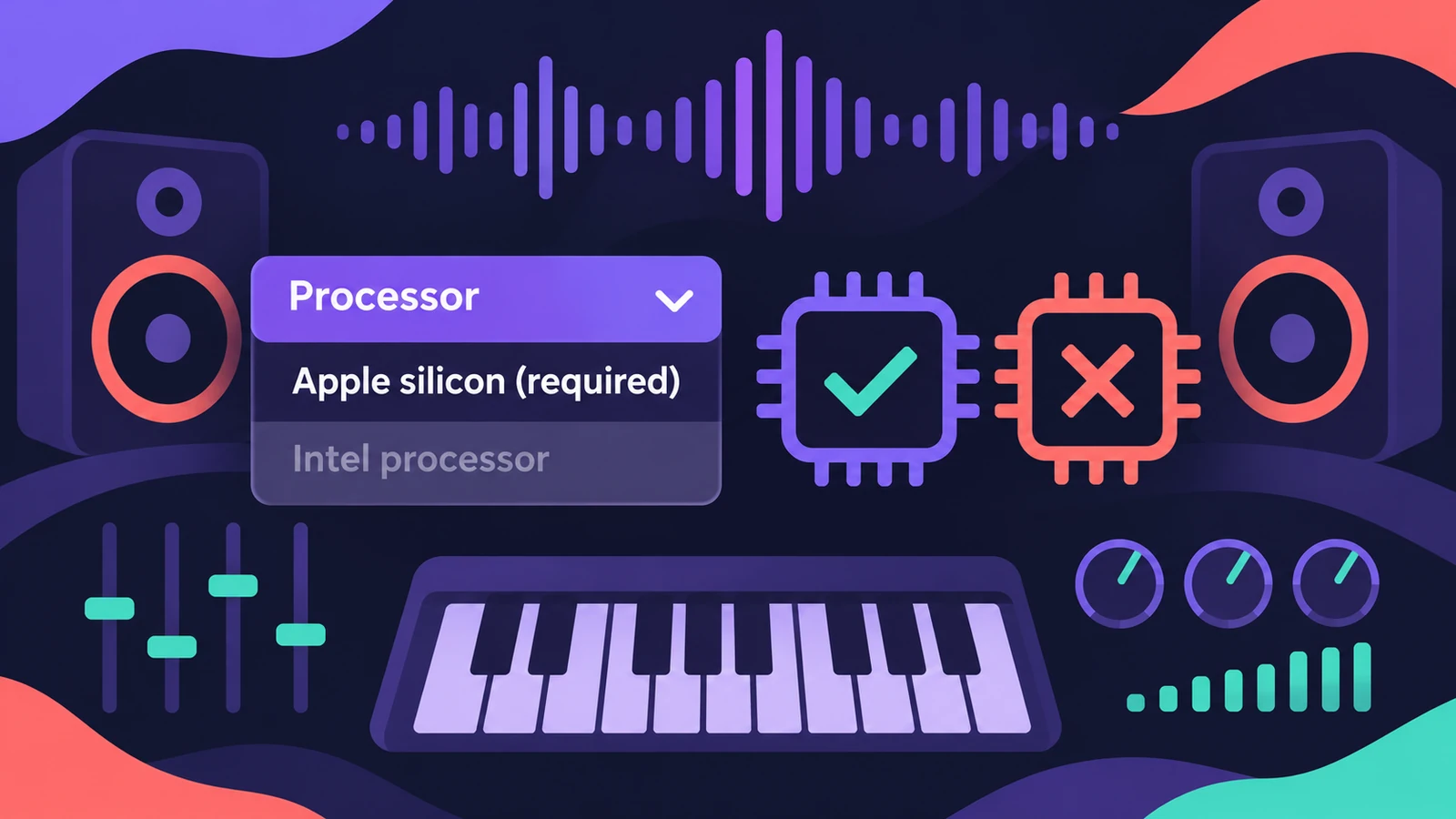 Stem Splitter or ChromaGlow missing in Logic ProCan't find Stem Splitter or ChromaGlow, or Mastering Assistant styles are greyed out? They need Apple silicon and don't work in Rosetta. Check your Mac.
-
 Turn off Rosetta for Logic ProRunning Logic Pro in Rosetta hides Stem Splitter, ChromaGlow and most Mastering Assistant styles. How to turn Rosetta off, and the one case where you'd keep it.
-
 Apple Loops missing from the Loop BrowserApple Loops not showing in the Logic Pro Loop Browser? Reindex All Loops, check the loops are installed, and give your own loops a descriptor so they appear.
-
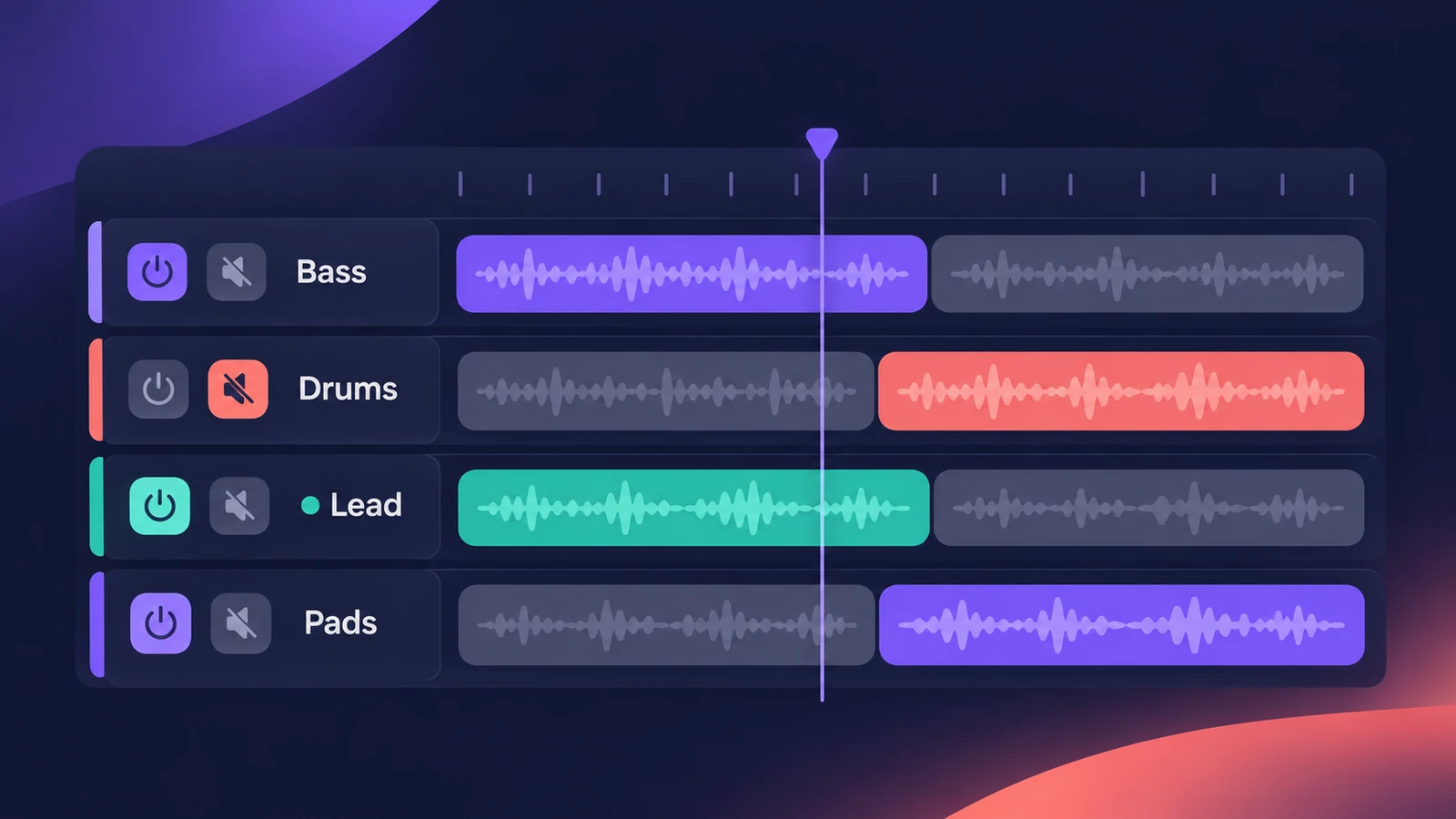 Regions greyed out and not playingRegions greyed out and silent in Logic Pro? Read the grey: a coloured name means track mute or solo, a dot means region mute, all grey means the track is off.
-
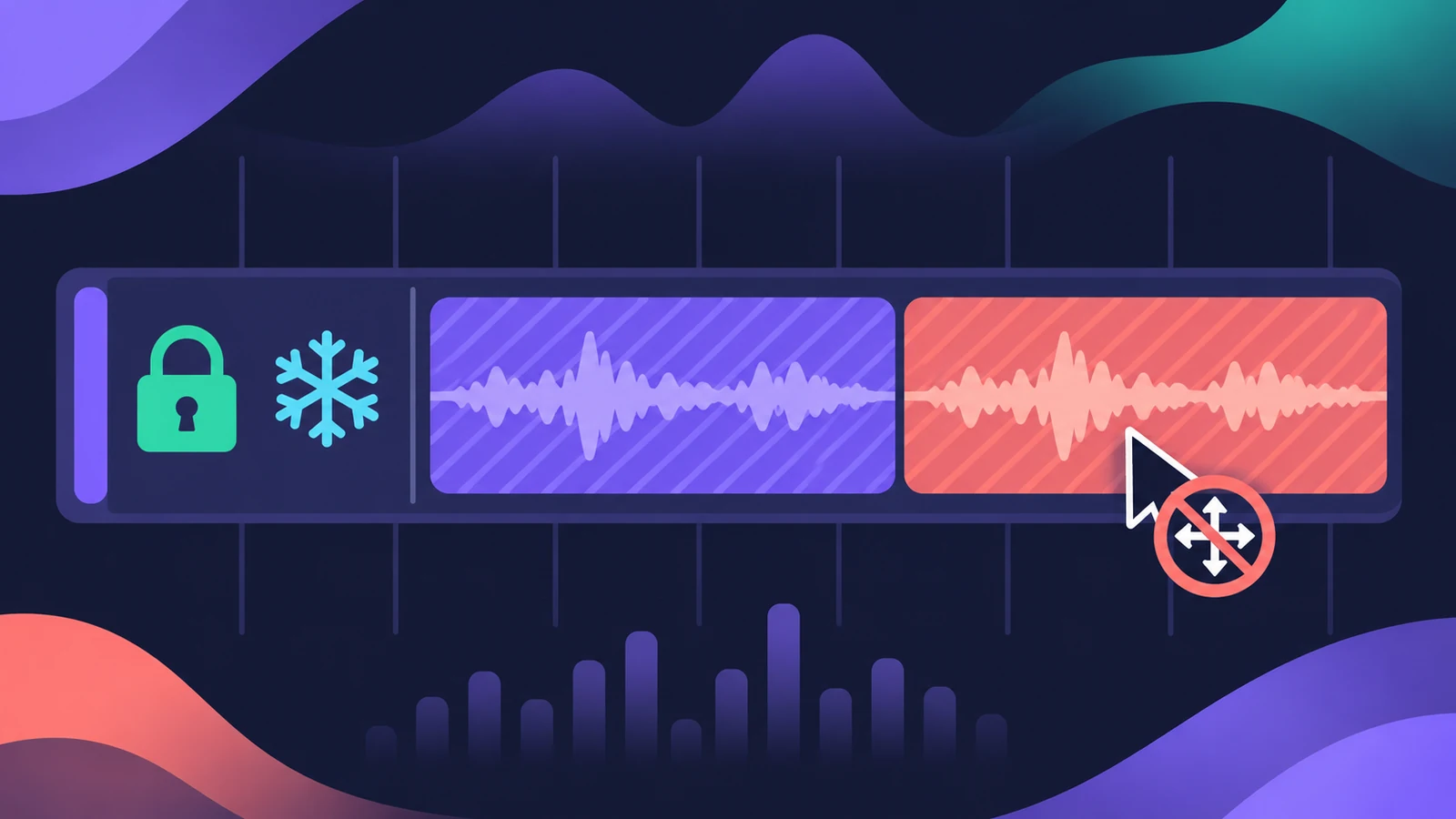 Can't edit or move regions in Logic ProCan't move, edit or record on a Logic Pro track? It's probably protected (green lock) or frozen. Show Protect and Freeze in the track header and turn them off.
-
 Logic Pro key commands not workingSpace bar or shortcuts stopped working in Logic Pro? Reload a default key command preset, check key focus, and look for control surface or macOS conflicts.
-
 MIDI region not playing in Logic ProRecorded MIDI plays nothing in Logic Pro? Check the region isn't muted, the track is on, nothing is soloed, and start playback before the note, not mid-note.
-
 Stuck MIDI notes in Logic ProA note keeps sounding after you let go? Stop hanging notes in Logic Pro with a double Stop, the Panic key command, a pedal check and a settings reset.
-
 Logic Pro recording only on one sideMic or guitar only in the left ear in Logic Pro? Set the track to mono with the right input, or play one side of an old stereo take with Left format.
-
 Logic Pro recording too quietVocals or guitar recording too quietly in Logic Pro? Raise interface gain, check the input device and track input, phantom power and Mic Mode.
-
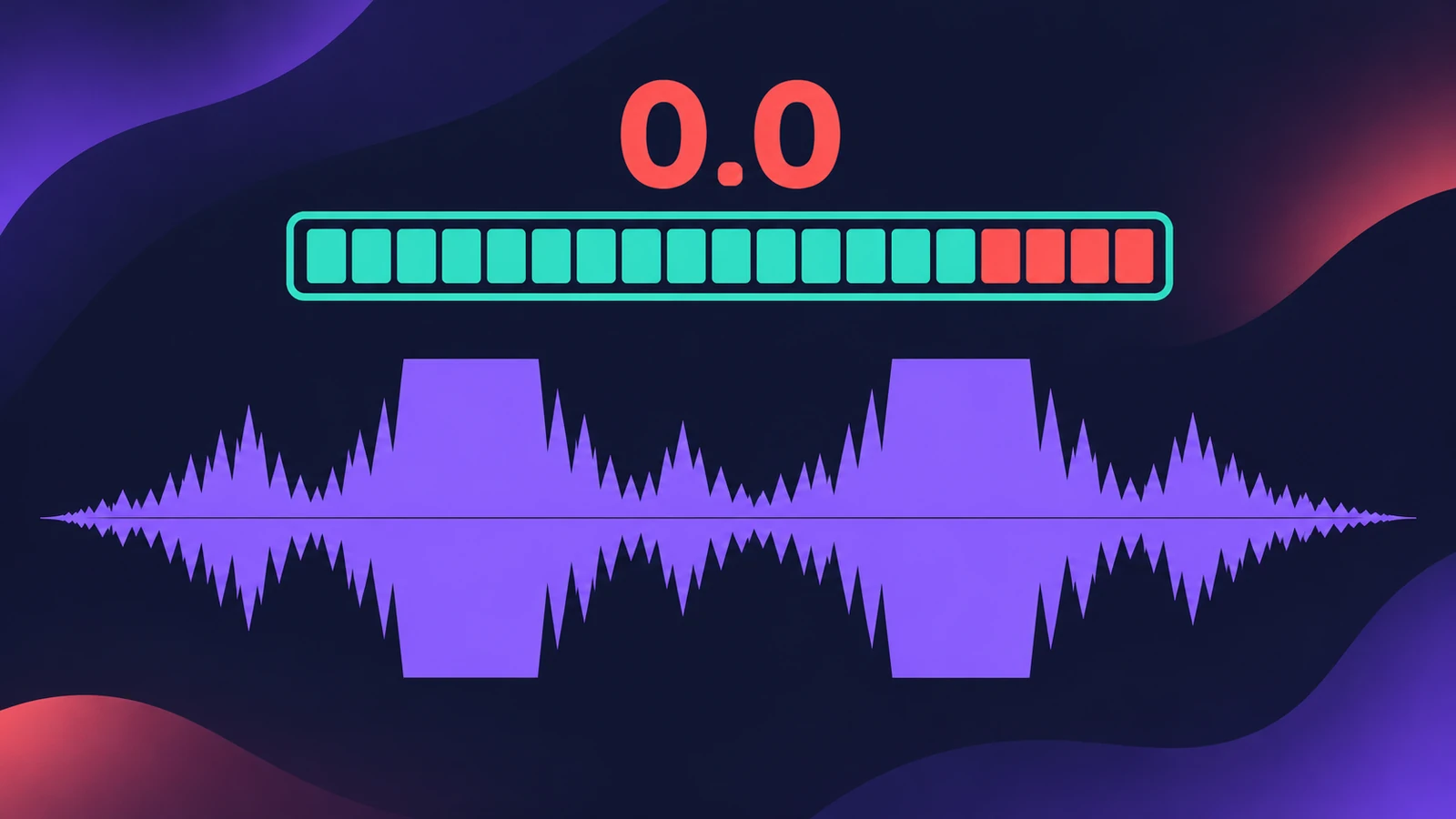 Logic Pro recording distortedVocals or guitar sound harsh and distorted in Logic Pro? Lower interface gain until peaks stay out of the red, and keep the master below 0 dB.
-
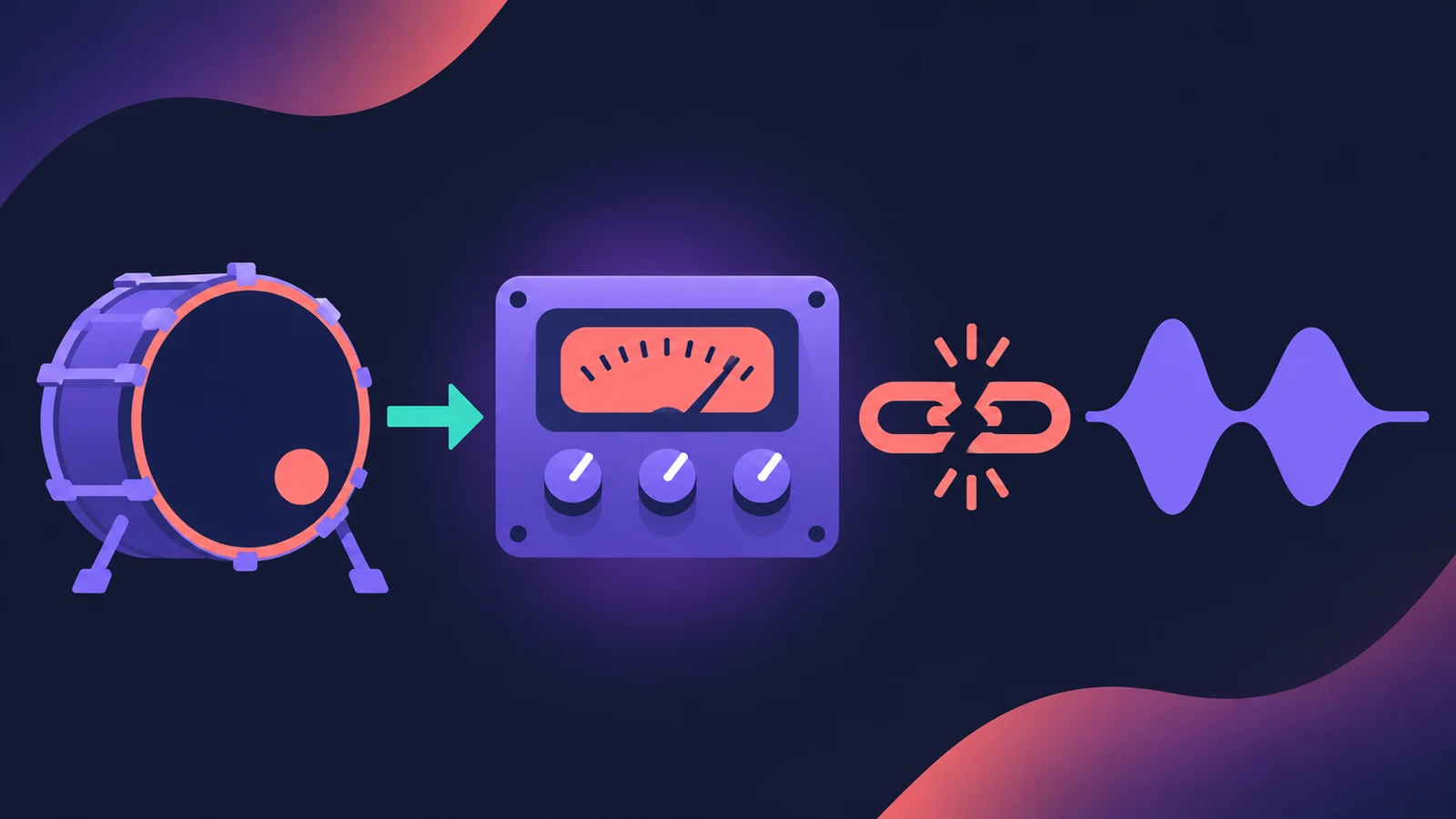 Logic Pro sidechain not workingSidechain set but nothing ducks in Logic Pro? Pick the source in the plug-in's Side Chain menu, lower Threshold, check the source and plug-in support.
-
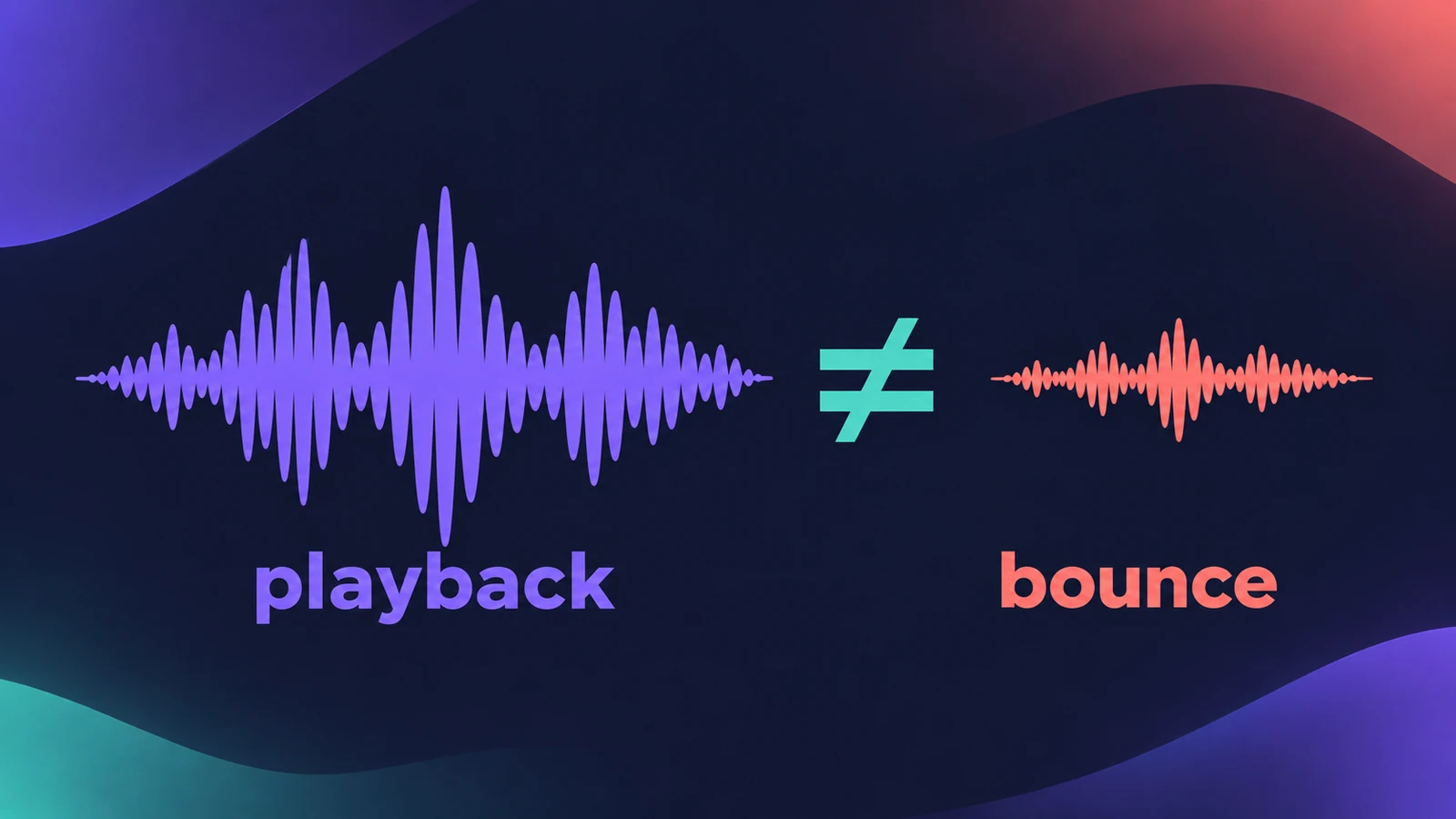 Logic Pro bounce sounds different from playbackBounce quieter, distorted or different from playback in Logic Pro? Check Normalize, monitoring plug-ins on the output, master clipping and real-time bounce.
-
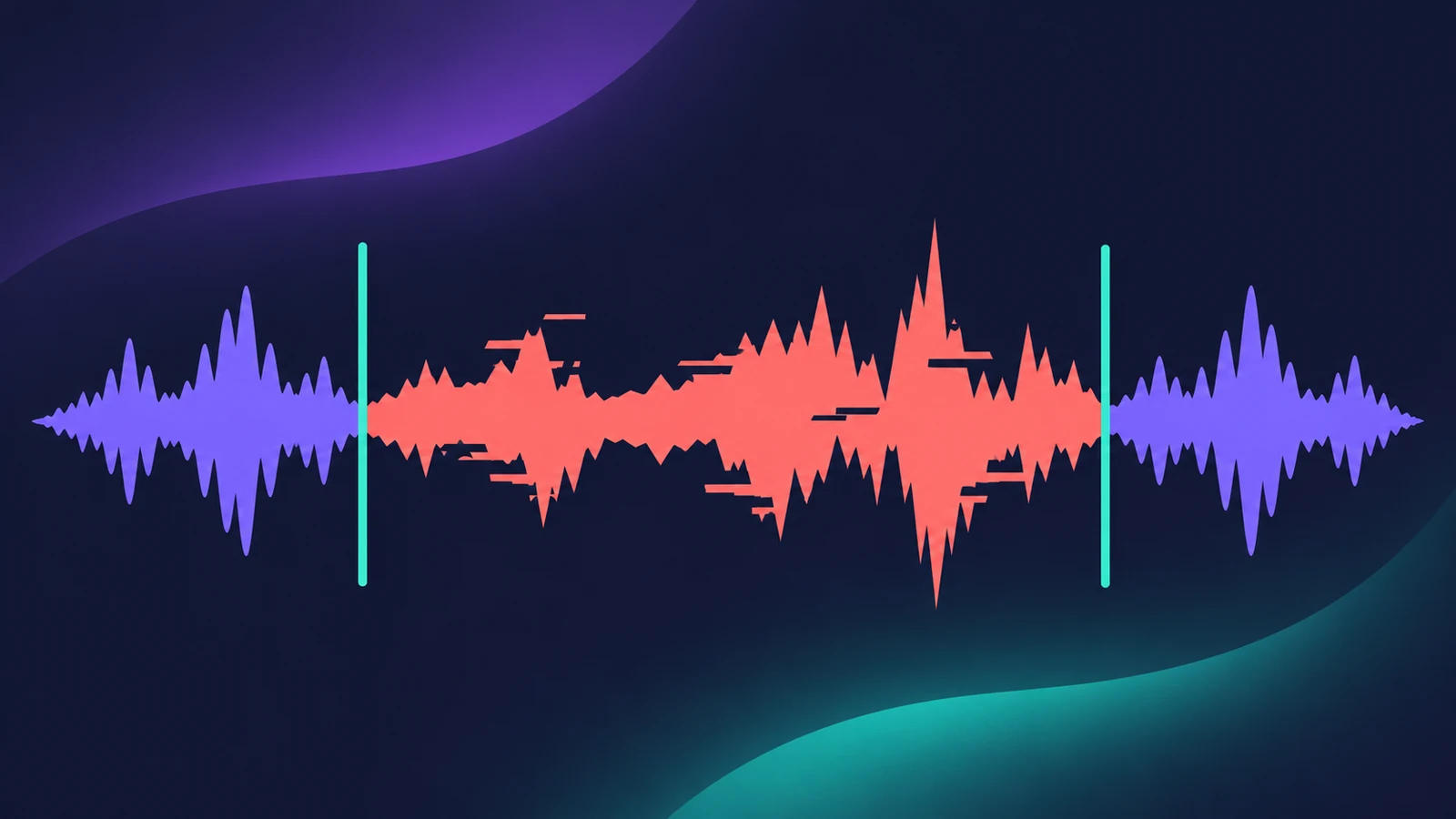 Flex Time artifacts in Logic ProFlex Time making audio warbly or glitchy in Logic Pro? Match the algorithm to the material, use Percussive and Complex, and fix transient markers.
-
 Logic Pro Sampler missing samplesSampler or old EXS instruments say samples are missing in Logic Pro? Reconnect drives, keep samples in Audio Music Apps and reinstall sound packs.
-
 Feedback when recording in Logic ProScreeching or howling when you record in Logic Pro? Use headphones, turn monitoring off on speakers, avoid built-in mic and speakers, check loopback.
-
 Logic Pro tempo keeps changingProject tempo jumps when you import audio or MIDI in Logic Pro? Set Smart Tempo to Keep Project Tempo, change the import setting, delete tempo points.
Sources
- Apple — If Logic Pro for Mac isn't working (Feb 2026)
- Apple — Avoid system overloads in Logic Pro for Mac (May 2026)
- Apple — Manage input monitoring latency in Logic Pro for Mac (May 2026)
- Apple — If you can't find a recently installed plug-in for Logic Pro for Mac or MainStage (Apr 2025)
- Apple — Use startup modifier keys with Logic Pro for Mac (Aug 2023)
- Apple — If you can't record audio from an external source on Mac (May 2026)
Checked November 2026. Logic ProFiles is independent of Apple; menu names can differ slightly between Logic Pro versions.
Frequently asked questions
What should I try first when Logic Pro misbehaves?
+
Restart your Mac and update Logic Pro from the App Store. Apple's own troubleshooting article starts with those two steps before anything else.
Will resetting Logic Pro settings delete my projects?
+
No. Apple says "Reset All Settings Except Key Commands" resets global settings and defaults, but projects, presets and patches are not affected.
Why does Logic Pro say Settings on one Mac and Preferences on another?
+
Newer versions of Logic Pro and macOS use "Settings"; older ones use "Preferences". Apple's articles write "Settings (or Preferences)" for this reason. The options inside are the same.
Related
- Logic Pro system overload — how to find the cause and fix itLogic Pro says System Overload? Use the Performance Meter to see if CPU or disk is the cause, then fix it with the buffer, freezing and Sampler settings.
- No sound in Logic Pro — 10 fixes, quickest firstNo sound in Logic Pro? Check the output device, Core Audio, mute and solo, the metronome and plug-ins, then test built-in audio to rule out the interface.
- Logic Pro keeps crashing or won't open — 14 fixesLogic Pro crashing, quitting or stuck on launch? Follow Apple's order: restart, update, isolate plug-ins with startup keys, reset settings, reinstall.
- Logic Pro latency — how to fix delay when recordingHearing a delay when you record in Logic Pro? Lower the I/O buffer, turn on Low Latency Monitoring Mode, use direct monitoring and avoid Bluetooth headphones.