Instruments
Instruments in Logic Pro
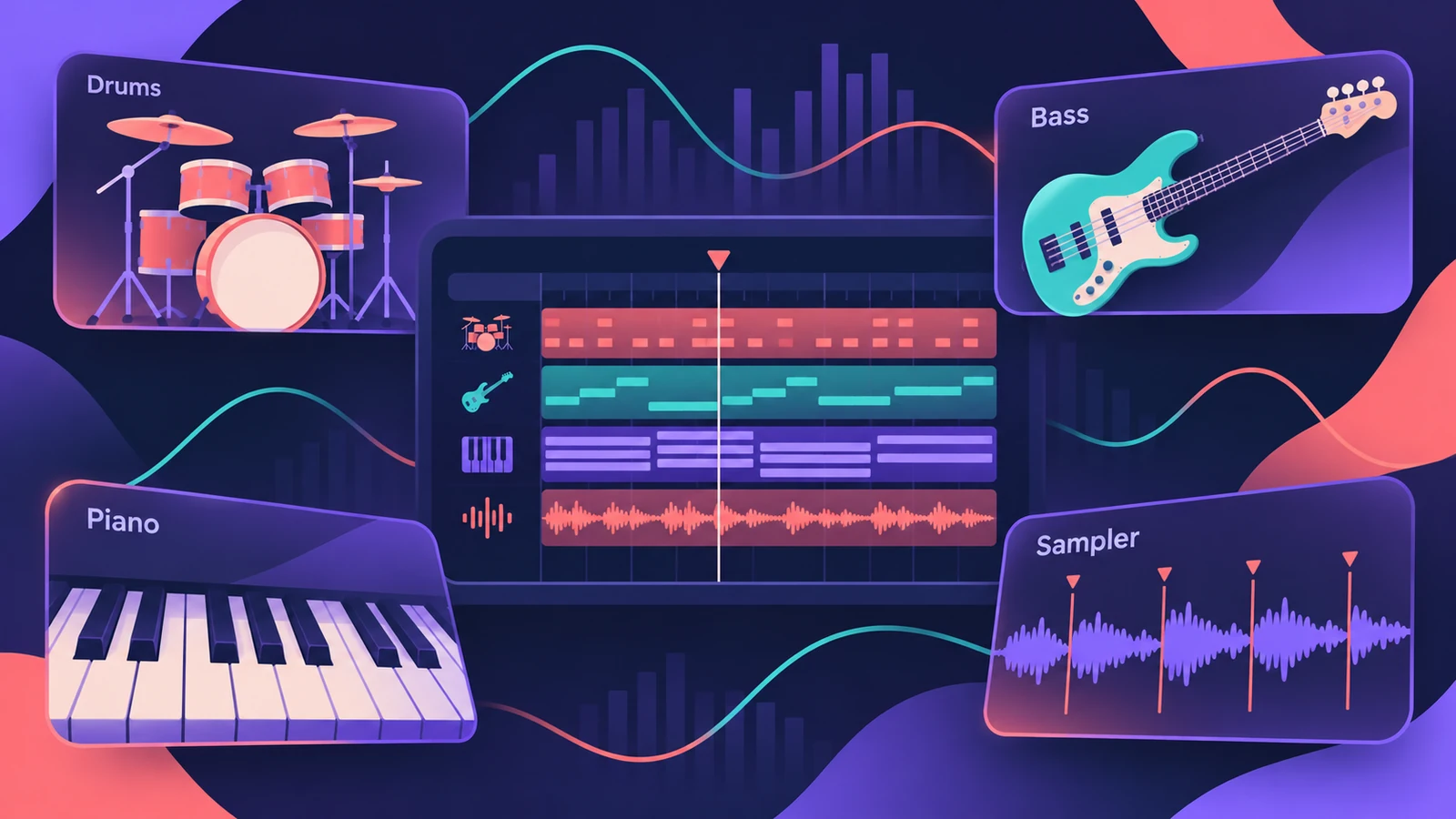
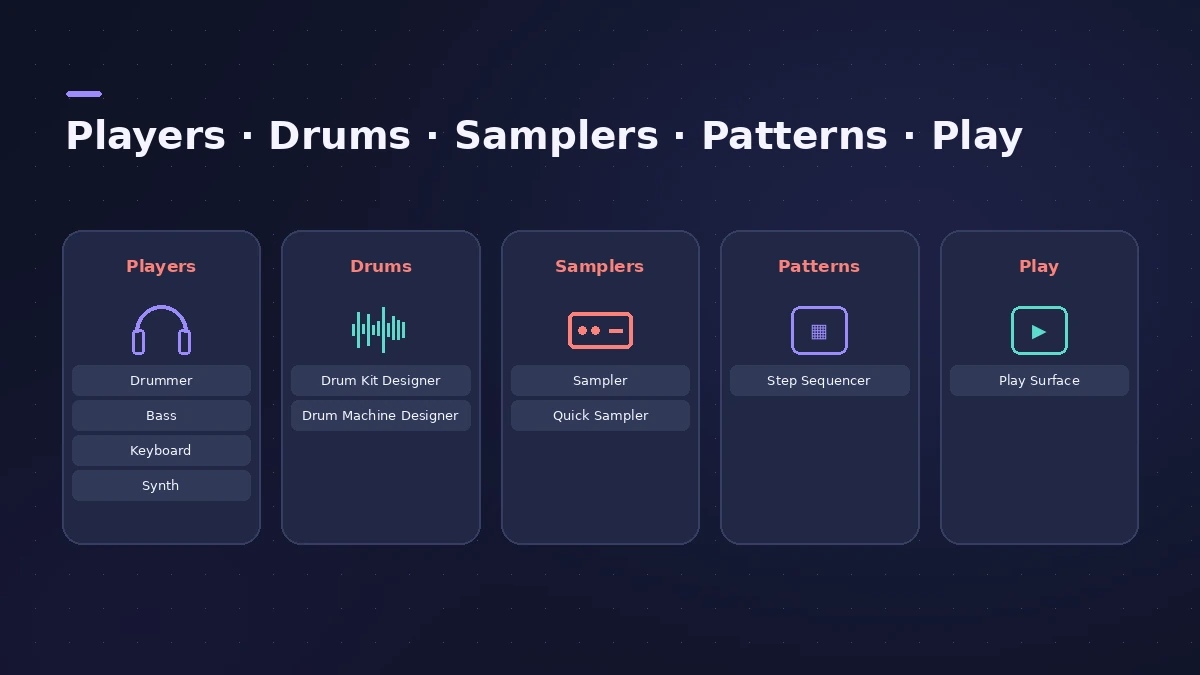
Logic Pro comes with virtual players that write parts for you, drum instruments you can build kit by kit, samplers that turn any sound into an instrument, and a Step Sequencer for patterns. These guides show what each one does and how to get a first part playing.
 Owen Hartley
Which instrument for which job
| You want to… | Use |
|---|---|
| Get a drum, bass or keys part without playing it | Session Players |
| A real-sounding drummer that follows your song | Drummer |
| Synth bass or pads that follow the chords | Synth Players |
| A bass line from a virtual bassist | Bass Player |
| Piano or keys accompaniment | Keyboard Player |
| Detect chords from audio or MIDI | Chord ID |
| Tell every player which chords to follow | Chord track |
| Build an electronic kit or beat pads | Drum Machine Designer |
| Tweak an acoustic kit piece by piece | Drum Kit Designer |
| Map many samples across the keyboard | Sampler |
| Turn one sound into an instrument fast | Quick Sampler |
| Program patterns on a grid | Step Sequencer |
| Play notes and chords without a keyboard | Play Surface |
| Deep sound design from samples | Alchemy |
| Turn one sample into a new instrument | Sample Alchemy |
| An easy classic synth | Retro Synth |
| Virtual analog with deep modulation | ES2 |
| Physical modeling and evolving pads | Sculpture |
| Organ with Leslie | Vintage B3 Organ |
| Rhodes or Wurlitzer | Vintage Electric Piano |
| Funk clavinet | Vintage Clav |
| Tape strings, flutes and choirs | Vintage Mellotron |
| Sampled grand and upright pianos | Studio Piano |
| Sampled electric and upright basses | Studio Bass |
| Strings and brass with articulations | Studio Strings and Horns |
| Vocoder robot voices | EVOC 20 PolySynth |
| Simple analog-style subtractive synth | ES1 |
| Two-operator FM bells and basses | EFM1 |
| Quick pads, basses and polysynths | ES E, ES M and ES P |
| Synthesized kicks, snares and percussion | Drum Synth |
| Older drum synth projects | Ultrabeat |
| Jam with loops in a grid | Live Loops |
| Turn chords into arpeggios | Arpeggiator |
| Chord triggers, note repeat, scripts | MIDI FX |
| Whole chords from one key | Chord Trigger |
| Custom MIDI effects in JavaScript | Scripter |
| MIDI echoes and rolls | Note Repeater |
| Even out playing velocity | Velocity Processor |
| LFO and envelope to any knob | Modulator |
Players and the Chord track
The players don't work in isolation. Drummer, Bass Player, Keyboard Player and Synth Players read the Chord track, so once the chords are in — typed in, or detected with Chord ID — every part follows the same progression.
Drums, samplers and patterns
Drum Machine Designer and Quick Sampler are linked: each pad of an electronic kit is a Quick Sampler. Use the Step Sequencer to program those pads on a grid, or record them live from a MIDI keyboard. For the track types these instruments sit on, see track types.
Synths and vintage keys
For sound design, Alchemy is the deepest synth, Retro Synth the quickest to learn, and Sculpture models a vibrating string. The vintage keys — B3 organ, electric piano, Clav and Mellotron — cover classic keyboard sounds, and MIDI FX such as the Arpeggiator work in front of any of them.
All instrument guides
-
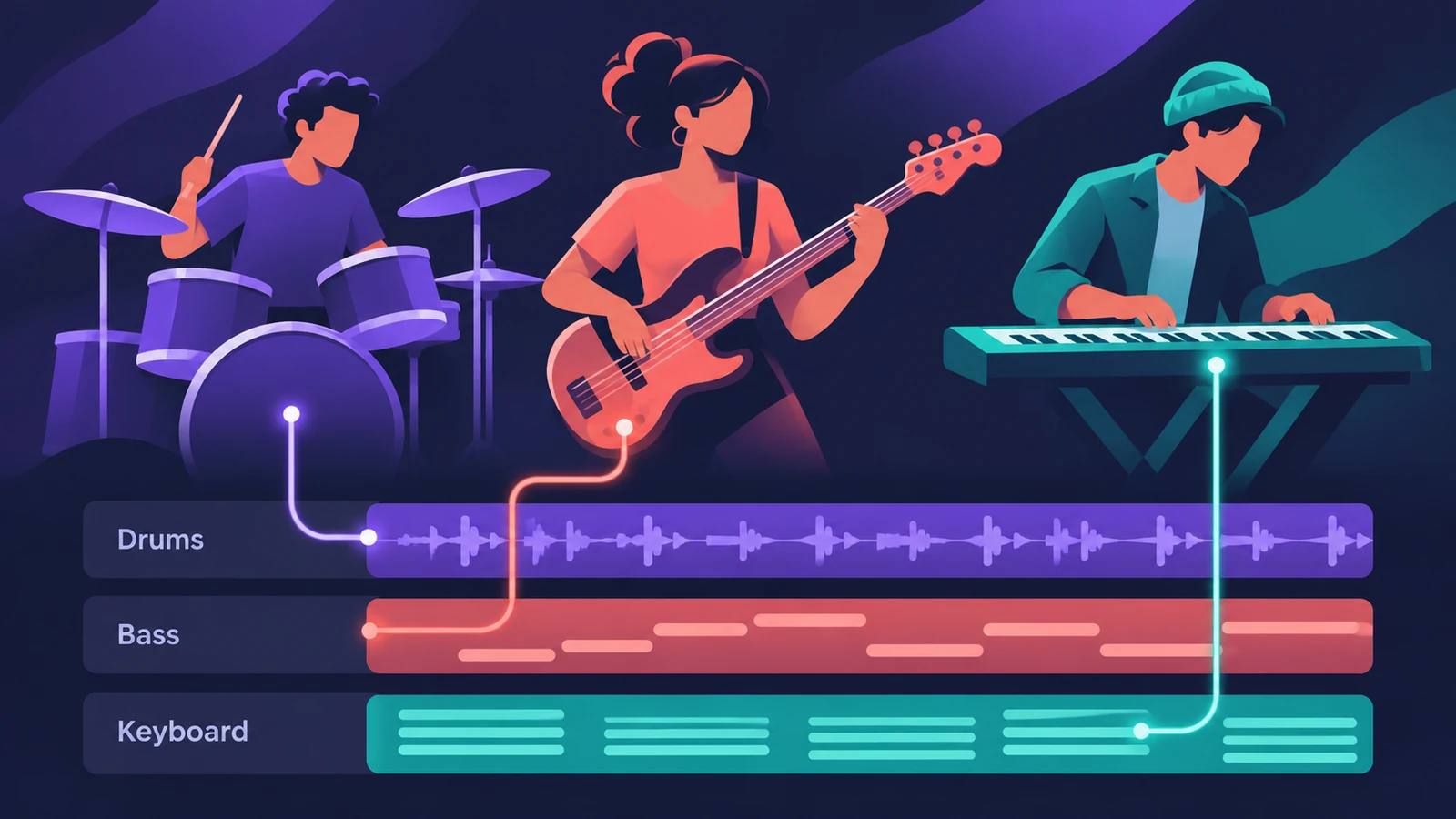 Session Players in Logic ProHow Session Players work in Logic Pro: add a Drummer, Bass, Keyboard or Synth Player, pick a style, shape Complexity and Intensity, follow the Chord track.
-
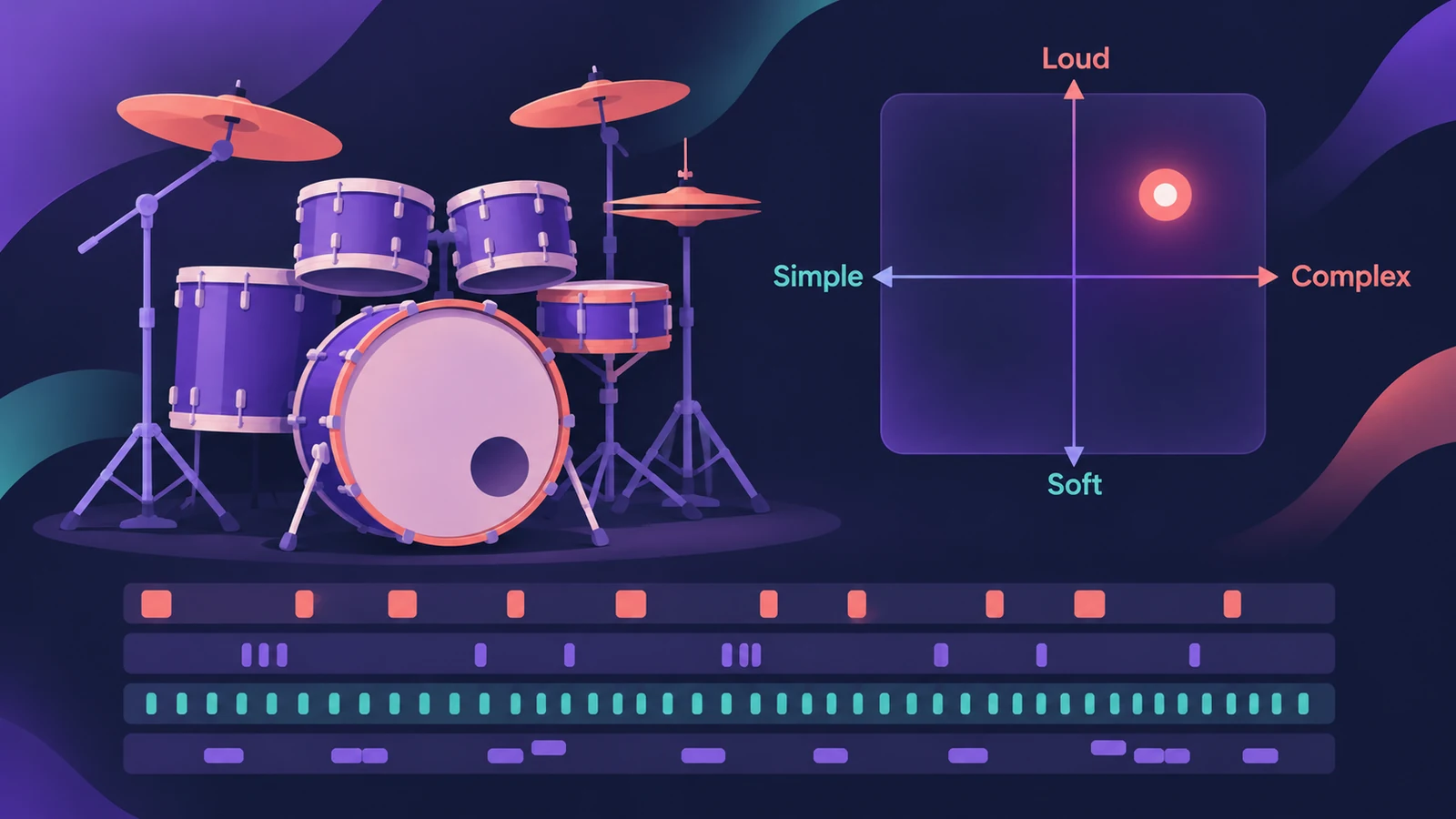 Drummer in Logic ProAdd a Drummer to Logic Pro and shape the part: XY pad for complexity and loudness, fills, swing, kit pieces and Follow so the kick and snare match your bass.
-
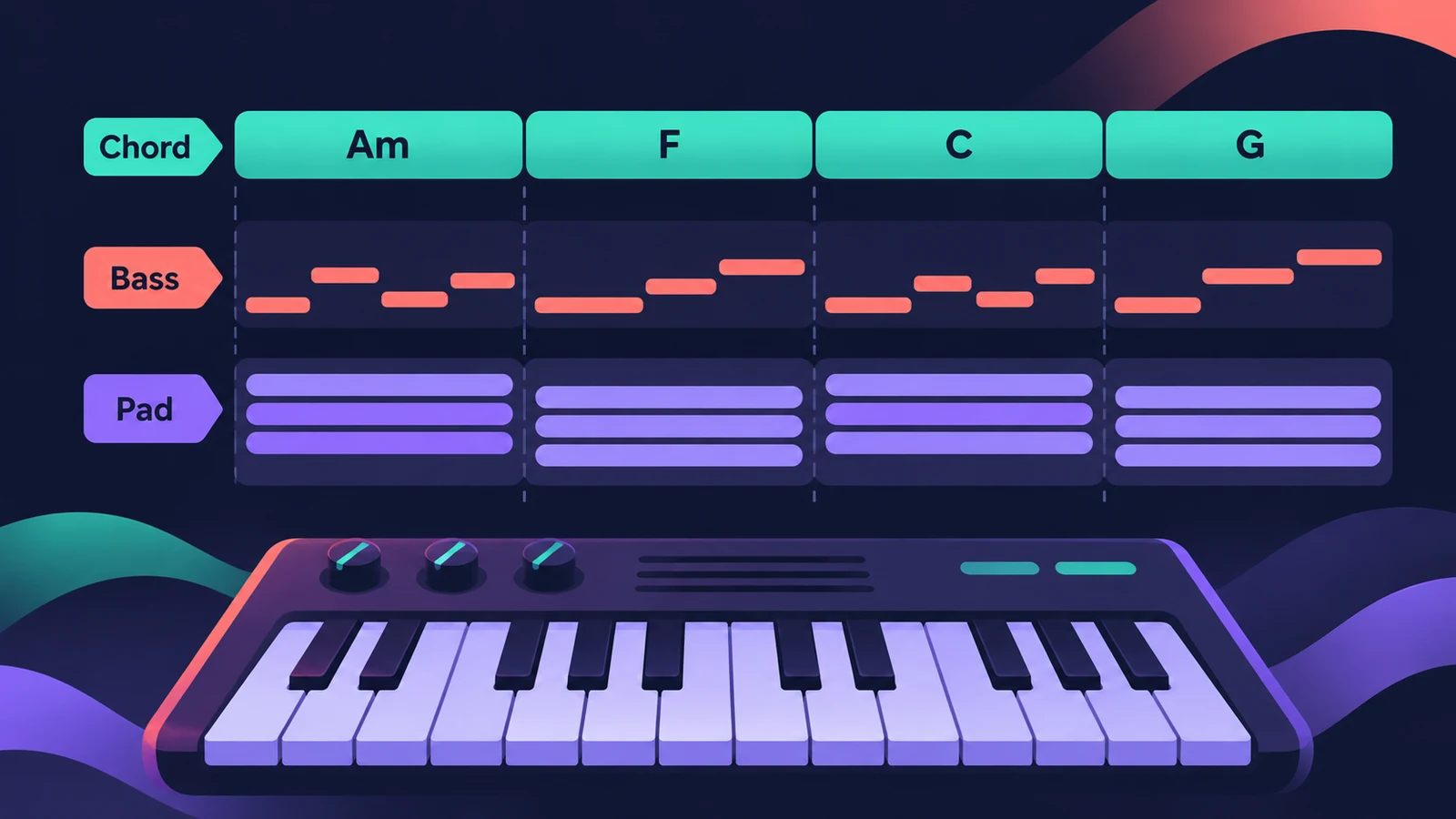 Synth Players in Logic ProSynth Players in Logic Pro 12 and 13: 808 Bass, Pump Bass, Sequenced Bass, Rhythmic Chords and pads that follow the Chord track. Add one and shape the part.
-
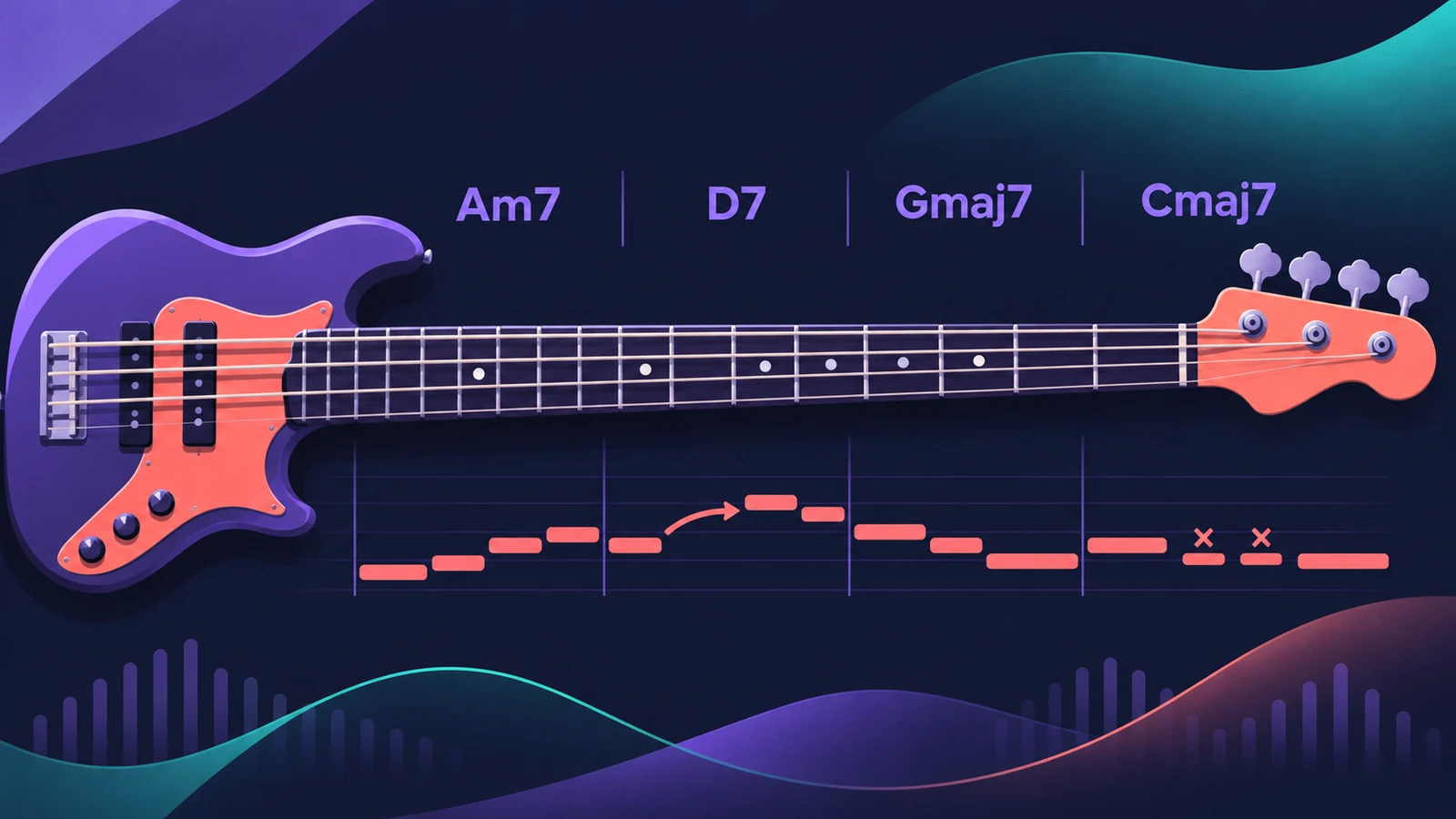 Bass Player in Logic ProUse Bass Player in Logic Pro to get a bass line that follows your chords: choose one of eight bassists, shape the part, use Studio Bass and Bass Player loops.
-
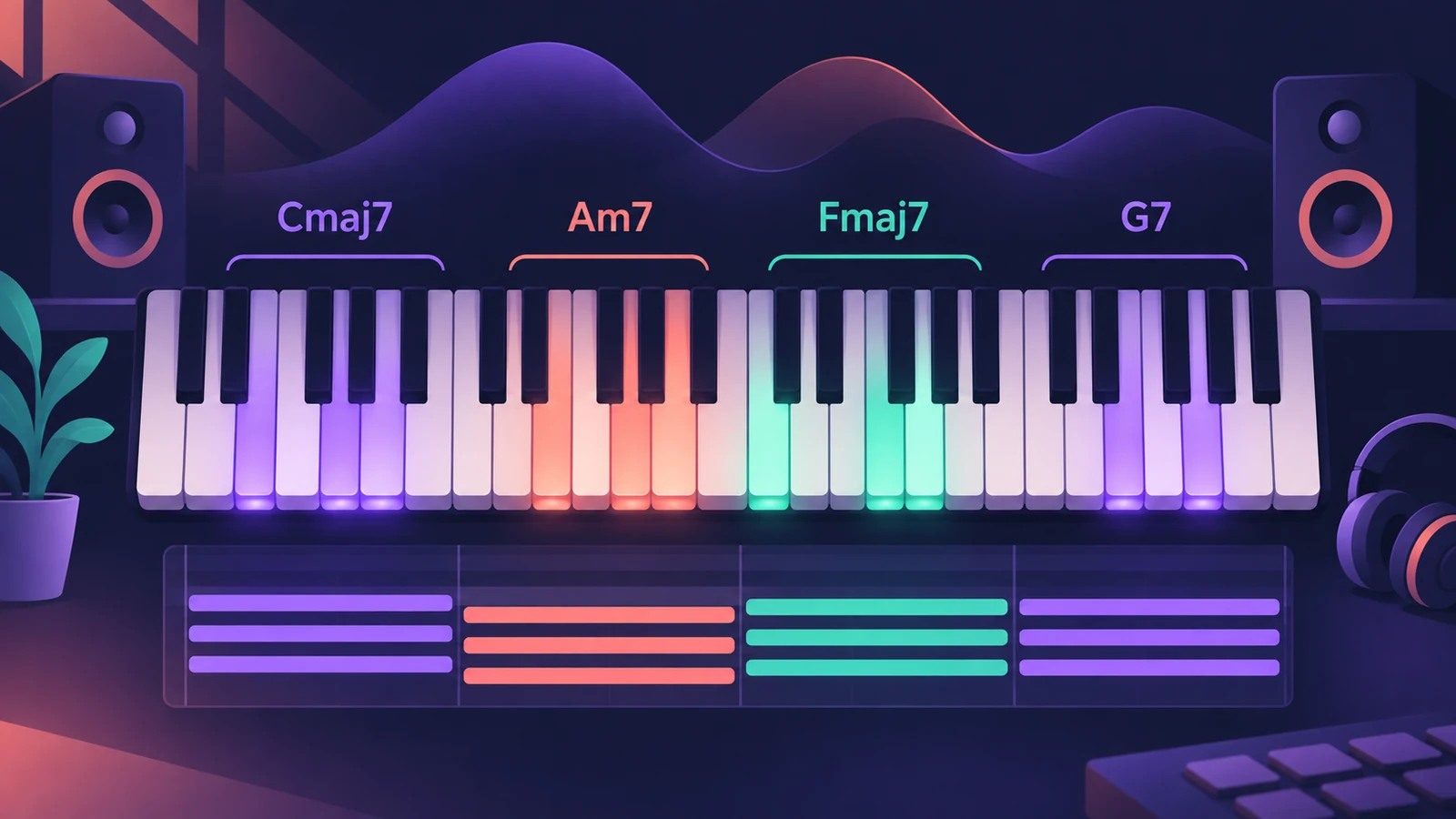 Keyboard Player in Logic ProUse Keyboard Player in Logic Pro for piano and keys parts that follow your chords: pick one of four styles, shape the part and set up the Studio Piano sound.
-
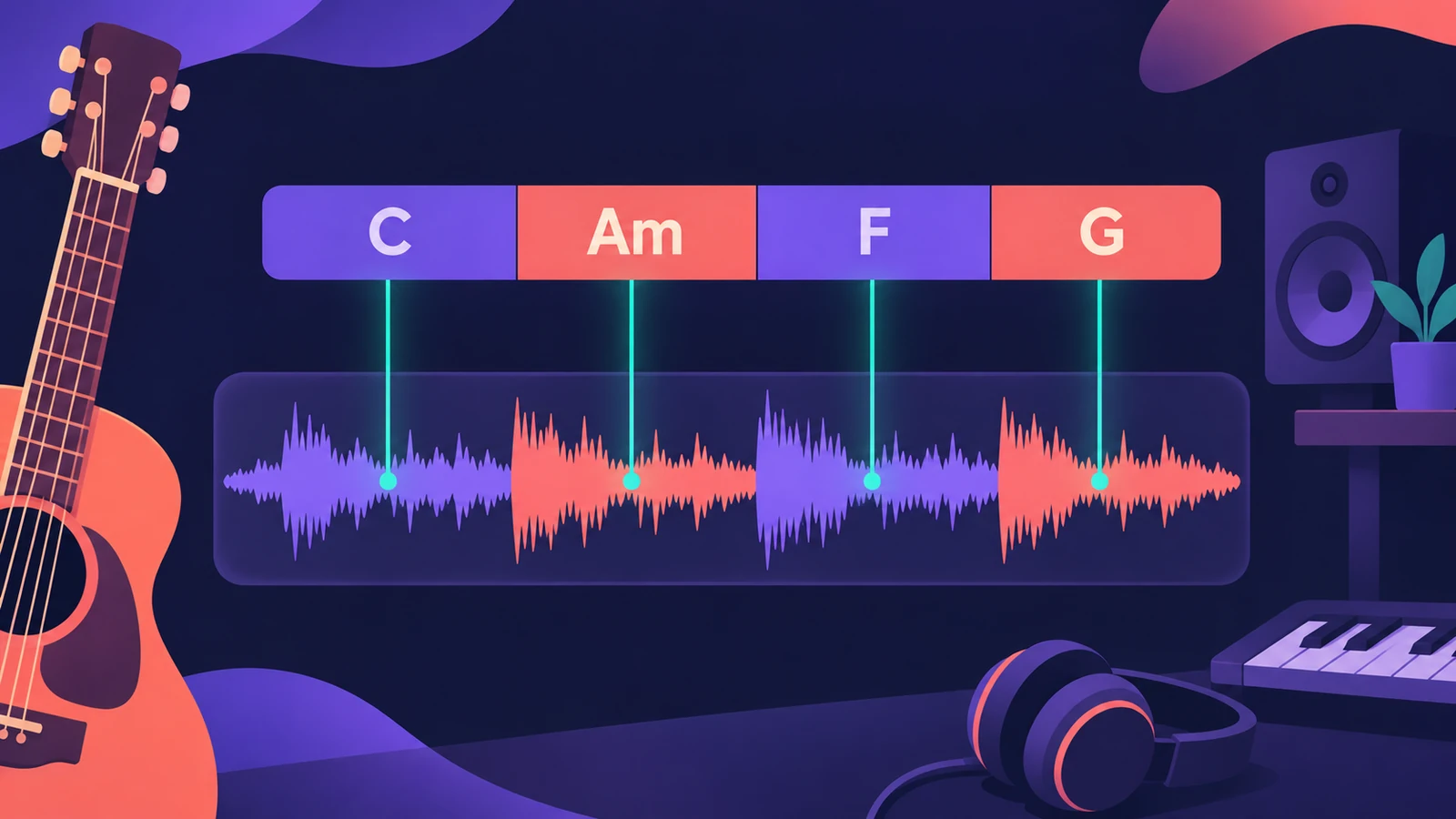 Chord ID in Logic ProDetect the chords of a recording with Chord ID in Logic Pro 12 and later: drag a region to the Chord track or Analyze Chords, then let every player follow them.
-
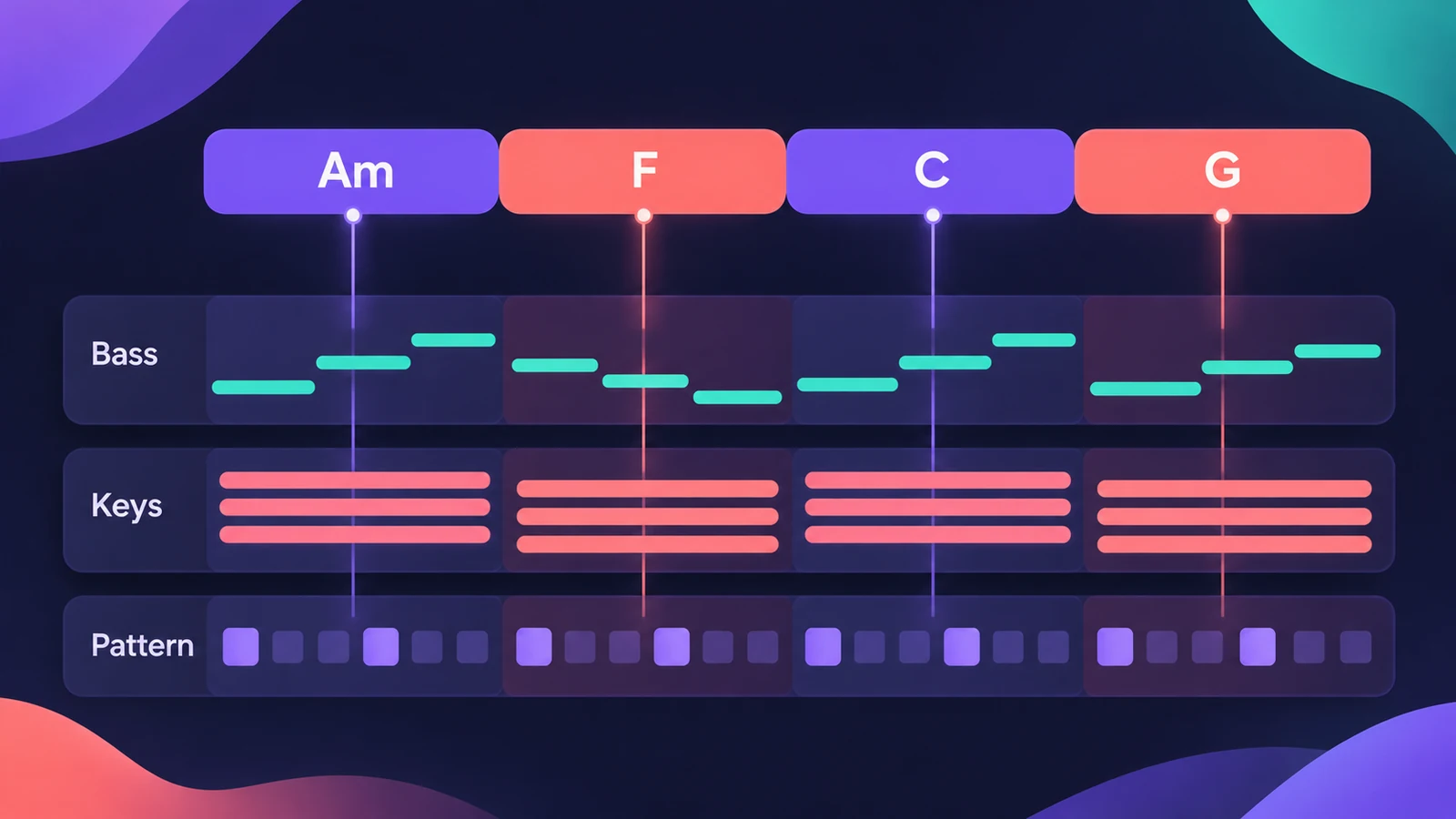 The Chord track in Logic ProWhat the Chord track does in Logic Pro: which players and tools follow it — Session Players, Step Sequencer, Play Surface — and how Chord ID fills it for you.
-
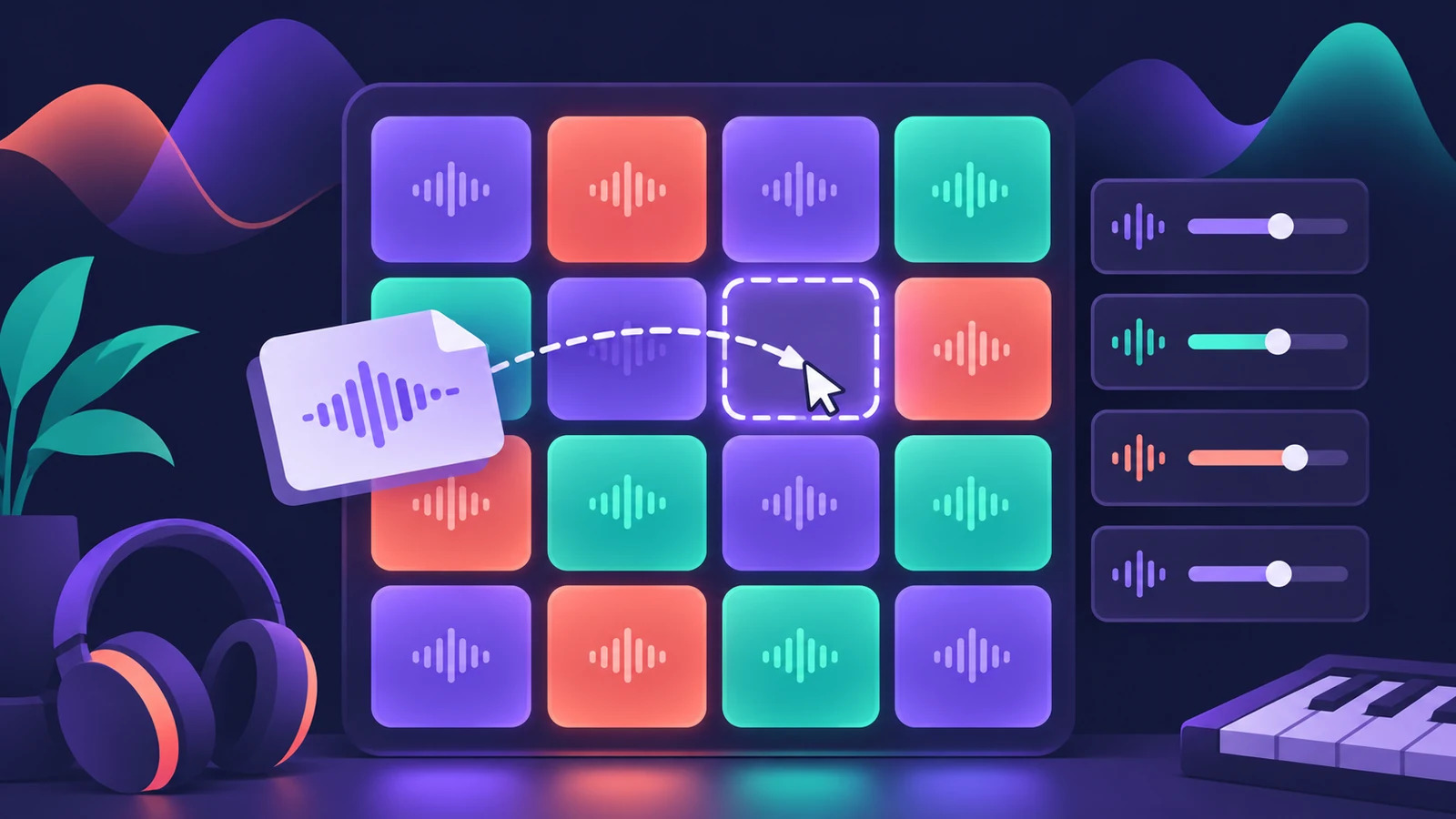 Drum Machine Designer in Logic ProBuild an electronic kit in Logic Pro's Drum Machine Designer: clear the pads, drag samples on, set notes, process each pad on its own channel strip.
-
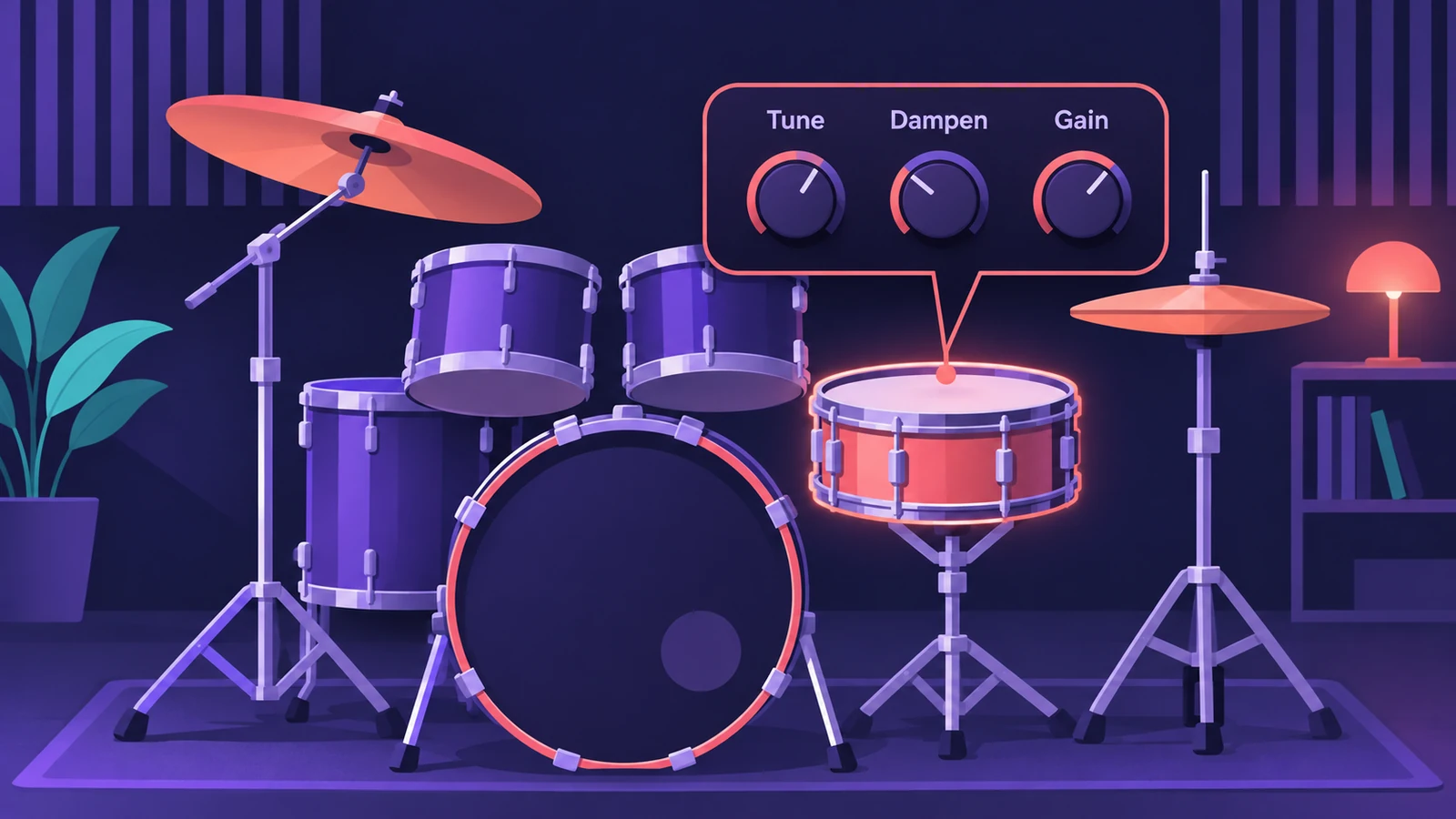 Drum Kit Designer in Logic ProEdit an acoustic kit in Logic Pro's Drum Kit Designer: tune, dampen and set the level of each piece, swap the kick and snare, and use Producer Kits.
-
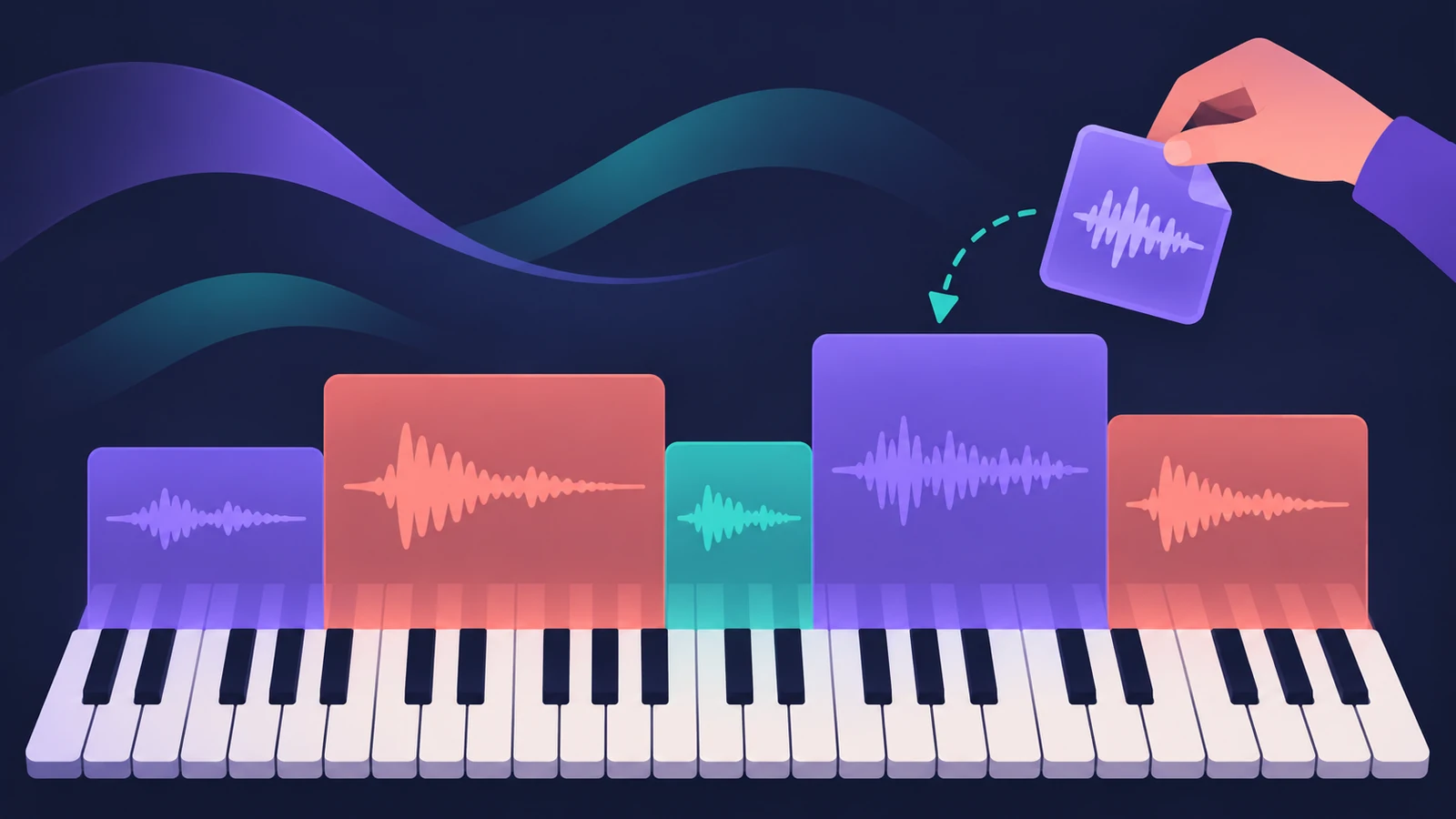 Sampler in Logic ProBuild a multisampled instrument with Logic Pro's Sampler: drag in samples, choose a mapping, edit zones and groups, and open old EXS24 instruments in Sampler.
-
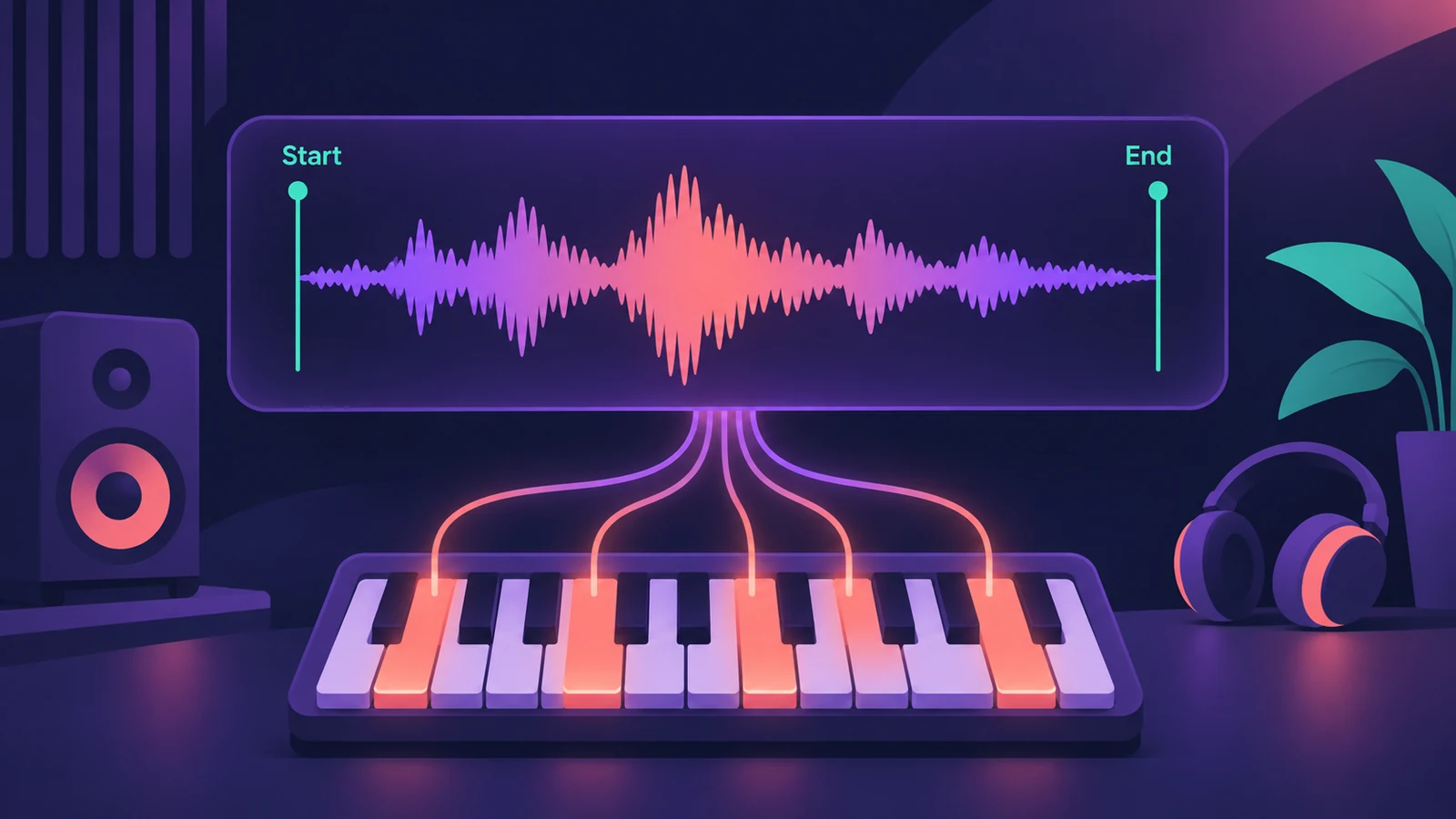 Quick Sampler in Logic ProTurn one sound into an instrument with Quick Sampler in Logic Pro: what Classic, One Shot, Slice and Recorder modes do, and when to use Sampler instead.
-
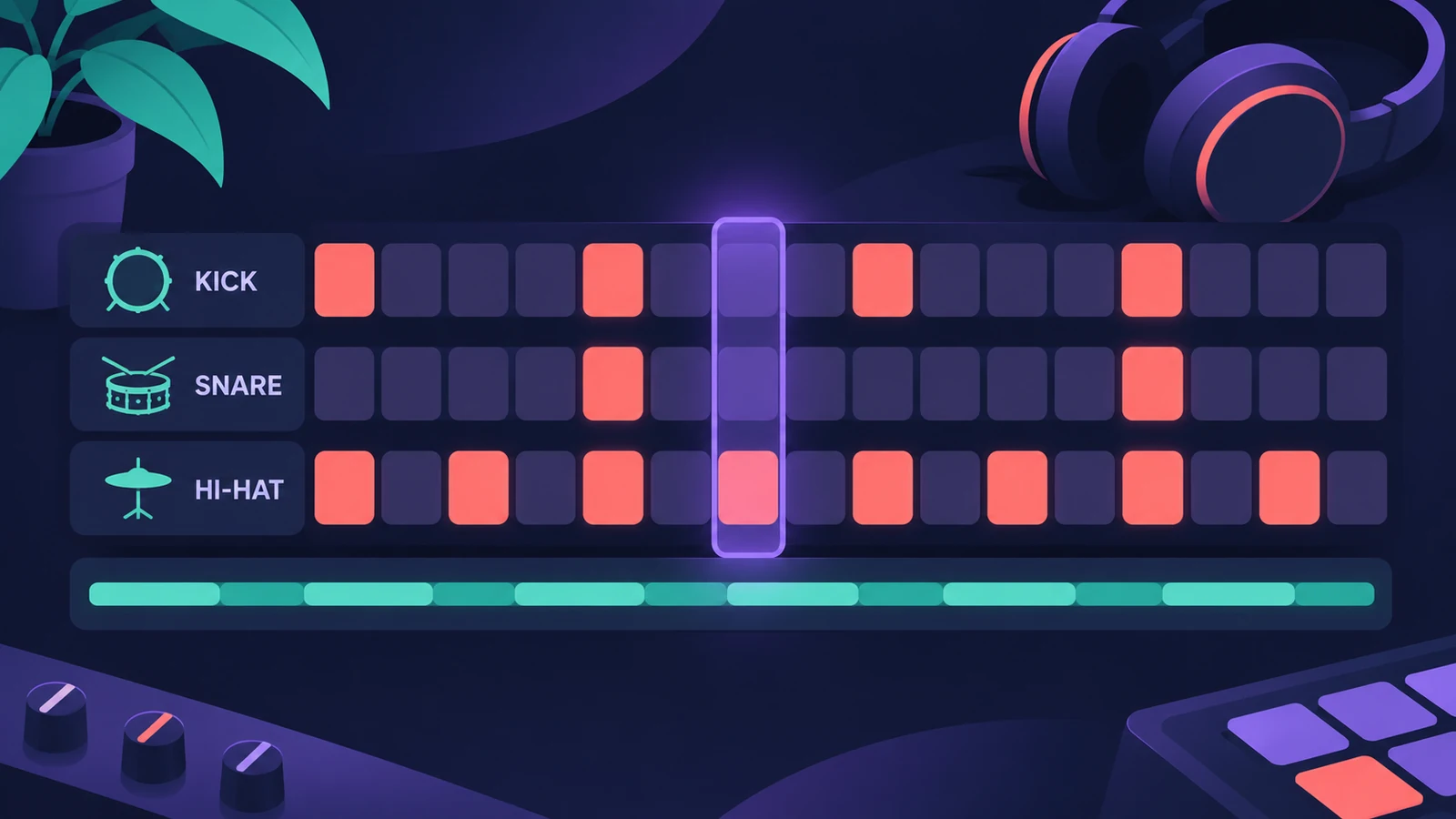 Step Sequencer in Logic ProProgram beats with Logic Pro's Step Sequencer: create a Pattern Region, set step rate and velocity, add note repeats and automation, follow the chords.
-
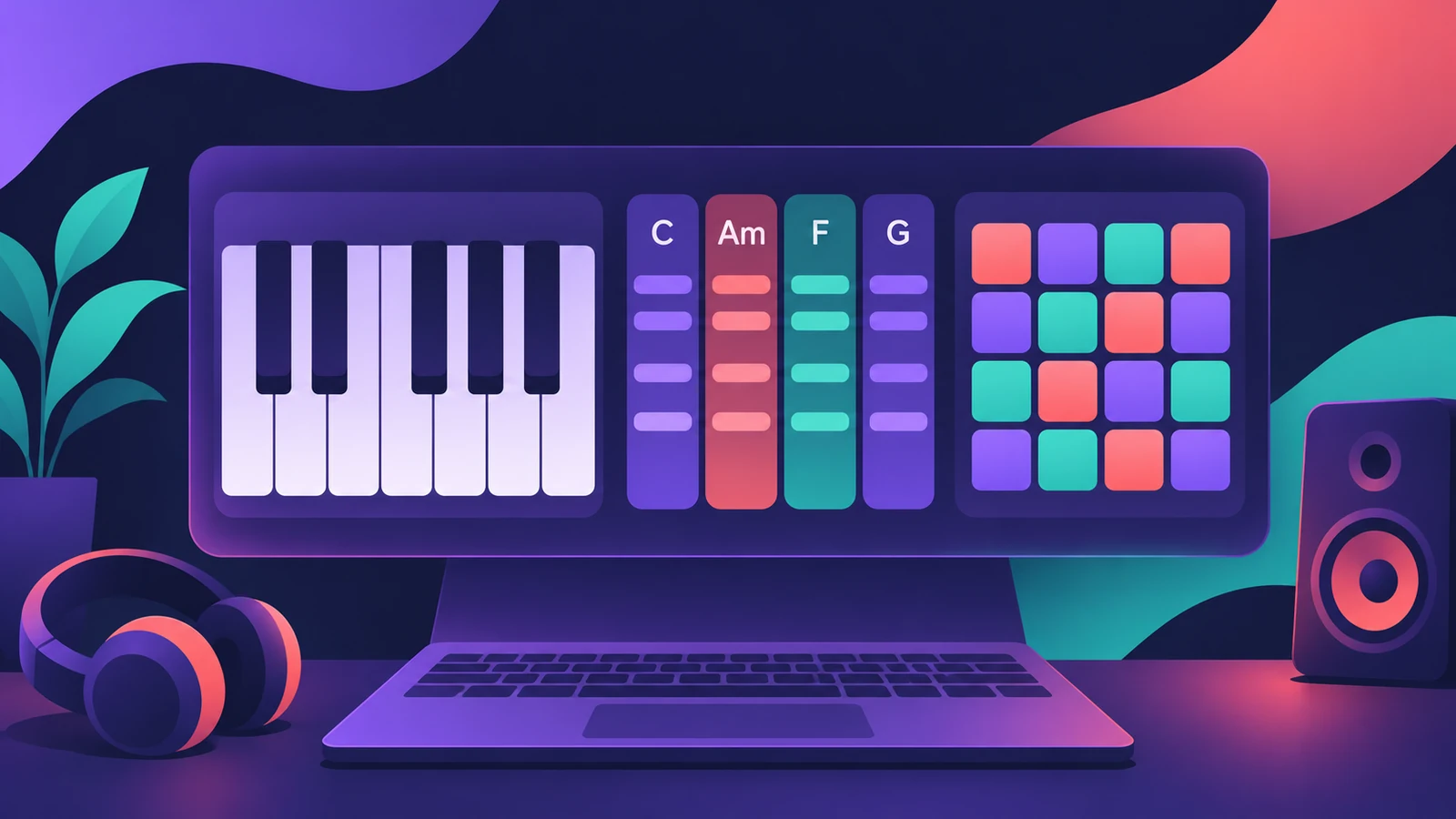 Play Surface in Logic Pro 13Play notes, chords and drums on your Mac with the Play Surface in Logic Pro 13: Command-K, Chord Strips that follow the Chord track, pads, musical typing.
-
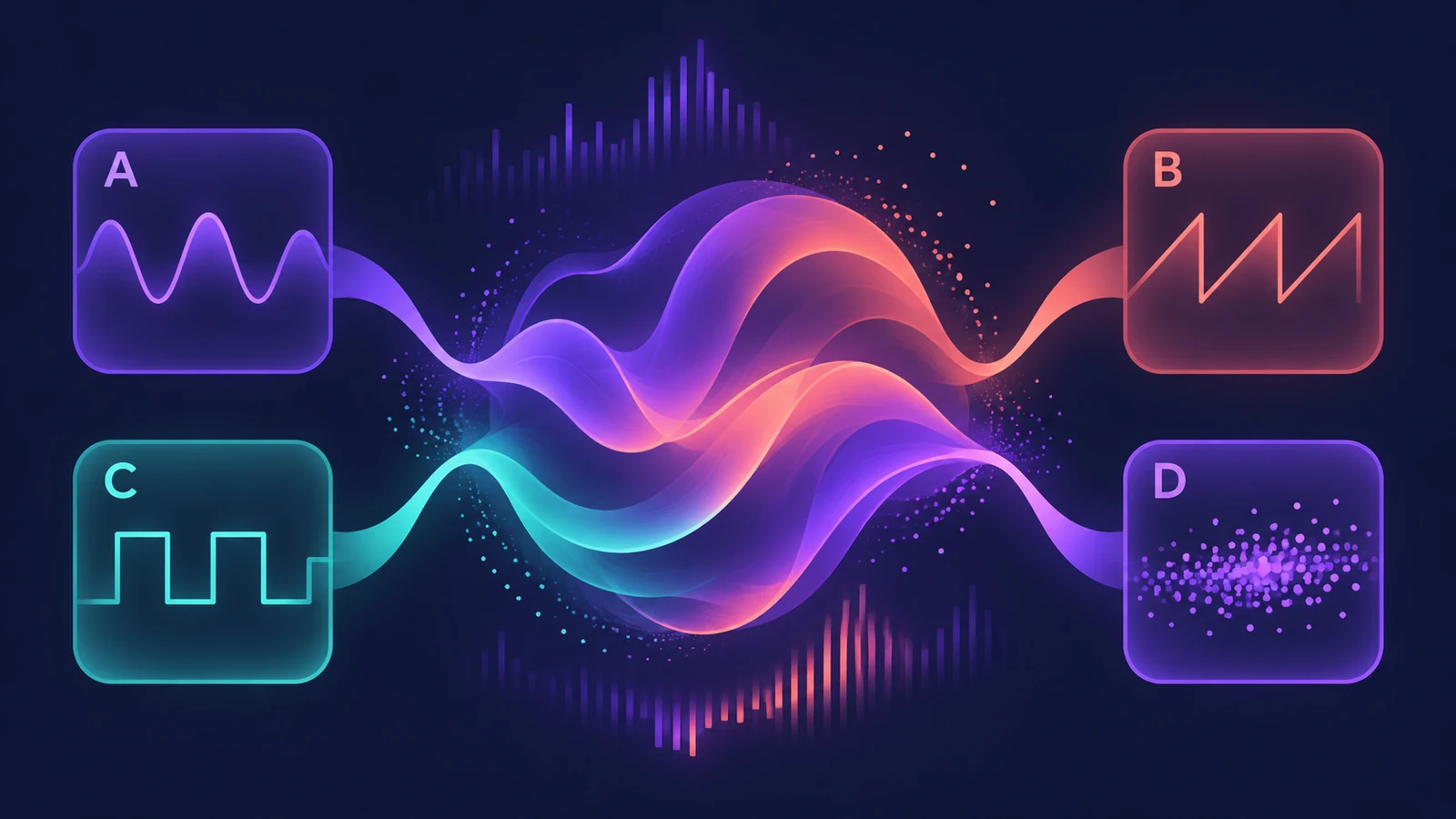 Alchemy in Logic ProWhat Alchemy does in Logic Pro: four sources, additive, spectral, granular, sampler and VA engines, morphing, the arpeggiator, and what Logic Pro 12.3 added.
-
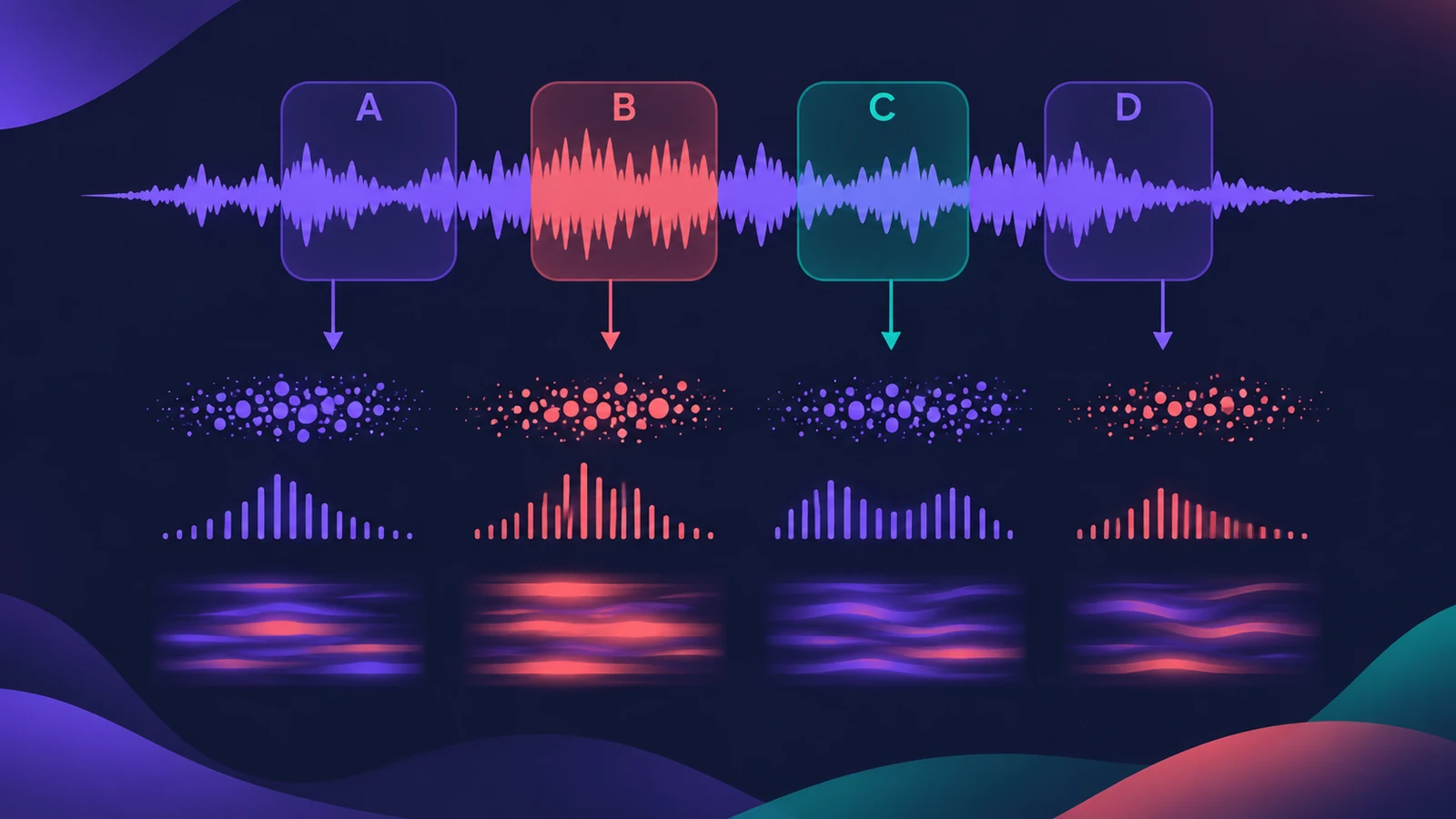 Sample Alchemy in Logic ProTurn one sample into a new instrument with Sample Alchemy in Logic Pro: load audio, pick granular, additive or spectral per source and use the 12.3 Sync mode.
-
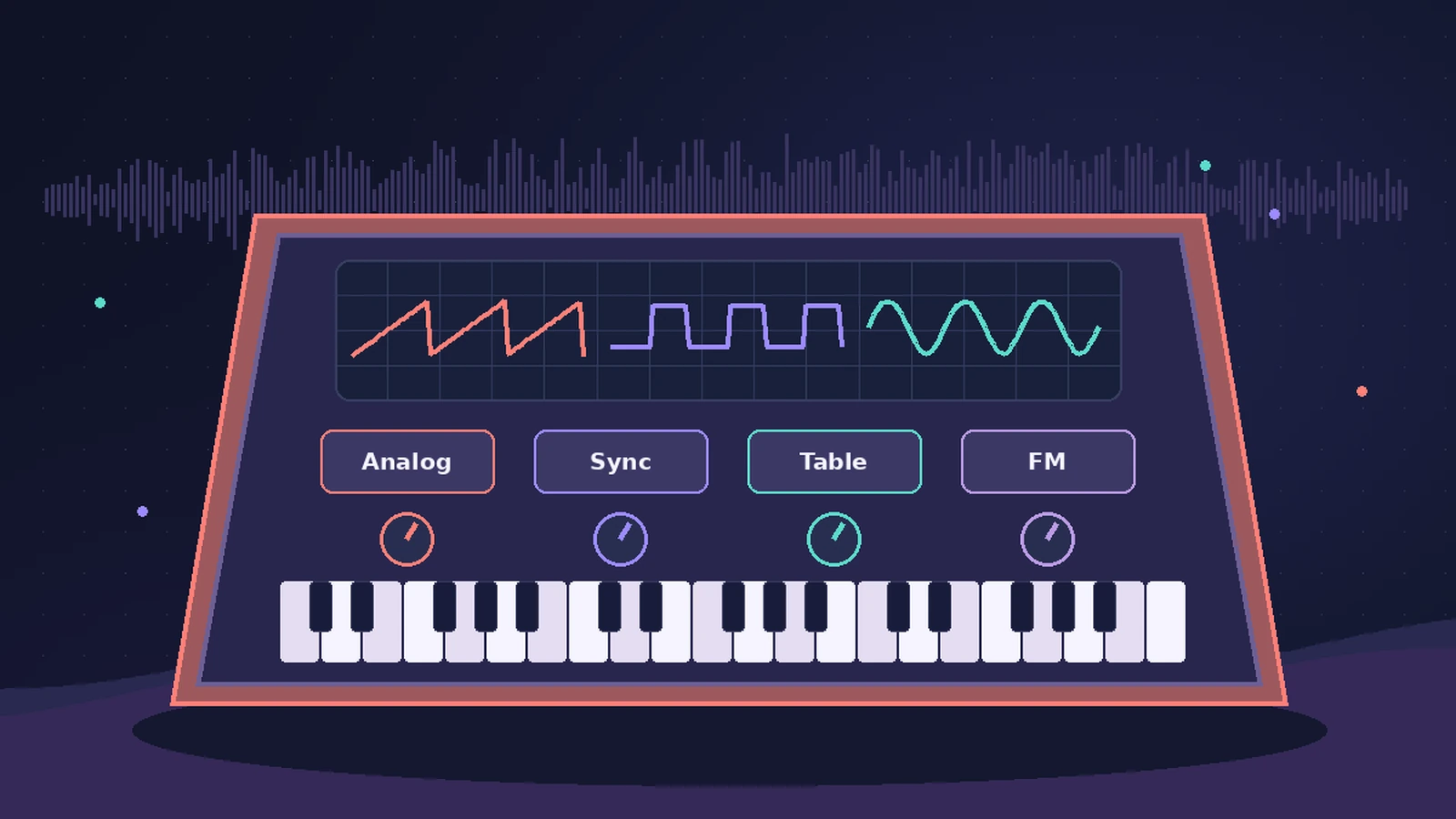 Retro Synth in Logic ProRetro Synth in Logic Pro explained: a 16-voice synth with Analog, Sync, wavetable and FM engines, which engine to pick for leads, pads, basses and bells.
-
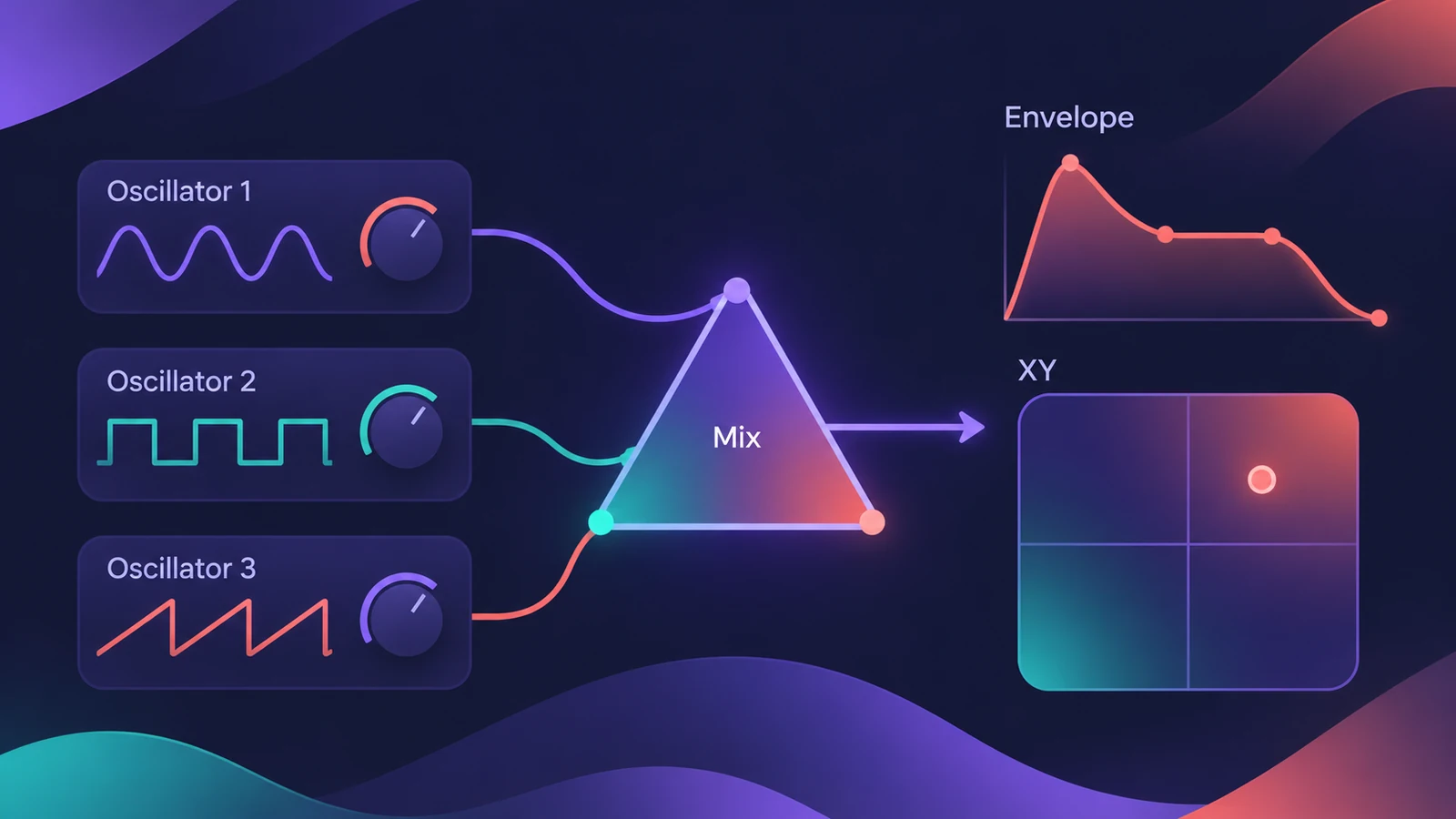 ES2 in Logic ProHow ES2 works in Logic Pro: three oscillators with 100 Digiwaves, FM, sync and ring mod, the Oscillator Mix pad, 10 Mod Matrix slots and the Vector Envelope.
-
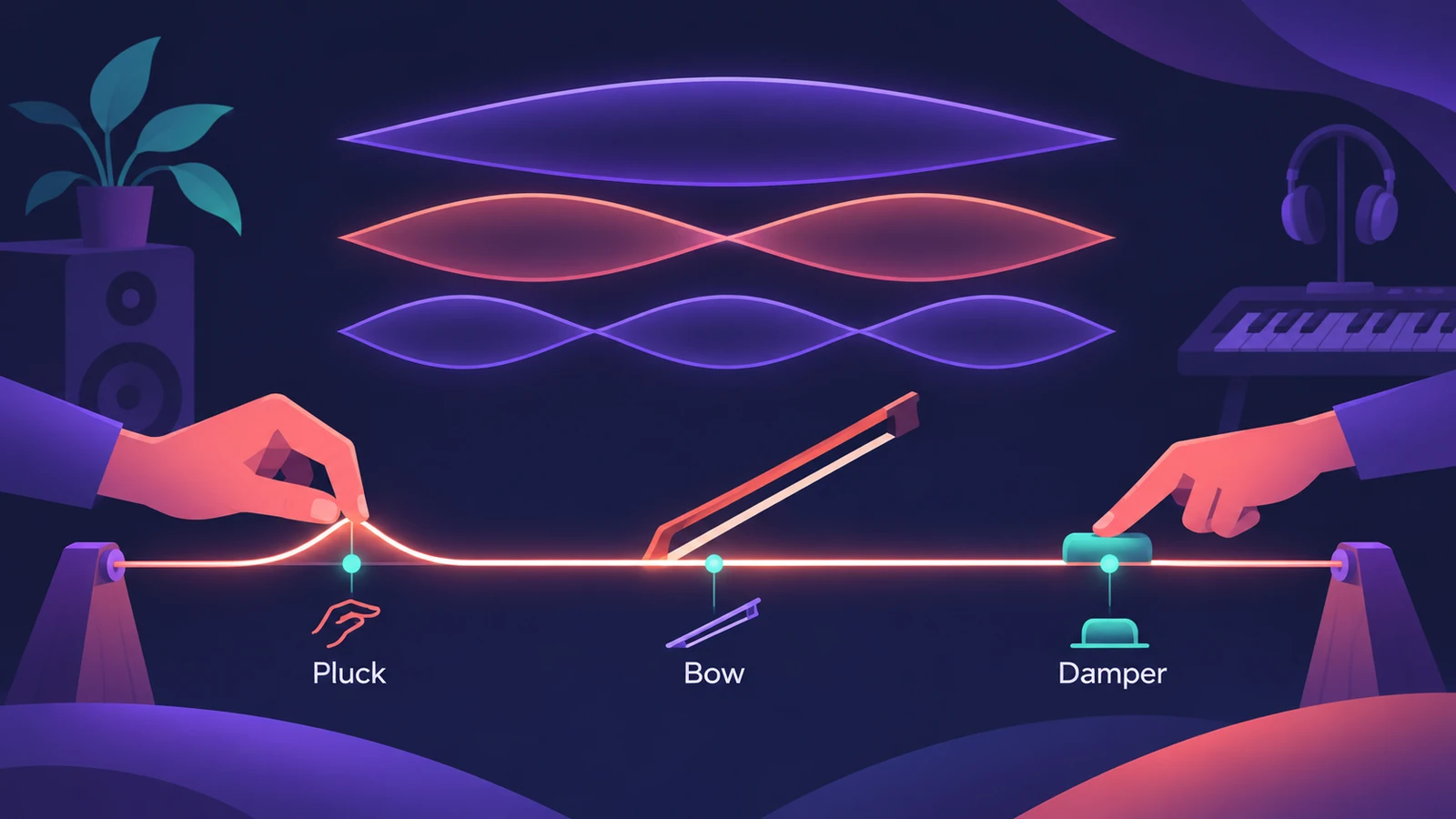 Sculpture in Logic ProSculpture in Logic Pro models a vibrating string: how the string, the three objects and the Material Pad work, and why it's great for evolving pads and basses.
-
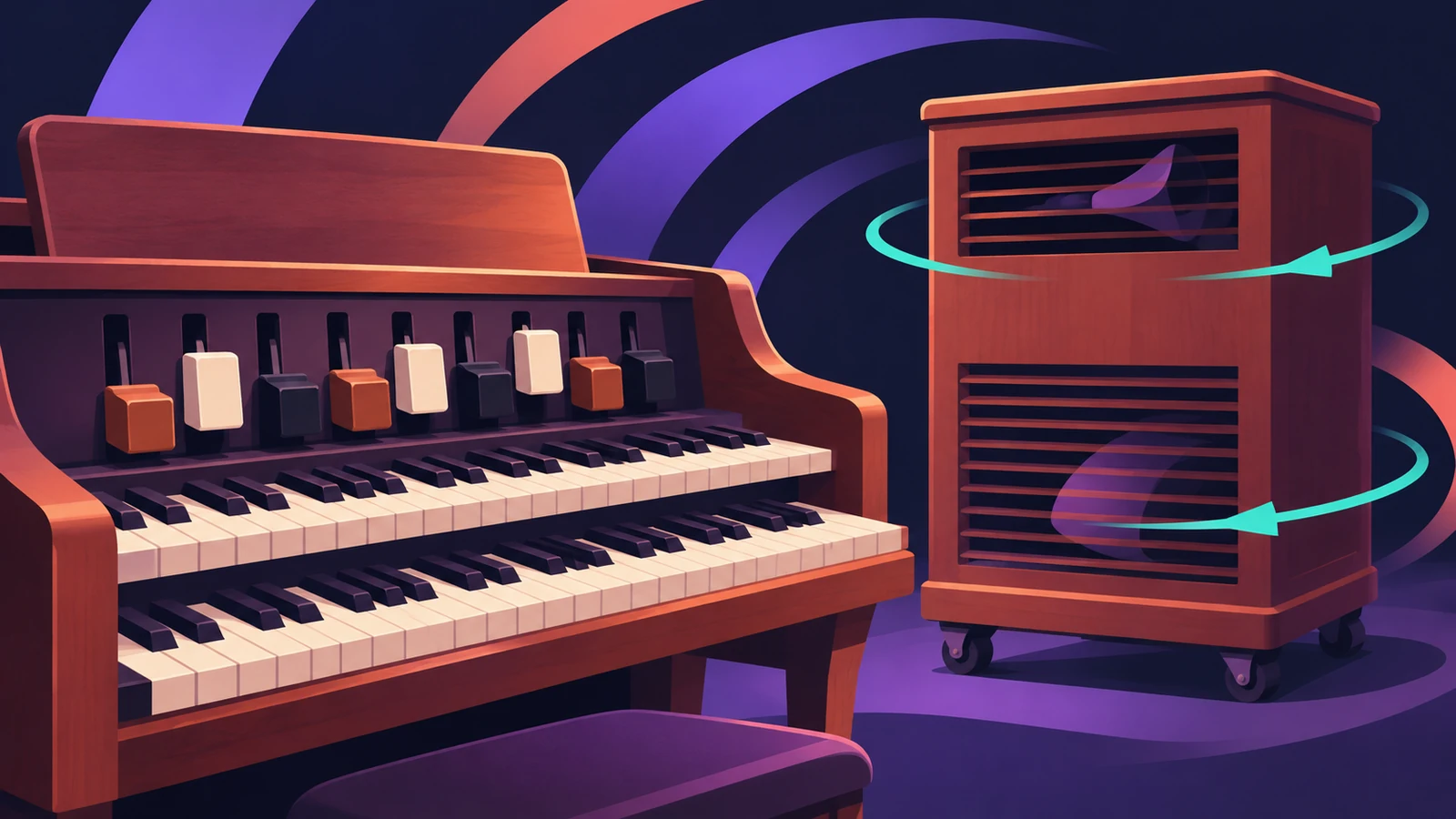 Vintage B3 Organ in Logic ProGet a classic organ sound from Vintage B3 in Logic Pro: set the 20 drawbars, add percussion and vibrato, switch the Leslie between slow and fast, age the organ.
-
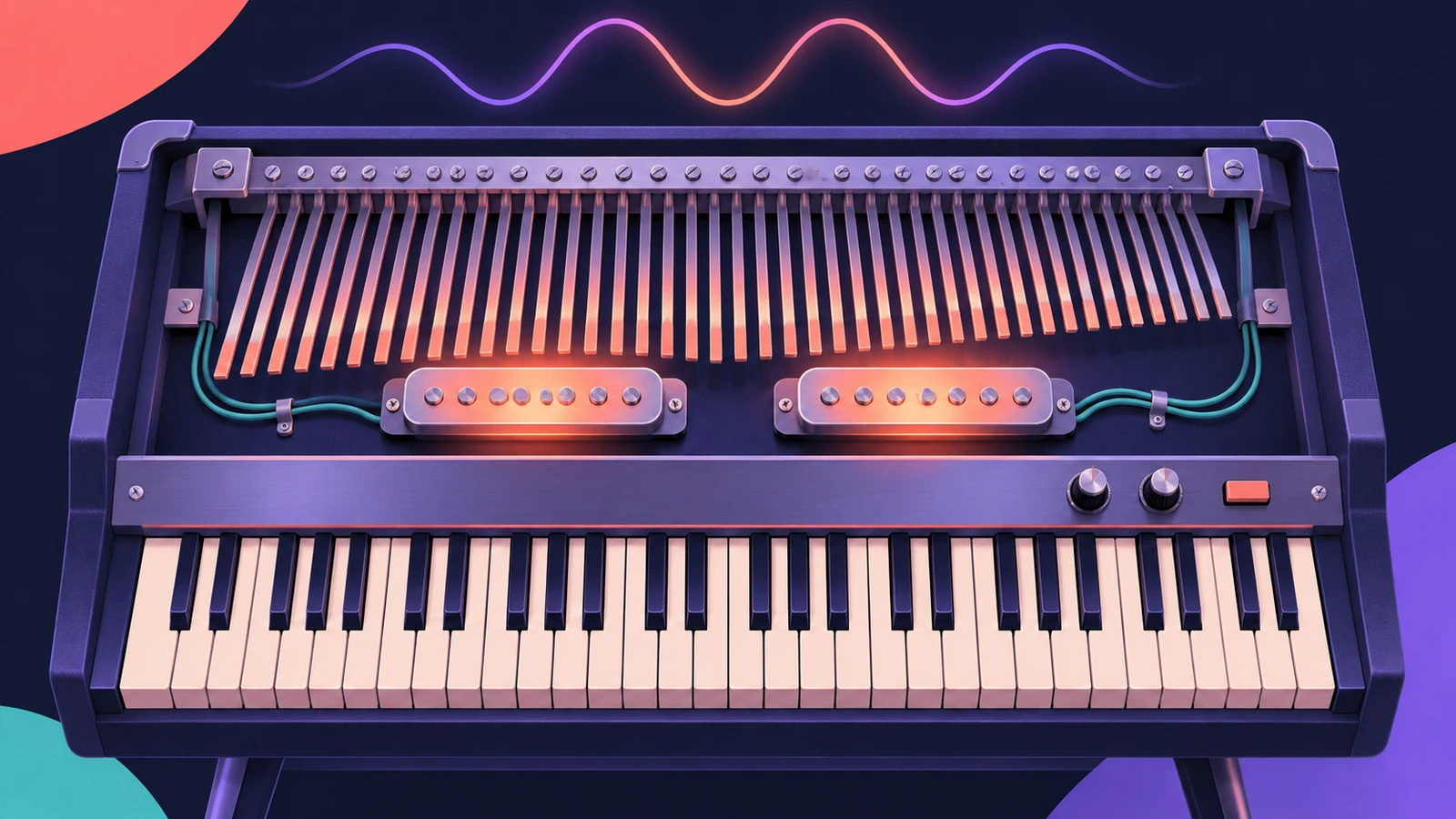 Vintage Electric Piano in Logic ProVintage Electric Piano in Logic Pro: choose a Rhodes, Wurlitzer or Hohner model, shape decay and bell, and add tremolo, chorus, phaser and drive to the sound.
-
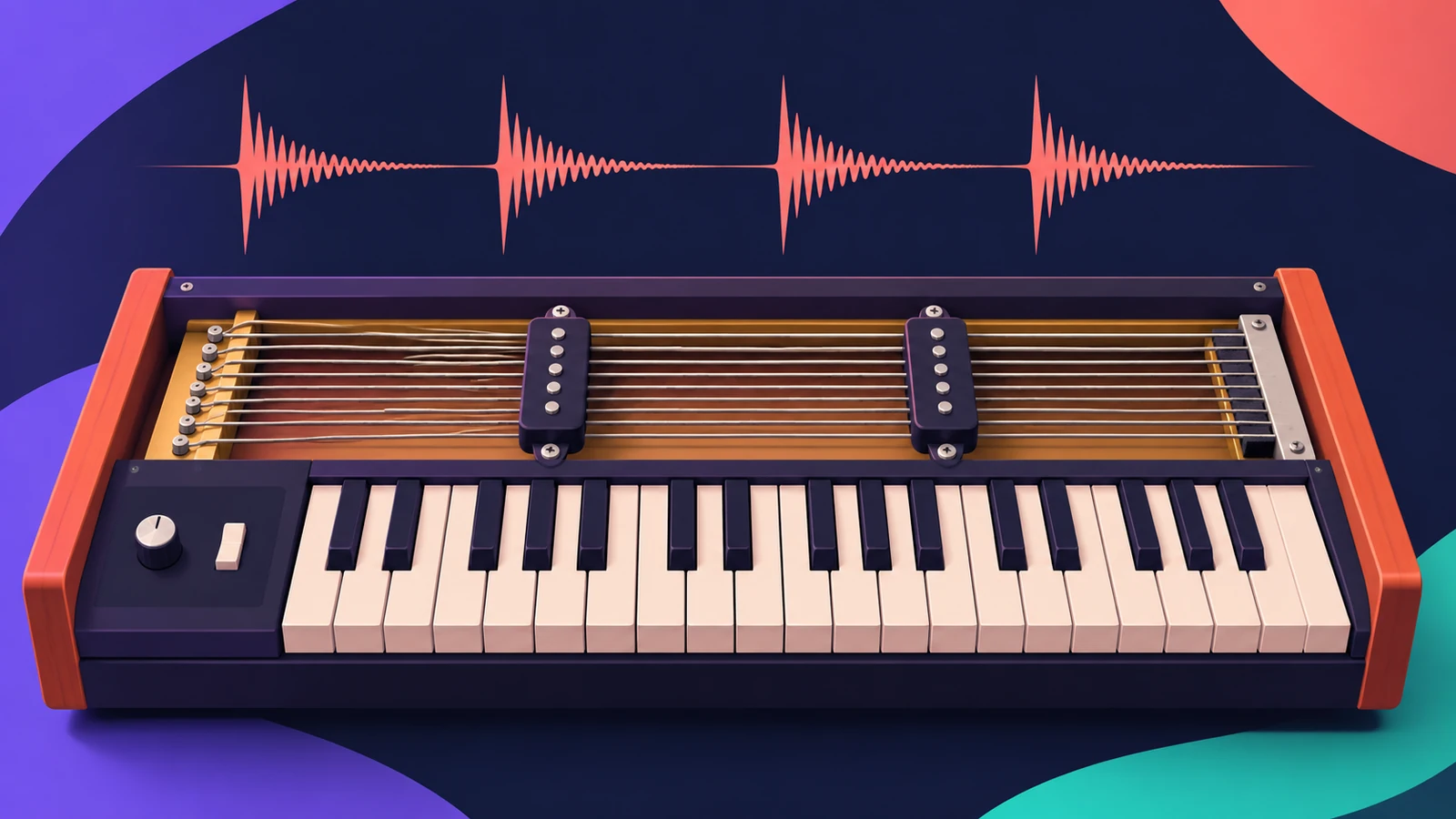 Vintage Clav in Logic ProVintage Clav in Logic Pro models the Hohner Clavinet D6: which model to pick, how the movable pickups change the tone, and how to set up its stereo output.
-
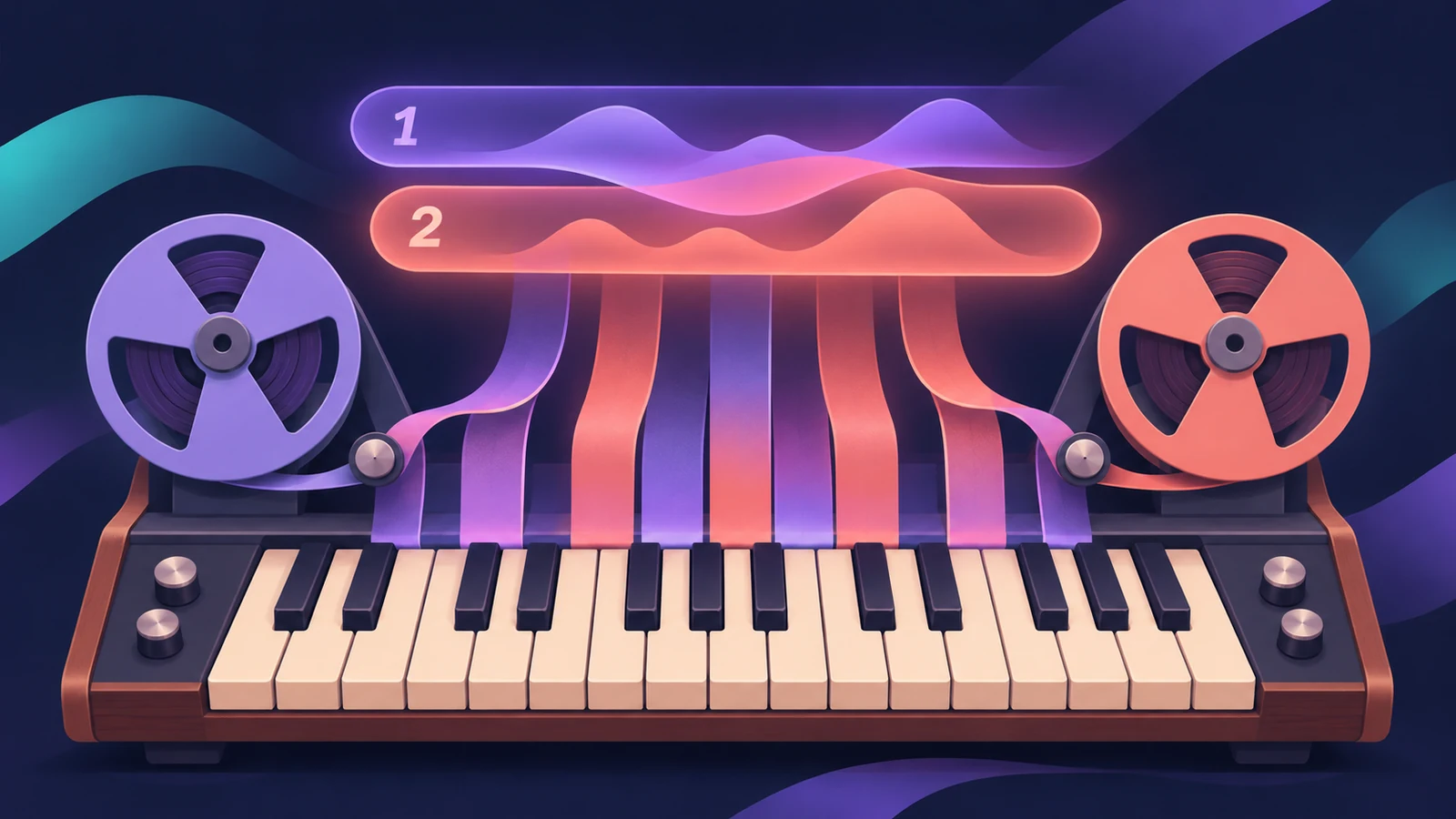 Vintage Mellotron in Logic ProVintage Mellotron in Logic Pro: sampled from the original tapes but looped for endless sustain, with two layers to blend and extras the original lacked.
-
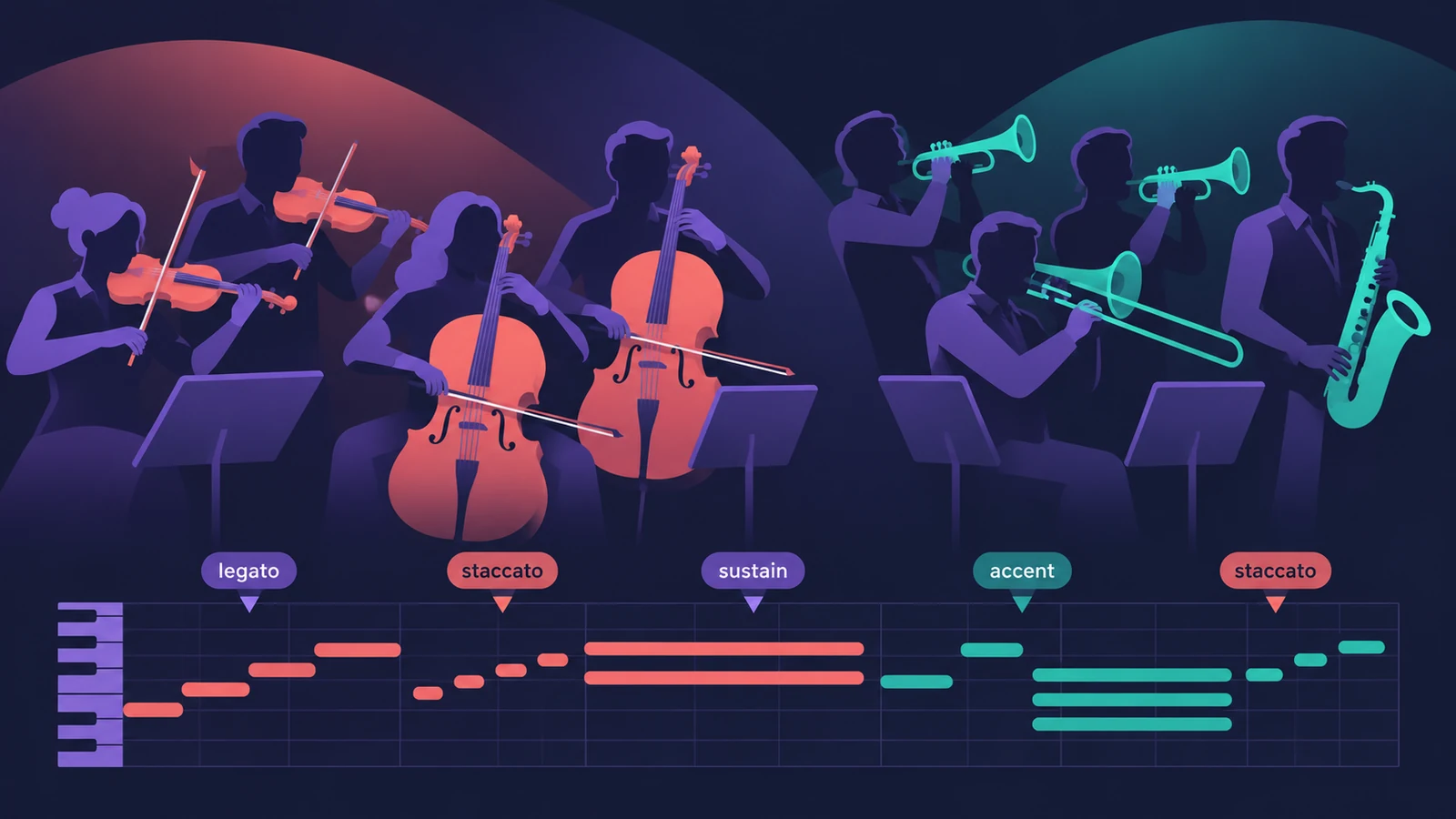 Studio Strings and Studio Horns in Logic ProWrite realistic string and brass parts with Studio Strings and Studio Horns in Logic Pro: load a section or soloist, switch articulations, add falls.
-
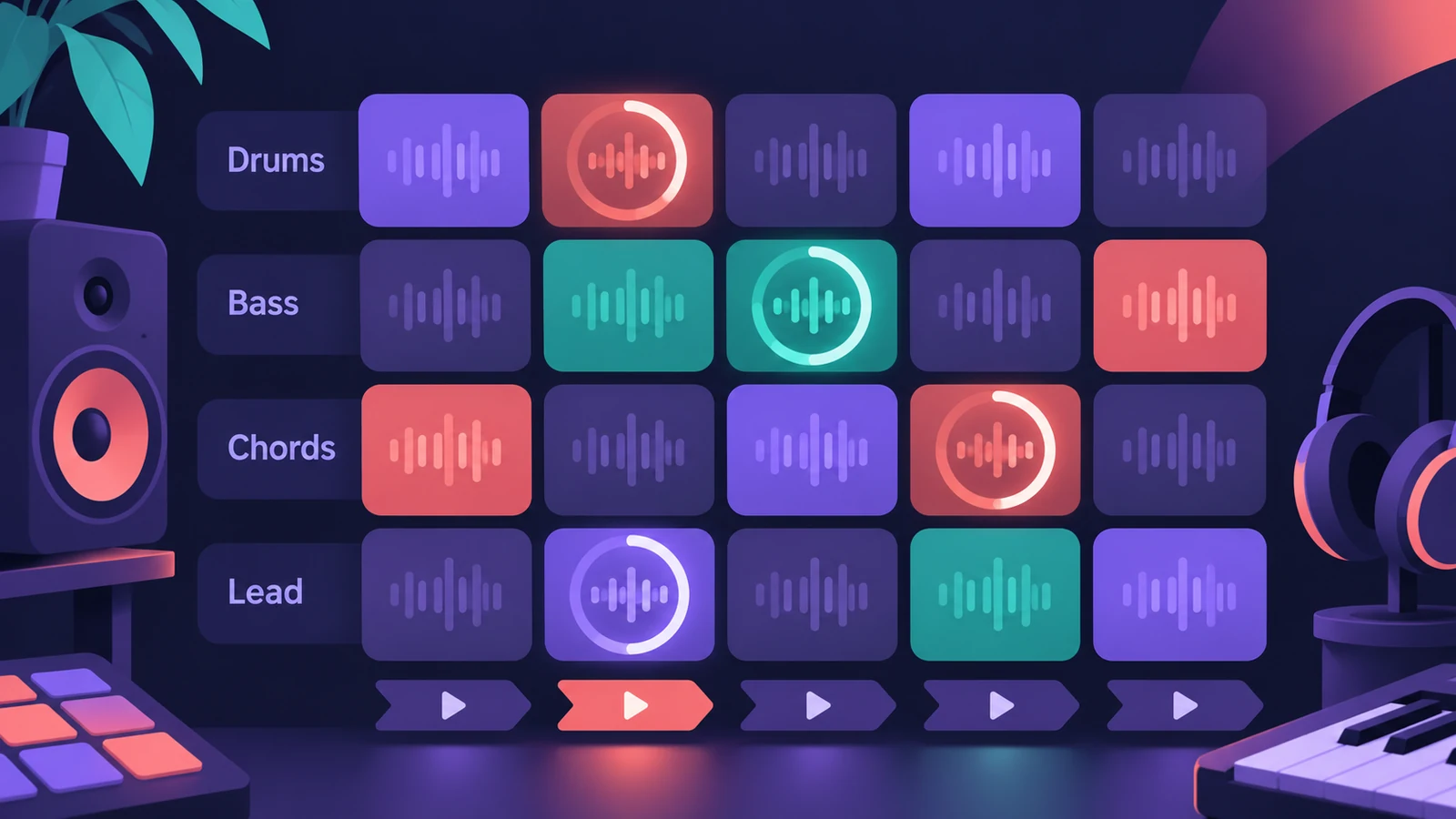 Live Loops in Logic ProUse Live Loops in Logic Pro: start a grid, drag in loops and regions, trigger cells and scenes in time, then record the performance to the Tracks area.
-
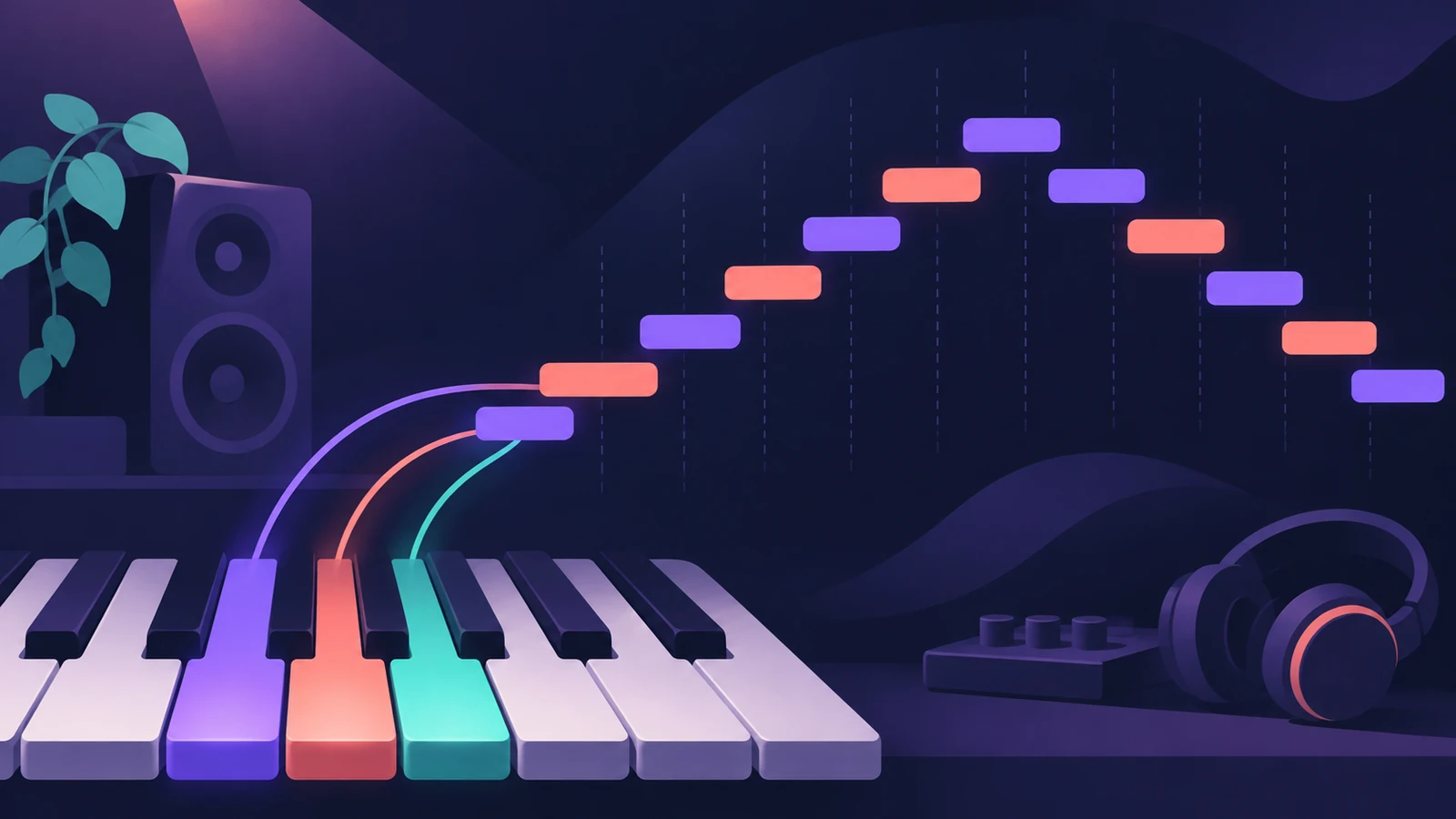 Arpeggiator in Logic ProTurn chords into arpeggios with Logic Pro's Arpeggiator MIDI plug-in: set note order, rate and octaves, use Latch, build a 16-step grid and record the output.
-
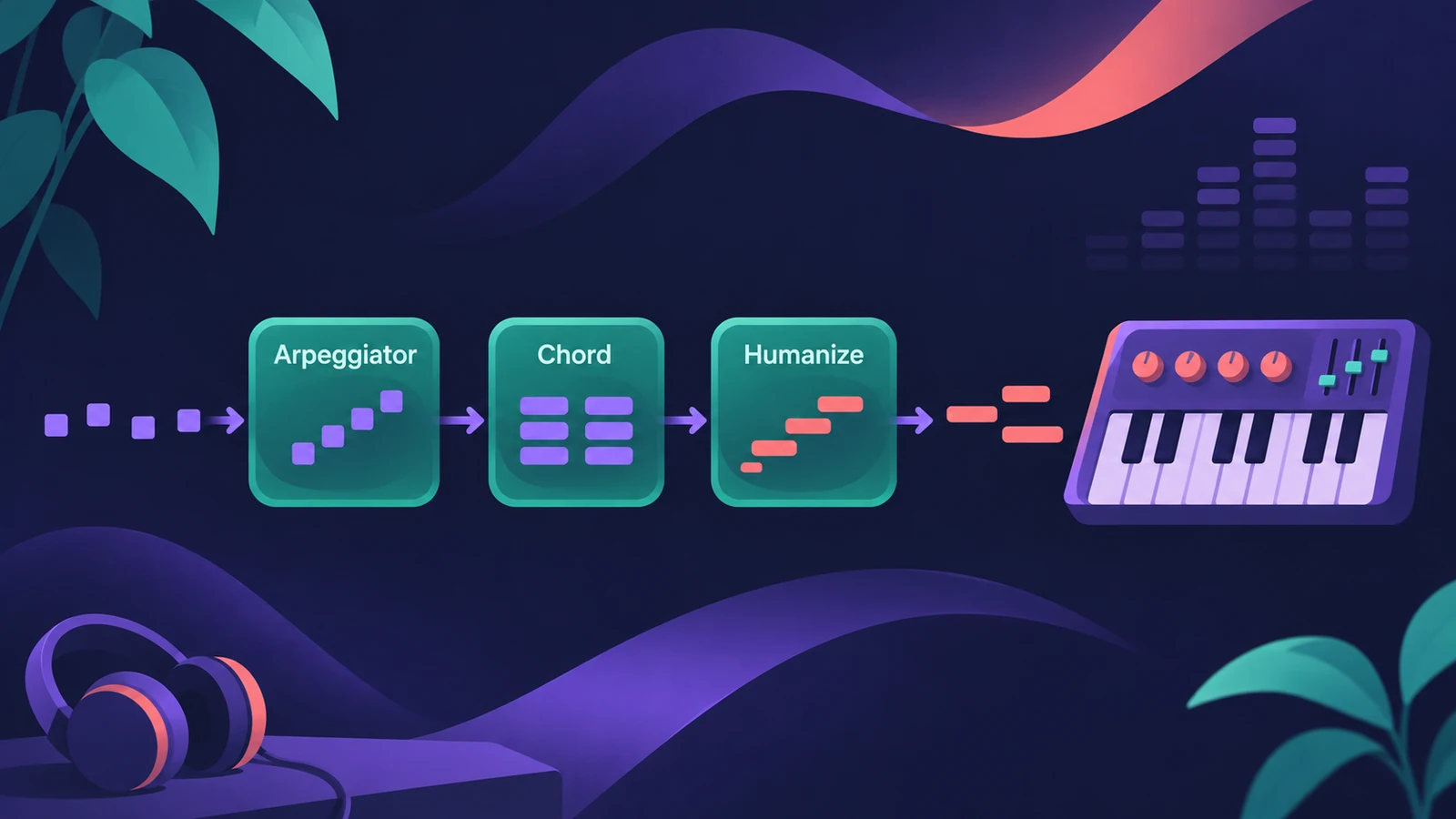 MIDI FX in Logic ProWhat each MIDI plug-in in Logic Pro does — Arpeggiator, Chord Trigger, Modifier, Modulator, Note Repeater, Randomizer, Scripter, Transposer, Velocity Processor.
-
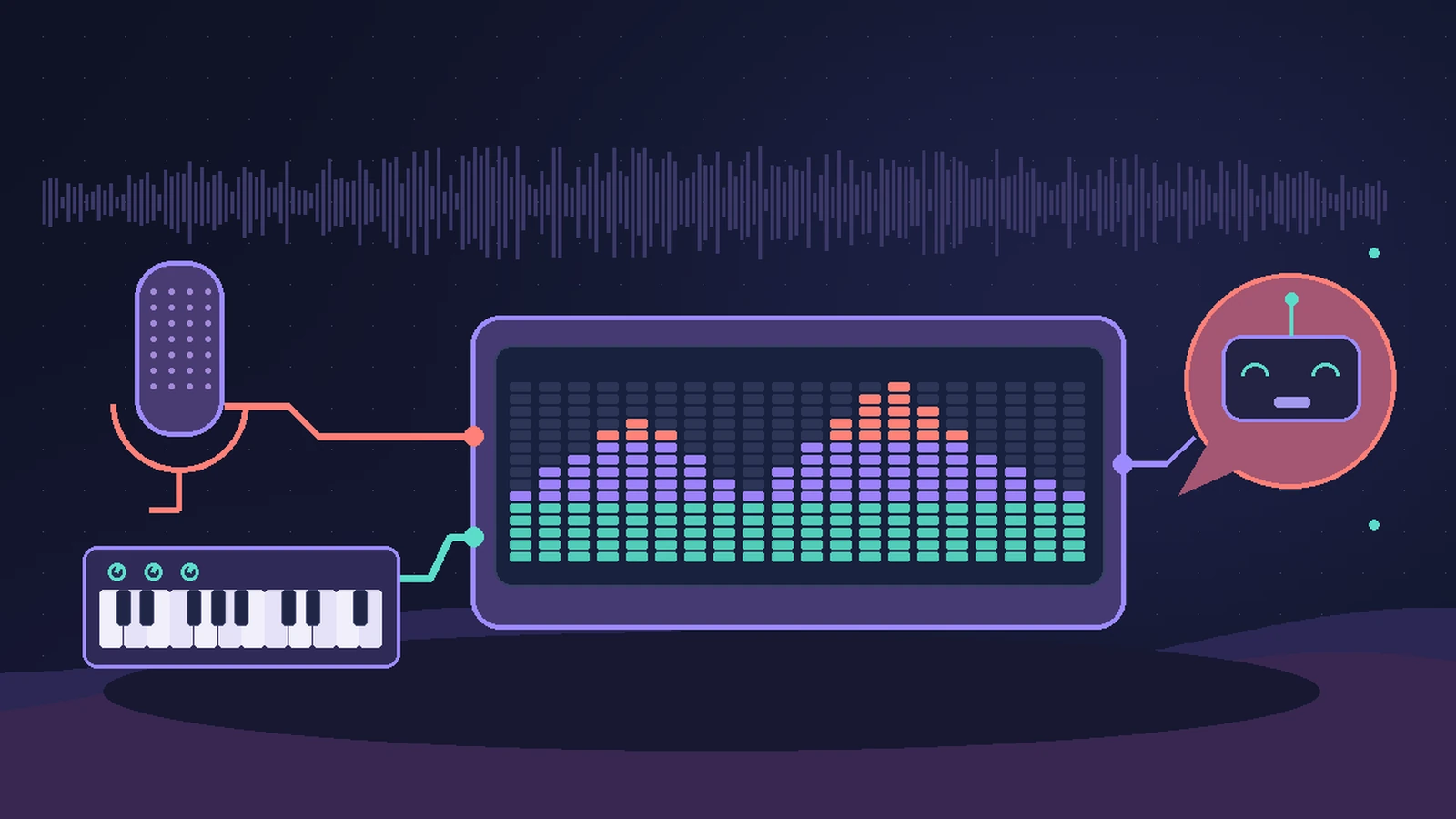 Vocoder in Logic Pro — EVOC 20 PolySynthSet up Logic Pro's vocoder: load EVOC 20 PolySynth, pick the vocal as side chain, play chords on a MIDI keyboard, then tune Bands, Attack, Release and Freeze.
-
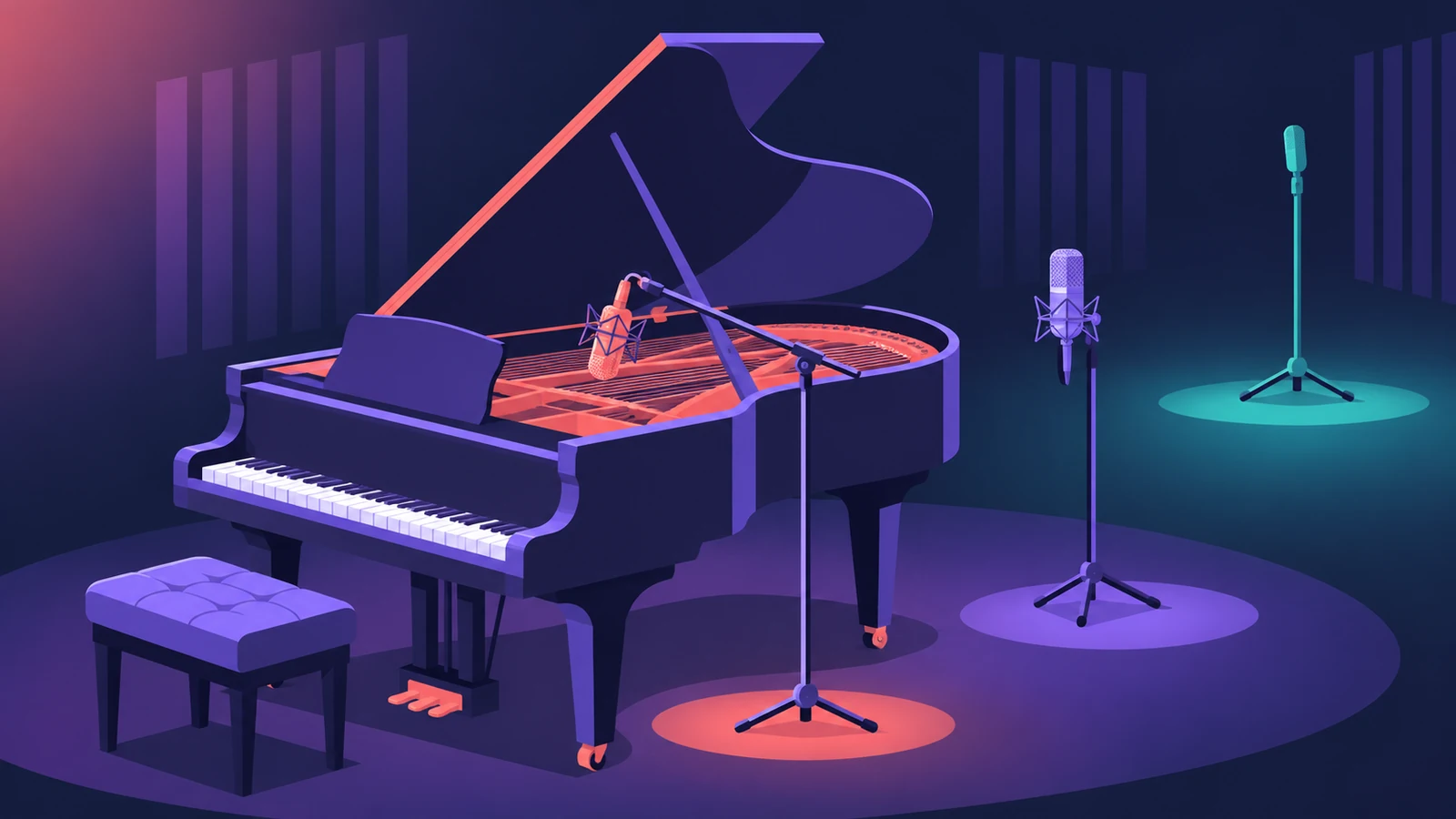 Studio Piano in Logic ProGet the most from Studio Piano in Logic Pro: choose Studio Grand, Concert Grand or Vintage Upright, balance mic positions, set pedal and key noise.
-
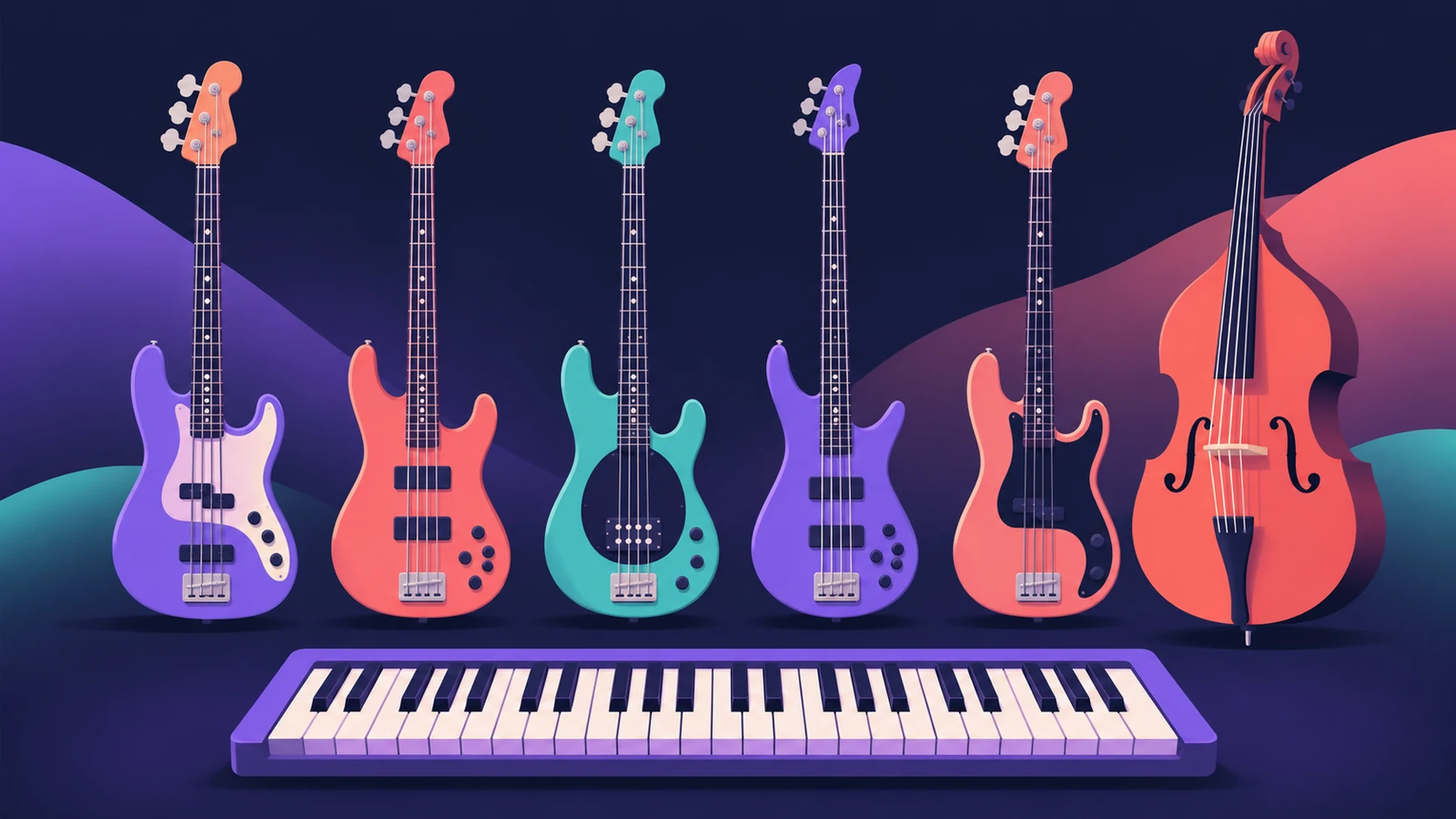 Studio Bass in Logic ProUse Studio Bass in Logic Pro: choose one of six sampled basses, shape tone and pickups, use articulations and keyswitches, and pair it with the Bass Player.
-
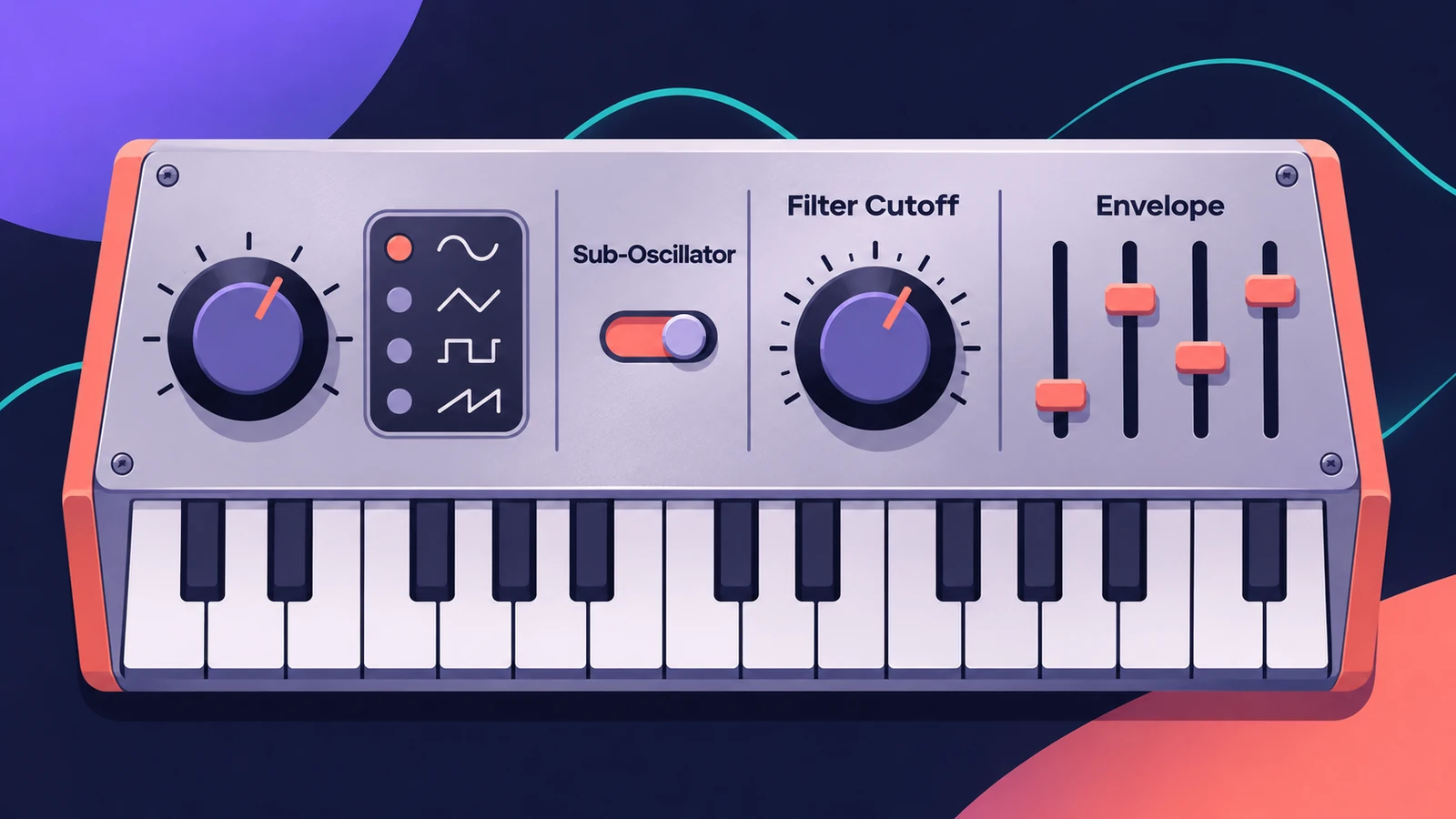 ES1 in Logic ProLearn Logic Pro's ES1 synth: oscillator and sub-oscillator, filter, envelopes, glide and LFO — a simple subtractive synth for analog basses, leads and plucks.
-
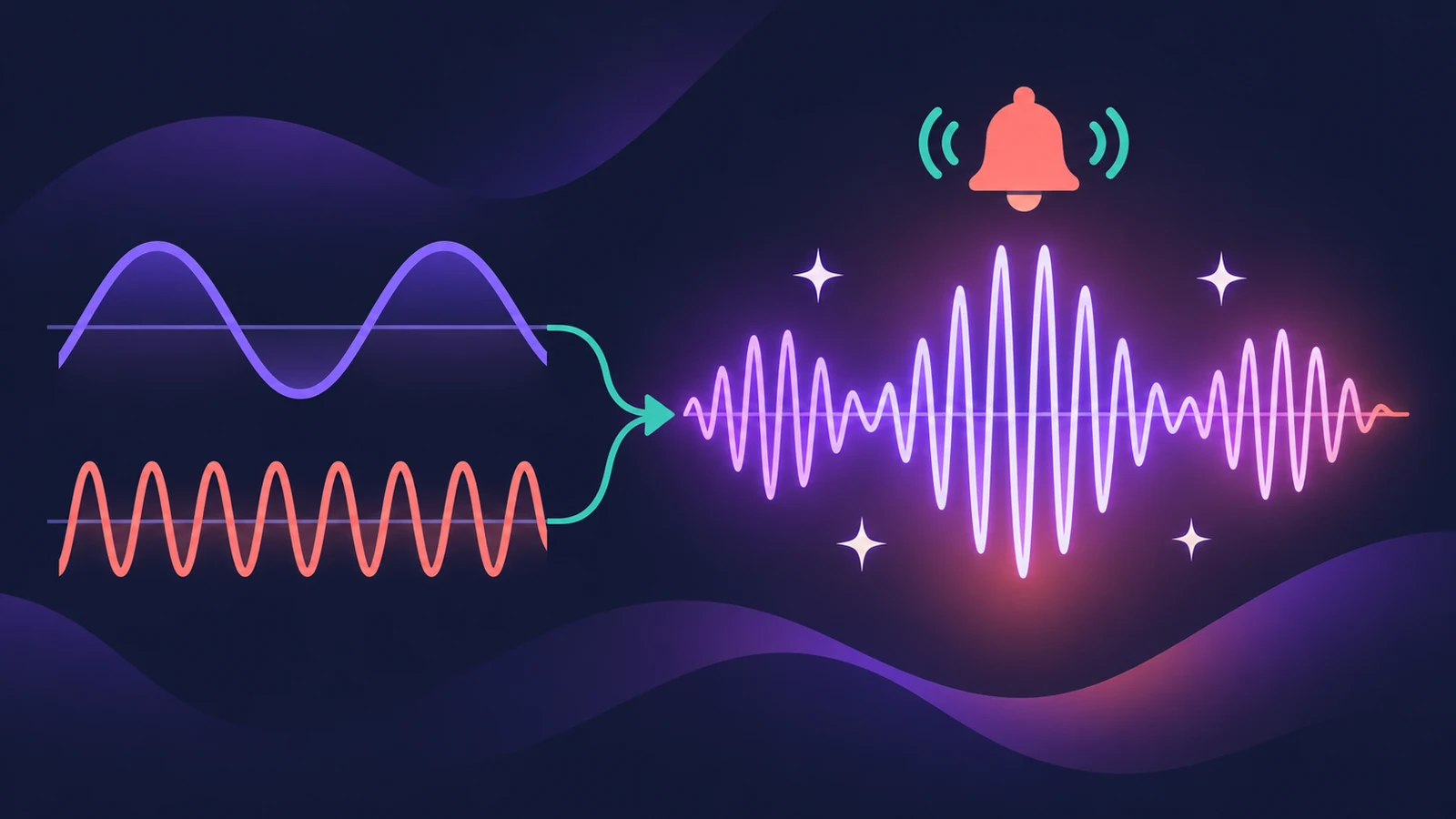 EFM1 FM synth in Logic ProProgram Logic Pro's EFM1 FM synth: set the carrier and modulator ratio, shape FM depth with its envelope, and get bells, electric pianos and punchy basses.
-
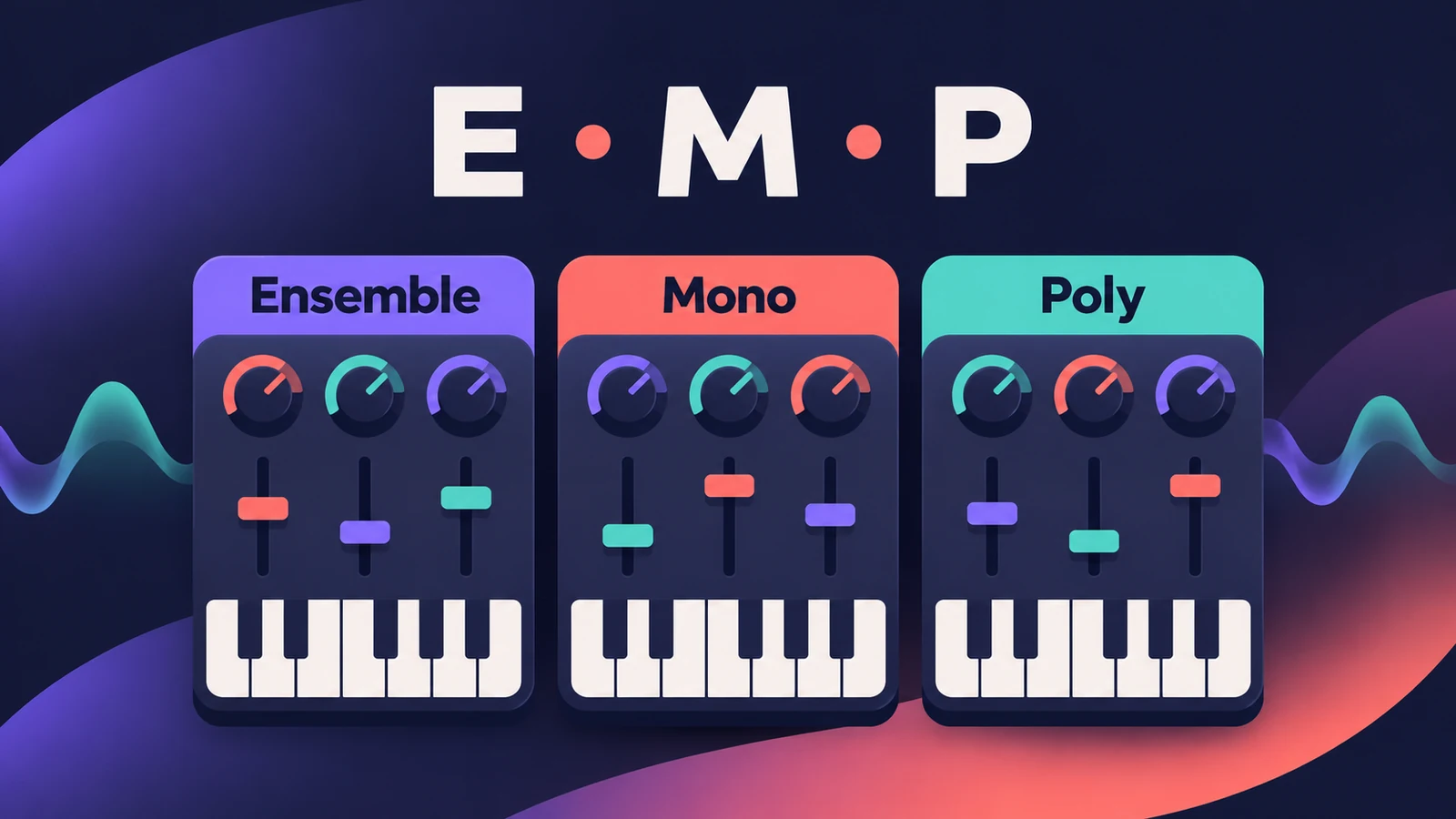 ES E, ES M and ES P — Logic Pro's simple synthsLogic Pro's simple synths ES E, ES M and ES P explained: warm pads, mono bass and lead lines, 1980s-style poly sounds — and when to move up to ES1 or ES2.
-
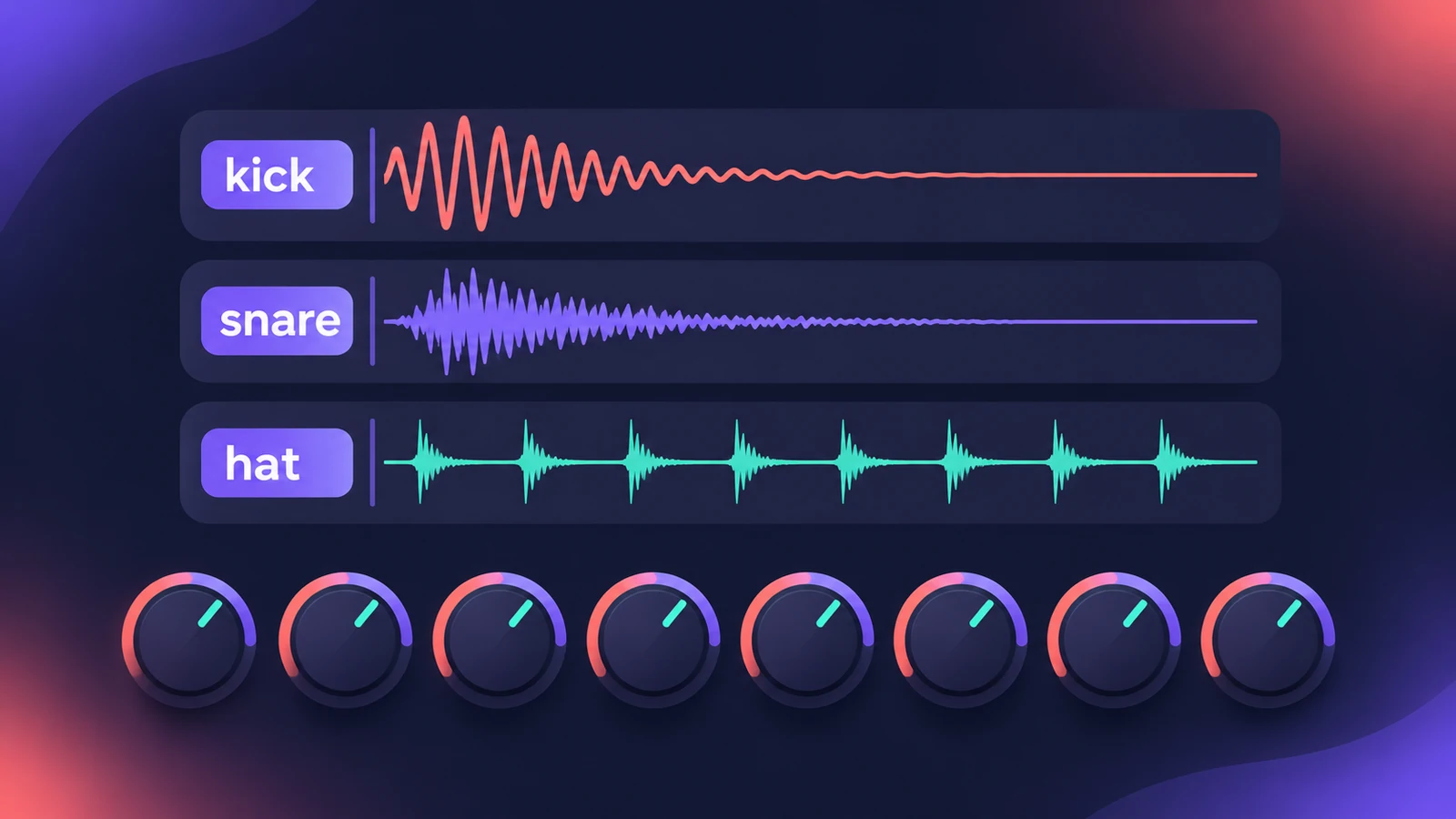 Drum Synth in Logic ProBuild kicks, snares, toms and percussion in Logic Pro's Drum Synth: pick a category and sound type, shape pitch and decay, use it in Drum Machine Designer.
-
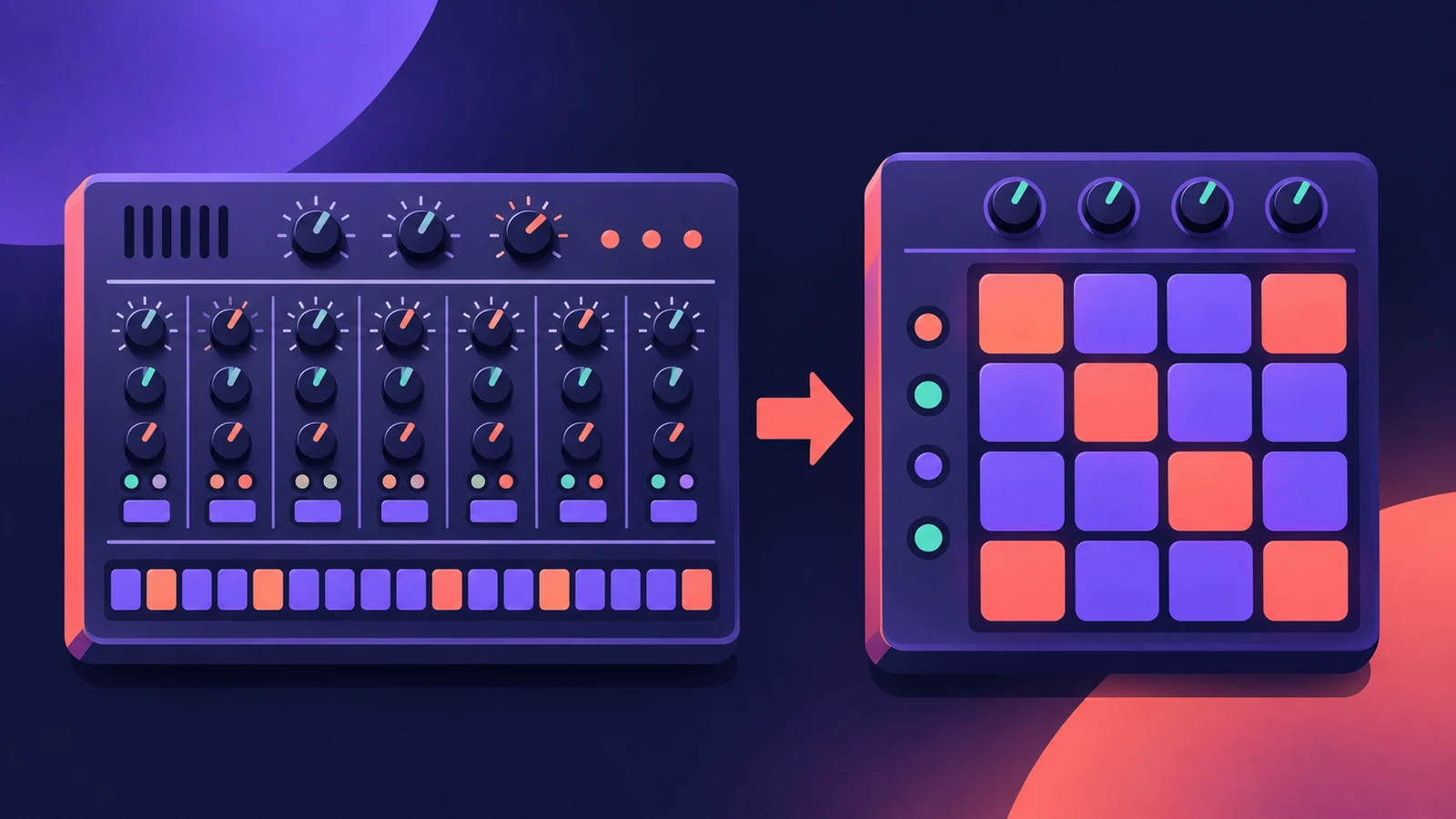 Ultrabeat in Logic ProWhat happened to Ultrabeat in Logic Pro, how to check whether your version still has it, and how to rebuild its drum kits with Drum Synth and Step Sequencer.
-
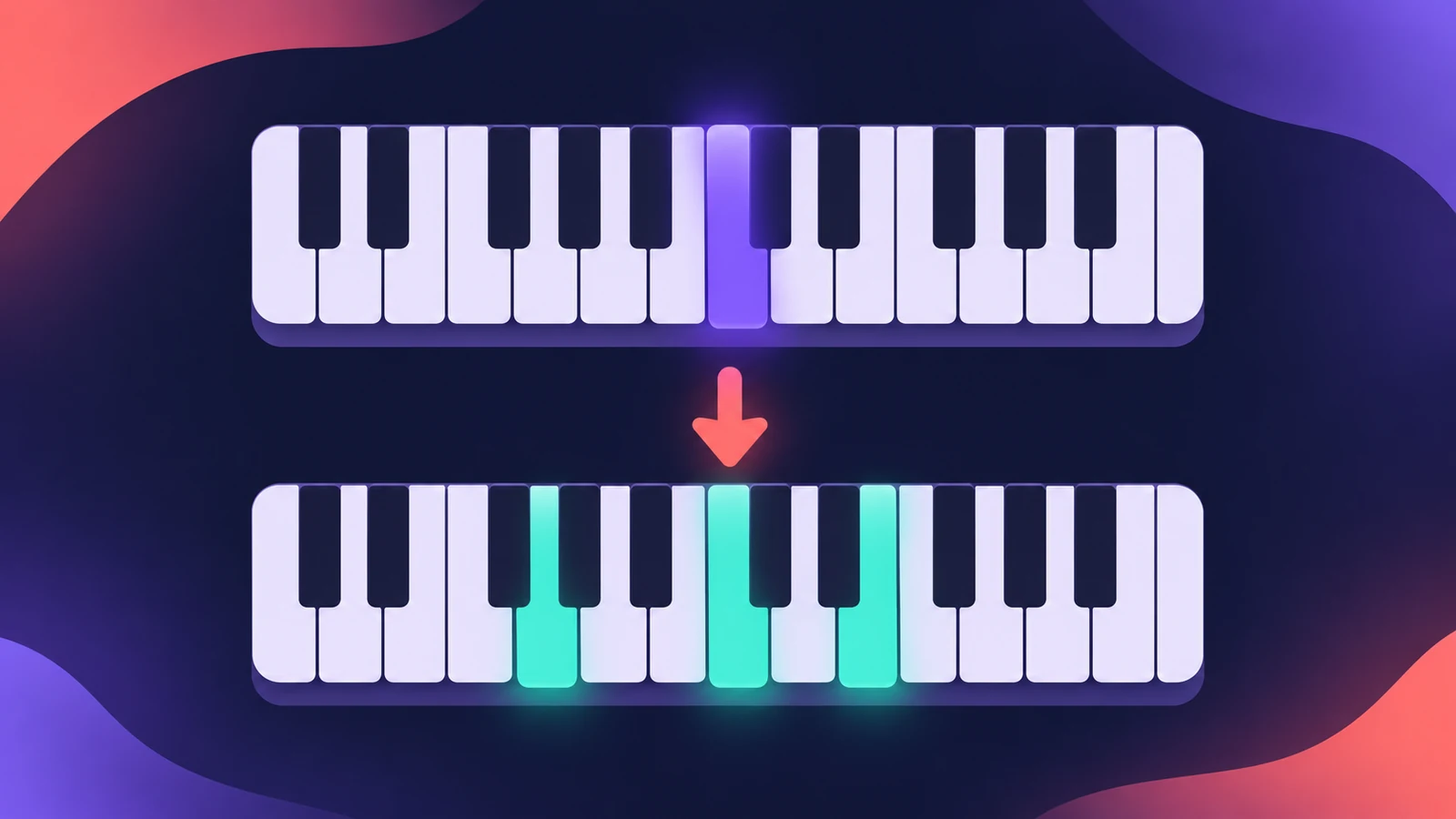 Chord Trigger in Logic ProPlay chords from single keys with Logic Pro's Chord Trigger: choose Single or Multi mode, set the trigger range, use Learn to assign chords and transpose them.
-
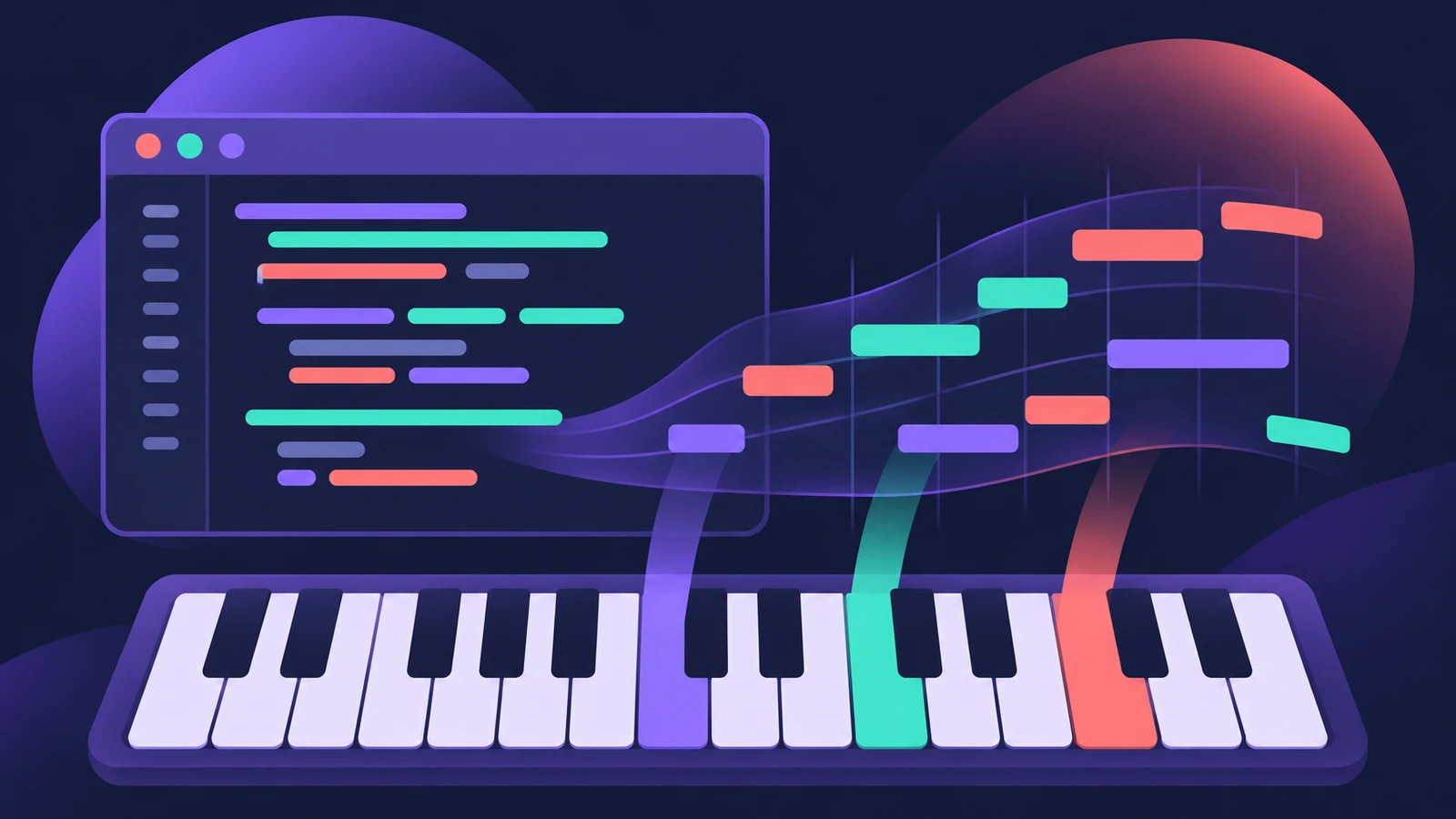 Scripter in Logic ProUse Logic Pro's Scripter MIDI plug-in: load factory scripts like Guitar Strummer, open the Script Editor and learn from Tutorial scripts in JavaScript.
-
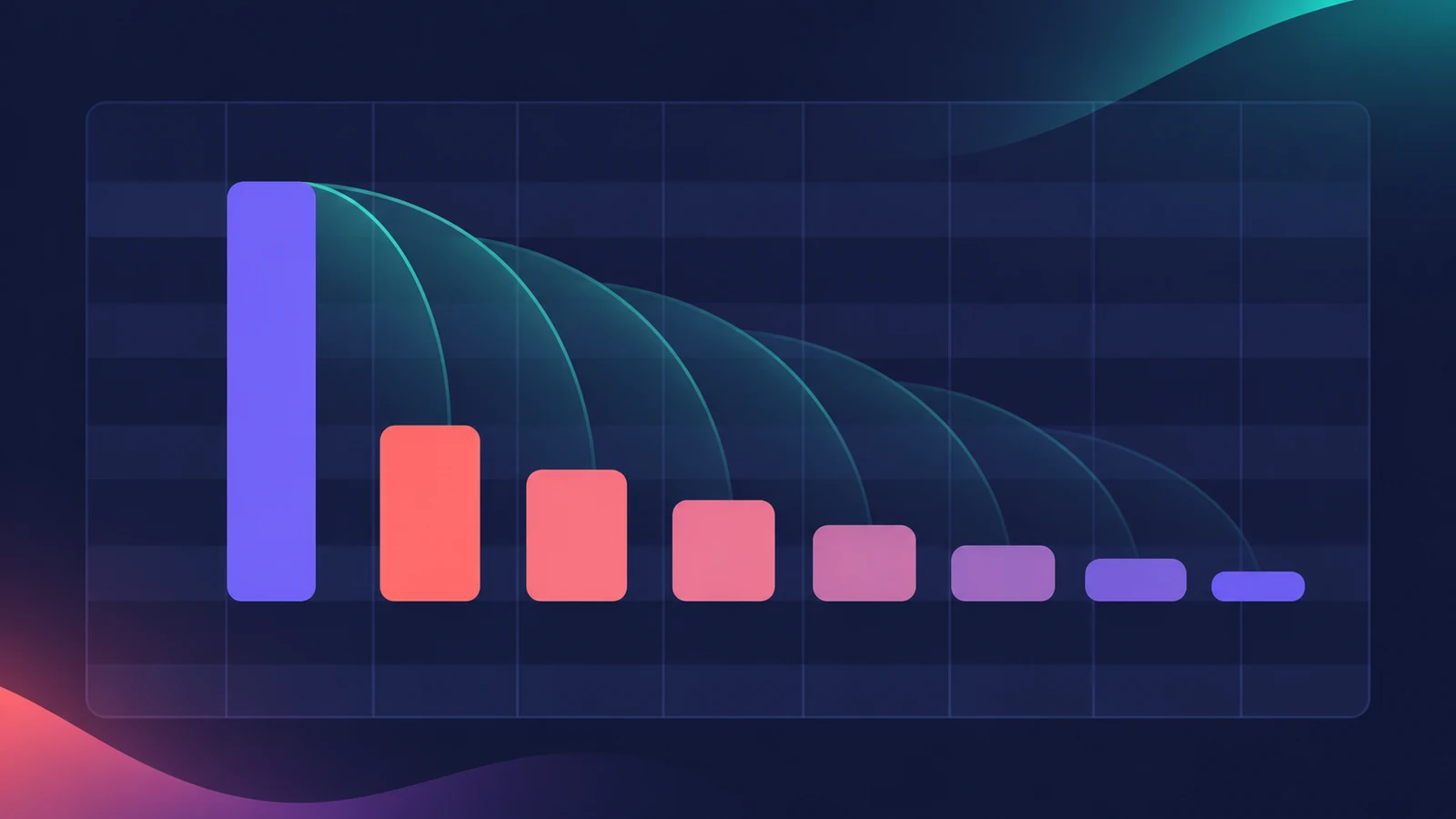 Note Repeater in Logic ProCreate MIDI echoes, rolls and stutters with Logic Pro's Note Repeater: sync Delay to tempo, set Repeats, ramp velocity and transpose each repeat.
-
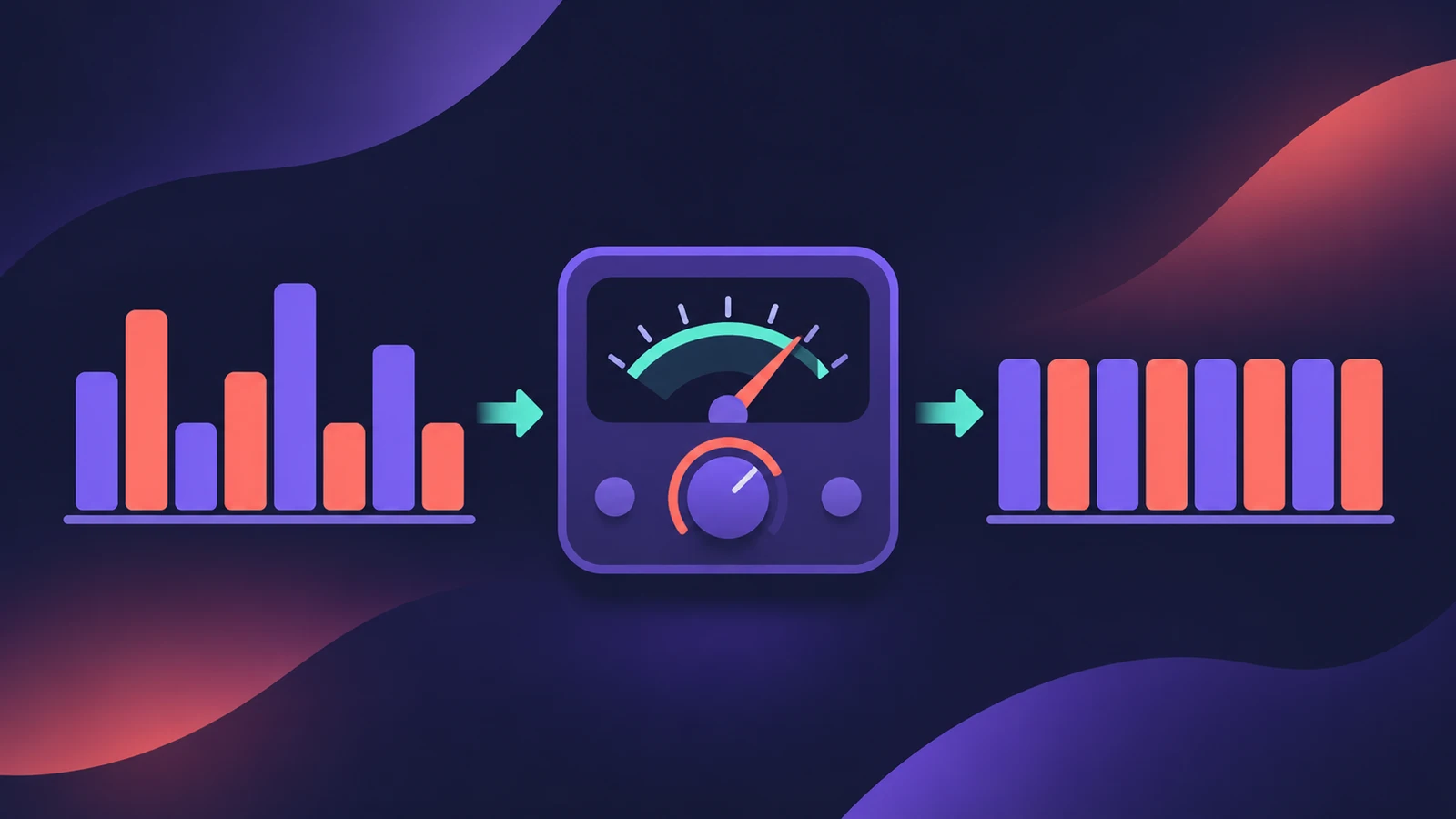 Velocity Processor in Logic ProEven out or exaggerate playing with Logic Pro's Velocity Processor: Compress/Expand, Value/Range limiting, Add/Scale, and note range for drum or keyboard parts.
-
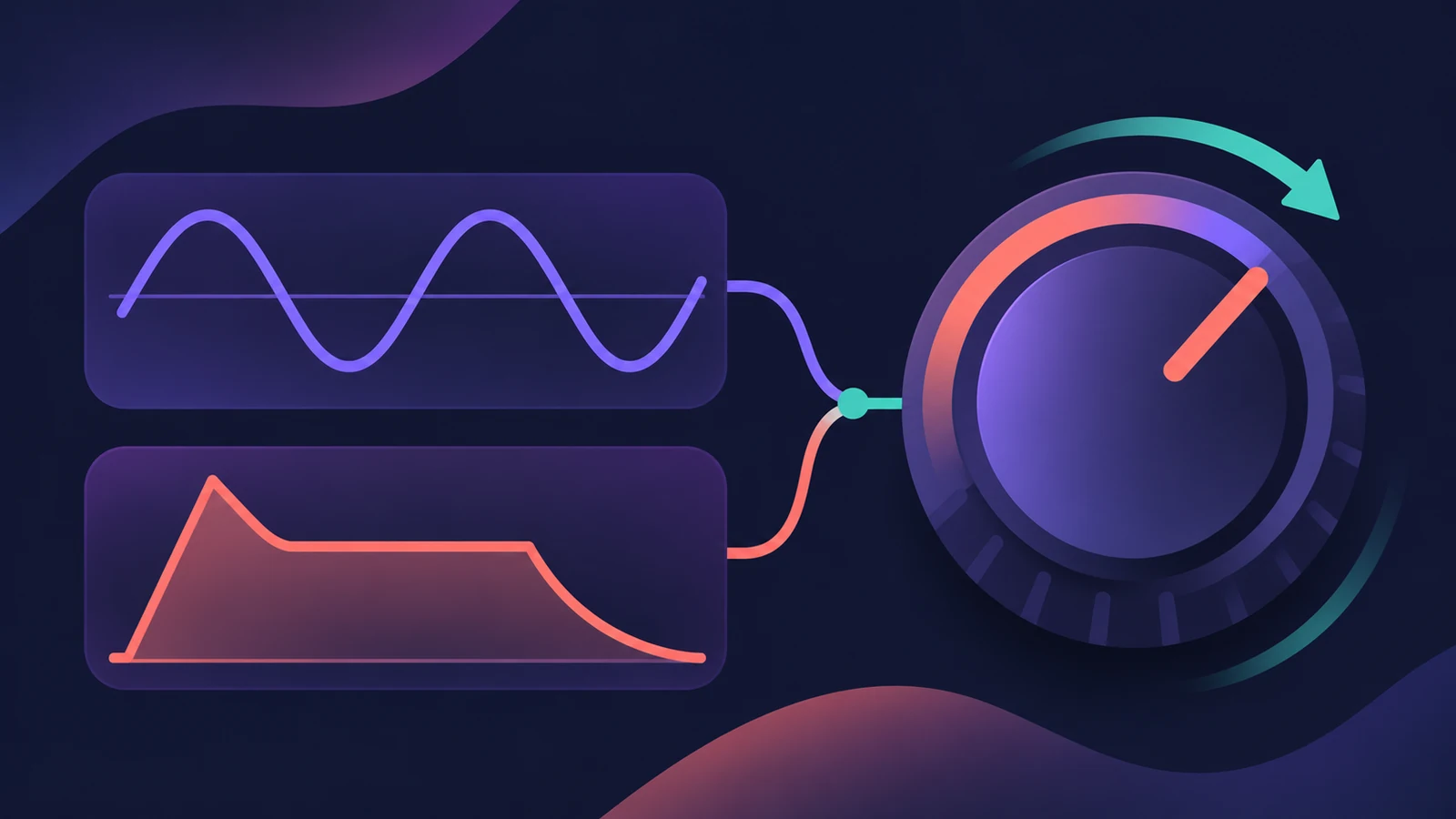 Modulator MIDI plug-in in Logic ProAdd movement with Logic Pro's Modulator MIDI plug-in: a synced LFO and an envelope sent to MIDI CC, pitch bend or any plug-in parameter in the strip.
Sources
- Apple — Logic Pro User Guide: Get started with Session Players
- Apple Newsroom — Logic Pro takes music-making to the next level with new AI features (May 2024)
- Apple — Logic Pro for iPad User Guide: Intro to Synth Player styles
- Apple — Logic Pro for iPad User Guide: Analyze chords with Chord ID
- Apple Support — Create and customize Drum Machine Designer kits in Logic Pro for Mac
- Apple Support — Create sampler instruments with Sampler in Logic Pro for Mac
- Apple Support — Build grooves in Logic Pro for Mac with the Step Sequencer
- Apple Support — Logic Pro for Mac release notes
Checked November 2026. Logic ProFiles is independent of Apple; menu names can differ slightly between Logic Pro versions.
Frequently asked questions
What are Session Players in Logic Pro?
+
Virtual players — Drummer, Bass Player, Keyboard Player and, from Logic Pro 12, Synth Players — that create a part on a software instrument track and follow the Chord track.
What replaced the EXS24 sampler?
+
Sampler replaced EXS24 in Logic Pro 10.5, and EXS24 instruments open in Sampler. Quick Sampler was added in the same update.
Do I need a MIDI keyboard to play Logic Pro instruments?
+
No. You can draw notes, use the Step Sequencer, let a Session Player write the part, or play from your Mac with the Play Surface in Logic Pro 13.
Related
- Session Players in Logic ProHow Session Players work in Logic Pro: add a Drummer, Bass, Keyboard or Synth Player, pick a style, shape Complexity and Intensity, follow the Chord track.
- Drummer in Logic ProAdd a Drummer to Logic Pro and shape the part: XY pad for complexity and loudness, fills, swing, kit pieces and Follow so the kick and snare match your bass.
- Sampler in Logic ProBuild a multisampled instrument with Logic Pro's Sampler: drag in samples, choose a mapping, edit zones and groups, and open old EXS24 instruments in Sampler.
- Logic Pro track types explainedLogic Pro track types explained: audio, software instrument (MIDI, Session Player and pattern regions), external MIDI, Track Stacks, aux and global tracks.