Instruments
Studio Strings and Studio Horns in Logic Pro
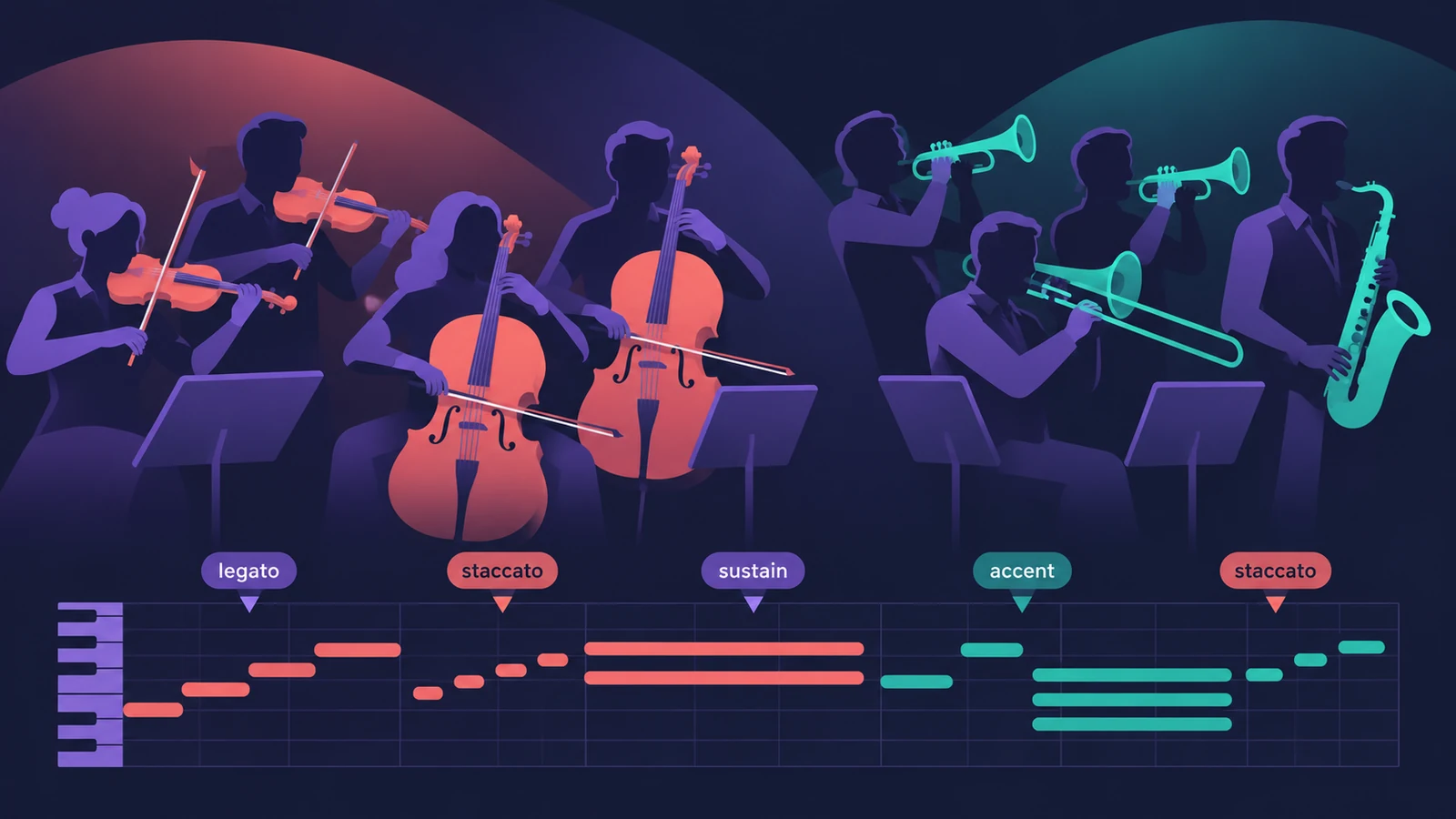
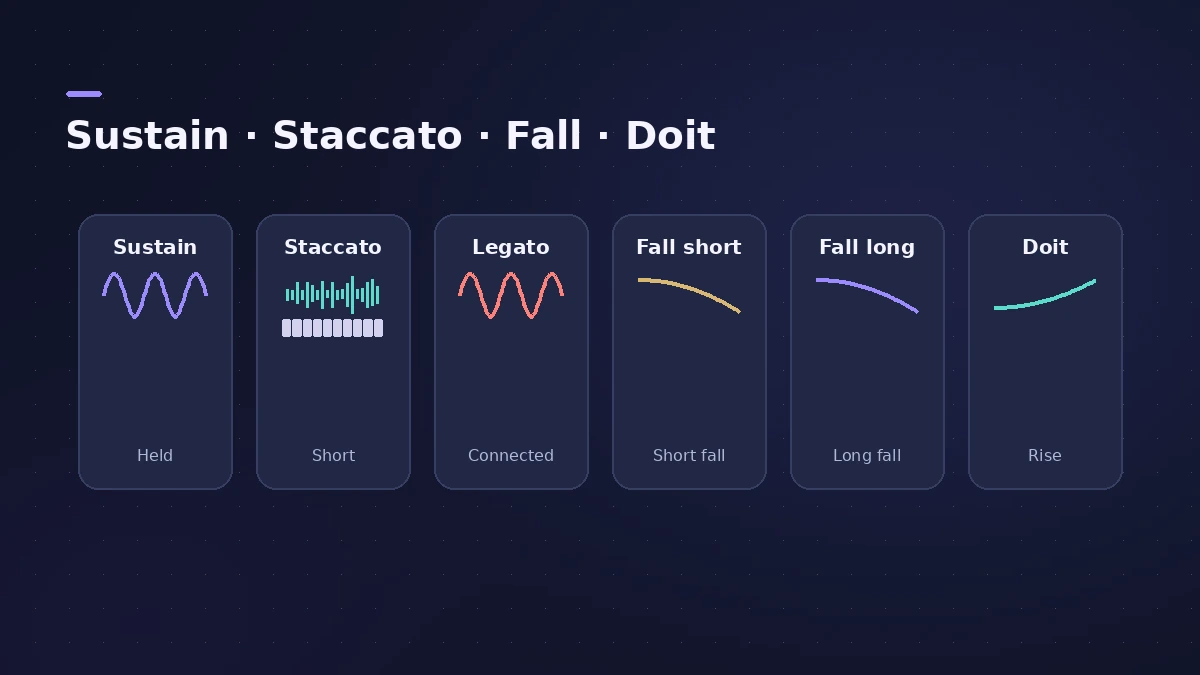
Studio Strings and Studio Horns, added in Logic Pro 10.4, are deeply sampled section and solo instruments. Their strength is articulations — sustain, staccato, falls, doits and more — which you switch from a menu or with keyswitches, plus true legato on every preset.
 Owen Hartley
Where to find it
New Tracks dialog > Details > Instrument menu
Studio Strings vs Studio Horns
| Studio Strings | Studio Horns | |
|---|---|---|
| Players | String sections and solo strings | Brass/sax sections and solo players |
| Special articulations | Falls | Falls and doits |
| Legato | Polyphonic true legato | Polyphonic true legato |
| Auto Voice Split | Yes | Yes |
| Formats | Mono, stereo, multi-output | Mono, stereo, multi-output |
Presets based on classic sounds
Apple's patches include presets modelled on classic recordings, such as Abbey Wood and Memphis Blast. Play them from a MIDI keyboard and use keyswitches to change articulation as you go.
Step by step
-
1
Create the track
In the New Tracks dialog, open Details and choose Studio Strings or Studio Horns from the Instrument menu — in mono, stereo or multi-output.
-
2
Pick a section or a solo player
Use the Preset menu in the plug-in to load a whole section or a single instrument, or choose a patch.
-
3
Choose an articulation
Pick one from the Articulation menu in the plug-in header, or switch while playing with the default keyswitches.
-
4
Add falls and doits
Strings offer falls; Horns offer falls and doits. For a smooth fall, add a second note of the same pitch with the Fall articulation straight after the first.
-
5
Let chords split into parts
When you play chords on a section, Auto Voice Split spreads the notes across the players for a natural arrangement.
Common mistakes
- Writing every note with one articulation, so the part sounds mechanical.
- Leaving a gap before a fall note — it should follow the previous note directly.
- Loading a full section for a line that should be a solo instrument.
Edit articulations later
Articulations are stored with the notes, so you can change them afterwards in the Piano Roll. For older-style tape strings and brass, try Vintage Mellotron.
Sources
- Apple Support — Create realistic string and horn parts in Logic Pro for Mac
- Apple — Logic Pro X 10.4 Help: Studio instruments overview (old)
- Apple — Logic Pro X 10.4 Help: Studio Horns (old)
- Apple — Logic Pro for iPad User Guide: Studio Strings
- 9to5Mac — Logic Pro X 10.4 update
- Apple Support — Logic Pro 12 release notes
Checked November 2026. Logic ProFiles is independent of Apple; menu names can differ slightly between Logic Pro versions.
Frequently asked questions
When were Studio Strings and Studio Horns added?
+
In Logic Pro 10.4.
Which solo instruments are included?
+
Coverage of the 10.4 release lists cello, viola, violin, sax, trombone and trumpet alongside the ensembles.
How do I switch articulations while playing?
+
Use the default keyswitches, or set up your own in an Articulation Set.
Related
- Orchestral mockups in Logic ProBuild a realistic orchestral mockup in Logic Pro: Studio Strings and Horns sections, articulations by keyswitch, legato lines, and CC1 and CC11 for dynamics.
- Vintage Mellotron in Logic ProVintage Mellotron in Logic Pro: sampled from the original tapes but looped for endless sustain, with two layers to blend and extras the original lacked.
- Keyboard Player in Logic ProUse Keyboard Player in Logic Pro for piano and keys parts that follow your chords: pick one of four styles, shape the part and set up the Studio Piano sound.
- The Logic Pro Piano Roll EditorEdit MIDI in the Logic Pro Piano Roll: open it with P, add and move notes, change length and velocity, quantize selected notes and colour notes by velocity.
- How to record MIDI with a keyboard in Logic ProRecord MIDI from a keyboard in Logic Pro: arm an instrument track, record with a count-in, overdub, replace or take passes in Cycle mode, then quantize.