Instruments
Keyboard Player in Logic Pro
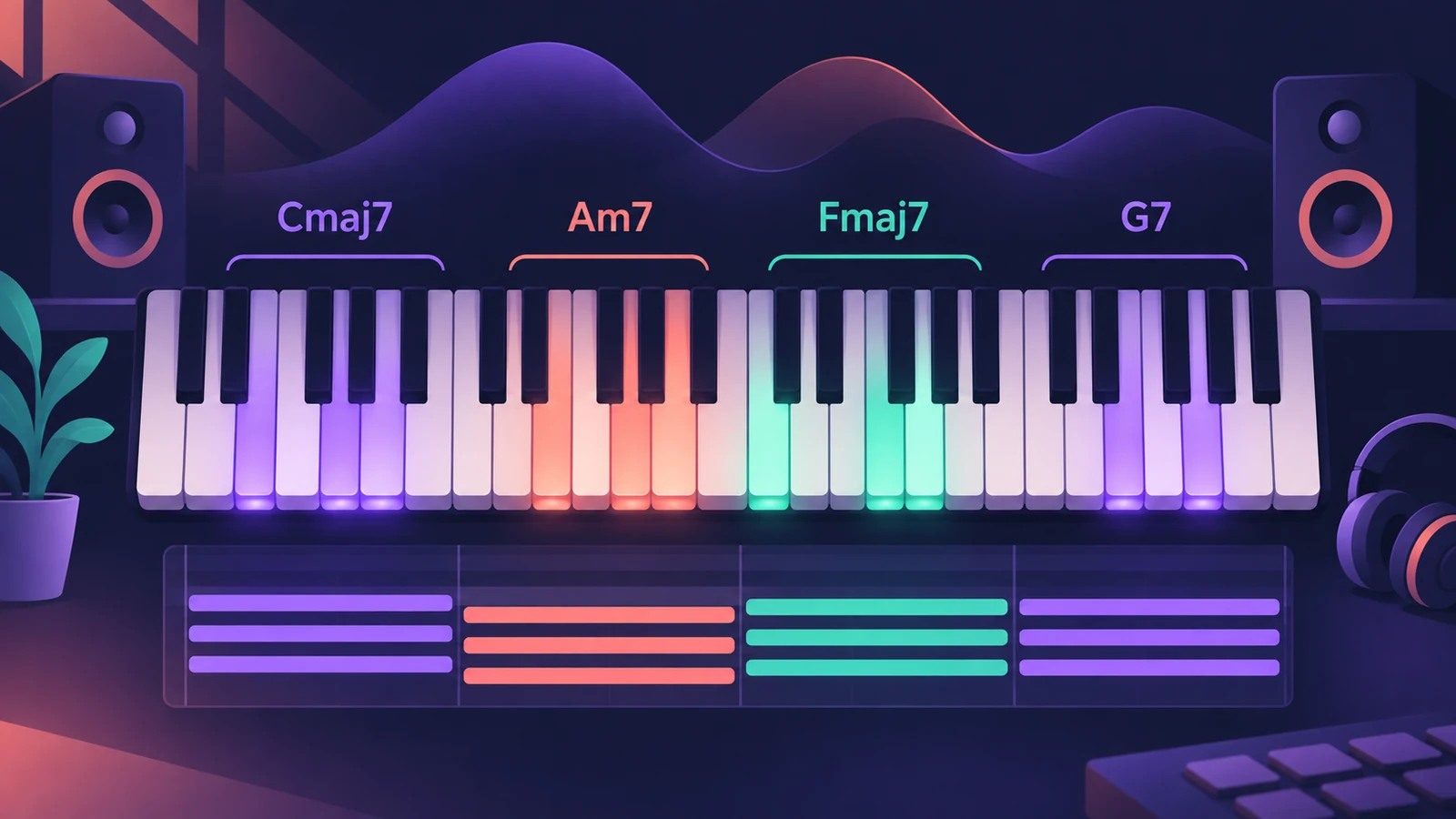
Keyboard Player is the Session Player for piano and keys accompaniment. It follows the chords on the Chord track in one of four styles, and plays Studio Piano, a sampled piano with mic positions and the small noises that make a real piano sound real.
 Owen Hartley
Where to find it
New Tracks dialog > Keyboard Player
Keyboard Player at a glance
| Feature | Detail |
|---|---|
| Styles | Four |
| Instrument | Studio Piano |
| Mic positions | Three |
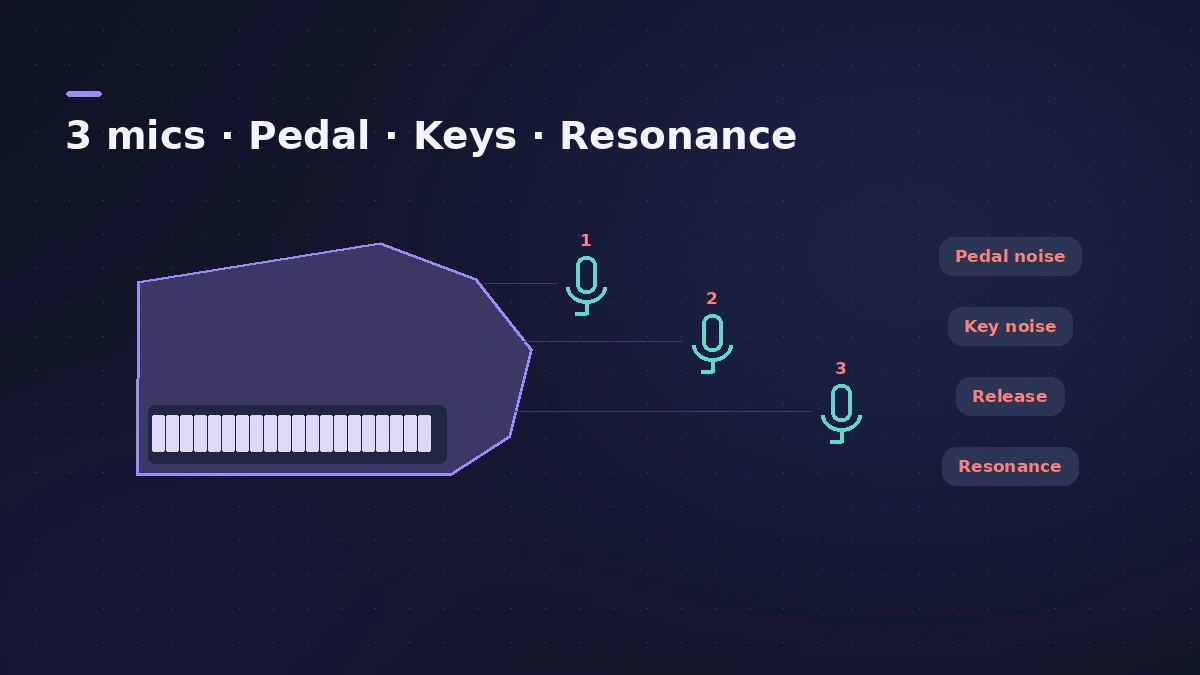
| Realism | Pedal and key noise, release samples, sympathetic resonance |
| Follows | The Chord track |
Keys or synth pads
For pads and synth chord rhythms rather than piano, use the Synth Keyboard Player. For a bass line under the piano, add Bass Player — both follow the same chords.
Step by step
-
1
Set the chords
Enter the progression on the Chord track, or analyse an existing part with Chord ID.
-
2
Create a Keyboard Player track
In the New Tracks dialog choose Keyboard Player and click Create.
-
3
Choose one of the four styles
Pick a style and a preset in the Session Player Editor.
-
4
Shape the part
Use Complexity and Intensity on each region; quieter verses and fuller choruses come from different settings per region.
Common mistakes
- Leaving every region on the same settings, so the song never builds.
- Stacking Keyboard Player and a Synth Keyboard pad in the same register.
- Forgetting to set the chords first.
The sound — Studio Piano
Studio Piano offers three mic positions, pedal and key noise, release samples and sympathetic resonance. To play a part yourself, see recording MIDI.
Sources
- Apple Newsroom — Logic Pro takes music-making to the next level with new AI features (May 2024)
- Apple Newsroom (Canada) — Logic Pro takes music-making to the next level (May 2024)
- Apple — Logic Pro User Guide: Get started with Session Players
- Synthtopia — Free Logic Pro update brings new AI-powered features (May 2024)
Checked November 2026. Logic ProFiles is independent of Apple; menu names can differ slightly between Logic Pro versions.
Frequently asked questions
How many styles does Keyboard Player have?
+
Four, according to Apple's Logic Pro 11 announcement.
What piano does Keyboard Player use?
+
Studio Piano, with three mic positions, pedal and key noise, release samples and sympathetic resonance.
Does Keyboard Player follow my chords?
+
Yes, it plays the progression on the Chord track.
Related
- Studio Piano in Logic ProGet the most from Studio Piano in Logic Pro: choose Studio Grand, Concert Grand or Vintage Upright, balance mic positions, set pedal and key noise.
- Vintage Electric Piano in Logic ProVintage Electric Piano in Logic Pro: choose a Rhodes, Wurlitzer or Hohner model, shape decay and bell, and add tremolo, chorus, phaser and drive to the sound.
- Studio Strings and Studio Horns in Logic ProWrite realistic string and brass parts with Studio Strings and Studio Horns in Logic Pro: load a section or soloist, switch articulations, add falls.
- Session Players in Logic ProHow Session Players work in Logic Pro: add a Drummer, Bass, Keyboard or Synth Player, pick a style, shape Complexity and Intensity, follow the Chord track.
- Bass Player in Logic ProUse Bass Player in Logic Pro to get a bass line that follows your chords: choose one of eight bassists, shape the part, use Studio Bass and Bass Player loops.
- The Chord track in Logic ProWhat the Chord track does in Logic Pro: which players and tools follow it — Session Players, Step Sequencer, Play Surface — and how Chord ID fills it for you.
- How to record MIDI with a keyboard in Logic ProRecord MIDI from a keyboard in Logic Pro: arm an instrument track, record with a count-in, overdub, replace or take passes in Cycle mode, then quantize.