Instruments
Studio Piano in Logic Pro
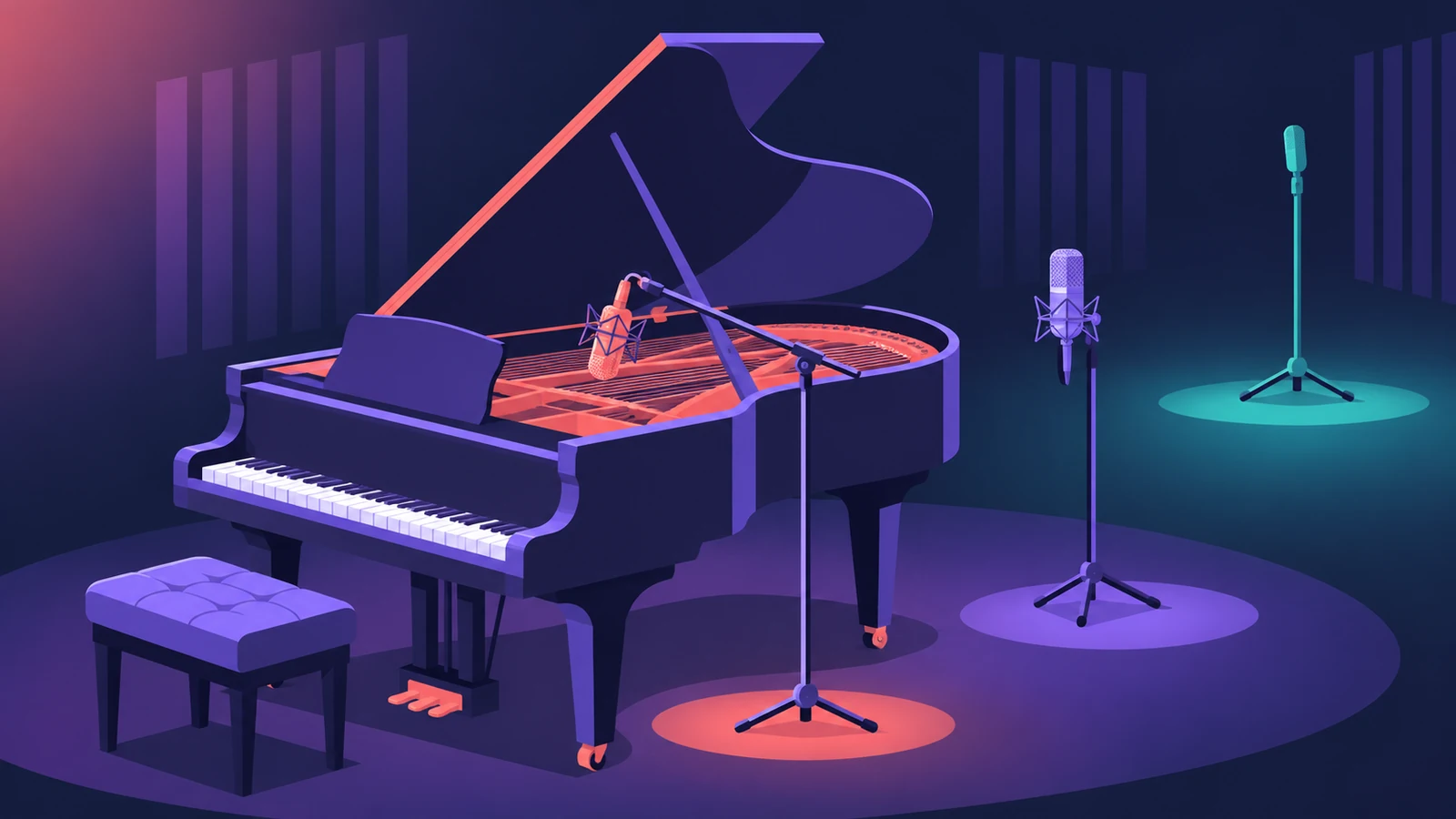
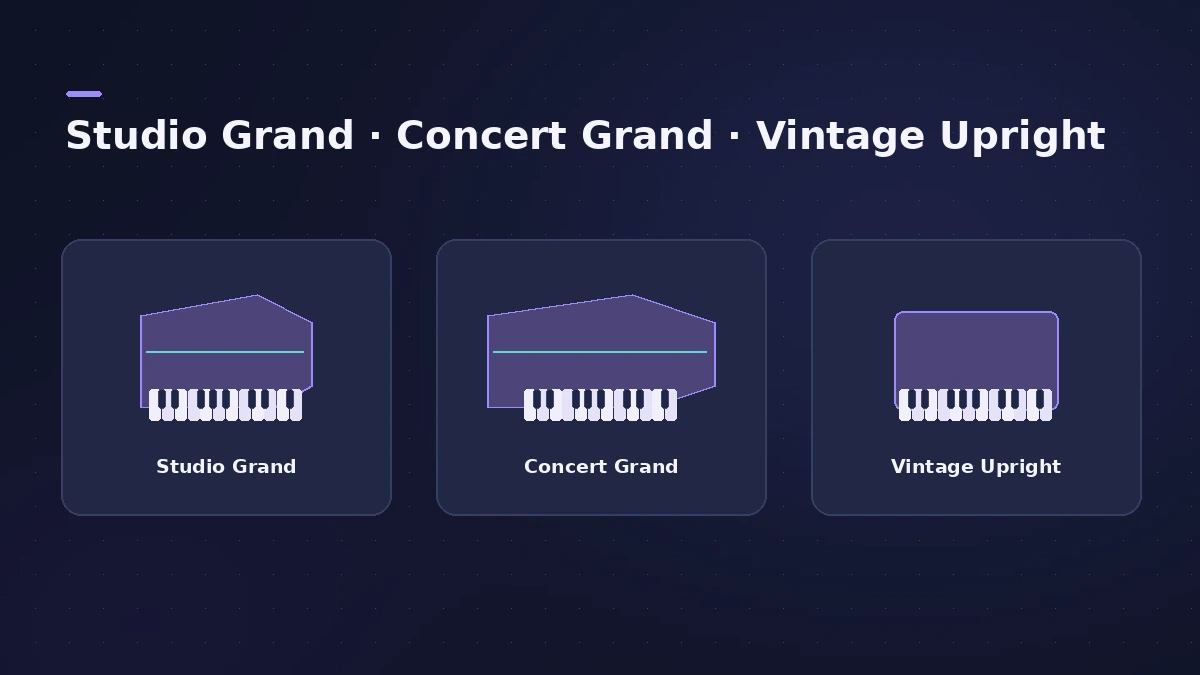
Studio Piano, introduced with Logic Pro 11, is a sampled instrument with three pianos — a studio grand, a concert grand and a vintage upright — and adjustable microphone positions. It's optimised for the Keyboard Player but plays just as well from your own MIDI keyboard.
 Owen Hartley
Where to find it
Instrument slot > Studio Piano
Studio Piano controls
| Control | What it does |
|---|---|
| Instrument | Studio Grand, Concert Grand, Vintage Upright, Studio Grand (Mono Mic) |
| Mic sliders | Volume of each microphone position |
| Pedal Noise | Sound of pressing and releasing the pedals |
| Key Noise | Sound of pressing and releasing the keys |
| Release | Release samples; too low can cut notes off abruptly |
| Sympathetic Resonance | Resonance of undamped strings |
Apple describes Studio Piano as simulating physical traits such as action movement, dampers and resonance.
Step by step
-
1
Load Studio Piano
Create a software instrument track with a Studio Piano patch, or add a Keyboard Player — the instrument is optimised for it.
-
2
Choose the piano
Pick Studio Grand, Concert Grand or Vintage Upright (there's also a Studio Grand mono-mic option).
-
3
Balance the microphones
Mix the mic positions — up to three per piano — to move from close and bright to roomy.
-
4
Set the mechanical noise
Adjust Pedal Noise, Key Noise and Release for realism, or turn them down for a cleaner pop piano.
-
5
Set Sympathetic Resonance
Raise Sympathetic Resonance for the ring of undamped strings when the pedal is down.
Common mistakes
- Setting the release sample too low, so notes stop abruptly and sound unnatural.
- Leaving every noise control high in a dense mix where nobody hears it.
- Pushing every mic position up at once instead of balancing them.
Record and mix the piano
Play it from a MIDI keyboard, tidy timing with quantize, and add space with ChromaVerb. For electric pianos, see Vintage Electric Piano.
Sources
- Apple — Logic Pro for iPad User Guide: Studio Piano
- Apple — Logic Pro for iPad User Guide: Studio Piano (overview)
- Apple (France) — Logic Pro for iPad User Guide 2.0: Studio Piano parameters
- Apple — MainStage User Guide: Studio Piano
- Sound On Sound — Logic Pro: Studio Piano (Aug 2026)
- Apple — Logic Pro: Plug-ins and Sounds
Checked November 2026. Logic ProFiles is independent of Apple; menu names can differ slightly between Logic Pro versions.
Frequently asked questions
Which pianos are in Studio Piano?
+
Studio Grand, Concert Grand and Vintage Upright, plus a Studio Grand with a mono mic.
When was Studio Piano added to Logic Pro?
+
Sound On Sound says it was introduced with Logic Pro 11.
Related
- How to record piano in Logic ProRecord piano in Logic Pro: a stereo pair on an upright or grand, mono vs stereo tracks, phase checks, and a digital piano over MIDI or stereo line outs.
- Keyboard Player in Logic ProUse Keyboard Player in Logic Pro for piano and keys parts that follow your chords: pick one of four styles, shape the part and set up the Studio Piano sound.
- Studio Bass in Logic ProUse Studio Bass in Logic Pro: choose one of six sampled basses, shape tone and pickups, use articulations and keyswitches, and pair it with the Bass Player.
- Vintage Electric Piano in Logic ProVintage Electric Piano in Logic Pro: choose a Rhodes, Wurlitzer or Hohner model, shape decay and bell, and add tremolo, chorus, phaser and drive to the sound.
- How to record MIDI with a keyboard in Logic ProRecord MIDI from a keyboard in Logic Pro: arm an instrument track, record with a count-in, overdub, replace or take passes in Cycle mode, then quantize.
- Instruments in Logic ProGuides to Logic Pro's instruments: Session Players, Drummer, Synth Players, Chord ID, Drum Machine Designer, Sampler, Step Sequencer and Play Surface.