Recording
How to record piano in Logic Pro
A digital piano is easy: record MIDI or its stereo outputs. An acoustic piano needs microphones — usually a stereo pair — because sound comes from the whole instrument, and the room becomes part of the recording.
 Owen Hartley

Where to find it
Two mono audio tracks, or a stereo track
Choose your method
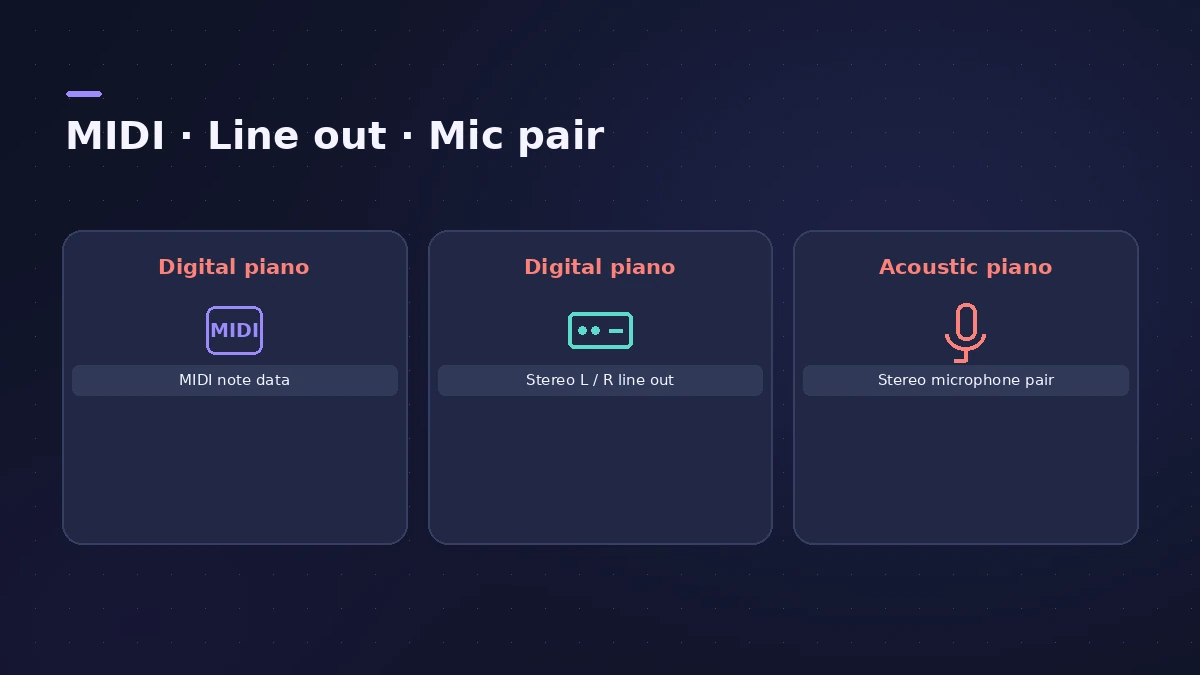
| Piano | Method | Track |
|---|---|---|
| Digital, want to edit notes | MIDI | Software instrument |
| Digital, keep its own sound | Left and right line outs | Stereo audio |
| Acoustic upright or grand | Stereo mic pair | Two mono or one stereo |
Step by step
-
1
Choose the method
Digital piano: record MIDI, or both left and right line outputs. Acoustic piano: use microphones.
-
2
Open the lid
Open the lid of an upright or grand; a stereo pair can go above an open upright on boom stands.
-
3
Place a pair
A common grand set-up is a spaced pair, one mic for the lower range and one for the upper; condensers suit the piano's wide range.
-
4
Record two tracks
Record each mic to its own mono track, or both to a stereo track, then pan left and right.
-
5
Check phase
If you hear phase cancellation between the two mics, Yamaha suggests reversing the polarity of one of them.
Common mistakes
- Recording a digital piano's stereo output with only one cable.
- Placing a pair at different distances and getting phase problems.
Or use Studio Piano
For a sampled grand or upright played from a keyboard, see Studio Piano and record MIDI.
Sources
- Yamaha Hub — Recording acoustic instruments, part 3 (piano)
- Sound On Sound — Recording techniques for upright piano (2009)
- Sound On Sound — Acoustic piano miking workshop
- MusicRadar — How to record a real piano
- Violet Recording — How to record piano and keys
Checked November 2026. Logic ProFiles is independent of Apple; menu names can differ slightly between Logic Pro versions.
Frequently asked questions
Can I record a piano with one microphone?
+
Yes — a single condenser works for demos, but you lose stereo width; the best results come from at least two mics.
How do I record a digital piano into Logic Pro?
+
Record MIDI on a software instrument track, or record the left and right line outputs to a stereo audio track.
Related
- How to record MIDI with a keyboard in Logic ProRecord MIDI from a keyboard in Logic Pro: arm an instrument track, record with a count-in, overdub, replace or take passes in Cycle mode, then quantize.
- Studio Piano in Logic ProGet the most from Studio Piano in Logic Pro: choose Studio Grand, Concert Grand or Vintage Upright, balance mic positions, set pedal and key noise.
- Mono or stereo tracks in Logic ProMono or stereo track in Logic Pro? Use mono for one mic or one cable, stereo for keyboards with L/R outs and mic pairs, and switch with the input format button.
- How to record acoustic guitar in Logic ProRecord acoustic guitar in Logic Pro with one or two mics: aim near the 12th fret about a foot away, use the 3:1 rule for two mics and set levels.
- Recording in Logic ProHow to record in Logic Pro: vocals, electric and acoustic guitar, bass, drums and MIDI, plus cycle takes, punch-in, Flashback Capture and step input.