Recording
Recording in Logic Pro
Every recording in Logic Pro follows the same pattern: pick the input, arm the track, check the level, press R. What changes is the source — a voice, a guitar, a drum kit, a MIDI keyboard — and how you capture the best take. These guides cover each source and the tools for takes, punch-ins and performances you forgot to record.
 Owen Hartley

Before you record
| Check | Where | Typical choice |
|---|---|---|
| Interface and buffer | Settings > Audio > Devices | Your interface, small buffer |
| File type | Settings > Recording | WAVE (BWF) for compatibility |
| Bit depth | Settings > Recording | 24-bit |
| Count-in and click | Shift-K and K | One or two bars |
| Input monitoring | Track header | On if you monitor through Logic Pro |
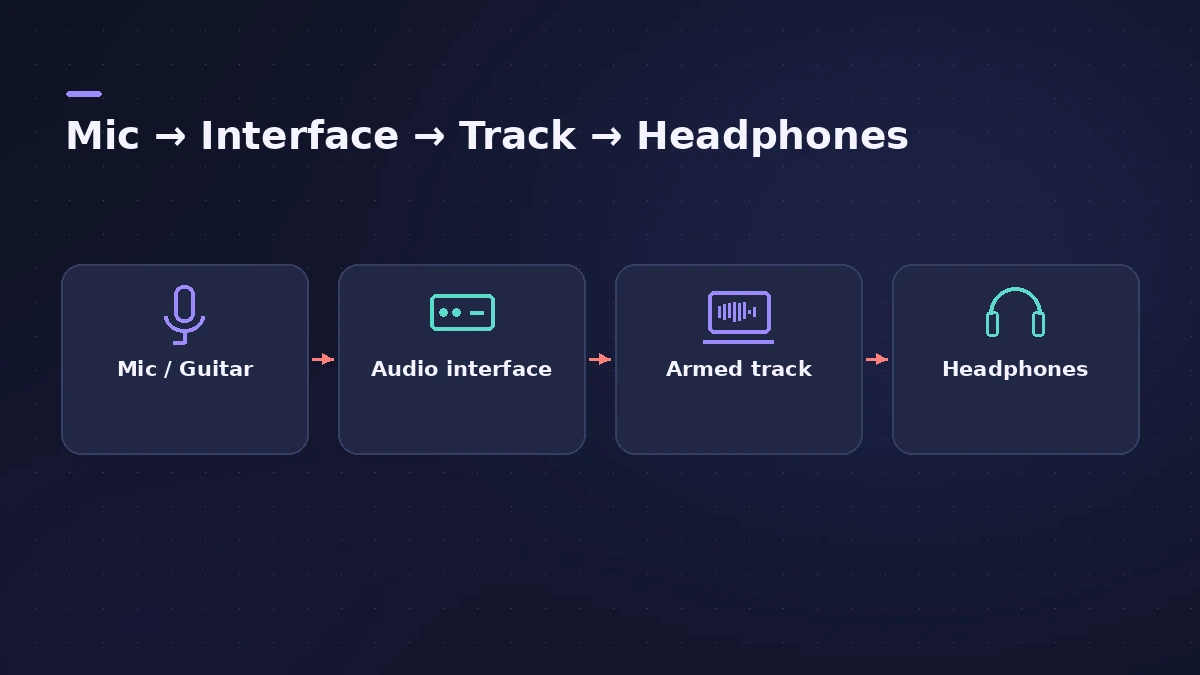
Need a cue mix for a singer? See headphone mix; for hardware, external synths and reamping. Recording a browser or another app? See record audio from other apps. New to the setup? Start with audio interface setup and the metronome and count-in. After recording, see comping and the other editing guides, then mixing vocals.
All recording guides
-
 How to record vocals in Logic ProRecord vocals in Logic Pro: set up the mic and pop filter, arm an audio track, set the level, monitor without delay and record several takes to comp later.
-
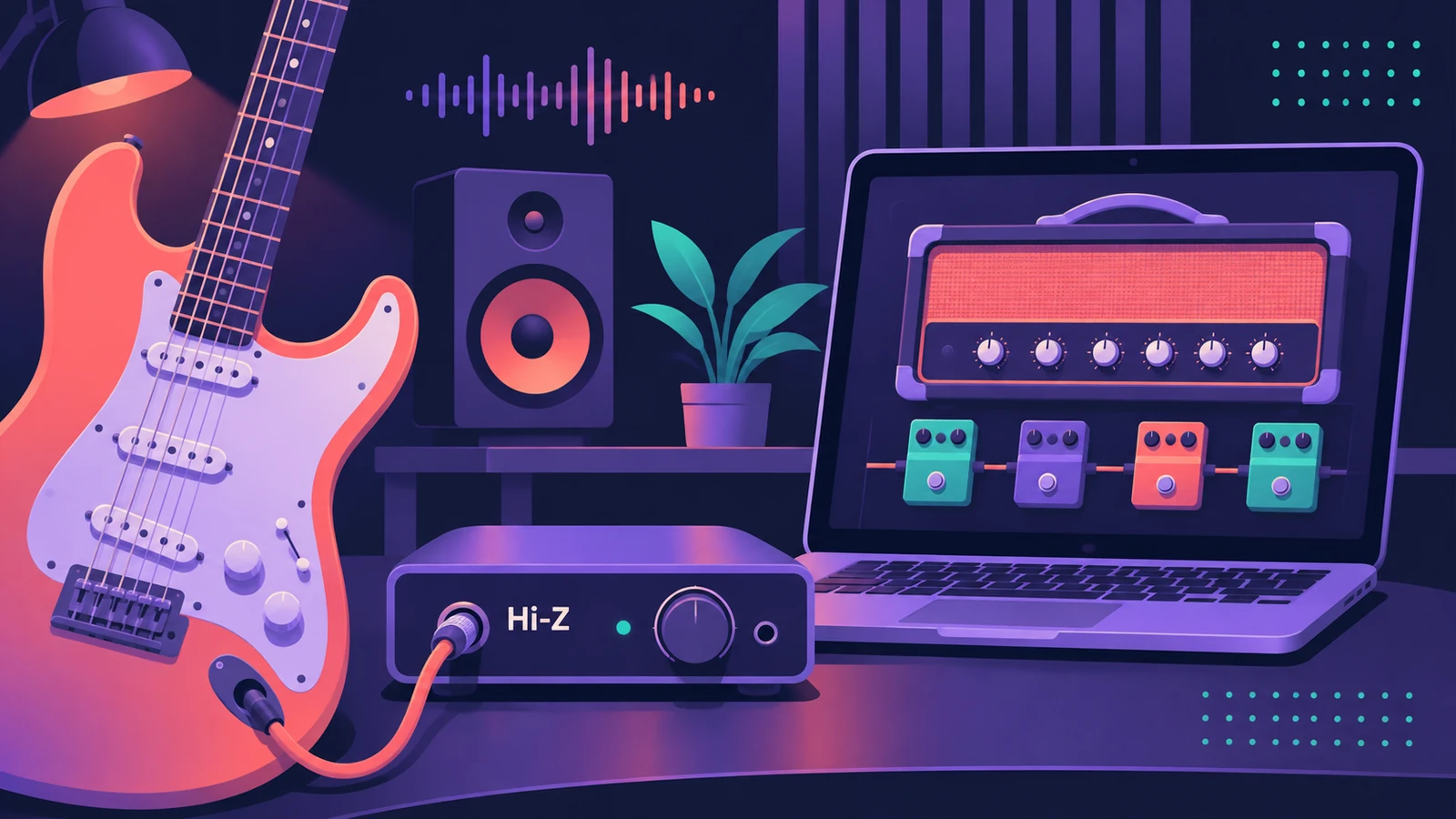 How to record electric guitar in Logic ProRecord electric guitar into Logic Pro: use the Hi-Z input, tune with the Tuner, pick an Amp Designer and Pedalboard tone and keep latency low.
-
 How to record acoustic guitar in Logic ProRecord acoustic guitar in Logic Pro with one or two mics: aim near the 12th fret about a foot away, use the 3:1 rule for two mics and set levels.
-
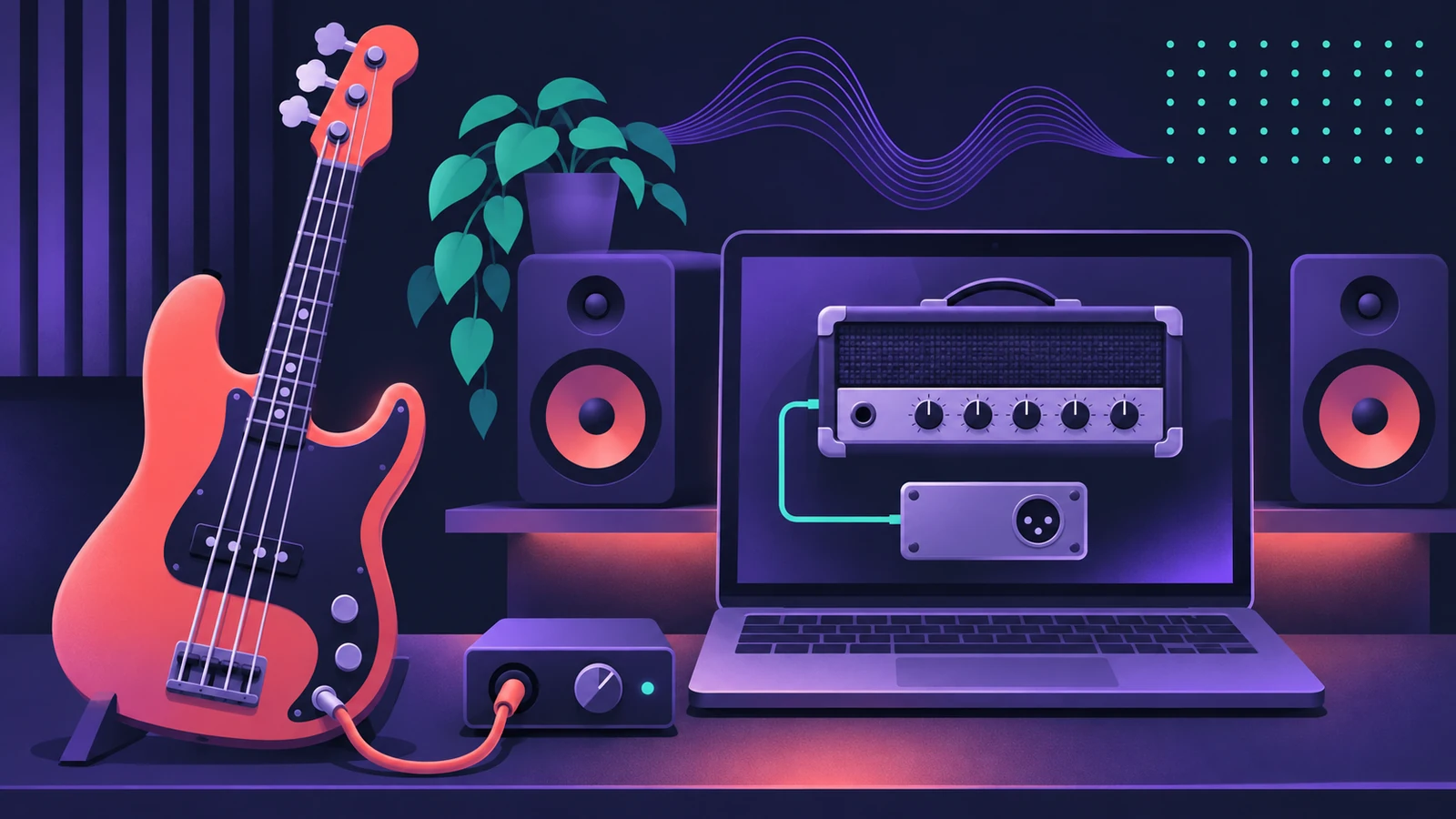 How to record bass guitar in Logic ProRecord bass guitar in Logic Pro through the instrument input, then shape it with Bass Amp Designer's amp and Direct Box, alone or blended together.
-
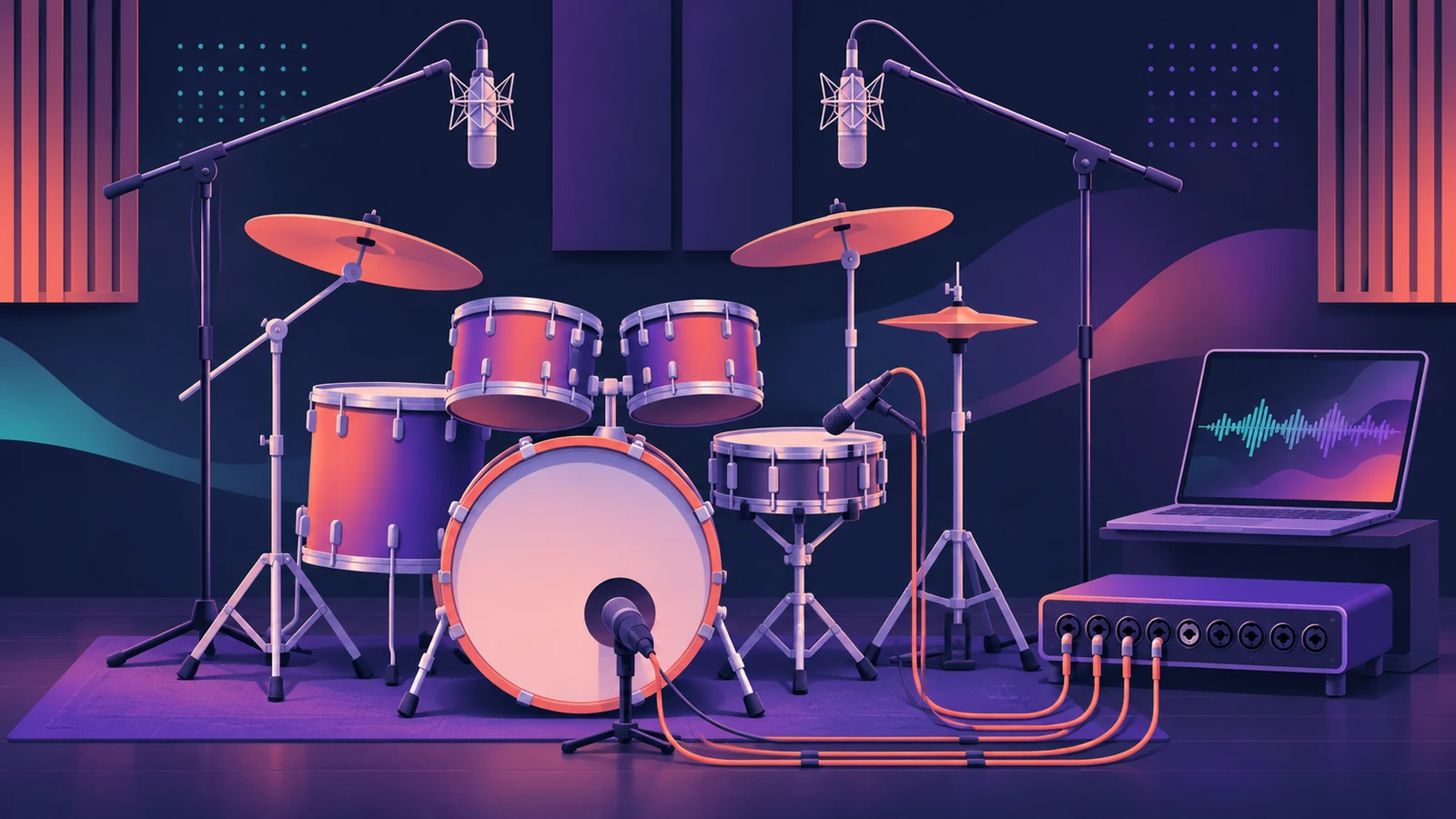 How to record drums in Logic ProRecord a drum kit in Logic Pro: start with overheads, add kick and snare mics, give each mic its own input and track, then group them in a Track Stack.
-
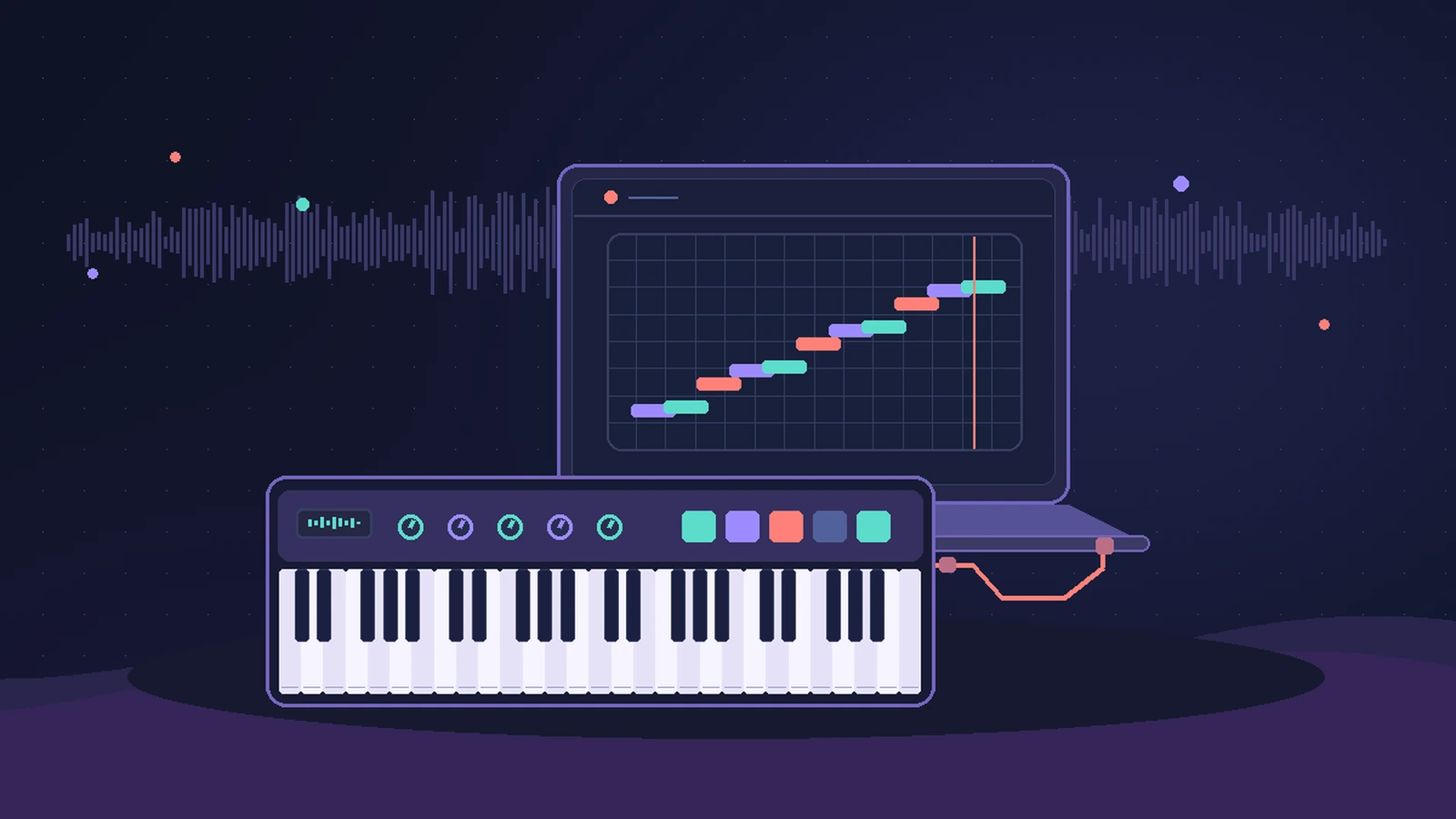 How to record MIDI with a keyboard in Logic ProRecord MIDI from a keyboard in Logic Pro: arm an instrument track, record with a count-in, overdub, replace or take passes in Cycle mode, then quantize.
-
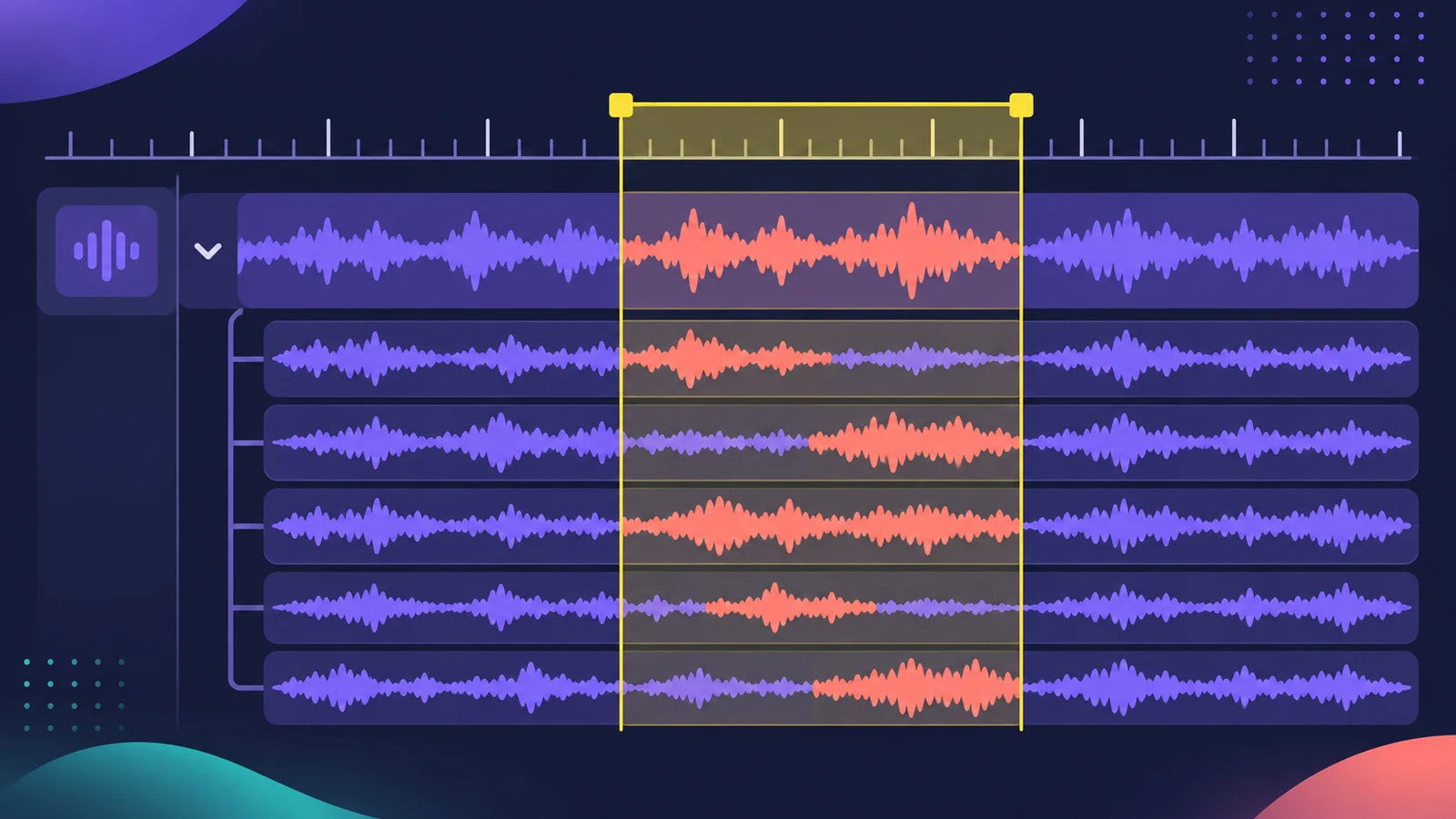 Cycle recording and take folders in Logic ProRecord several takes of one section in Logic Pro: set a cycle area, choose Create Take Folder, record multiple passes, then preview takes and comp.
-
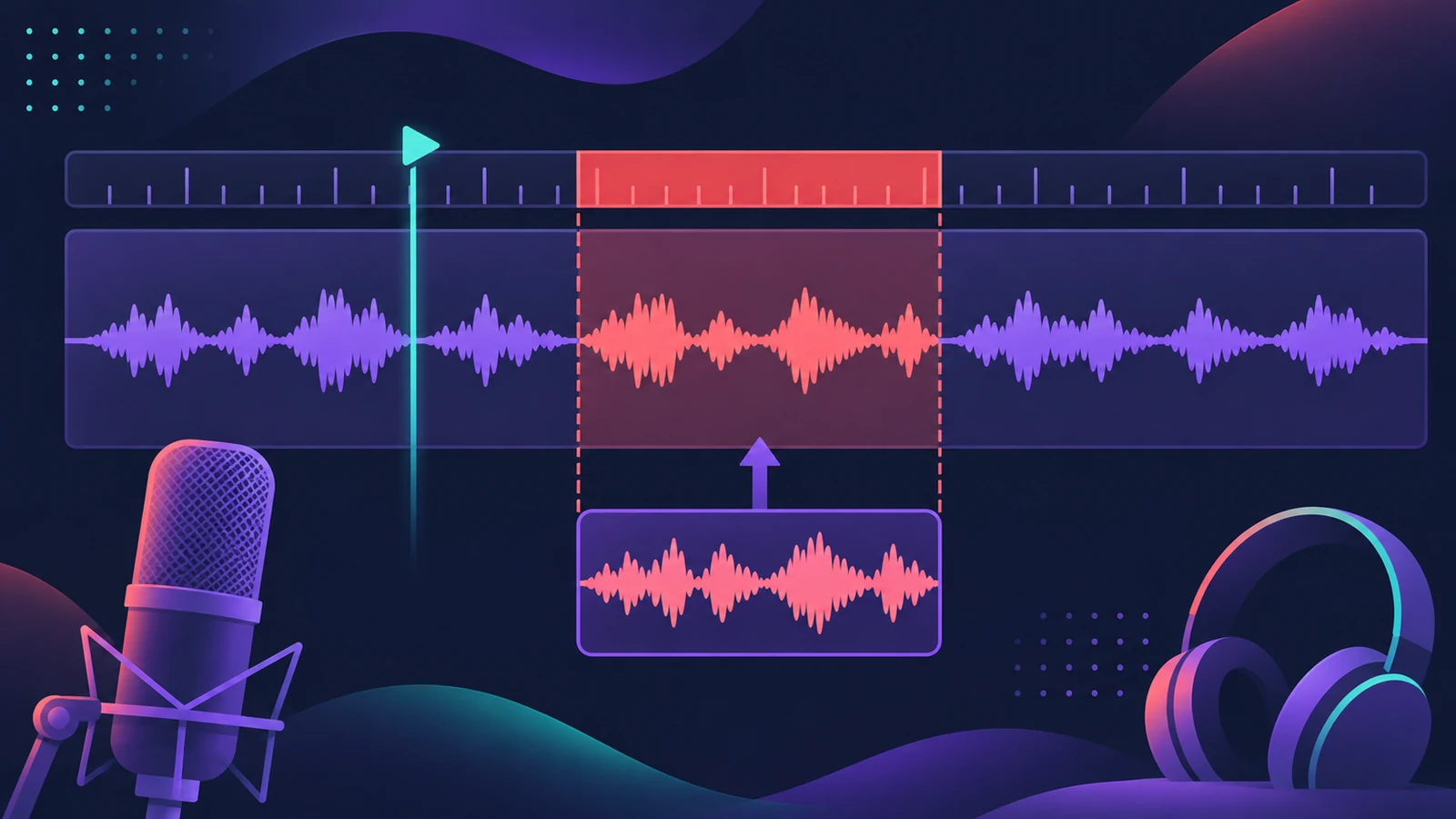 How to punch in and out in Logic ProFix part of a take in Logic Pro with punch recording: Autopunch with set punch-in and punch-out points, or Quick Punch-In on the fly during playback.
-
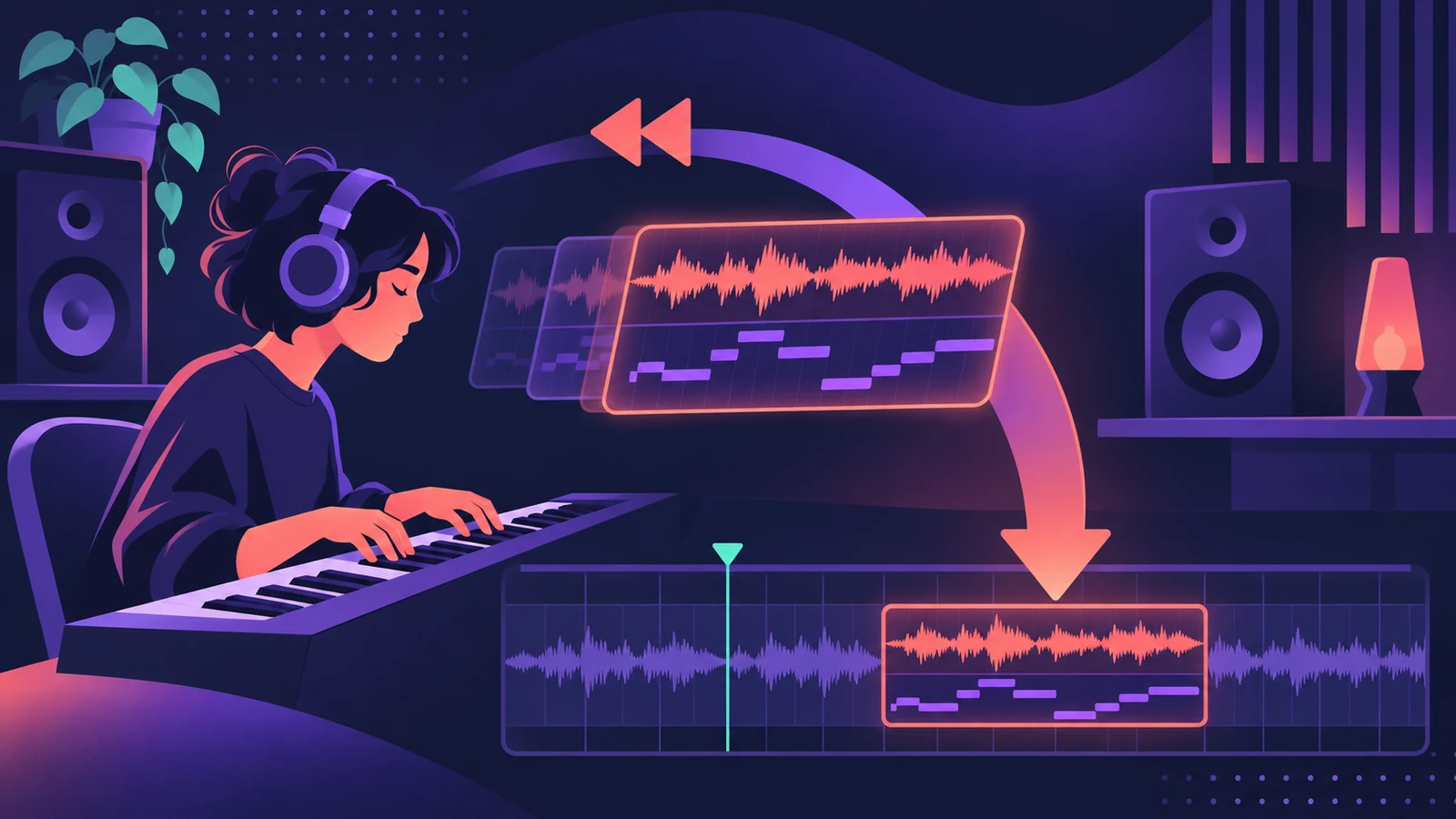 Flashback Capture — recover takes you didn't recordUse Flashback Capture in Logic Pro to recover MIDI or audio you played without recording: how it works, what it needs, cycle takes and the limits for audio.
-
 How to record multiple tracks at once in Logic ProRecord a band, drum kit or podcast in Logic Pro: one input and track per mic, arm them all, record in one pass, and add inputs with an aggregate device.
-
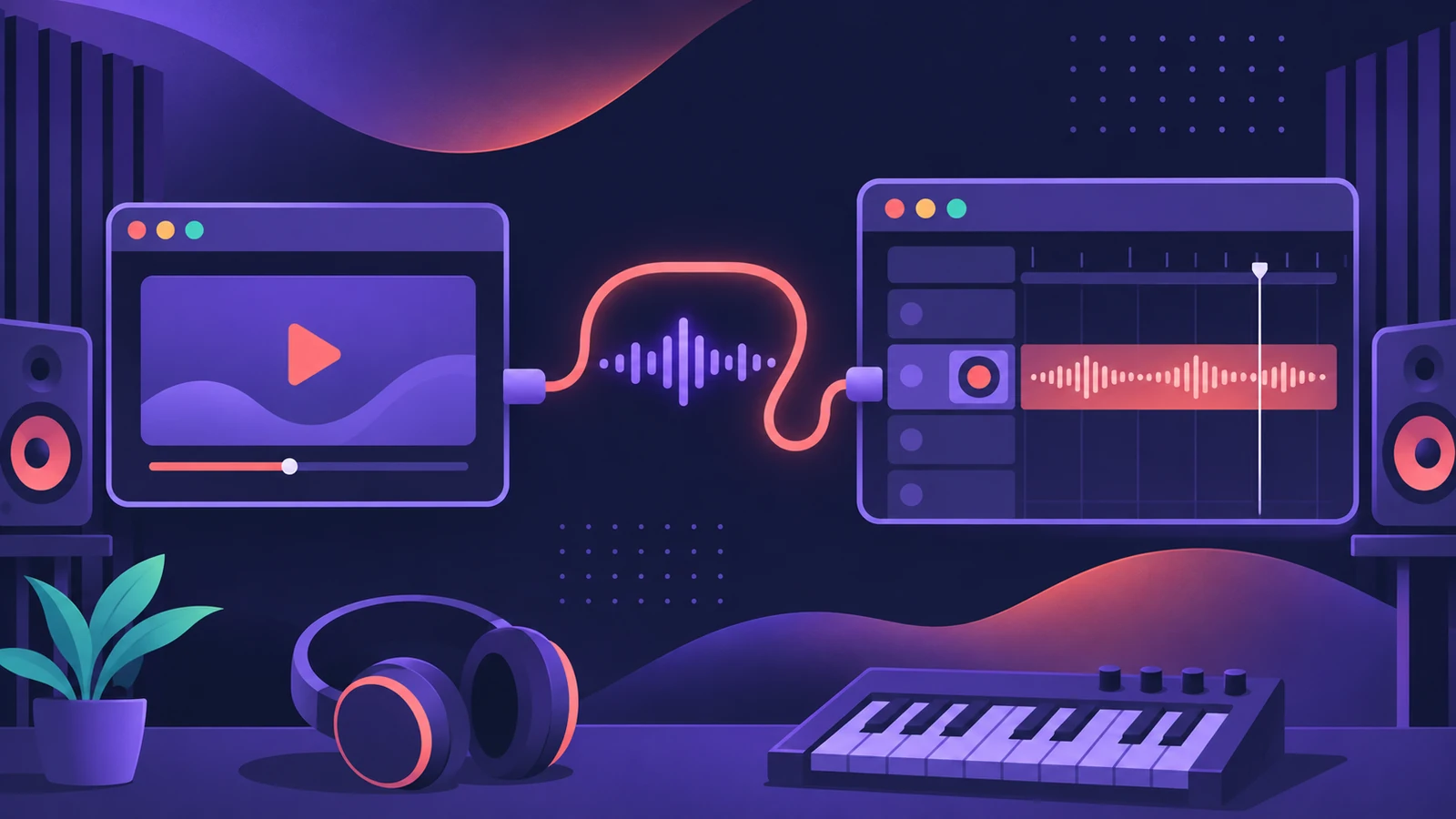 How to record audio from other apps into Logic ProRecord sound from a browser or another app into Logic Pro with a loopback driver such as BlackHole or Loopback, and record MIDI through Virtual In.
-
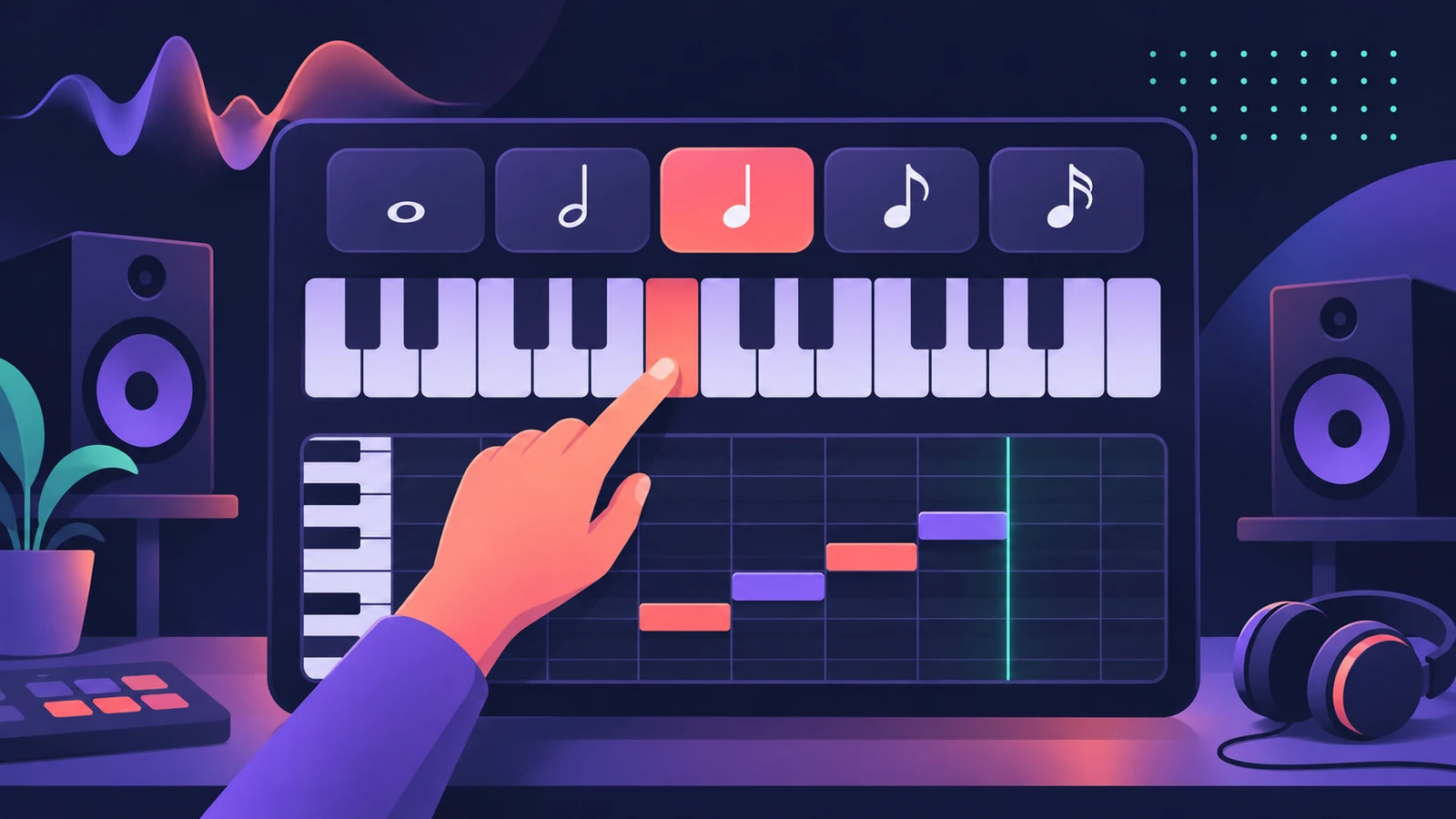 Step input in Logic Pro — enter notes without playingEnter MIDI notes one at a time in Logic Pro with step input: use the Step Input Keyboard or a MIDI keyboard, set note lengths and add chords and rests.
-
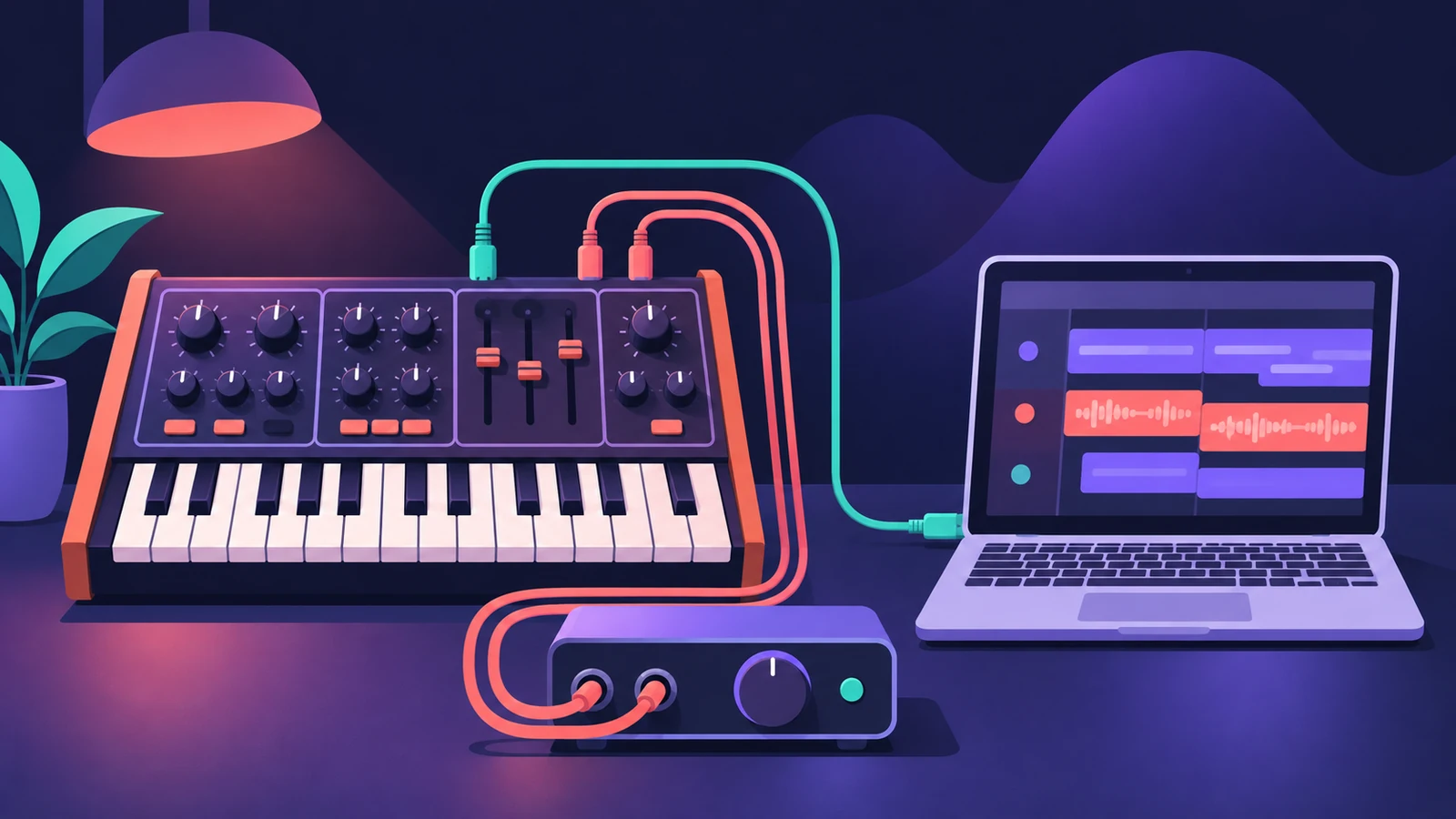 How to record a hardware synth in Logic ProPlay and record hardware synths in Logic Pro: External Instrument for MIDI out and audio in, latency compensation and printing the synth to an audio track.
-
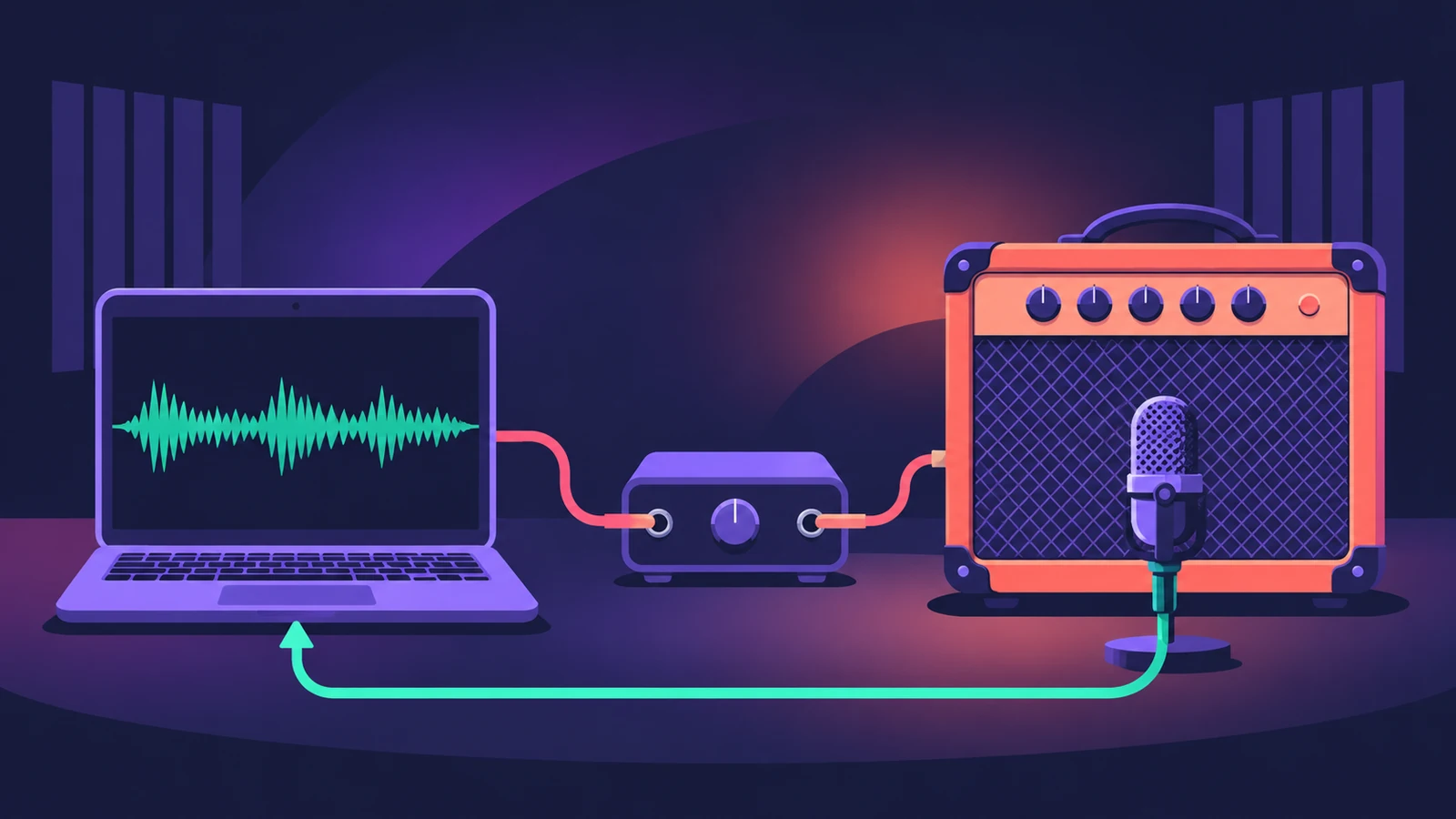 How to reamp guitar in Logic ProReamp a clean DI guitar through a real amp from Logic Pro: record DI, send it to a spare output and a reamp box, mic the amp and record it back on a new track.
-
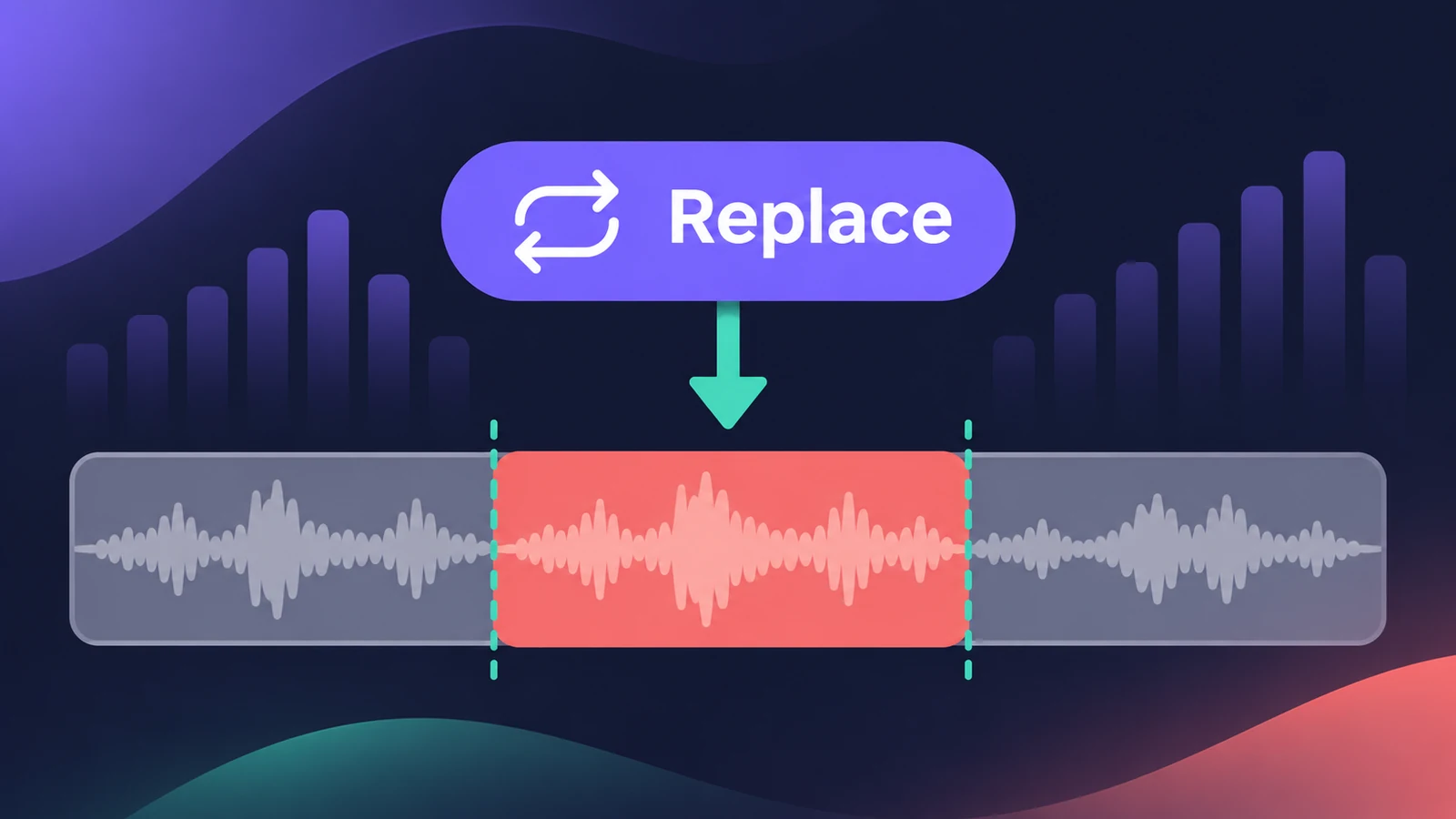 Replace mode recording in Logic ProRecord over an old take in Logic Pro with Replace mode: Region Erase, Region Punch, Content Erase and Content Punch for audio, and replacing MIDI parts.
-
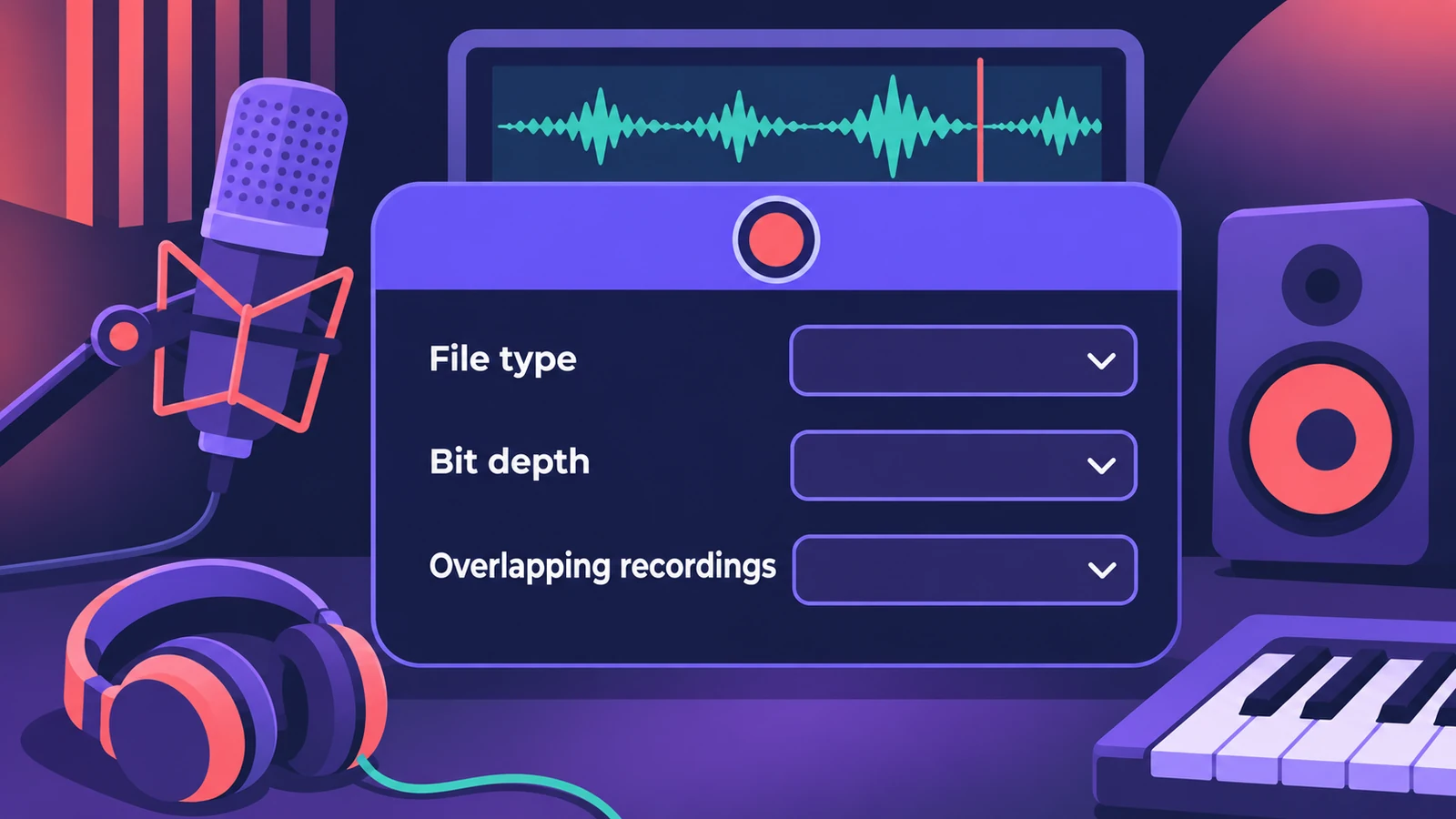 Logic Pro recording settings explainedLogic Pro Recording settings explained: WAVE, AIFF or CAF, 16, 24 or 32-bit float, Auto Record Enable, and what happens when MIDI or audio recordings overlap.
-
 Headphone cue mix in Logic ProGive a singer their own headphone mix in Logic Pro: pre-fader sends to an aux, the aux output to spare outputs, Copy Fader to Send and Sends on Faders.
-
 How to record without a metronome in Logic ProRecord freely without a click in Logic Pro and let Smart Tempo build the tempo map: the Free Tempo Recording button, or Adapt/Auto mode with the metronome off.
-
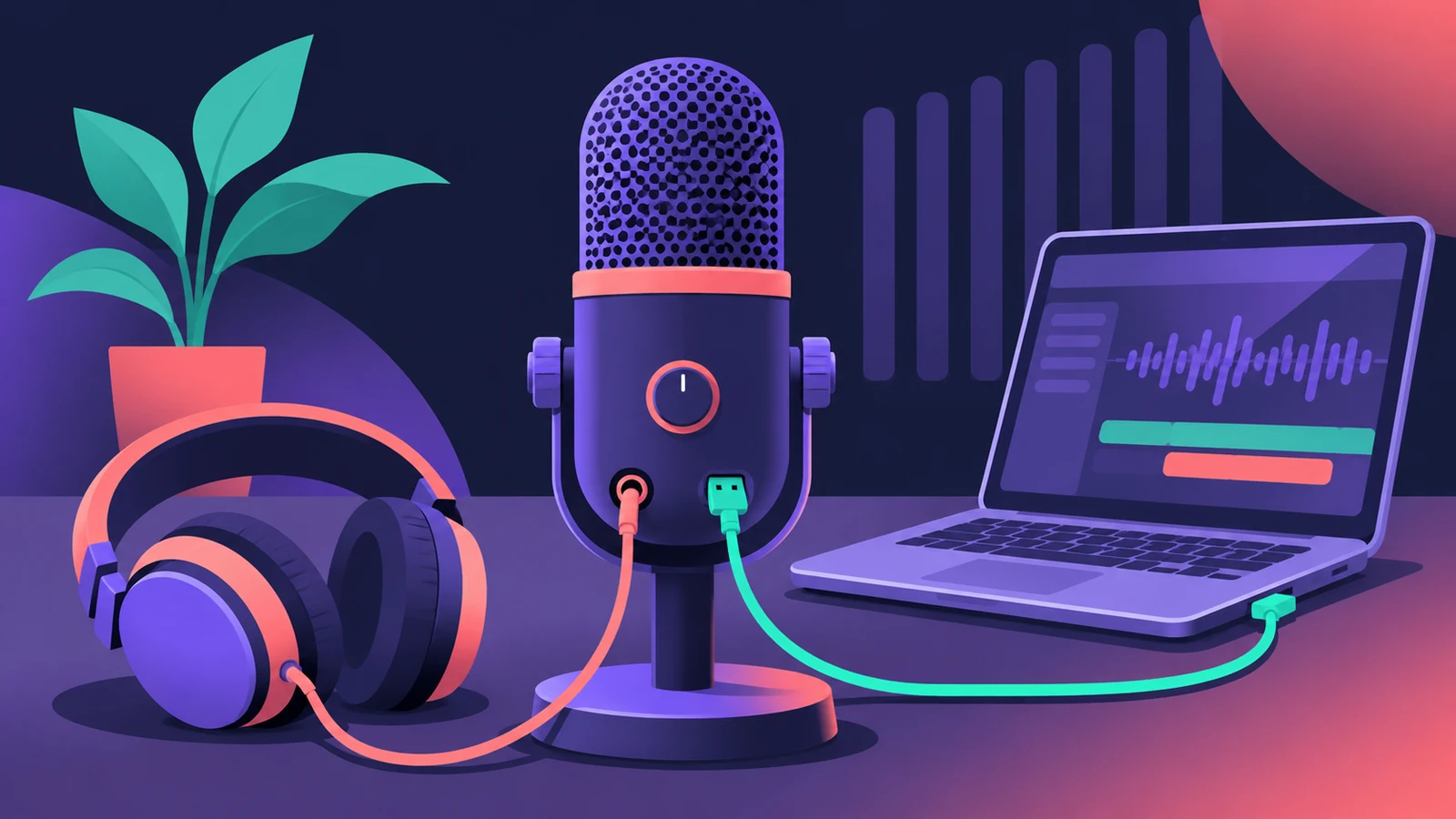 How to use a USB microphone in Logic ProSet up a USB microphone in Logic Pro: choose it as the input device, pick the output for headphones, arm a mono track, set gain on the mic and use two USB mics.
-
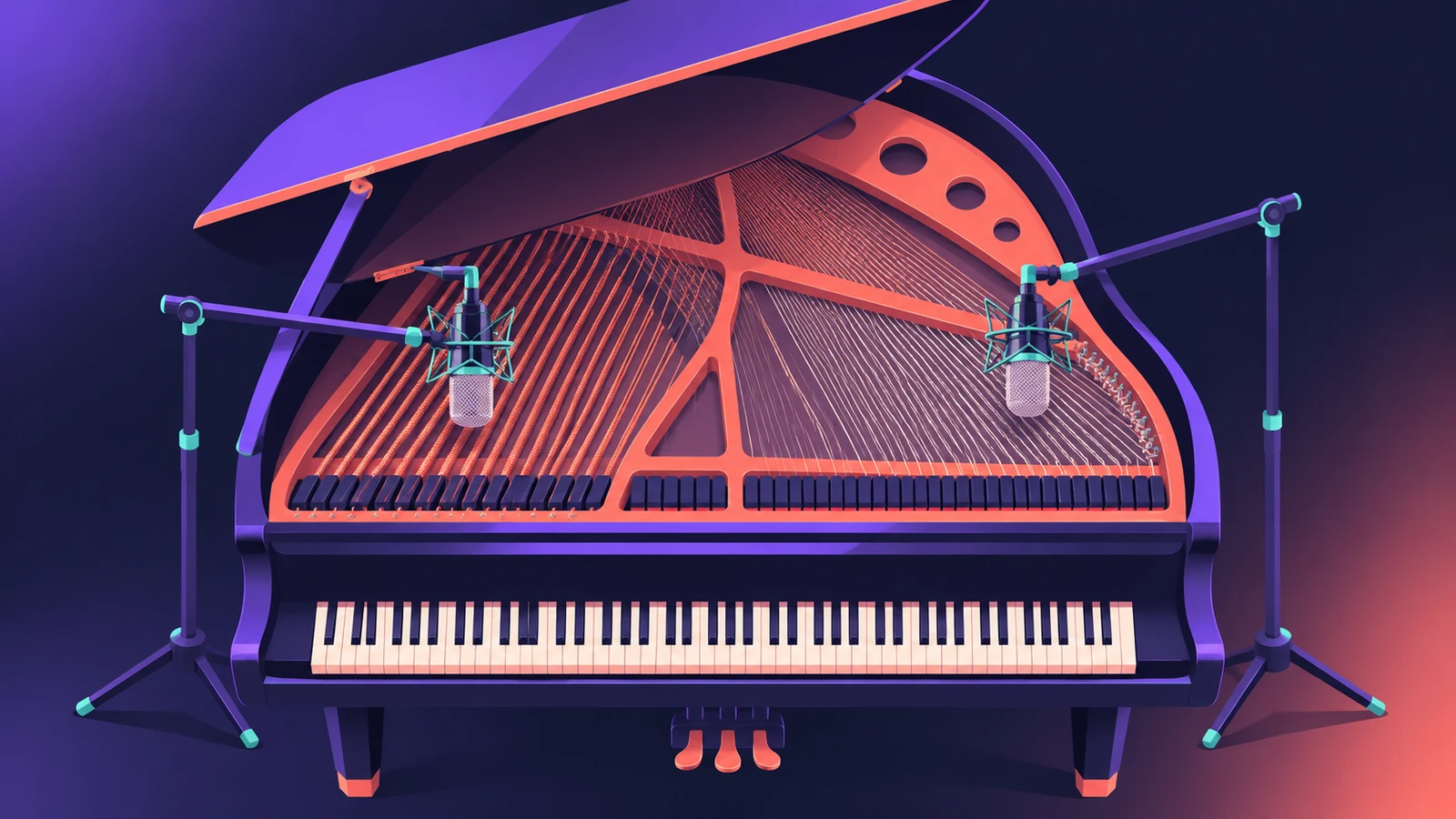 How to record piano in Logic ProRecord piano in Logic Pro: a stereo pair on an upright or grand, mono vs stereo tracks, phase checks, and a digital piano over MIDI or stereo line outs.
-
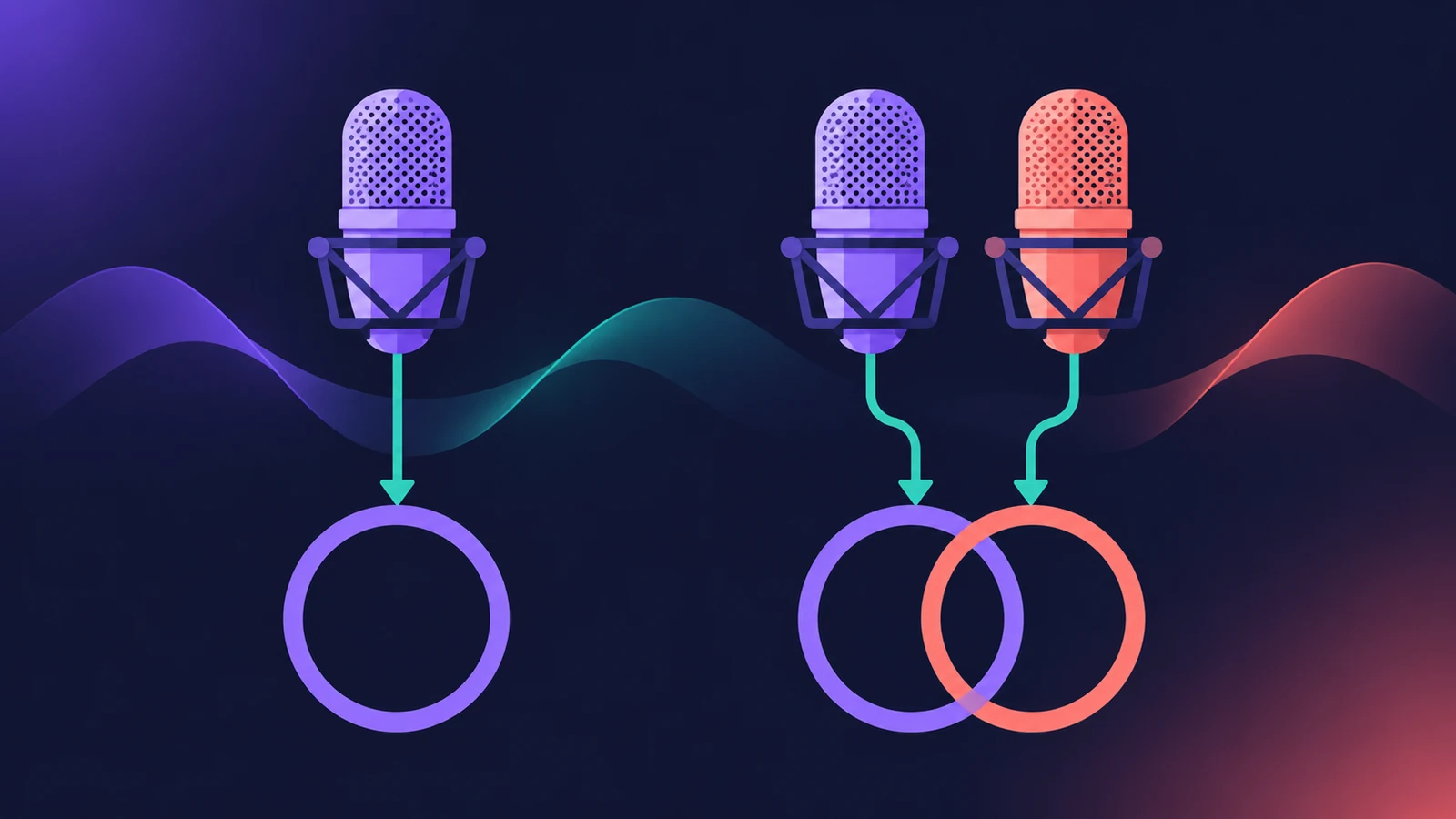 Mono or stereo tracks in Logic ProMono or stereo track in Logic Pro? Use mono for one mic or one cable, stereo for keyboards with L/R outs and mic pairs, and switch with the input format button.
-
 MPE controllers in Logic ProRecord an MPE controller in Logic Pro: match the controller's MPE settings, use MIDI Mono Mode in Sculpture or ES2, set pitch bend range and edit per-note data.
Sources
- Apple — Logic Pro User Guide for Mac 12.3 (table of contents)
- Apple — Logic Pro User Guide: Before recording audio
- Apple — Logic Pro User Guide: Recording settings
- Apple — Logic Pro X 10.4 Help: Record multiple audio takes (old)
- Apple Newsroom — Logic Pro amplifies beat making on Mac and iPad (May 2025)
Checked November 2026. Logic ProFiles is independent of Apple; menu names can differ slightly between Logic Pro versions.
Frequently asked questions
What bit depth should I record at in Logic Pro?
+
24-bit is the usual choice. Apple describes it as the most commonly used bit depth, with far more dynamic range than 16-bit; match it to what your audio interface supports.
What's the record shortcut in Logic Pro?
+
R starts recording; the Space bar stops.
Can Logic Pro record something I played before I pressed record?
+
Yes. Flashback Capture, added in Logic Pro 11.2, recovers recent MIDI and audio performances as long as the project was playing for audio.
Related
- How to record vocals in Logic ProRecord vocals in Logic Pro: set up the mic and pop filter, arm an audio track, set the level, monitor without delay and record several takes to comp later.
- How to record MIDI with a keyboard in Logic ProRecord MIDI from a keyboard in Logic Pro: arm an instrument track, record with a count-in, overdub, replace or take passes in Cycle mode, then quantize.
- Cycle recording and take folders in Logic ProRecord several takes of one section in Logic Pro: set a cycle area, choose Create Take Folder, record multiple passes, then preview takes and comp.
- How to set up an audio interface in Logic ProConnect a USB or Thunderbolt audio interface to Logic Pro: choose input and output devices, set the I/O buffer, allow mic access and pick track inputs.