Recording
Flashback Capture — recover takes you didn't record
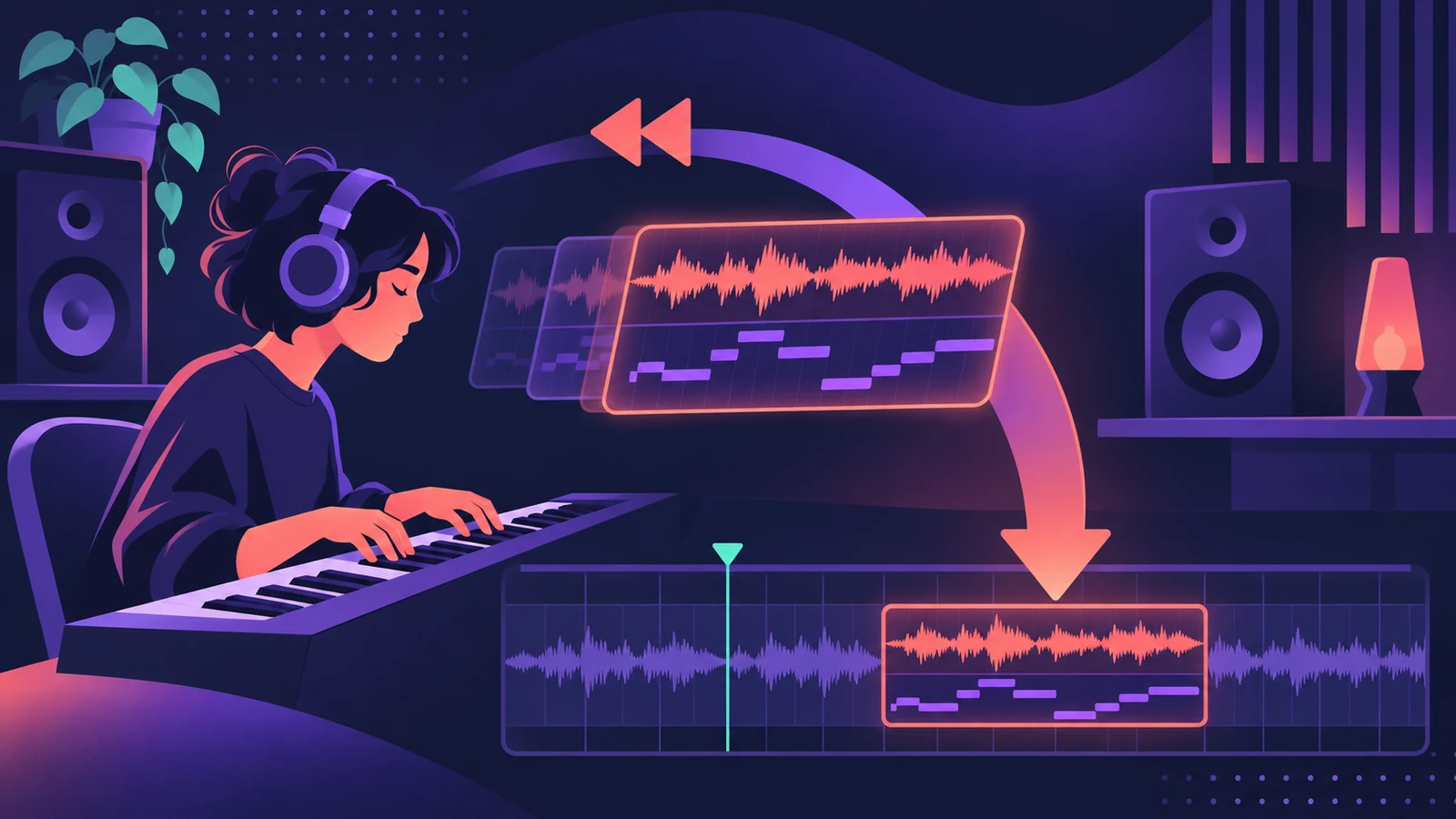
Flashback Capture, added in Logic Pro 11.2, keeps listening while you play. If you nail a part without pressing record, a key command or a control bar button turns it into a region. It works for MIDI and audio; for audio, the project must have been playing. In Cycle mode, each pass becomes a take.
 Owen Hartley
Where to find it
Flashback Capture button or key command
MIDI vs audio
| MIDI | Audio | |
|---|---|---|
| Needs playback | No | Yes |
| Track | Selected instrument track | One record-enabled audio track |
| Cycle mode | Passes become takes | Passes become takes |
Step by step
-
1
Select and arm the track
For audio, set the right input and record-enable the audio track. For MIDI, select the software instrument track.
-
2
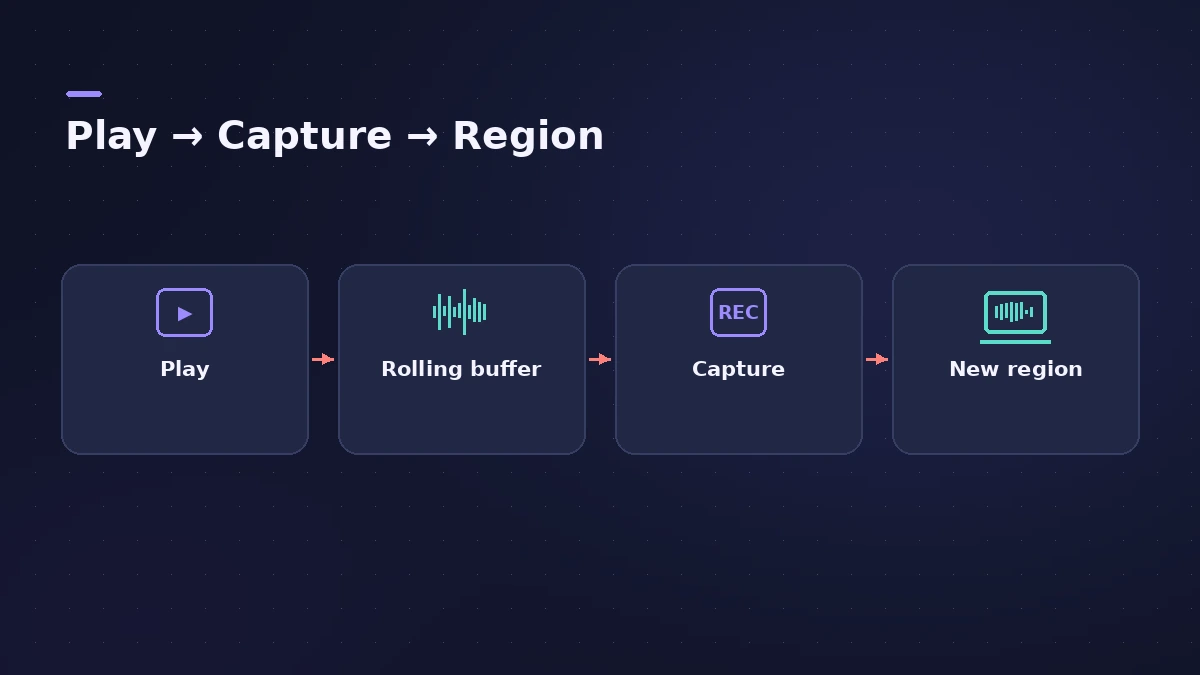
Play
Start playback and perform. For audio, Logic Pro needs to be playing — it doesn't capture audio while stopped.
-
3
Capture
Use the Flashback Capture key command or add its button to the control bar and click it. Logic Pro creates a region from what you just played.
-
4
Use Cycle mode for several ideas
With Cycle mode on, each pass you improvised is organised into a take folder.
Common mistakes
- Expecting audio capture with the transport stopped — it needs playback.
- Arming several audio tracks; Sound On Sound found audio capture works on one track at a time.
- Waiting too long — the audio buffer holds only recent material.
How long does it remember?
Sound On Sound's 11.2 review says Logic Pro keeps up to about three minutes of audio in its buffer, and notes audio capture needs at least four seconds of playback. MIDI capture also works when the project isn't playing. For planned recording, see cycle recording and takes.
Sources
- Apple Newsroom — Logic Pro amplifies beat making on Mac and iPad (May 2025)
- Sound On Sound — Logic Pro: Flashback Capture (Jan 2026)
- Sound On Sound — Apple Logic Pro 11.2 review (Aug 2025)
- Apple — Logic Pro X 10.1 Help: Capture your most recent performance (old)
- Apple — Logic Pro User Guide for Mac 12.3 (table of contents)
Checked November 2026. Logic ProFiles is independent of Apple; menu names can differ slightly between Logic Pro versions.
Frequently asked questions
Which Logic Pro version has Flashback Capture?
+
Logic Pro 11.2 for Mac and Logic Pro 2.2 for iPad, released May 2025. It replaced the older Capture Recording, which worked for MIDI only.
Does Flashback Capture work with audio?
+
Yes, as long as Logic Pro is in play mode, the audio track is record-enabled and set to the right input.
Can it capture automation?
+
Sound On Sound reports it can store automation too when that option is selected in the Automation Mode menu.
Related
- How to record MIDI with a keyboard in Logic ProRecord MIDI from a keyboard in Logic Pro: arm an instrument track, record with a count-in, overdub, replace or take passes in Cycle mode, then quantize.
- Cycle recording and take folders in Logic ProRecord several takes of one section in Logic Pro: set a cycle area, choose Create Take Folder, record multiple passes, then preview takes and comp.
- What was new in Logic Pro 11Logic Pro 11 (13 May 2024) to 11.2: Bass and Keyboard Player, Stem Splitter, ChromaGlow, Studio Bass and Piano, Quantec Room Simulator and Flashback Capture.
- Recording in Logic ProHow to record in Logic Pro: vocals, electric and acoustic guitar, bass, drums and MIDI, plus cycle takes, punch-in, Flashback Capture and step input.