Reference
Logic Pro reference
Quick answers you'll come back to: what a term means, which file formats Logic Pro reads and writes, where third-party plug-ins live on your Mac, and how to make and back up your own key commands.
 Owen Hartley
Quick reference
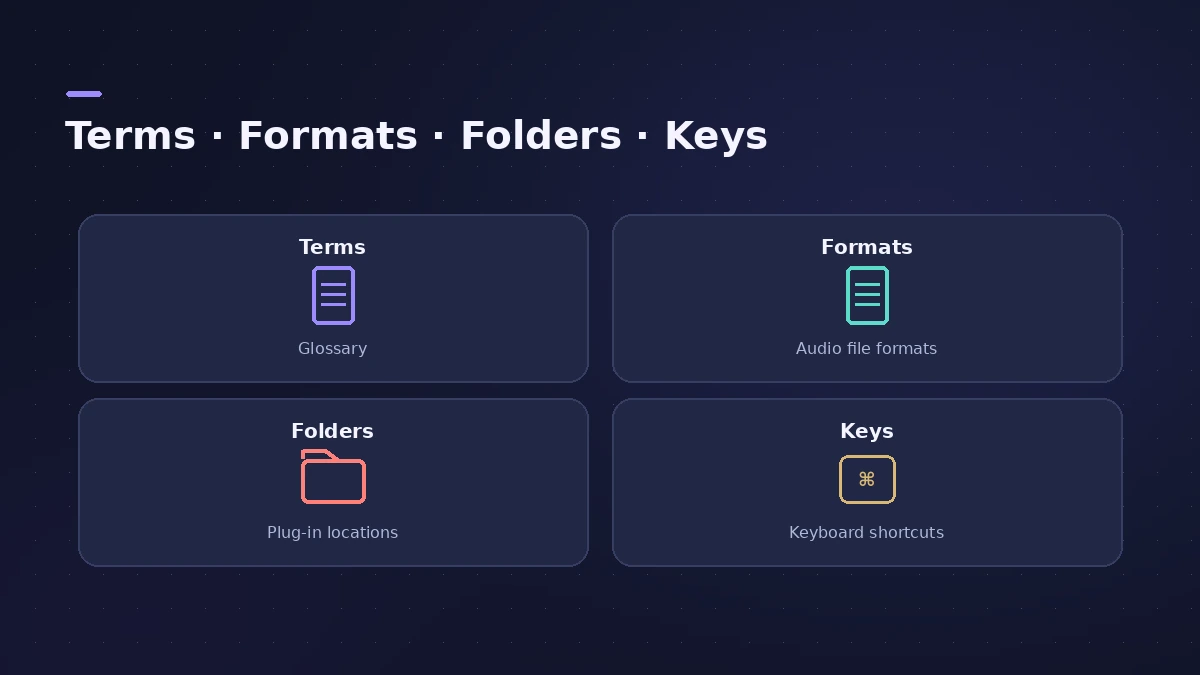
Looking for the default shortcuts? See Logic Pro shortcuts.
Audio and MIDI basics
Settings you pick once per project: sample rate and bit depth, dither for 16-bit bounces, tuning and Hermode, and how the time display shows bars and SMPTE. For MIDI, see the MIDI CC list and why middle C is C3 or C4.
Projects, regions and the Mixer
How projects are saved as a package or a folder, what each of the region types holds, the channel strip types in the Mixer, and how plug-in latency compensation keeps tracks in sync.
All reference pages
-
 Logic Pro glossaryLogic Pro glossary: region, take, comping, bounce, freeze, bus, channel strip, patch, quantize, latency, Smart Tempo and more — short definitions with links.
-
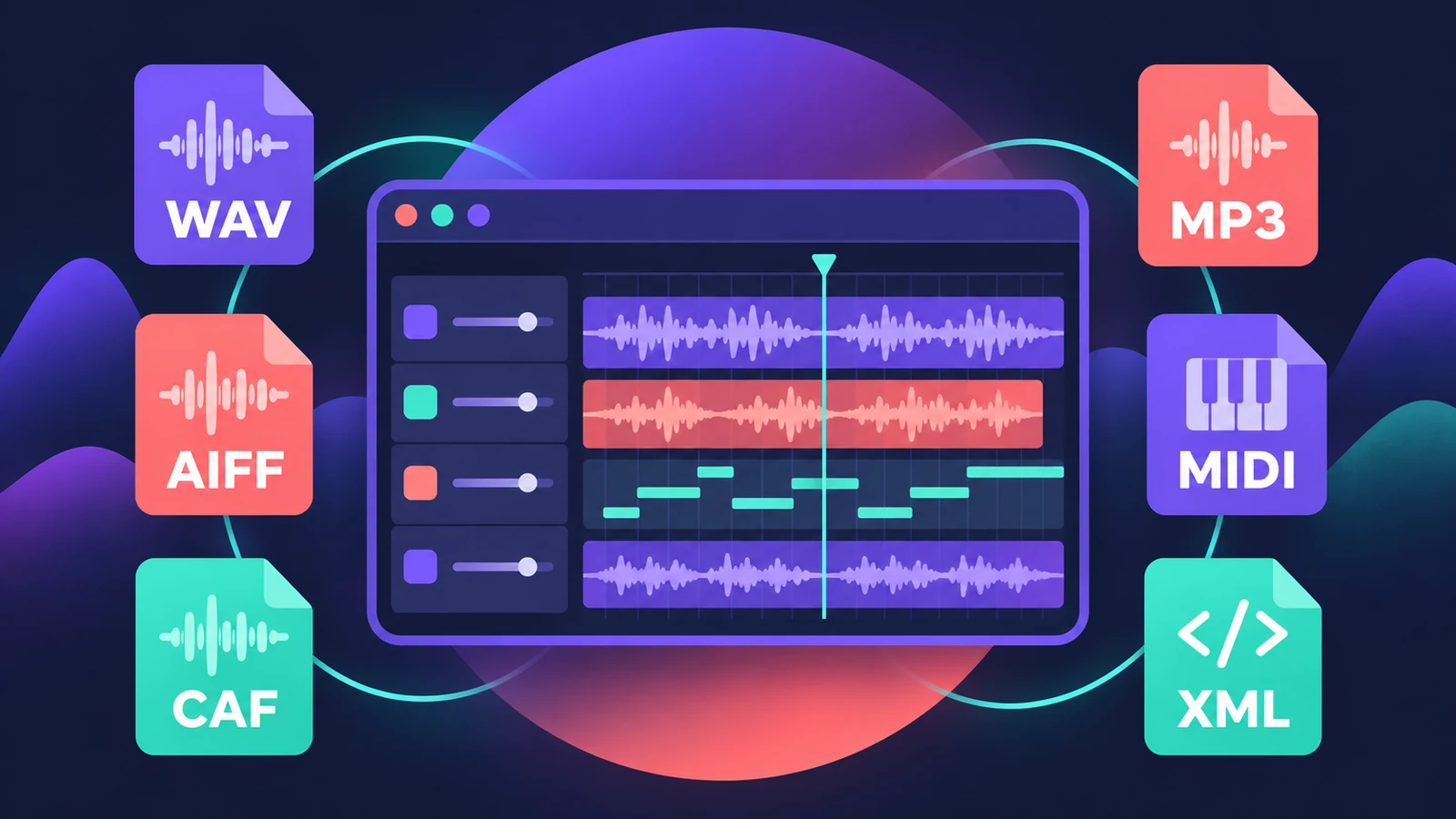 File formats Logic Pro supportsWhich file formats Logic Pro plays, records and bounces: AIFF, WAV (BWF), CAF, Apple Lossless, MP3, AAC, plus MIDI, AAF, Final Cut Pro XML and MusicXML.
-
 Where Logic Pro plug-ins are installedThird-party Audio Units for Logic Pro live in /Library/Audio/Plug-Ins/Components or the same folder in your home Library. How to find and remove them.
-
 Create custom key commands in Logic ProMake your own Logic Pro key commands: find the command, click Learn by Key Label, press the keys. Find unused shortcuts and export your set as a backup.
-
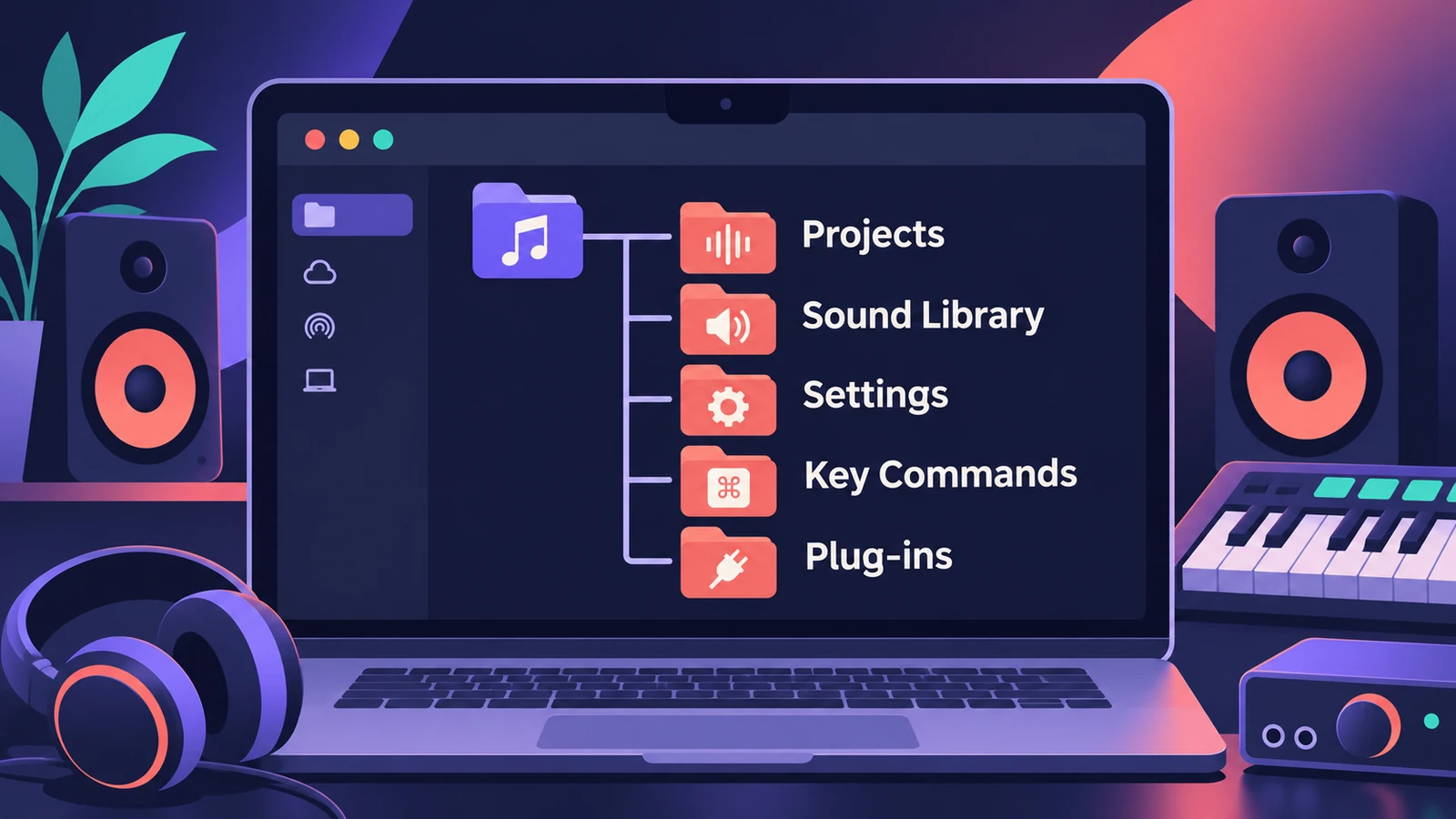 Where does Logic Pro save files?Where Logic Pro keeps files on a Mac: projects in Music > Logic, the Sound Library bundle, templates, key commands, settings files and third-party plug-ins.
-
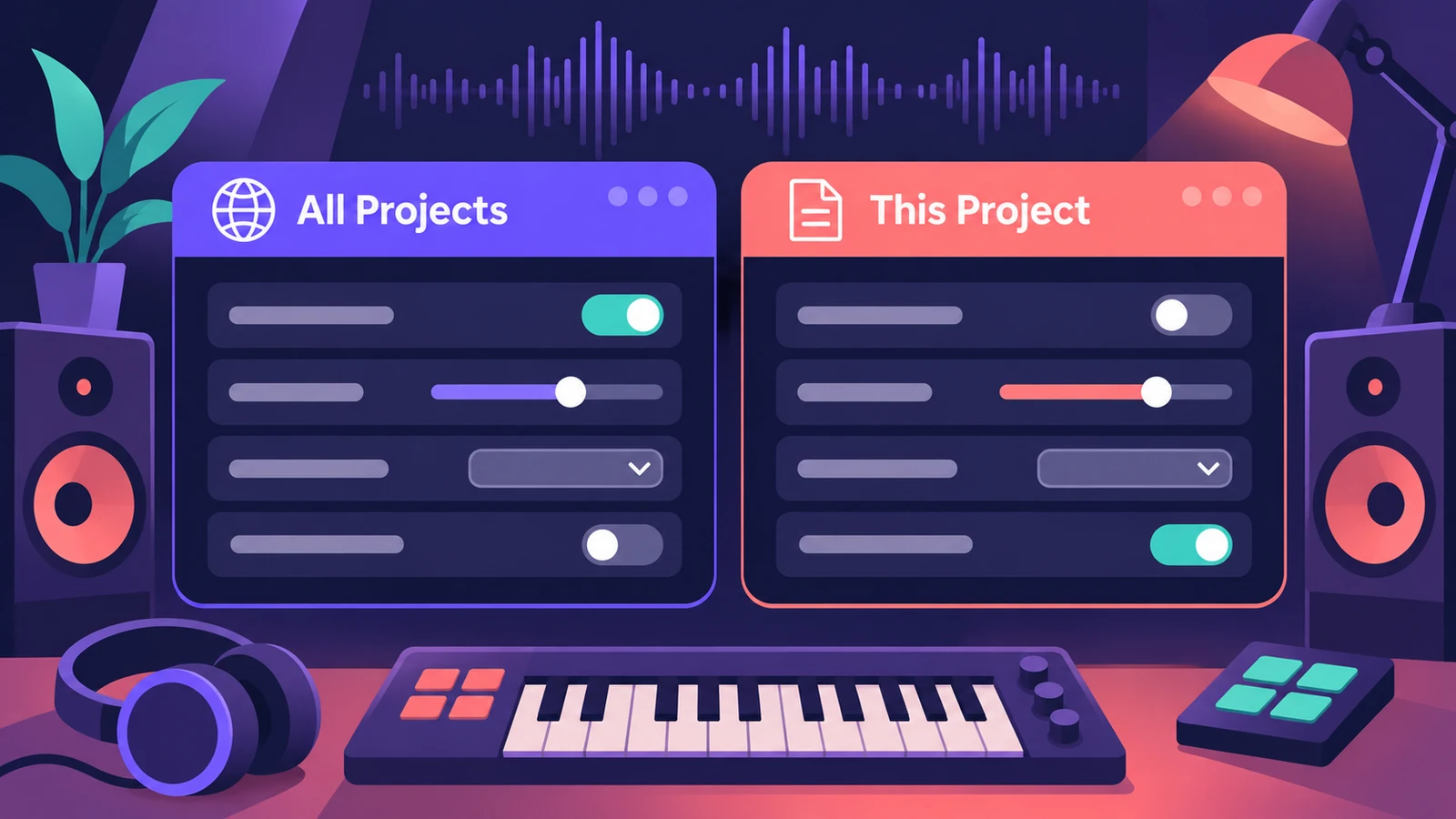 Logic Pro settings vs project settingsLogic Pro has two settings windows: Logic Pro > Settings for every project, and File > Project Settings saved with each one. What lives where, how to reset.
-
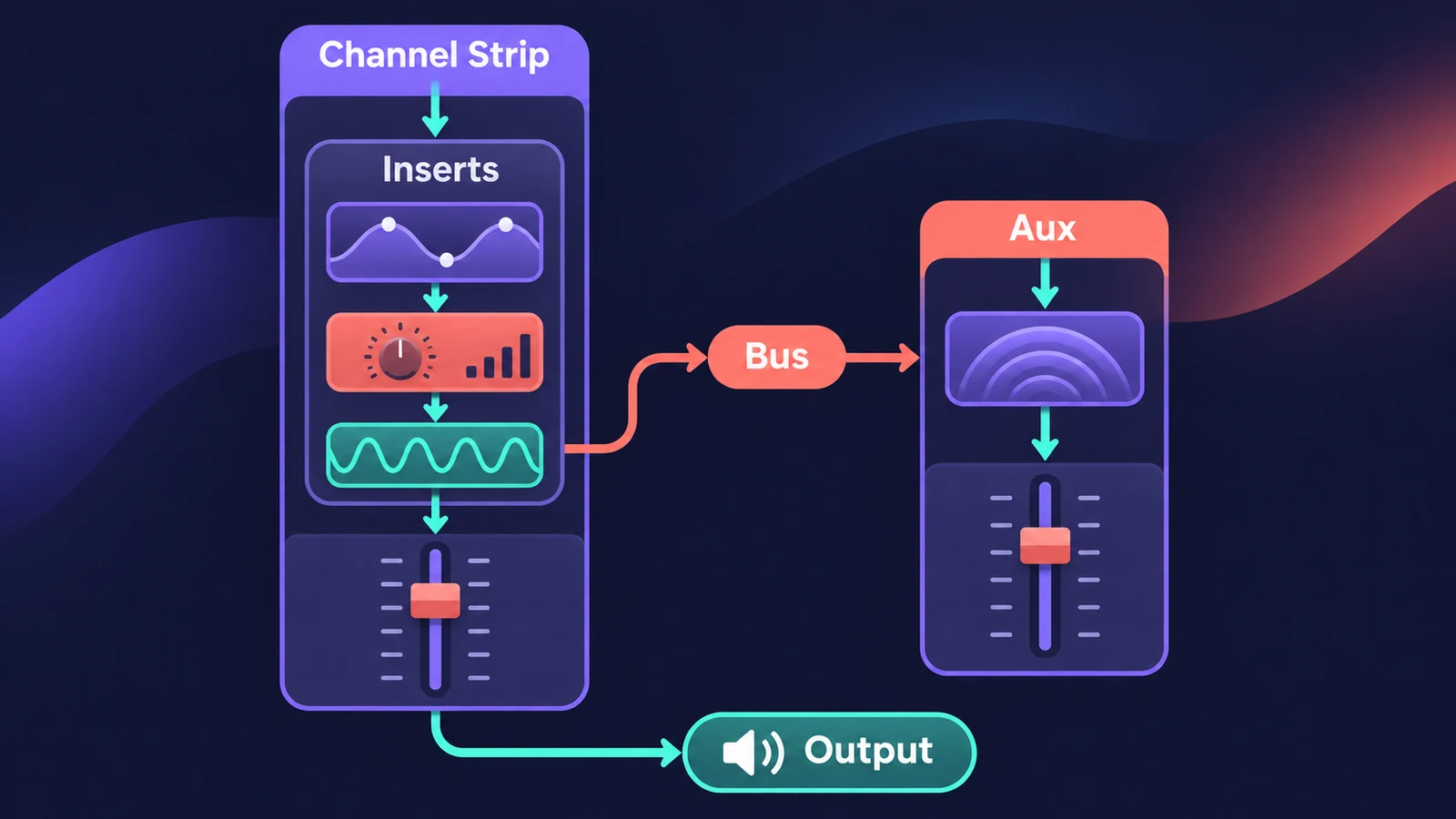 Logic Pro signal flow explainedHow audio flows through a Logic Pro channel strip: insert effects in series, sends over buses to aux channels, pre-fader, post-fader and post-pan sends.
-
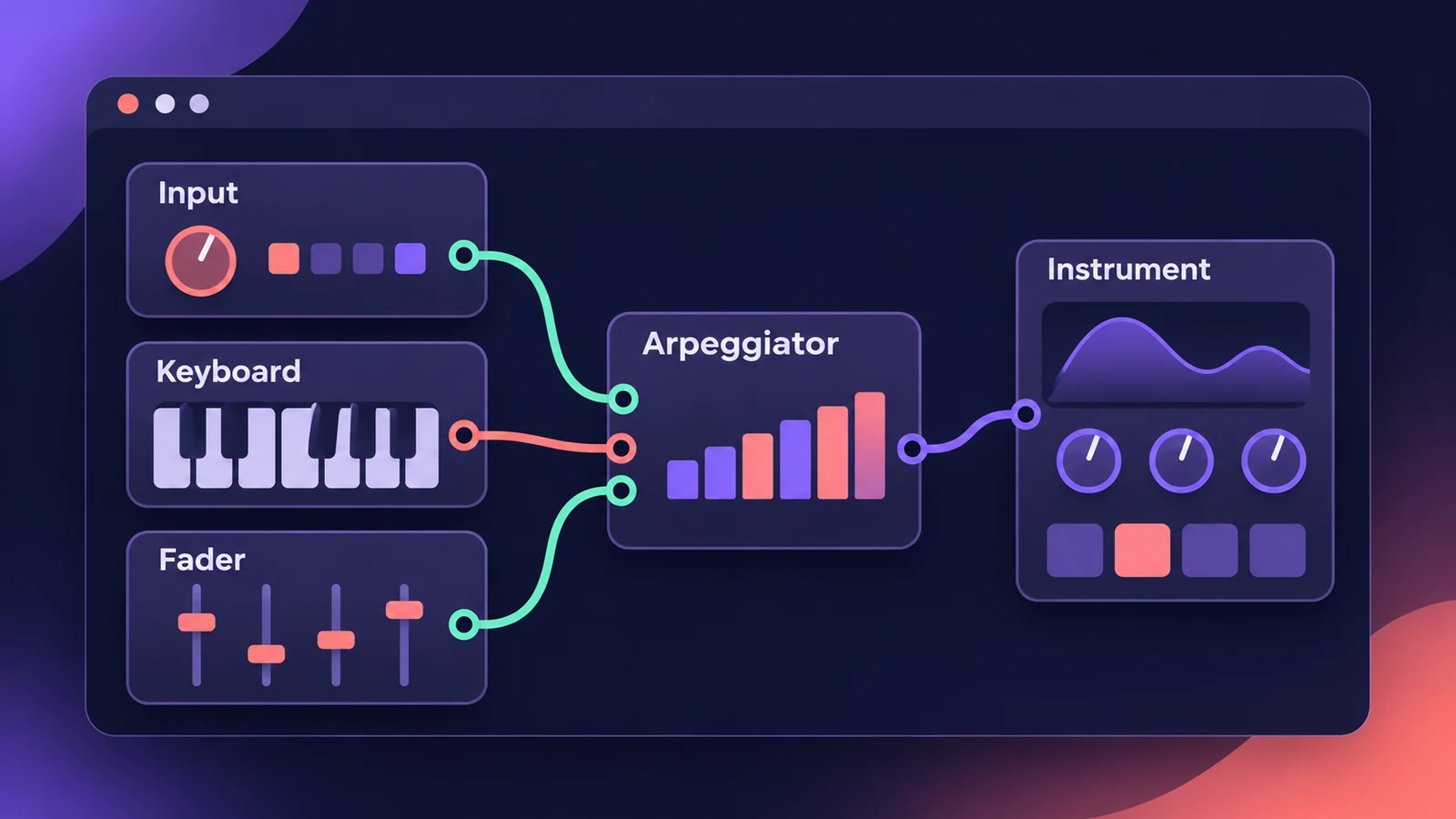 The Logic Pro MIDI Environment explainedThe MIDI Environment is Logic Pro's virtual MIDI studio: input, instrument, fader and processor objects joined by cables, in layers. How to open it.
-
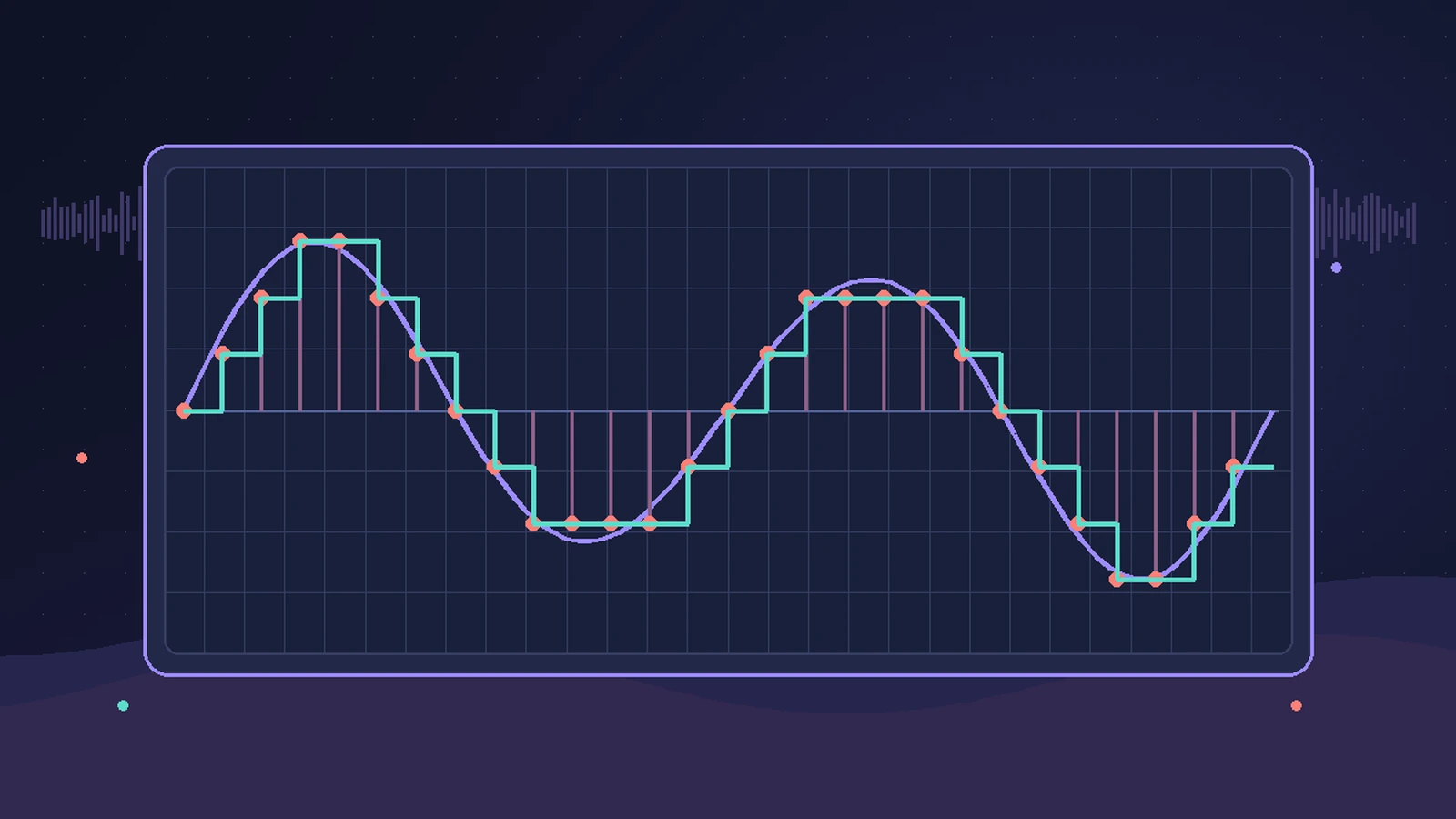 Sample rate and bit depth in Logic ProChoose the right sample rate and bit depth in Logic Pro: 44.1 kHz for music, 48 kHz for video, 24-bit recording, 32-bit float and mismatched rates.
-
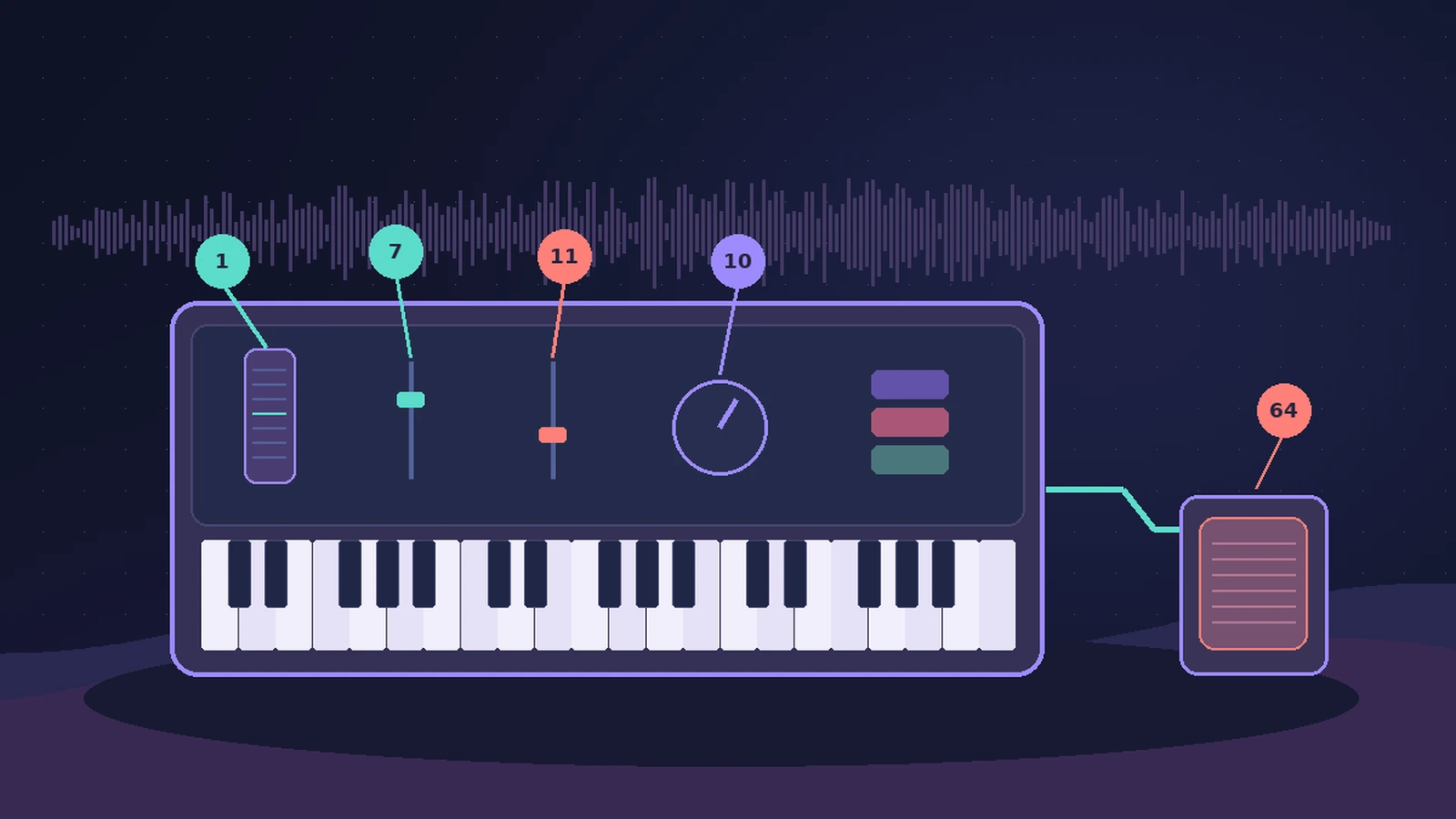 MIDI CC list for Logic ProThe MIDI CC numbers you'll use most in Logic Pro: CC1 modulation, CC7 volume, CC10 pan, CC11 expression, CC64 sustain, CC74 cutoff, and where to edit them.
-
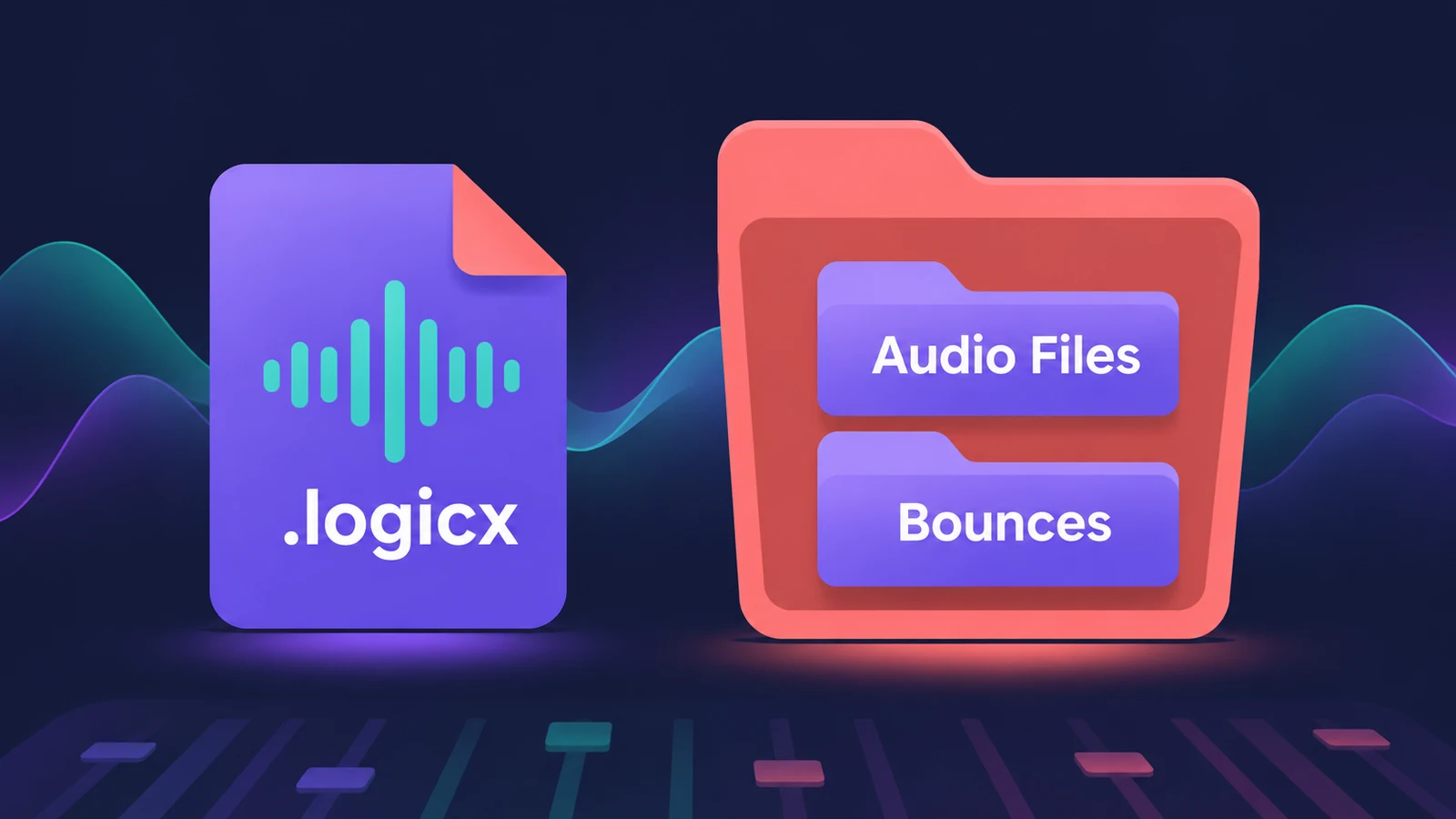 Logic Pro project package vs project folderLogic Pro projects save as a .logicx package or as a project folder. What each holds, which assets get copied, why iPad needs packages, and how to convert.
-
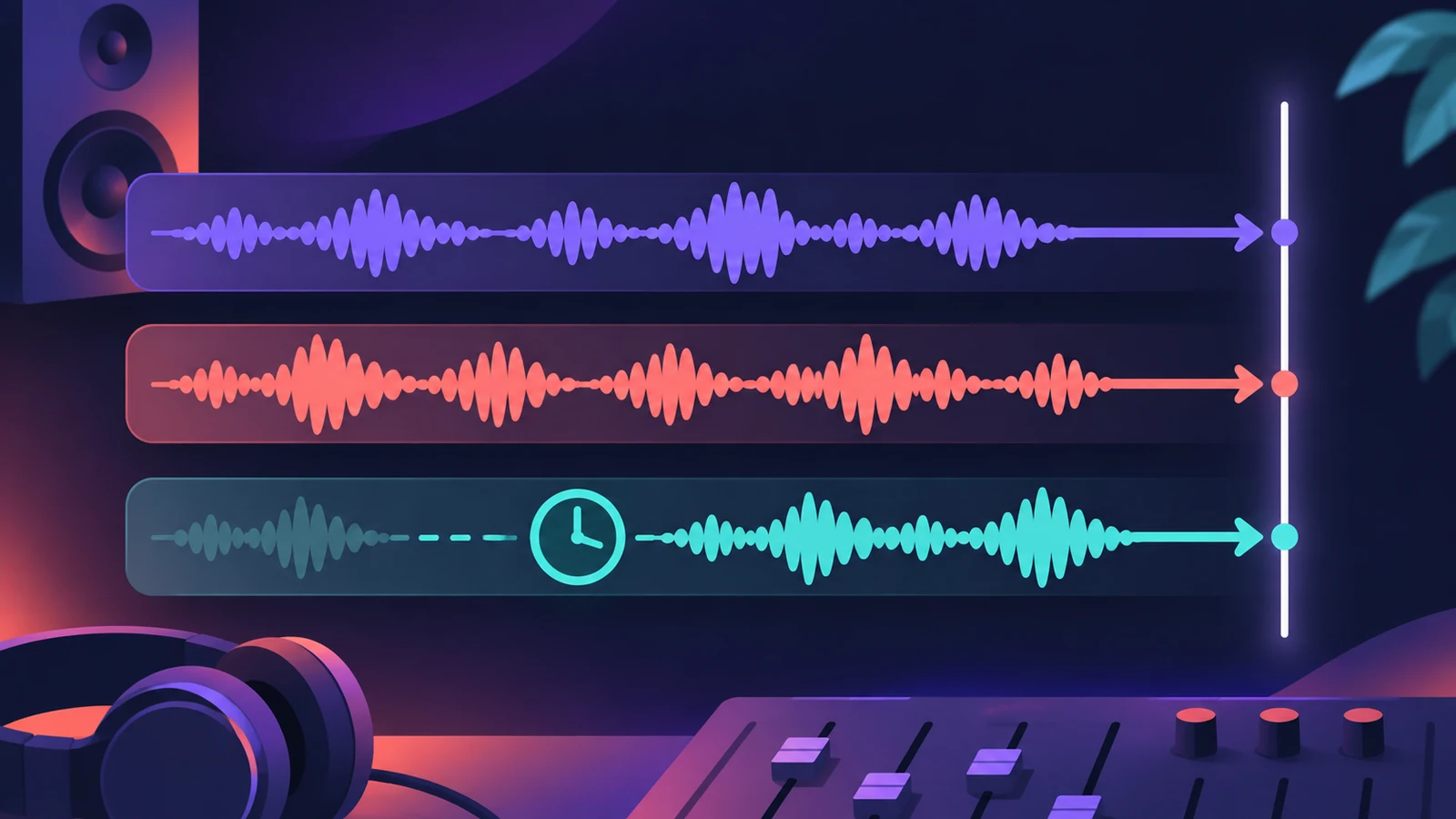 Plug-in latency compensation in Logic ProHow Logic Pro compensates for plug-in latency: tracks-only vs All, why recording can feel late with All, and when to use Low Latency Mode.
-
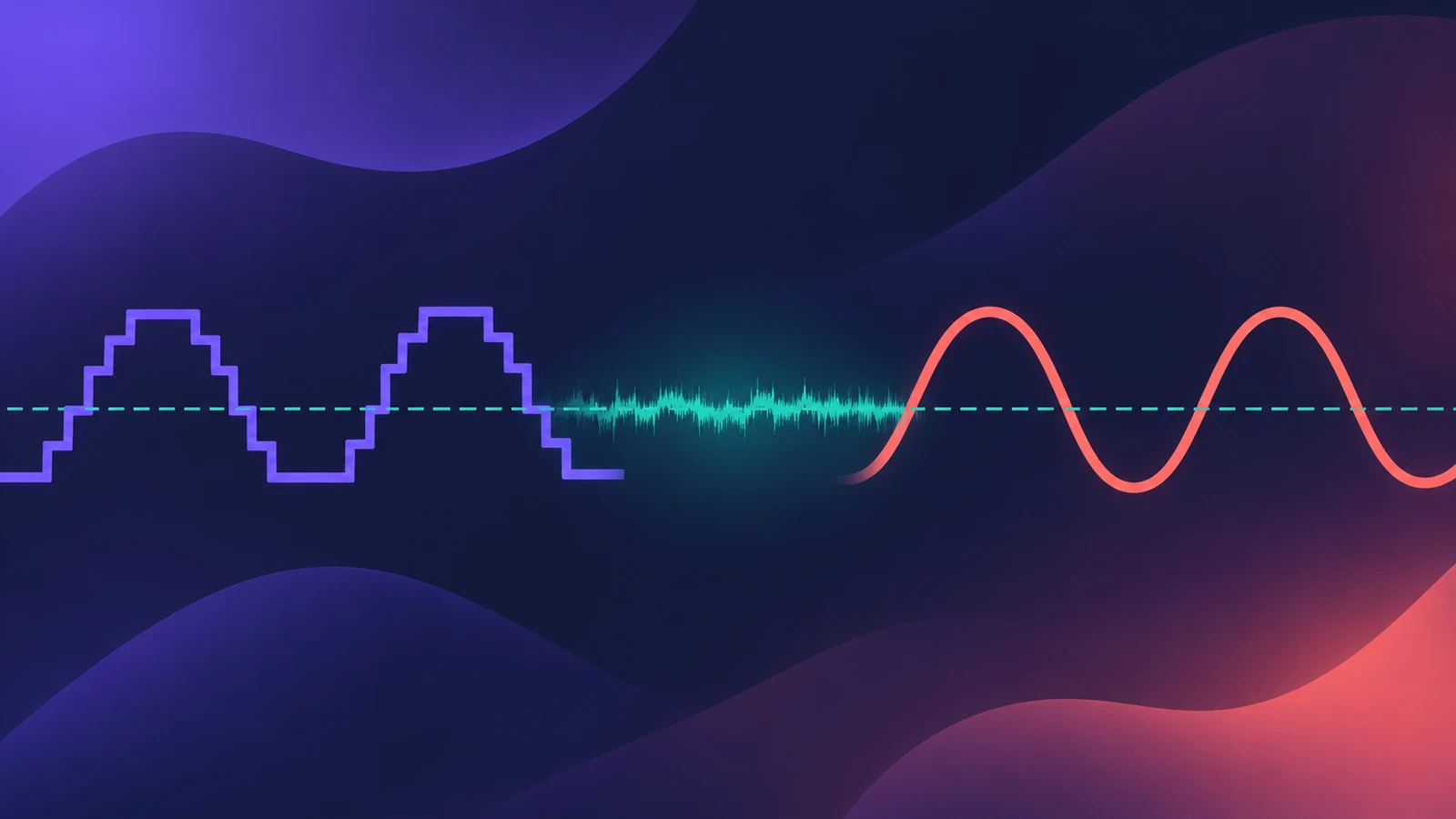 Dither in Logic ProWhat dithering does in Logic Pro bounces: when to dither (reducing 24-bit to 16-bit), the differences between POW-r #1, #2 and #3, and when to leave it off.
-
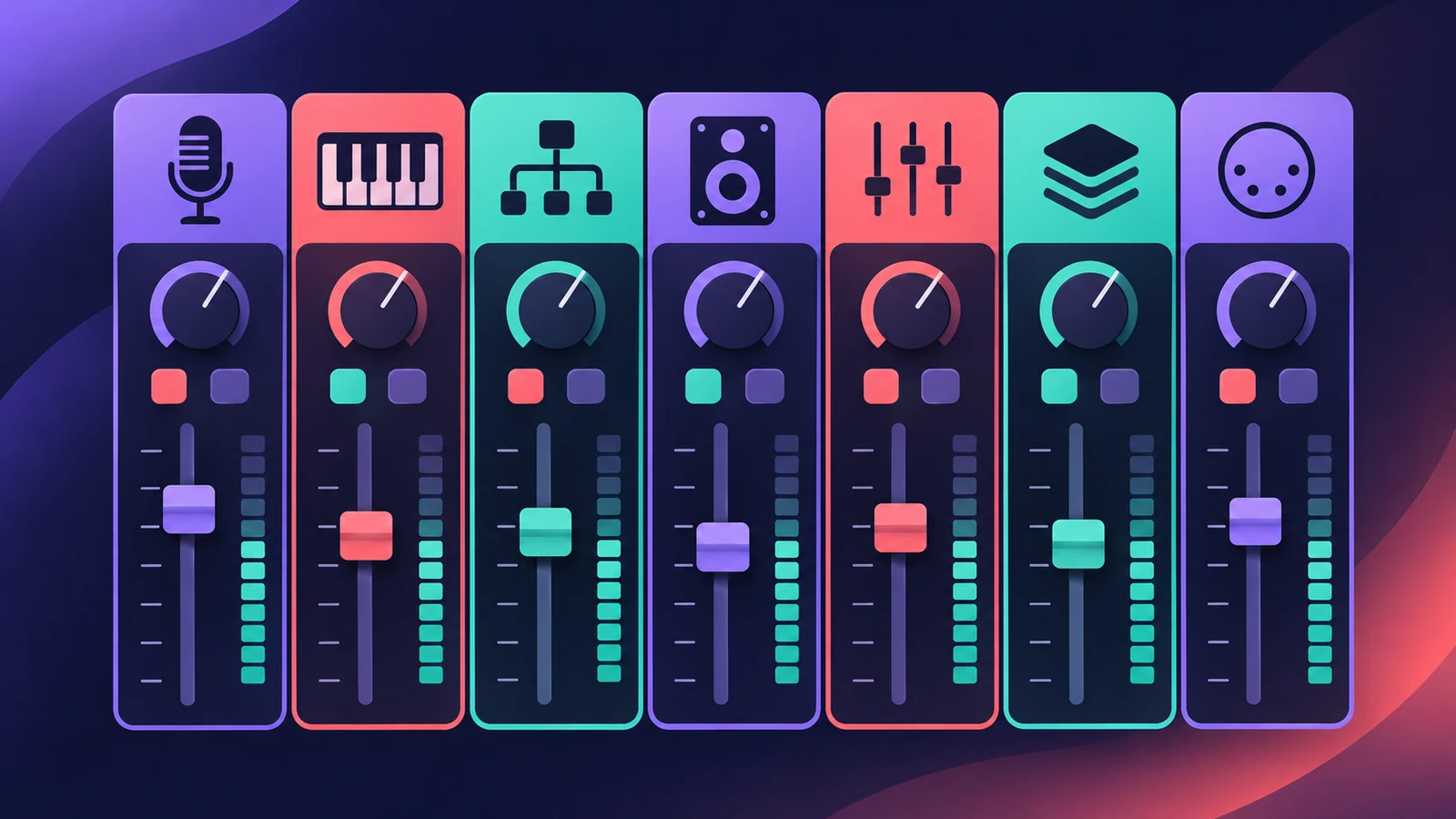 Channel strip types in Logic ProEvery channel strip type in the Logic Pro Mixer explained: audio, software instrument, aux, output, master, VCA and MIDI, and what each one is for.
-
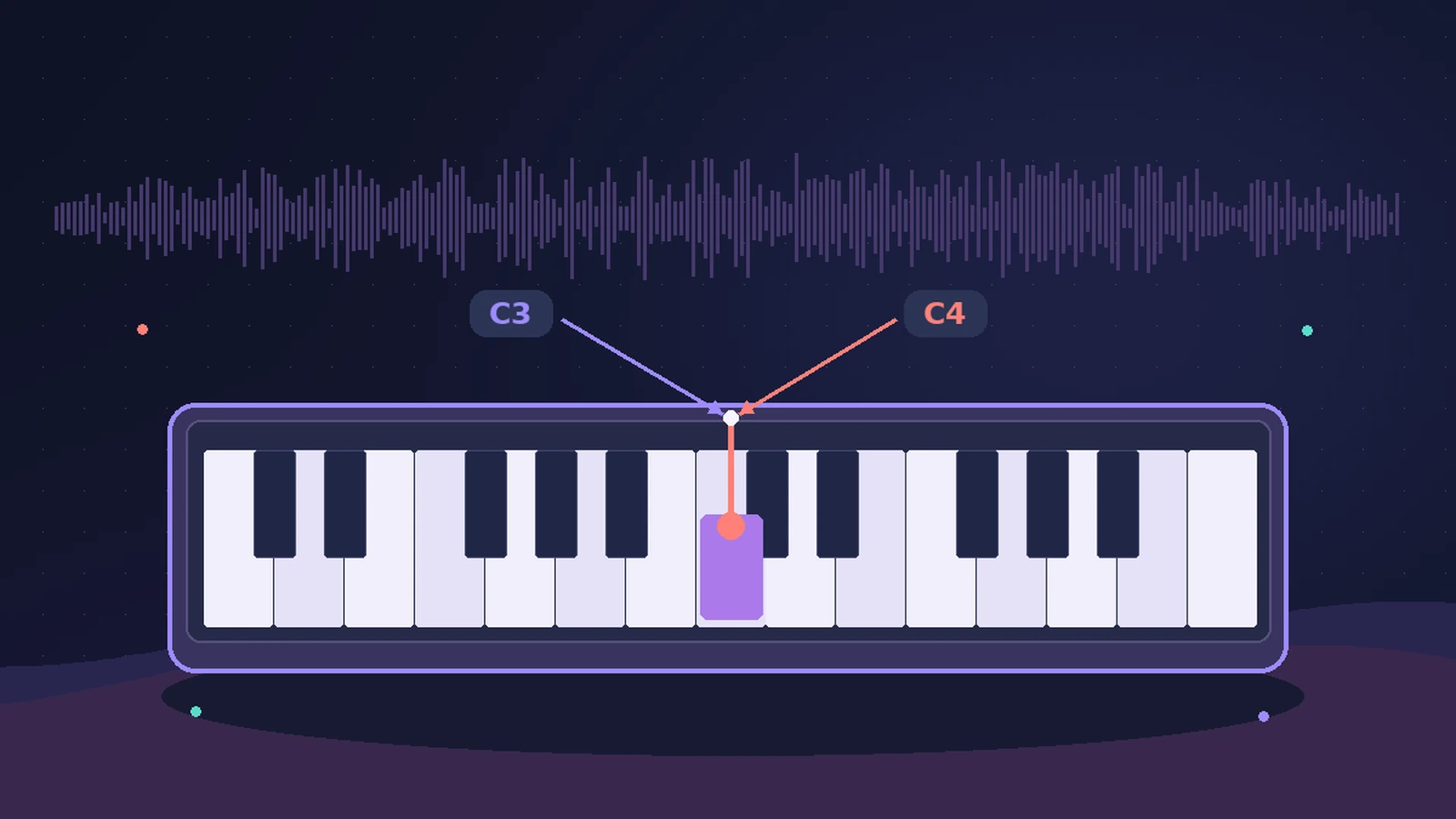 Middle C in Logic Pro: C3 or C4?Why Logic Pro can label middle C as C3 or C4, what MIDI note 60 is, how the Yamaha and Roland conventions differ, and where to switch the display.
-
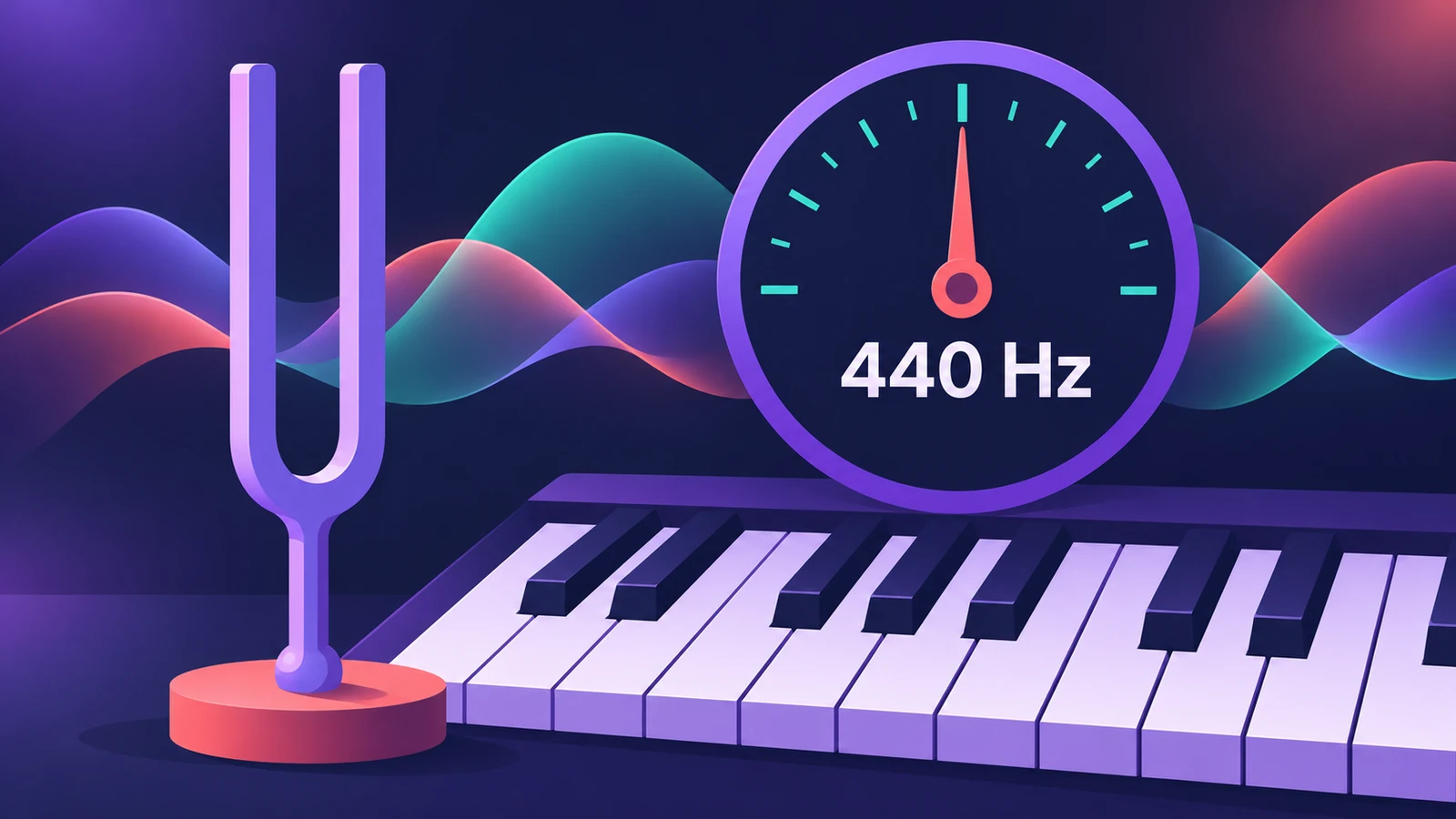 Tuning settings in Logic ProChange Logic Pro's tuning: detune software instruments from A440 in cents, use User scales, or Hermode Tuning modes for purer thirds and fifths.
-
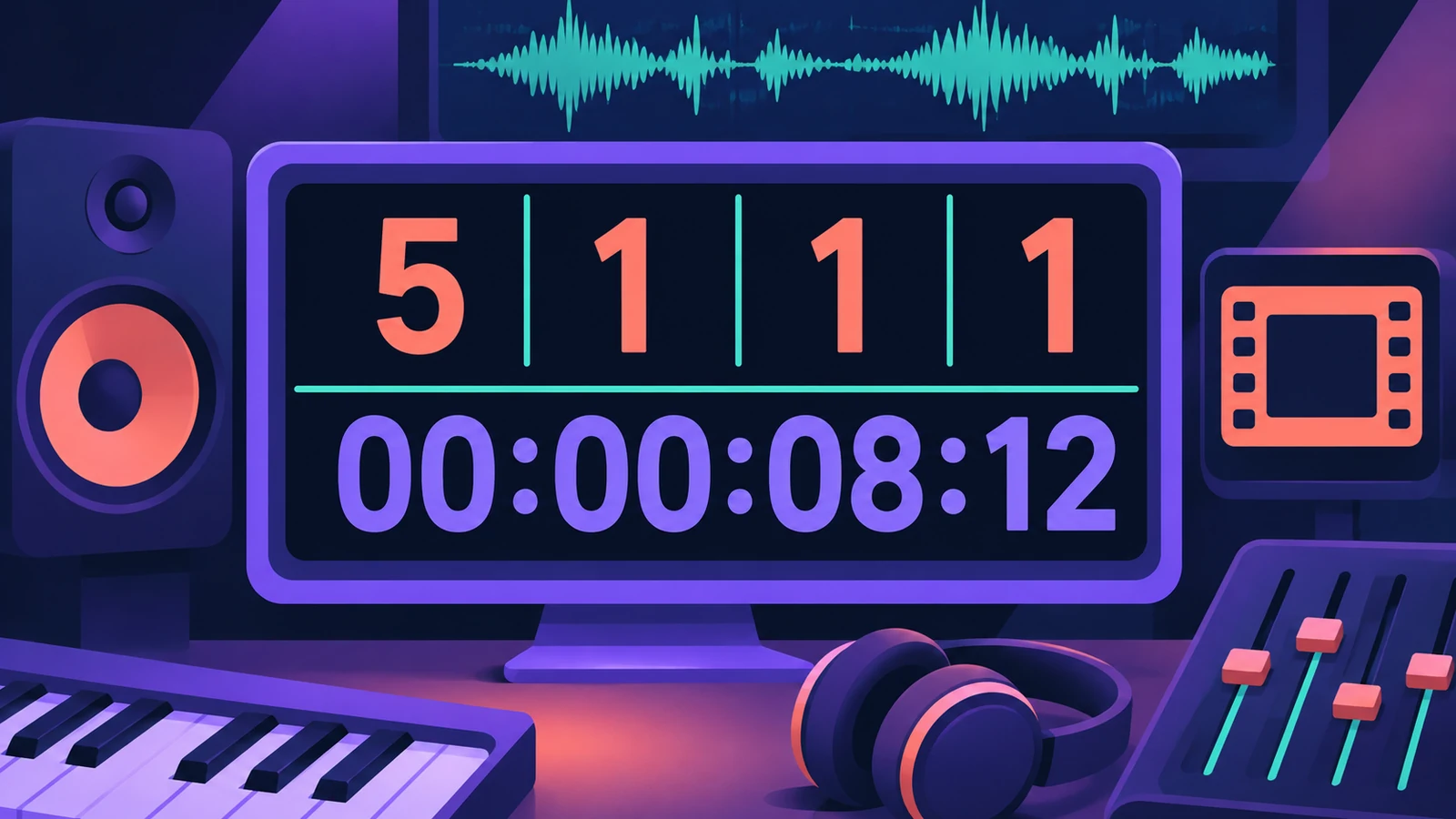 Time display in Logic Pro: bars, beats and SMPTERead Logic Pro's LCD: bars, beats, divisions and ticks, SMPTE timecode with frames, display modes, giant time display, frame rate and SMPTE offset settings.
-
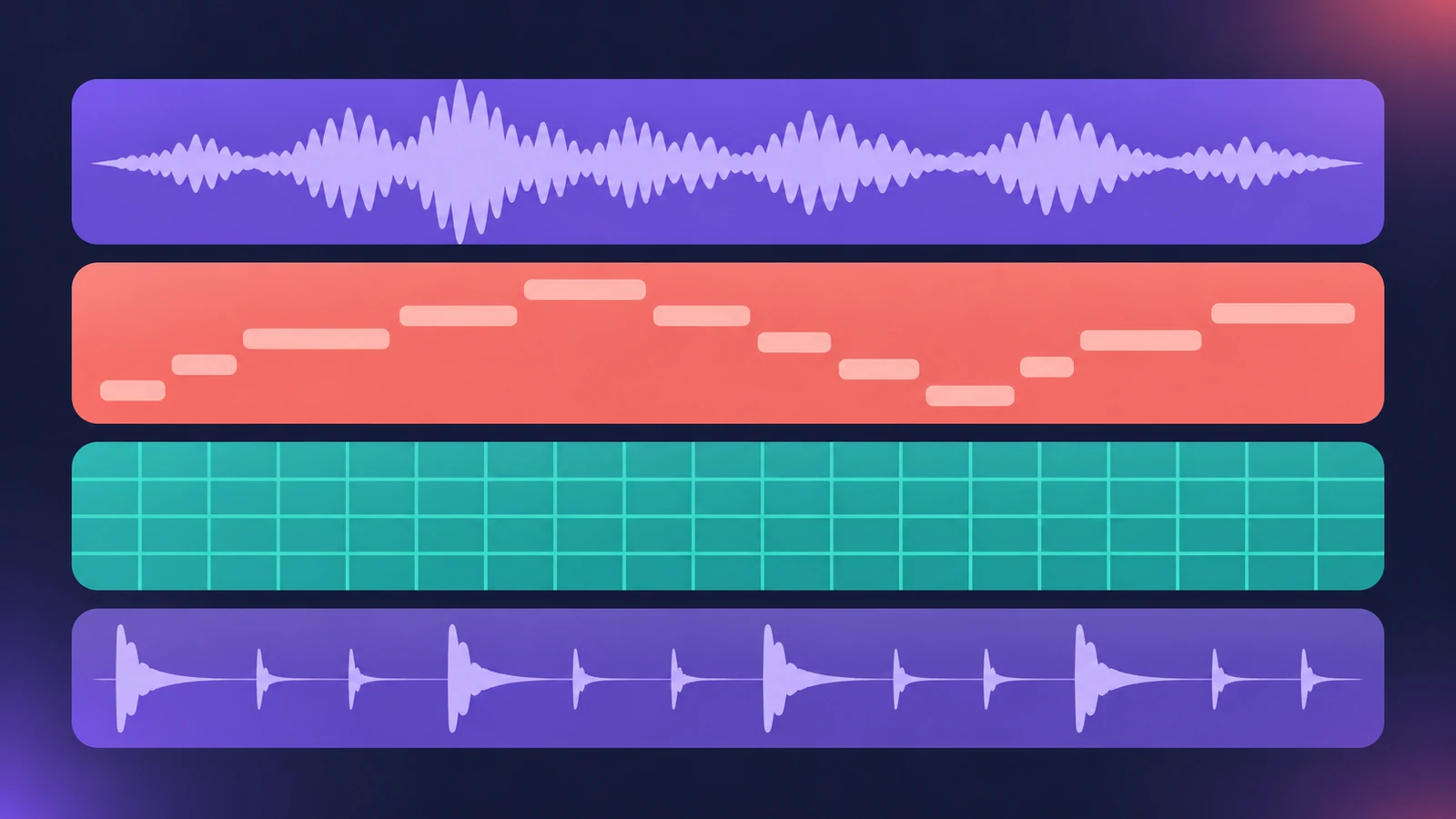 Region types in Logic ProEvery region type in Logic Pro: audio, MIDI, pattern and Session Player regions, aliases, take folders, folders and Apple Loops — and what each holds.
Sources
- Apple — Logic Pro User Guide for Mac: Glossary
- Apple Support — Logic Pro technical specifications (file formats)
- Apple Support — Where are third-party Audio Units plug-ins installed on Mac?
- Apple Support — Create custom keyboard shortcuts for Logic Pro for Mac
Checked November 2026. Logic ProFiles is independent of Apple; menu names can differ slightly between Logic Pro versions.
Frequently asked questions
Does Logic Pro have an official glossary?
+
Yes, the Logic Pro User Guide includes one; our glossary explains the most common terms with links to guides.
Related
- Where does Logic Pro save files?Where Logic Pro keeps files on a Mac: projects in Music > Logic, the Sound Library bundle, templates, key commands, settings files and third-party plug-ins.
- Logic Pro signal flow explainedHow audio flows through a Logic Pro channel strip: insert effects in series, sends over buses to aux channels, pre-fader, post-fader and post-pan sends.
- Logic Pro shortcuts — the default key commands worth learningThe Logic Pro key commands worth learning first: transport, recording, windows, editing, tracks and export from Apple's U.S. preset, and how to change them.
- Logic Pro system requirements (Mac and iPad, 2026)Logic Pro 13 system requirements: macOS 26.1 or later, Apple silicon on Apple's Creator Studio pages, 6 GB to about 72 GB of space. iPad: iPadOS 26 and A12.
- How to install third-party plug-ins in Logic ProInstall third-party plug-ins for Logic Pro: it uses Audio Units, which go in the Components folder. Install, restart, check the Plug-in Manager.
- Learn Logic Pro — tutorials for beginnersLearn Logic Pro on Mac: a beginner tutorial, the interface, the Logic Pro 13 Browser, audio interface setup, key commands, loops, patches and saving projects.