Reference
Channel strip types in Logic Pro
The Mixer shows different kinds of channel strips. Tracks get audio, software instrument or MIDI channel strips; auxes handle effects and submixes; outputs feed your interface; the master controls everything; VCAs control groups of faders.
 Owen Hartley

Channel strip types
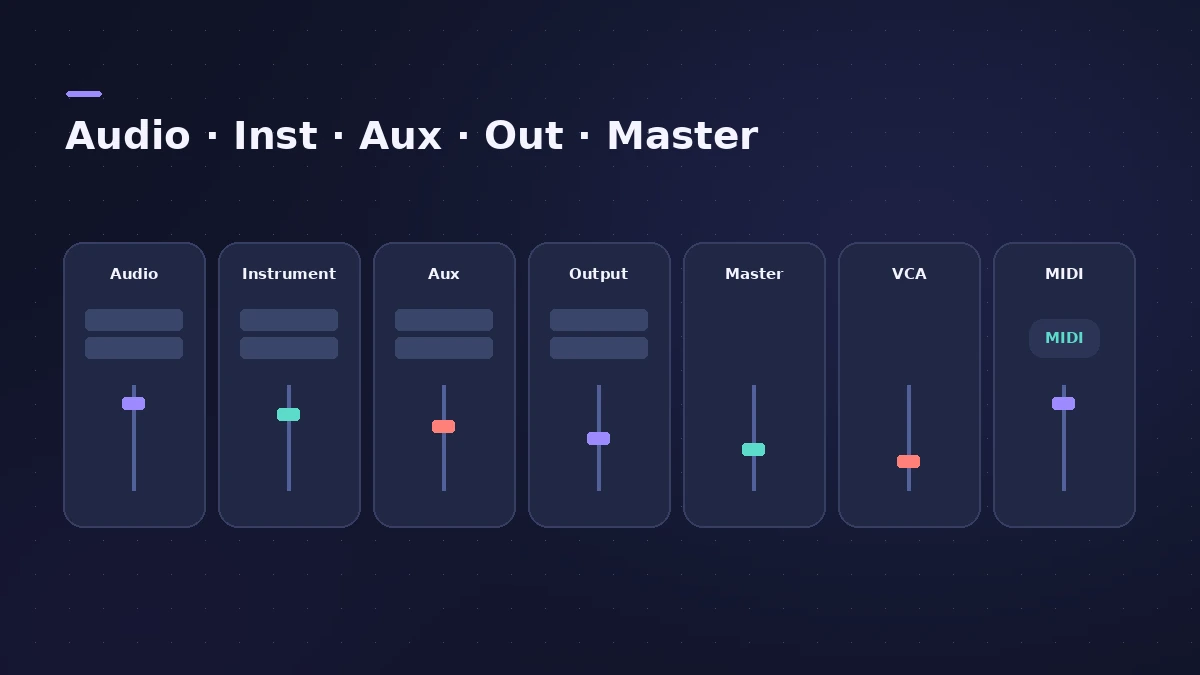
| Type | Used for |
|---|---|
| Audio | Playing and recording audio tracks |
| Software instrument | Software instruments driven by MIDI |
| Aux | Send returns, grouping, one signal to several destinations |
| Output | Physical outputs of your interface |
| Master | One overall volume for all output channel strips |
| VCA | Controls the volume of a VCA group |
| MIDI | Routes MIDI to an output port and channel for external gear |
Apple notes that bus and input channel strips remain only for compatibility with older projects; aux channel strips do their job now. See aux sends and buses and VCA faders.
Sources
- Apple — Logic Pro X 10.1 Help: Channel strip types (old)
- Apple — Logic Pro for Mac: Channel strip parameters in the Environment
- Apple — Logic Pro for iPad Guide: Channel strip types
Checked November 2026. Logic ProFiles is independent of Apple; menu names can differ slightly between Logic Pro versions.
Frequently asked questions
What is an aux channel strip used for?
+
For signal routing: effect send returns, grouping, and sending one signal to several destinations.
What does the master channel strip do?
+
It is a global volume control for all output channel strips, keeping the level relationships between them.
Related
- Aux sends and buses in Logic ProSet up aux sends in Logic Pro: send several tracks to one reverb on a bus, choose pre fader, post fader or post pan, and use Sends on Faders for headphones.
- VCA faders in Logic ProUse VCA faders in Logic Pro to control many tracks' levels without an audio bus: create a VCA for selected strips, keep post-fader sends in step, automate it.
- Stereo Out vs Master channel strip in Logic ProThe difference between Logic Pro's Stereo Out and Master channel strips: where mastering plug-ins go, which fader affects the bounce, and how Dim works.
- Logic Pro signal flow explainedHow audio flows through a Logic Pro channel strip: insert effects in series, sends over buses to aux channels, pre-fader, post-fader and post-pan sends.
- Logic Pro referenceLogic Pro reference: a plain-English glossary, supported audio and MIDI file formats, where plug-ins are installed, and how to make custom key commands.