Mixing
VCA faders in Logic Pro
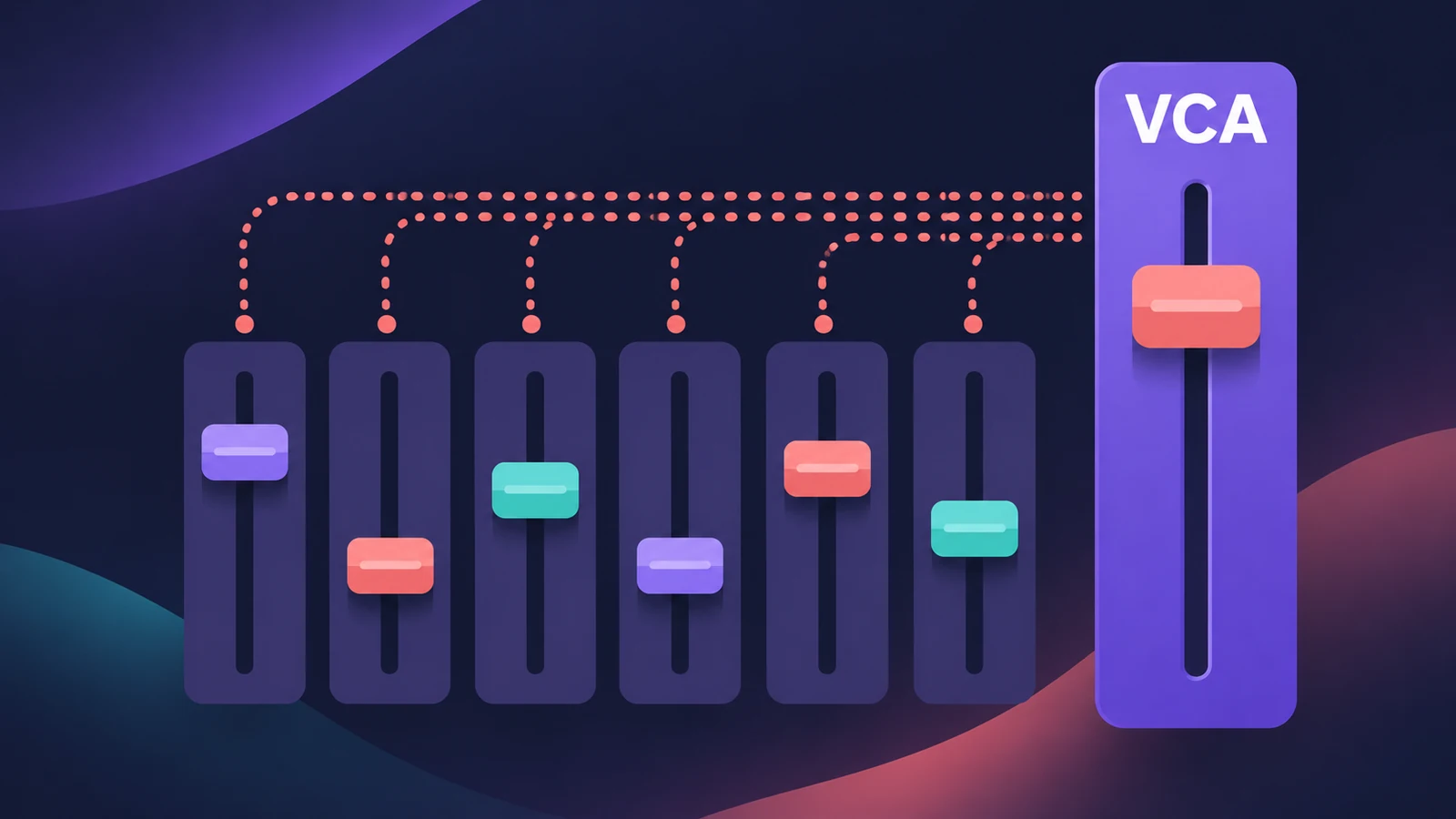
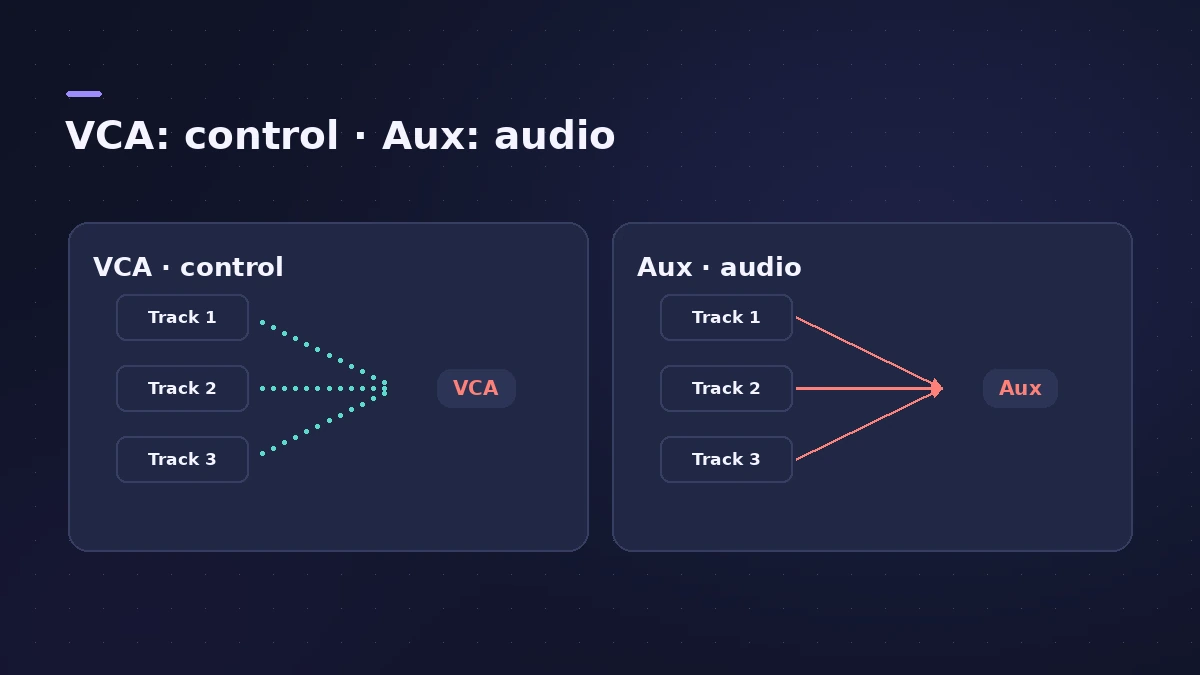
A VCA fader controls the level of every track assigned to it, but no audio passes through it. Unlike an aux submix, it changes each track's own volume — so post-fader sends stay in proportion — and tracks routed to different outputs can share one VCA. It arrived in Logic Pro X 10.1.
 Owen Hartley
Where to find it
Mixer > Options > Create New VCA for Selected Channel Strips
VCA vs aux submix
| VCA | Aux submix | |
|---|---|---|
| Audio passes through | No | Yes |
| Plug-ins on the group | No | Yes |
| Members on different outputs | Yes | No — all go to the bus |
| Post-fader sends stay in step | Yes | May need re-balancing |
| CPU | Less than an aux | More |
Step by step
-
1
Select the tracks
In the Mixer, select the channel strips to control — for example 16 backing vocals.
-
2
Create the VCA
Choose Options > Create New VCA for Selected Channel Strips, or assign strips from their VCA slot.
-
3
Ride the VCA fader
Move the VCA fader to change all members' levels. In Logic Pro the member faders don't visibly move.
-
4
Automate it
Create a track for the VCA (Control-click it and choose Create Track) or put it in Touch mode to write automation.
Common mistakes
- Expecting to insert plug-ins on a VCA — there's no audio path.
- Thinking the VCA overwrites track automation — it works on top of it.
- Using a bus where post-fader sends then need re-balancing.
VCA or group?
Mixer groups link faders and other settings; a VCA is one master level control. For processing a section together, use an aux — see aux sends and buses.
Sources
- Apple — Logic Pro X 10.1 Help: Use VCA groups (old)
- Apple — Logic Pro X 10.2.1 Help: VCA groups advantages (old)
- Sound On Sound — Another Level: VCA faders in Logic 10.1
- MusicRadar — How to make use of VCA grouping in your mixdowns
- MusicTech — Logic tutorial: VCAs step by step
Checked November 2026. Logic ProFiles is independent of Apple; menu names can differ slightly between Logic Pro versions.
Frequently asked questions
What's the advantage of VCA faders over aux submixes?
+
Apple lists three: members can go to different outputs, a VCA uses less processing than an aux, and it changes each channel's own volume.
Do VCA faders work with automation on the tracks?
+
Yes. MusicRadar notes the VCA doesn't defeat track automation; think of it as a gain offset on all assigned faders.
Related
- Channel strip types in Logic ProEvery channel strip type in the Logic Pro Mixer explained: audio, software instrument, aux, output, master, VCA and MIDI, and what each one is for.
- Mixer groups in Logic ProCreate Mixer groups in Logic Pro to link volume, pan, mute, solo, sends and editing across tracks, choose what each group links, and switch groups off.
- Aux sends and buses in Logic ProSet up aux sends in Logic Pro: send several tracks to one reverb on a bus, choose pre fader, post fader or post pan, and use Sends on Faders for headphones.
- Automation in Logic Pro — Read, Touch, Latch and WriteAutomate volume, pan, sends and plug-ins in Logic Pro: what Read, Touch, Latch, Write and Trim do, how to record automation with the fader and how to draw it.
- The Logic Pro Mixer explainedFind your way around the Logic Pro Mixer: open it with X, switch Single, Tracks and All views, filter strip types, and learn what aux, output and VCA do.
- Mix and master in Logic ProMix and master songs in Logic Pro with stock tools: vocal tuning, EQ, compression, sends, automation, Mastering Assistant, LUFS targets and Dolby Atmos.