Mixing
Mixer groups in Logic Pro
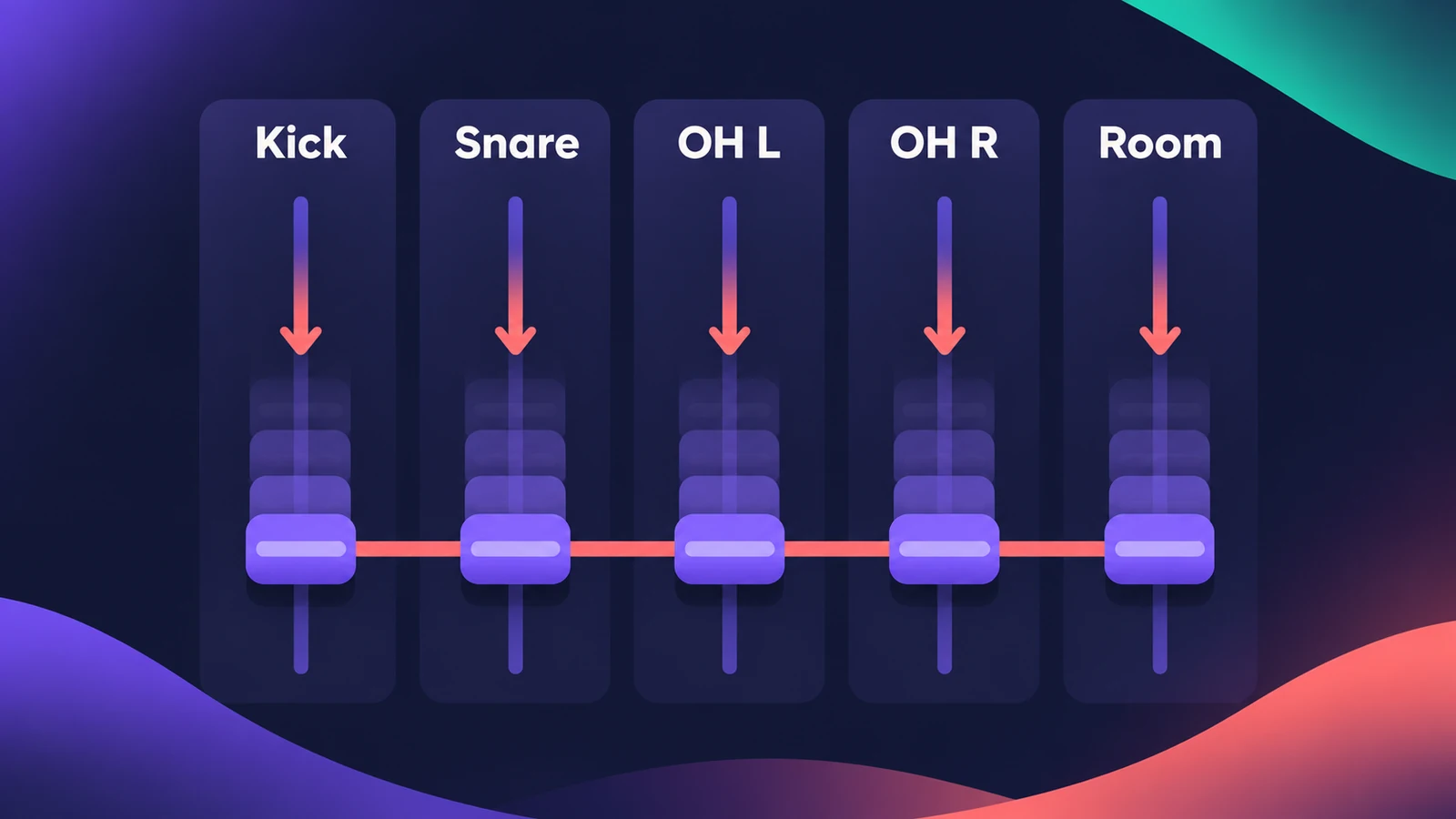
A Mixer group links settings across several channel strips — a drum kit or a stack of backing vocals — so one fader moves them all while their relative levels stay the same. You choose per group what's linked: volume, pan, mute, solo, sends, selection editing and more.
 Owen Hartley
Where to find it
Channel strip > Group slot
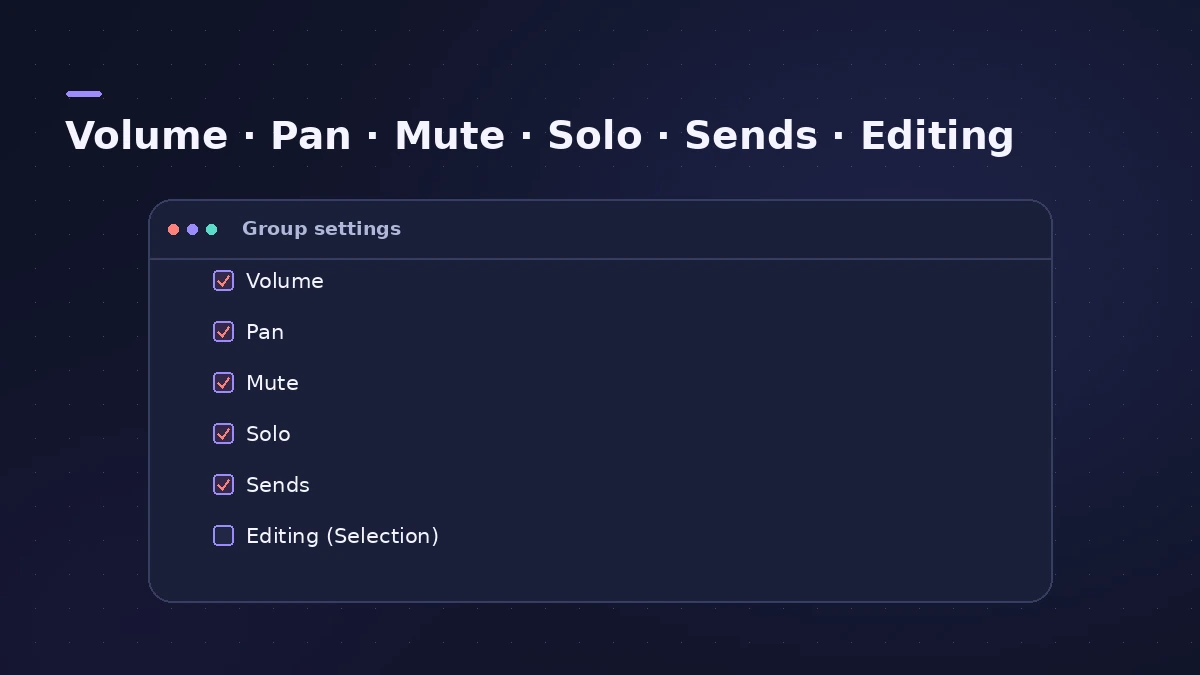
What a group can link
| Setting | When ticked |
|---|---|
| Volume | All faders move together, keeping relative levels |
| Pan | Pan positions move together, keeping relative positions |
| Mute / Solo | Muting or soloing one does all |
| Editing (Selection) | Selecting a region range selects the same range on all group tracks |
| Groups active | Turns all groups on or off |
Step by step
-
1
Select the channel strips
Select the strips you want to group, for example every drum mic.
-
2
Create the group
Click a Group slot and choose a new group. A strip can belong to more than one group.
-
3
Choose what's linked
In the Groups inspector tick Volume, Pan, Mute, Solo, sends or Editing (Selection) for that group.
-
4
Mix the group
Move one fader and all members follow, keeping their relative levels.
-
5
Adjust one member alone
Turn off "Groups active" (Command-G when the settings window is closed) to change a single track, then turn groups back on.
Common mistakes
- Forgetting groups are active and moving every drum fader by accident.
- Linking Editing (Selection) and then cutting regions on all tracks when you meant one.
Groups, VCAs or auxes?
VCA faders control levels without moving the member faders, and an aux used as a bus also processes the sound together — see aux sends and buses and Track Stacks.
Sources
- Apple — Logic Pro X 10.1 Help: Groups inspector settings (old)
- Apple — Logic Pro X User Manual: Group settings (Volume, Mute, Pan, Solo)
- Apple — Logic Pro for iPad User Guide: Create Mixer groups
- Apple — Logic Pro for iPad User Guide: View and edit group settings
- Apple — Logic Pro for iPad User Guide 1.1: Automate Mixer groups
- Apple — Logic Pro 9 User Manual: Working with groups (old)
Checked November 2026. Logic ProFiles is independent of Apple; menu names can differ slightly between Logic Pro versions.
Frequently asked questions
How many groups can Logic Pro have?
+
Apple's iPad guide gives a maximum of 64 groups; the older Logic Pro 9 manual said 32.
How does group automation work?
+
Any member can control the group: writing on one member writes the same value for mute and solo, or the same offset for volume and pan, on the others.
Related
- VCA faders in Logic ProUse VCA faders in Logic Pro to control many tracks' levels without an audio bus: create a VCA for selected strips, keep post-fader sends in step, automate it.
- Track Stacks in Logic Pro — folder vs summing stacksGroup tracks in Logic Pro with Track Stacks: when to use a Folder Stack or a Summing Stack, how to create, nest and open them, and why summing stacks are buses.
- Aux sends and buses in Logic ProSet up aux sends in Logic Pro: send several tracks to one reverb on a bus, choose pre fader, post fader or post pan, and use Sends on Faders for headphones.
- Automation in Logic Pro — Read, Touch, Latch and WriteAutomate volume, pan, sends and plug-ins in Logic Pro: what Read, Touch, Latch, Write and Trim do, how to record automation with the fader and how to draw it.
- Mix and master in Logic ProMix and master songs in Logic Pro with stock tools: vocal tuning, EQ, compression, sends, automation, Mastering Assistant, LUFS targets and Dolby Atmos.