Mixing
Stereo Out vs Master channel strip in Logic Pro
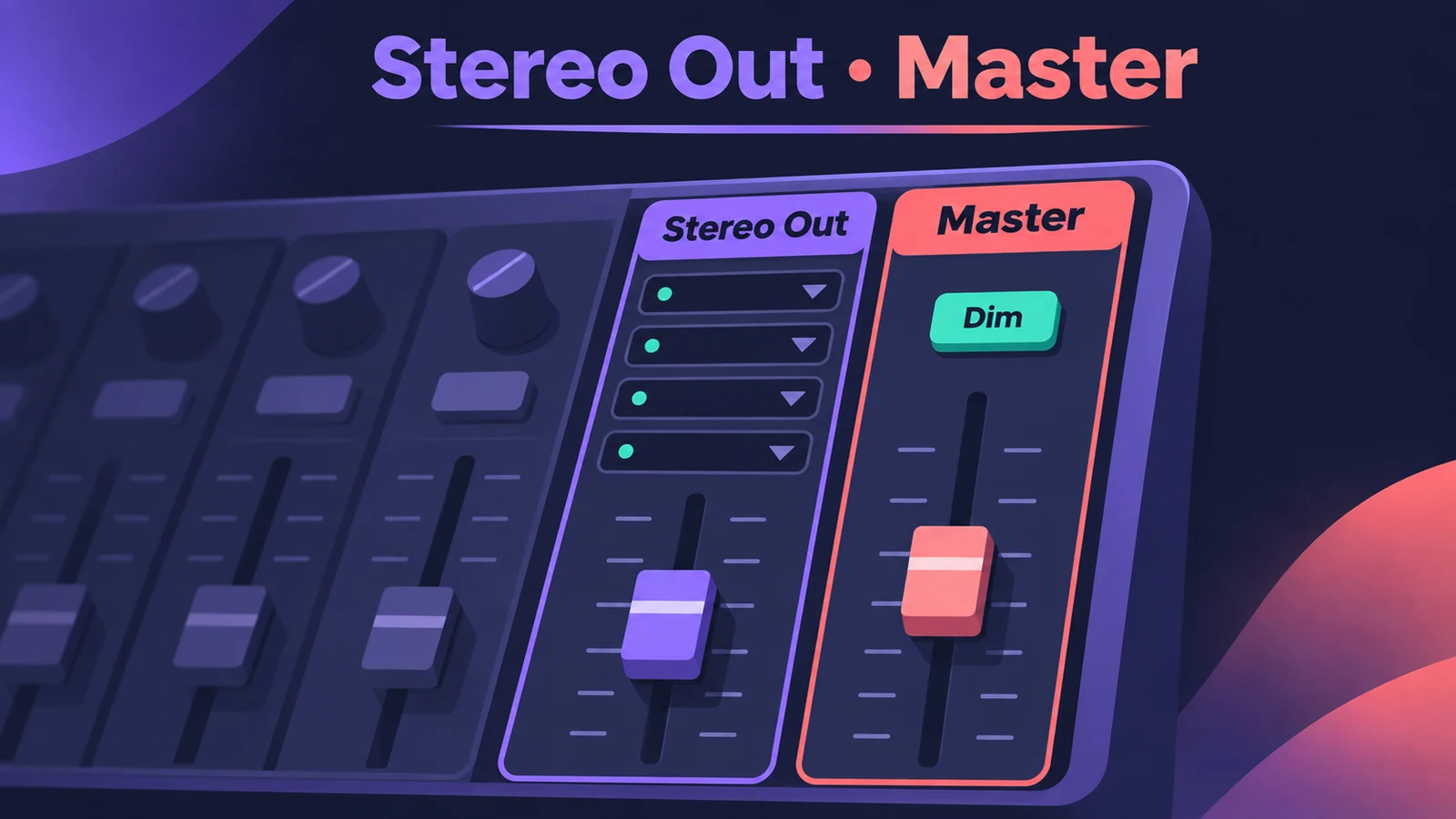
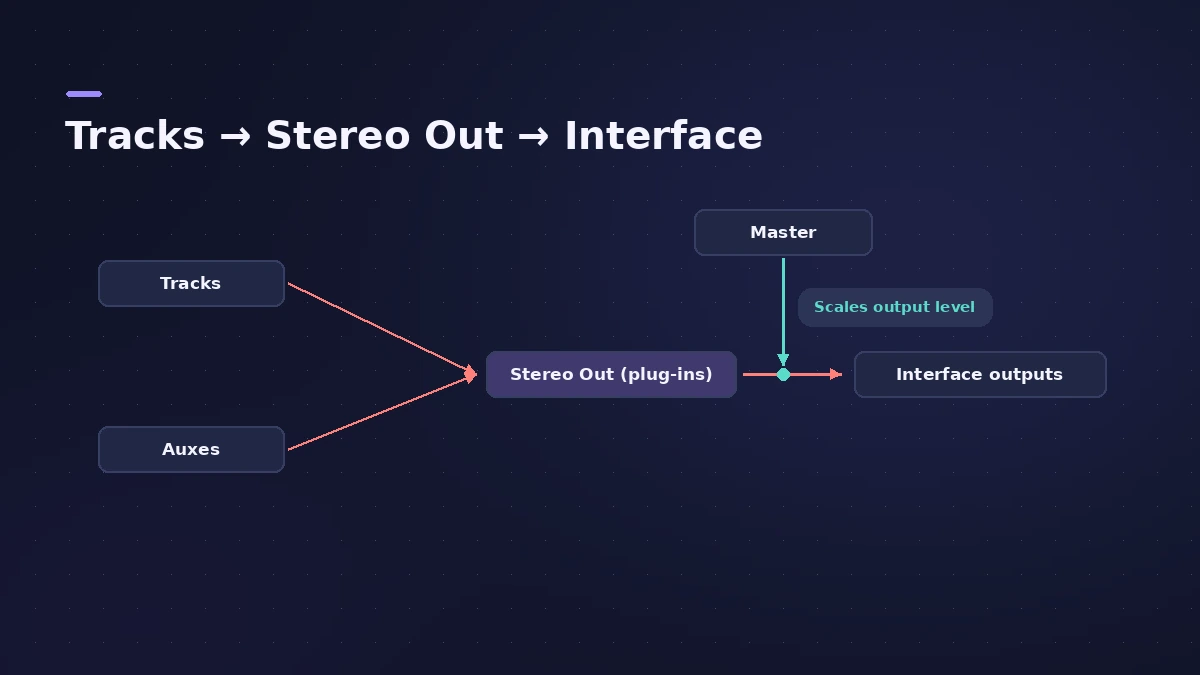
Every project has an output channel strip — usually Stereo Out — and a Master channel strip. The Stereo Out carries the mix to your interface's main outputs and has plug-in slots; the Master is a global volume control for all outputs, without changing their balance.
 Owen Hartley
Where to find it
Mixer > Stereo Out and Master channel strips
Stereo Out vs Master
| Stereo Out (output strip) | Master | |
|---|---|---|
| Controls | Level and balance of everything routed to it | Volume of all outputs together |
| Use for | Master-bus processing, meters | Overall fades, Dim |
Step by step
-
1
Find both strips
Open the Mixer: the output strip (Stereo Out) and the Master strip sit at the right.
-
2
Put master-bus plug-ins on Stereo Out
Insert your bus compressor, EQ, limiter or meters on the Stereo Out — it adjusts level and balance of everything routed to it.
-
3
Keep Stereo Out near unity
Sonarworks warns that moving the Stereo Out fader can change the level of your bounce, so control monitoring level elsewhere.
-
4
Use Master and Dim for listening
The Master strip scales all outputs together; its Dim button drops the playback volume to the Dim value set in the audio settings.
Common mistakes
- Turning the Stereo Out down for listening and bouncing a quieter mix by accident.
- Using the Master fader for a fade and forgetting it scales every output.
Bounce the result
When the mix is ready, bounce it, check loudness with LUFS and finish with Mastering Assistant.
Sources
- Apple — Logic Pro X 10.4.5 Help: Channel strip types in the Mixer (old)
- Apple — Logic Pro X 10.1 Help: Channel strip types (filters, outputs) (old)
- Apple — Logic Pro X 10.1 Help: Channel strip controls (pan/balance, Dim) (old)
- 9to5Mac — Logic Pro X: the Mixer and channel strips
- Sonarworks — Logic creative mixing with subgroups and masters
Checked November 2026. Logic ProFiles is independent of Apple; menu names can differ slightly between Logic Pro versions.
Frequently asked questions
Should mastering plug-ins go on Stereo Out or Master?
+
On the Stereo Out (output channel strip), which carries the mix to your outputs and controls everything routed to it.
What does the Master channel strip do?
+
It's a global volume control for all output strips that keeps their level relationships — useful for overall fades, especially in surround.
Related
- Channel strip types in Logic ProEvery channel strip type in the Logic Pro Mixer explained: audio, software instrument, aux, output, master, VCA and MIDI, and what each one is for.
- The Logic Pro Mixer explainedFind your way around the Logic Pro Mixer: open it with X, switch Single, Tracks and All views, filter strip types, and learn what aux, output and VCA do.
- Gain staging in Logic ProGain stage a Logic Pro mix: turn on pre-fader metering, set region gain and plug-in levels before the fader, keep peaks clear of clipping, leave headroom.
- How to bounce in Logic Pro — every bounce setting explainedBounce your Logic Pro project to WAV, MP3 or AAC: set the range, choose offline or realtime, include the reverb tail and pick the right normalize setting.
- Mastering in Logic Pro with Mastering AssistantMaster your song in Logic Pro with Mastering Assistant: insert it on the stereo output, pick a Character, adjust EQ, loudness and width, then bounce the master.
- Mix and master in Logic ProMix and master songs in Logic Pro with stock tools: vocal tuning, EQ, compression, sends, automation, Mastering Assistant, LUFS targets and Dolby Atmos.