Mix & Master
LUFS in Logic Pro — how loud for Spotify and Apple Music
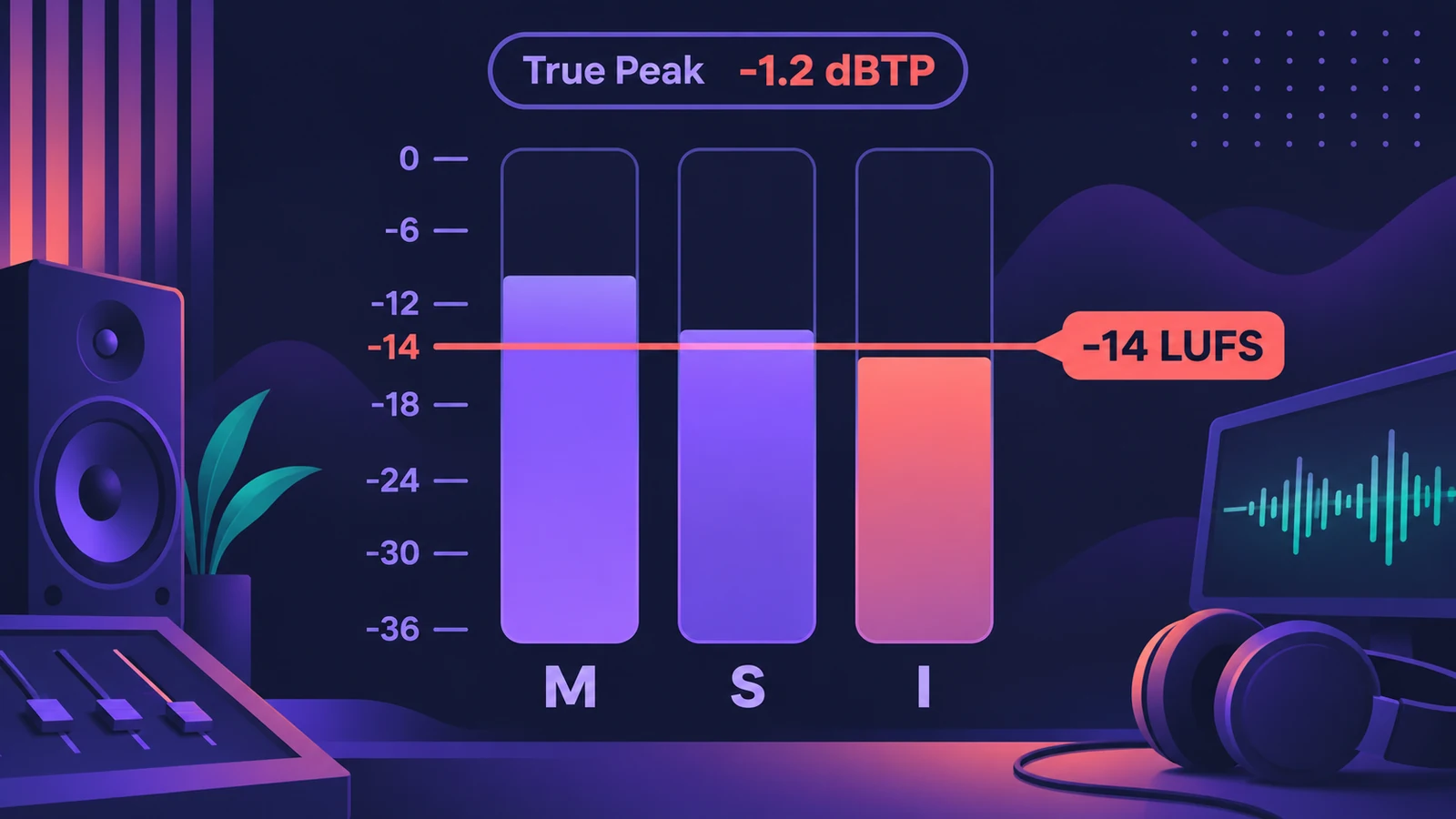
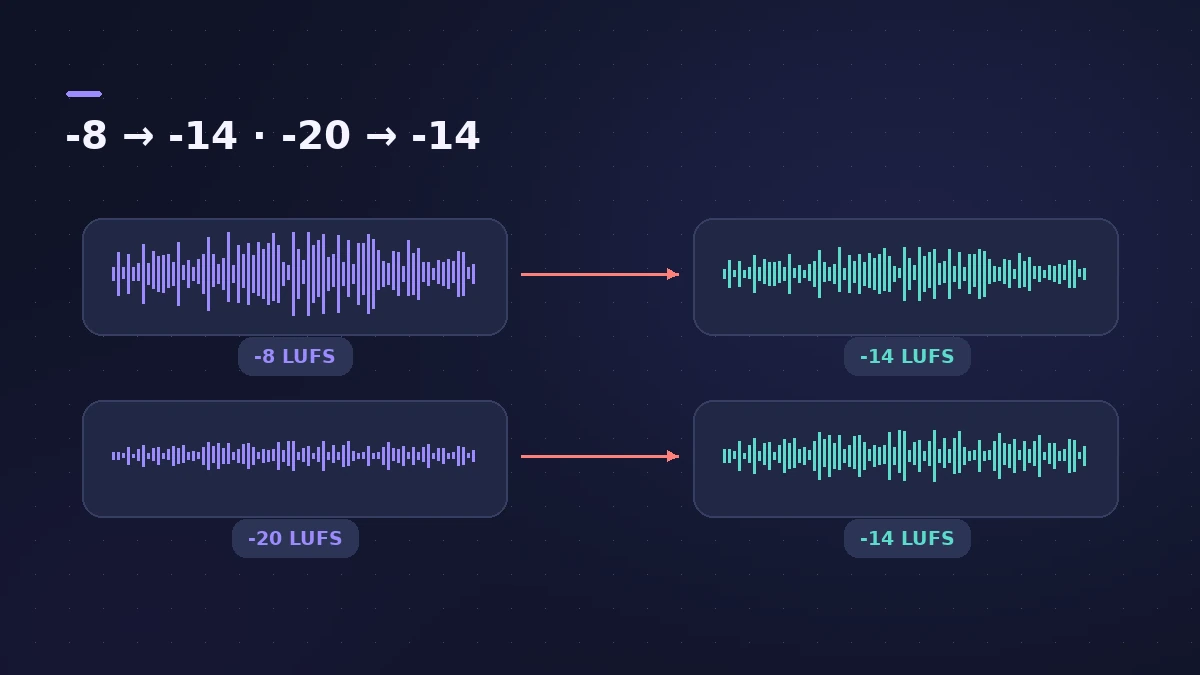
Streaming services turn loud masters down and quiet ones up, so a master that's simply louder won't stay louder. What matters is integrated loudness in LUFS and true peak. Logic Pro's Loudness Meter measures momentary, short-term and integrated loudness, and Mastering Assistant aims at the common streaming level out of the box.
 Owen Hartley
Where to find it
Stereo Out > Audio Effect slot > Metering > Loudness Meter
Loudness targets at a glance
| Service | What the service publishes | Source |
|---|---|---|
| Spotify | Normalizes to -14 LUFS integrated (ITU 1770); keep true peak below -1 dB, or -2 dB for masters louder than -14 LUFS | Spotify for Artists |
| Apple Music | Sound Check adjusts playback loudness; leave at least 1 dB of headroom | Apple Digital Masters |
Spotify also notes that it raises quiet tracks only as far as their headroom allows: a track at -20 LUFS with a -5 dB true peak is lifted to -16 LUFS, not -14. To get there in Logic Pro, use Mastering Assistant or a stock mastering chain, then bounce a 24-bit WAV.
Step by step
-
1
Insert the Loudness Meter
On the Stereo Out channel strip, add Loudness Meter from the Metering category as the last plug-in.
-
2
Reset and start a measurement
Click Reset, then Start and play the whole song from the top. The Integrated value builds up over the full track.
-
3
Read M, S and I
M is momentary loudness, S short-term (the last 3 seconds) and I integrated over the whole measurement. LU Range shows how much the loudness varies.
-
4
Compare with the target
Spotify normalizes to -14 LUFS integrated. If your master is louder it will be turned down; if it's quieter it may be turned up, depending on headroom.
-
5
Check true peak
Keep true peak below -1 dB, Spotify's advice for lossy formats — or below -2 dB if your master is louder than -14 LUFS.
Common mistakes
- Measuring only the loudest chorus and calling that the integrated level.
- Pushing a master far above -14 LUFS for Spotify — it's simply played back quieter.
- Ignoring true peak; louder masters distort more easily when encoded, Spotify warns.
What about Apple Music?
Apple's Apple Digital Masters document describes Sound Check, which measures each track's loudness and adjusts playback volume, but it doesn't publish a LUFS number. Its level advice is headroom: leave at least 1 dB below 0 dBFS so players don't clip when they oversample. Mastering Assistant's default is about -14 LUFS integrated with a -1 dBFS true-peak limit, which fits both.
Sources
- Spotify for Artists — Loudness normalization
- Apple — Apple Digital Masters (PDF)
- Apple — Logic Pro for iPad User Guide: Loudness Meter
- Apple — MainStage User Guide: Loudness Meter (AES 128)
- Apple — Logic Pro User Guide: Surround MultiMeter Loudness and Level
- Apple Support — Use Mastering Assistant in Logic Pro (Mar 2025)
- Apple — Logic Pro for iPad User Guide: Mastering Assistant parameters
Checked November 2026. Logic ProFiles is independent of Apple; menu names can differ slightly between Logic Pro versions.
Frequently asked questions
How many LUFS should my song be for Spotify?
+
Spotify plays tracks at -14 LUFS integrated by default and suggests targeting that, with true peak below -1 dB.
Does Logic Pro show LUFS?
+
Yes. The Loudness Meter plug-in shows momentary, short-term and integrated loudness plus loudness range. Mastering Assistant also has loudness metering.
What are Spotify's Loud and Quiet settings?
+
Premium listeners can choose Loud (-11 LUFS), Normal (-14 LUFS) or Quiet (-19 LUFS). Normal is the default.
Related
- LUFS gain calculatorEnter your Integrated LUFS and True Peak from Logic Pro's Loudness Meter to see the gain to reach a target, the new peak, and how Spotify will play it.
- How to use a reference track in Logic ProMix against a reference track in Logic Pro: import it, route it past your master processing, match its loudness to your mix, A/B by section, and try Match EQ.
- MultiMeter in Logic ProCheck a mix with Logic Pro's MultiMeter: spectrum Analyzer, Goniometer for stereo, Correlation meter for mono compatibility, Level and AES 128 Loudness meters.
- How to record and mix a podcast in Logic ProRecord, edit and mix a podcast in Logic Pro, check loudness with the Loudness Meter against Apple Podcasts' -16 LKFS and -1 dBFS true-peak advice, and bounce.
- Limiter in Logic ProHow the Limiter plug-in works in Logic Pro: it holds peaks at the threshold, uses Lookahead to react early and true peak detection for inter-sample peaks.
- Mastering in Logic Pro with Mastering AssistantMaster your song in Logic Pro with Mastering Assistant: insert it on the stereo output, pick a Character, adjust EQ, loudness and width, then bounce the master.
- A mastering chain in Logic Pro with only stock plug-insMaster in Logic Pro by hand with stock plug-ins: EQ, compression, Adaptive Limiter with the right Out Ceiling and True Peak Detection, then the Loudness Meter.
- How to export WAV from Logic Pro — 24-bit or 16-bitBounce a WAV from Logic Pro for mastering, a distributor or CD: choose Uncompressed, WAVE, bit depth, sample rate, interleaved files and when to add dither.
- Mix and master in Logic ProMix and master songs in Logic Pro with stock tools: vocal tuning, EQ, compression, sends, automation, Mastering Assistant, LUFS targets and Dolby Atmos.