Plug-ins
Limiter in Logic Pro
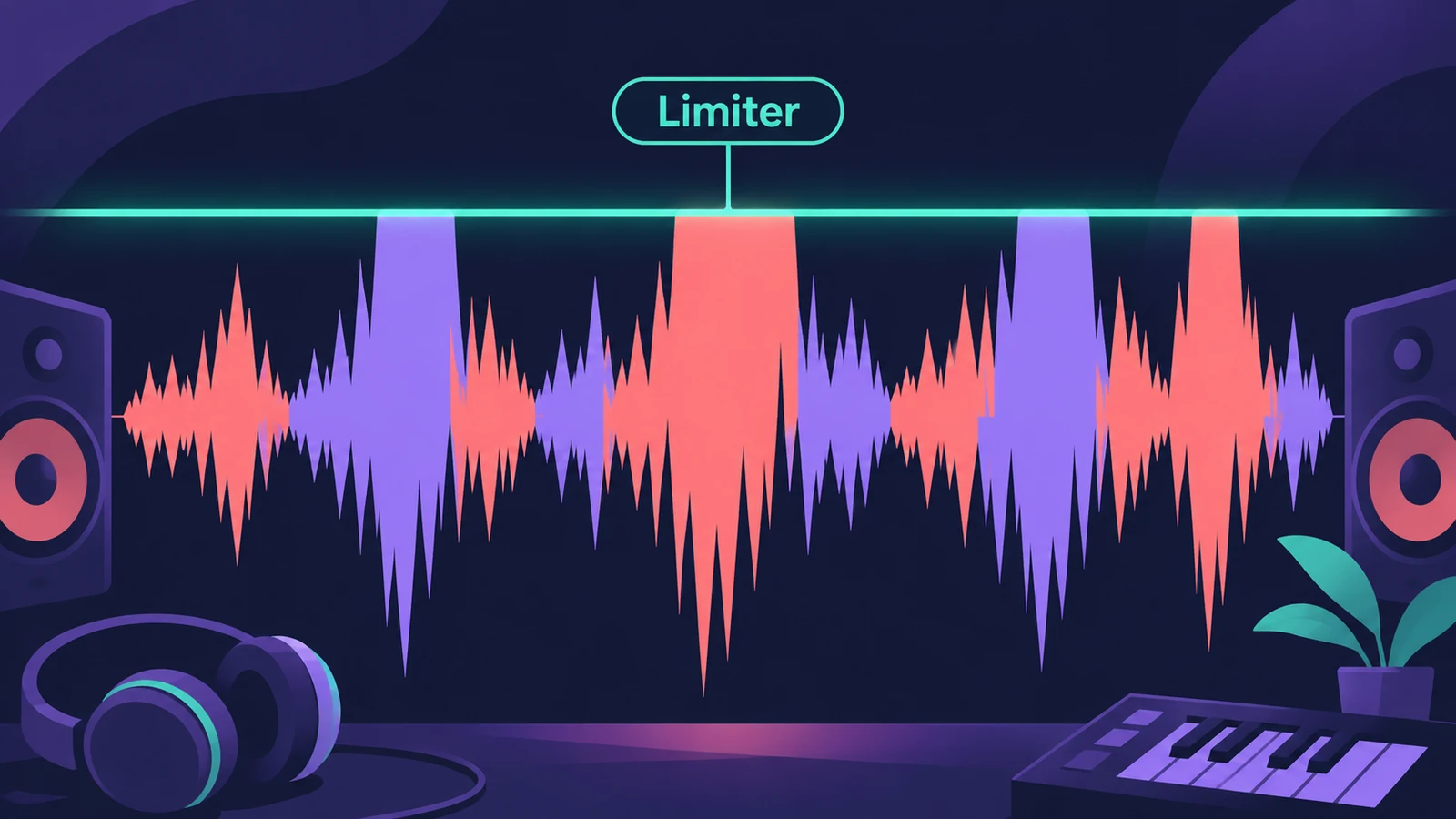
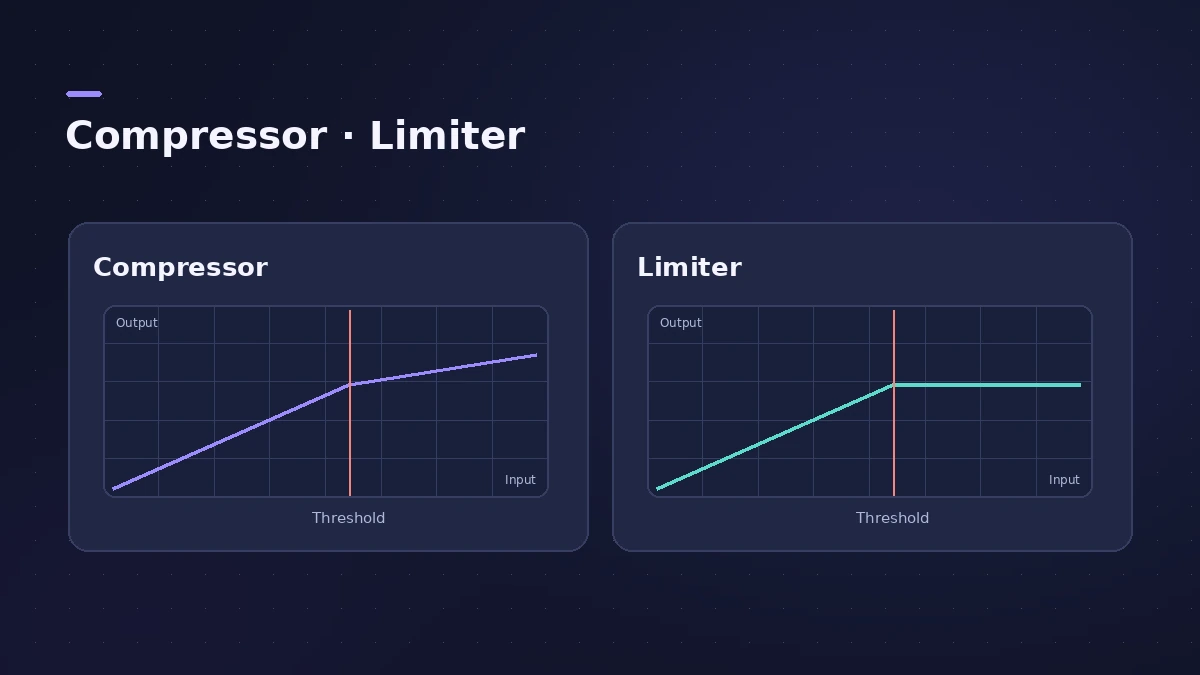
Limiter works like a compressor with one key difference: instead of reducing the signal in proportion, it holds any peak above the threshold at the threshold. Its job is to prevent clipping while keeping the overall level as high as possible.
 Owen Hartley
Key controls
| Control | What it does |
|---|---|
| Lookahead | How far ahead Limiter analyses the signal, so it reacts earlier to peaks |
| TP (Precision mode) | Detects inter-sample (true) peaks |
Limiter or Adaptive Limiter
Use Limiter when you simply need peaks to stay under a level. For a final master where the goal is perceived loudness, Apple describes Adaptive Limiter as the tool for the job. Remember that Limiter can't fix audio that already clipped during recording. For streaming targets, see LUFS and loudness.
Sources
- Apple — Logic Pro for iPad User Guide: Limiter
- Apple — Logic Pro for iPad User Guide: Limiter (Precision mode)
- Apple — Logic Pro for iPad User Guide: Limiter Lookahead
- Apple — Logic Pro for iPad User Guide: Dynamics processors overview
- Apple Community — Limiter vs Adaptive Limiter (quotes the user manual)
Checked November 2026. Logic ProFiles is independent of Apple; menu names can differ slightly between Logic Pro versions.
Frequently asked questions
What's the difference between a limiter and a compressor?
+
A compressor reduces the signal proportionally above the threshold; a limiter reduces any peak above the threshold to the threshold.
Does Limiter detect true peaks?
+
Yes. Turn on the TP button (Precision mode) to detect inter-sample peaks.
Does Lookahead add latency?
+
Yes, but Apple notes it has no perceptible effect when limiting prerecorded material during mastering.
Related
- Limiter vs Adaptive LimiterLimiter vs Adaptive Limiter in Logic Pro: a brickwall peak limiter that holds peaks at the threshold, or a loudness tool for the end of the master chain.
- Adaptive Limiter in Logic ProUse Adaptive Limiter on a Logic Pro master: set the output ceiling, turn on true peak detection, apply the optimal Lookahead and bypass it while recording.
- Logic Pro Compressor and its circuit typesLogic Pro's Compressor has seven circuit types — Platinum Digital, Studio and Classic VCA, Studio FET and Vintage VCA, FET and Opto. Pick one and set it up.
- LUFS in Logic Pro — how loud for Spotify and Apple MusicMeasure LUFS in Logic Pro with the Loudness Meter and hit streaming targets: Spotify's -14 LUFS and -1 dB true peak, Apple's headroom advice and normalization.
- Logic Pro bounce cuts off the end — how to keep reverb tailsLogic Pro bounce ends too early or chops the reverb? Check Cycle mode and the bounce range, turn on Include Audio Tail or move the End past the last region.