Plug-ins
Logic Pro Compressor and its circuit types
Logic Pro's Compressor isn't one compressor but seven. Its circuit types range from the clean Platinum Digital to VCA, FET and Opto designs that add their own character, and the interface changes to match the model you choose.
 Owen Hartley
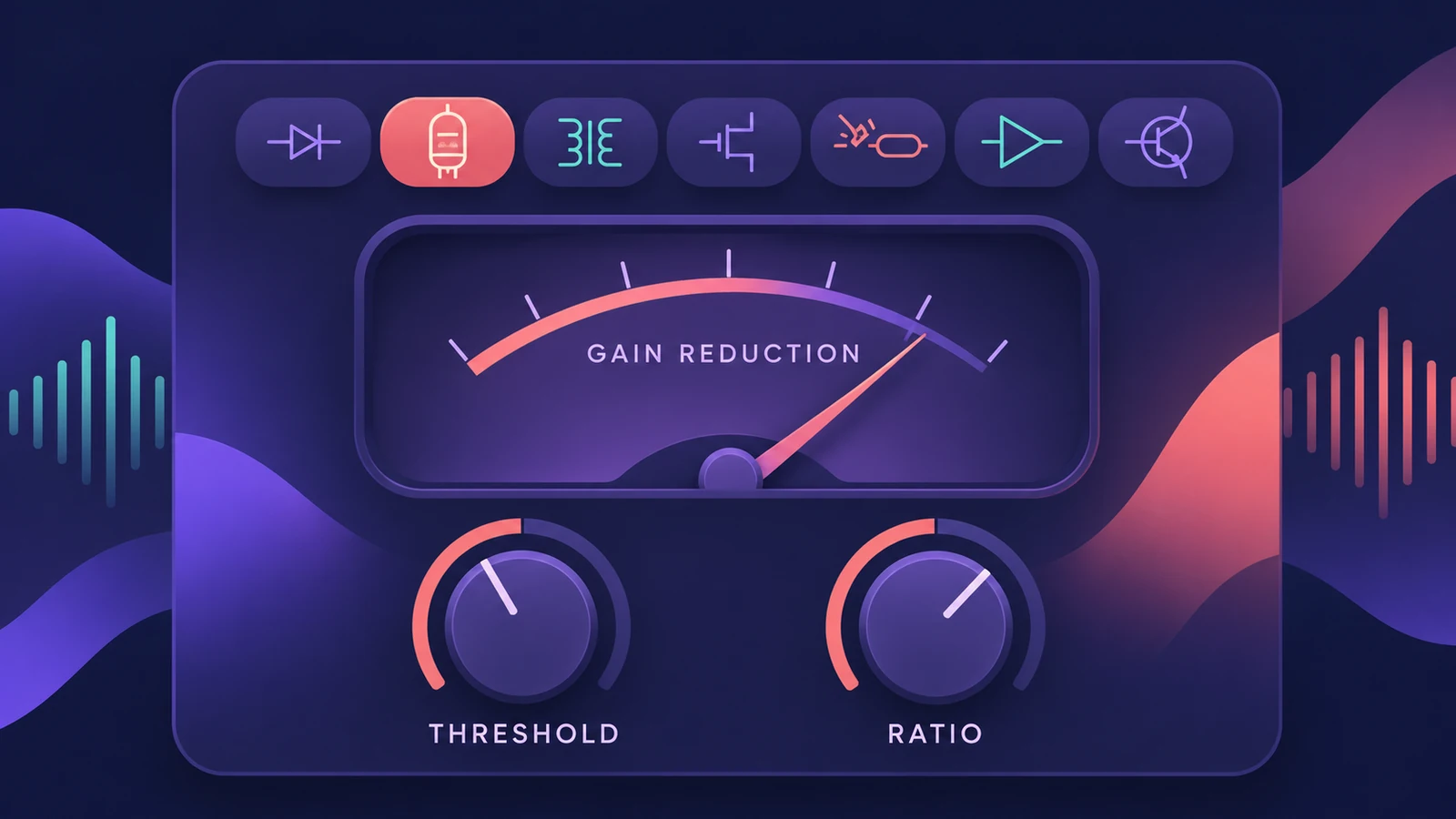
Where to find it
Audio Effect slot > Dynamics > Compressor
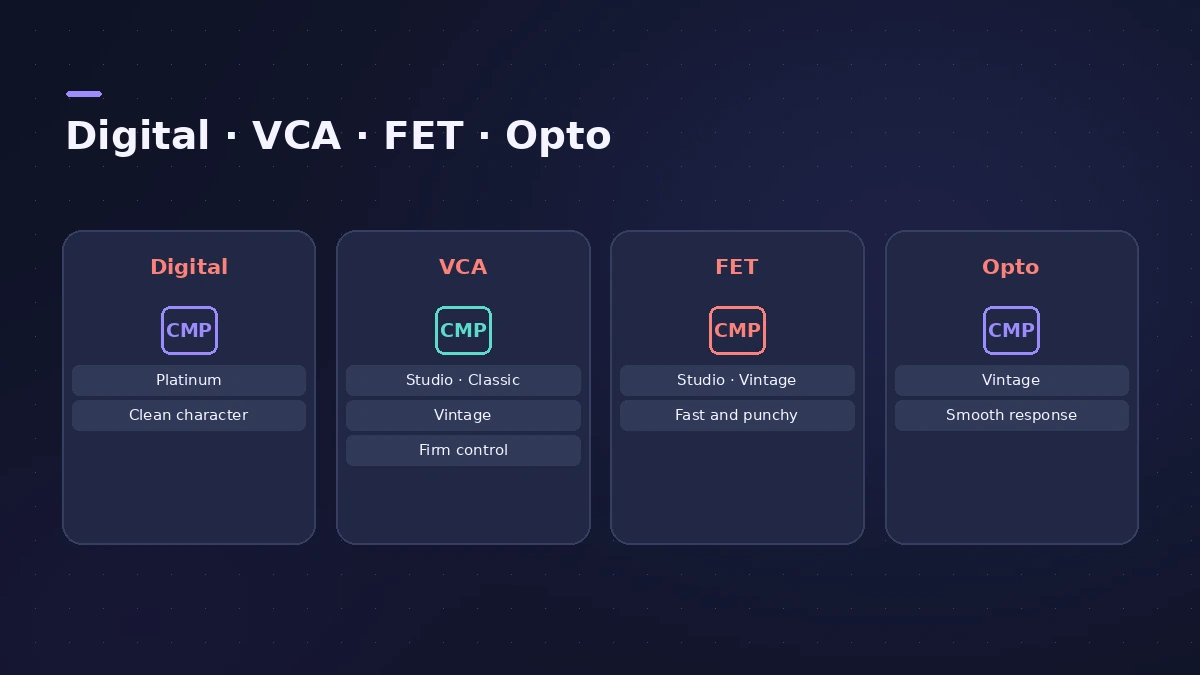
The circuit types
| Circuit type | Family | Character |
|---|---|---|
| Platinum Digital | Digital | Clean, fast transient response |
| Studio VCA | VCA | Low distortion |
| Classic VCA | VCA | Clean, low distortion |
| Vintage VCA | VCA | Low distortion, with colour |
| Studio FET | FET | Fast, with colour |
| Vintage FET | FET | Fast, more saturated |
| Vintage Opto | Opto | Slower response, tube colour |
Where to start
MusicTech's comparison is a good guide: VCA models sound more transparent, FET models react faster than Vintage Opto, and Platinum Digital is efficient but less characterful. Use your ears — if a model sounds right on a source, keep it. For full-mix glue across frequency bands, see Multipressor.
Step by step
-
1
Insert Compressor
Click an Audio Effect slot and choose Dynamics > Compressor, or click the gain reduction display on the channel strip.
-
2
Choose a circuit type
Pick a model with the buttons at the top. Platinum Digital is clean; the VCA, FET and Opto models add character.
-
3
Set threshold and ratio
Lower the threshold until the meter shows a few dB of gain reduction on the loudest parts, then set the ratio.
-
4
Set attack and release
Slower attack lets transients through; faster release recovers sooner. FET models respond faster than the Opto model.
-
5
Blend and match level
Use Mix for parallel compression and make-up gain so bypassing doesn't just sound quieter.
Common mistakes
- Judging a setting by loudness — match levels before comparing with bypass.
- Using the same circuit type on every track out of habit.
- Pushing Distortion without noticing it's on.
Parallel and sidechain
The Mix control blends the compressed and dry signal inside the plug-in — see parallel compression. To duck one track with another, see sidechain compression.
Sources
- Apple — Logic Pro for iPad User Guide: Compressor main parameters
- MusicTech — Understanding compressor circuit types in Logic
- Sound On Sound — Logic Pro compressor circuit types
- Logic Studio Training — Compressor circuit types demystified
- Apple — Logic Pro for iPad User Guide: Dynamics processors overview
Checked November 2026. Logic ProFiles is independent of Apple; menu names can differ slightly between Logic Pro versions.
Frequently asked questions
How many compressor types does Logic Pro have?
+
Seven circuit types: Platinum Digital, Studio VCA, Studio FET, Classic VCA, and Vintage VCA, FET and Opto.
Which Logic compressor is the most transparent?
+
Platinum Digital — Apple describes it as clean-sounding with a fast transient response.
Which hardware are the circuit types based on?
+
Apple doesn't say. MusicTech links the FET types to classic FET compressors and Vintage Opto to a classic optical compressor.
Related
- Logic Pro sidechain not workingSidechain set but nothing ducks in Logic Pro? Pick the source in the plug-in's Side Chain menu, lower Threshold, check the source and plug-in support.
- Mix bus compression in Logic ProAdd mix bus glue in Logic Pro with the stock Compressor: pick a VCA circuit type, set a gentle ratio and threshold, mind attack and release, blend with Mix.
- Parallel compression in Logic Pro — two easy methodsDo parallel compression in Logic Pro two ways: with the Compressor's Mix knob on the track, or by sending drums to an aux with a heavily compressed Compressor.
- How to sidechain in Logic ProSet up sidechain compression in Logic Pro: put Compressor on the bass or pad, pick the kick in the Side Chain menu, then set threshold, ratio, attack, release.
- Multipressor in Logic ProUse Multipressor, Logic Pro's multiband compressor: split the signal into up to four bands, compress or expand each one, set crossovers and use Lookahead.
- Limiter in Logic ProHow the Limiter plug-in works in Logic Pro: it holds peaks at the threshold, uses Lookahead to react early and true peak detection for inter-sample peaks.