Plug-ins
Multipressor in Logic Pro
Multipressor is Logic Pro's multiband compressor. It splits the signal into up to four frequency bands, compresses each one on its own and combines them again — so you can tame a boomy low end without squashing the vocals. Each band also has a downward expander.
 Owen Hartley
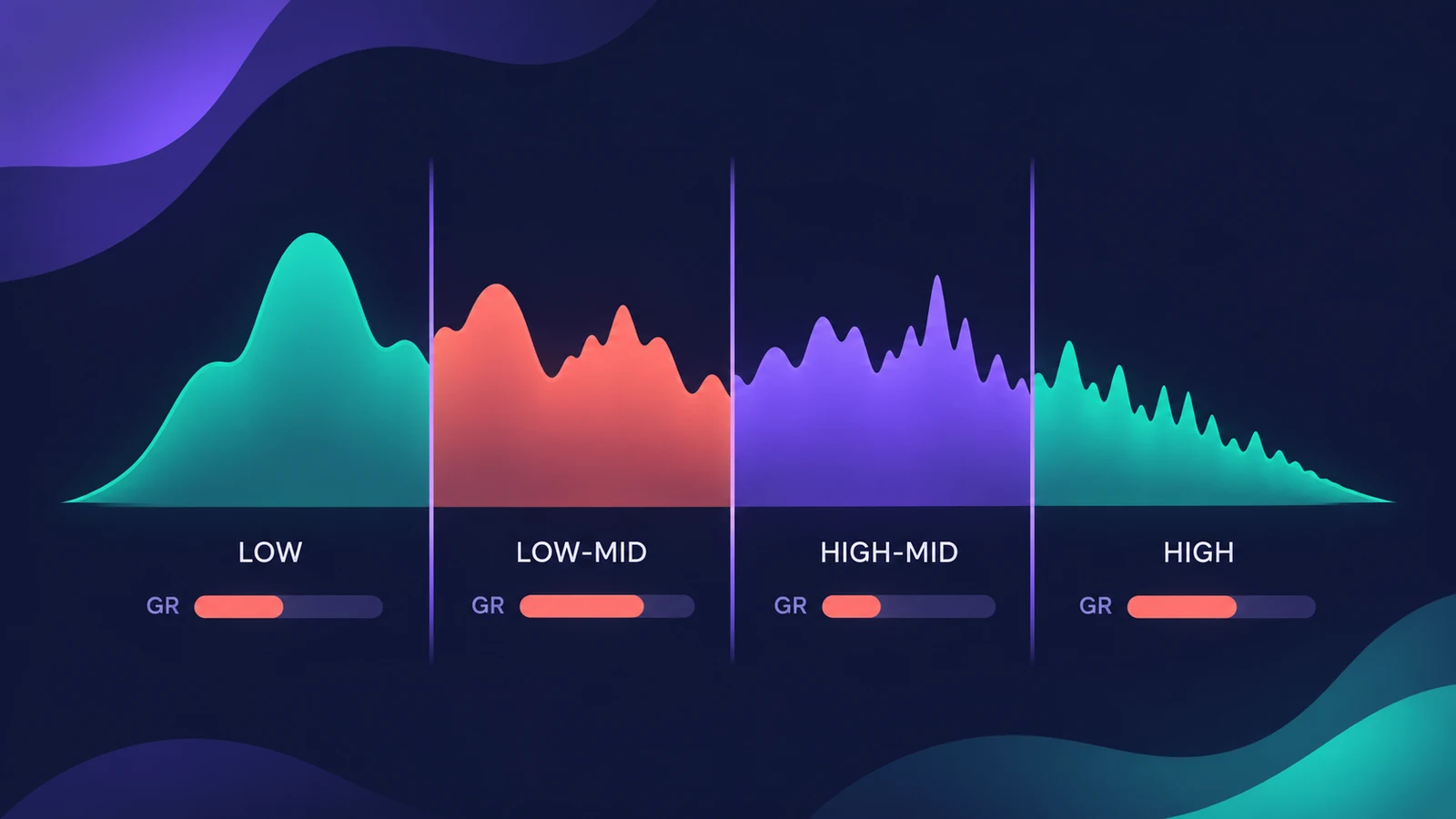
Where to find it
Audio Effect slot > Dynamics > Multipressor
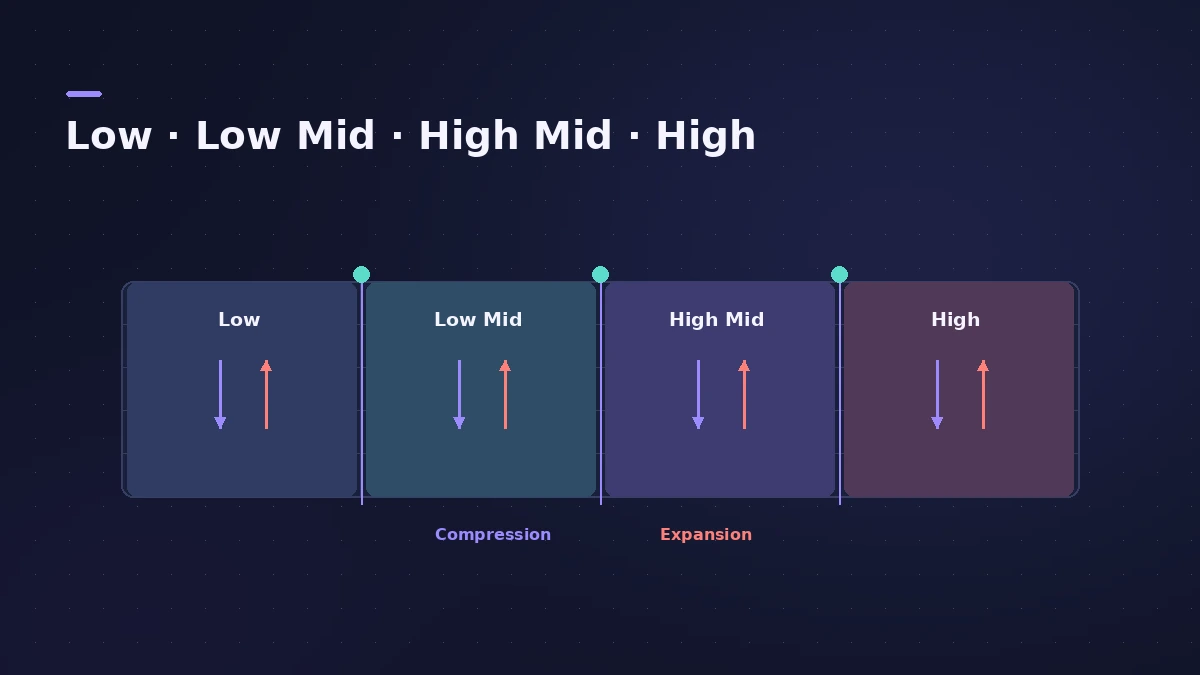
Per-band controls
| Control | What it does |
|---|---|
| Band on/off, Bypass, Solo | Use, bypass or audition a band |
| Xover | Crossover frequency between bands |
| Threshold, Ratio | How much the band is compressed |
| Attack, Release | How fast compression starts and stops |
| Peak/RMS (Response) | Short peak or longer RMS detection |
| Make Up | Gain make-up for the band |
| Expansion threshold, ratio, reduction | Downward expansion below the threshold |
Global controls
| Control | What it does |
|---|---|
| Lookahead | Analyses ahead so it can react to peaks earlier |
| AutoGain | References the overall output to 0 dB |
| Master Gain | Output level |
Multipressor is often placed before Adaptive Limiter on a master.
Step by step
-
1
Insert Multipressor
Choose Dynamics > Multipressor in an Audio Effect slot, usually on a mix bus or the Stereo Out.
-
2
Set the bands and crossovers
Turn on the bands you need and drag the crossover points to separate, for example, lows, low mids, high mids and highs.
-
3
Solo a band
Solo each band to hear what it contains before compressing it.
-
4
Compress each band
Set threshold, ratio, attack and release per band, with more compression only where it's needed.
-
5
Use the expander for noise
Set expansion threshold, ratio and reduction to lower quiet noise in a band.
Common mistakes
- Compressing every band hard — the mix loses its life.
- Setting crossovers without soloing bands first.
- Reading the Gain Reduction field as compression only; it includes expansion and make-up too.
Lookahead and AutoGain
Lookahead lets Multipressor react earlier to peaks, and AutoGain references the overall level to 0 dB. For a single-band compressor, see Compressor.
Sources
- Apple — Logic Pro for iPad User Guide: Multipressor
- Apple — Logic Pro for iPad User Guide: Multipressor controls
- Apple — Logic Pro for iPad User Guide: Use Multipressor
- Apple — Logic Pro X 10.2 Effects Help: Multipressor parameters (old)
- Apple — Logic Pro for iPad User Guide: Dynamics processors overview
Checked November 2026. Logic ProFiles is independent of Apple; menu names can differ slightly between Logic Pro versions.
Frequently asked questions
How many bands does Multipressor have?
+
Up to four.
Why use multiband compression?
+
It lets you compress the bands that need it without affecting the others, so you can reach a higher average level with fewer artifacts.
What is downward expansion in Multipressor?
+
The counterpart to compression: it lowers signals that fall below the expansion threshold, which helps reduce noise.
Related
- Logic Pro Compressor and its circuit typesLogic Pro's Compressor has seven circuit types — Platinum Digital, Studio and Classic VCA, Studio FET and Vintage VCA, FET and Opto. Pick one and set it up.
- Adaptive Limiter in Logic ProUse Adaptive Limiter on a Logic Pro master: set the output ceiling, turn on true peak detection, apply the optimal Lookahead and bypass it while recording.
- A mastering chain in Logic Pro with only stock plug-insMaster in Logic Pro by hand with stock plug-ins: EQ, compression, Adaptive Limiter with the right Out Ceiling and True Peak Detection, then the Loudness Meter.
- Mastering in Logic Pro with Mastering AssistantMaster your song in Logic Pro with Mastering Assistant: insert it on the stereo output, pick a Character, adjust EQ, loudness and width, then bounce the master.