Plug-ins
Adaptive Limiter in Logic Pro
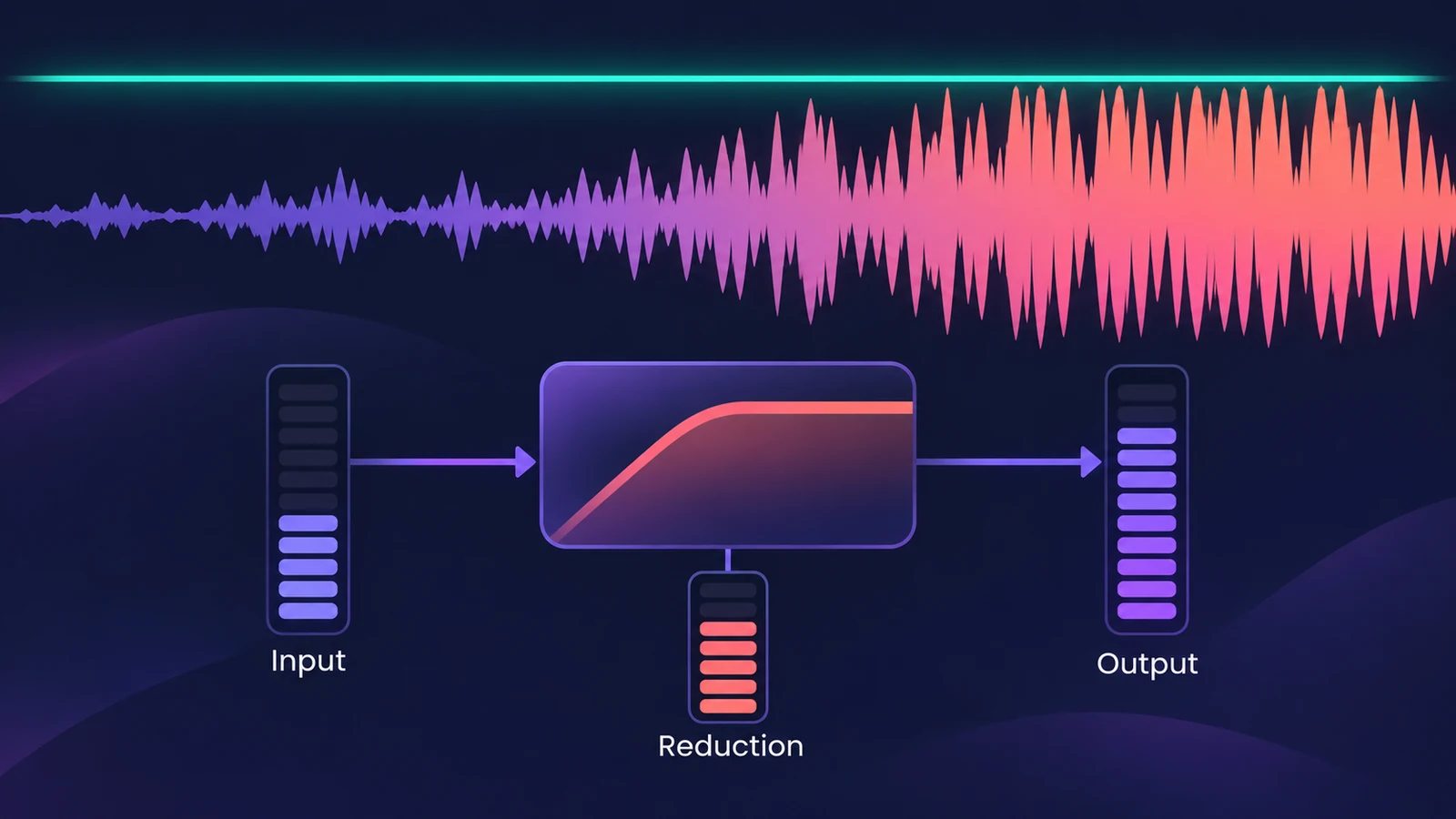
Adaptive Limiter controls the perceived loudness of a mix. It's typically the last plug-in on the master, after compression, and Apple says it can produce a louder-sounding result than normalizing — without the clipping that happens above 0 dBFS.
 Owen Hartley
Where to find it
Stereo Out > Audio Effect slot > Dynamics > Adaptive Limiter
Key controls
| Control | What it does |
|---|---|
| Out Ceiling | Maximum output level |
| TP Detection | Detects inter-sample (true) peaks |
| Lookahead | How far ahead the signal is analysed for peaks |
| Apply Lookahead | Sets the optimal Lookahead value |
| Remove DC Offset | High-pass filter that removes DC from the signal |
| Input, Reduction, Output meters | Show levels and peak margins |
Part of a mastering chain
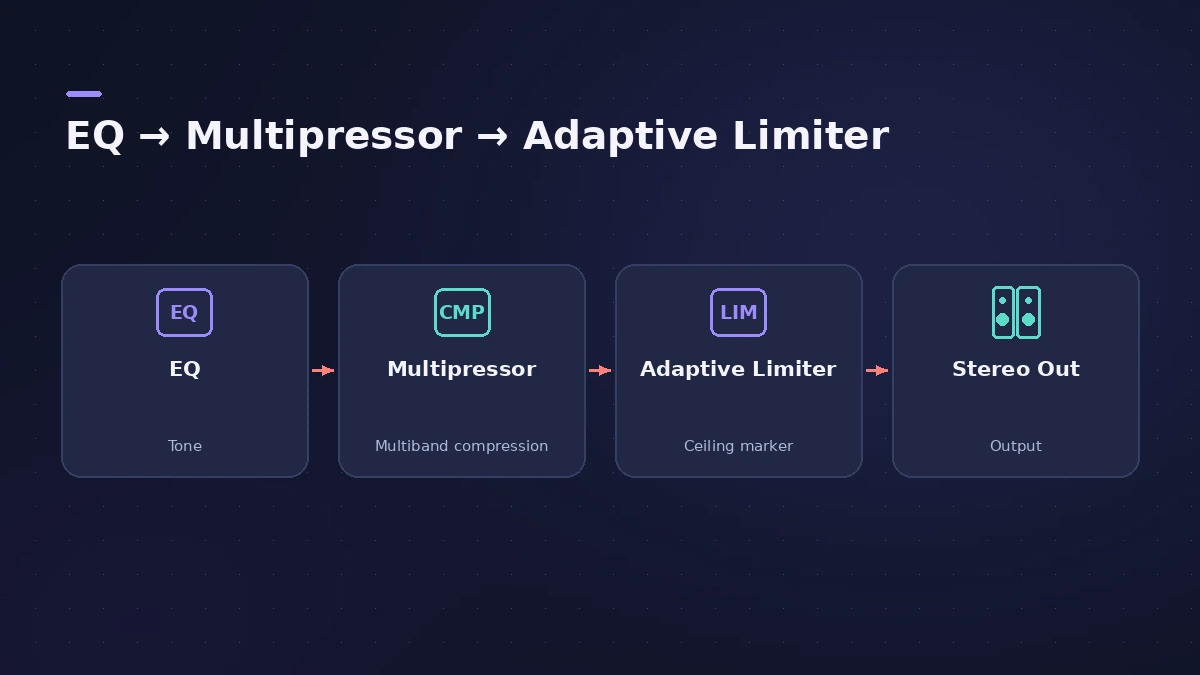
Apple places Adaptive Limiter after a compressor such as Multipressor and before a final gain control. For the full stock chain, see the mastering chain guide.
Step by step
-
1
Insert it last on the master
Add Adaptive Limiter after your compressor (for example Multipressor) on the Stereo Out.
-
2
Set the ceiling
Set Out Ceiling to the maximum output level; the signal won't rise above it.
-
3
Turn on true peak detection
Turn on TP Detection so inter-sample peaks are caught too.
-
4
Apply the optimal Lookahead
Click Apply Lookahead to set the optimal buffer; values below it are shown in red.
-
5
Raise the gain carefully
Increase gain while watching the Reduction meter, and compare with the plug-in bypassed at matched level.
Common mistakes
- Leaving it on while recording — it adds latency when Lookahead is active.
- Chasing loudness until the Reduction meter never rests.
- Setting a Lookahead lower than the optimal value shown.
Check the result
Measure the bounce against your loudness target — see LUFS and loudness — and for a simpler peak control, use Limiter.
Sources
- Apple — Logic Pro for iPad User Guide: Adaptive Limiter
- Apple — Logic Pro for iPad User Guide: Adaptive Limiter (latency note)
- Apple — Logic effects in Final Cut Pro: Adaptive Limiter controls
- Apple — Logic Pro 9 Effects: Adaptive Limiter (old)
Checked November 2026. Logic ProFiles is independent of Apple; menu names can differ slightly between Logic Pro versions.
Frequently asked questions
Where should Adaptive Limiter go?
+
On the final mix, after a compressor such as Multipressor and before a final gain control.
Should I use Adaptive Limiter while recording?
+
No. Apple advises bypassing it while recording because Lookahead adds latency.
What does TP Detection do?
+
It detects inter-sample peaks (true peaks) in the signal.
Related
- Limiter vs Adaptive LimiterLimiter vs Adaptive Limiter in Logic Pro: a brickwall peak limiter that holds peaks at the threshold, or a loudness tool for the end of the master chain.
- Limiter in Logic ProHow the Limiter plug-in works in Logic Pro: it holds peaks at the threshold, uses Lookahead to react early and true peak detection for inter-sample peaks.
- Multipressor in Logic ProUse Multipressor, Logic Pro's multiband compressor: split the signal into up to four bands, compress or expand each one, set crossovers and use Lookahead.
- LUFS in Logic Pro — how loud for Spotify and Apple MusicMeasure LUFS in Logic Pro with the Loudness Meter and hit streaming targets: Spotify's -14 LUFS and -1 dB true peak, Apple's headroom advice and normalization.
- Mastering in Logic Pro with Mastering AssistantMaster your song in Logic Pro with Mastering Assistant: insert it on the stereo output, pick a Character, adjust EQ, loudness and width, then bounce the master.