Mix & Master
A mastering chain in Logic Pro with only stock plug-ins
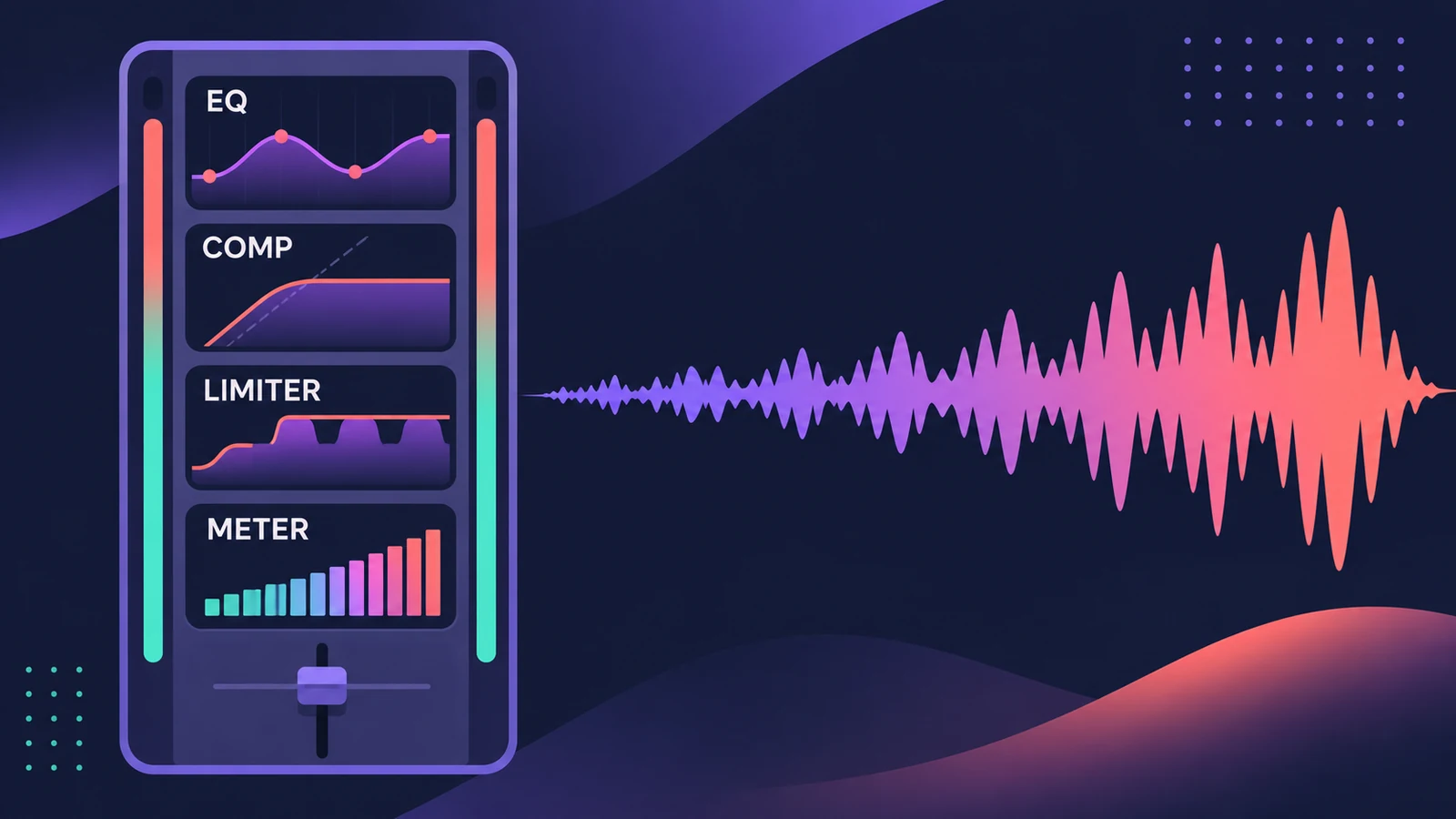
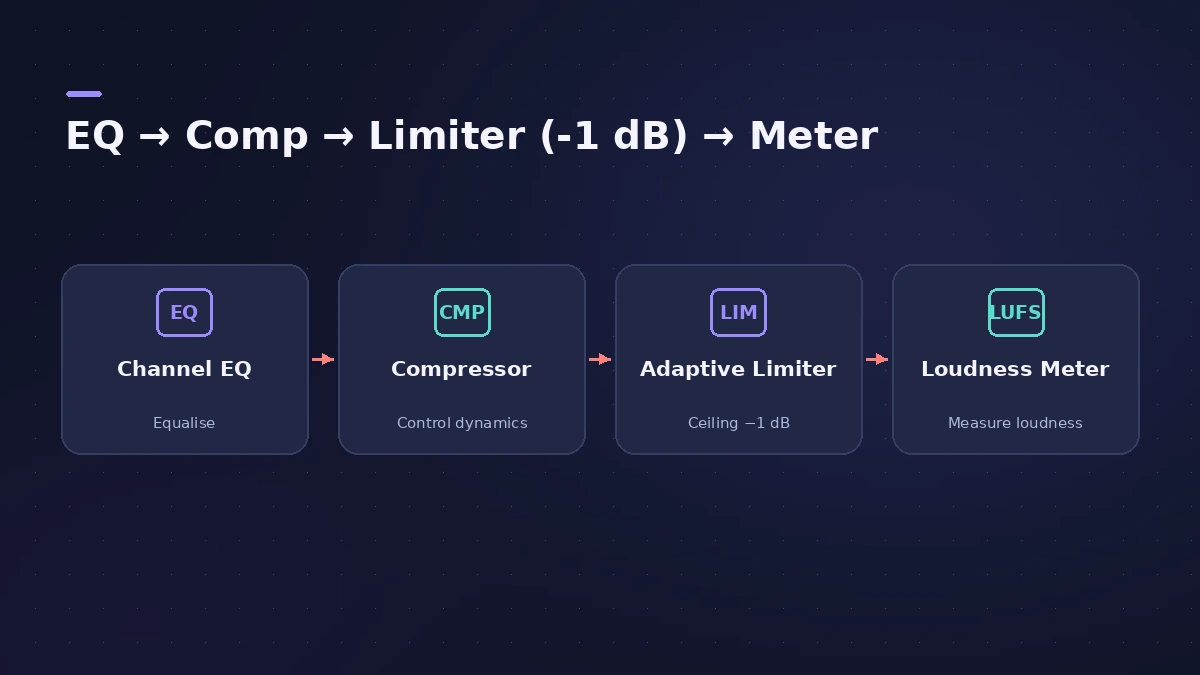
Mastering Assistant does a lot in one plug-in, but you can build the same stages yourself on the Stereo Out — tone, dynamics, loudness and metering — with full control over each. Apple's own guidance places Adaptive Limiter near the end of the chain, after compression and before final gain, with a meter last.
 Owen Hartley
Where to find it
Stereo Out channel strip > Audio Effect slots
Adaptive Limiter controls
| Control | What it does |
|---|---|
| Input Scale | Scales the input level |
| Gain | Gain after input scaling — raises loudness |
| Out Ceiling | Maximum output level; the signal won't rise above it |
| True Peak Detection | Detects inter-sample peaks |
| Remove DC Offset | High-pass filter that removes DC |
| Reduction meter | Shows how much gain reduction is happening |
Apple's iPad guide adds that Adaptive Limiter can make a mix sound louder than normalizing alone. For a faster route, try Mastering Assistant; check the result against LUFS targets.
Step by step
-
1
Leave headroom in the mix
Sound On Sound suggests the mix sit around -12 to -18 dB on the master meters before mastering, so the chain has room to work.
-
2
Shape tone with EQ
Insert Channel EQ or Linear Phase EQ first. Make broad, gentle moves — the whole song is affected.
-
3
Control dynamics
Add a compressor such as Compressor or Multipressor with gentle settings to glue the mix.
-
4
Raise loudness with Adaptive Limiter
Insert Adaptive Limiter. Raise Gain for loudness and set Out Ceiling to the maximum level you'll allow.
-
5
Turn on True Peak Detection
Turn on True Peak Detection so the limiter catches inter-sample peaks. With a -1 dB ceiling you leave the headroom Apple and Spotify ask for.
-
6
Meter last
Put Loudness Meter in the last slot, reset it, and measure the whole song. Compare with your target, then bounce.
Common mistakes
- Driving Adaptive Limiter with input above 0 dBFS — Apple warns it can cause distortion.
- Leaving Adaptive Limiter on while recording; Apple notes lookahead adds latency and suggests bypassing it.
- Judging the master louder-is-better without level-matching against the mix.
Why a ceiling of -1 dB?
Apple's Apple Digital Masters document asks for at least 1 dB of headroom, because players oversample on the way to analogue and a file peaking at 0 dBFS can clip. Spotify suggests true peak below -1 dB, or -2 dB for masters louder than -14 LUFS. True Peak Detection lets Adaptive Limiter enforce this.
Sources
- Apple — Logic Pro User Guide: Channel EQ parameters in Logic Pro for Mac
- Apple — Logic Effects (Final Cut Pro): Adaptive Limiter controls
- Apple — Logic Pro for iPad User Guide: Adaptive Limiter
- Apple — Logic Pro X 10.2 Effects Help: Adaptive Limiter (old)
- Apple — Logic Pro for iPad User Guide: Loudness Meter
- Spotify for Artists — Loudness normalization
- Apple — Apple Digital Masters (PDF)
- Sound On Sound — Logic Pro Bouncing And Export Options (Oct 2021)
Checked November 2026. Logic ProFiles is independent of Apple; menu names can differ slightly between Logic Pro versions.
Frequently asked questions
What plug-ins should be on the master bus in Logic Pro?
+
A simple stock chain is EQ, a compressor, Adaptive Limiter and Loudness Meter — or Mastering Assistant, which combines EQ, dynamics, width and loudness in one plug-in.
What should Out Ceiling be on Adaptive Limiter?
+
For streaming, -1 dB with True Peak Detection on matches Apple's headroom advice and Spotify's true-peak guidance.
Related
- Mix bus compression in Logic ProAdd mix bus glue in Logic Pro with the stock Compressor: pick a VCA circuit type, set a gentle ratio and threshold, mind attack and release, blend with Mix.
- Stereo Out vs Master channel strip in Logic ProThe difference between Logic Pro's Stereo Out and Master channel strips: where mastering plug-ins go, which fader affects the bounce, and how Dim works.
- Match EQ in Logic ProUse Match EQ in Logic Pro to match a mix to a reference: learn the reference and current spectrum, click Match, then lower Apply to avoid extreme EQ changes.
- ChromaGlow in Logic ProChromaGlow in Logic Pro adds analog-style warmth: what Retro Tube, Modern Tube, Magnetic, Squeeze and Analog Preamp do, their styles, Drive, Mix and filters.
- Mastering in Logic Pro with Mastering AssistantMaster your song in Logic Pro with Mastering Assistant: insert it on the stereo output, pick a Character, adjust EQ, loudness and width, then bounce the master.
- LUFS in Logic Pro — how loud for Spotify and Apple MusicMeasure LUFS in Logic Pro with the Loudness Meter and hit streaming targets: Spotify's -14 LUFS and -1 dB true peak, Apple's headroom advice and normalization.
- How to use Channel EQ in Logic ProLearn Logic Pro's Channel EQ: the eight bands, the high-pass and shelving filters, the Analyzer, Q-Couple and HQ mode, plus a simple workflow for cleaner mixes.
- How to export WAV from Logic Pro — 24-bit or 16-bitBounce a WAV from Logic Pro for mastering, a distributor or CD: choose Uncompressed, WAVE, bit depth, sample rate, interleaved files and when to add dither.