Plug-ins
ChromaGlow in Logic Pro
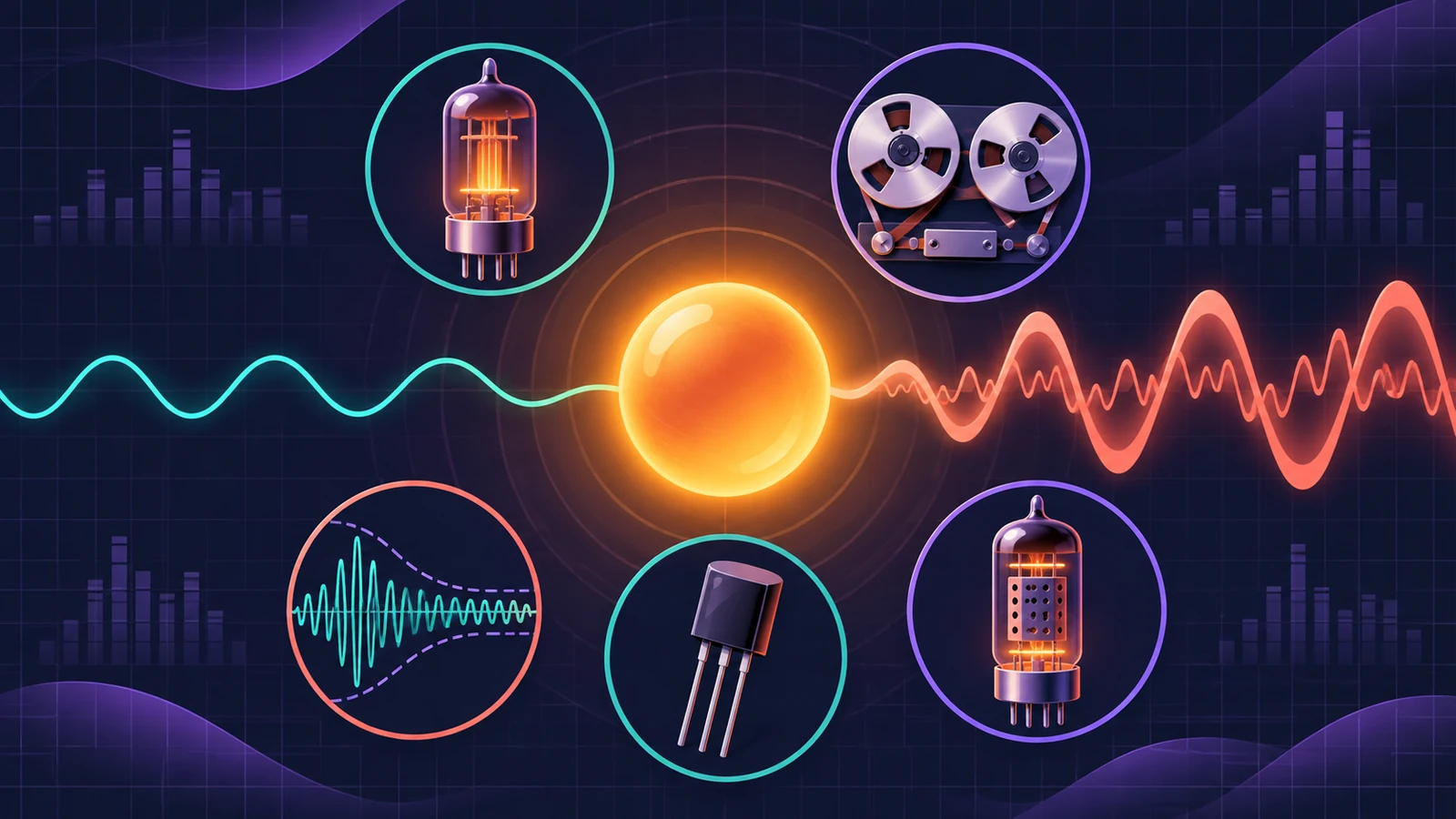
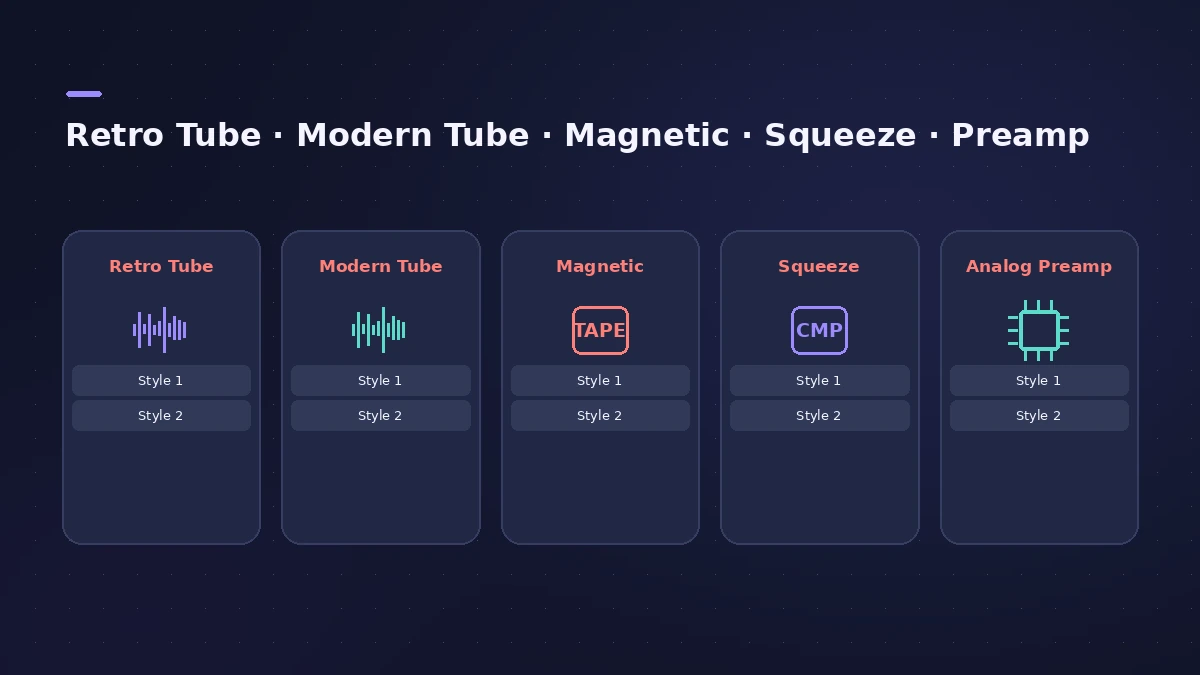
ChromaGlow, added in Logic Pro 11, is a saturation plug-in that recreates the warmth and colour of analog gear. Apple built it with AI modelling on Apple silicon, and it offers five models — each with two styles — plus filters that decide which frequencies get saturated.
 Owen Hartley
Models and styles
| Model | Character | Styles |
|---|---|---|
| Retro Tube | Smooth tube warmth, even-order harmonics | Clean, Colorful |
| Modern Tube | Rich harmonics, gentle compression | Clean, Colorful |
| Magnetic | Analog tape saturation and compression | Colorful (transformer on), Clean (off) |
| Squeeze | A compressor pushed into saturation | Soft Press, Hard Press |
| Analog Preamp | Sharp, punchy, edgy | Clean, Colorful |
Controls
| Control | What it does |
|---|---|
| Drive | Amount of saturation |
| Bypass Below | Leaves frequencies below a set point unprocessed |
| Level In / Level Out | Gain before and after the plug-in |
| Mix | Blend of processed and original signal |
| Low Cut / High Cut | Filters with slope, frequency, resonance, pre or post saturation |
Where to use it
ChromaGlow works on single tracks or a whole mix; MusicRadar uses it to colour an entire mix. CDM found it best for subtler saturation. For EQ with built-in colour, try the Vintage EQs.
Sources
- Apple — Logic Pro for iPad User Guide: ChromaGlow
- Gearspace — Apple announcement and Logic Pro 11.0 release notes (May 2024)
- CDM — Logic Pro 11 review
- MusicRadar — How ChromaGlow brings analogue-inspired drive
Checked November 2026. Logic ProFiles is independent of Apple; menu names can differ slightly between Logic Pro versions.
Frequently asked questions
When was ChromaGlow added to Logic Pro?
+
In Logic Pro 11 (May 2024); it's also in Logic Pro for iPad 2 and later.
Which ChromaGlow model is like tape?
+
Magnetic, which emulates analog tape saturation and compression.
Can I keep the low end clean in ChromaGlow?
+
Yes. Turn on Bypass Below and set the frequency; everything below it stays unprocessed.
Related
- Exciter in Logic ProBrighten dull recordings with Logic Pro's Exciter: set the high-pass Frequency, the Harmonics amount, choose Color 1 or Color 2 and blend with the dry signal.
- Stem Splitter or ChromaGlow missing in Logic ProCan't find Stem Splitter or ChromaGlow, or Mastering Assistant styles are greyed out? They need Apple silicon and don't work in Rosetta. Check your Mac.
- The Vintage EQ collection in Logic ProThe Vintage EQ collection in Logic Pro: what Vintage Console, Graphic and Tube EQ each do, how Drive and output models add colour, Natural vs Linear phase.
- Logic Pro Compressor and its circuit typesLogic Pro's Compressor has seven circuit types — Platinum Digital, Studio and Classic VCA, Studio FET and Vintage VCA, FET and Opto. Pick one and set it up.
- A mastering chain in Logic Pro with only stock plug-insMaster in Logic Pro by hand with stock plug-ins: EQ, compression, Adaptive Limiter with the right Out Ceiling and True Peak Detection, then the Loudness Meter.
- What was new in Logic Pro 11Logic Pro 11 (13 May 2024) to 11.2: Bass and Keyboard Player, Stem Splitter, ChromaGlow, Studio Bass and Piano, Quantec Room Simulator and Flashback Capture.