Plug-ins
The Vintage EQ collection in Logic Pro
Logic Pro's three Vintage EQs — Console, Graphic and Tube — are modelled on classic EQ circuits from the 1950s, '60s and '70s. Unlike Channel EQ, they are meant to colour the sound, and a Drive control adds the saturation of the original output stages.
 Owen Hartley
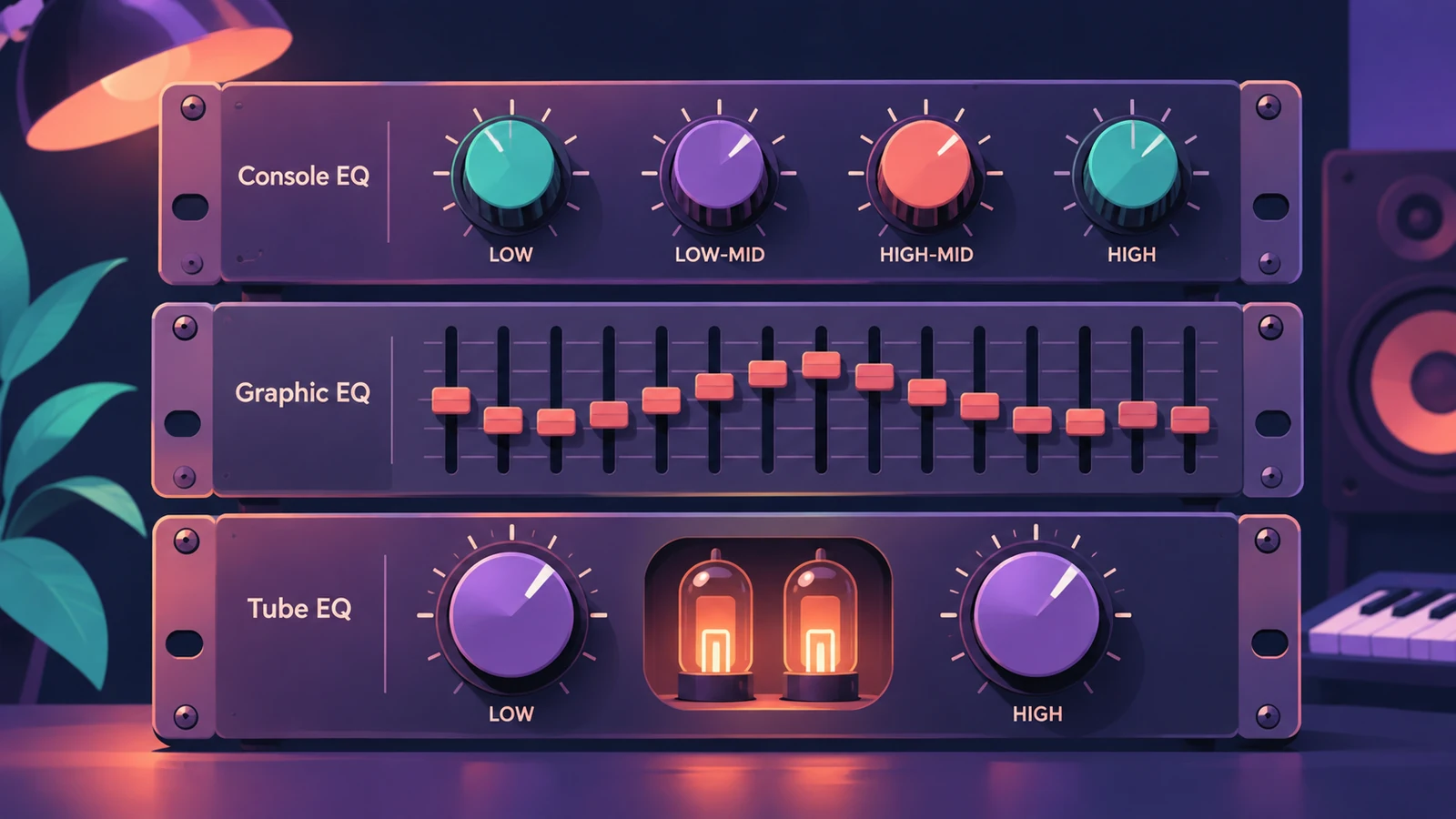
The three EQs
| Plug-in | What it emulates | Notable features |
|---|---|---|
| Vintage Console EQ | The EQ section of a classic console channel | Third-order low cut, two selectable bands, fixed 12 kHz high band |
| Vintage Graphic EQ | A classic console graphic EQ module | 12 dB cut or boost per band with proportional Q |
| Vintage Tube EQ | Two classic tube EQs often used together | Two sections, upper one keeps level when switched |
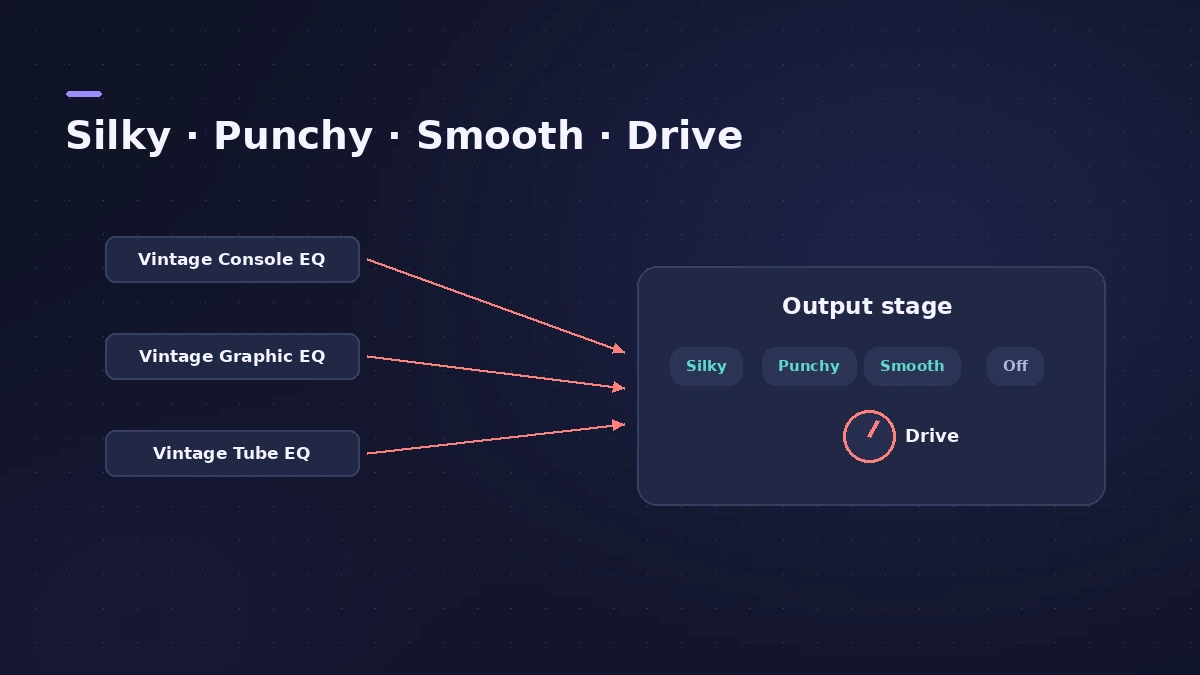
Output models and Drive
| Output model | Comes from |
|---|---|
| Silky | Vintage Tube EQ |
| Punchy | Vintage Graphic EQ |
| Smooth | Vintage Console EQ |
| Off | No output stage |
Drive sets how hard the output stage is pushed. It adds the distortion and colour of the original hardware even when every band is flat.
Natural or Linear phase
Natural mirrors the phase shifts of the original EQs; Linear makes the change without phase shift. For a clean, precise EQ, use Channel EQ or Linear Phase EQ.
Sources
- Apple Support — About Vintage EQs in Logic Pro for Mac and MainStage
- Apple Support — About Vintage EQs (Graphic EQ details)
- Apple — Logic Pro for iPad User Guide: Vintage EQ collection
- Apple — Logic effects in Final Cut Pro: Intro to the vintage EQ collection
- 9to5Mac — Logic Pro X 10.4 update: ChromaVerb, Vintage EQs and more
- Apple — Logic Pro: Plug-ins and Sounds
Checked November 2026. Logic ProFiles is independent of Apple; menu names can differ slightly between Logic Pro versions.
Frequently asked questions
When were the Vintage EQs added to Logic Pro?
+
In Logic Pro 10.4, as the Vintage EQ Collection.
Can I use the Tube EQ output stage on the Console EQ?
+
Yes. Any Vintage EQ can use any of the three output models, or none.
What does the Phase setting do?
+
Natural mirrors the phase shifts of the original EQ; Linear makes EQ changes without phase shifts.
Related
- Logic Pro EQs comparedWhich Logic Pro EQ to use: Channel EQ for everyday mixing, Linear Phase EQ for mastering, Vintage EQs for colour and Match EQ to copy a reference curve.
- How to use Channel EQ in Logic ProLearn Logic Pro's Channel EQ: the eight bands, the high-pass and shelving filters, the Analyzer, Q-Couple and HQ mode, plus a simple workflow for cleaner mixes.
- Linear Phase EQ in Logic ProLinear Phase EQ in Logic Pro has the same eight bands as Channel EQ but no phase shift. When to use it, why it adds latency, and how to switch between the two.
- ChromaGlow in Logic ProChromaGlow in Logic Pro adds analog-style warmth: what Retro Tube, Modern Tube, Magnetic, Squeeze and Analog Preamp do, their styles, Drive, Mix and filters.
- How to mix vocals in Logic ProMix vocals in Logic Pro with stock plug-ins: tune with Flex Pitch, clean up with Channel EQ, control level with Compressor, add reverb on a send and automate.